-
-
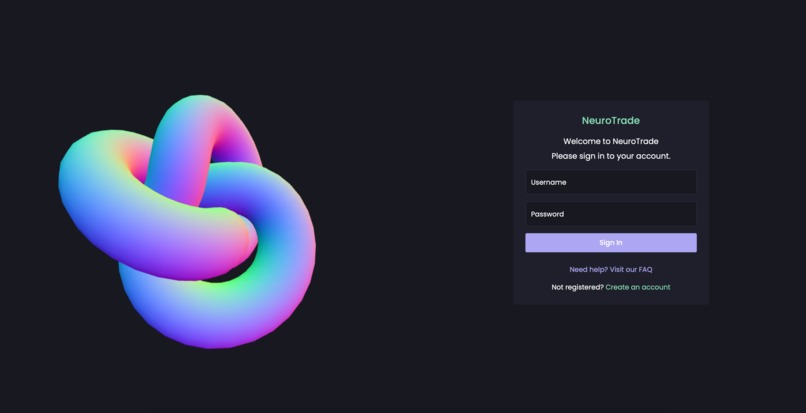
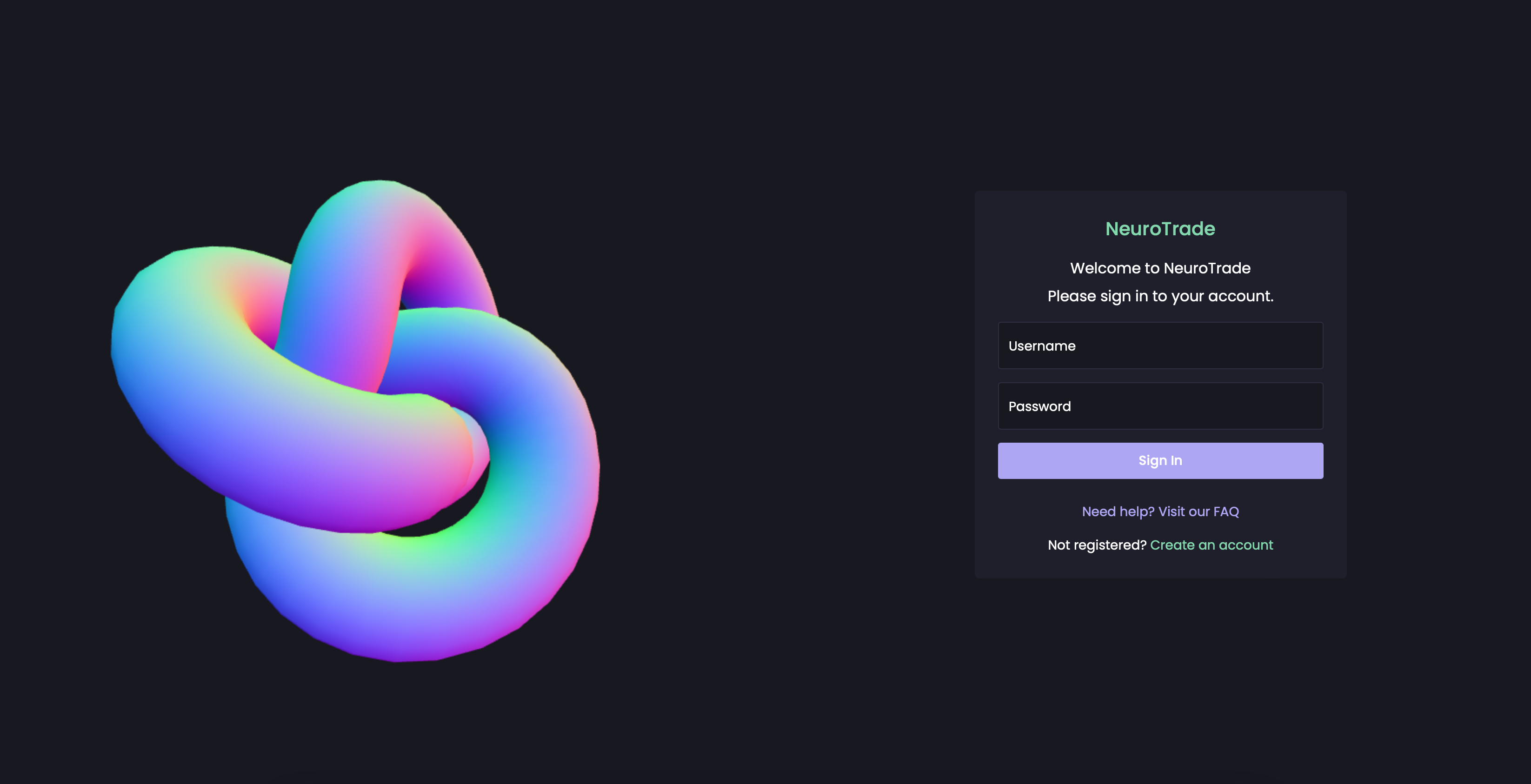
NeuroTrade’s login screen lets users securely access AI insights. Use the demo account or create your own to explore the platform.
-
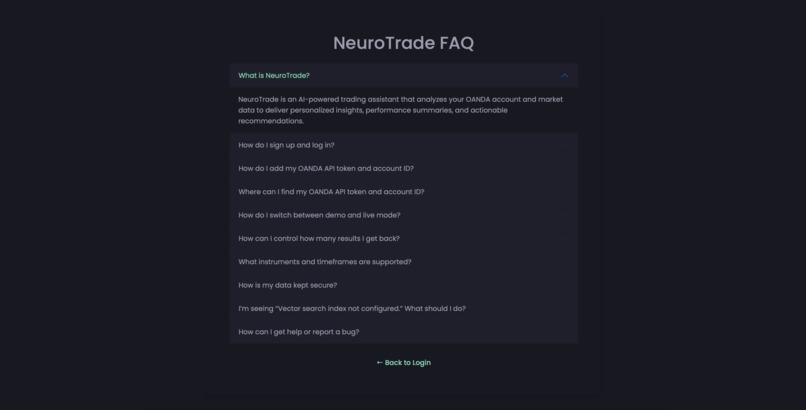
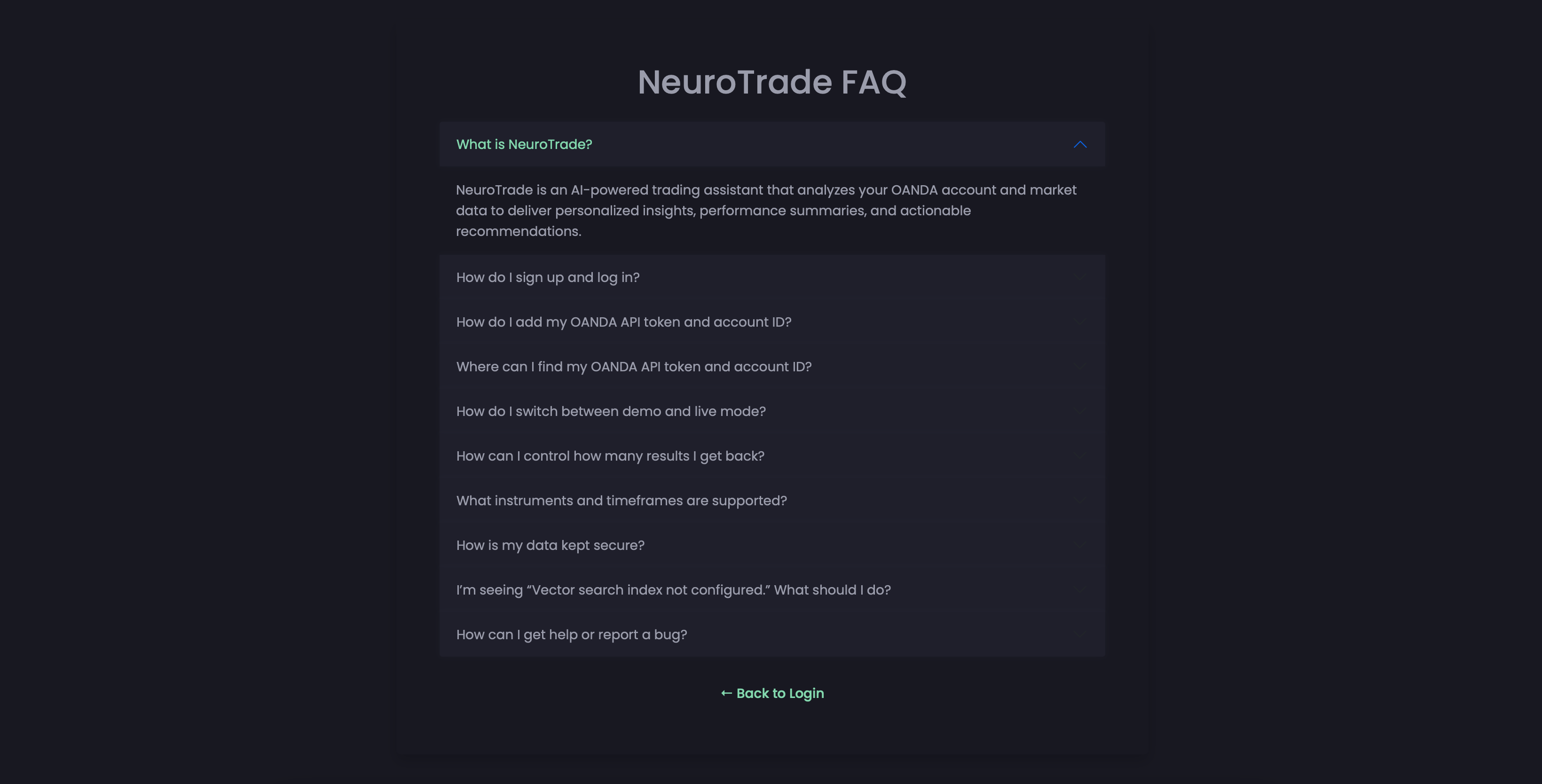
The FAQ page guides users on setting up OANDA, switching modes, and resolving issues like vector search errors or account token setup.
-
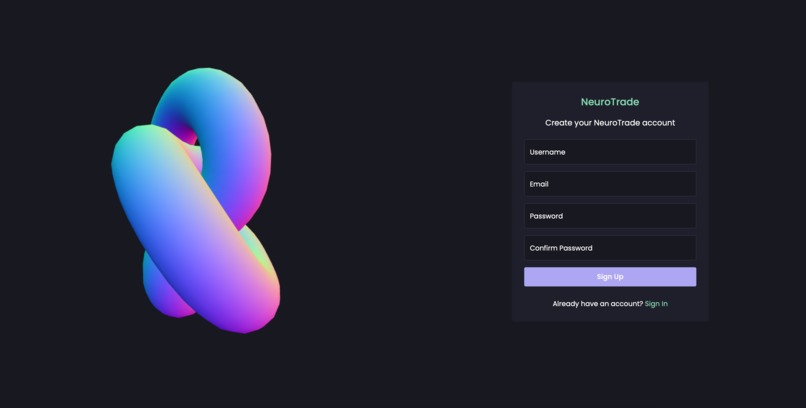
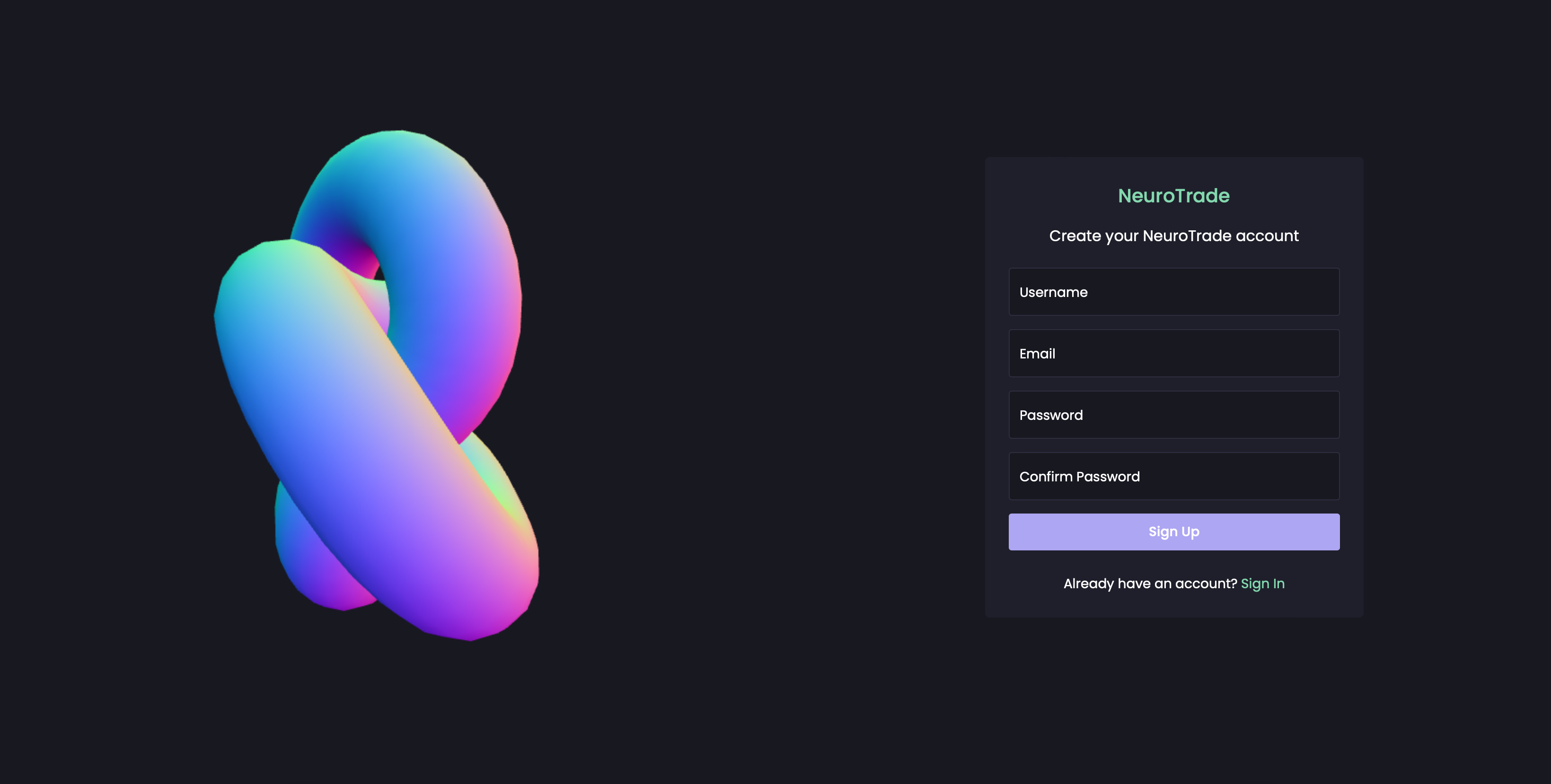
New users can easily create a NeuroTrade account to start exploring AI-powered trading insights with OANDA integration support.
-
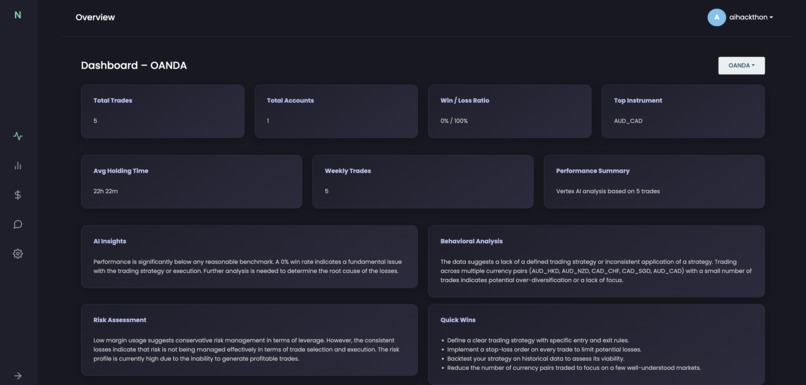
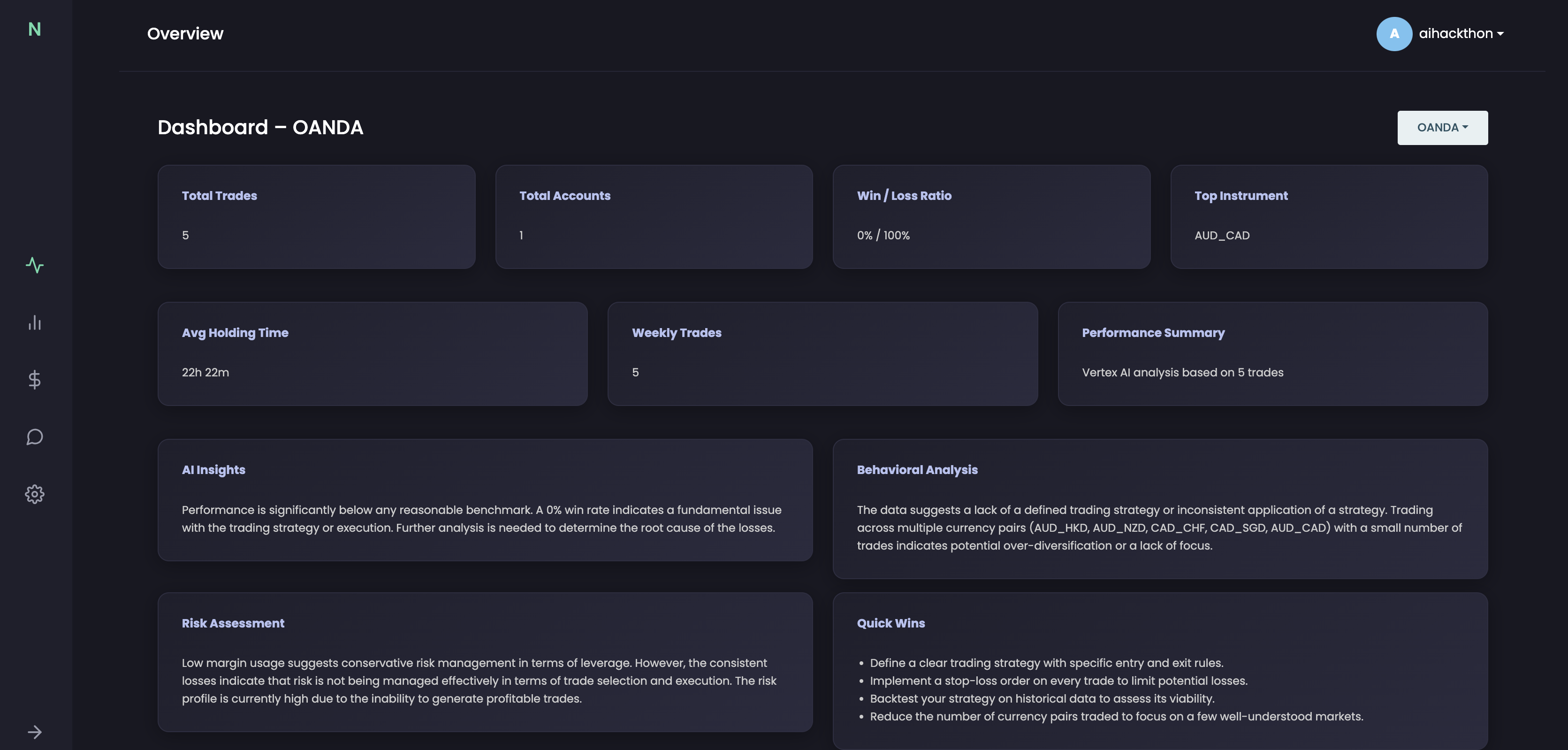
The dashboard shows trade summaries, AI insights, risk assessment, and behavioral analysis powered by MongoDB and AI embeddings.
-
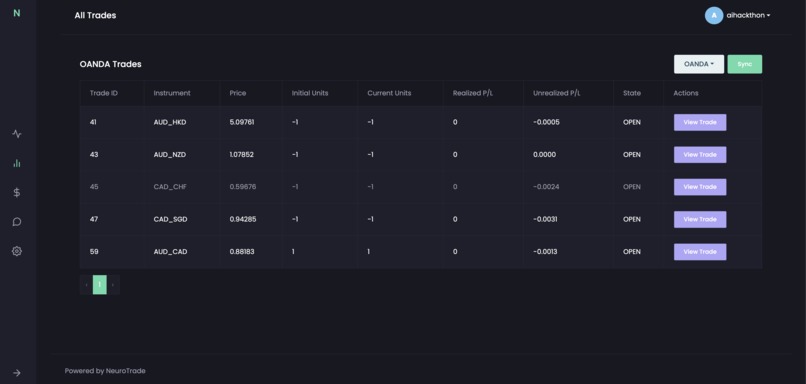
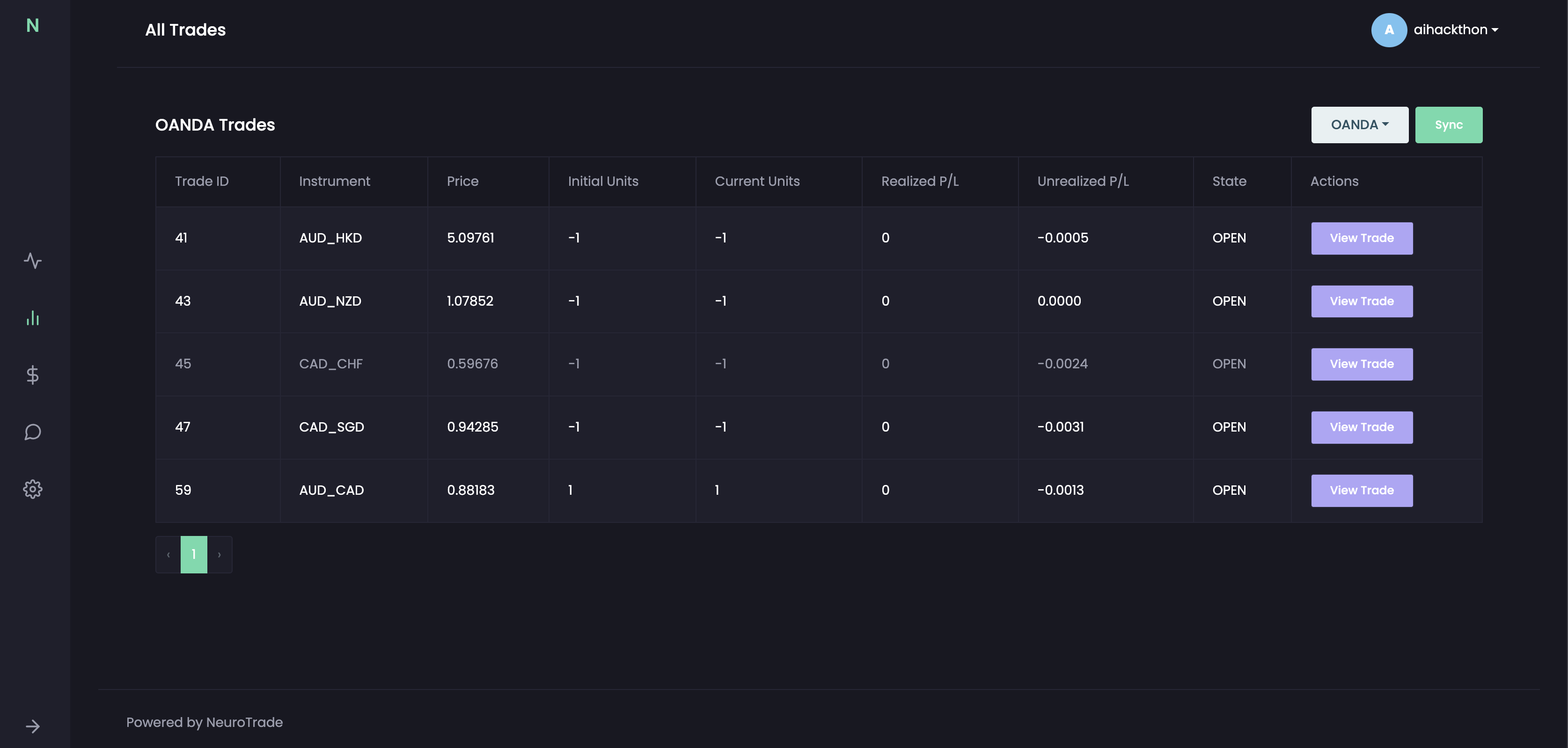
The All Trades view displays detailed trade metrics synced from OANDA, including position data, P/L, and direct access to trade insights.
-
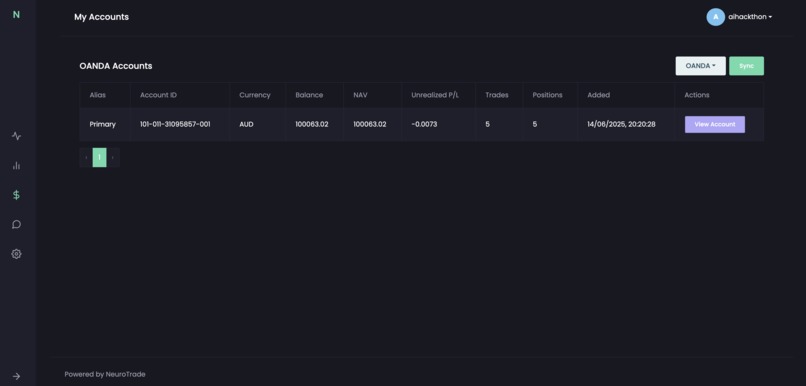
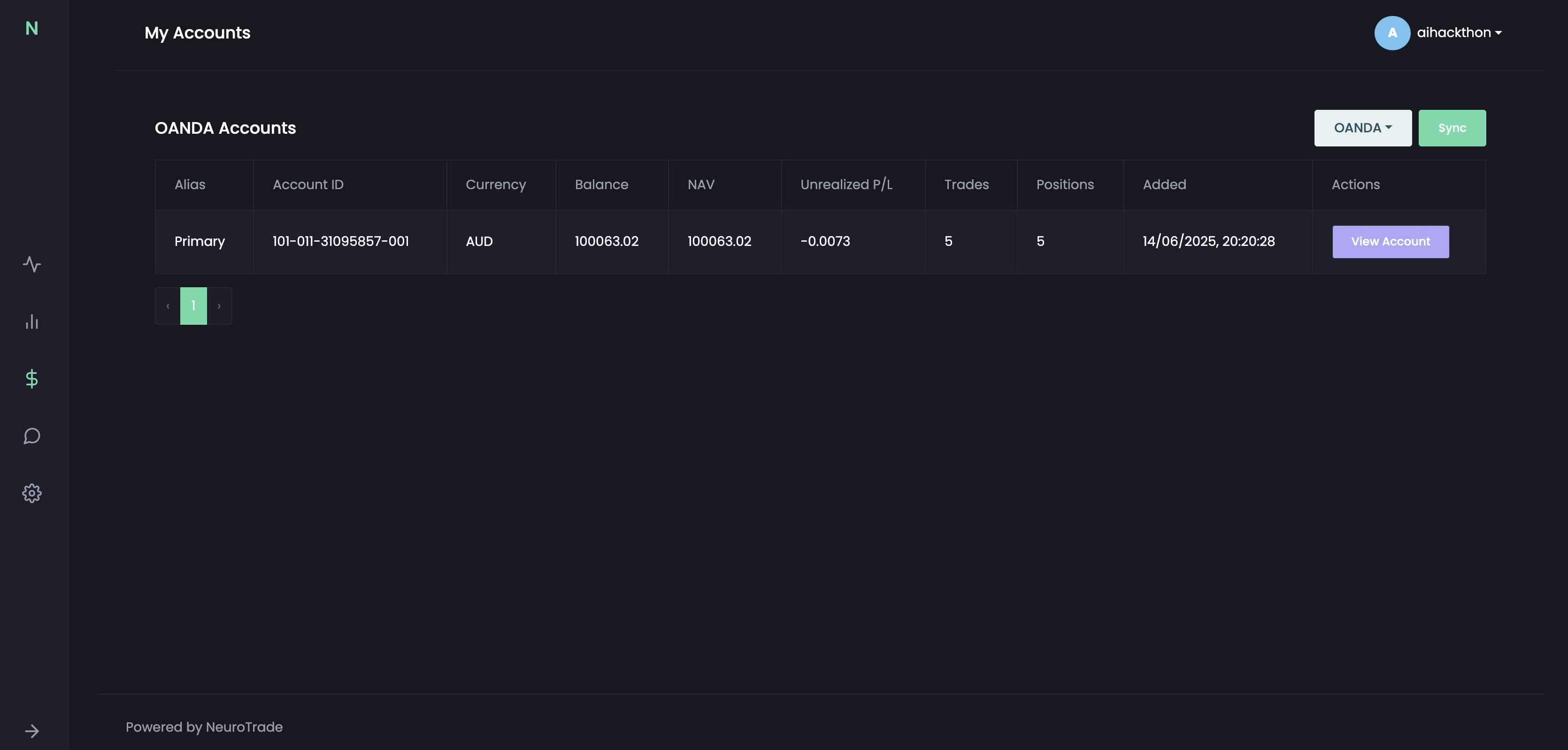
The My Accounts page displays synced OANDA account details, including balance, NAV, P/L, trade activity, and a quick link to account view.
-
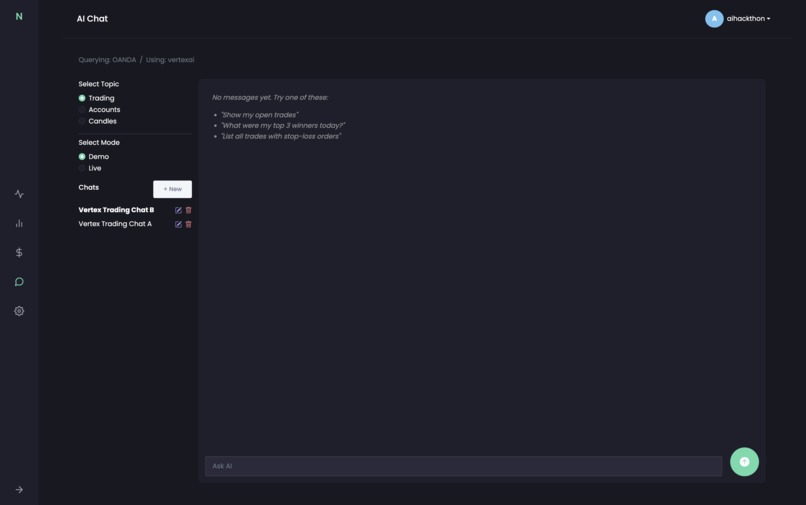
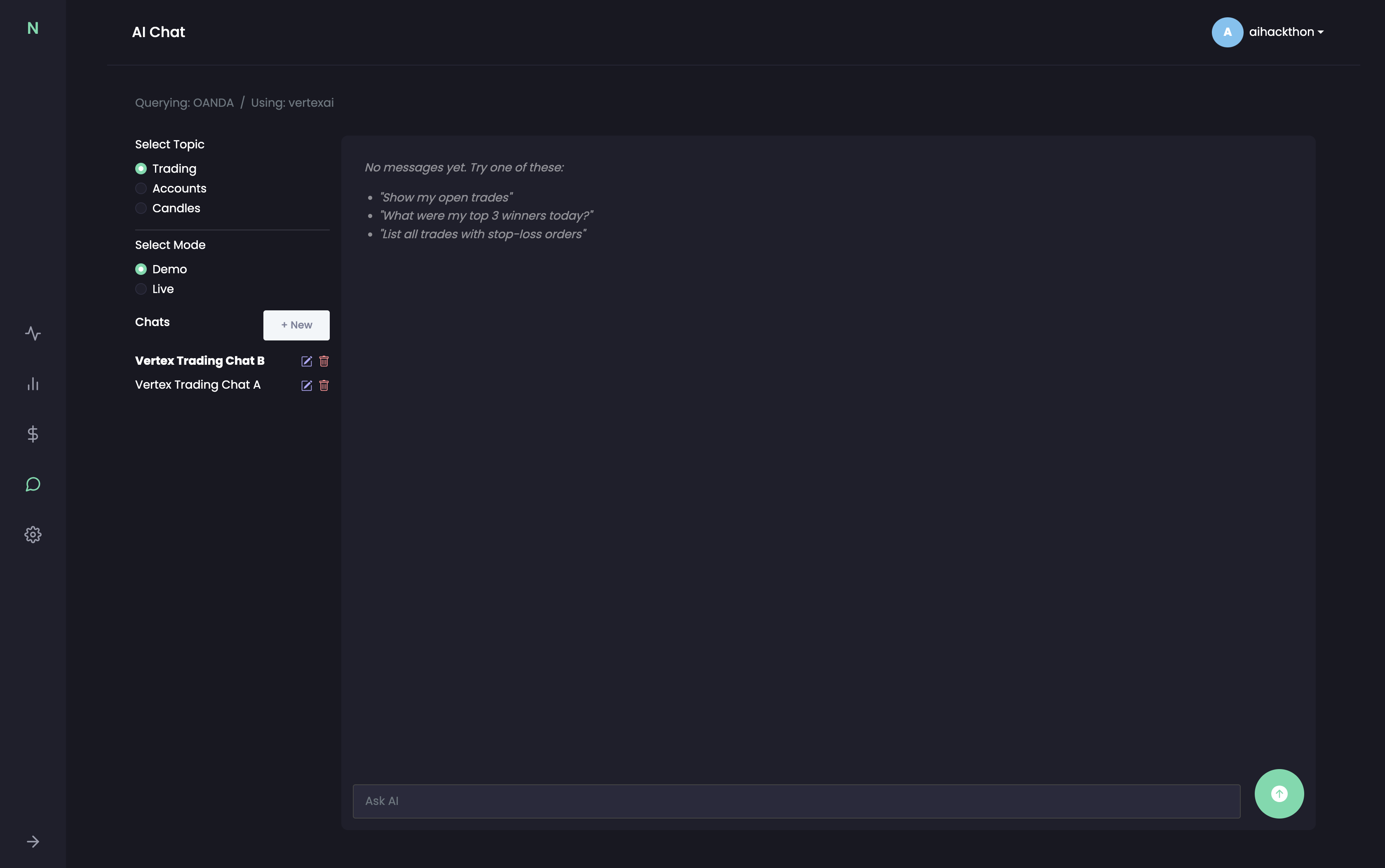
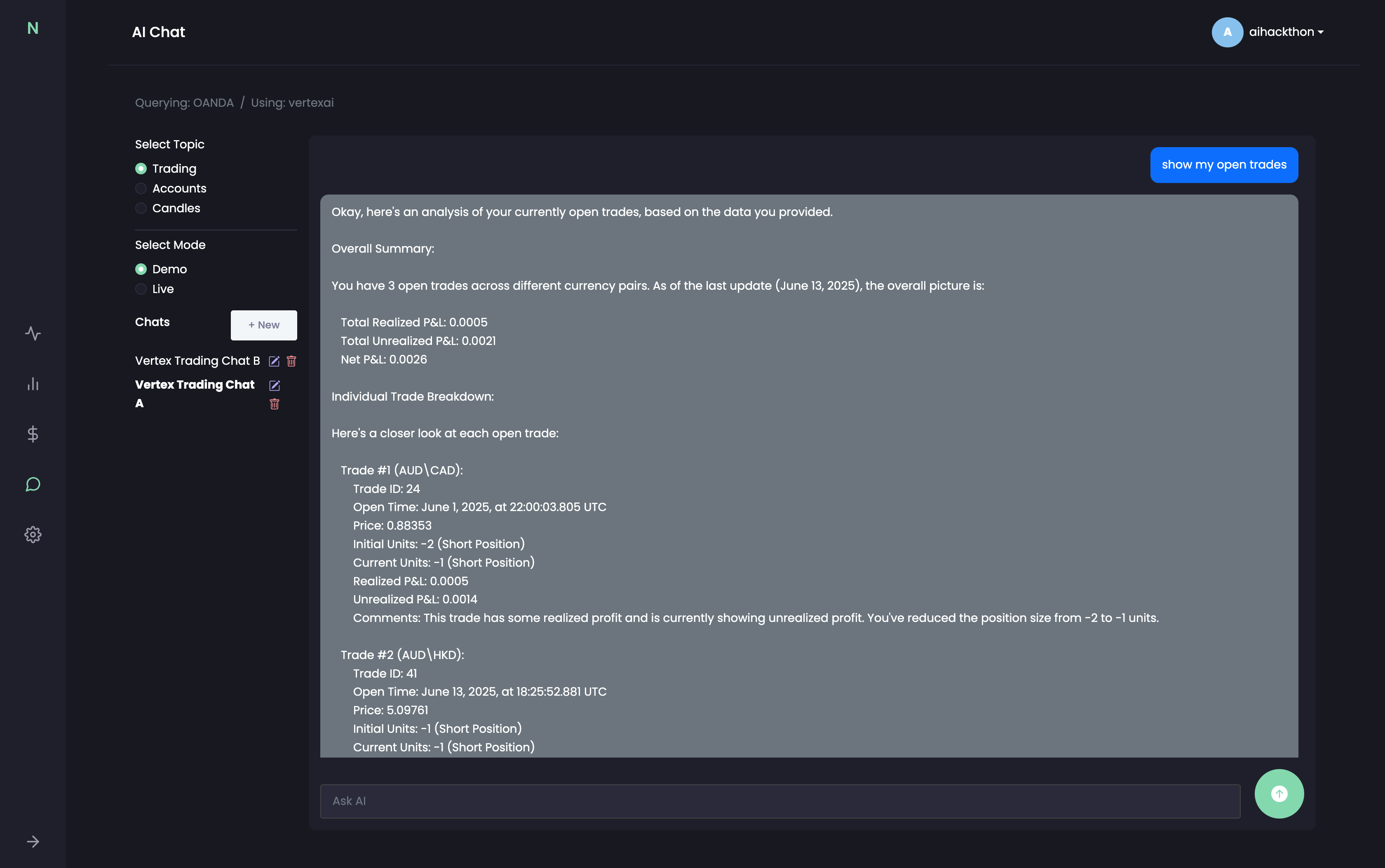
The AI Chat interface lets users ask trading questions using Vertex AI or OpenAI, with topic selection, chat history, and demo/live modes.
-
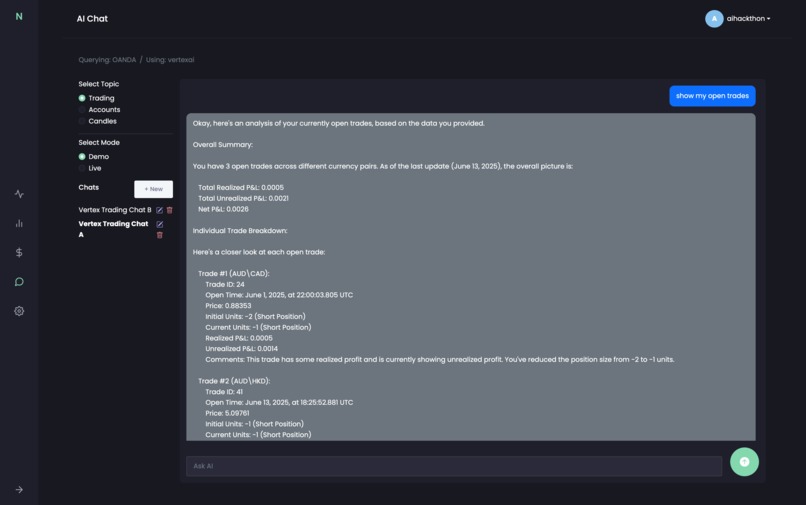
NeuroTrade delivers instant trade analysis using AI, showing profit/loss, trade behavior, actionable insights from vector search results.
-
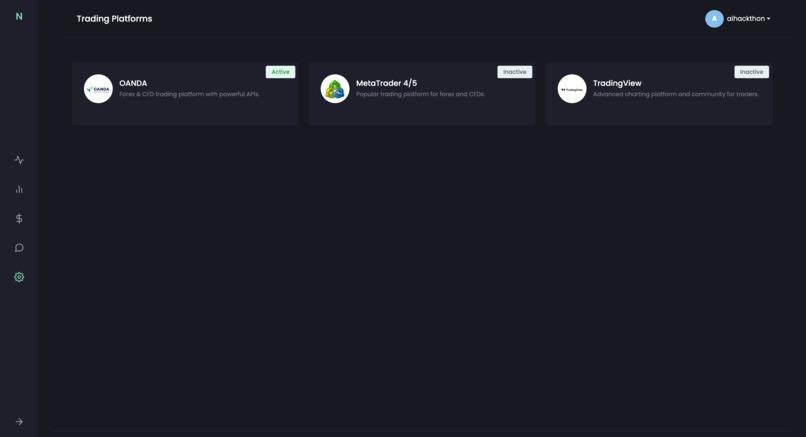
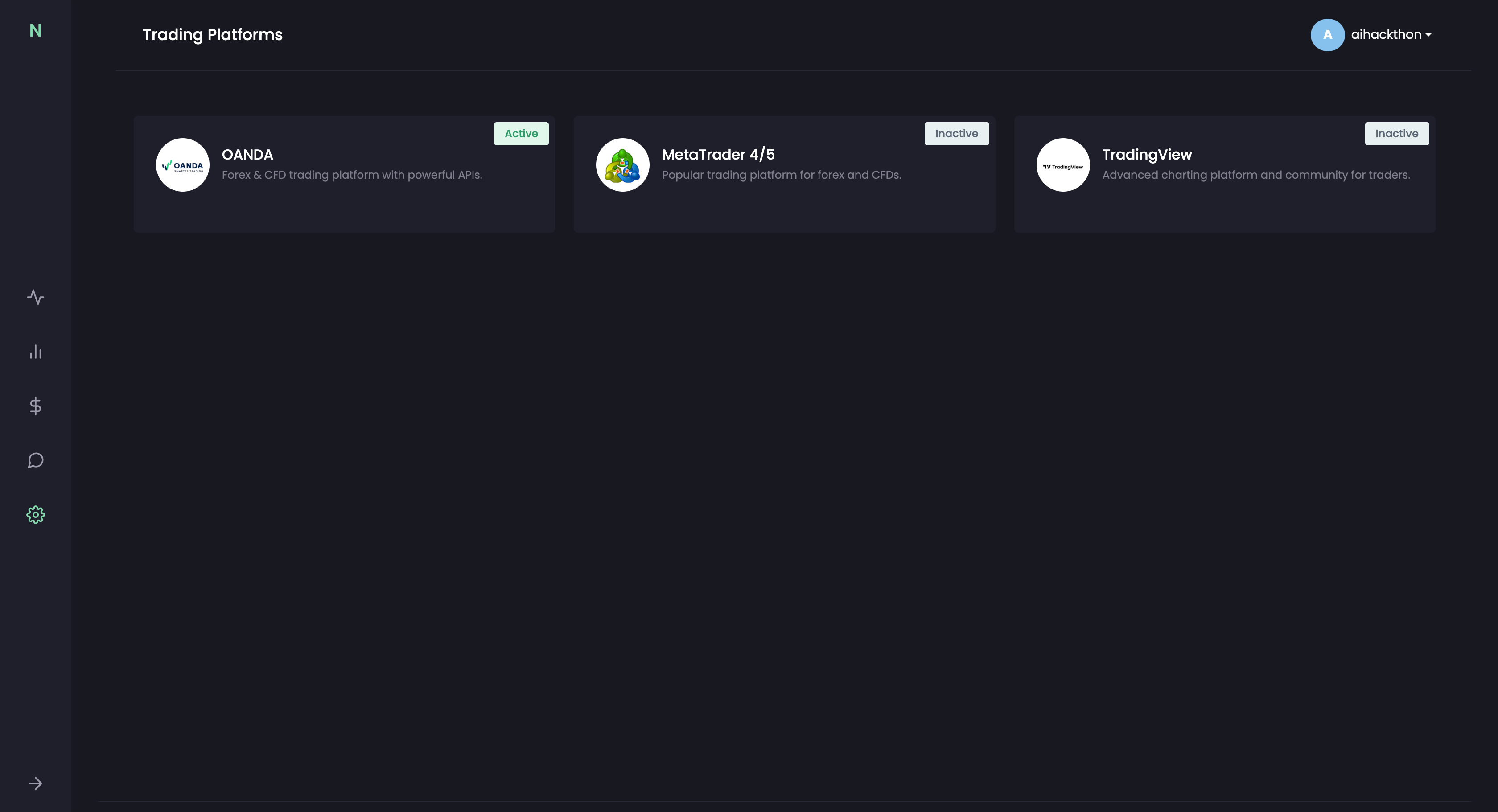
Users can manage integrations with OANDA, MetaTrader 4/5, and TradingView. OANDA is live; others are planned for upcoming releases.
-
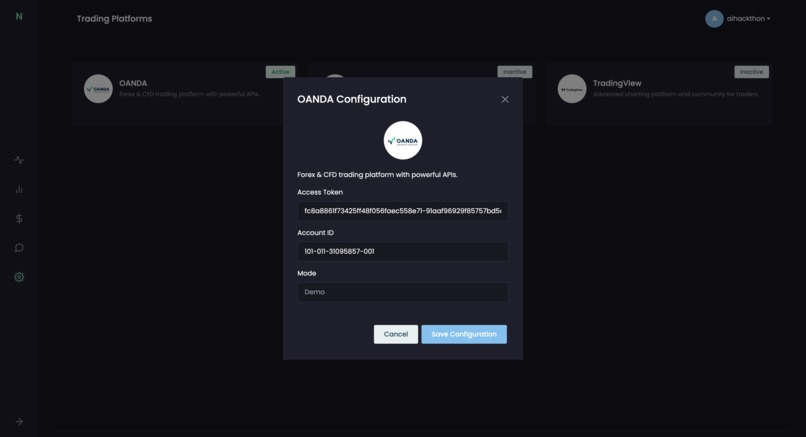
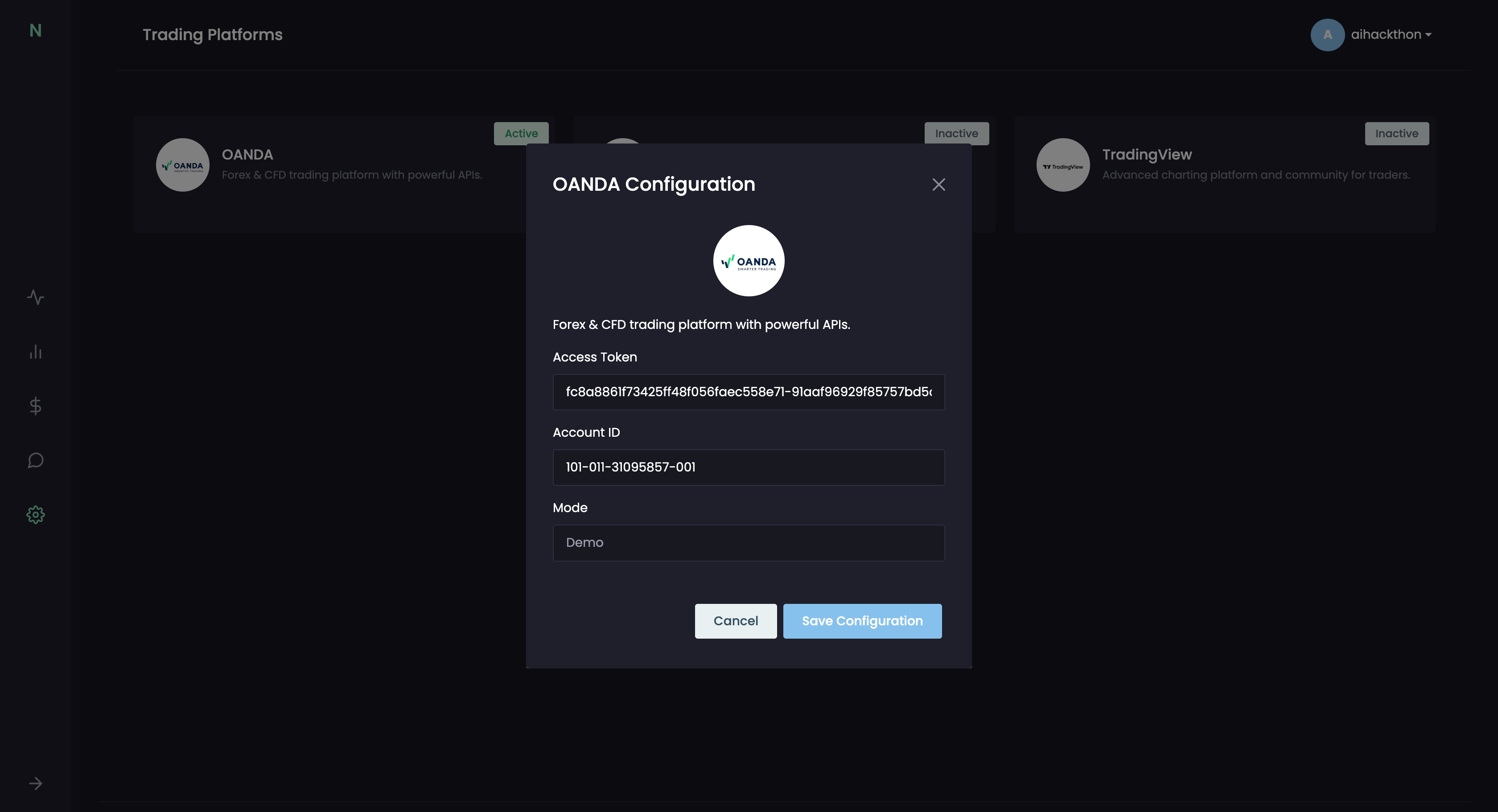
Users securely add their OANDA API token, account ID, and select demo or live mode to sync real-time trading data into NeuroTrade.
-
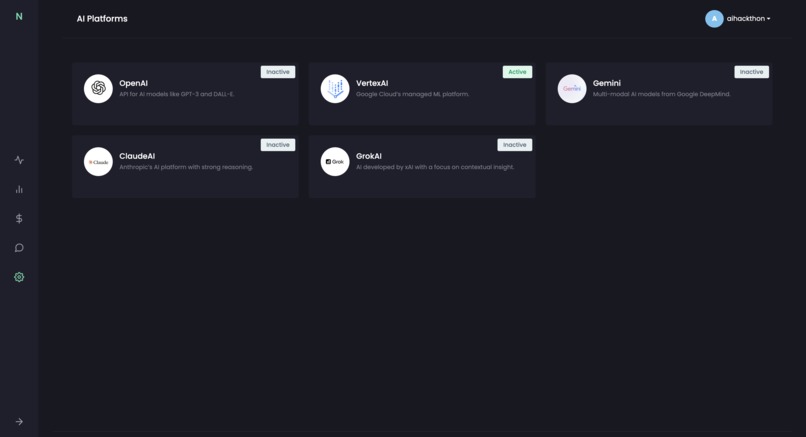
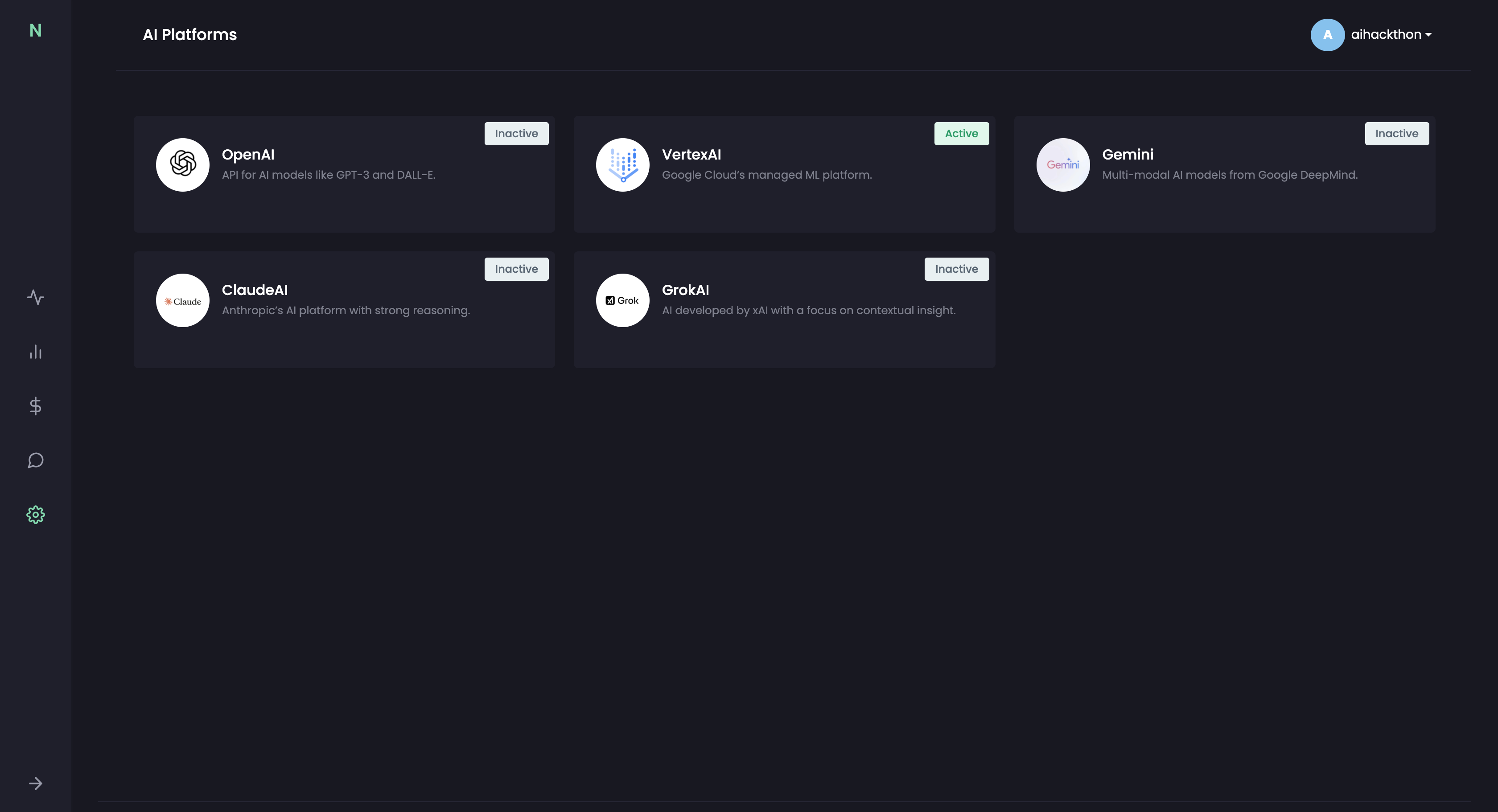
Users can select from multiple AI platforms like Vertex AI, OpenAI, Claude, Gemini, and Grok to power their trading intelligence workflows.
-
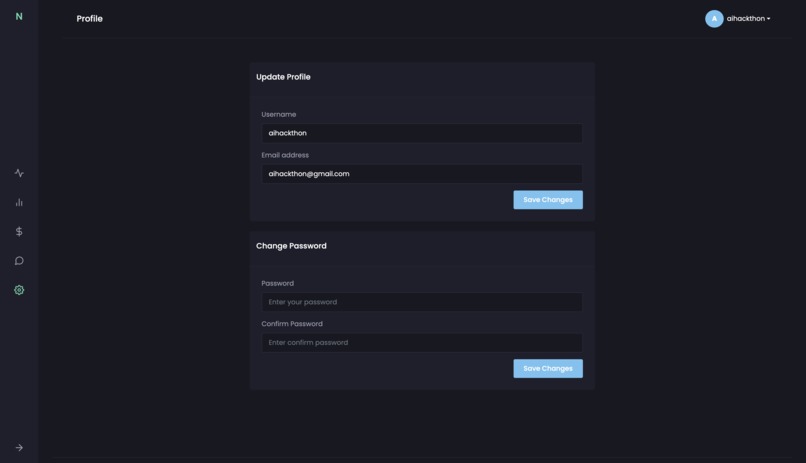
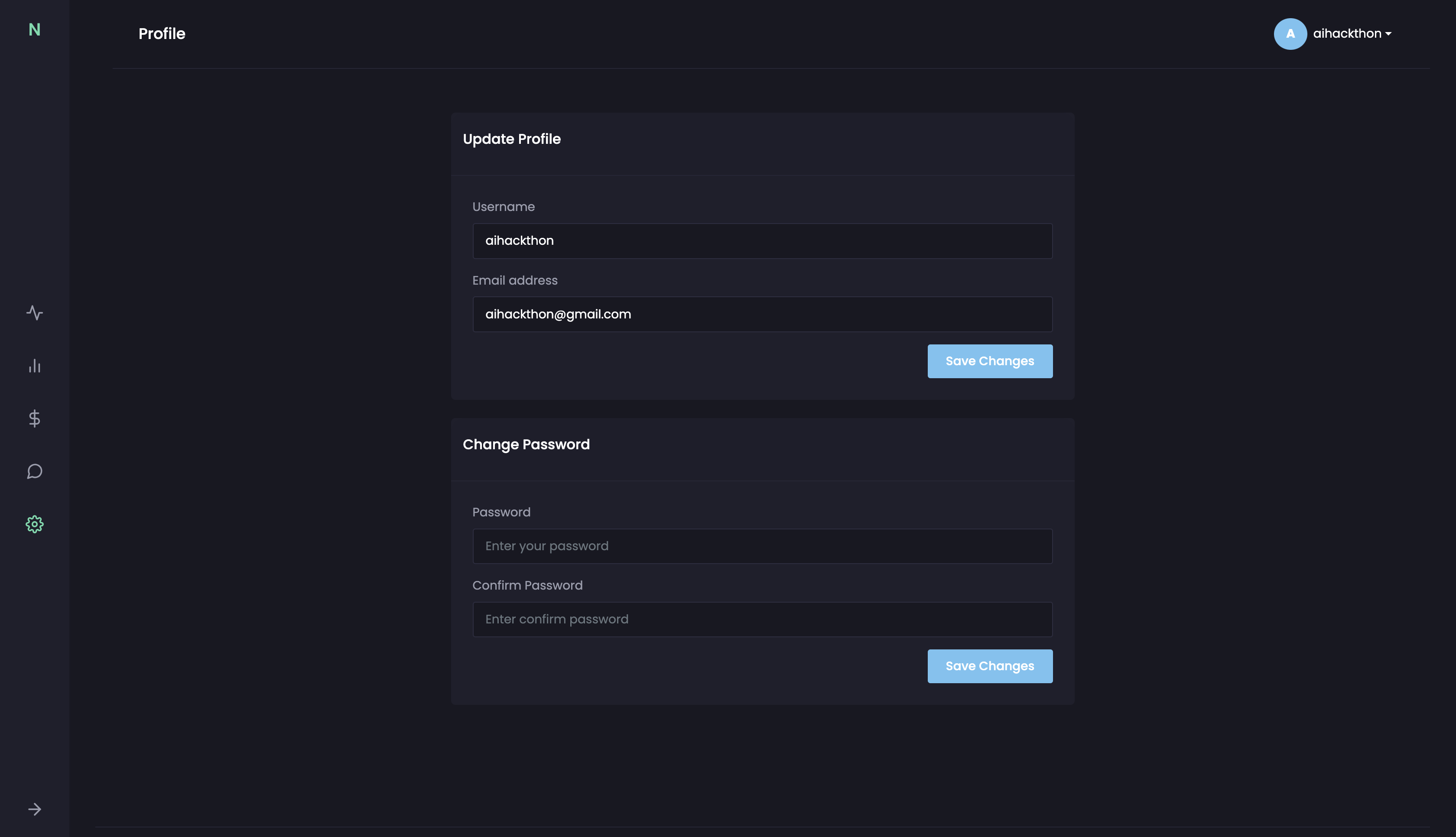
The Profile screen allows users to update their email, username, and password securely, ensuring account customization and privacy.
-
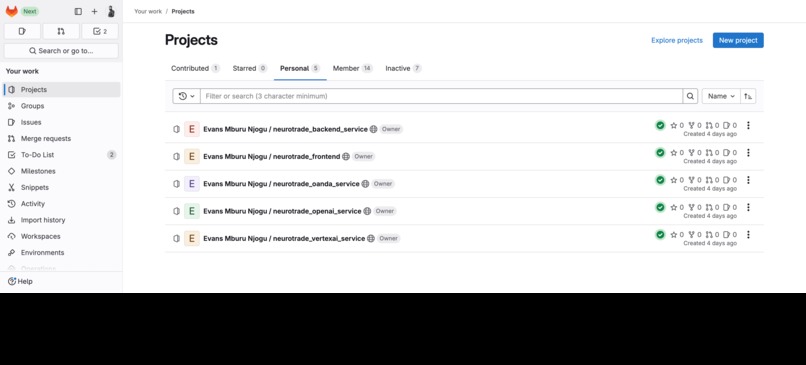
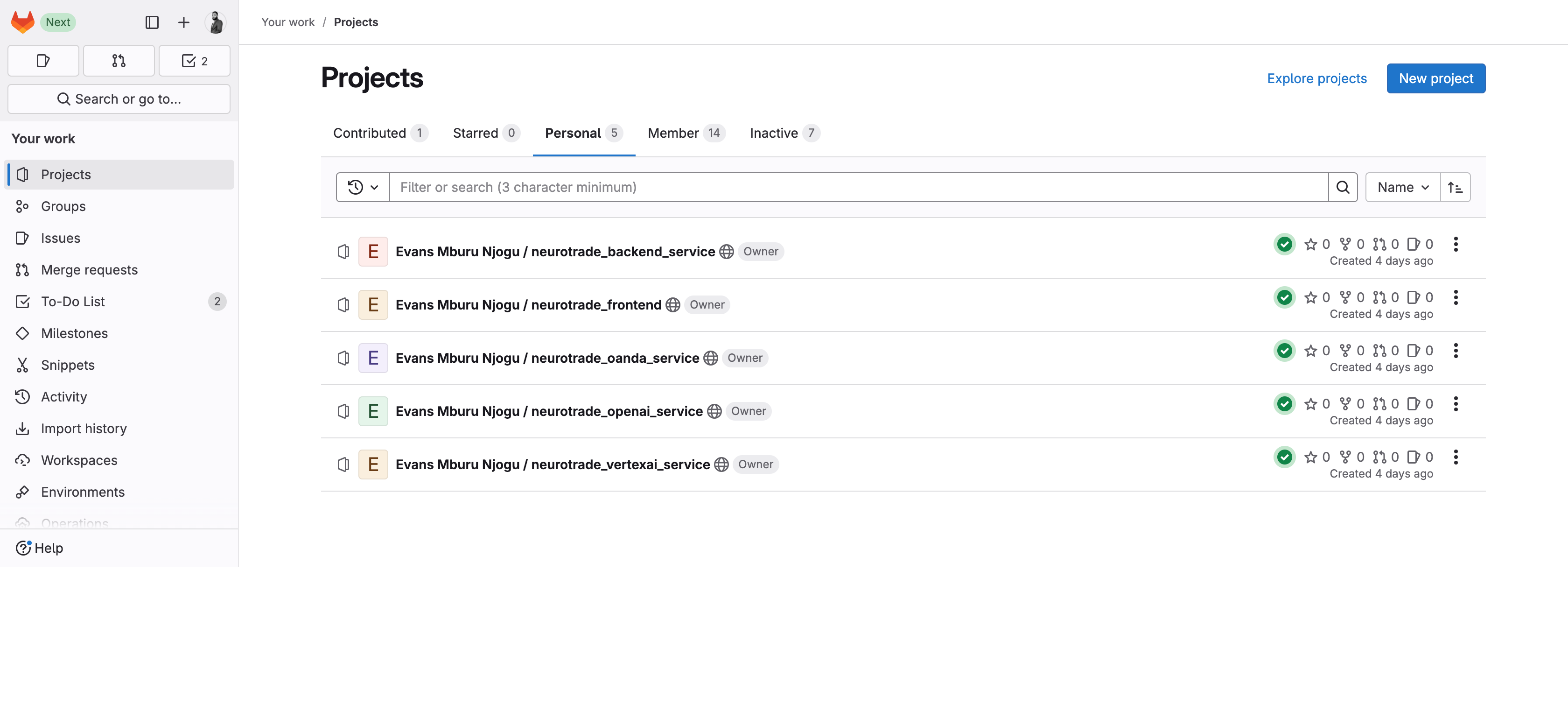
A snapshot of the NeuroTrade project repositories hosted on GitLab, showing the full modular microservices setup for AI-powered trading.
-
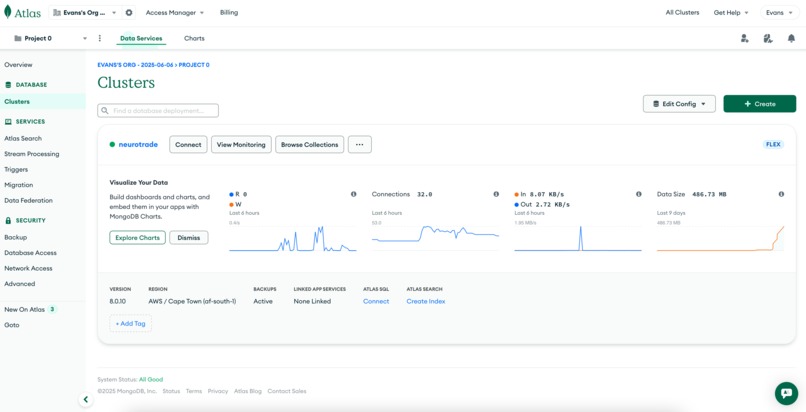
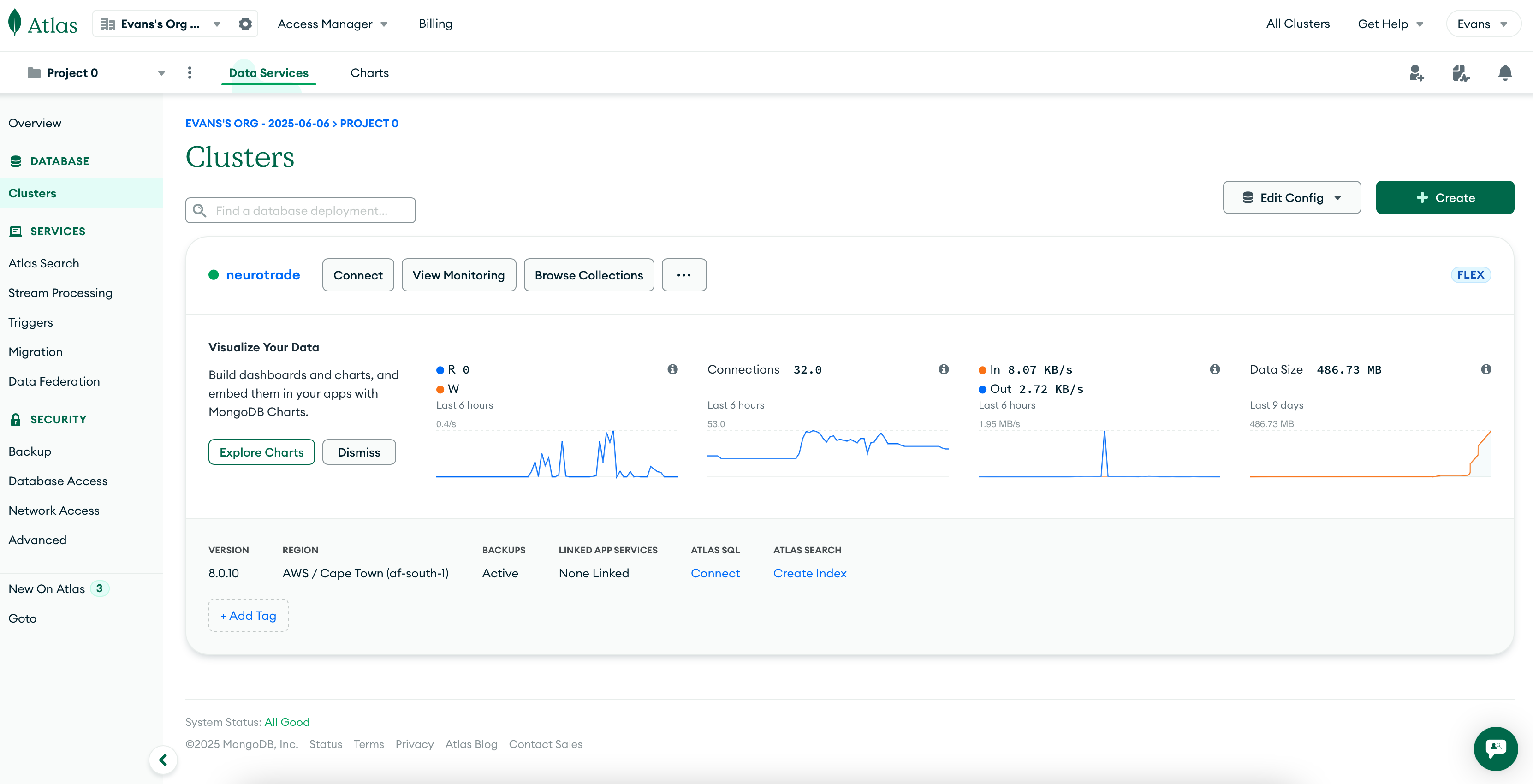
MongoDB Atlas dashboard for NeuroTrade showing live cluster metrics, vector search setup, and storage activity on the AI-powered dataset.
-
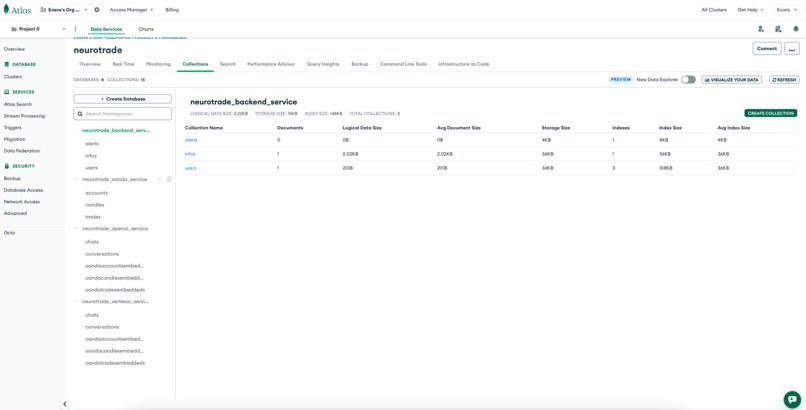
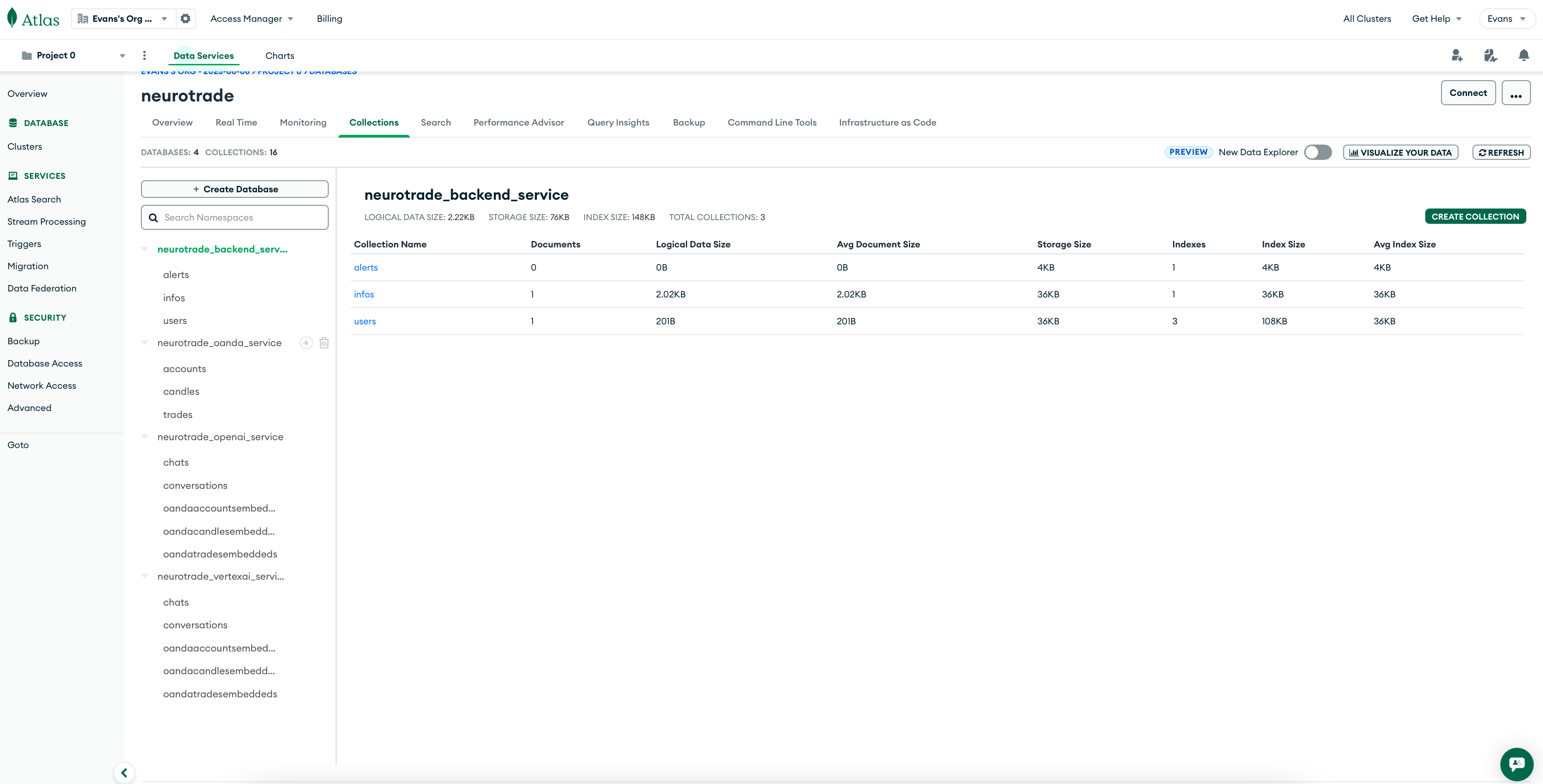
MongoDB Atlas collections powering NeuroTrade microservices structured trade, account, and embedding data across backend and AI services.
-
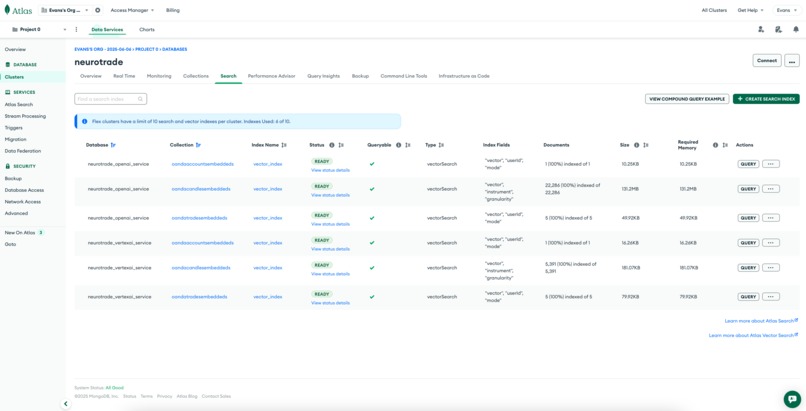
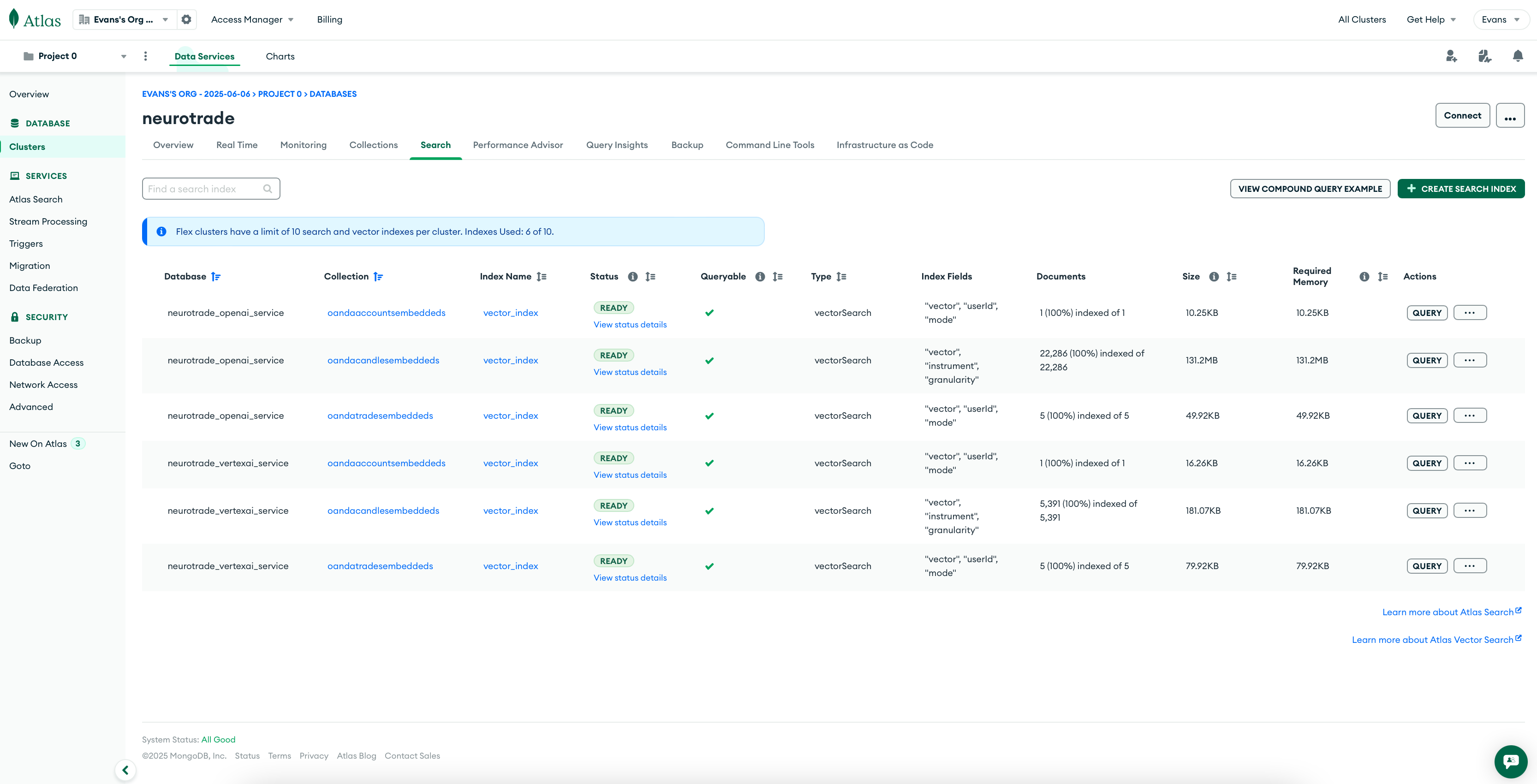
MongoDB Atlas vector indexes powering semantic search on trades, accounts, and candles for NeuroTrade’s OpenAI and Vertex AI services.
-

Docker containers running all core NeuroTrade services including frontend, backend, AI embeddings, RabbitMQ, and OANDA ingestion.
-
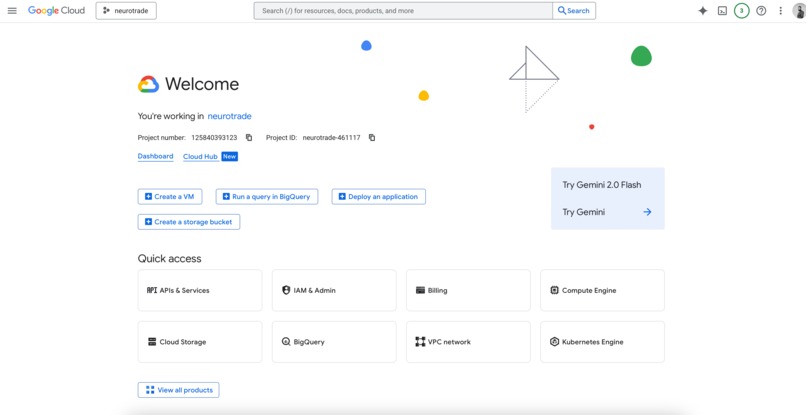
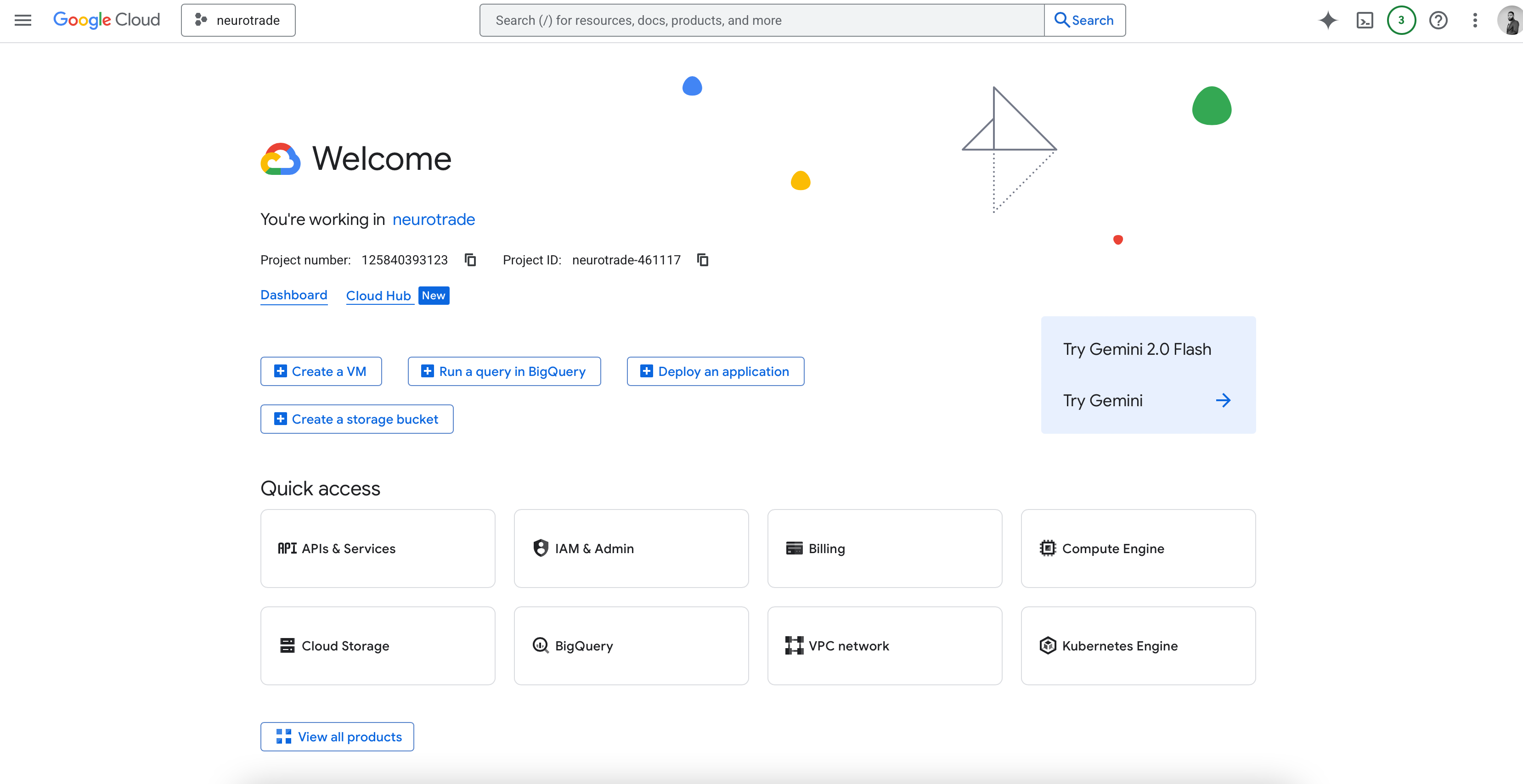
Google Cloud Console for the NeuroTrade project, showing access to APIs, Compute Engine, Kubernetes, IAM, and BigQuery services.
-
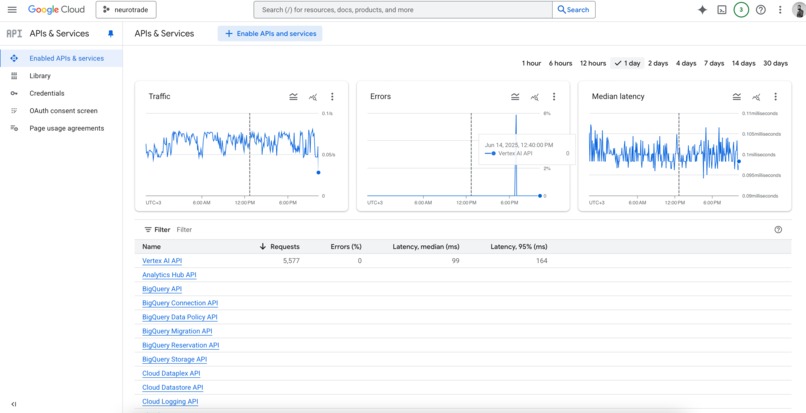
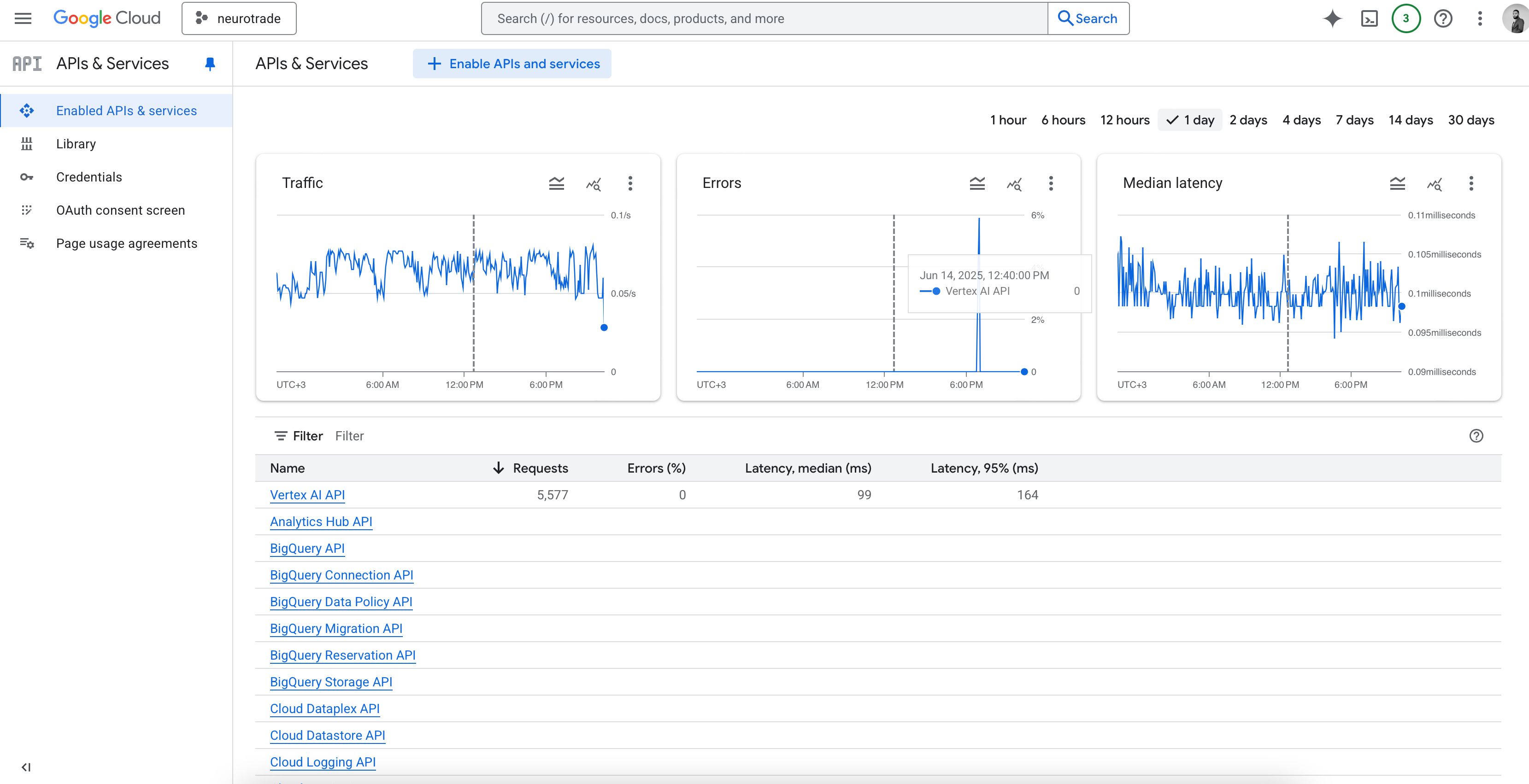
Google Cloud APIs dashboard showing active usage of Vertex AI and BigQuery APIs with 5,577 requests, 0% errors, and 99ms median latency.
-
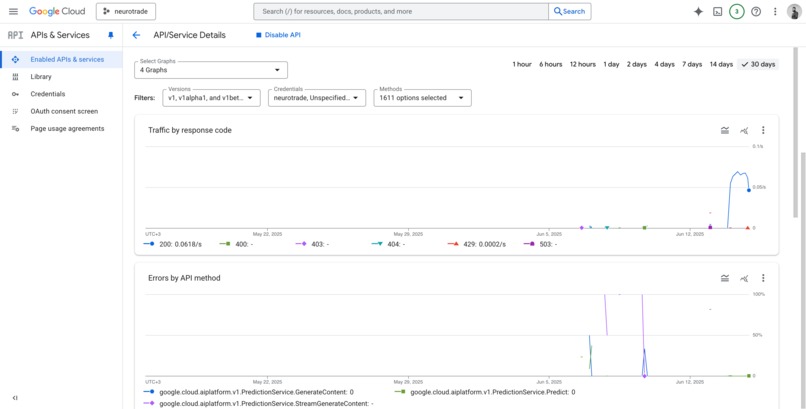
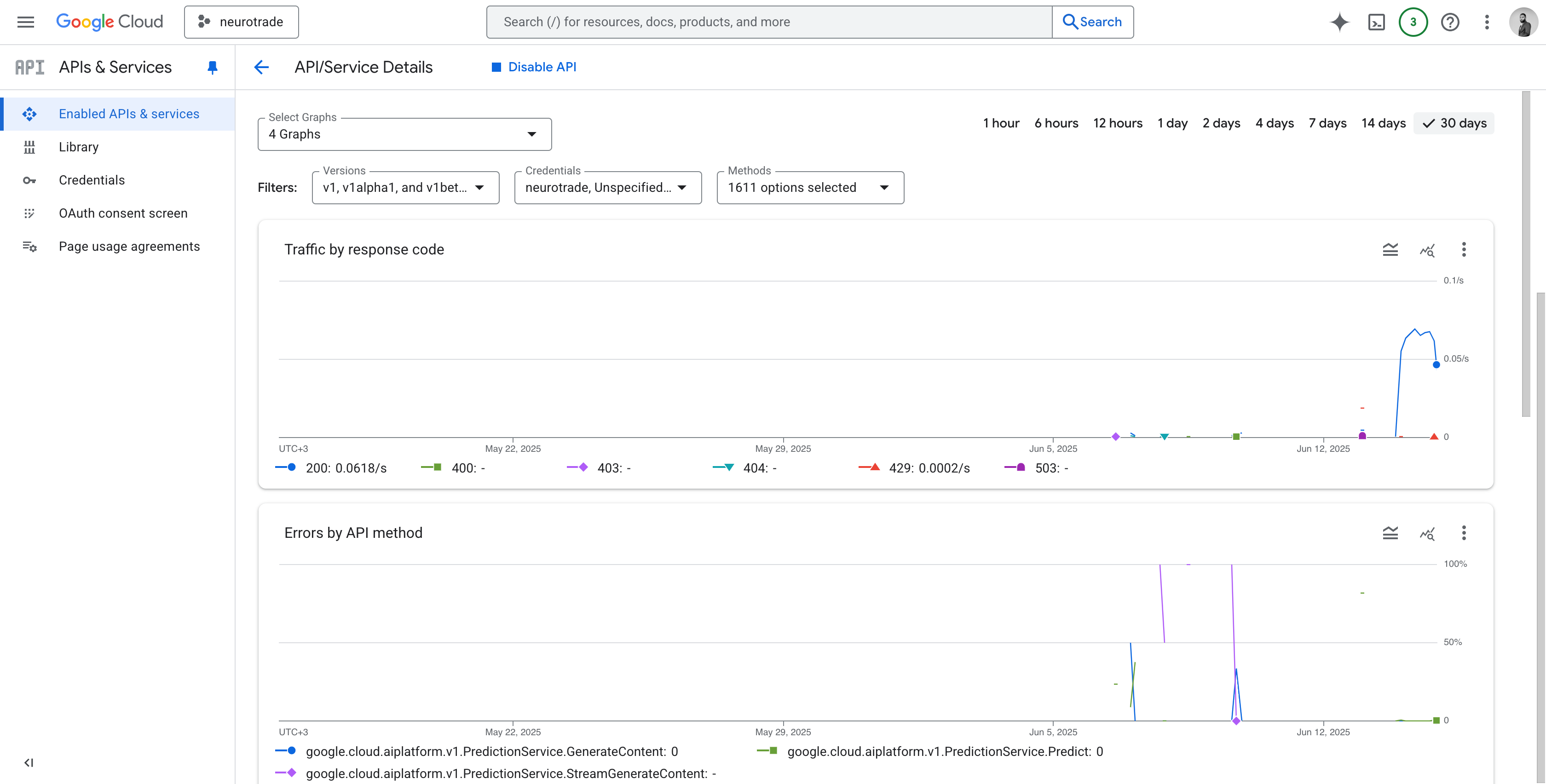
30-day Vertex AI usage showing stable 200 responses with minimal 429 rate limits and zero errors across all prediction and chat methods.
-
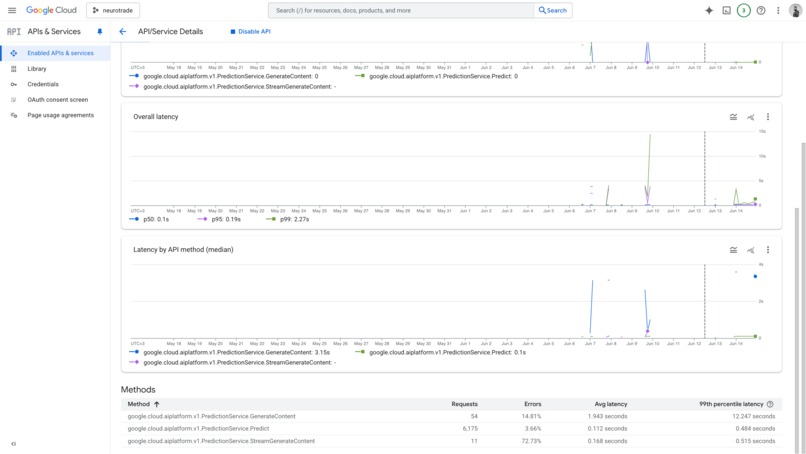
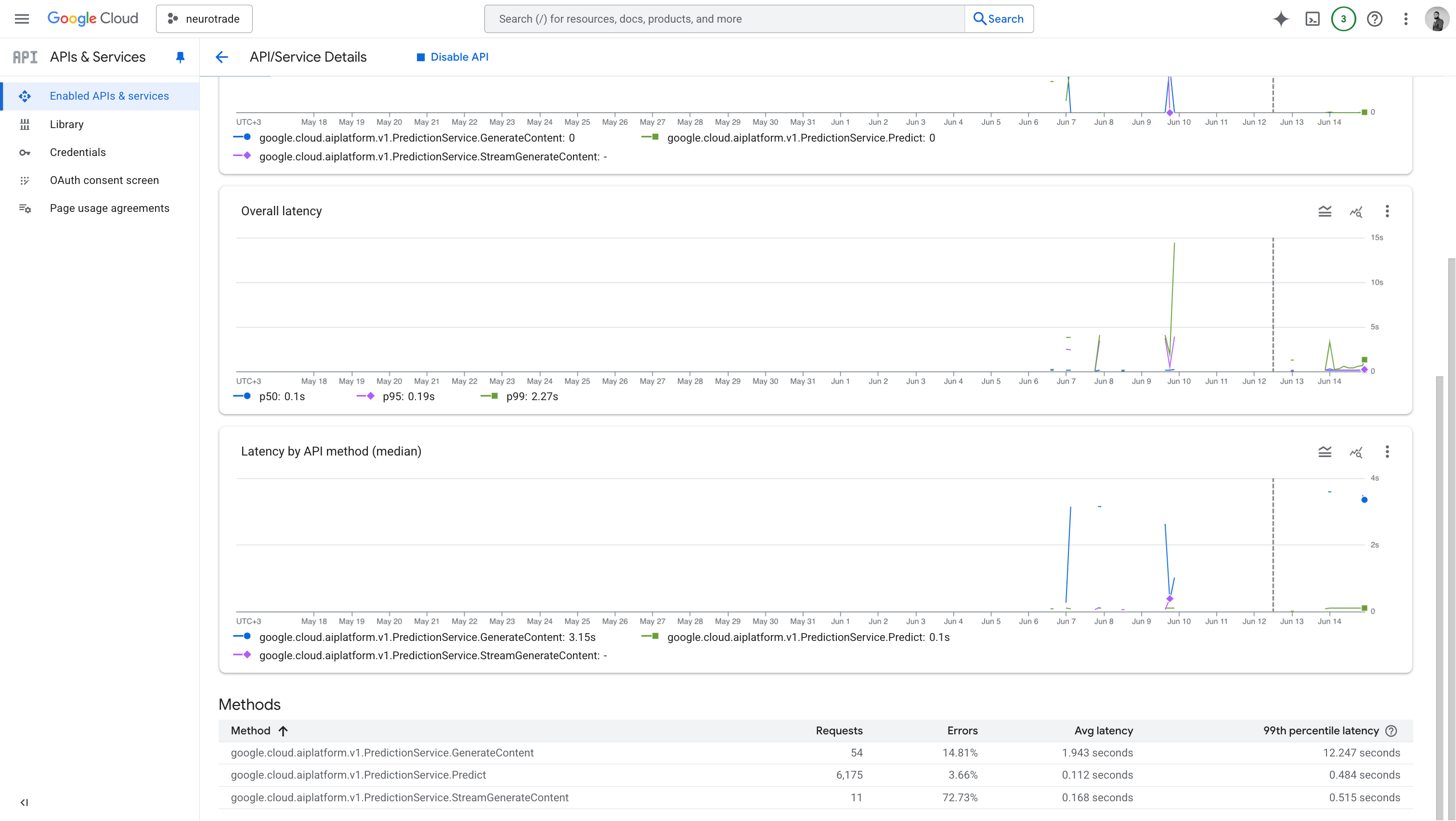
Latency breakdown across Vertex AI methods shows stable predictions under 0.5s p99; occasional spikes in GenerateContent to 12s p99.
-
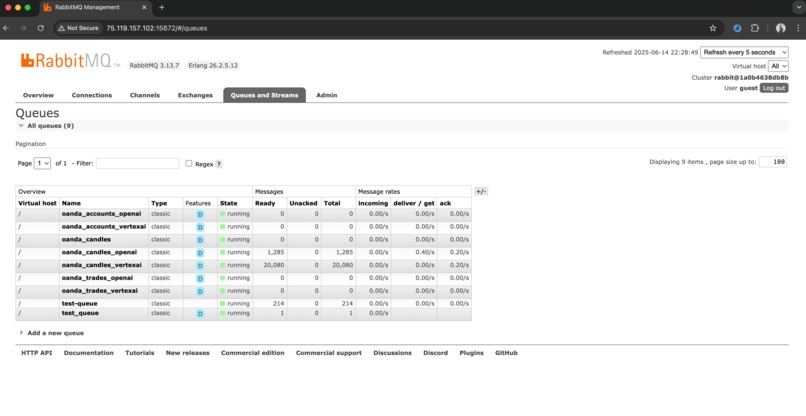
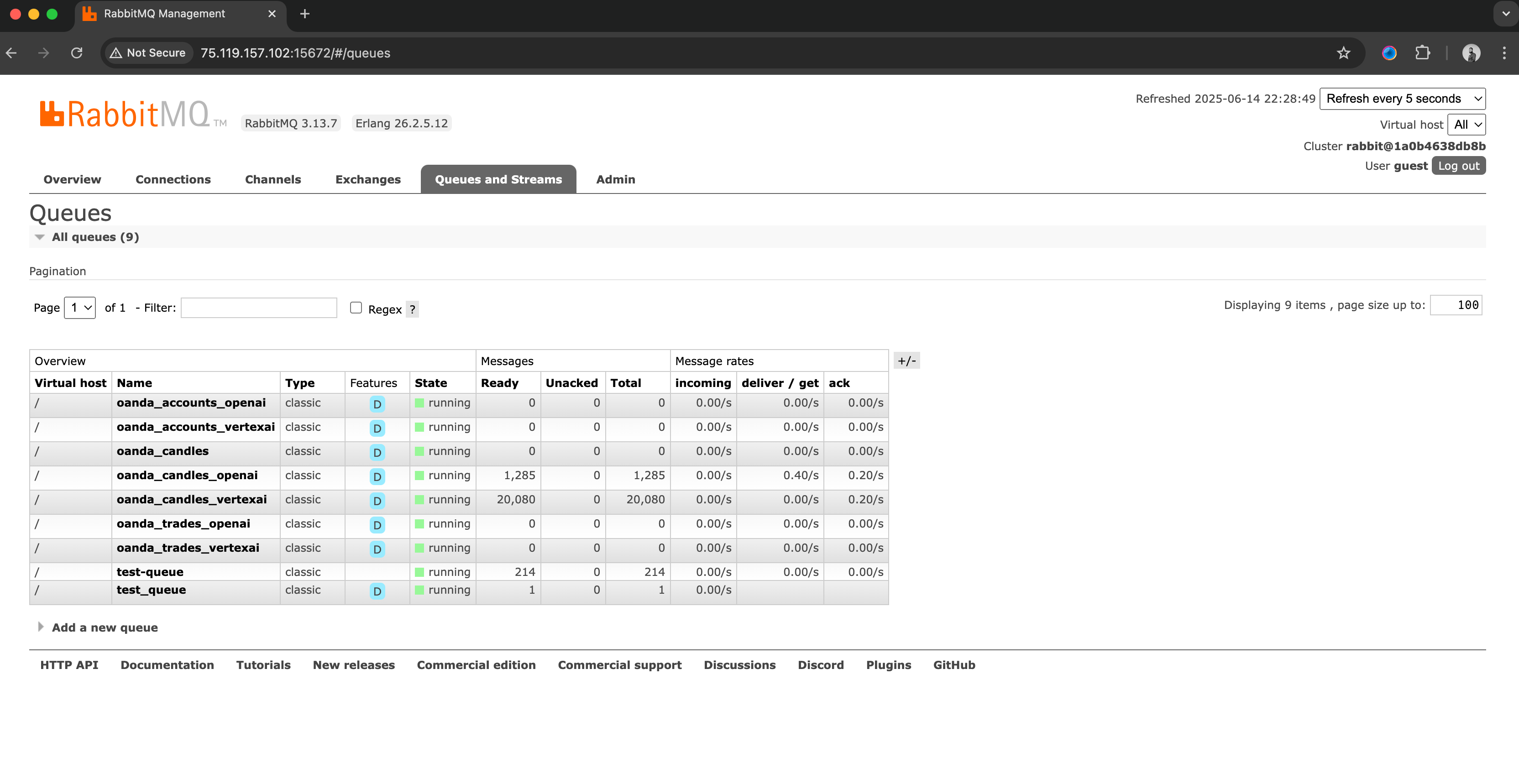
RabbitMQ Management Dashboard shows the active queues configured for NeuroTrade's microservices

Inspiration
As a trader and software engineer, I’ve always been frustrated by how trading platforms only show performance metrics profits, losses, and charts but never the why. I wanted to build a system that goes deeper. One that understands trading behavior using AI, and helps people make smarter, more reflective decisions. MongoDB’s flexible schema and Vector Search capabilities made this possible.
What it does
NeuroTrade connects to a trader’s OANDA account and pulls live data about trades, account metrics, and candle charts. It embeds that data using either OpenAI or Vertex AI, then stores the vectors and metadata in MongoDB Atlas.
Traders can then ask natural-language questions like:
- “Which trades had similar behavior?”
- “When did I repeat this mistake?”
- “What trade setups worked best last week?”
The system finds similar embeddings using MongoDB’s vector search, and returns AI-generated insights in real-time.
How we built it
I broke the application into five GitLab repositories:
neurotrade_frontend(React)neurotrade_backend_service(routing and auth)neurotrade_oanda_service(trade data ingestion)neurotrade_oanda_sync(historical data ingestion since 2005)neurotrade_openai_serviceandneurotrade_vertexai_service(embedding / query processors)
Data is sent to embedding services via queues (RabbitMQ), then stored in MongoDB using collections like trades, accounts, candles, and embeddings. Queries go through semantic search using MongoDB Vector Search, returning contextual insights.
Challenges we ran into
- Normalizing inconsistent trade formats from OANDA
- Structuring metadata for accurate vector similarity
- Managing embedding costs and token limits efficiently
- Ensuring query relevance without losing performance
- Maintaining service coordination across 5 microservices
Accomplishments that we're proud of
- Built a fully functional behavioral intelligence engine for traders in just a few weeks
- Implemented live semantic search on embedded trade data using MongoDB Atlas
- Successfully embedded over 1,000 trade events with accurate similarity results
- Deployed a modular microservice architecture with full GitLab CI/CD automation
- Enabled real users to create accounts and run trade behavior queries through a live web app
What we learned
- MongoDB Atlas Vector Search is ideal for real-time AI + data search use cases
- Embeddings are only as valuable as the metadata you structure around them
- Working with queues and multiple AI pipelines requires solid service orchestration
- Traders are eager for insights but those insights must be fast, clear, and personal
What's next for NeuroTrade AI: Semantic Trader Insights with MongoDB
- Add more broker integrations beyond OANDA (e.g., MT4, Deriv, TradingView)
- Expand behavioral scoring to include risk exposure, timing quality, and emotion detection
- Build a mobile companion app for traders to get feedback while on the go
- Create a “replay mode” where traders can rewalk through past trading sessions with AI
- Offer a visual explorer powered by MongoDB aggregation pipelines and heatmaps
Built With
- certbot
- docker
- express.js
- gitlab-ci/cd
- gitlab-runner
- mongodb-atlas-(vector-search)
- nginx
- node.js
- oanda-rest-api
- openai-api
- rabbitmq
- react.js
- ubuntu-24.04
- vertex-ai

Log in or sign up for Devpost to join the conversation.