-
-
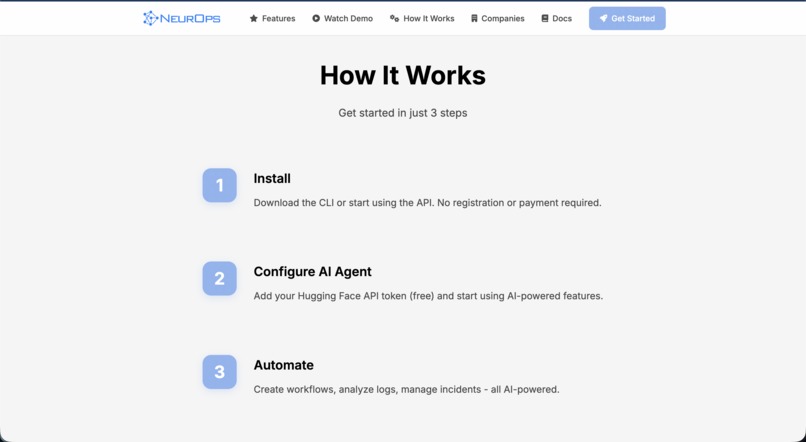
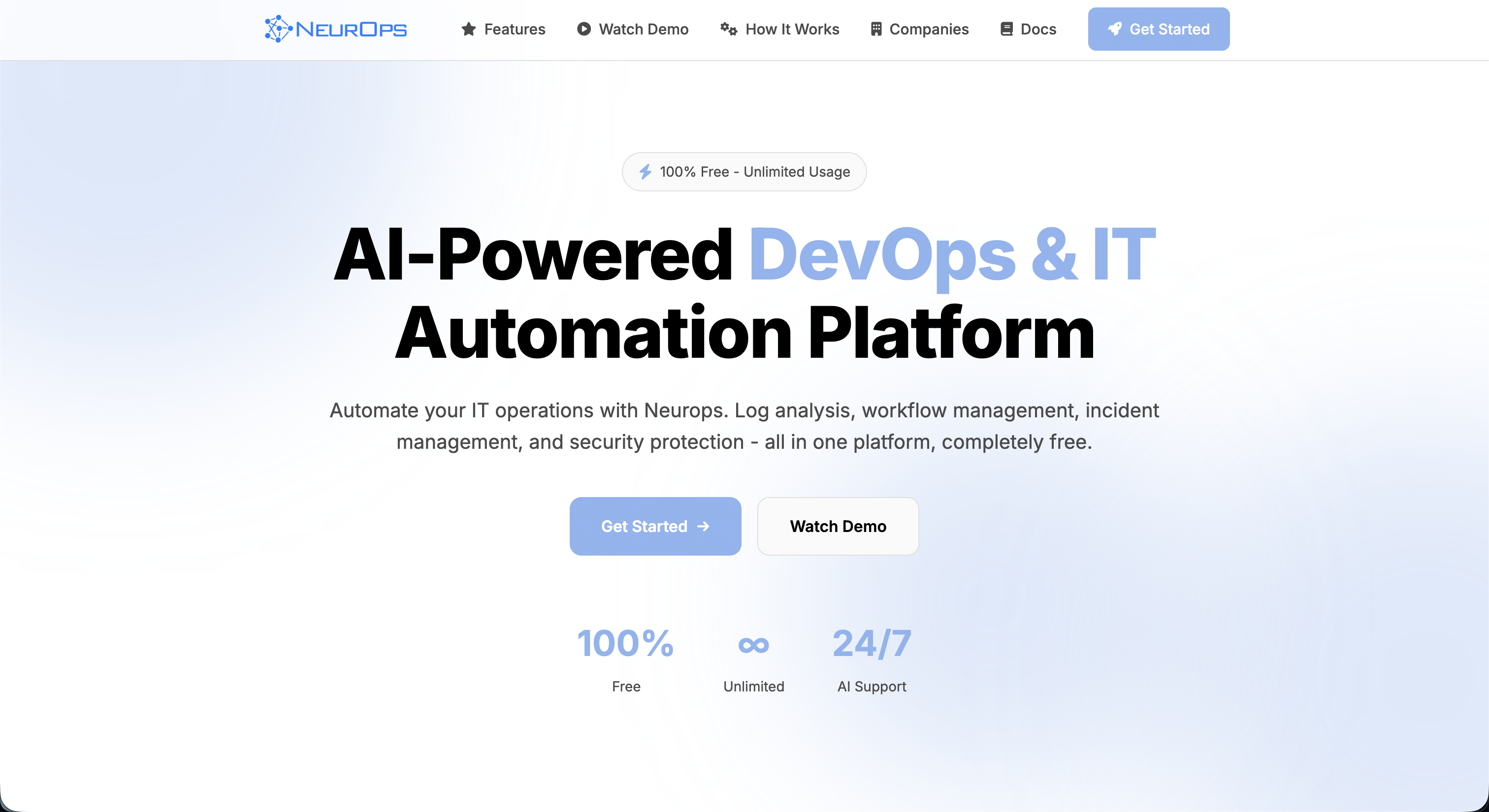
Landing Page - 3
-
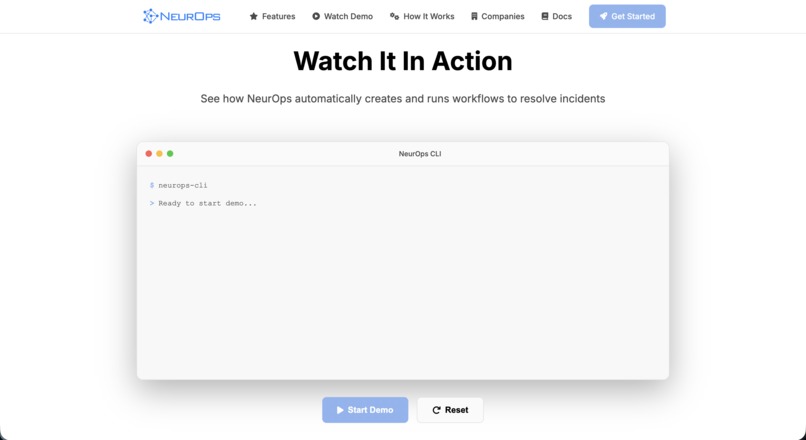
Landing Page - 2
-
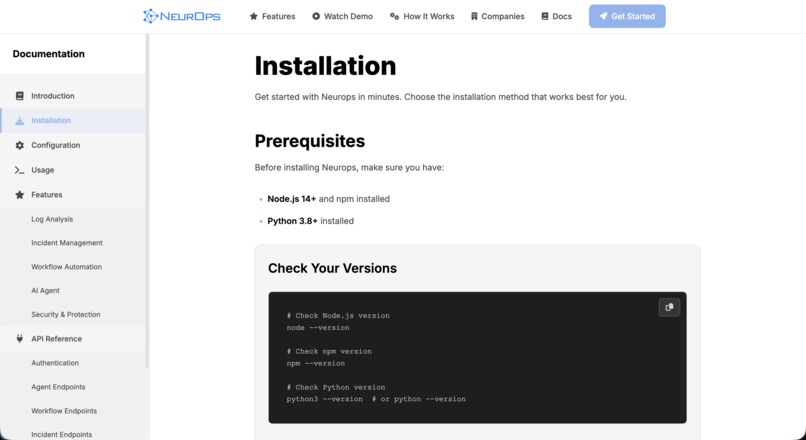
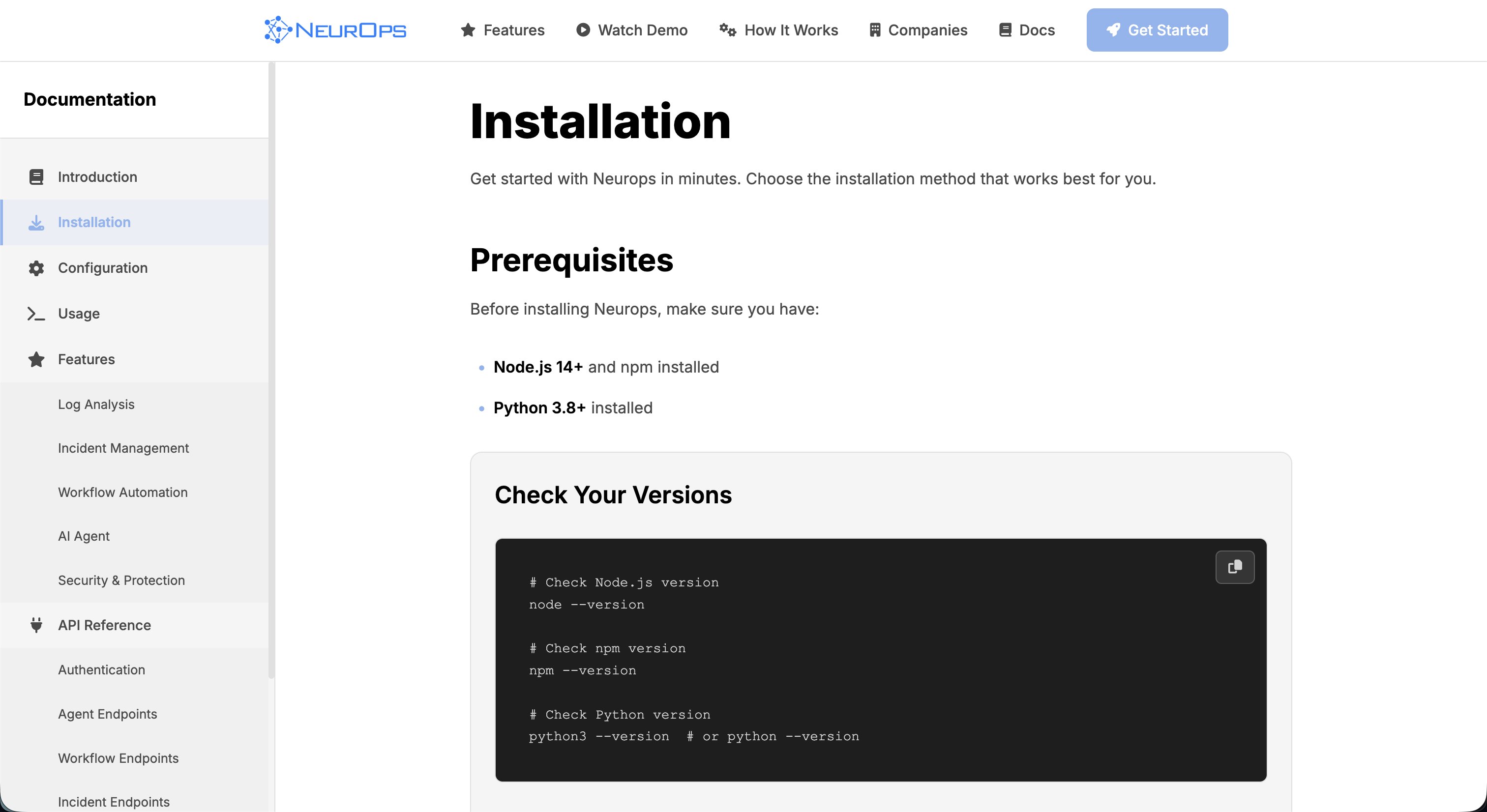
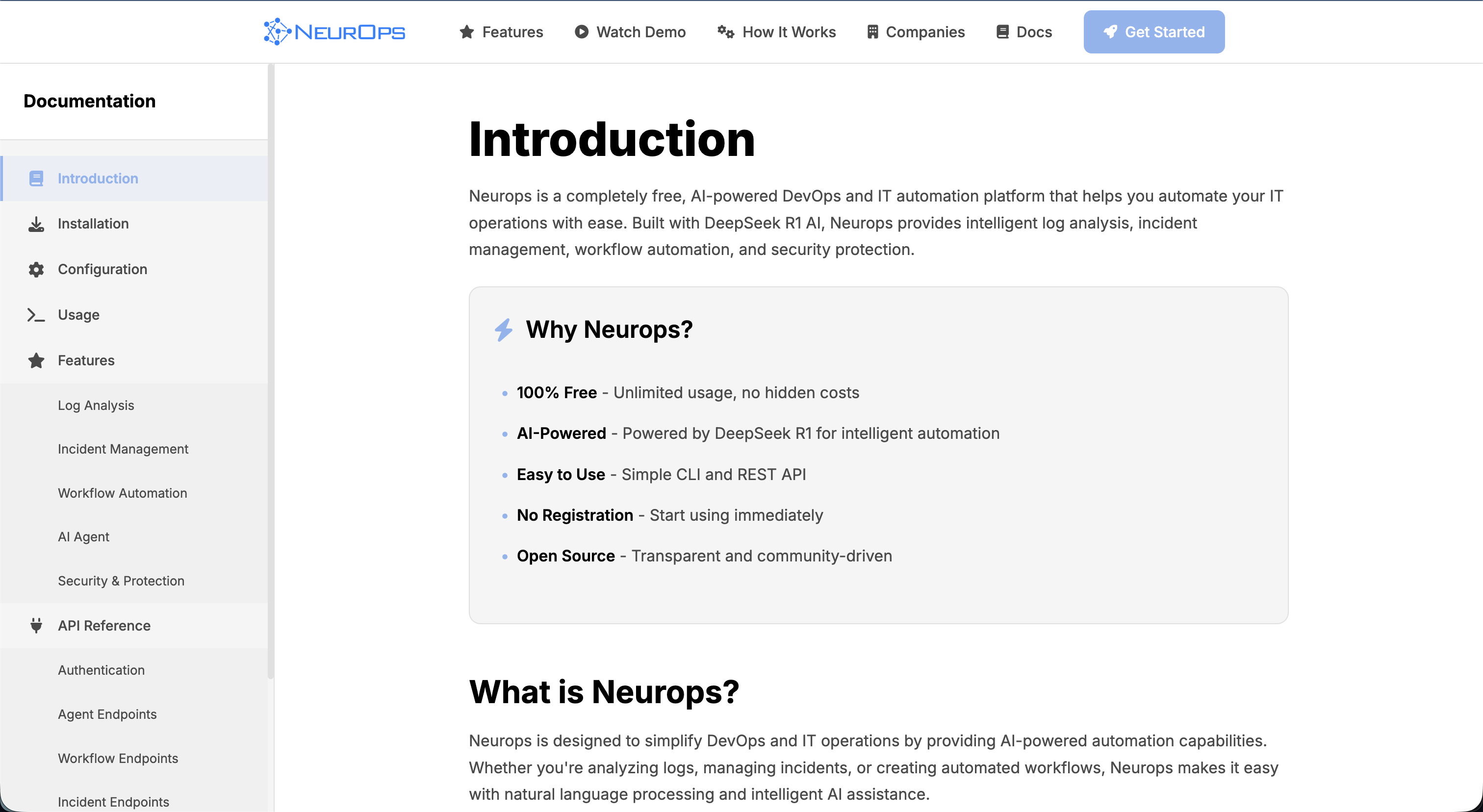
Documentation - 2
-
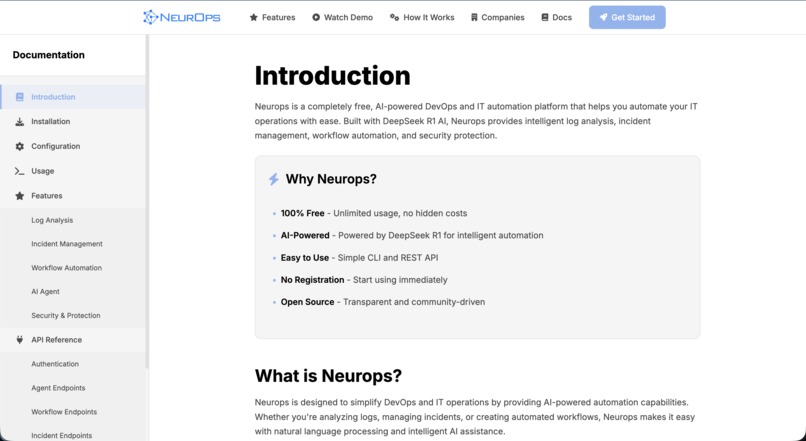
Documentation - 1
-
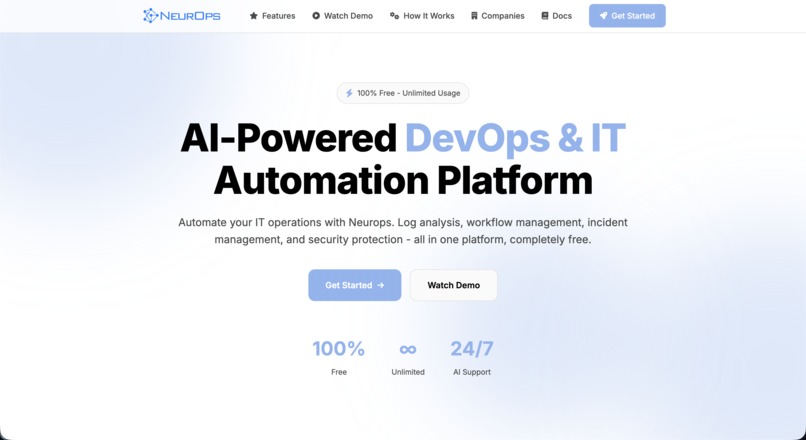
Landing Page - 1
-
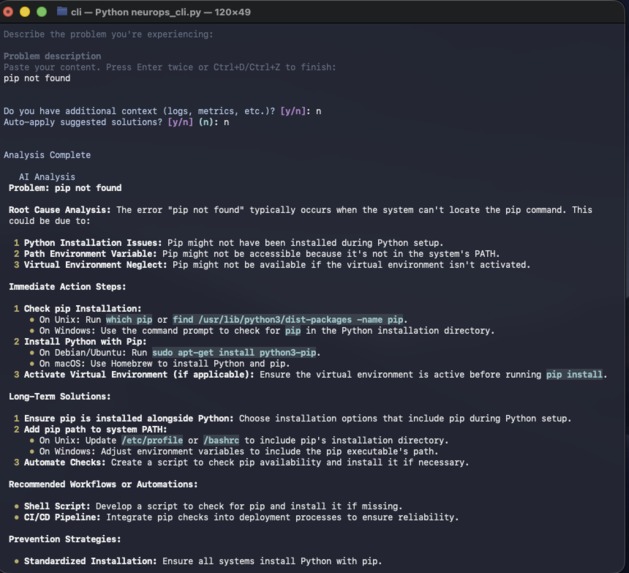
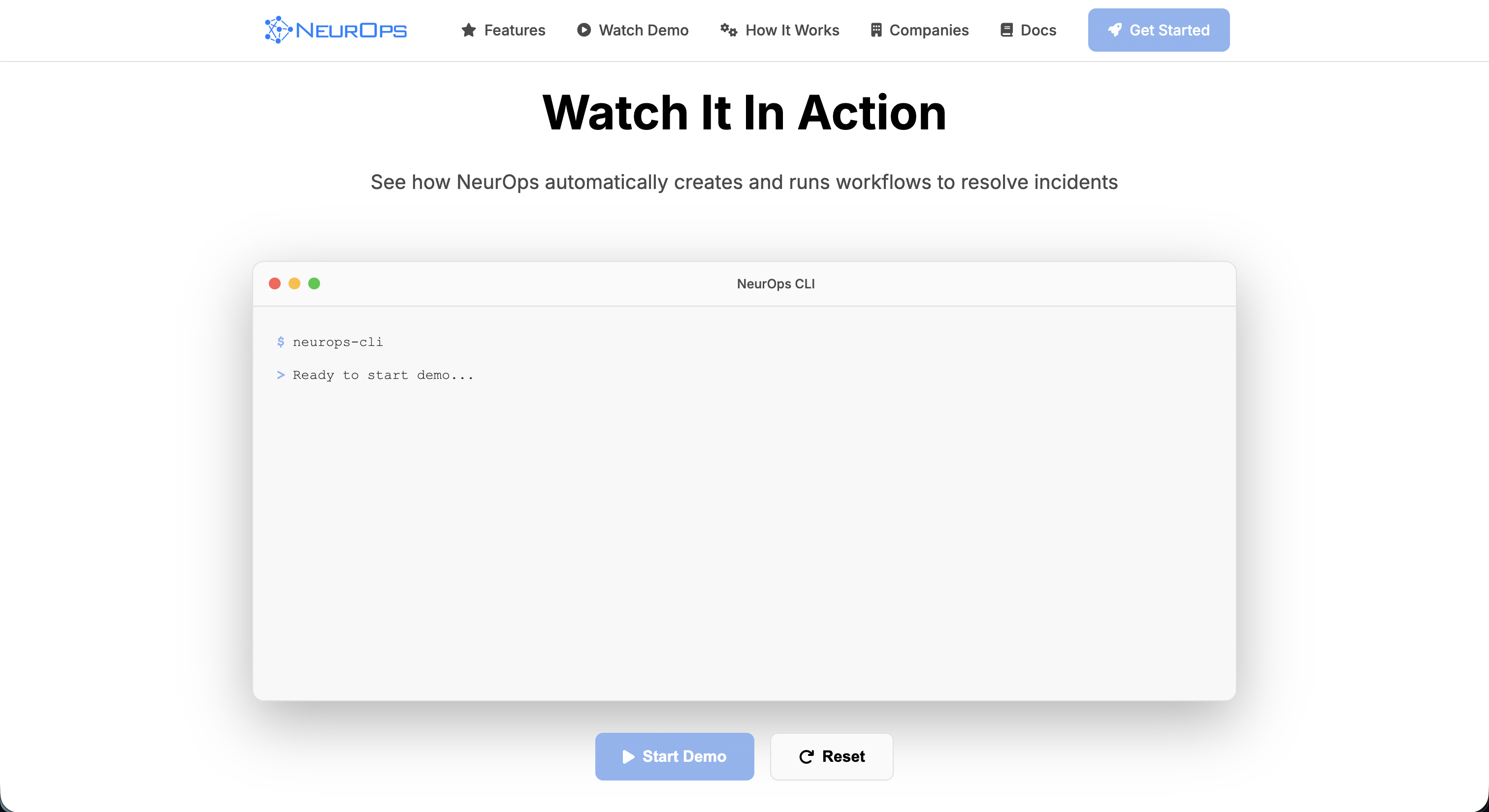
CLI - 2
-
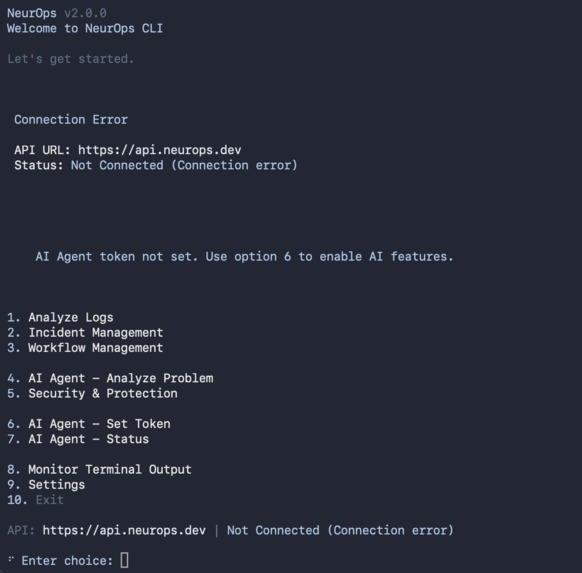
CLI - 1
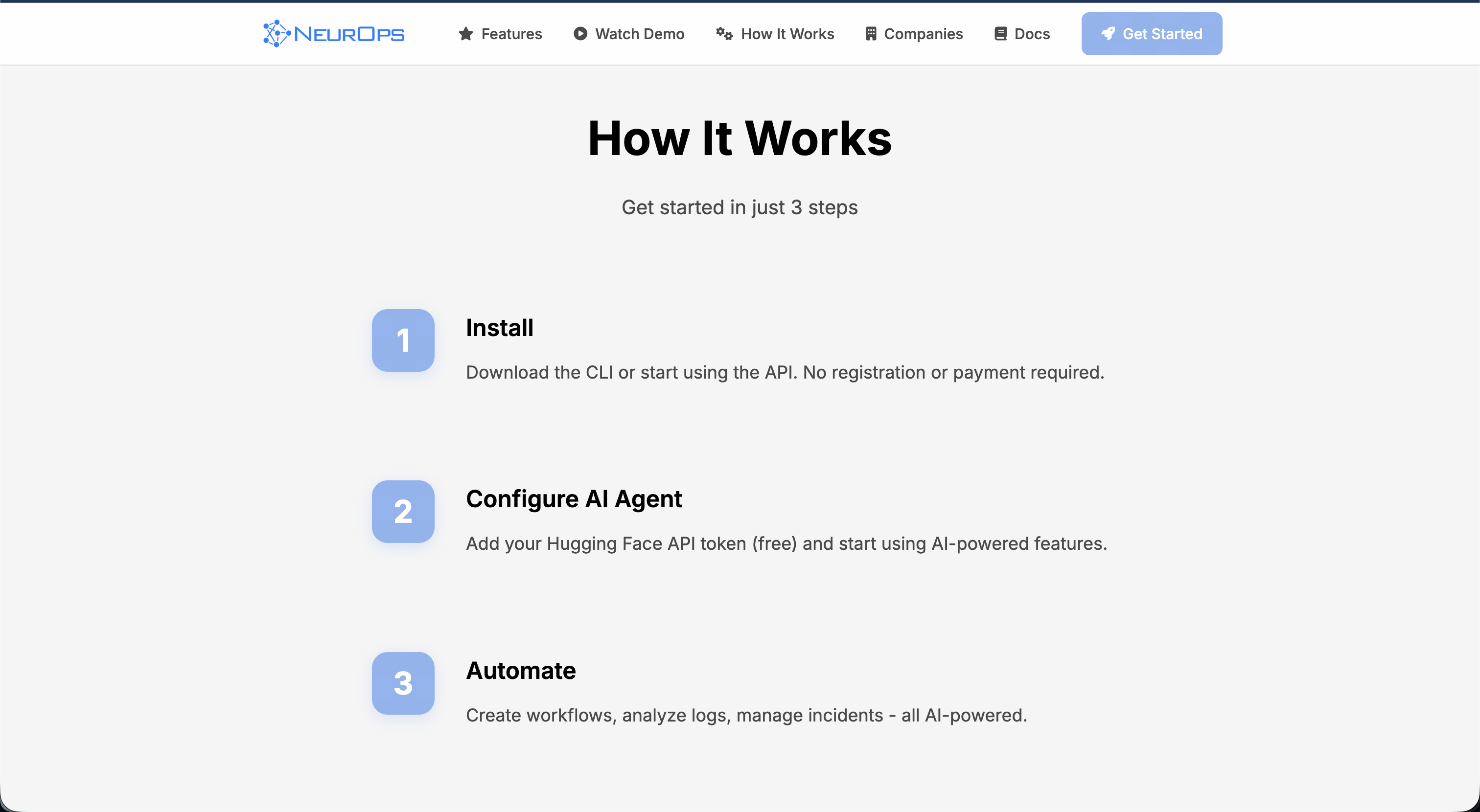
Inspiration
Modern software systems generate massive amounts of logs, errors, and runtime signals. Developers waste countless hours trying to understand what went wrong. I wanted to create a tool that makes debugging effortless by giving instant, intelligent insights, almost like having a personal AI teammate that reads and interprets your system for you.
What it does
NeurOps analyzes logs, errors, and system behavior in real time using lightweight AI models. It identifies root causes, highlights anomalies, and provides actionable, human-readable explanations. Developers get instant feedback and suggested fixes, massively reducing debugging time.
How I built it
I designed a modular architecture combining a fast local parser, a developer-friendly CLI, and on-device or cloud-connected AI inference. The system securely reads logs, processes them through optimized LLM pipelines, and returns concise insights. I built everything with performance, privacy, and developer ergonomics in mind.
Challenges I ran into
I had to optimize model latency, avoid hallucinations, and ensure the system works reliably across different environments. Integrating multiple log formats and building a consistent inference pipeline required significant iteration.
Accomplishments that I'm proud of
I built a functional AI-powered debugging assistant that actually helps developers in real projects. NeurOps can interpret logs from various systems, deliver reliable explanations, and drastically reduce troubleshooting time.
What I learned
I learned how important high-quality log parsing, context management, and strict prompt engineering are for trustworthy AI tooling. I also realized how valuable a well-designed developer experience is for adoption.
What's next for NeurOps
I plan to expand NeurOps with real-time monitoring, team dashboards, plugin support for popular frameworks, and a lightweight on-device model. My goal is to make NeurOps a universal debugging co-pilot for every developer.
## Methodology of NeurOps NeurOps is built with python. In AI calls, I used hugging-face library. Here are some psuedo-codes.
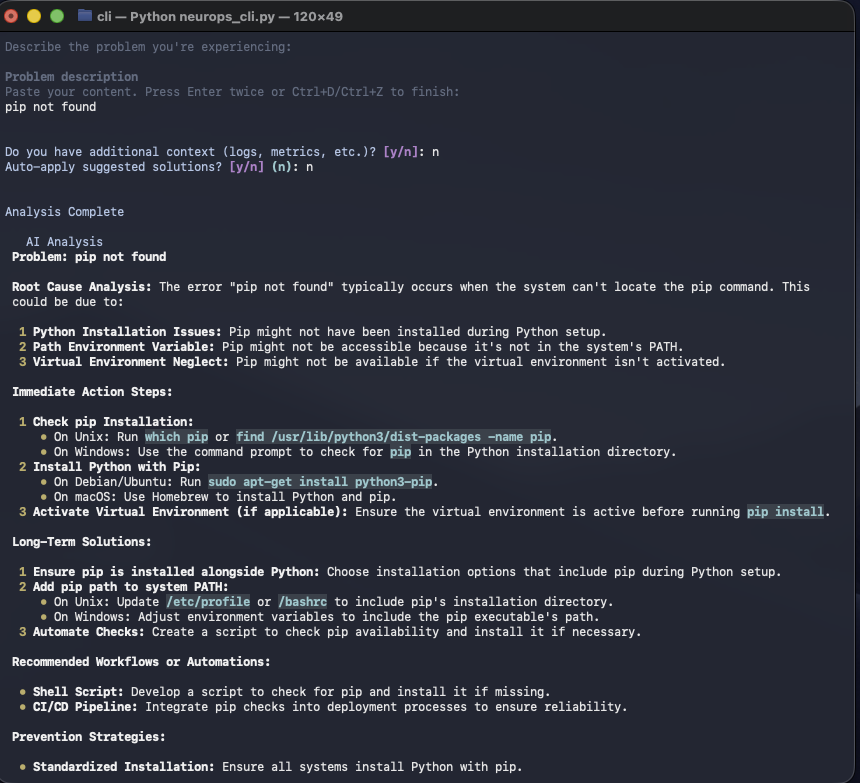
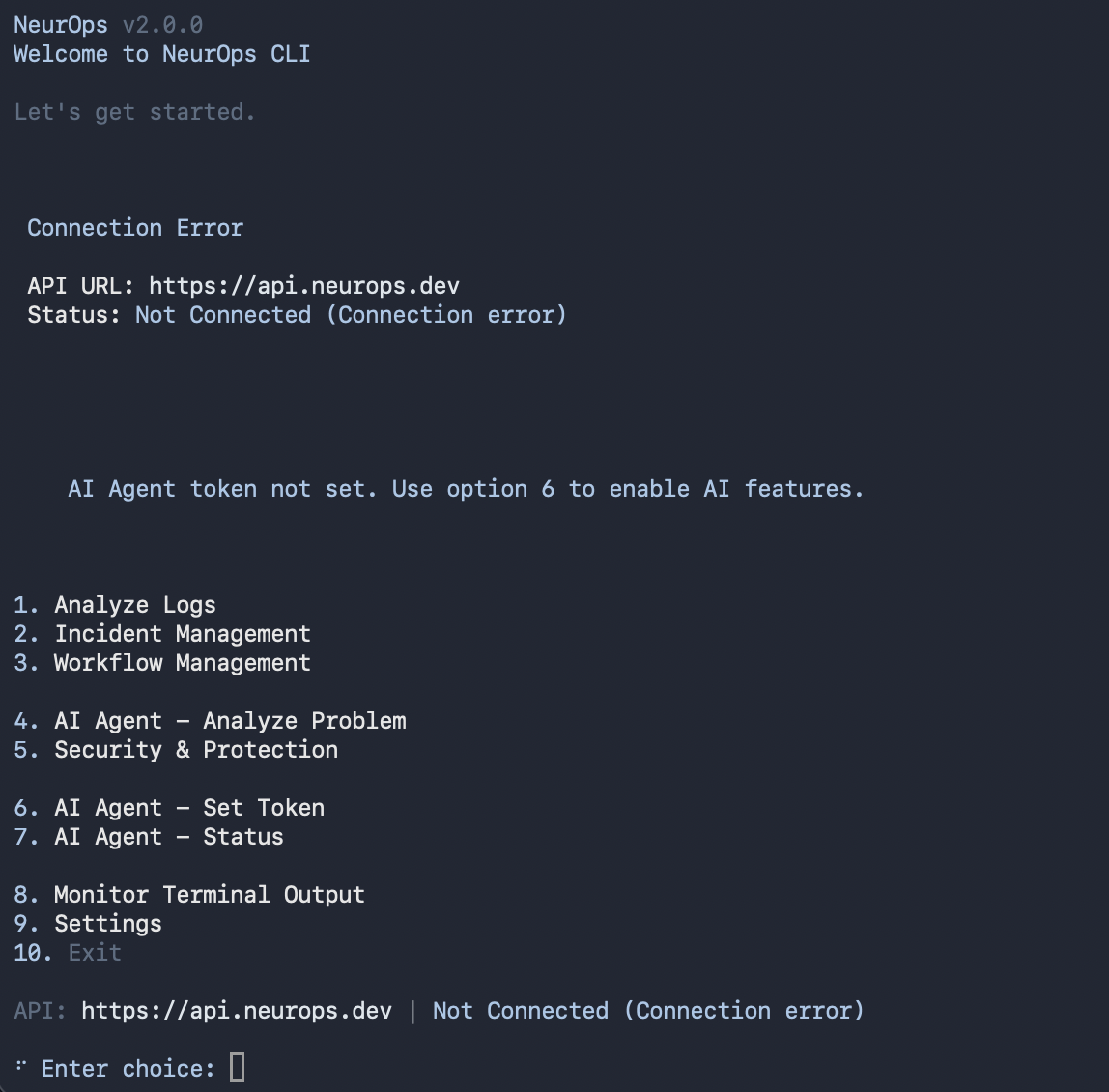
python3 neurops_cli.py # This command runs CLI.
4 # This is AI Agent - Analyze Problem section
pip not found # Your Error Log
# Neurops's output:
Root Cause Analysis: The error "pip not found" typically occurs when the system can't locate the pip command. This could be due to:

1. Python Installation Issues: Pip might not have been installed during Python setup.
2. Path Environment Variable: Pip might not be accessible because it's not in the system's PATH.
3. Virtual Environment Neglect: Pip might not be available if the virtual environment isn't activated.
Built With
- fastapi
- huggingface
- openai


Log in or sign up for Devpost to join the conversation.