EcoSnap-AI-Computer-Vision-and-Generative-AI
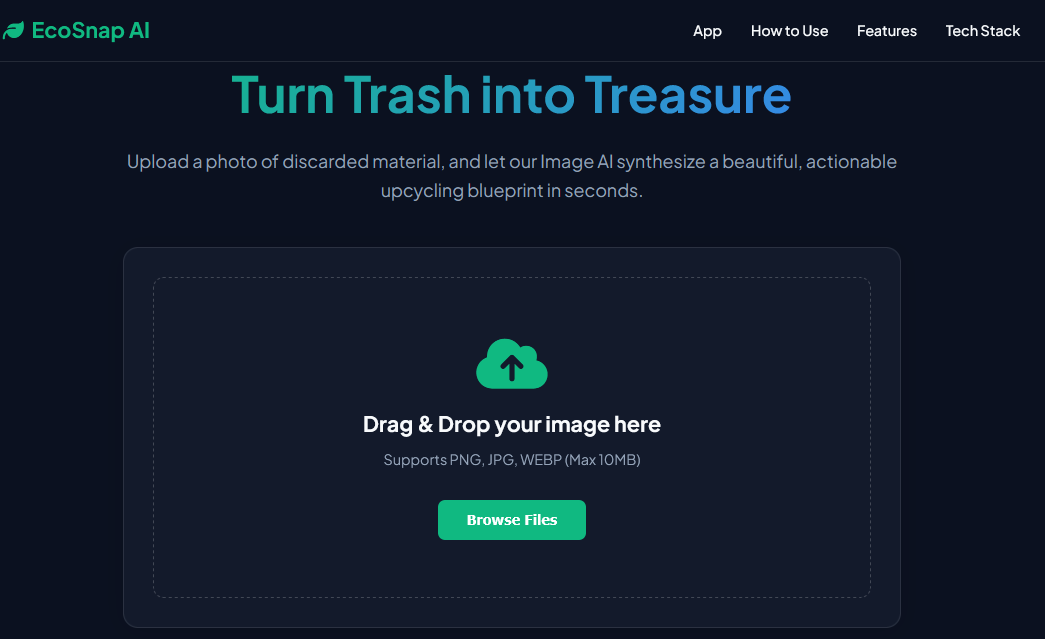
Turn Trash into Treasure using Image AI.
EcoSnap AI is a full-stack web application. It leverages Computer Vision and Generative AI to combat household waste by instantly transforming images of discarded materials into actionable, high-quality upcycled DIY projects.
The Problem
Every day, millions of tons of recyclable materials—glass, plastic, cardboard, and textiles—end up in landfills. Often, people discard these items simply because they cannot visualize a second life for them. The gap between "waste" and "utility" is a lack of accessible, personalized inspiration and clear execution steps.
The Solution
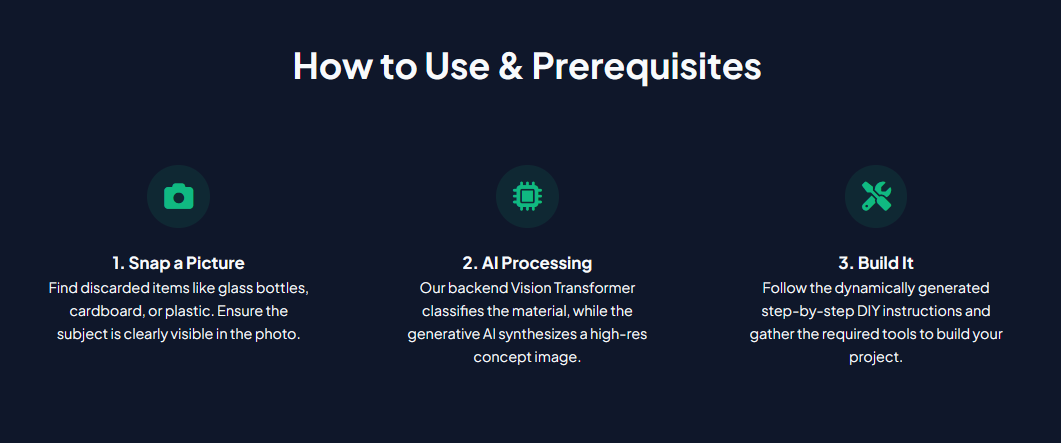
EcoSnap AI bridges this gap using Image AI. By simply uploading a photo of a piece of trash, the application:
- Classifies the material using a fine-tuned Vision Transformer (ViT).
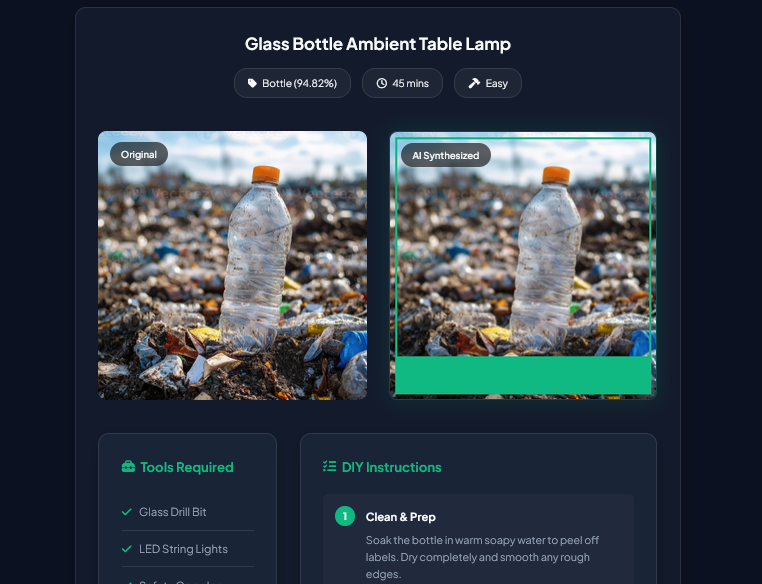
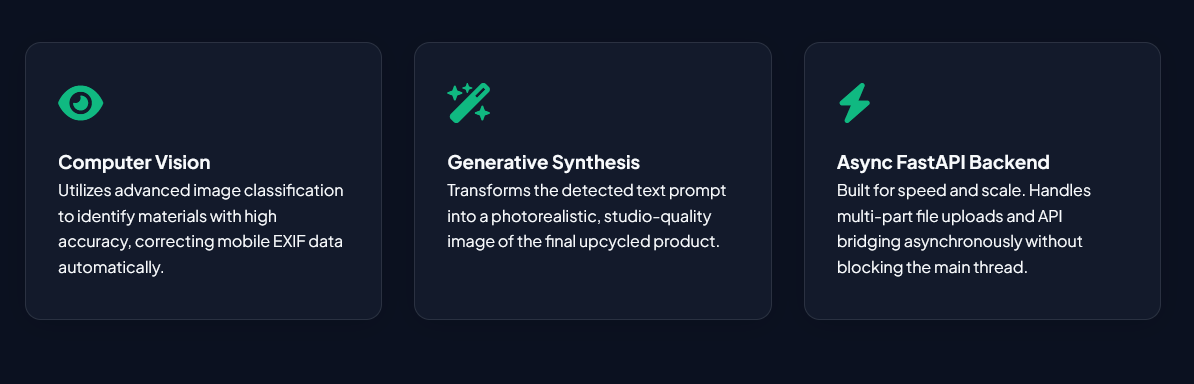
- Synthesizes a photorealistic, studio-quality image of what that specific material could become (e.g., a glass bottle turned into an ambient LED lamp) using Generative AI.
- Generates a step-by-step DIY guide with required tools, estimated time, and difficulty levels.
Key Features
- Drag-and-Drop Interface: A seamless, responsive frontend for easy image uploading.
- Computer Vision Classification: Uses Hugging Face's
google/vit-base-patch16-224to accurately identify materials from user photos, correcting for mobile EXIF orientation automatically. - Generative Image Synthesis: Integrates with Hugging Face's Inference API (FLUX.1-schnell) to generate beautiful, high-resolution upcycled product concepts.
- Offline-Ready Demo Fallback: If API limits are reached during judging, the app automatically falls back to a procedural image compositing engine using Python's
Pillowlibrary to ensure the demo never breaks. - Dynamic DIY Blueprints: Maps classified materials to actionable, step-by-step construction guides.
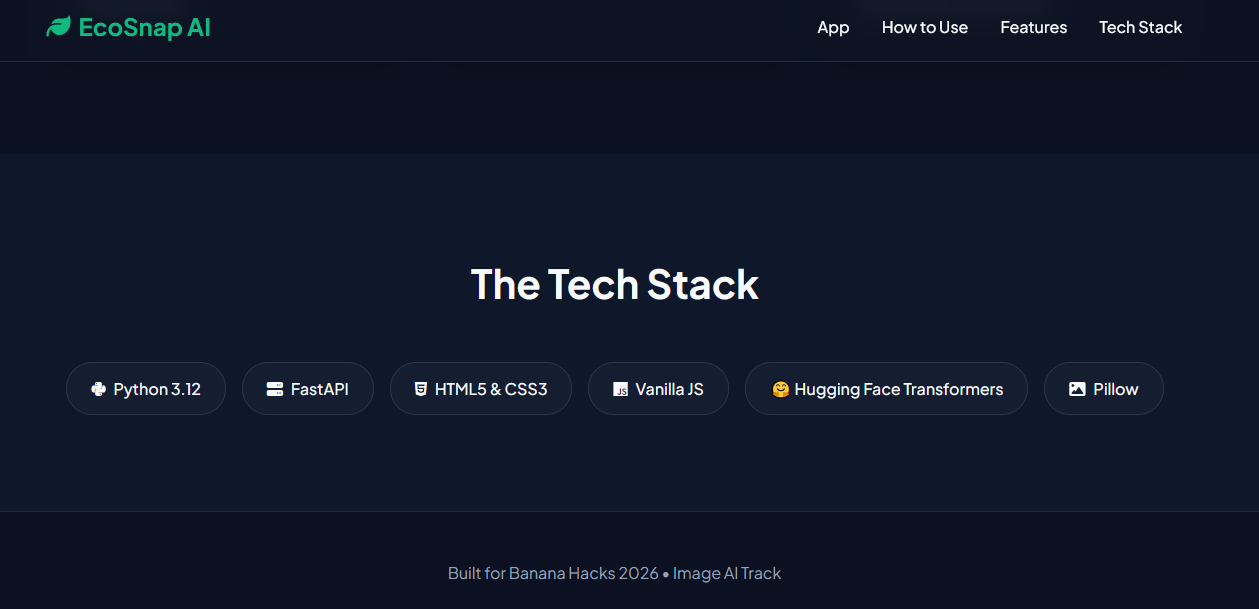
Tech Stack
Backend:
- Python 3.10+
- FastAPI (High-performance async API)
- Hugging Face
transformers(Vision classification) - HTTPX (Async API client for GenAI)
- Pillow (Image processing and fallback rendering)
Frontend:
- HTML5 / CSS3 (CSS Variables, Flexbox, CSS Grid)
- Vanilla JavaScript (ES6+, asynchronous Fetch API, FormData)
Results
- Technical Execution: Implements both local model inference (ViT) and remote API async calls (GenAI) securely behind a Python backend, preventing frontend key exposure.
- Theme Utilization: "Image Everything" is the core mechanic. Image in -> Visual Classification -> Image Out (Synthetic Concept). It cannot function without the Image AI layer.
- Real-World Impact: Directly addresses the United Nations SDG #12 (Responsible Consumption and Production) by promoting circular economy habits at the individual level.
How to Run Locally
Prerequisites
- Python 3.10 or higher installed.
- A Hugging Face API key (Optional, but required for high-res synthetic image generation).
Step 1: Clone and Setup Environment
Open your terminal and navigate to the project directory:
# Navigate to the backend directory
cd ecosnap_ai/backend

# Create a virtual environment
python -m venv venv

# Activate the virtual environment
# On Windows:
venv\Scripts\activate
# On macOS/Linux:
source venv/bin/activate
Step 2: Install Dependencies
# Install the required Python packages
pip install -r requirements.txt
Step 3: Configure Environment Variables (Optional)
If you have a Hugging Face or GenAI API key, export it so the backend can generate real synthetic images. If you skip this, the app will use its procedural fallback renderer.
# On Windows (Command Prompt):
set GENAI_API_KEY=key_here

# On macOS/Linux:
export GENAI_API_KEY="key_here"
Step 4: Run the Application
The FastAPI server is configured to serve both the backend API and the static frontend files simultaneously.
# Start the Uvicorn server
python main.py
Step 5: View the App
Open your web browser and navigate to: http://localhost:8000
You can also view the auto-generated API documentation (Swagger UI) at: http://localhost:8000/api/v1/openapi.json

Log in or sign up for Devpost to join the conversation.