-
-
-
Dashboard
-
NeuroPace AI - Concussion Recovery Companion
Real-Time Neuro-Somatic Bio-Pacing & Autonomic Regulation Dashboard
Project Overview
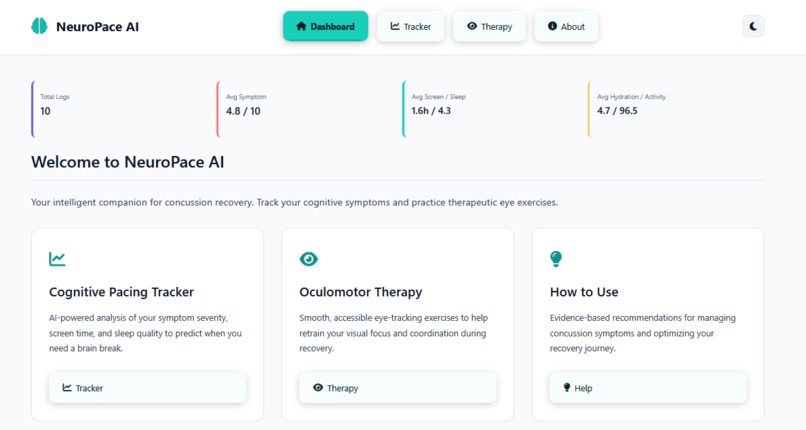
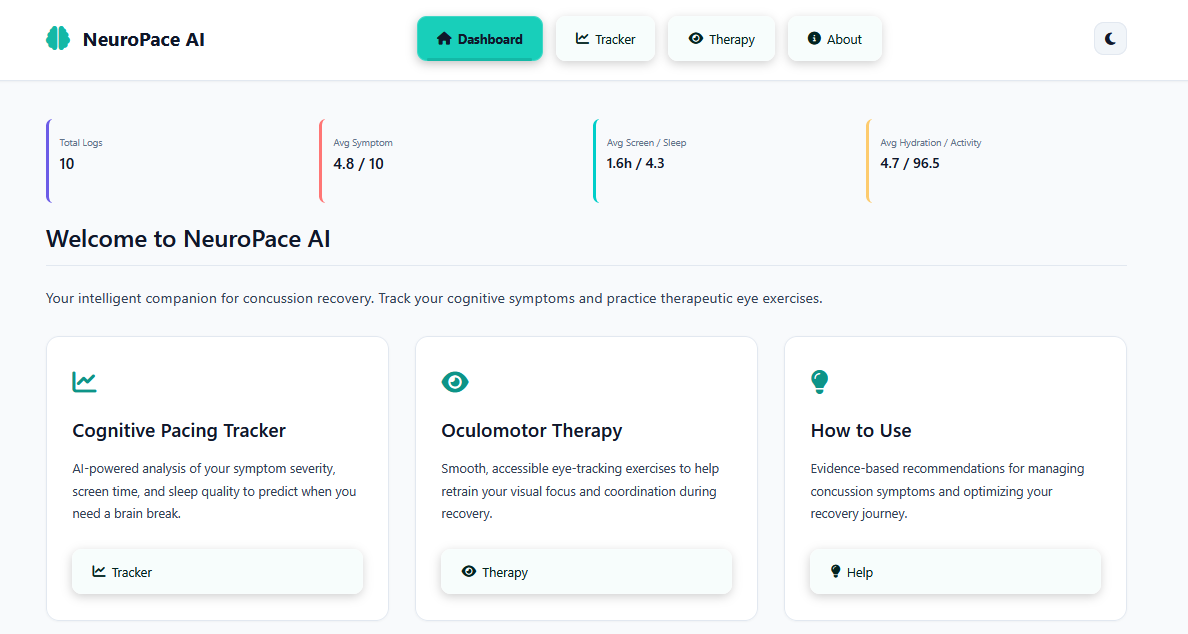
NeuroPace AI is an intelligent, browser-based web application designed specifically for concussion recovery. It combines:
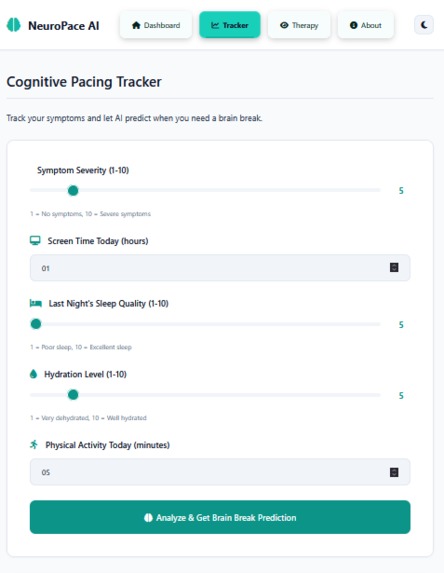
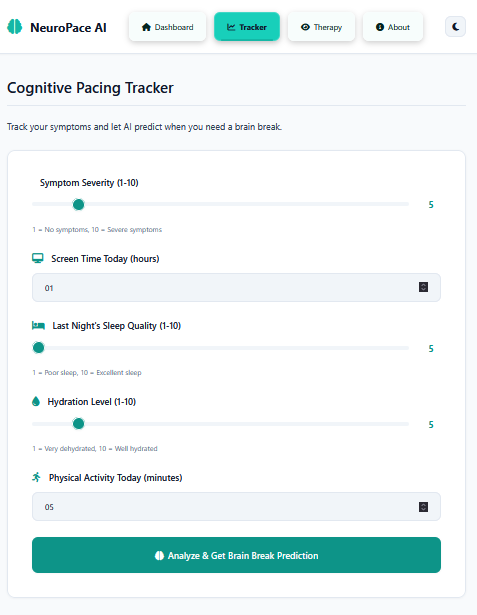
- AI-Powered Cognitive Pacing Tracker
- Oculomotor Therapy System: Interactive HTML Canvas exercises for eye-tracking rehabilitation
- Data Visualization: Real-time symptom tracking with Chart.js graphs
- Accessibility-First Design: Dark-mode, low-blue-light UI optimized for sensitive post-concussion eyes
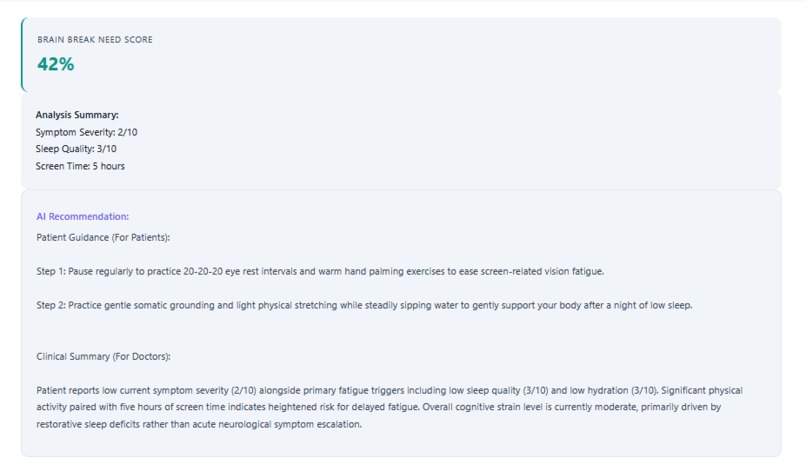
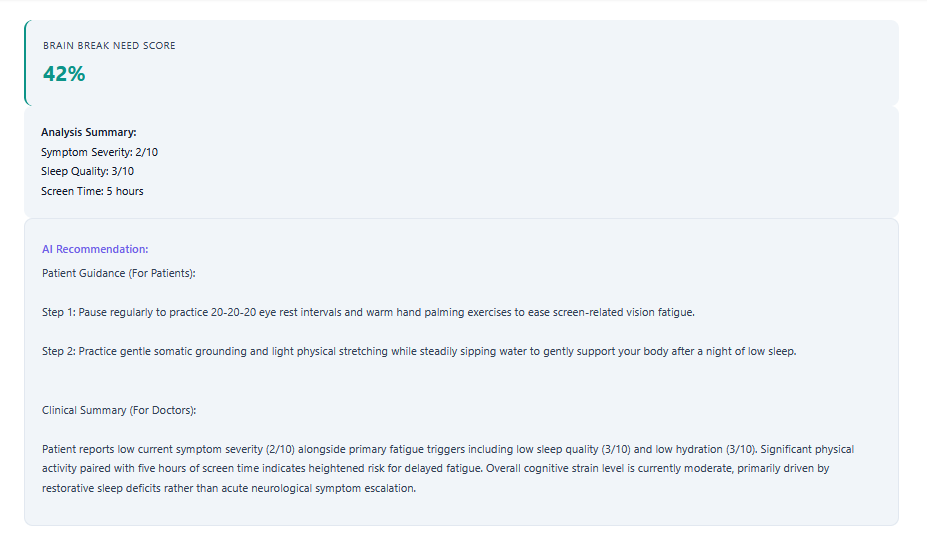
- Analyzes daily sleep, screen time, hydration, and symptom metrics via Google Gemini API
- Interactive Bio-Pacing Suite: Delivers step-by-step vagus nerve resets, oculomotor shifts, and diaphragmatic breathing exercises with live visual cues.
- Browser LocalStorage (100% client-side, privacy-first)
The Problem
Individuals with neuro-somatic conditions, autonomic dysfunction, or cognitive fatigue frequently experience sudden physiological crashes due to improper pacing. Providing clinically guided interventions when acute cognitive overwhelm or autonomic strain occurs.
- Patients often push too hard during recovery, worsening symptoms
- Patients struggle to track symptom patterns themselves
- Privacy concerns: Medical data should stay on user's device
Tech Stack
- HTML, CSS3 (Custom Dark/Light Themes), JavaScript
- Google Gemini API (gemini-3.6-flash),
- Chart.js
Results
NeuroPace AI bridges the gap between passive tracking and active recovery. It combines health metrics engine with an interactive somatic pacing suite.Results: Users reduce sensory fatigue, lower autonomic hyperarousal, and maintain sustainable daily energy reserves through structured clinical feedback.


Log in or sign up for Devpost to join the conversation.