-
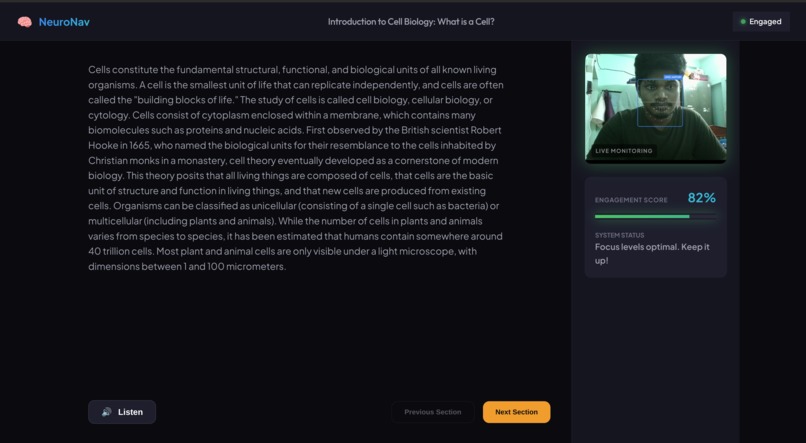
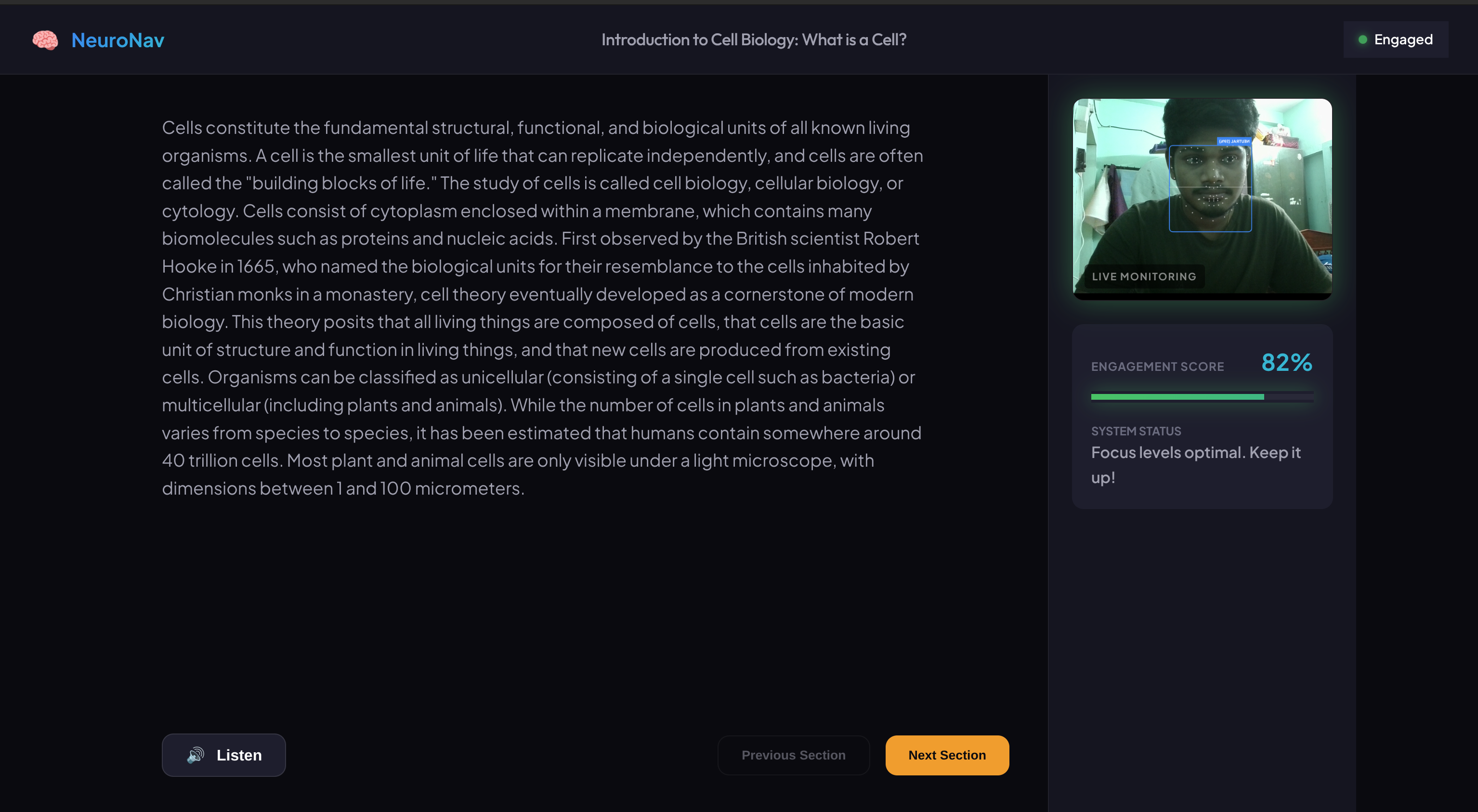
the page where you learn with ai
-
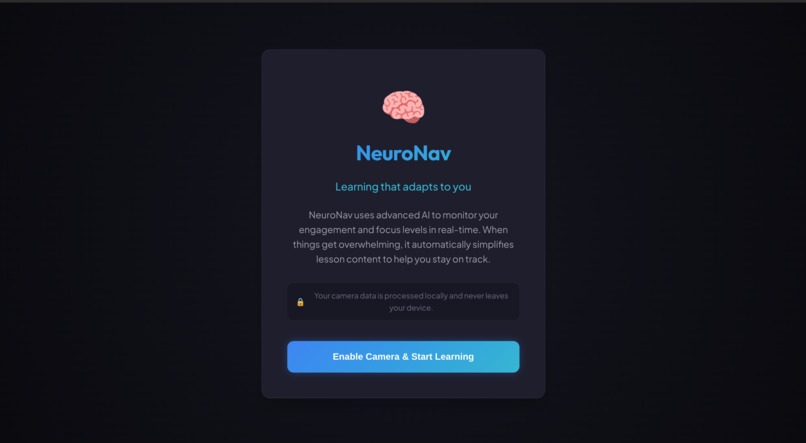
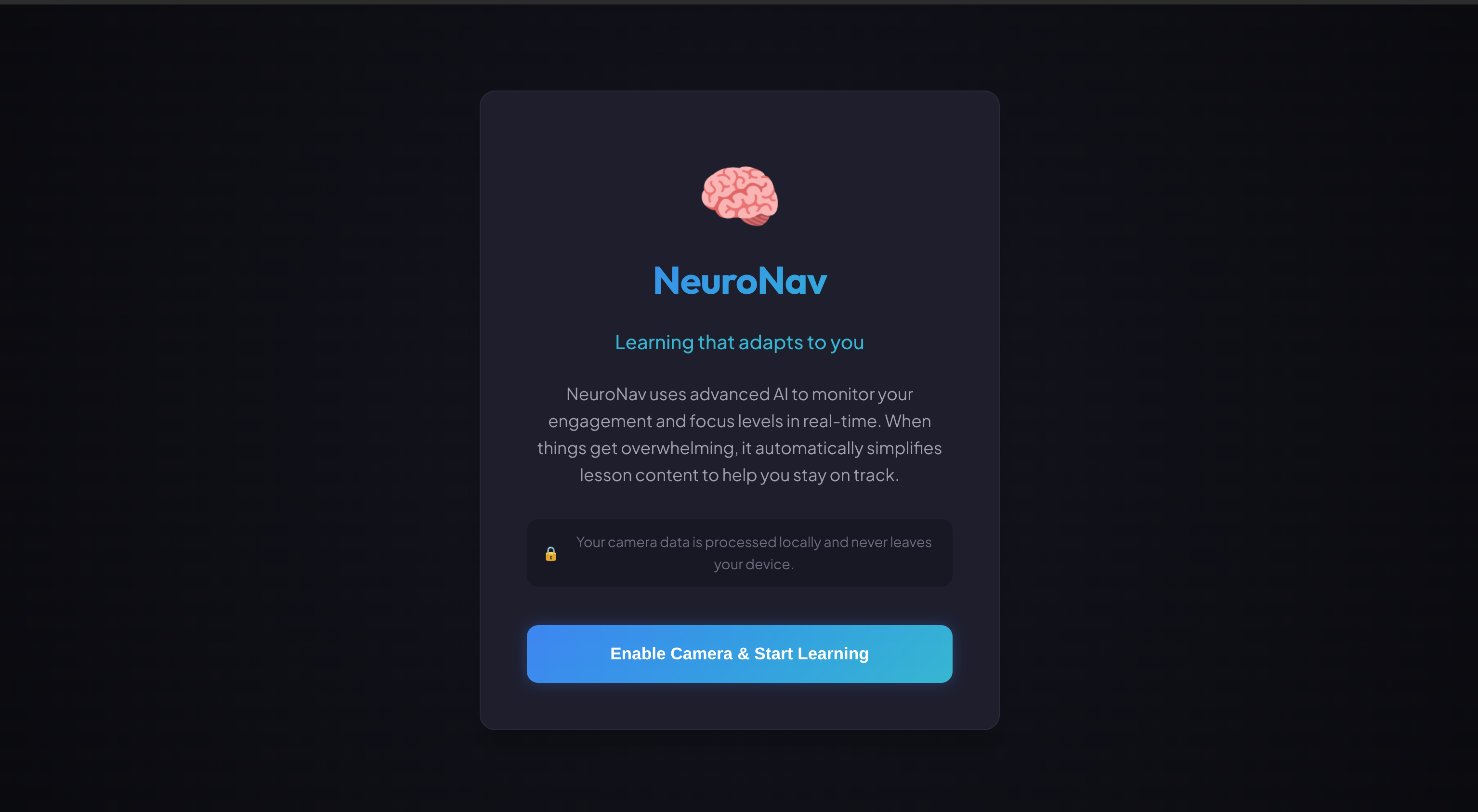
permission page
Inspiration
1 in 5 students is neurodivergent. ADHD, dyslexia, autism, dyscalculia—20% of every classroom processes information differently.
These students don't fail because they're less intelligent. They fail because educational content wasn't designed for how their brains work. ADHD students need content in 5-minute bursts. Dyslexic students need different spacing. Autistic students need reduced visual clutter.
I've witnessed the frustration firsthand—reading the same paragraph five times, the shame of asking for help again, the quiet giving up when no one notices you're drowning.
Current accessibility tools are static. They don't know when you're struggling. They can't adapt in the moment you need them most.
I asked: What if learning could see when you're struggling and help you before you give up?
That question became NeuroNav.
What it does
NeuroNav is an AI learning companion that detects cognitive overload in real-time and adapts educational content instantly.
How it works: 🎥 Passive Detection — Using webcam-based face analysis, NeuroNav monitors:
- Gaze direction (looking at screen or away?)
- Facial expressions (confused? frustrated? engaged?)
- Movement patterns (restless fidgeting or zoned-out stillness?)
🧠 Smart Engagement Scoring — Five signals per second feed into our algorithm:
$$E_{score} = 0.4 \cdot A_{attention} + 0.35 \cdot E_{emotion} + 0.25 \cdot S_{stability}$$
📚 Real-Time Adaptation — When struggle is detected:
- Simplify: AI rewrites complex text in simpler language
- Chunk: Long paragraphs become bite-sized pieces
- Audio: Text-to-speech for auditory learners
- Break: Suggests rest when overloaded
🔒 Privacy-First — All face processing happens locally in the browser. No images ever leave the device.
The result: Students get help the moment they need it—without clicking buttons, without asking, without shame.
How we built it
Frontend: Vanilla JavaScript + Vite
- Lightweight, fast, no framework bloat
- Dark theme UI designed for reduced cognitive load
Face Detection: face-api.js (client-side)
- TinyFaceDetector for real-time performance
- Facial landmark tracking for gaze estimation
- Expression recognition for emotional signals
- Runs entirely in-browser for privacy
AI Engine: Google Gemini API (gemini-1.5-flash)
- Text simplification with prompt engineering
- Content chunking for bite-sized learning
- Encouraging message generation
Engagement System: Custom scoring algorithm
- Multi-signal weighted analysis
- Temporal smoothing to prevent false triggers
- State machine: Engaged → Struggling → Overloaded
- 30-second cooldown between adaptation changes
Audio: Browser speechSynthesis API
- Native text-to-speech
- Reads adapted content when active
Architecture: Azure-ready deployment
- Static Web Apps compatible
- Scalable, serverless design
Performance: 5 FPS detection, <500ms adaptation response
Challenges we ran into
🔴 Challenge 1: Detection Flickering Early versions flickered between states constantly. A single missed frame triggered false adaptations.
Solution: Temporal smoothing—requiring 2+ seconds at a new engagement level before changing state. Added weighted moving average to prevent jitter.
🔴 Challenge 2: Adaptation Thrashing We initially removed adaptations when scores improved. But users felt frustrated when help was suddenly taken away.
Solution: "Sticky" adaptations—once triggered, adaptations stay until the user actively dismisses them. Helping should never feel punishing.
🔴 Challenge 3: Privacy vs. Accuracy Cloud-based face analysis would be more powerful, but students deserve privacy. Their struggle shouldn't become someone else's data.
Solution: Committed to 100% client-side processing. All face detection happens locally. Zero images transmitted.
🔴 Challenge 4: AI Tone Early simplifications felt patronizing—like talking to a child.
Solution: Refined prompts extensively. Goal: simpler vocabulary and shorter sentences, but maintaining dignity. Accessible, not condescending.
🔴 Challenge 5: Score Minimum Bug Engagement scores wouldn't drop below 50, even with no face detected.
Solution: Found artificial floor in smoothing logic. Removed clamp, implemented graduated penalties based on absence duration.
Accomplishments that we're proud of
🏆 Real-Time Adaptive Learning Works We proved the concept. NeuroNav detects struggle and adapts content in under 500ms. Watch someone use it and you see the magic—content transforms the moment they need help.
🏆 Privacy-First AI We refused to compromise. Every face detection frame stays on the user's device. You can get AI-powered help without becoming a data point.
🏆 Invisible Accessibility No buttons to click. No "I need help" to announce. NeuroNav sees the struggle and responds. Accessibility that doesn't require disclosure.
🏆 Smooth, Calm UX Our "bioluminescent calm" design philosophy—animations that feel like deep breaths, not caffeine jitters. A UI that reduces cognitive load rather than adding to it.
🏆 Multi-Signal Engagement Detection Not just "face detected"—we track gaze, expressions, movement, and temporal patterns. A sophisticated understanding of human attention.
🏆 Built Solo in 12 Days One developer, one vision, twelve days. From zero to working prototype with face detection, AI integration, and adaptive content.
What we learned
📖 The Hardest Problems Are Human, Not Technical Understanding how neurodivergent students struggle mattered more than any algorithm. Cognitive load theory, attention patterns, emotional responses—the research shaped every design decision.
📖 Smoothing Is Everything Raw signals are noisy. Real-time systems need temporal smoothing, debouncing, and state machines. The difference between "working" and "usable" is handling edge cases gracefully.
📖 Sticky > Reactive Help that disappears when you improve feels punishing. Adaptations should stay until dismissed. Let users feel supported, not monitored.
📖 Privacy Is Non-Negotiable We could have built a more accurate system with cloud processing. We chose not to. Student trust matters more than marginal accuracy gains.
📖 Prompt Engineering Is an Art Getting Gemini to simplify text without being condescending took dozens of iterations. The right prompt respects the user's intelligence while reducing complexity.
📖 Demo Flow Matters For judges to understand the magic, they need to see it happen. We tuned thresholds and timing specifically for reliable demo moments.
What's next for neuronav
🚀 Microsoft Teams for Education Integration Bring adaptive learning directly into the classroom platform. Content adapts inside the tools teachers already use.
🚀 Personalized Learning Profiles Learn each student's unique patterns. Some need more movement tolerance (ADHD). Some need faster break suggestions. Personalization without surveillance.
🚀 Teacher Insights Dashboard Aggregate, anonymized insights for educators. "30% of students struggled on Section 3"—without identifying individuals.
🚀 Multi-Language Support Accessibility knows no borders. Expand simplification to Spanish, Mandarin, Hindi, and beyond.
🚀 Expanded Content Library Partner with educational publishers to pre-adapt curriculum materials across subjects and grade levels.
🚀 Mobile Progressive Web App Take adaptive learning beyond the desktop. Same privacy-first approach, optimized for tablets and phones.
Our Vision: Every student deserves education that adapts to them. Not the other way around.
NeuroNav: Learning that sees you. 🧠
Built With
- claude
- face-api
- gemini
- speechsynthesis
- vite

Log in or sign up for Devpost to join the conversation.