-
-
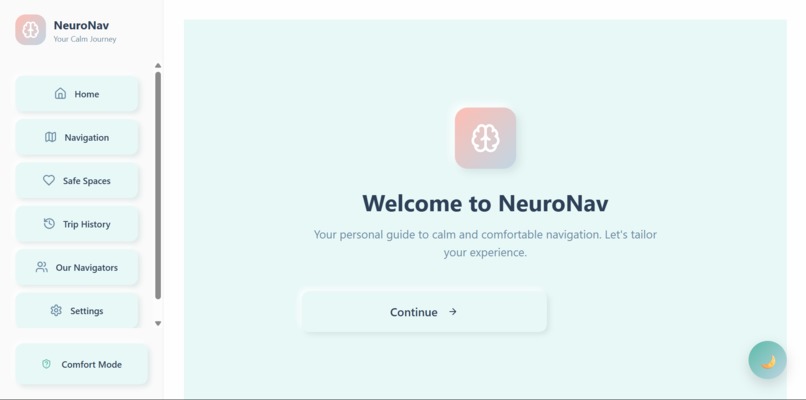
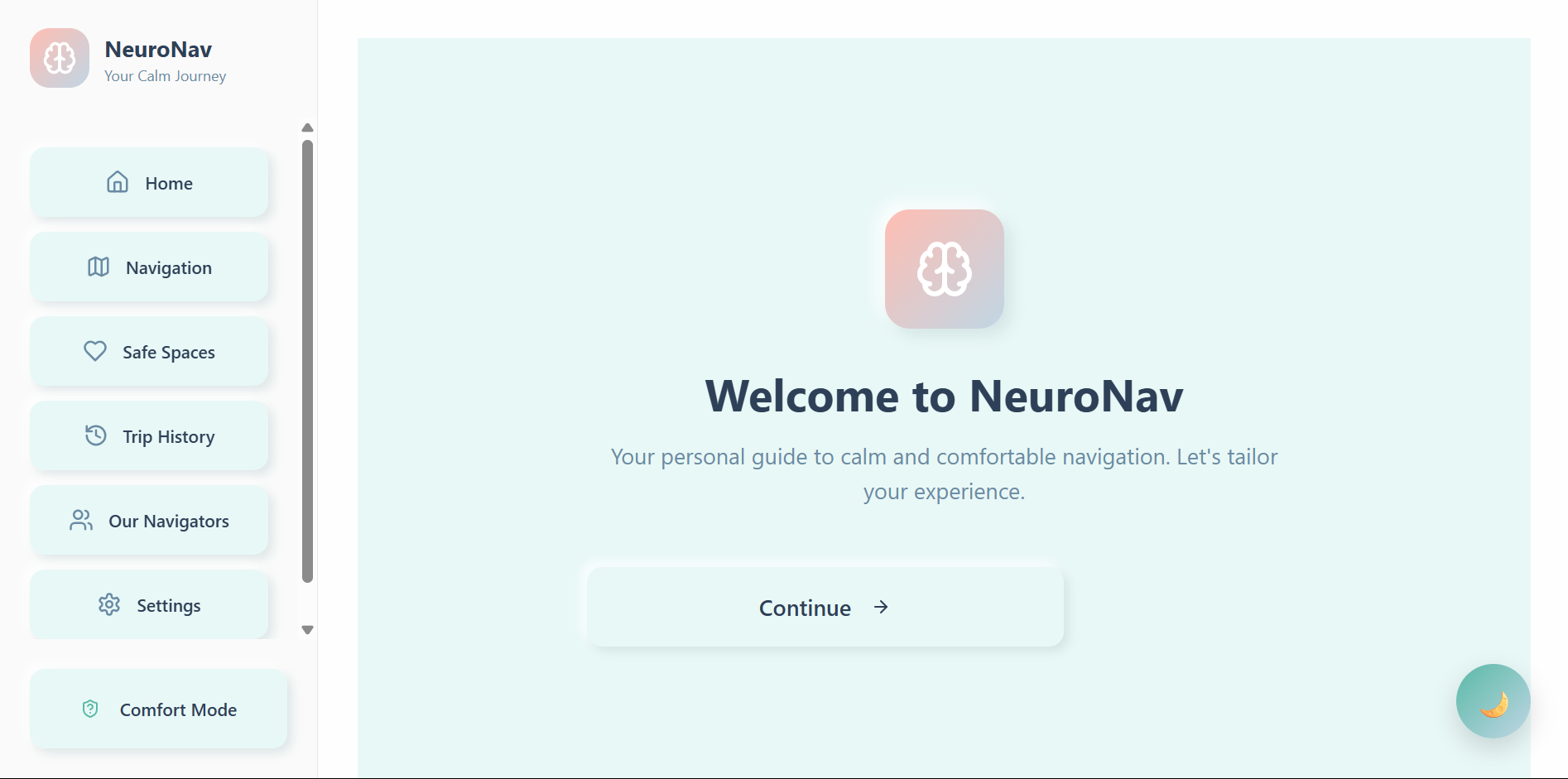
Onboarding screen
-
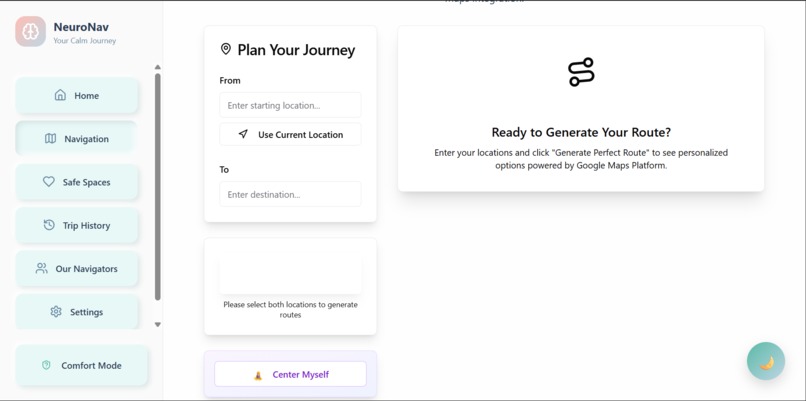
Navigation
-
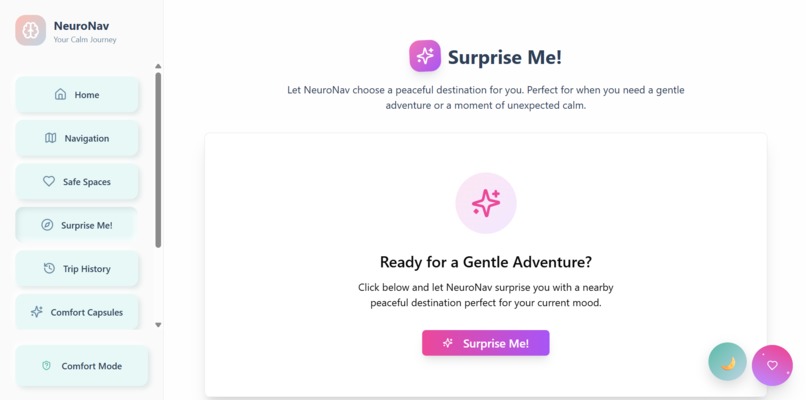
Surprise
-
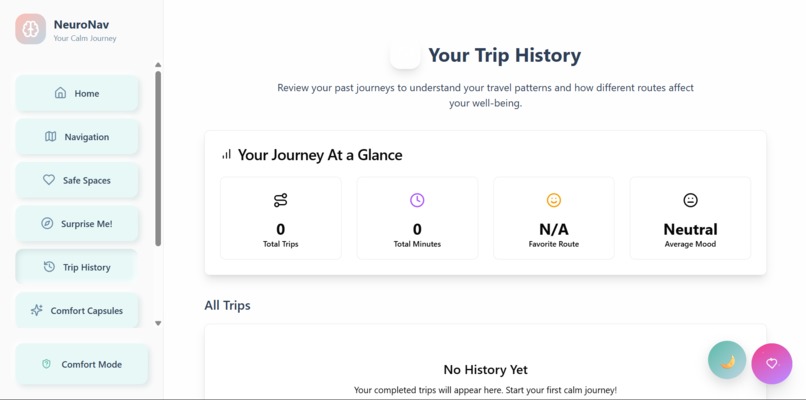
trip
-
-
-
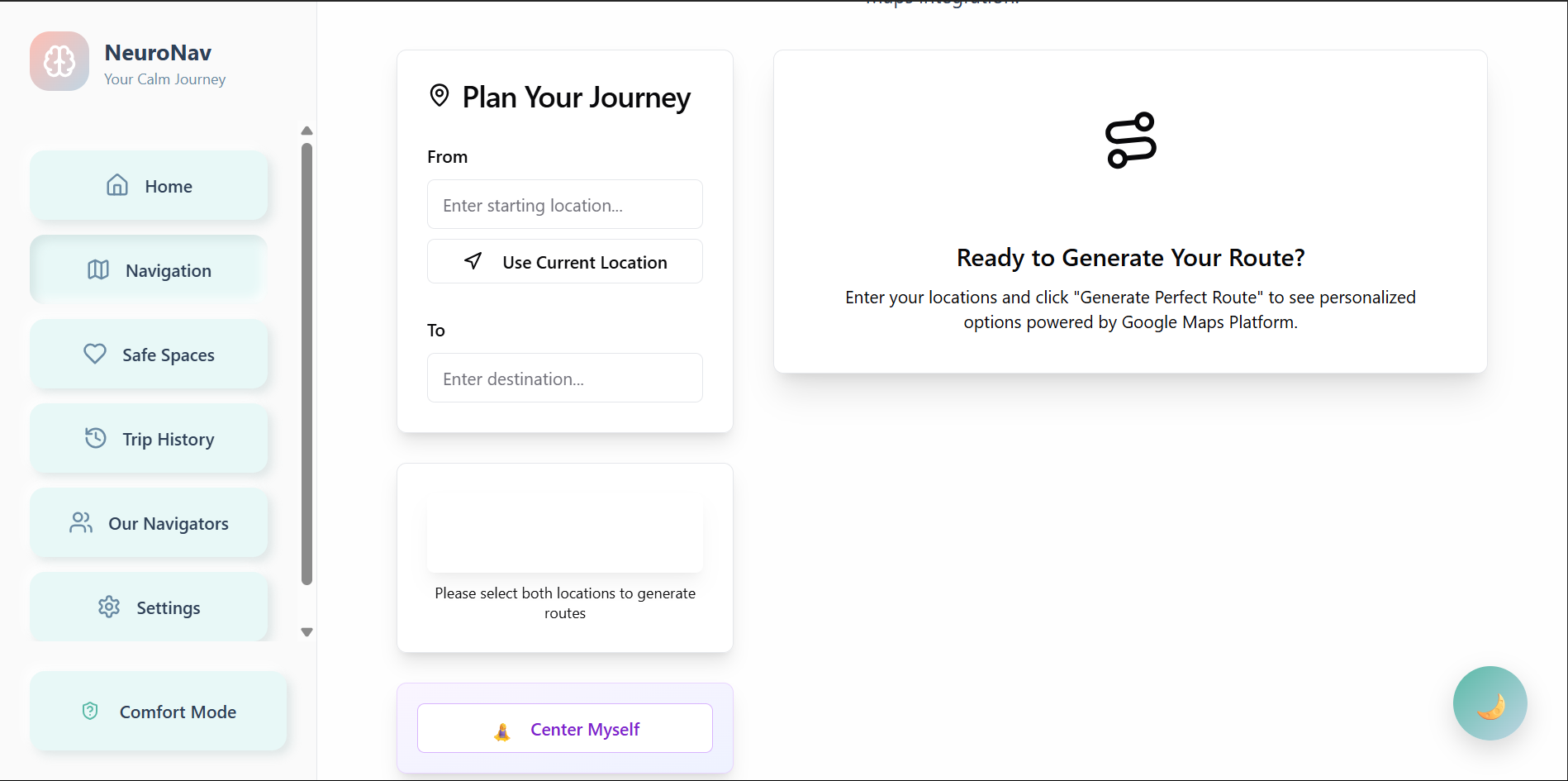
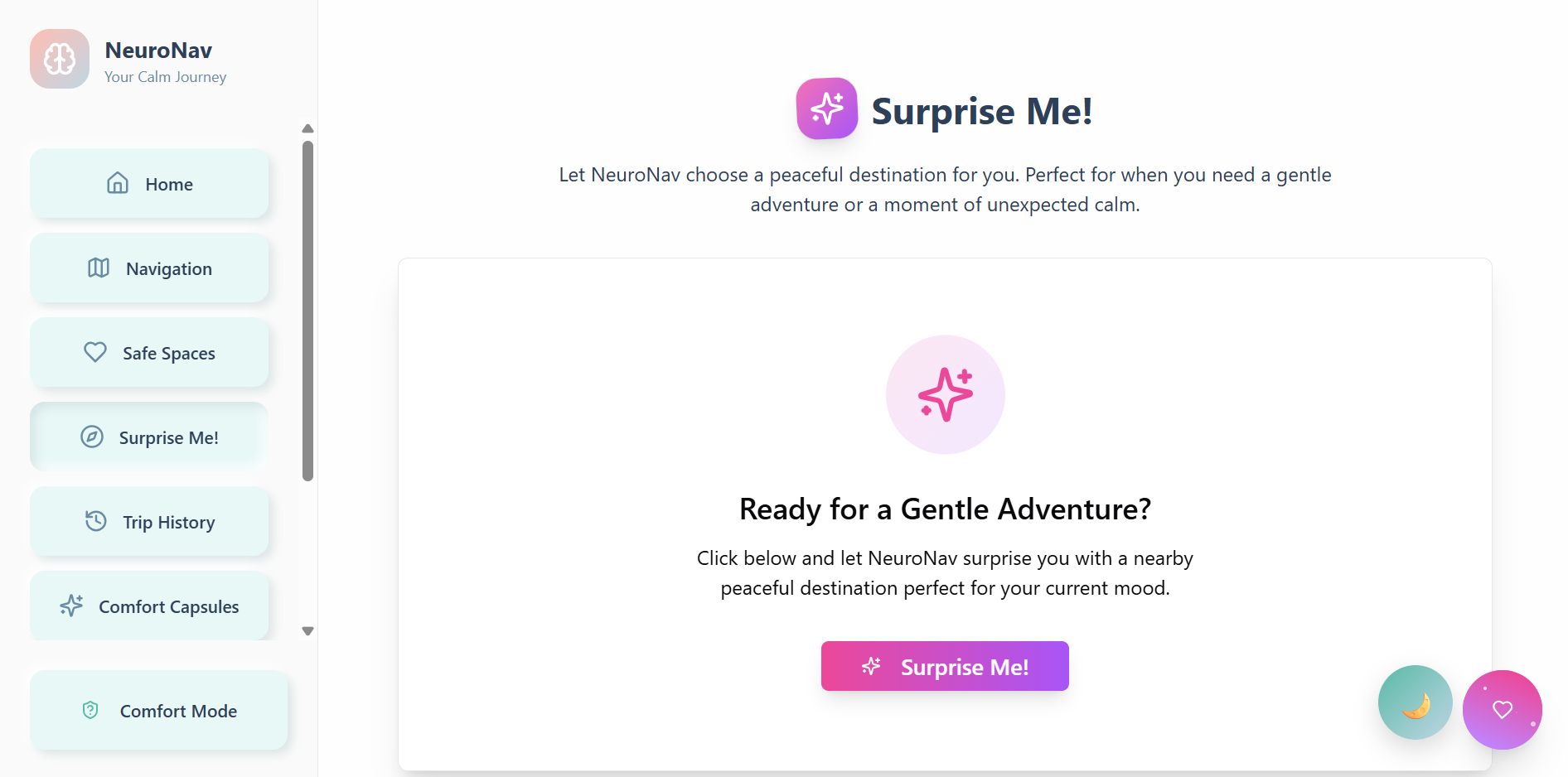
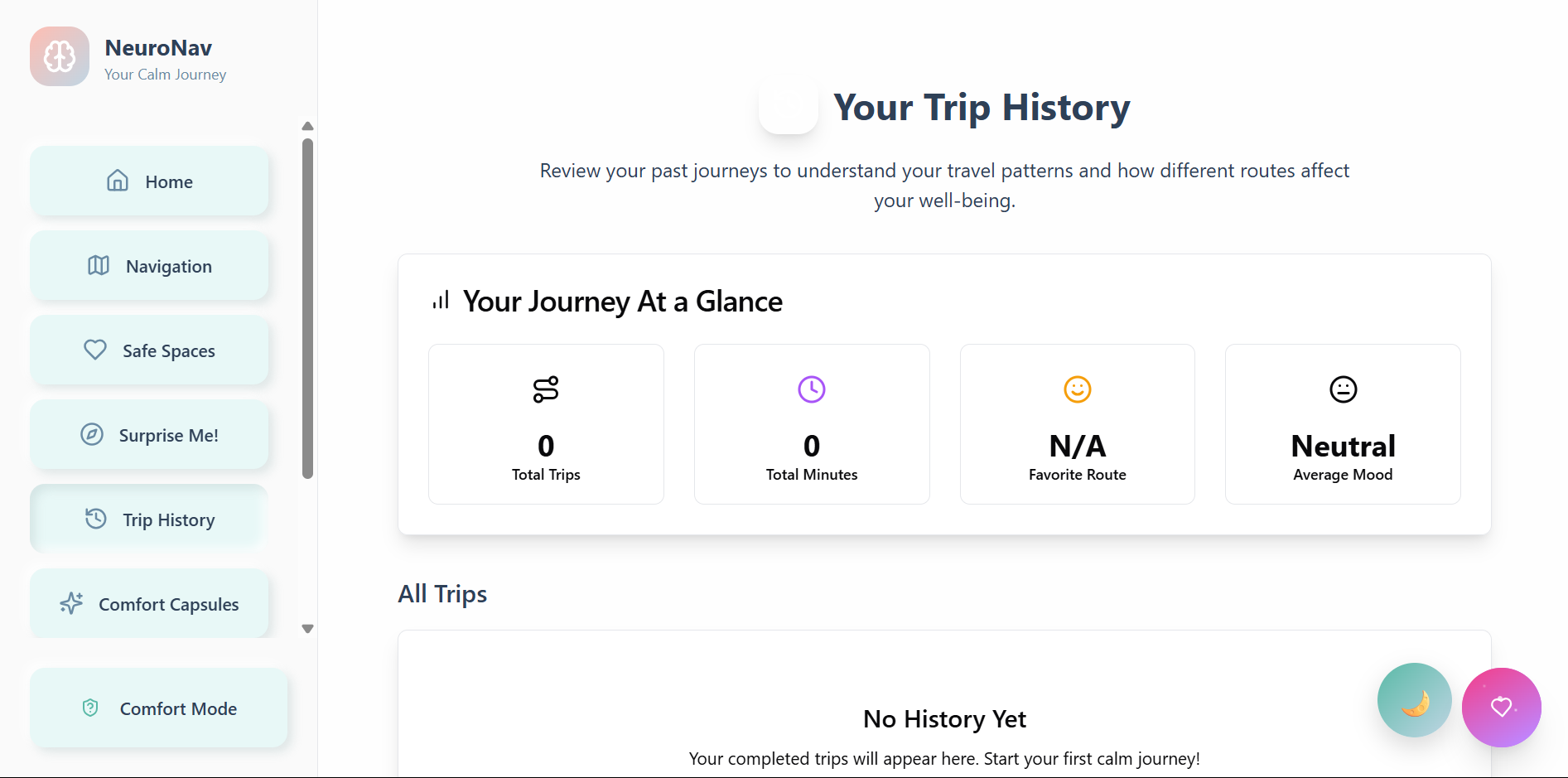
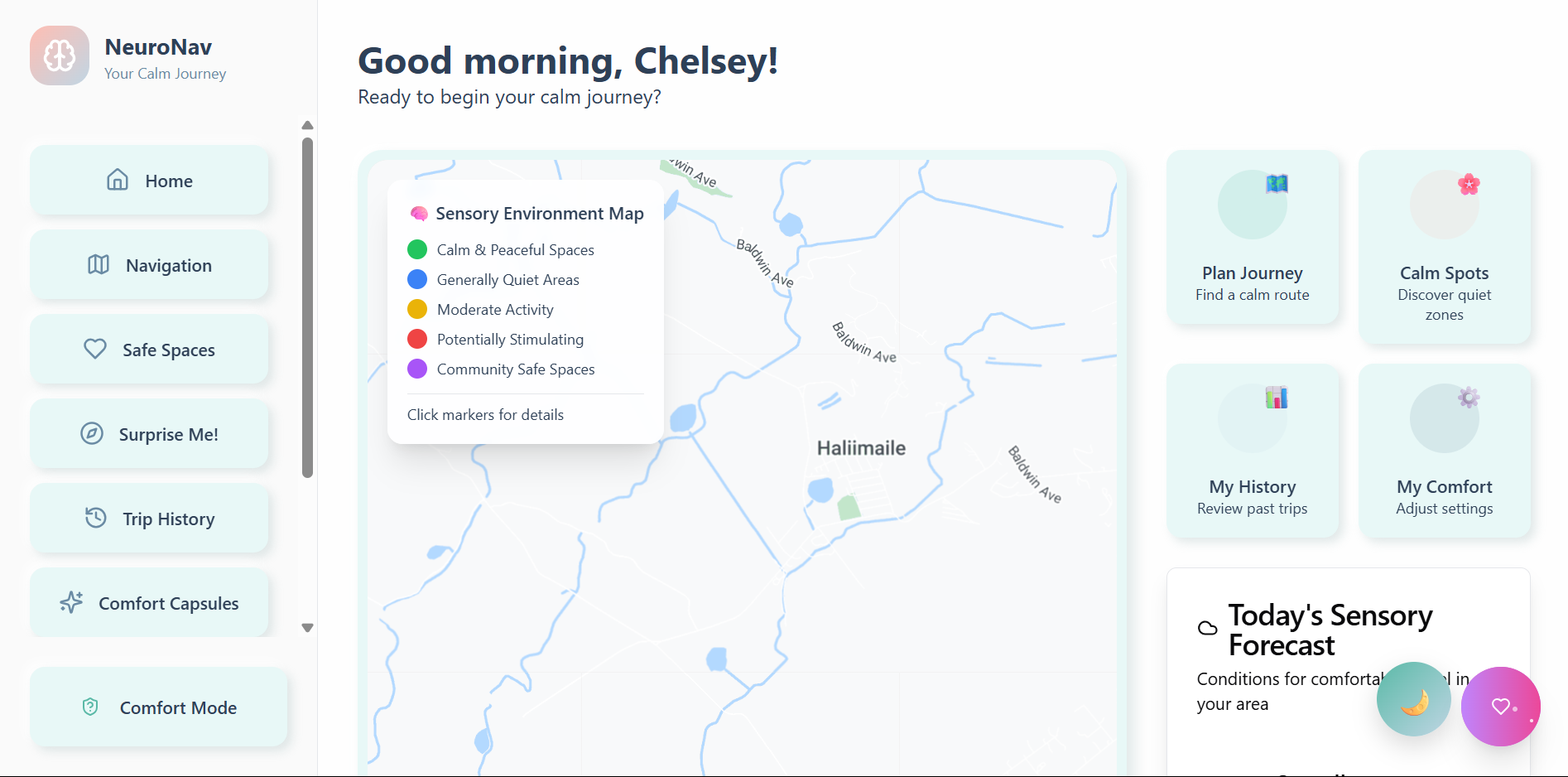
Inspiration
Where navigation has always catered to the fastest, most efficient route, there has never been a consideration for the fastest, most comfortable, or accessible one. Enter NeuroNav—filling the gap where so many navigation systems forget: the 15-20% of the population that is neurodivergent—from people with autism, ADHD, PTSD, and even sensory processing disorders.
For these groups, the "fastest route" may take them down a street filled with flashing lights, construction sounds, and crowded sidewalks. For many neurodivergent individuals, it'll lead to a meltdown, sensory overload, or even anxiety. I thought, what if Google Maps routed with calmness and inclusivity instead of time?
NeuroNav elevates navigation from a simple function to an act of compassion. Rerouting people for mental health, sensory ease, and emotional wellbeing puts everyone onto a better path. Accessibility is one thing; creating tools that prioritize and acknowledge the true diversity of humankind is another.
What it does
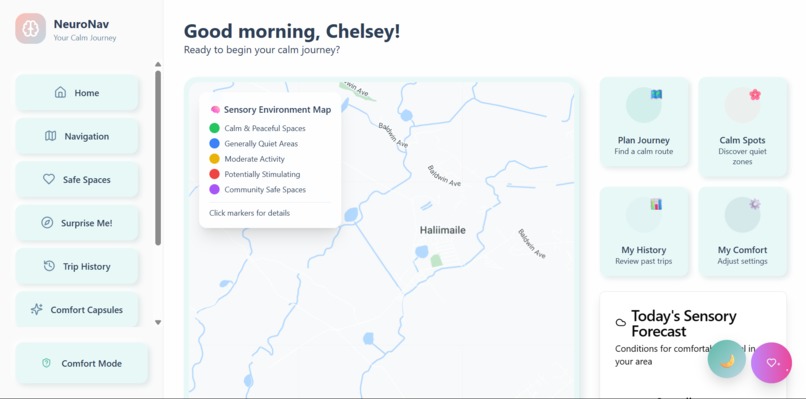
NeuroNav provides a comfort-first navigation experience through sensory-sensitive routing. Users can route based on how noisy the route will be, how well-lit it might be, and how populated it could get. The application will avoid construction zones, overly bright traffic lights, and known sensory triggers while favoring parks, quieter sounds, and areas the user knows to frequent.
The platform includes mood check-ins and UI adjustments with pre-journey mood surveys determining which routes are best suited according to feedback. If someone is angry, they'll see soft animations and calming color palettes—and each route option will have comfort indicators.
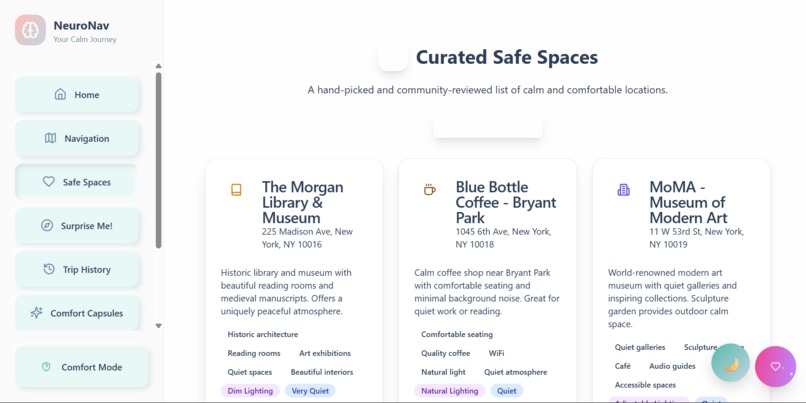
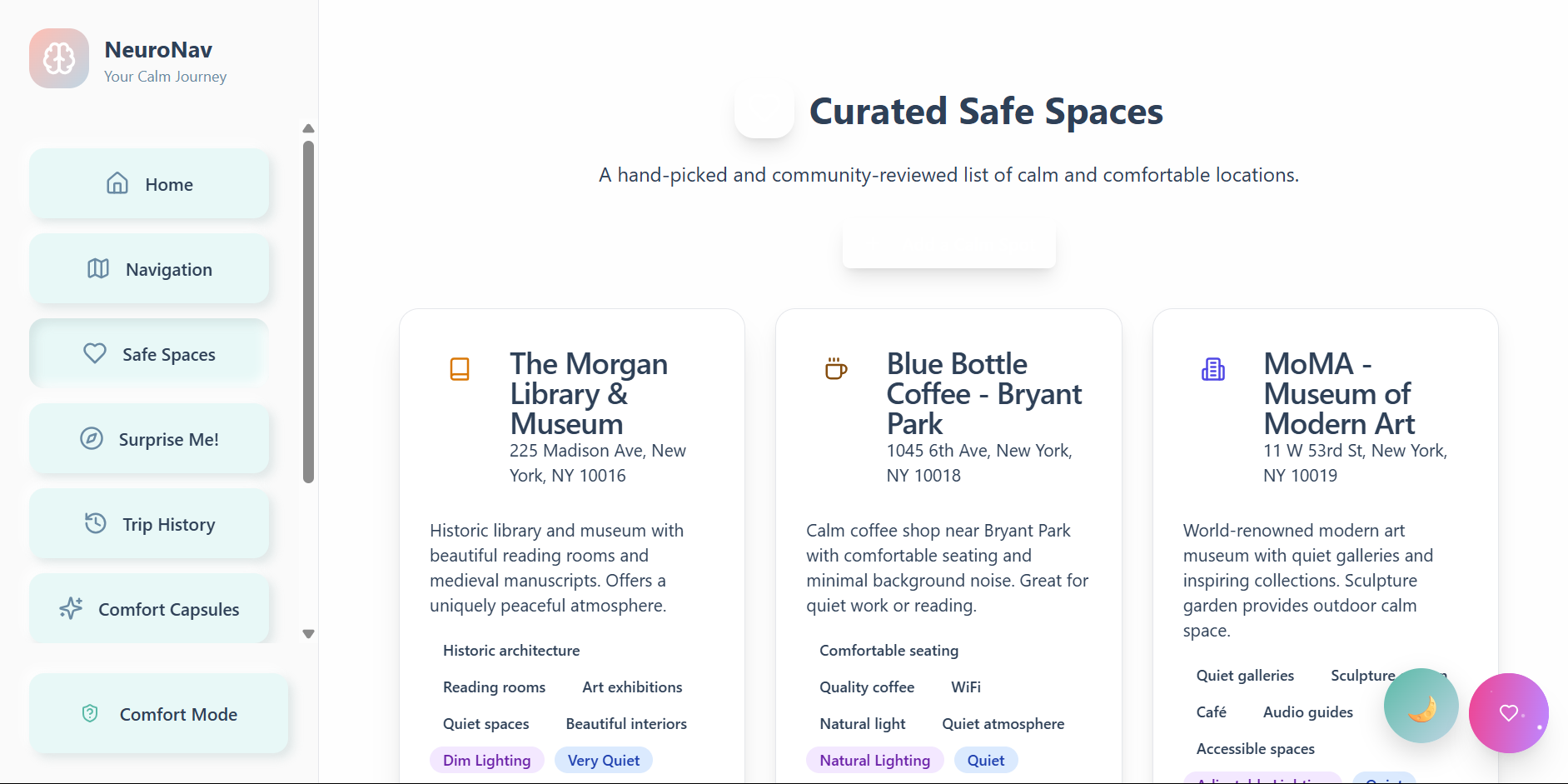
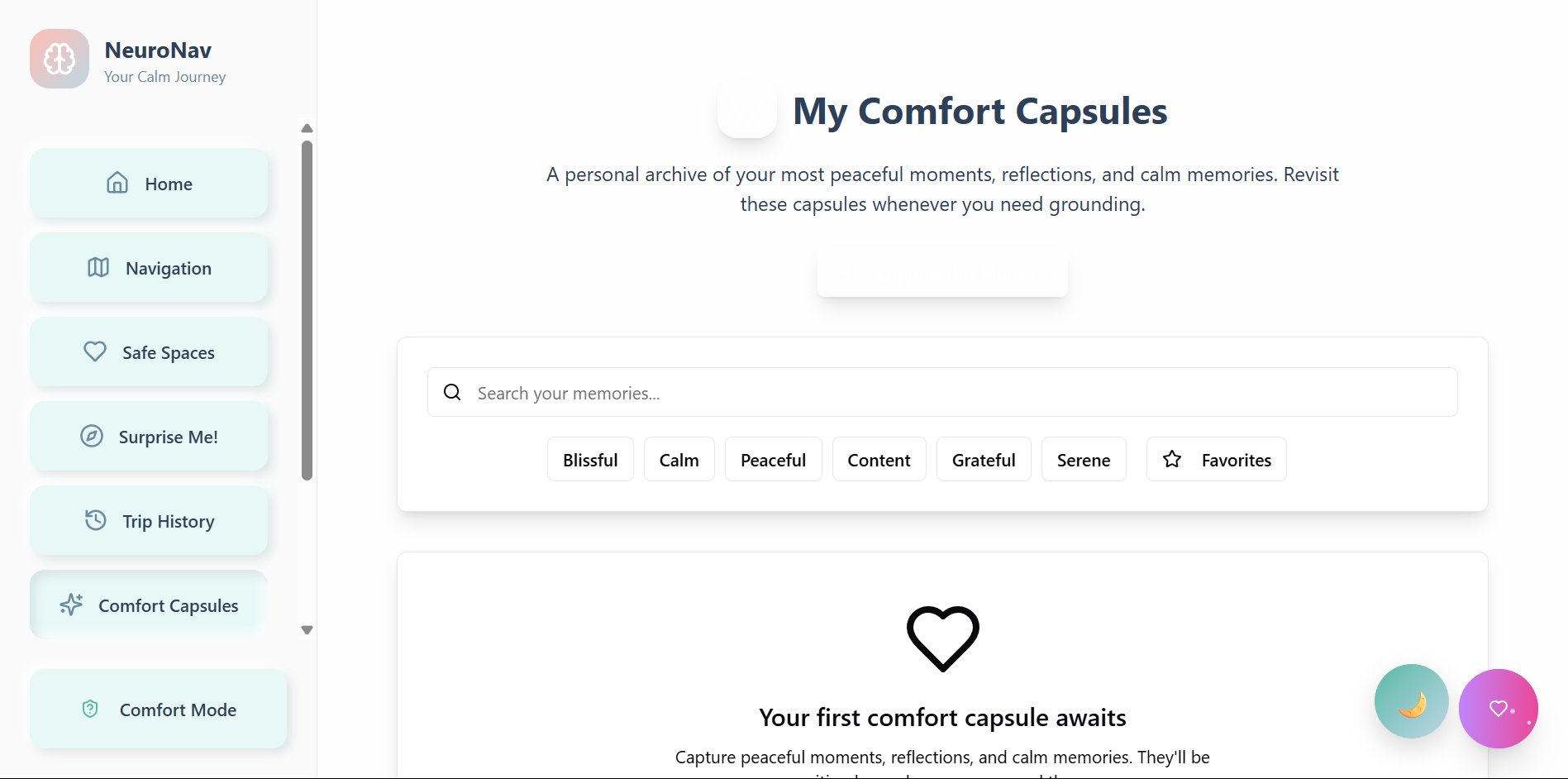
In addition, community-driven safe spaces make for an exciting feature as a user-generated "Calm Zones" repository where safe places exist for everyone. Users create their way into the "Calm Zones" database by adding places they know to be sensory-friendly. This community's real-time comfort ratings and accessibility indicators cross-referenced with Google Places help identify businesses that are neurodiverse friendly. NeuroNav features personalized comfort profiles with comfort levels (light discomfort, noise tolerability, social discomforts), learns over time via recommendation algorithms, and employs crisis mode to instantly route users to safe locations when life is too overwhelming.
How we built it
It was built atop the Google Maps Platform—I used the Maps JavaScript API, Places API, Directions API, and Geocoding API to render relevant location-based services. Using a comfort algorithm to determine the nature of routes relative to individual sensory comfort preferences and needed the webapp to be a progressive web app so it could function on any device.
Relying on JavaScript ES6+, CSS Grid, and HTML5 compliant with WCAG 2.1 AA. Integration with the Google platform includes measuring locations generated by the Places API against comfort-rated locations/audience-supplied comfort information to generate weighted factor routes in the comfort algorithm assessed via the Directions API for suggestions and custom overlays via the Maps JavaScript API to showcase comfort zones/sensory flags. The Geocoding API allows for exact matches among the user-supplied safe spaces.
Accessibility features include high contrast/color customization, screen reader and keyboards navigation compliance, reduced motion and gentle haptics, and auditory comfort routing.
Challenges we ran into
There was some fascinating hurdles, some of the biggest technical challenges involved ensuring that the Google Maps JavaScript API was called and available before rendering any map components or invoking map-related functionality. Countless ReferenceErrors emerged where google.maps.Map or google.maps.places.PlacesService was undefined because either the script had not been loaded or the onload callback function had yet to trigger. Thus, appropriate useEffect hooks and window.google checks were necessary. Furthermore, providing map-related API keys to various Google services (Maps JS vs. Places vs. Directions vs. Geocoding) is necessary since ill-provisions lead to no errors reported but broken maps functionality. Finally, needing the Directions Service to work in tandem with the Places Service both for search suggestions and then for routing means that it'll take a stateful endeavor to ensure a search is resolved to lat/lng coordinates before a route can be decided upon.
The most important design challenge, though, involved making an aesthetically pleasing, modern User Interface while ensuring a calming, non-overbearing experience. This means color palette decisions from gentle neumorphism applied throughout to no jarring animations to proper text rendering for readability. Furthermore, having sensory preferences at this granularity ("avoid loud areas," "green areas preferred," "low stimulation mode") would mean that the settings UI could get complicated; ensuring it's sticky and always accessible yet powerful for advanced customization. The most challenging part of design was taking the vague operational need sensory preferences and making them tangible on a map. For instance, transforming "avoid loud areas" into a successful routing experience that avoids certain road types or suggests parks will involve creating rules when, in reality, more dynamic, AI-whole sensory mapping needs to occur which requires much more detailed real-world data and algorithms.
Accomplishments that we're proud of
From a technical perspective, I'm proud of using Google APIs (Maps Javascript, Places, Directions, Geocoding) to create a seamless experience that feels like one application despite an extensive back-end. With a good algorithm to compare directional tendencies with individual sensory profiles, and responsive design aspects feature calming animations and "reduce motion" settings for those who would like to avoid movement.
What we learned
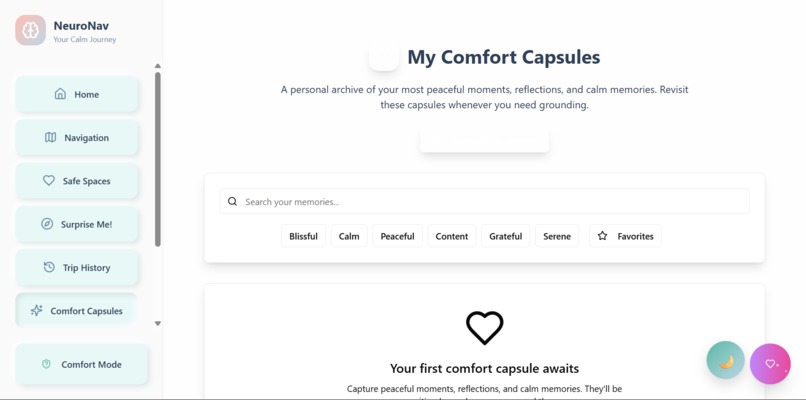
I learned while creating NeuroNav that inclusive design means learning how to think about concepts that would be very different from what accessibility would call 'normal'. Google's APIs enabled extensive custom routing logic above suggested parameters, however, it's difficult to integrate with an extensive knowledge of asynchronous loading. Compiling dynamic data not only customized a static map into a comfort offering, but also generated performance challenges. For example, I needed to ensure it worked because applying this with those in a crisis means stressful situations can compound complications which need instant response and dependability.
The development process assured me that it's better to listen before coding than assume and execute. Designing for calm and comfort means going against what maintains disruption for a standard UI/UX process; for example, slight variations in color, animation or response could negatively impact someone who is triggered. Therefore, any new feature requires not only technical feasibility but also emotional viability to successfully add a beneficial tool versus another unhelpful feature.
Above all, I learned that technology can be therapeutic so long as empathy is the guiding principle. Gentle colors, soft animations, and sensitivity to mood can go a long way for user experience. The most untraditional approaches come from addressing the needs of an underserved community; what emerges as a breakthrough solution for a few may emerge as a better alternative for many.
What's next for NeuroNav
Over the next six months, I want to expand this and unleash AI predictions with machine learning models being trained through user engagement to recommend comfort paths based on predicted results. Also increasing data integrations with city noise decibel levels, weather database APIs, and any databases on live events to better predict routing comfort. I'll maintain community features to grow a comprehensive network of calm zones to flag and assess, bolstered by legitimate data moderation and fact-checking. Finally, I'll seek an offline functionality with comfort maps available for download in no-Wi-Fi zones and areas of too much computation.
Built With
- auth
- base44
- datamodels
- date-fns
- deployment
- framermotion
- google-places
- googledirectionsapi
- googlegeocodingapi
- googlemapsjavascriptapi
- javascript(es6+)
- json
- jsx
- lodash(debounce)
- lucidereact
- react-router-dom
- react.js
- recharts
- shadcn/ui
- tailwindcss

Log in or sign up for Devpost to join the conversation.