
Project MindMinder: The AI Choice Architect
The Spark: Beyond the Nag
Our inspiration for MindMinder was born from a shared frustration: the digital abyss of procrastination. As developers, we live on our computers, but the very tools meant for productivity are surrounded by a sea of distractions. We’ve all tried the standard solutions—website blockers, simple pop-up reminders, to-do lists—but they fail because they’re built on a flawed premise: nagging. A simple reminder is just digital noise. We were inspired by the question: What if an AI didn't just nag, but acted as a sophisticated 'choice architect' rooted in actual neuroscience? We wanted to build an agent that doesn't just tell you what to do, but subtly reshapes your digital environment to make doing the right thing the path of least resistance.
What We Learned: From Nagging to Nudging
This hackathon was a deep dive into motivational psychology. Our biggest takeaway was that the context and framing of a reminder are infinitely more powerful than the reminder itself. We started with the idea of "advanced nagging" and quickly learned that was an oxymoron. True motivation is intrinsic. We explored principles like Implementation Intentions ("When I open my browser, Then I will open my task list"), Temptation Bundling (linking a 'want' to a 'should'), and the Zeigarnik Effect (the mental pull of an unfinished task). We learned that a well-timed, five-minute prompt to start a dreaded task is more effective than a hundred reminders to finish it. The goal shifted from building a taskmaster to building a coach that understands human psychology.
How We Built It: The Tech Stack & The Grind
MindMinder is a combination of a low-code AI workflow builder and some gritty OS-level scripting. The core logic is built on an AI agent platform (conceptually similar to Lindy.ai) where we defined our psychological models as trigger-based workflows.
For the Windows 11 integration, we turned to PowerShell. We wrote a series of scripts that act as the AI's "senses" on the local machine. One script monitors active window titles and process durations. When a pre-defined trigger is met (e.g., "YouTube.exe" active for >10 minutes before "Code.exe" has been used), it sends a webhook to our AI agent. The agent then processes the rule—"Is there an active Temptation Bundle?"—and sends back a command. Another PowerShell script listens for these commands and executes the intervention, like displaying a non-intrusive pop-up with a user-defined message ("Remember, 30 minutes of coding unlocks your watch later playlist!").
Challenges & Breakthroughs: The Bugs and The 'Aha!' Moment
Our biggest technical challenge was the OS integration. Getting PowerShell to reliably monitor activity without consuming significant resources or triggering antivirus flags was a nightmare of permissions and process management. But the true challenge was philosophical: tuning the interventions to be helpful without crossing the creepy line into digital micromanagement. Early versions felt oppressive.
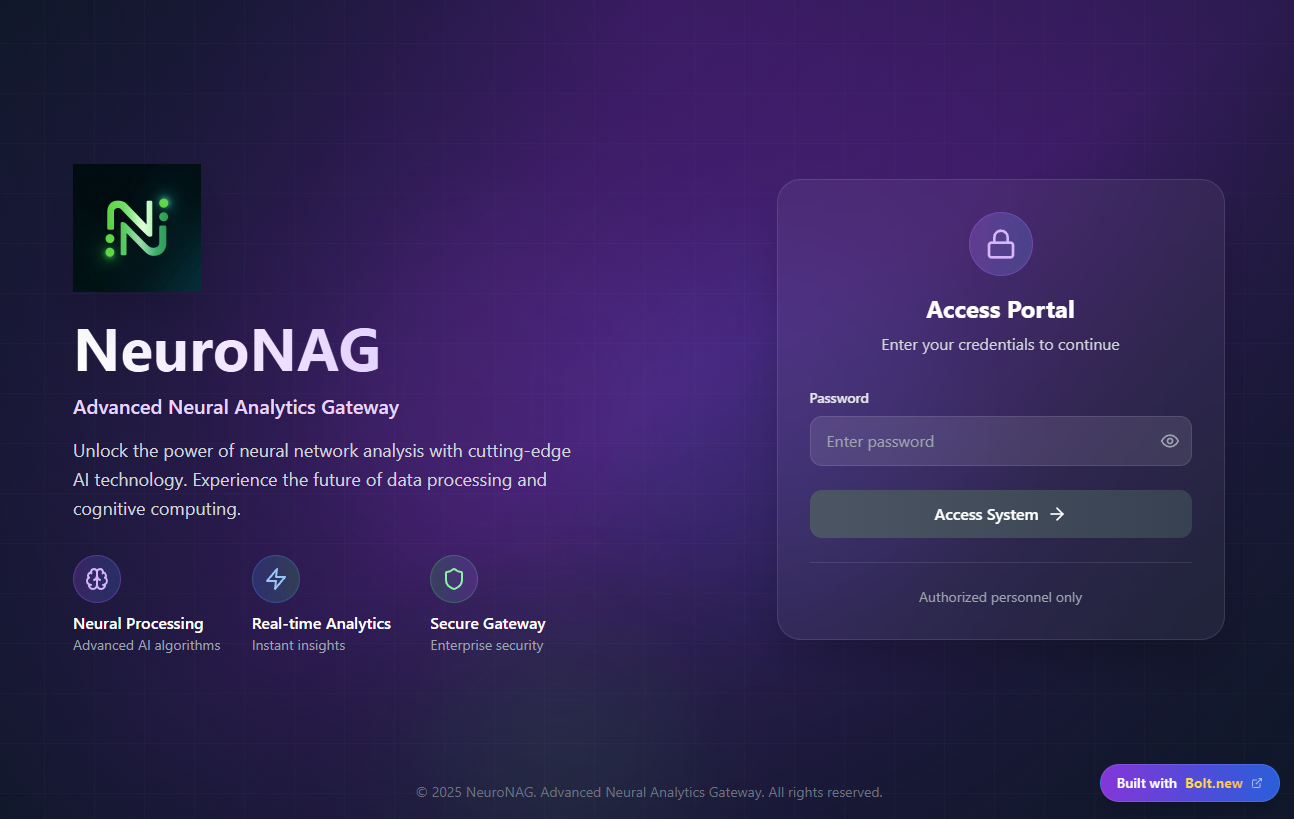
The breakthrough came when we shifted focus to user co-creation. We built a simple interface where the user doesn't just set tasks, but writes their own "When-Then" and "Temptation Bundle" rules. By putting the user in the driver's seat of designing their own behavioral nudges, the agent transformed from a warden into a partner—a true extension of their own best intentions.
Built With
- bolt
- fastapi
- lindy
- onesignal
- pgvector
- python
- vertex

Log in or sign up for Devpost to join the conversation.