-
-
NeuroLens Logo Light
-
-
-
-
-
-
-
-
-
-
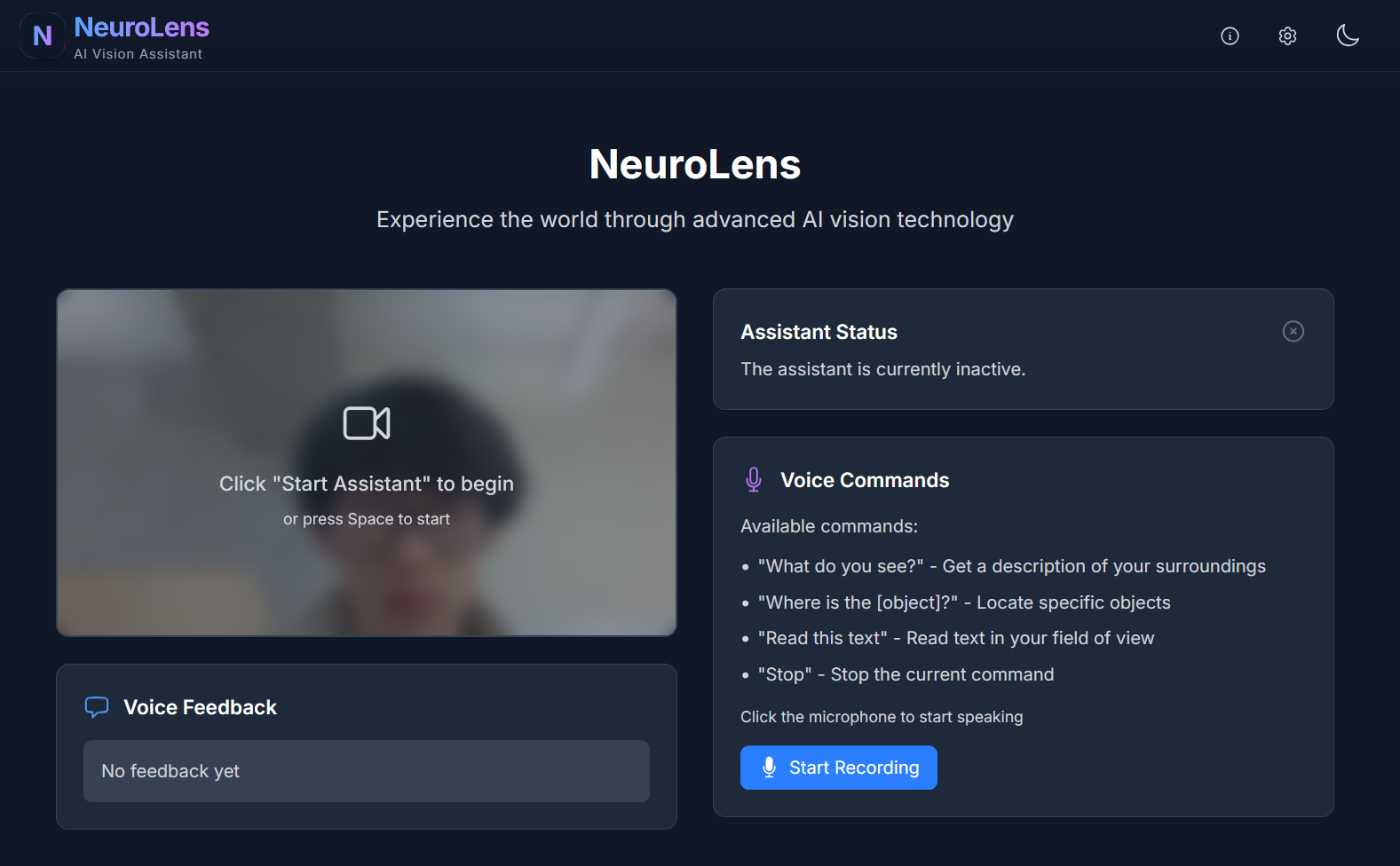
NeuroLens – AI-Powered Vision Assistant
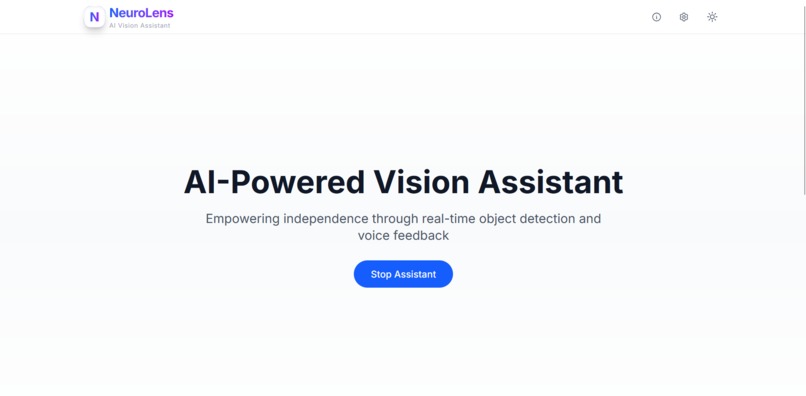
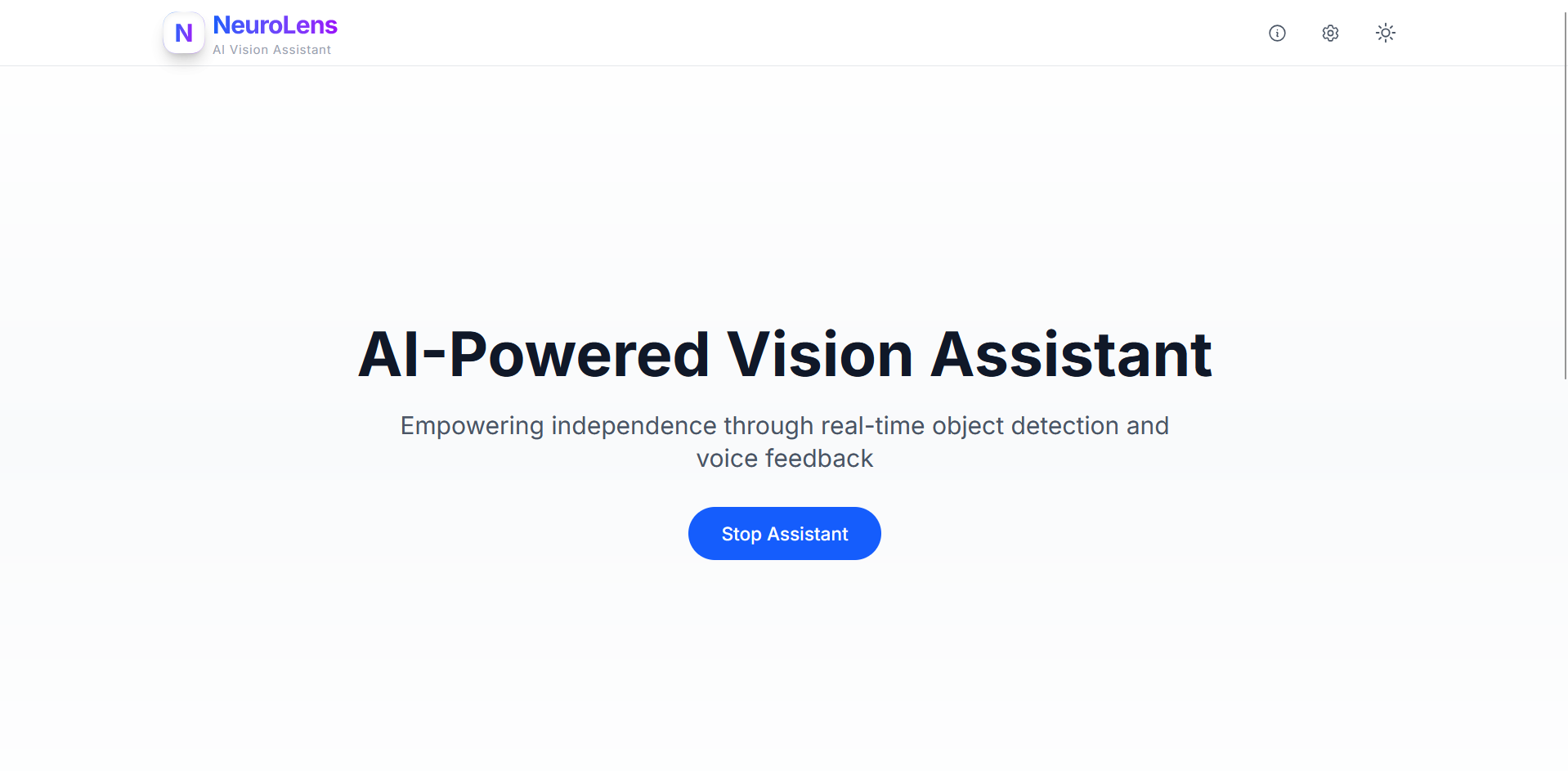
Empowering independence through real-time object detection and natural voice feedback, NeuroLens assists visually impaired users in navigating their environment with confidence.
GitHub Repository
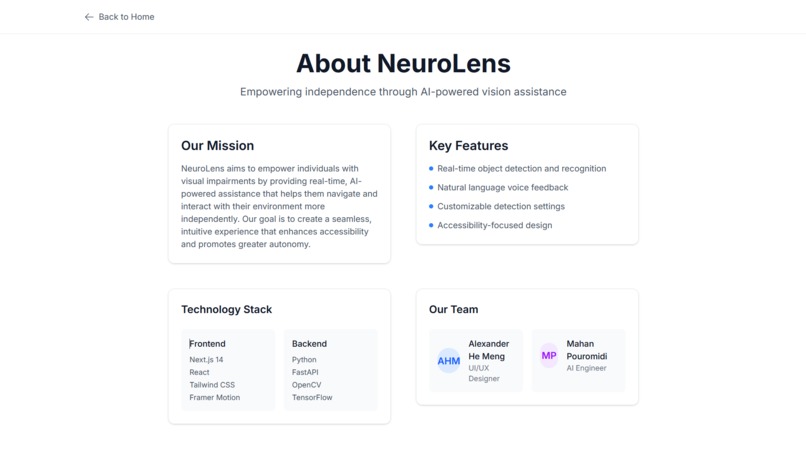
Frontend | Backend
Inspiration
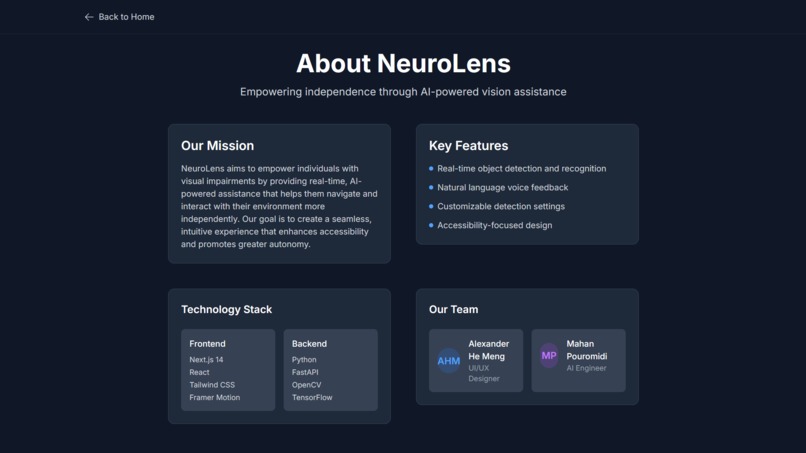
Alex aimed to create a product that meaningfully enhances quality of life. Mahan, with a strong background in medical AI, initially thought of using computer vision to assist with physiotherapy—detecting incorrect movements in real-time. But we pivoted when we realized AI’s accuracy could support individuals facing more fundamental challenges.
Millions of visually impaired individuals still rely on traditional walking canes. We asked: what if we could transform visual data into real-time, meaningful feedback? What if AI could serve as a second pair of eyes?
That’s how NeuroLens was born: a real-time vision assistant for the visually impaired. It began as a concept for smart glasses and evolved into a powerful AI application that delivers object detection, scene analysis, and voice feedback through simple webcam input. Our long-term vision? An accessible, wearable AI assistant, similar to JARVIS from Iron Man, empowering people to navigate the world more independently.
What It Does
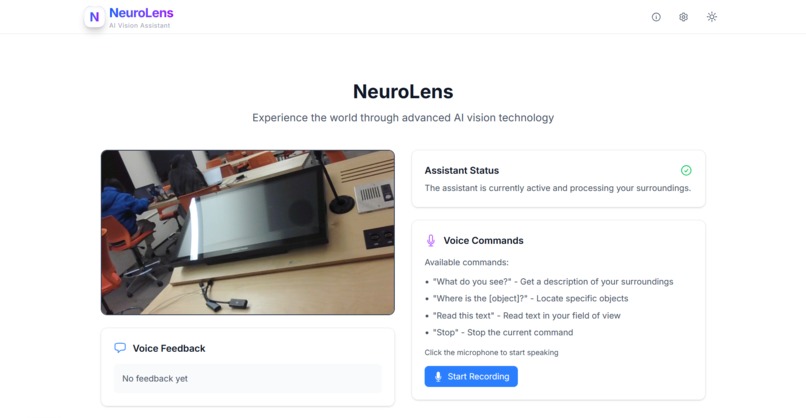
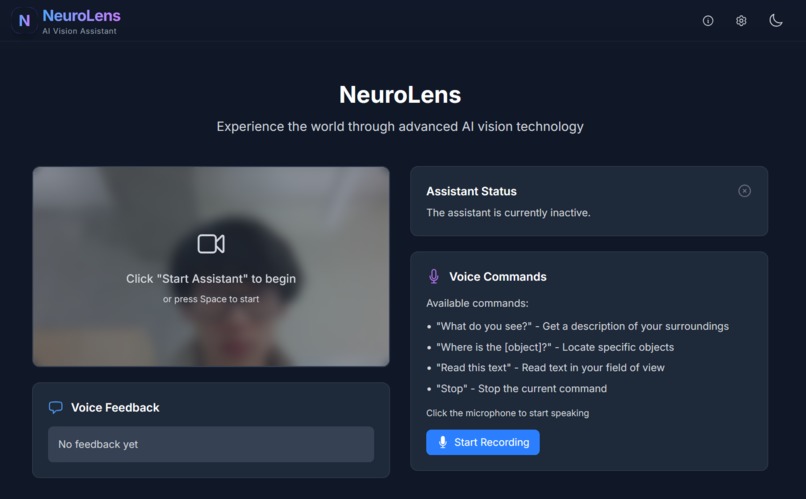
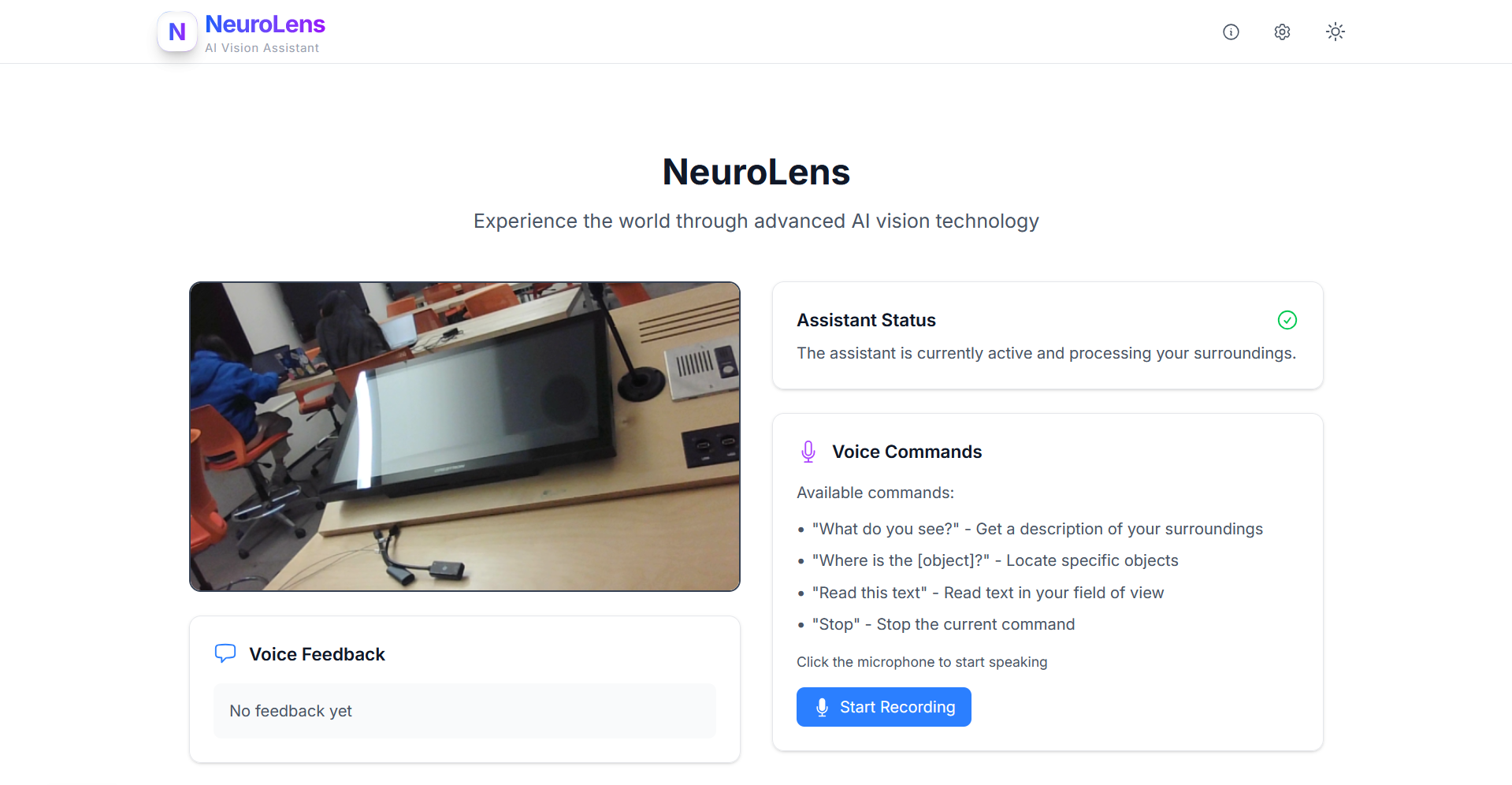
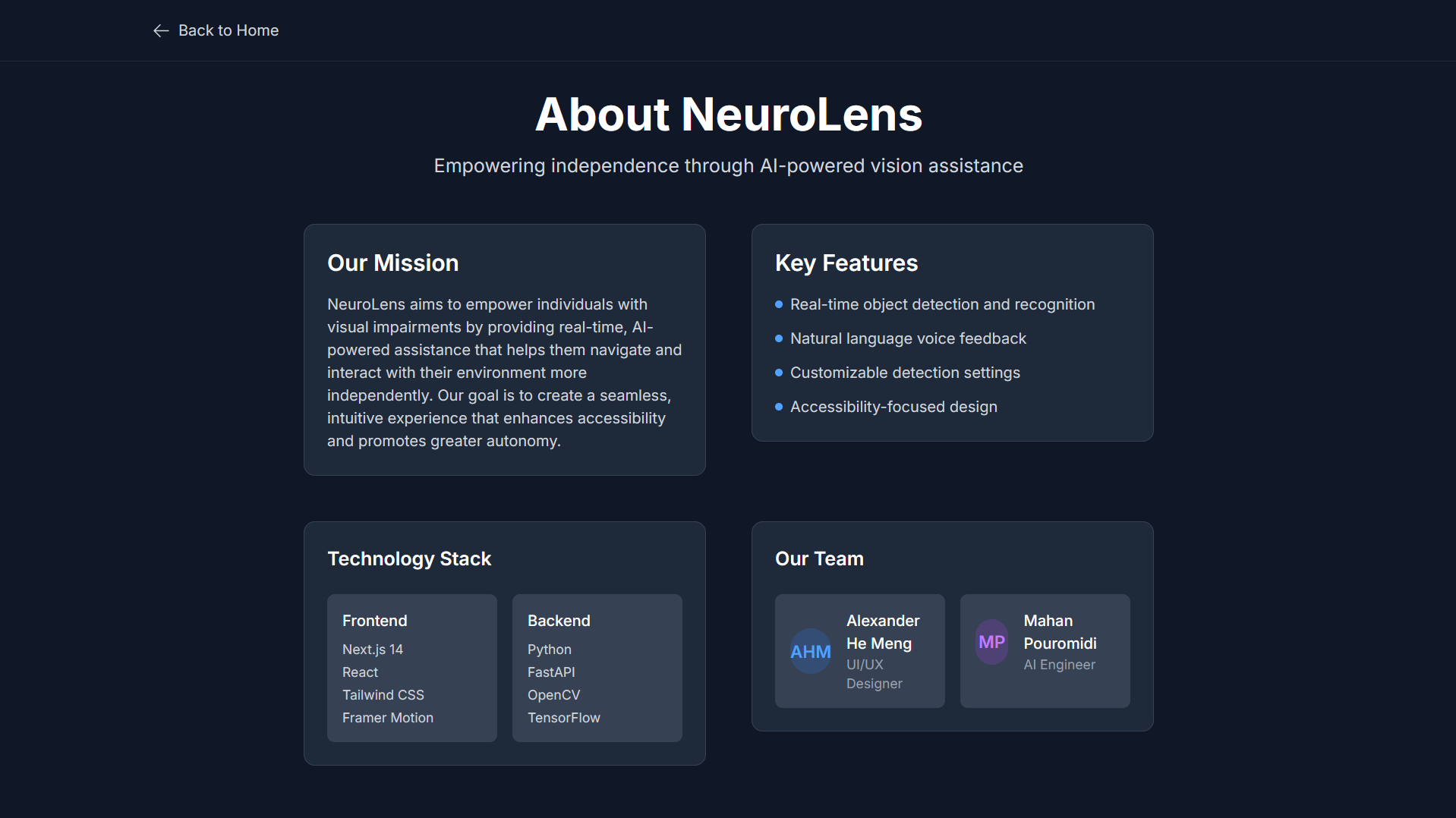
NeuroLens takes in real-time webcam feed, analyzes it using AI models, and provides natural language voice feedback about the user’s surroundings. It identifies objects, reads text, and responds to spoken commands, offering an intuitive way for users with visual impairments to gain awareness of their environment.
Features:
- Real-time webcam feed processing
- Object detection using YOLO models
- Scene analysis via OpenAI GPT-4o mini
- Text recognition through OCR (PyTesseract)
- Natural voice feedback using Web Speech API
- Voice command interaction
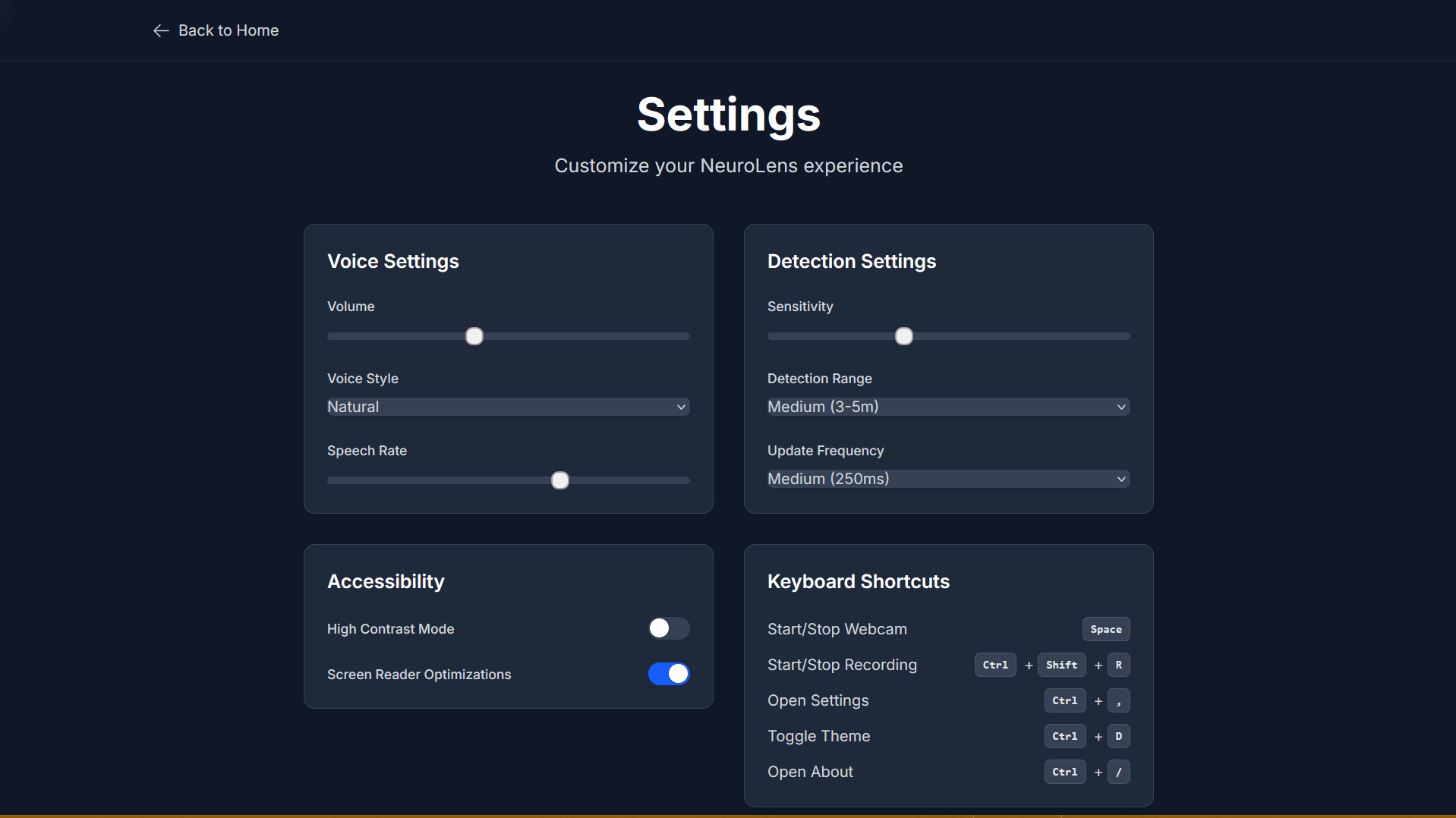
- Dynamic light/dark mode
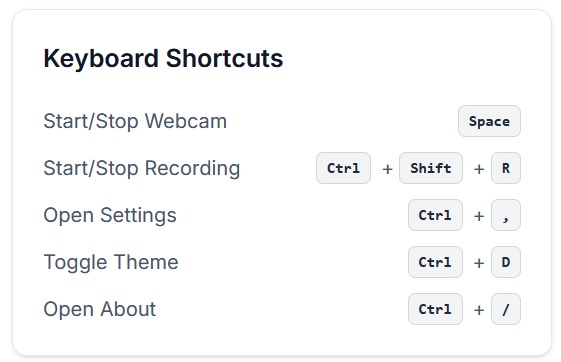
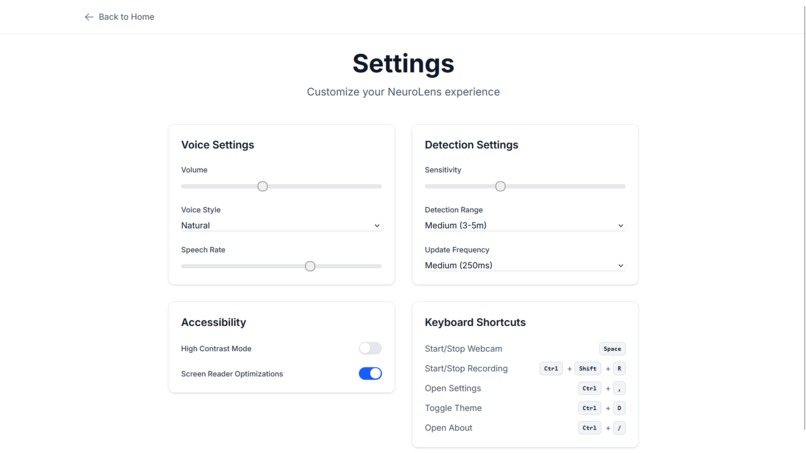
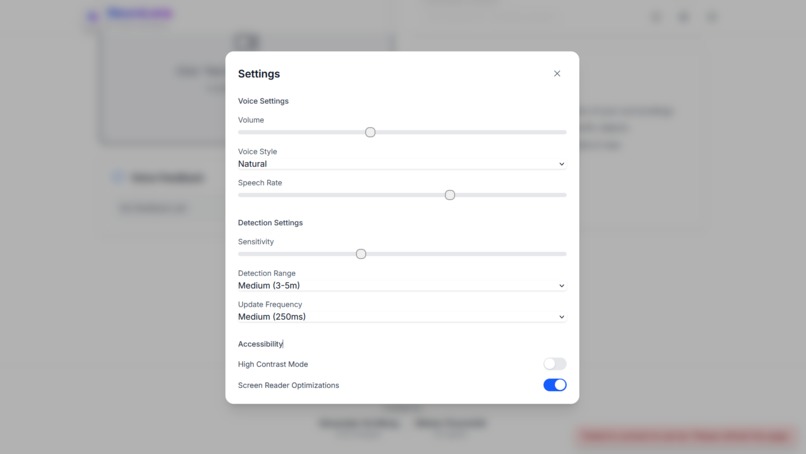
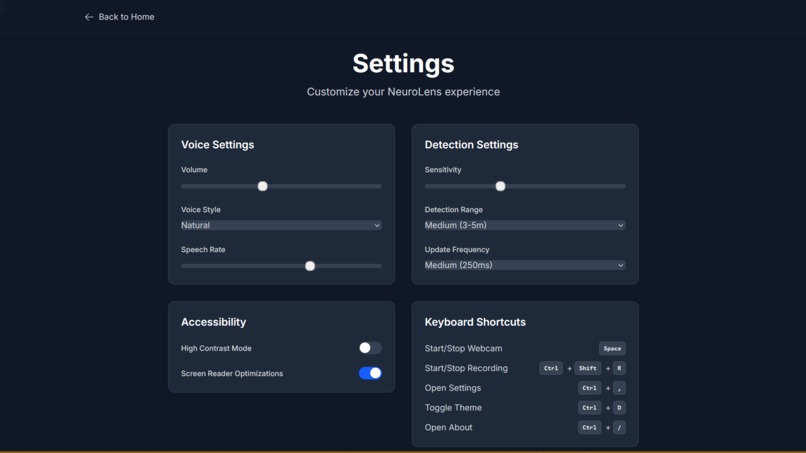
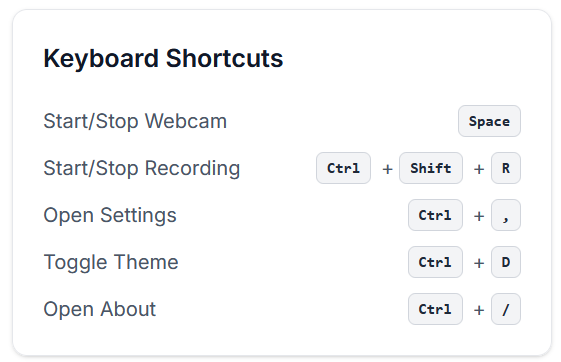
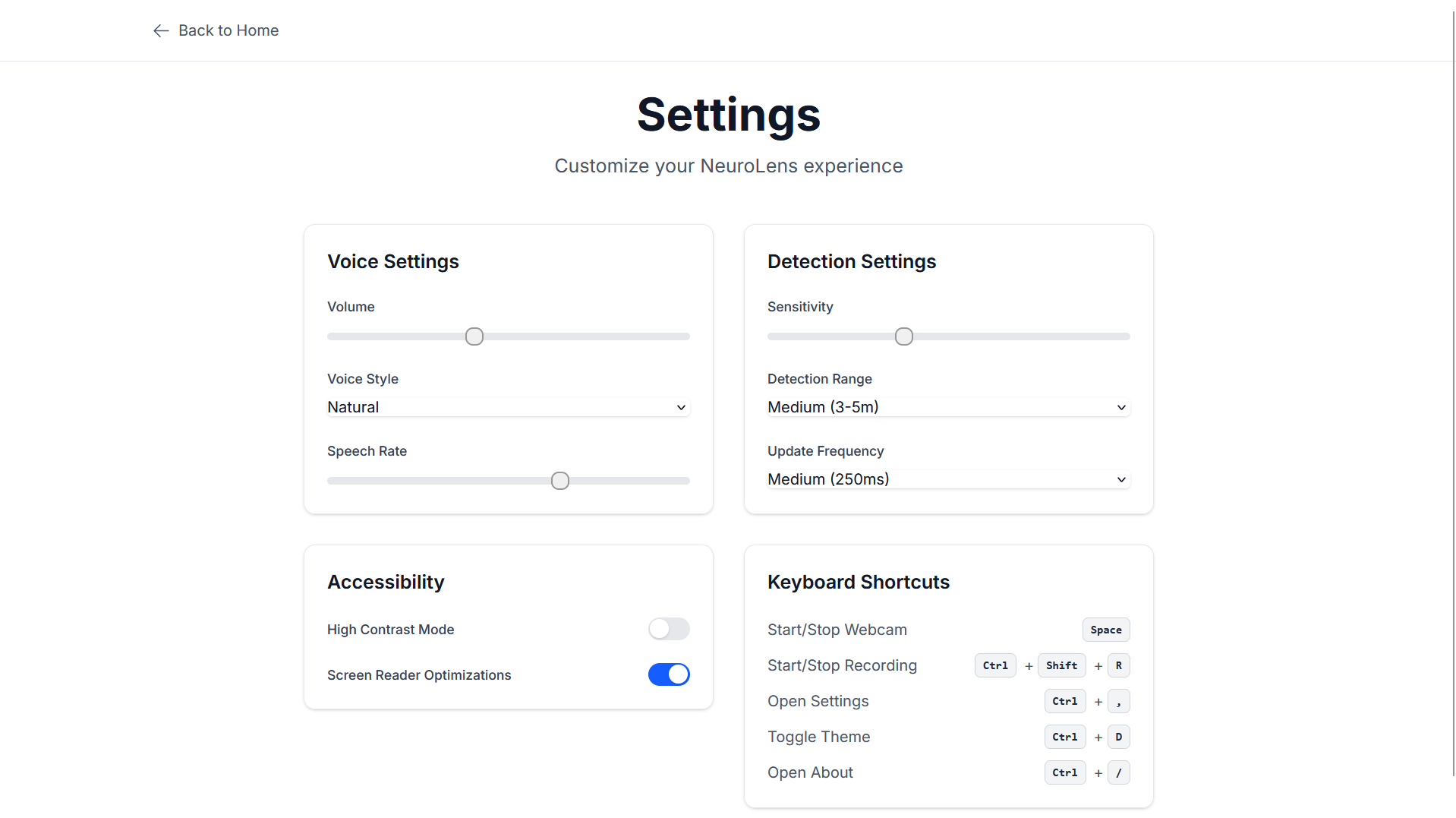
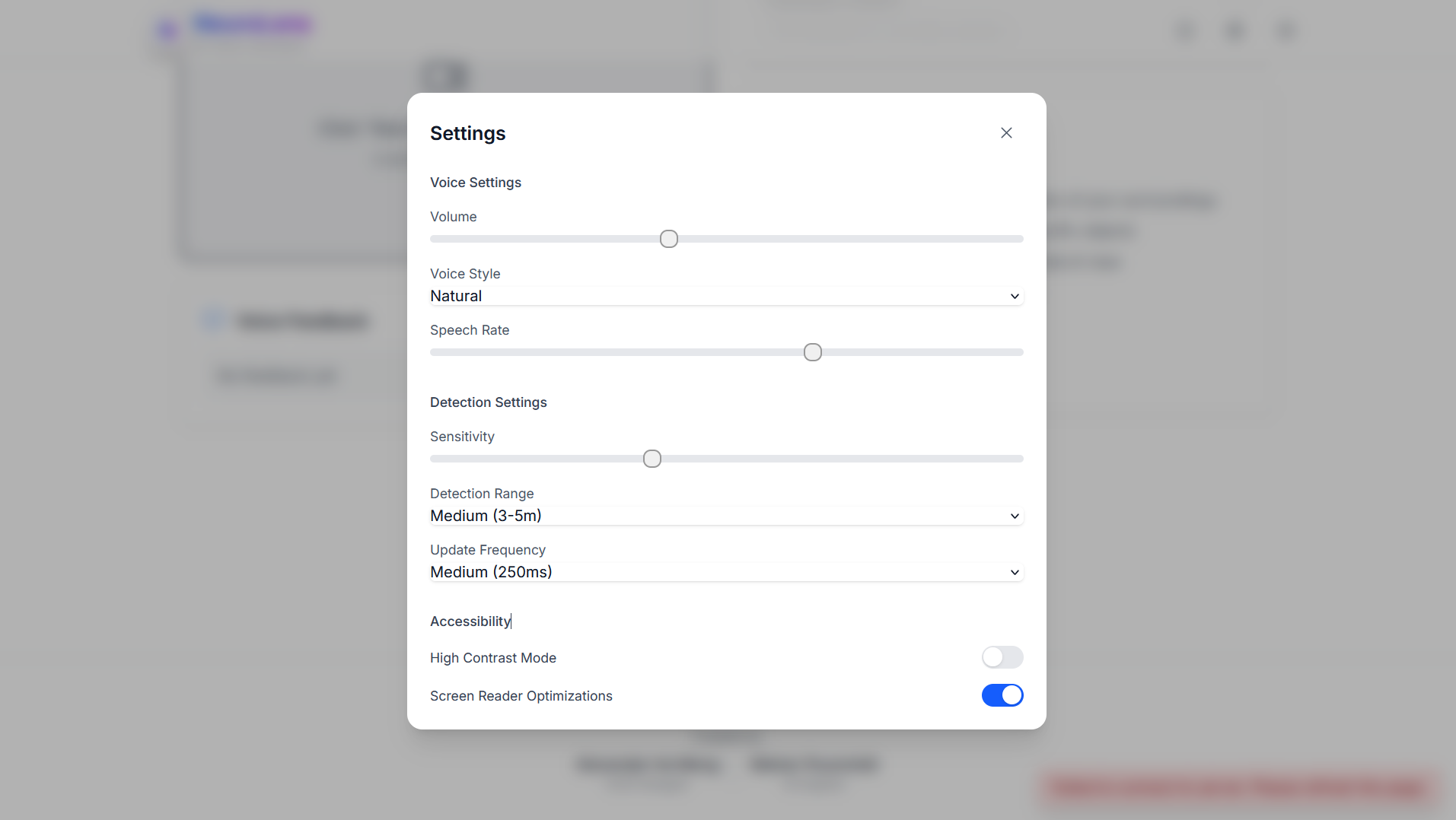
- Customizable detection sensitivity, voice settings, and keyboard shortcuts
- Visual audio captions (e.g., “Footsteps,” “Birds chirping”) for enhanced feedback
How We Built It
Frontend:
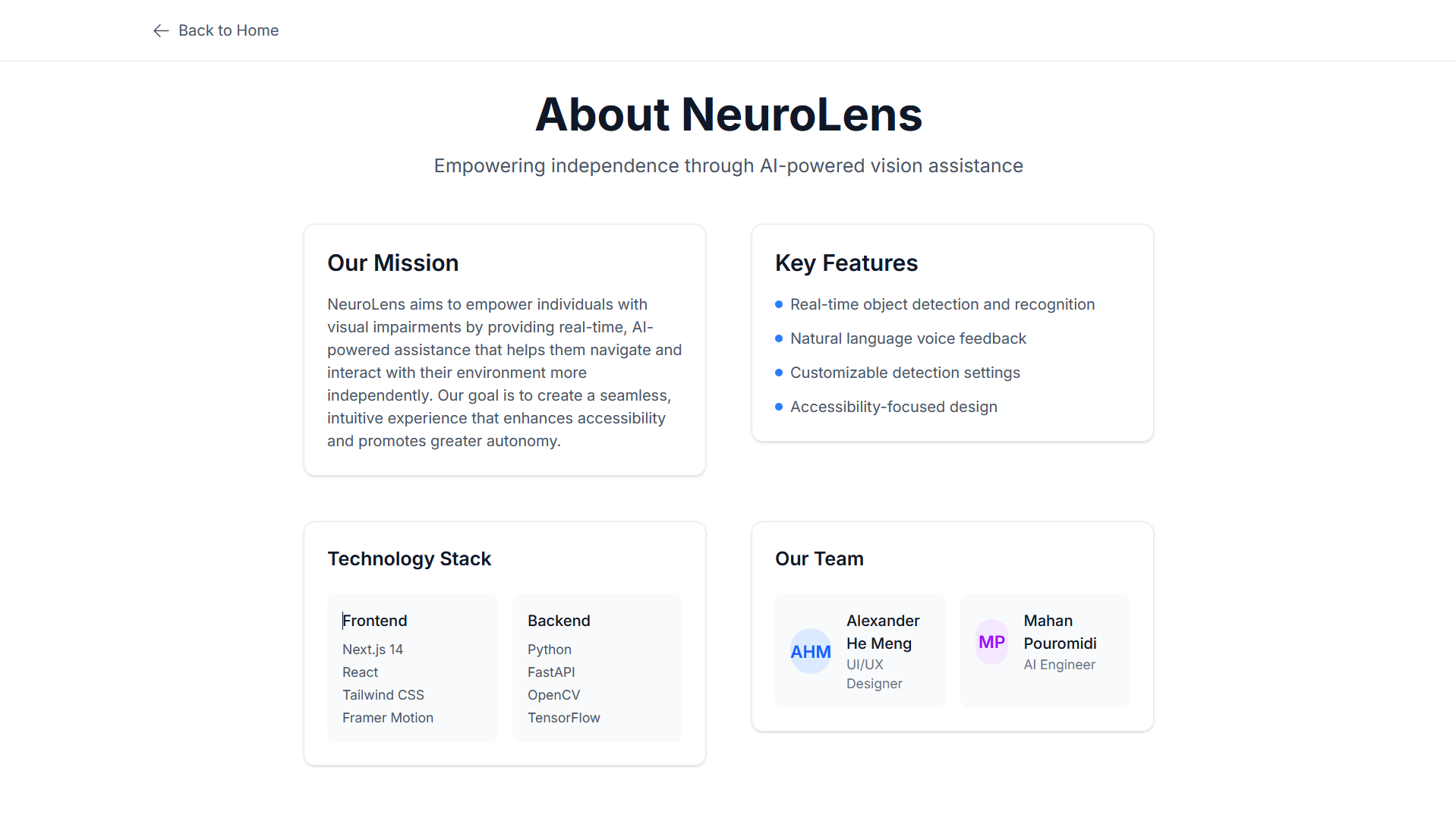
- Next.js 14 (App Router)
- TypeScript 5.8
- Tailwind CSS 4.0
- Framer Motion for smooth animations
- WebSocket API for real-time backend communication
- Web Speech API for voice input and output
Additional libraries:
@headlessui/react, @heroicons/react, next-themes, zustand, gsap, lenis
Backend:
- FastAPI 0.115.11
- OpenCV (opencv-python-headless)
- YOLO (ultralytics) for object detection
- PyTesseract for OCR
- OpenAI API (GPT-4o mini) for scene summarization
- Pydub + Sounddevice for audio processing
- WebSocket server for real-time data transfer
Other tools: torch, pydantic, dotenv, httpx
Challenges We Ran Into
We faced numerous hurdles, from dependency issues to WebSocket connection errors. Frontend state management was complex, particularly with maintaining dark/light mode, voice input, and webcam states. Animating components to feel smooth yet unobtrusive was also a challenge.
The greatest difficulty was connecting the frontend and backend via WebSockets while transmitting video and audio data in real-time. Additionally, handling API errors and unexpected formatting issues (like missing keys or incorrect payloads) consumed more time than anticipated.
Accomplishments We're Proud Of
We’re proud of the polished and accessible frontend design, complete with fully functional dark and light mode, keyboard navigation, and responsive animations. The real-time integration of webcam and mic with the backend, and the ability to process scene data using GPT-4o mini, were significant achievements.
Successfully establishing a robust WebSocket pipeline between frontend and backend, and implementing intelligent voice feedback, reflects our effective collaboration and problem-solving.
What We Learned
Connecting frontend and backend in real-time applications requires meticulous planning. Many issues stemmed from overlooked details, like misconfigured environment variables or API usage quirks. We learned the importance of understanding what every line of code is doing, especially in abstracted frameworks.
Working as a two-person team pushed us to communicate clearly, divide tasks effectively, and take full ownership of both design and functionality. The experience taught us to prioritize planning, debugging strategies, and feature alignment across the stack.
What's Next for NeuroLens
- Optimize object detection speed and accuracy
- Expand voice support for multiple languages
- Build a cross-platform desktop application
- Adapt NeuroLens for smart glasses or wearable devices
- Implement offline processing for reduced latency
- Extend functionality to mobile platforms with AR support
Quote
“Technology is most powerful when it empowers the most vulnerable.”
That’s the goal of NeuroLens.
Built With
- fastapi
- framer-motion
- github
- next.js
- openai-api
- opencv
- pydub
- pytesseract
- python
- python-dotenv
- react
- sounddevice
- tailwind-css
- torch
- typescript
- vercel
- web-speech-api
- websocket
- websocket-api
- yolo


Log in or sign up for Devpost to join the conversation.