-
-
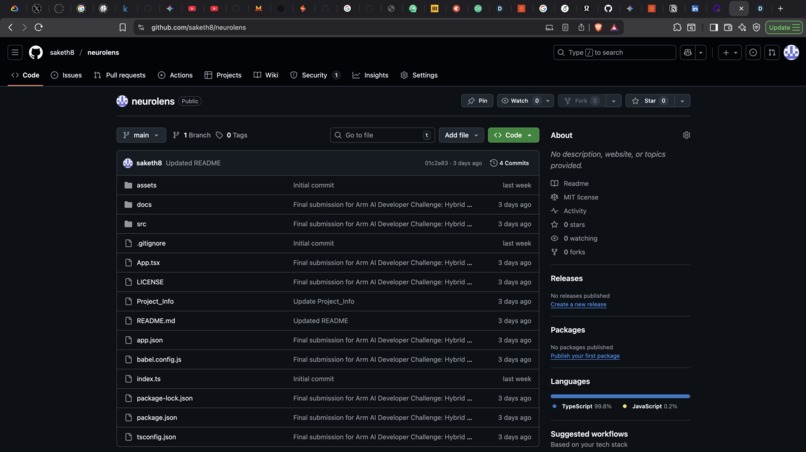
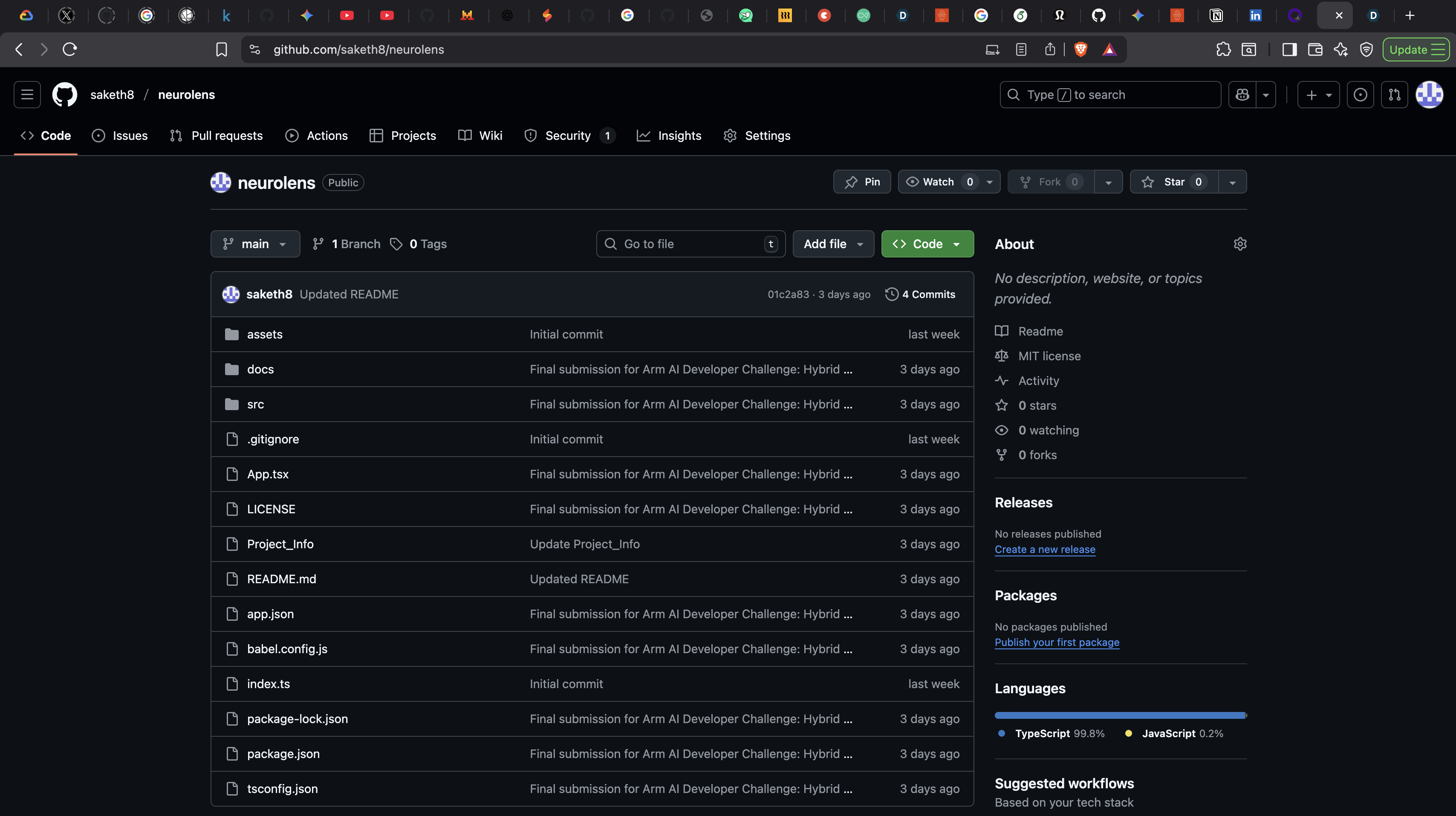
Github project Repo
-
Powerpoint_slide1
-
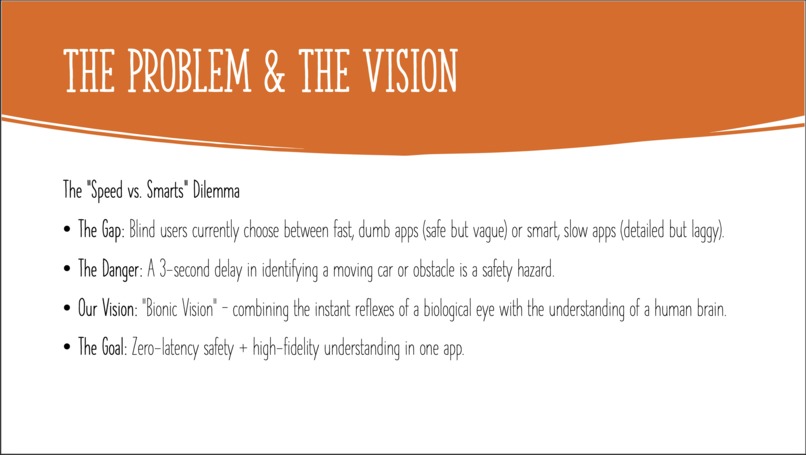
Powerpoint_slide2
-
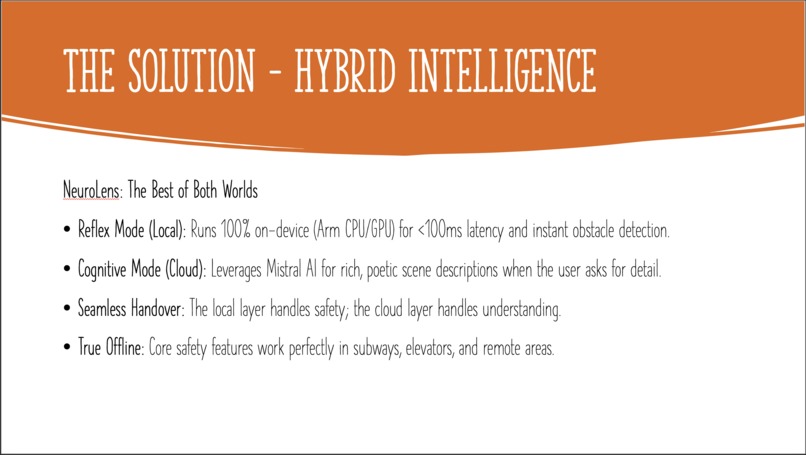
Powerpoint_slide3
-
Powerpoint_slide4
-
Powerpoint_slide5
-
Powerpoint_slide6
Inspiration
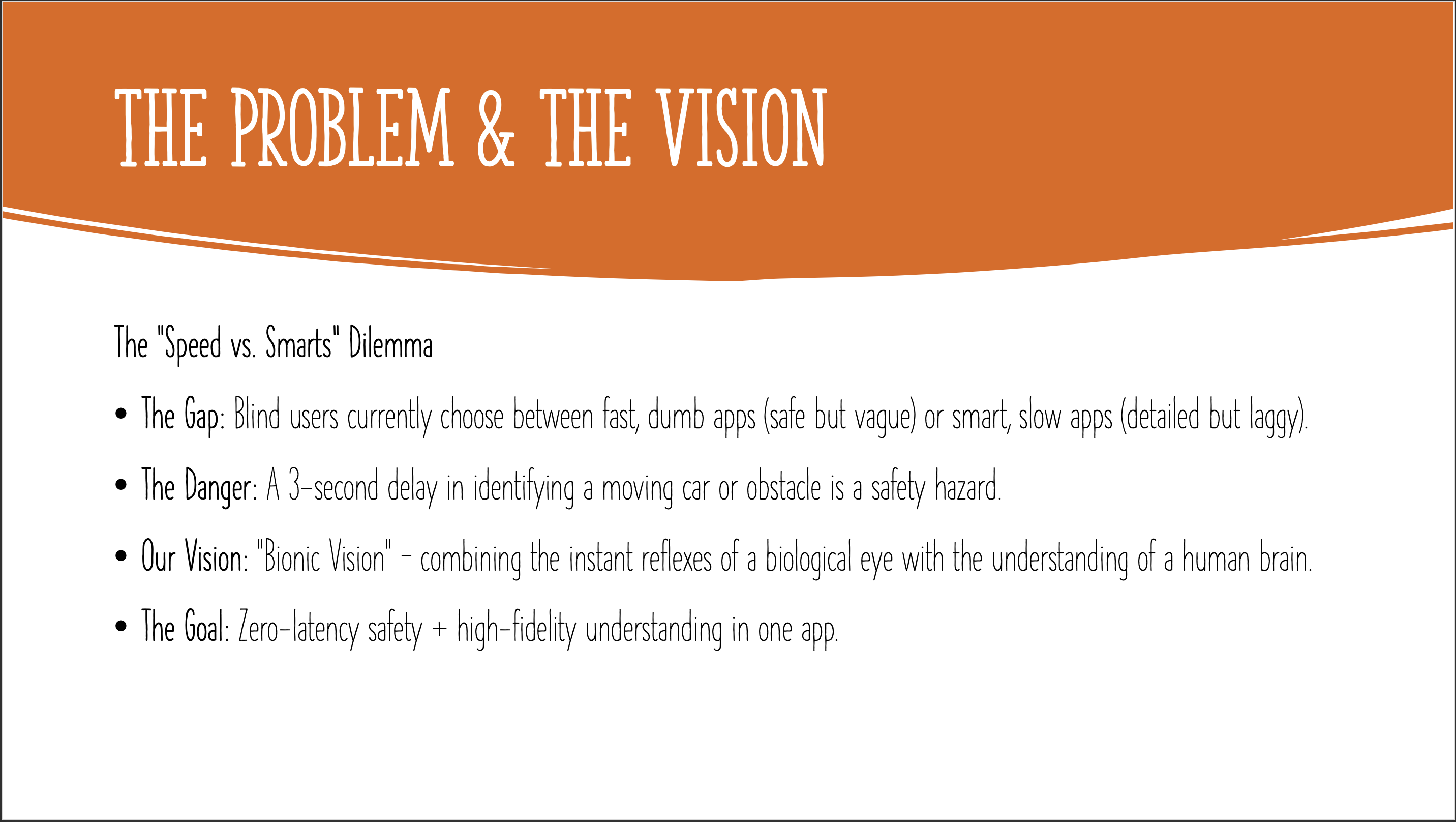
We were inspired by the daily challenges faced by visually impaired individuals. While there are existing AI apps for the blind, we noticed a critical gap: they force users to choose between speed and intelligence. Local apps are fast but "dumb" (only detecting simple objects), while cloud apps are smart but slow (latency makes them unsafe for walking). We asked ourselves: "Why not both?" We wanted to build a "Bionic Eye" that has the instant reflexes of a biological eye (running on Arm) and the deep understanding of a human brain (running in the cloud).
What it does
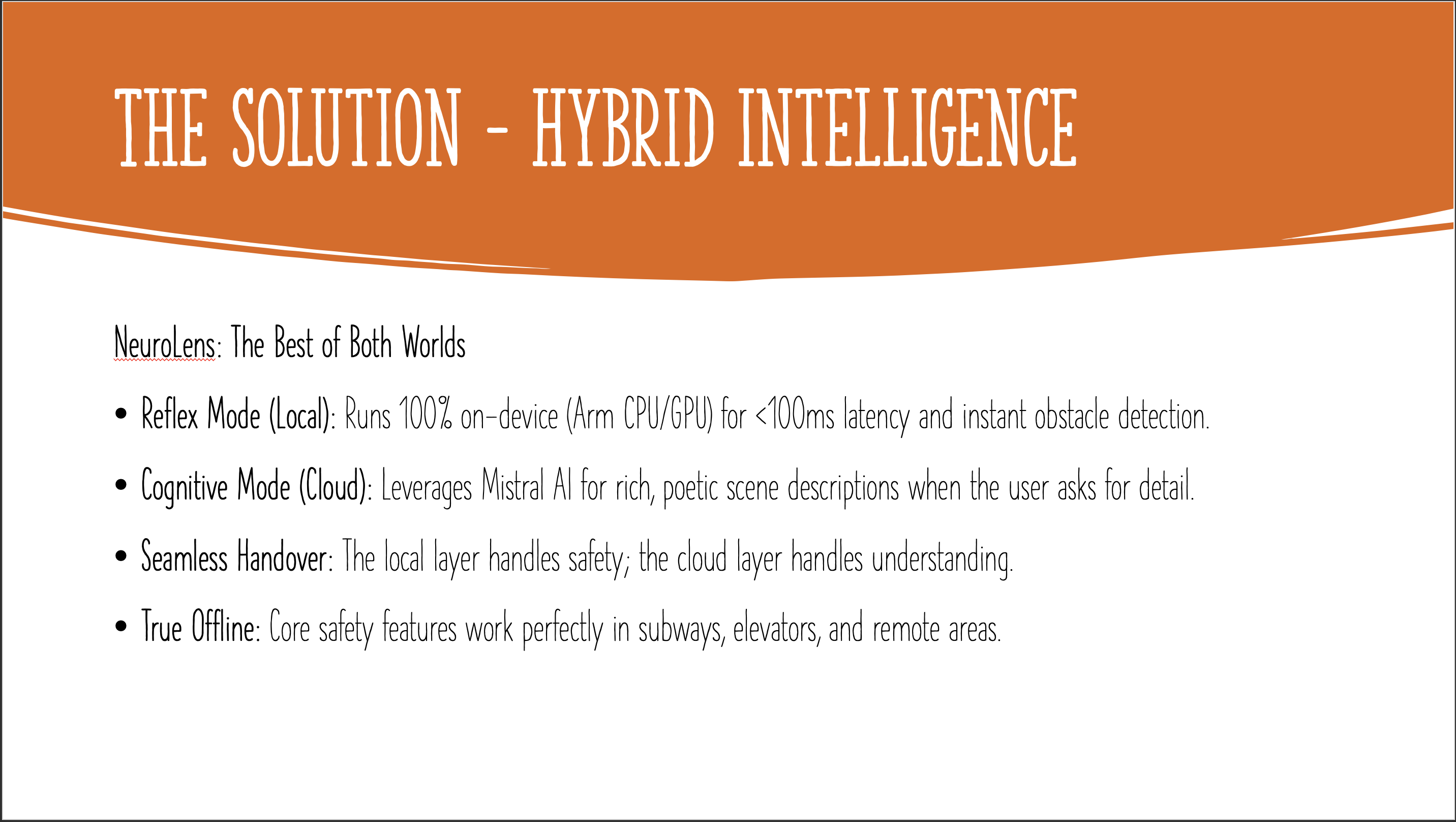
NeuroLens is a privacy-first accessibility assistant with a Hybrid Intelligence Architecture:
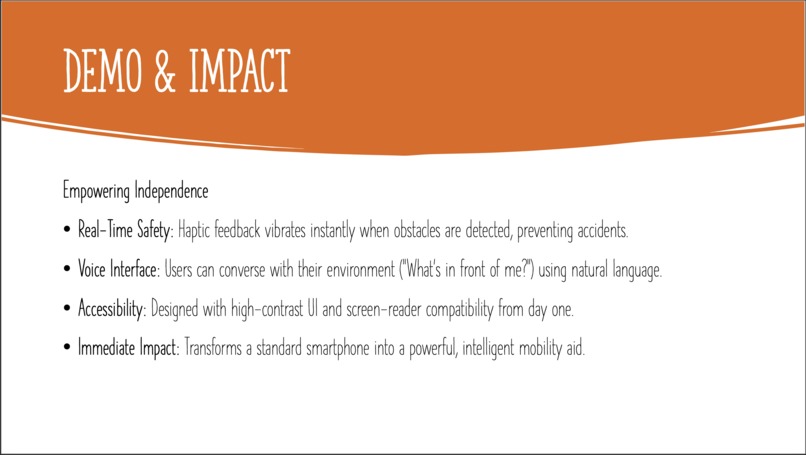
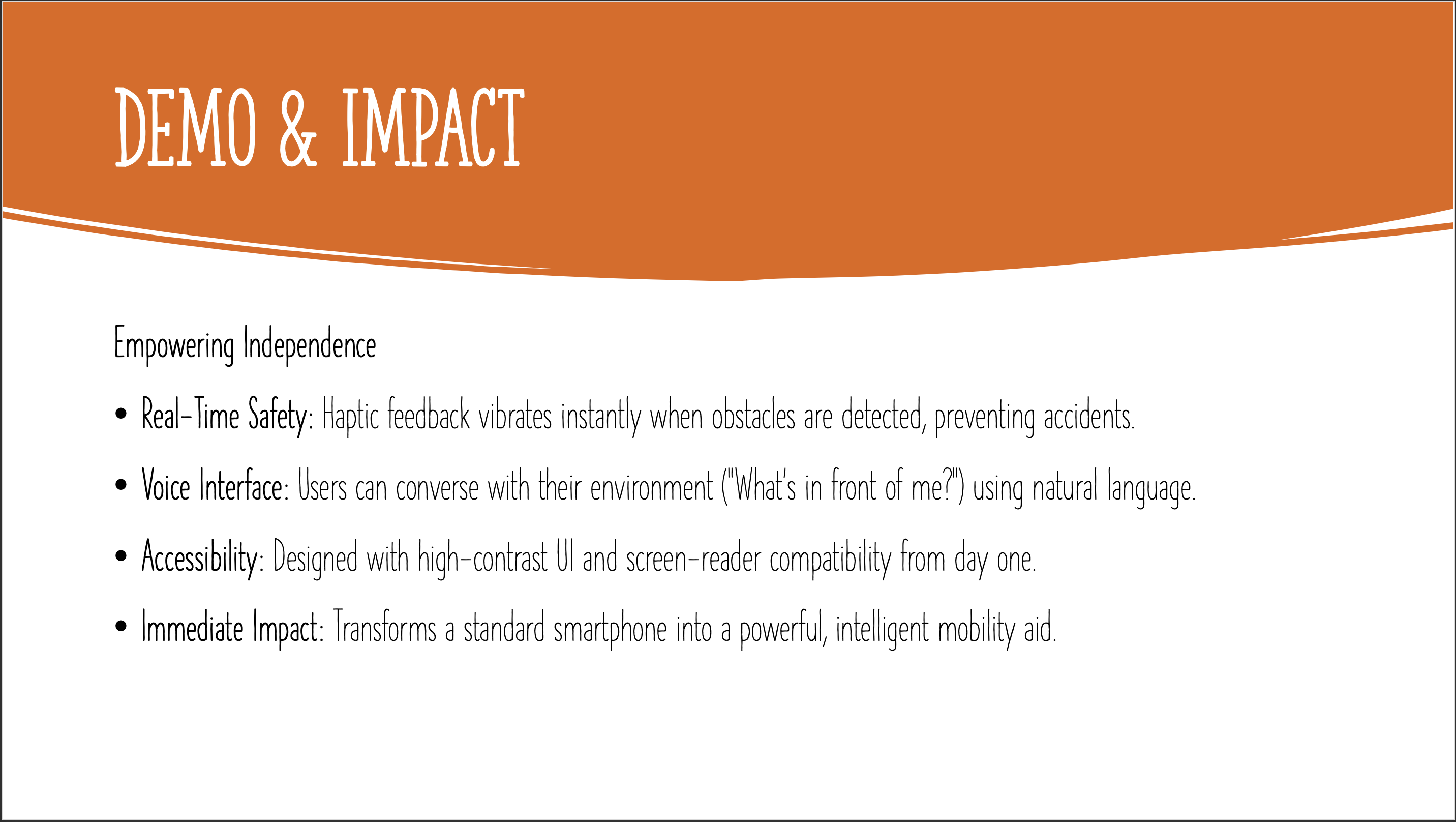
- Reflex Mode (Local): It uses the phone's Arm processor to detect objects (people, cars, obstacles) in under 100ms. This works offline and provides instant haptic feedback, keeping users safe from collisions.
- Cognitive Mode (Cloud): When the user needs more detail (e.g., "What's on this menu?" or "Describe the room"), it sends a single frame to Mistral AI. The app then speaks a rich, human-like description of the scene.
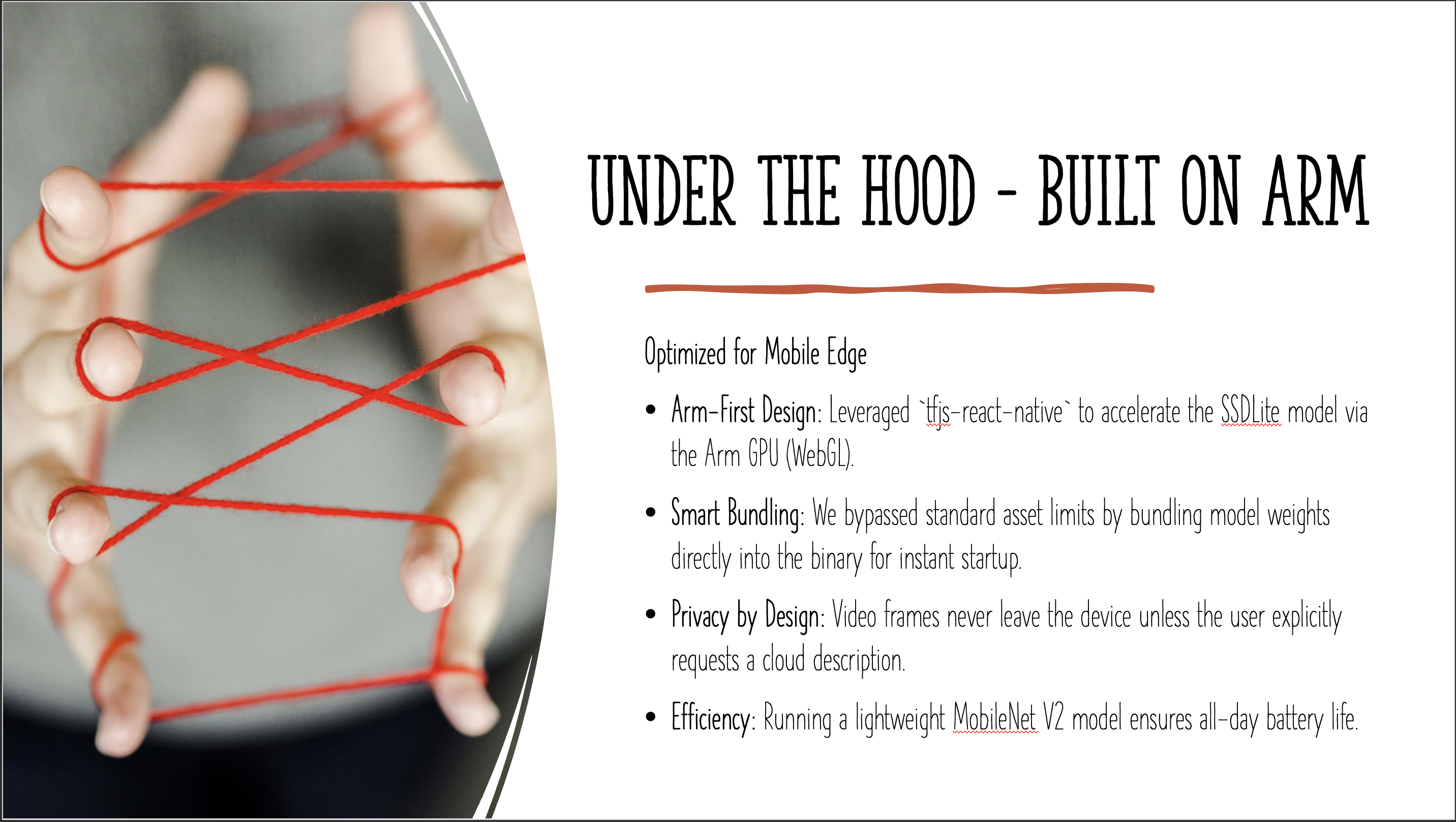
- Privacy First: It doesn't stream video to the cloud. It only "looks" (sends data) when the user explicitly asks it to.
How we built it
We built NeuroLens using React Native and Expo for a cross-platform mobile experience.
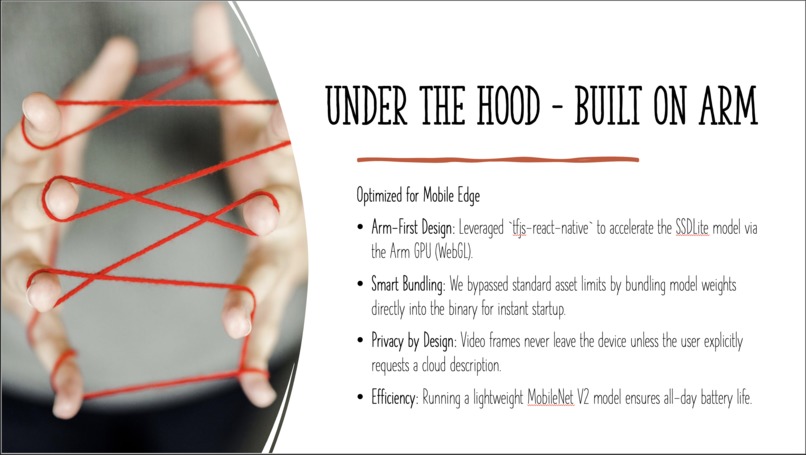
- The "Reflex" Layer: We used TensorFlow.js with the
tfjs-react-nativeadapter. This was crucial because it allows us to access the Arm GPU via WebGL, enabling real-time object detection (SSD MobileNet v2) at 30fps directly on the device. - The "Cognitive" Layer: We integrated the Mistral AI Vision API for scene analysis. We engineered custom prompts to ensure the AI acts like a helpful guide, not a robot.
- The Glue: We used React Native Worklets to handle the heavy image processing on a separate thread, ensuring the UI remains buttery smooth even while the AI is crunching numbers.
Challenges we ran into
- The "Black Screen" of Death: Getting TensorFlow.js to access the camera stream raw data in React Native was incredibly tricky. We had to decode JPEG streams into tensors manually using
decodeJpegto bridge the gap between the camera hardware and the neural network. - Balancing Latency: Initially, the local model was too slow. We had to optimize the input tensor size (300x300) and switch to the WebGL backend to leverage the Arm GPU acceleration properly.
- Hybrid State Management: seamlessly switching between the local "Reflex" loop and the async "Cognitive" request without crashing the app or confusing the user required a robust state machine.
Accomplishments that we're proud of
- True Offline Capability: We are most proud that the core safety feature (Reflex Mode) works perfectly in Airplane Mode. This is a huge win for reliability.
- <100ms Latency: Achieving real-time object detection on a mobile device using JavaScript/TypeScript is a testament to the power of modern Arm chips and optimized libraries.
- The "Hybrid" UX: It feels magical to point the camera and hear "Cup" instantly, then tap and hear "A white ceramic coffee cup with steam rising from it."
What we learned
- Arm is Powerful: We learned that modern mobile Arm processors are incredibly capable of running complex AI workloads if you optimize for them (using WebGL/NPU).
- Context is King: For accessibility, knowing "there is a chair" isn't enough. Knowing "there is an empty chair to your right" is what actually helps.
- Privacy Matters: Building a system that processes video locally by default completely changes the privacy conversation for users.
What's next for NeuroLens
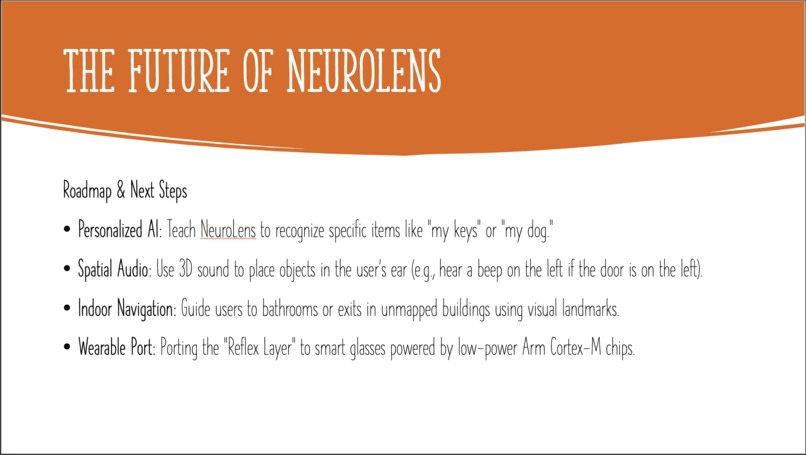
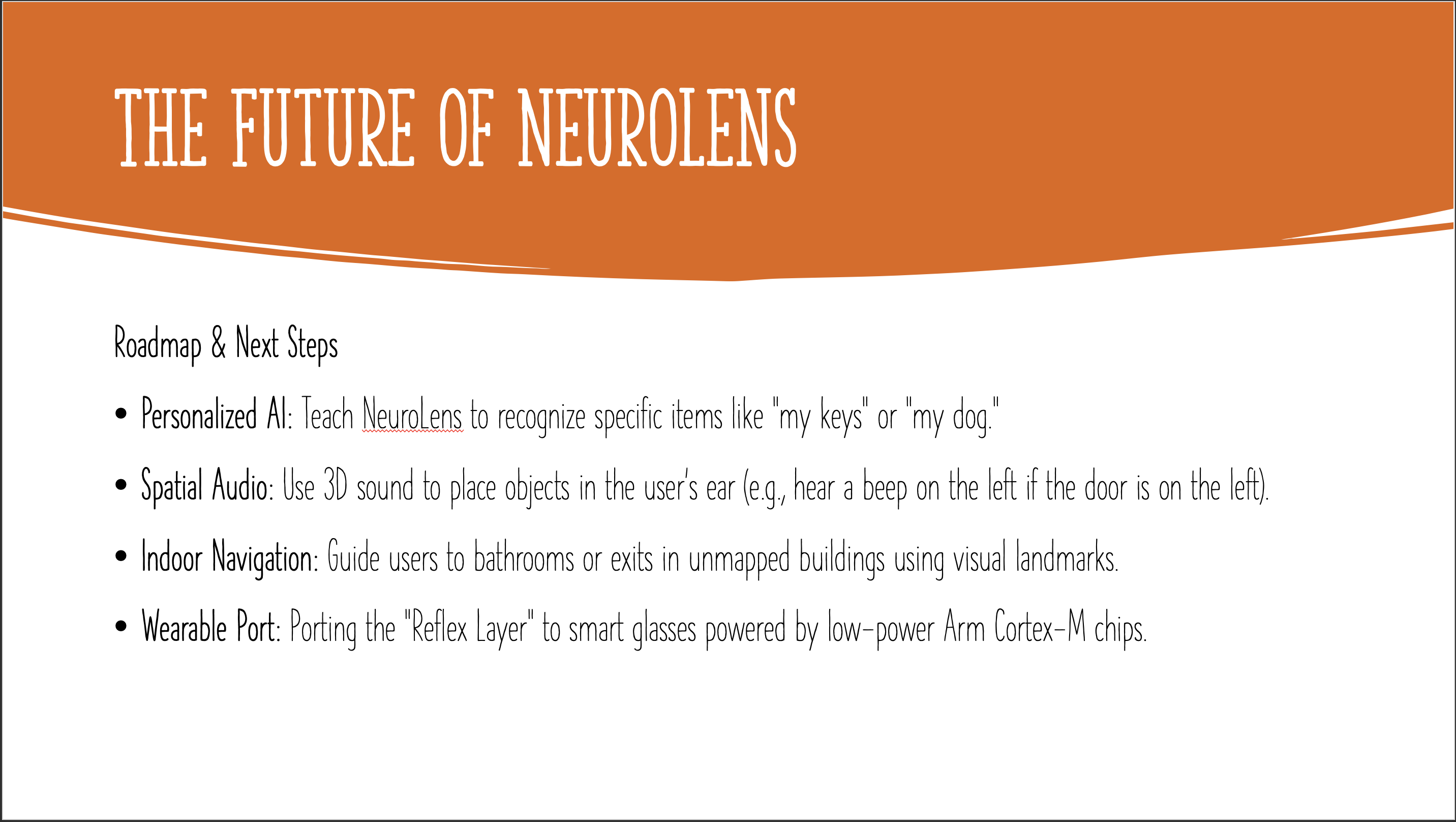
- Custom Object Training: Allowing users to teach NeuroLens to recognize their specific keys, wallet, or cane.
- Spatial Audio: Using 3D audio to help users "hear" where objects are located in space (e.g., a beep coming from the left).
- Indoor Navigation: Integrating with local maps to guide users to bathrooms or exits in large buildings without GPS.
Built With
- allow
- android
- arm
- expo.io
- if
- ios
- mistral-api
- model
- react-native
- react-native-worklets
- ssd-mobilenet
- tensorflow.js
- they
- typescript

Log in or sign up for Devpost to join the conversation.