-
-
Logo
-
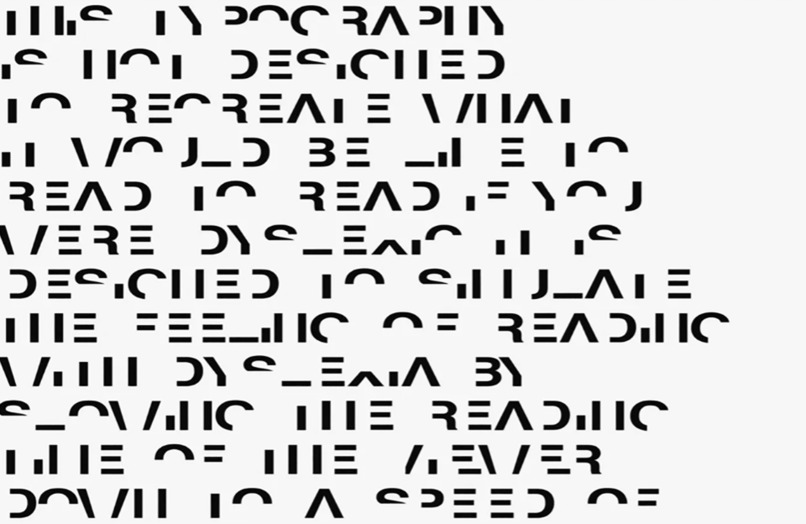
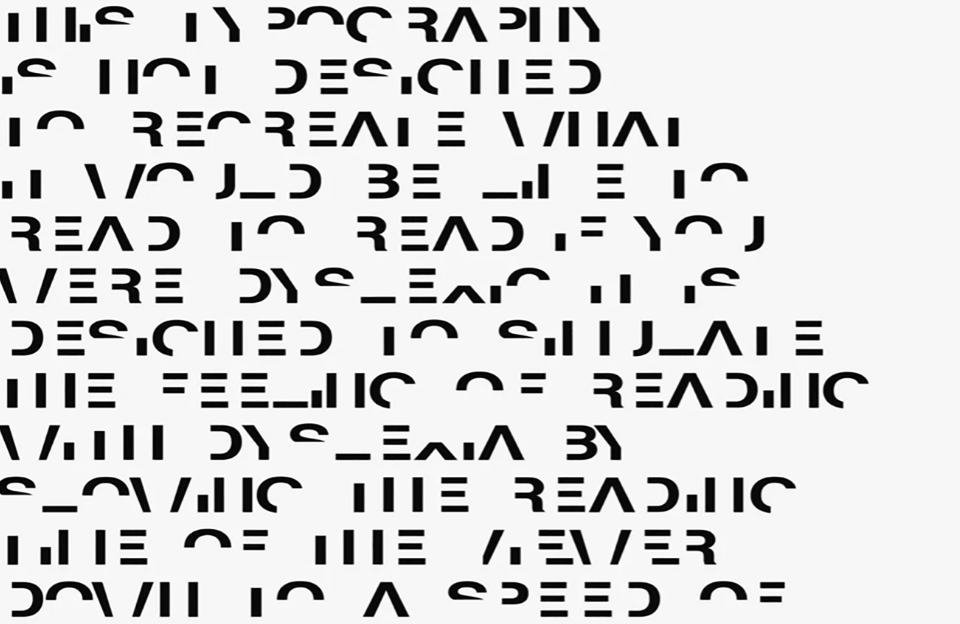
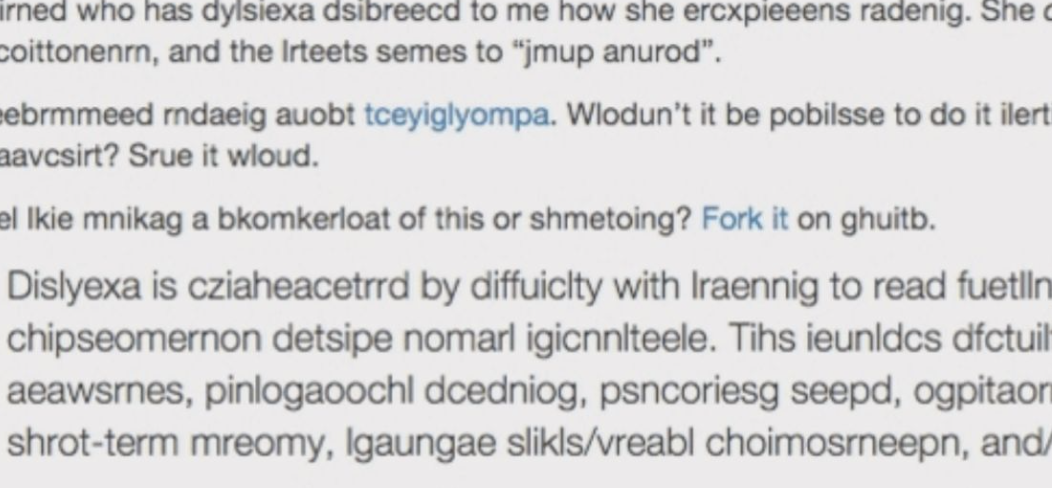
Example 1 of level 3 Dyslexia
-

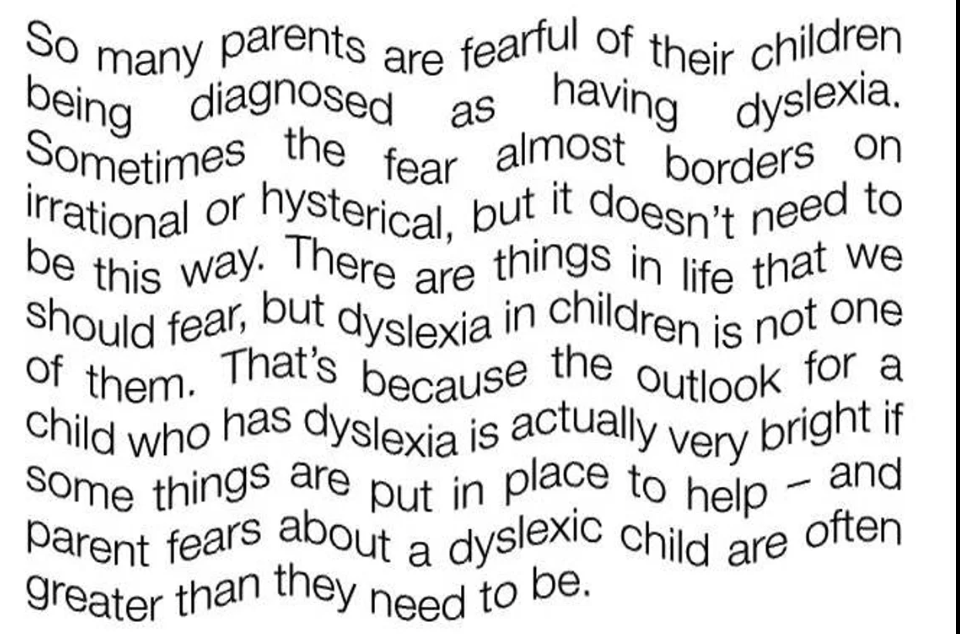
Example 1 of level 2 Dyslexia
-
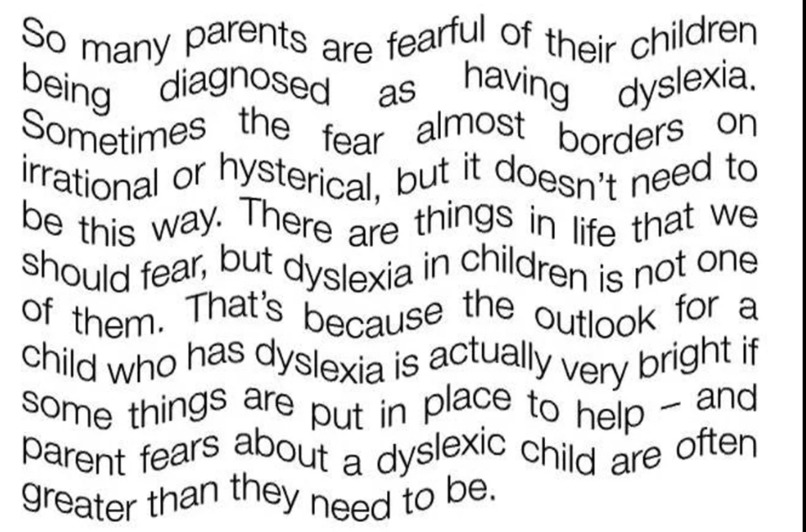
What our extension does.
-
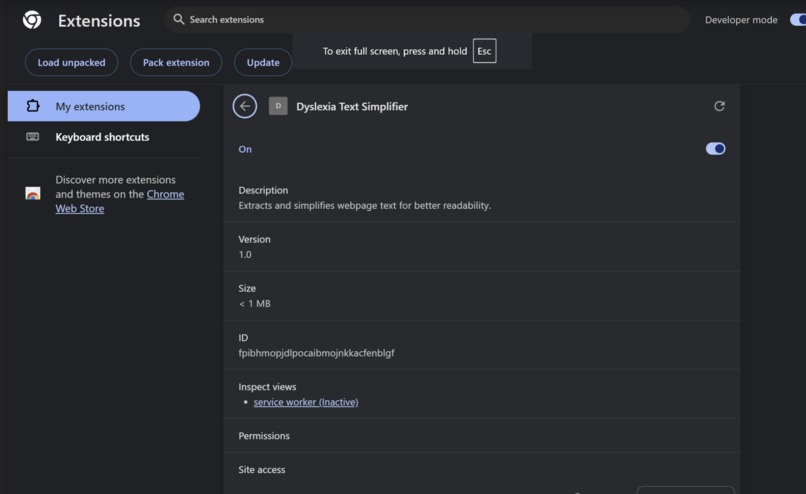
Our Extension
Inspiration
Reading is a fundamental skill that opens doors to knowledge and opportunities. However, for individuals with dyslexia, navigating web content can be challenging and frustrating. Traditional accessibility tools often fall short, offering only basic adjustments like font changes or color contrasts. We were inspired to create a solution that goes beyond these basics, leveraging AI to provide a personalized and seamless reading experience for people with dyslexia. We aim to make the internet more inclusive, ensuring everyone has equal access to information.
What it does
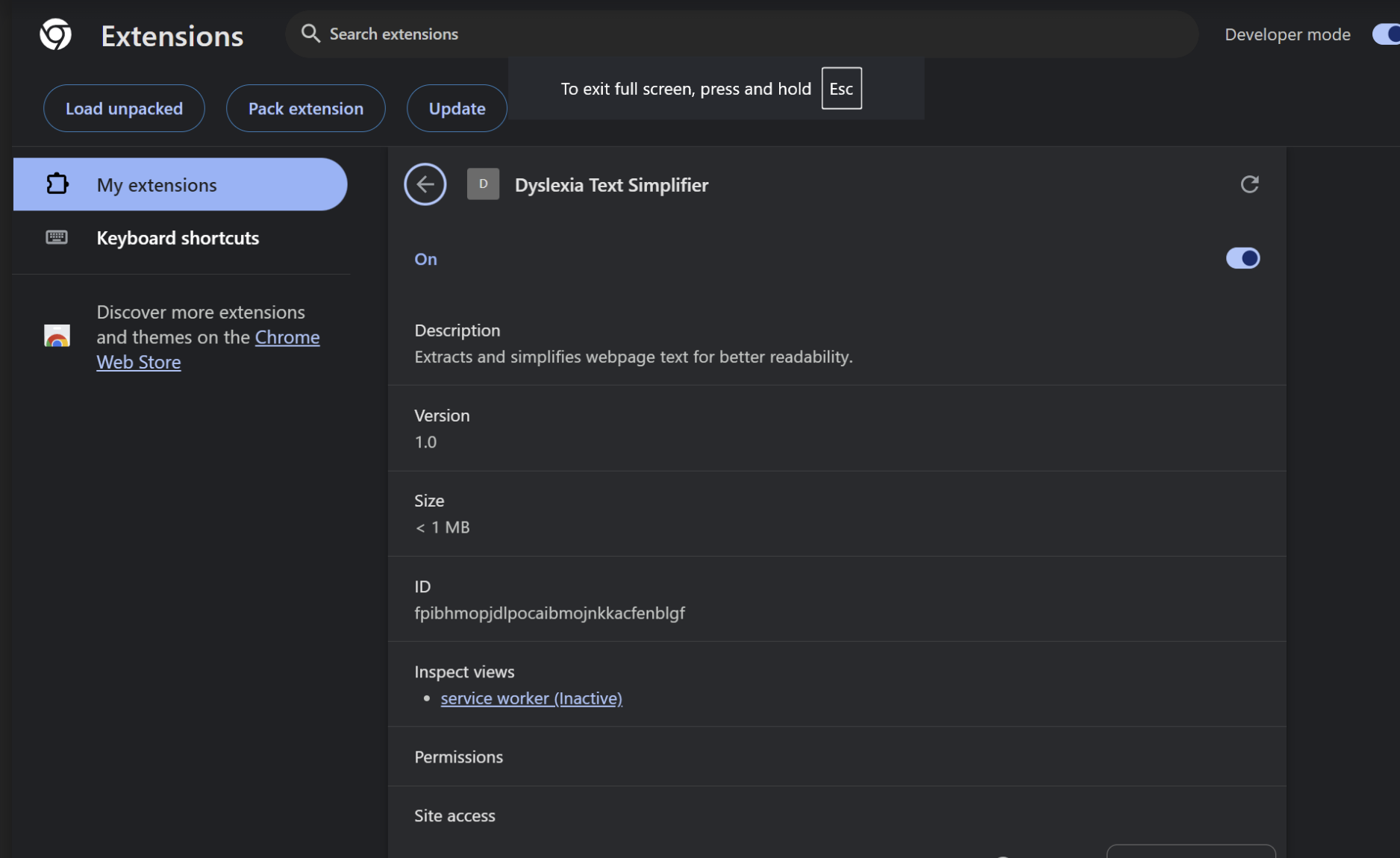
NeuroFlux.ai is a browser extension powered by AI that simplifies and customizes web content in real time to enhance readability for users with dyslexia. When activated, the extension:
- Extracts Text from Webpages: It reads the textual content from any webpage the user is browsing.
- Simplifies the Text: Using advanced language models, it rephrases complex sentences into simpler language without losing the original meaning.
- Applies User Preferences: It adjusts fonts, colors, line spacing, and other formatting based on individual user profiles.
- Replaces Original Content: The simplified and reformatted text replaces the original content on the webpage, providing a seamless reading experience.
Step 1 - javascript web extension reads text off of website and extracts html code from it Step 2 - via flask, it sends that to python and using chat API it will alter it based on user preferences Step 3 - chat api makes altered html code and sends it to the extension which replaces the html in the website
How we built it
We built NeuroFlux.ai using a combination of frontend and backend technologies:
Frontend (Chrome Extension): Developed using JavaScript, HTML, and CSS. Utilizes content scripts to interact with web pages. Implements message passing to communicate with the backend server.
Backend: Built with Flask, a lightweight Python web framework. Integrated Hugging Face's T5 Transformer models for text simplification. Uses PyTorch for model loading and inference. AI Model: Selected the t5-base model for its balance between performance and resource efficiency. Fine-tuned text simplification tasks to better serve the needs of dyslexic users. Initially, we used Gpt 4 and other Gpt models but kept on getting token/access errors due to the school wifi blocking it. VPN didn't work either since it's a local host link.
Challenges we ran into
response = openai.Completion.create(
    engine="gpt-3.5-turbo",
    prompt=f"Simplify this text: {text}",
    max_tokens=5000)
API Limitations: Initially, we used the OpenAI API but faced quota limitations and errors. This led us to switch to an open-source model. Cross-Origin Resource Sharing (CORS): We encountered issues with the extension communicating with the backend server due to CORS policies. Content Script Injection: Ensuring that the content script properly injected into all web pages and handled various edge cases required a lot of debugging.
Accomplishments that we're proud of
AI-Powered Simplification: Successfully integrated an open-source AI model to simplify web content in real-time. Enhanced Accessibility: Created a tool that can significantly improve the web browsing experience for individuals with dyslexia. Seamless Integration: Achieved smooth interaction between the browser extension and the backend server. Resource Optimization: Optimized the model inference process to work efficiently without requiring excessive computational resources. Actual startup concept, we can scale this insanely.
What we learned
Adaptability: The importance of being flexible and adapting to challenges, such as switching from a paid API to an open-source solution. AI Model Deployment: Gained hands-on experience with deploying NLP models in a production environment. Browser Extension Development: Deepened our understanding of Chrome extension architecture, content scripts, and message passing.
What's next for NeuroFlux.ai
User Interface Enhancements: Develop a settings dashboard where users can fine-tune preferences and see real-time changes. Mobile Compatibility: Explore the possibility of extending support to mobile browsers and platforms. Community Feedback: Engage with the dyslexic community to gather feedback and continuously improve the tool based on real user needs. Preferences, since there's a scale to dyslexia we plan to implement a settings feature for diagnosis so the ML model can adapt in that way.

Log in or sign up for Devpost to join the conversation.