-
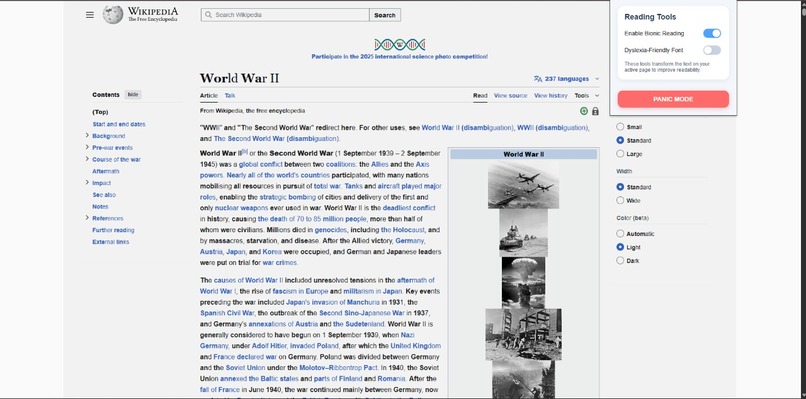
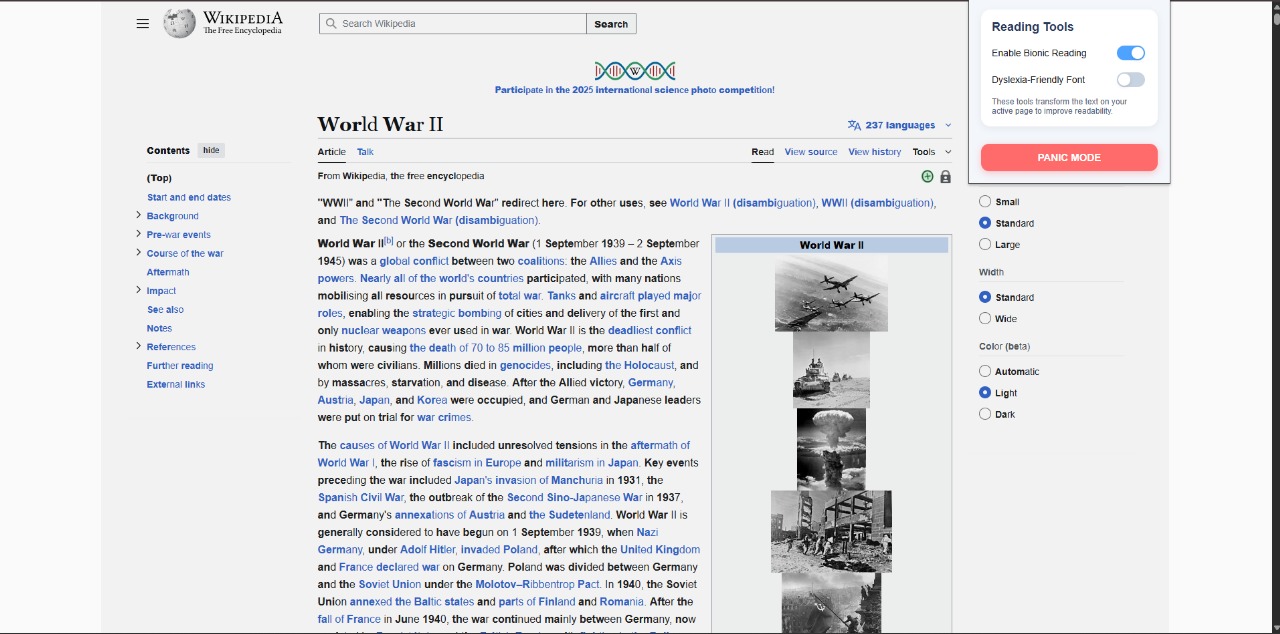
This extension applies "bionic reading" feature i.e. turns a few letters of every word to bold so it is easy to get attention of the user.
-
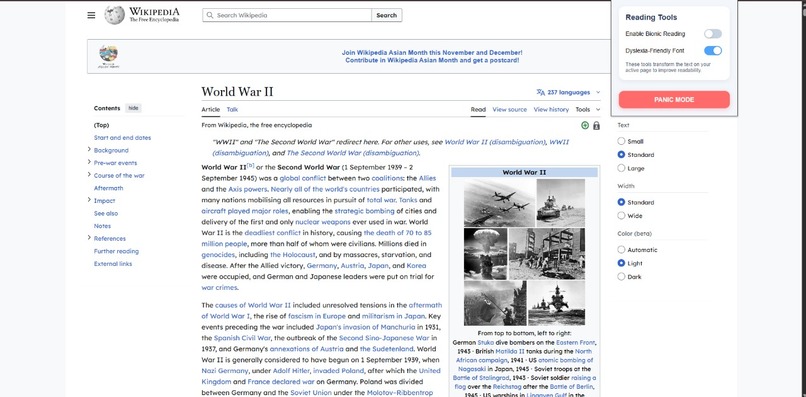
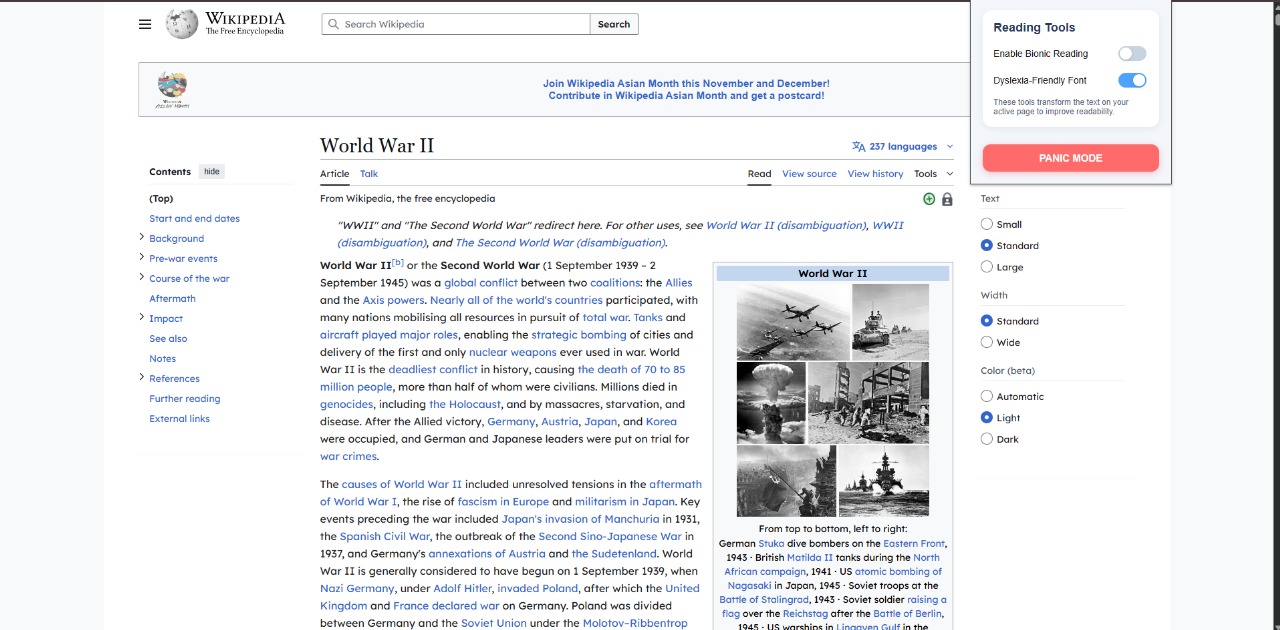
changes the font of the content to OpenDyslexic font which is a dyslexia-friendly font.
Inspiration
Our inspiration addresses the failure of current educational technology to support neurodivergent students (ADHD, Dyslexia, ASD). Up to 20% of students struggle with executive function and reading/writing fluency, often leading to academic failure, not due to lack of ability, but lack of access. We aimed to apply the principle of Universal Design for Learning (UDL), creating an AI-powered cognitive overlay that helps neurodiverse students thrive while boosting productivity for everyone.
What it does
NeuroFlow is an AI-powered browser extension and productivity overlay that injects critical assistive technology directly into the user's existing web apps (Google Docs, web pages).
It provides two core functionalities:
Smart Writing Companion: It provides a side-by-side writing assistant that utilizes a specialized Phonetic AI to offer phonetic-aware spelling correction and context-aware sentence completion inside any web-based text editor. This is crucial for improving writing fluency for users with Dyslexia and Dysgraphia.
Focus & Sensory Overlay: It includes a suite of tools like the Clutter-Free Reader (high contrast, specialized font), Bionic Reading Mode, and a Virtual Body Double co-working space to mitigate digital distractions and sensory overload for users with ADHD and ASD.
How we built it
We used a lightweight, service-oriented architecture focused on speed:
Client-Side: Developed a Chrome Browser Extension using React to build a persistent, low-latency sidebar/overlay (Content Script). This allows the tool to be injected into target pages like Google Docs.
AI Layer: We used a lightweight Large Language Model (LLM) API tailored for the "Smart Writing Companion." This model was specifically fine-tuned to recognize and correct common phonetic errors typical of dyslexia.
Backend Logic: A basic Node.js/Express server handles secure communication with the AI service and manages user preferences for the Focus and Sensory modes.
Challenges we ran into
Achieving Zero-Latency Correction: The biggest technical challenge was ensuring the Phonetic AI Companion was fast enough to keep up with real-time typing across various web apps. We mitigated this by optimizing our data structure and ensuring efficient, small requests to the AI service.
Phonetic Accuracy: Developing an AI model that reliably corrects dyslexic phonetic errors (e.g., "nefasary" $\to$ "necessary") required careful curation of a specialized dataset and iterative testing to prevent over-correction of simple typos.
Cross-Platform Injection: Ensuring the browser extension's overlay functioned reliably and didn't interfere with the complex UI of various platforms (like Google Docs' text editor) required extensive testing and custom CSS/JavaScript solutions.
What we learned
Specialized AI is Key: We learned that using a lightweight, specialized LLM tailored for the singular task of phonetic correction is faster, cheaper, and more accurate than relying on a general-purpose AI model for this niche problem.
Universal Design's Value: Features designed for neurodiversity, such as the high-contrast Clutter-Free Reader, were immediately adopted by general users for simple productivity, validating our UDL approach.
User Friction is the Enemy: The choice of a browser extension was validated, showing that eliminating the need to learn a new tool is the single most effective way to encourage the adoption of assistive technology.
What's next for NeuroFlow
Dyscalculia Support: Extend the platform to include features for Dyscalculia (math difficulty), such as a visually simplified calculator overlay that guides users through complex calculations.
Mobile App Development: Create a complementary mobile application to provide location-based reminders and executive function support while the user is away from their desktop.
Built With
- express.js
- manifest
- mongodb
- node.js
- react
- sql
