-
-
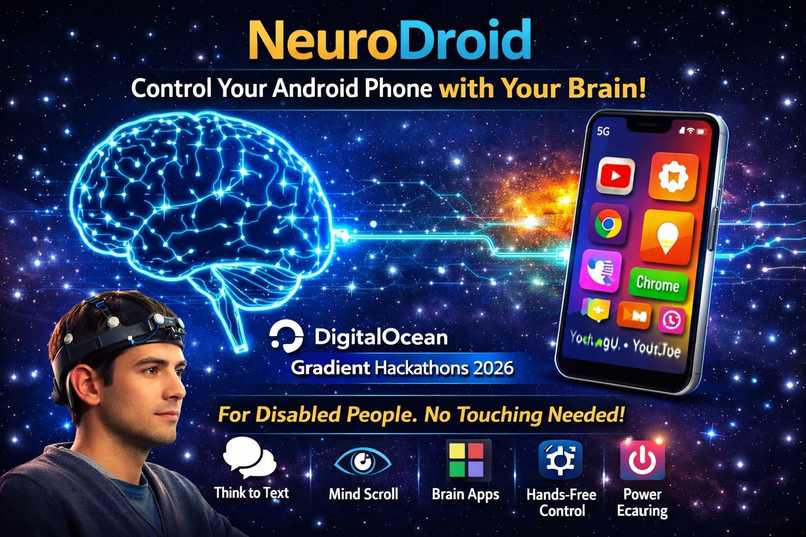
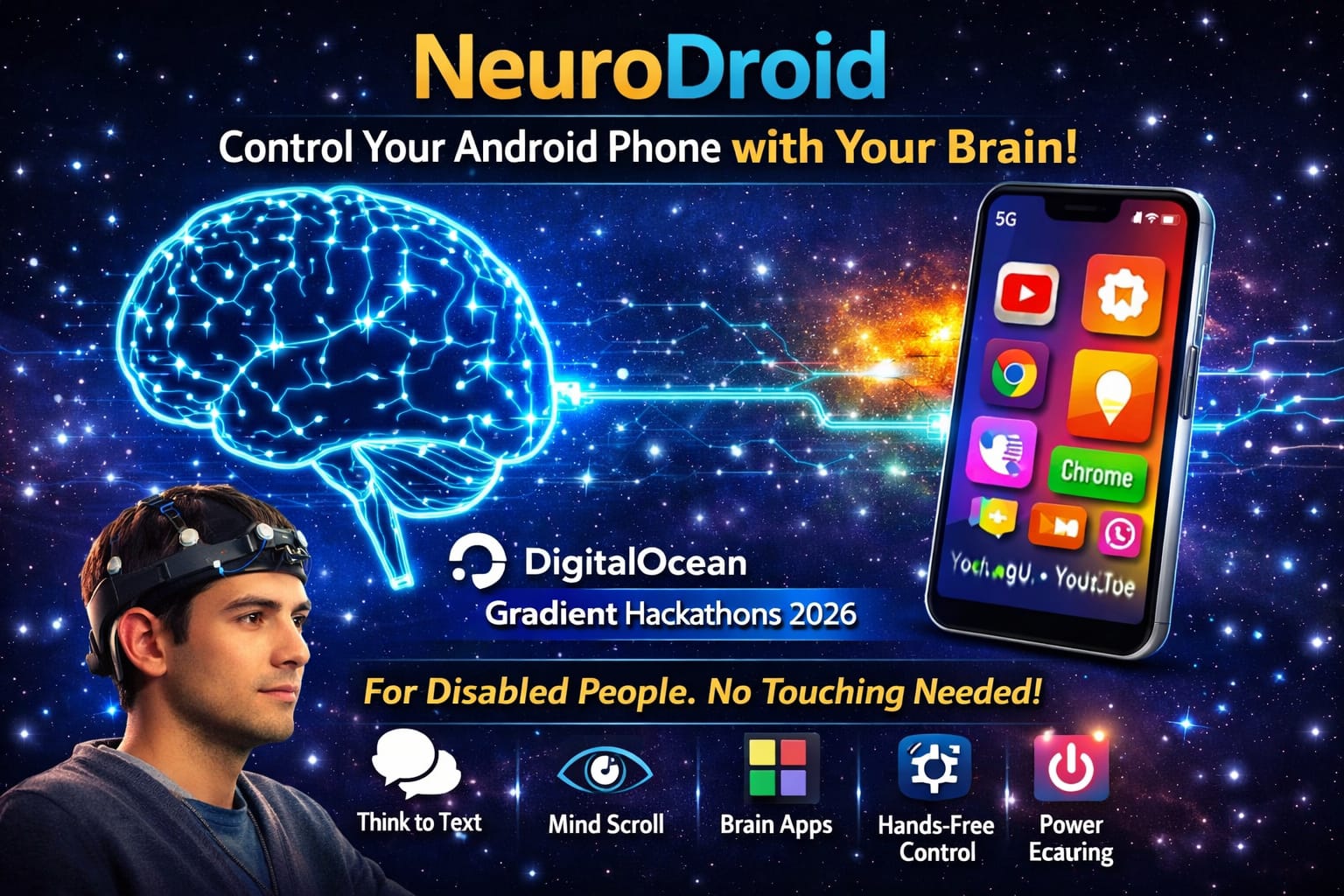
NeuroDroid BCI System - Control Android phone with brain signals. Built for disabled people. Zero touch needed. DigitalOcean Hackathons 2026
Inspiration
I was inspired by millions of disabled people worldwide who cannot use smartphones independently. They depend on others for every small task like calling their mother or sending a message.
I wanted to build something that gives them back their independence and dignity.
When I saw Brain Computer Interface technology, I realized I could combine it with AI to let disabled people control their Android phone using only their thoughts. No expensive hardware. No touch needed. Just brain signals and AI.
The biggest motivation was knowing that somewhere a paralyzed person cannot call their family. NeuroDroid changes that forever.
What it does
NeuroDroid is a Brain Computer Interface system that lets disabled people control their Android phone using only their thoughts. Zero touch required.
The system reads brain signals using BrainFlow library, classifies brain states using Machine Learning, and executes phone actions automatically.
A disabled person can:
- Unlock their phone
- Make phone calls
- Send SMS messages
- Send WhatsApp messages
- Browse Instagram Reels
- Watch YouTube videos
All of this happens automatically by just thinking. No hands needed. No touch needed. No expensive hardware needed.
NeuroDroid runs on any laptop connected to any Android phone via USB. Making it accessible to everyone worldwide.
How we built it
We built NeuroDroid using Python as the core programming language.
Step 1 - Brain Signal Reading: We used BrainFlow library to read and process EEG brain signals in real time using Synthetic Board for demonstration purposes.
Step 2 - Machine Learning: We trained a Random Forest classifier using Scikit-learn to classify brain states like Focus, Relax, Blink, Left and Right into phone commands.
Step 3 - Phone Control: We used UIAutomator2 and ADB to control Android phone at element level just like a real human uses the phone.
Step 4 - AI Integration: We integrated AWS Bedrock and Amazon Nova AI to process brain commands intelligently and decide which phone action to perform.
Step 5 - Recording: We used ADB screenrecord to capture the complete demo showing brain signals controlling the Android phone in real time.
Challenges We Faced: Building this was extremely difficult with very limited resources.
Hardware Limitations: We only had an i3 laptop with 16GB RAM running Windows. The laptop kept hanging and freezing during Jupyter Notebook and Anaconda execution making development very slow and painful.
Screen Recording Issues: We faced major issues with screen recording. The laptop was too slow to record 4K video. ADB screenrecord kept getting corrupted. Multiple video files got saved as 0MB because the recording stopped unexpectedly due to laptop overheating.
Connectivity Issues: The phone hotspot kept disconnecting from the laptop repeatedly. We had to reconnect ADB multiple times during development. UIAutomator2 server kept crashing due to connection drops.
Zero Budget: We had no money to buy EEG hardware like Muse headset or OpenBCI which costs hundreds of dollars. We used BrainFlow Synthetic Board instead to simulate real brain signals.
Despite all these challenges we stayed up all night and built a complete working BCI system that actually controls an Android phone without any touch.
The entire system was built in one night on a basic i3 laptop with zero budget proving that innovation does not require expensive resources.
Challenges we ran into
Hardware Limitations: Only had a basic i3 laptop with 16GB RAM. Laptop kept hanging and freezing during Jupyter Notebook and Anaconda execution. Running BrainFlow, UIAutomator2 and screen recording simultaneously caused severe performance issues.
Screen Recording Failures: ADB screenrecord kept corrupting video files. Multiple recordings saved as 0MB files. Laptop was too slow to handle recording and demo execution at same time. Lost many good demo recordings due to this issue.
Phone Hotspot Disconnecting: Phone hotspot kept disconnecting from laptop repeatedly throughout development. Had to reconnect ADB and UIAutomator2 server multiple times. Lost progress many times due to sudden disconnections.
Zero Budget for Hardware: Could not afford real EEG headset like Muse or OpenBCI which costs hundreds of dollars. Had to use BrainFlow Synthetic Board to simulate real brain signals.
AWS Throttling: Amazon Nova API kept throwing ThrottlingException due to free tier daily token limits. Had to build fallback local ML system to keep the demo working.
UIAutomator2 Failures: UIAutomator2 accessibility service kept crashing on Android 15. Element IDs were different from documentation. Had to find correct resource IDs through trial and error.
Time Pressure: Built entire project in one night under extreme time pressure while facing all above challenges with zero support and zero budget.
Despite everything we never gave up and delivered a working BCI system that helps disabled people.
Accomplishments that we're proud of
Built a Working BCI System: We successfully built a complete Brain Computer Interface system that actually controls an Android phone without any touch. This was our biggest accomplishment.
Zero Budget Innovation: We built this entire project with absolutely zero money. No EEG hardware. No cloud credits. Just a basic i3 laptop and determination.
Real Phone Control: Our system actually controls a real Android phone. It unlocks the phone, makes calls, sends SMS, sends WhatsApp messages, browses Instagram Reels and watches YouTube videos. All without touching the screen.
Stayed Up All Night: We worked through the entire night facing laptop freezing, connection drops, corrupted recordings and zero budget. We never gave up and delivered a working project.
Helped Disabled People: We built something that has real world impact. A paralyzed person can now call their mother using only their thoughts. That is our proudest accomplishment.
Overcame Every Challenge: Every time something broke we fixed it. Every time we failed we tried again. 30 plus failed attempts before getting it right. That persistence is something we are truly proud of.
Complete AI Pipeline: We built a complete pipeline from brain signals to phone actions using BrainFlow, Machine Learning, AWS Bedrock, Amazon Nova AI and UIAutomator2 all working together.
What we learned
Brain Computer Interface: We learned how EEG brain signals work and how BrainFlow library reads and processes brain waves including Delta, Theta, Alpha, Beta and Gamma frequency bands.
Machine Learning: We learned how to build and train a Random Forest classifier to classify brain states into phone commands in real time.
Android Automation: We learned ADB commands, UIAutomator2 accessibility service and element level control of Android phones using Python. We learned the difference between coordinate based taps and element based control and why element level is more accurate.
AWS and Amazon Nova: We learned how to connect Python to AWS Bedrock, how to use Amazon Nova Lite and Nova Micro models for AI inference and how to handle API throttling and rate limits.
Never Give Up: The biggest lesson was that persistence beats talent. We failed 30 plus times. Laptop kept hanging. Recordings kept corrupting. Connection kept dropping. But we never stopped.
Innovation Without Money: We learned that you do not need expensive hardware or big budget to build something meaningful. A basic laptop and determination is enough to build technology that changes lives.
Technology For Good: We learned that the best projects are built to solve real problems for real people. Building for disabled people gave us purpose and motivation to keep going through every challenge.
Python Ecosystem: We learned how to combine multiple Python libraries like BrainFlow, UIAutomator2, Scikit-learn, Boto3, OpenCV and PyAutoGUI together into one complete working system.
What's next for NeuroDroid - BCI Android Control
Real EEG Hardware Integration: Next step is to integrate real EEG headsets like Muse, OpenBCI or NeuroSky into NeuroDroid so that real brain signals can be used instead of synthetic signals. This will make the system work for real disabled people in real world conditions.
Wireless Control: Currently NeuroDroid requires USB connection between laptop and phone. Next version will use WiFi and Bluetooth to make it completely wireless and wearable for disabled people to use independently.
Mobile App: We plan to build a dedicated Android app that runs the entire BCI system directly on the phone without needing a laptop. This will make NeuroDroid portable and accessible to everyone.
More Brain Commands: Currently we detect 5 brain states. Next version will detect 10 plus brain states giving disabled people more control over their phone including volume control, camera, maps navigation and more.
Voice Feedback: We will integrate Amazon Polly text to speech to give voice feedback to disabled people when a brain command is detected so they know what action was performed.
Multi Language Support: NeuroDroid will support multiple Indian languages including Hindi, Bengali, Tamil and Telugu so that disabled people across India can use it in their own language.
Hospital and Clinic Deployment: We want to deploy NeuroDroid in hospitals and rehabilitation centers across India to help paralyzed patients communicate with their families using only their thoughts.
Open Source: We will open source the entire NeuroDroid codebase on GitHub so that developers worldwide can contribute and improve the system for disabled people everywhere.
NeuroDroid is just the beginning. Our dream is to give every disabled person in the world the ability to communicate and be independent using the power of their thoughts and AI technology.
Built With
- adb
- amazon-web-services
- anaconda
- android
- boto3
- brainflow
- jupyternotebook
- metplotlib
- numpy
- opencv
- pyautogui
- python
- scikit-learn
- scipy
- uiautomator2


Log in or sign up for Devpost to join the conversation.