Inspiration
Atakan, an entrepreneur, and Omer, a software engineer, are two visually impaired friends who frequently experience moments of dependency on sighted individuals in their daily lives. Although they attempted to solve these challenges using the "Live" modes of AI models like Gemini, they realized a fundamental flaw: Traditional models operate on a "question-and-answer" logic. They couldn't ask the AI to "let me know when I'm in front of Starbucks" or "tell me when the subway is approaching." The spark for NeuroCam came after a particularly exhausting day for Atakan. After trying various technologies without success and being forced to constantly ask strangers for help, he messaged Omer about his frustration. Together, they decided to build an interactive visual assistant that talks continuously and proactively to solve the real-world problems faced by themselves and their visually impaired peers.
What it does
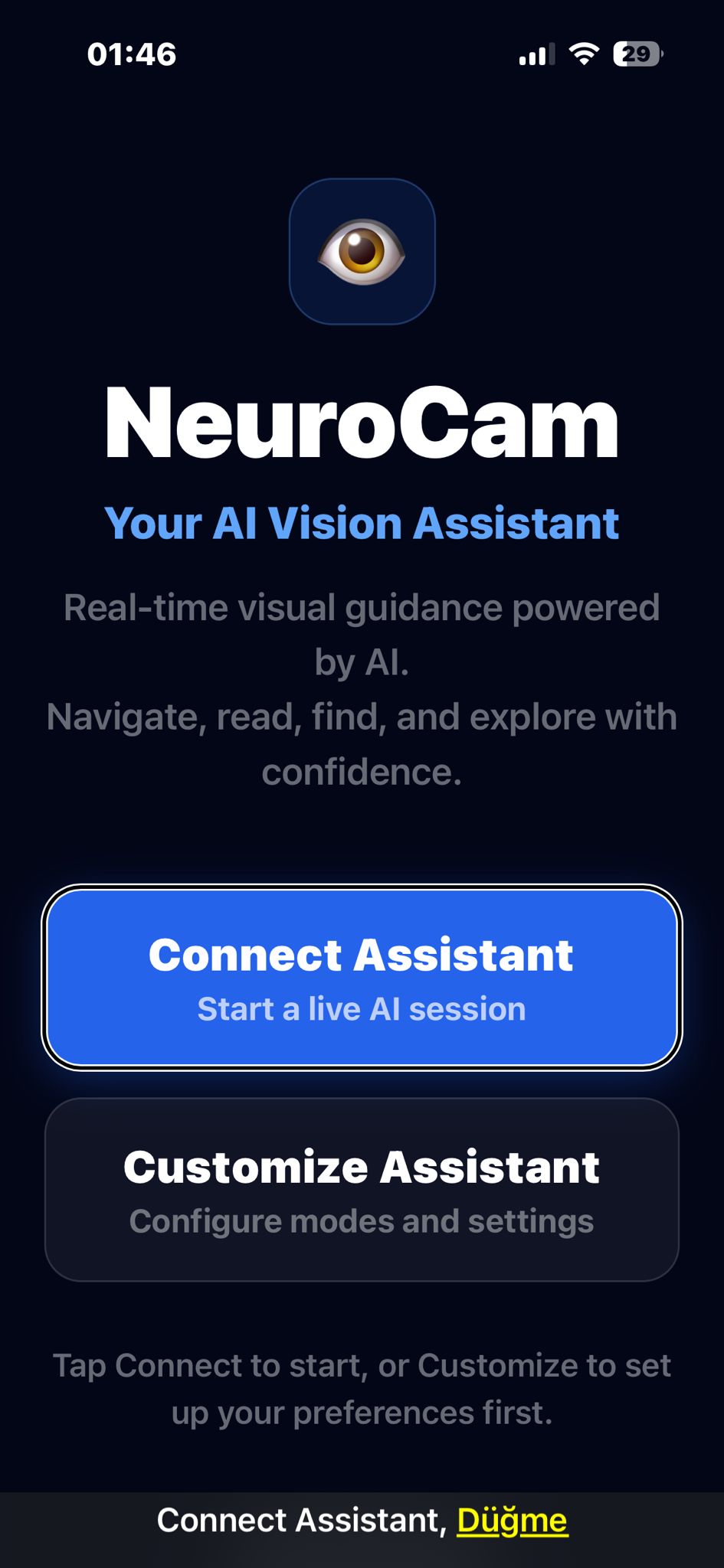
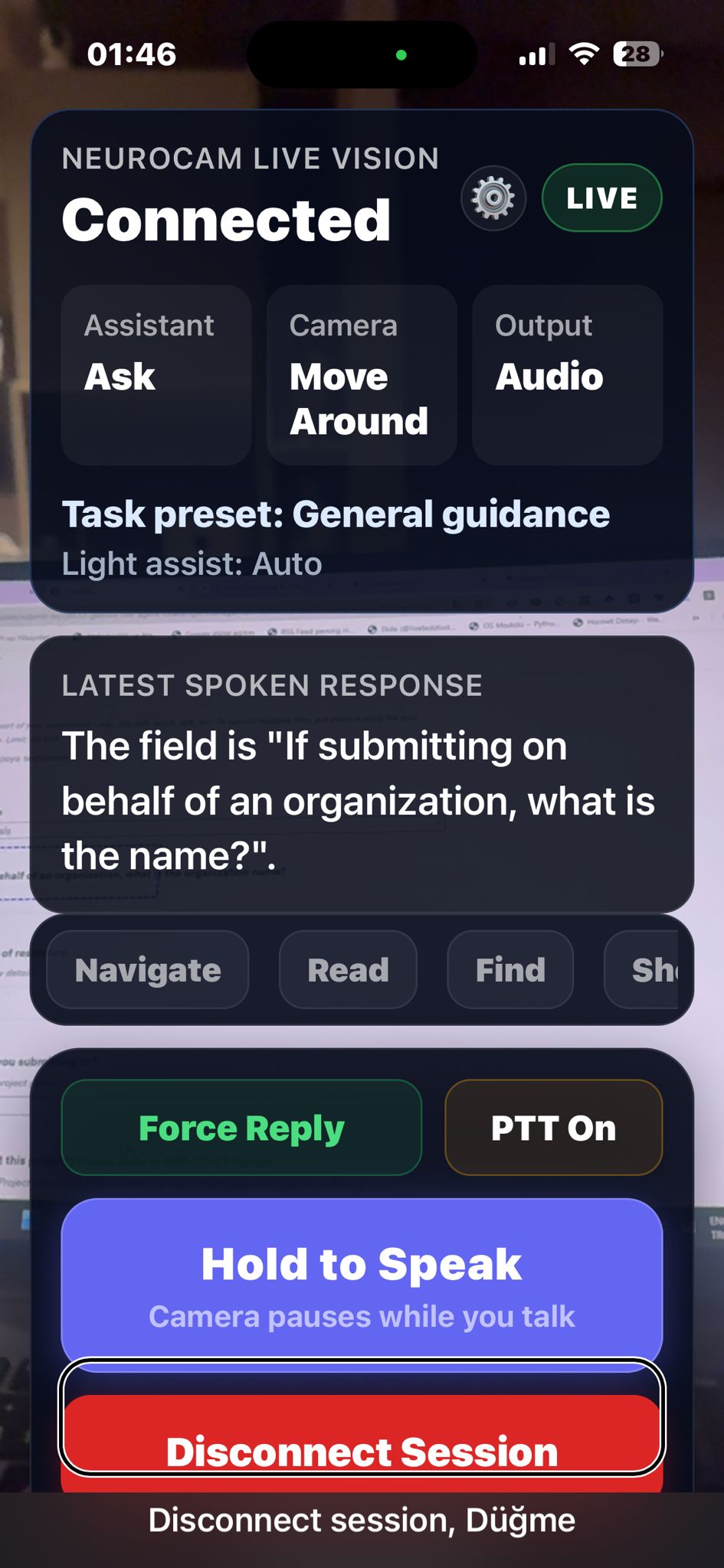
NeuroCam is a real-time visual assistant designed to guide visually impaired users through everyday environments.
Using a smartphone camera, motion sensors, and the Gemini Live API, the assistant can continuously interpret the surroundings and provide spoken guidance.
Examples of what NeuroCam can do:
Navigation assistance
Detect obstacles, doors, stairs, and pathways
Guide the user through indoor environments like malls or stations
Provide step-by-step directional feedback
Text reading
Read product labels
Read signs and printed information
Help align the camera until text becomes readable
Object and environment awareness
Describe the surrounding scene
Identify objects and points of interest
Notify the user when they reach a target location
Interactive guidance
Instead of simply answering questions, NeuroCam can actively guide the user. For example:
“Rotate the package slightly clockwise.”
“Move the phone closer.”
“You can turn right now.”
“You have entered the store.”
This transforms the AI from a passive responder into a proactive visual assistant.
How we built it
NeuroCam was designed around a low-latency hybrid architecture optimized for real-time visual interaction.
Mobile Application
The mobile app was built using React Native to enable cross-platform support for iOS and Android.
On the device we handle:
live camera capture
device motion tracking (gyroscope and accelerometer)
audio playback
push-to-talk voice interaction
real-time session management with Gemini Live
By combining camera input with motion sensor data, NeuroCam can understand how the phone is oriented and guide the user to adjust their camera position.
Real-time AI interaction
The assistant connects to Gemini Live API, enabling real-time multimodal interaction including:
visual input from camera frames
natural voice responses
interactive dialogue with interruption support
Because this system must respond quickly while the user is moving, minimizing latency was critical.
Secure session architecture
To safely connect the mobile client to Gemini Live, we implemented the ephemeral token architecture recommended by Google.
The system works as follows:
The mobile app authenticates with our backend.
The backend running on Google Cloud infrastructure requests a short-lived ephemeral token using the Google GenAI SDK.
The backend returns this token to the mobile client.
The mobile app then connects directly to Gemini Live API via WebSocket using that token.
This design keeps the API key securely on the server while allowing the mobile app to communicate directly with Gemini Live for real-time performance.
Why this architecture
Routing the live audio/video stream through a backend would introduce additional latency. For a navigation assistant used by visually impaired users, even small delays can negatively impact usability.
Using ephemeral tokens allows us to:
keep credentials secure
avoid exposing API keys in the mobile app
maintain direct low-latency streaming to Gemini Live
Field testing
Development was guided by real-world testing. Atakan and Omer regularly tested prototypes outside with other visually impaired users.
Feedback from these sessions helped refine:
guidance prompts
response timing
camera alignment instructions
navigation feedback
How we built it
The development of NeuroCam focused on cross-platform accessibility and dynamic intelligence. We chose React Native to ensure future compatibility with both iOS and Android (currently tested on iOS). The core conversational power is driven by the Gemini Live API, providing high-fidelity, real-time interactions.
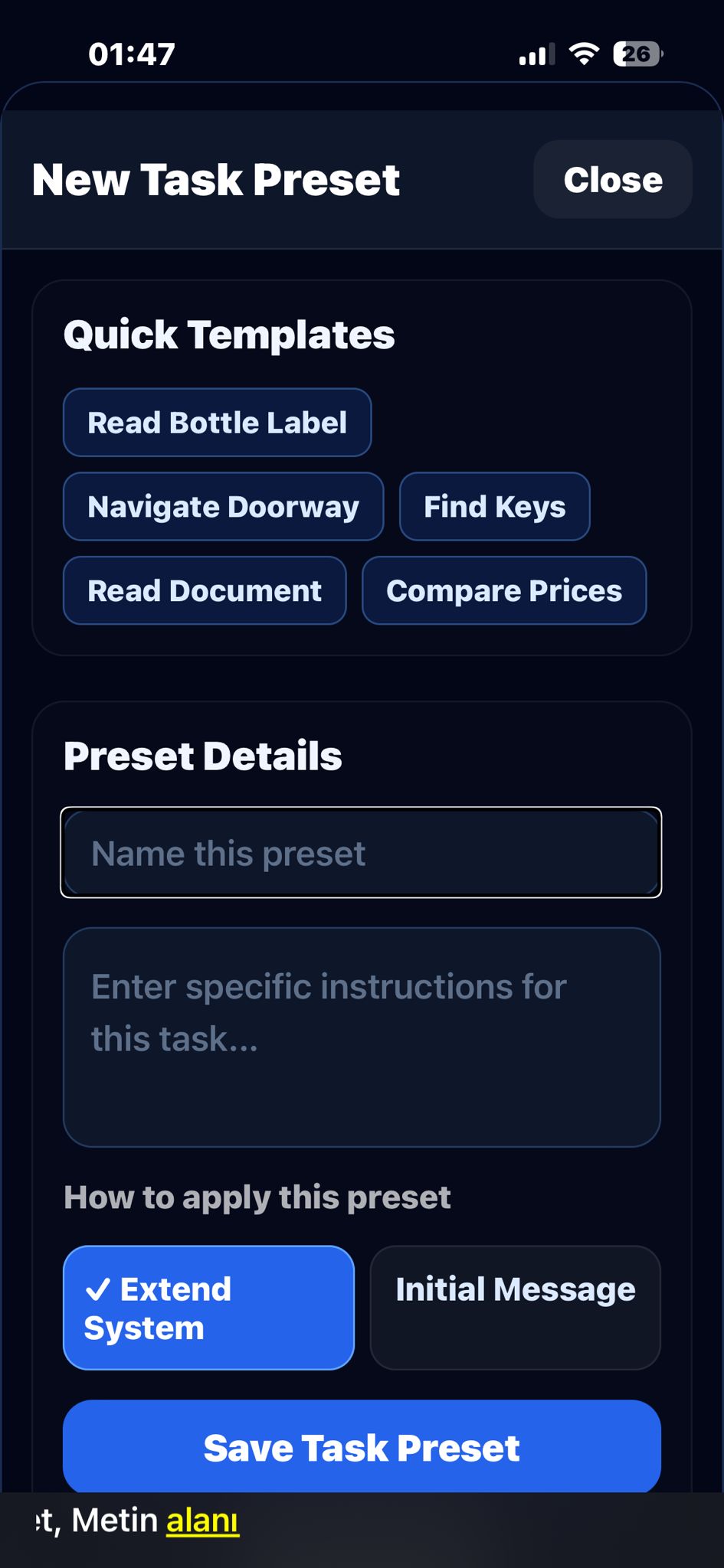
One of our key technical breakthroughs involved bridging the gap between "seeing" and "feeling" movement. We integrated device sensor data (accelerometer and gyroscope) to inform the agents about the phone’s orientation and movement. This allows the AI to know if a user is pointing the camera in the wrong direction and provide immediate corrections. Furthermore, we introduced an Agent Editor, empowering visually impaired users to customize or create new agents tailored to their specific daily tasks.
Finally, the entire building process was grounded in field testing. Atakan and Omer took the prototype to the streets, testing various scenarios with other visually impaired users to refine the logic based on direct, real-world feedback.
Challenges we ran into
The most significant challenge we faced was latency. Since NeuroCam is designed to guide users in real-time—often in busy environments like streets or crowded malls—every millisecond counts. We had to manage a complex pipeline: capturing the camera feed, sending requests to the Gemini API, having our custom agents interpret the visual data, and finally delivering the voice feedback to the user. A delay of even a few seconds could mean a user missing a turn or not stopping in time. Our goal was to push the latency below 1 second to ensure maximum safety and fluidity. By optimizing our Firebase Edge Functions, we managed to bring the response time down to between 1 and 2 seconds. While we are constantly working to shave off more time, this optimization was crucial in making the assistant reliable enough for real-world navigation.
Accomplishments that we're proud of
One of our proudest moments occurred during a field test when a visually impaired user told us, "I won't feel alone outside anymore; I now have an assistant that communicates with me and acts as my eyes." This feedback validated our entire mission. We didn't just build a technology for the visually impaired; we built it with them. By actively gathering feedback from our friends and community throughout the development process, we ensured that every feature addressed a real-world struggle. Achieving a low-latency, responsive system was a technical win, but hearing that our tool provides a sense of companionship and independence is our greatest achievement.
What we learned
Building NeuroCam was a profound learning experience, both technically and strategically. We gained hands-on expertise in implementing Google Cloud infrastructures and Edge Functions within a mission-critical, real-time scenario. This project also marked our first journey in developing a production-ready application using React Native, which culminated in successfully launching our beta version on TestFlight. Beyond the code, we learned the intricacies of synchronizing cloud computing with mobile sensor data to provide seamless navigation. We discovered that the true potential of AI lies in its ability to be proactive rather than reactive, and that designing for accessibility requires a deep, iterative understanding of how users interact with their physical environment through digital interfaces.
What's next for NeuroCam
Our primary goal is to develop an Accessibility Bridge Protocol. This protocol will allow brands and indoor venues to provide structured data—such as indoor maps or product layouts—directly to AI models like Gemini. By creating this bridge, we aim to help AI tools better understand physical spaces and guide visually impaired users with unprecedented precision. Beyond the protocol, we are focused on expanding our Agent Editor to give users even more control over their personal assistants. We also plan to integrate Firebase Authentication (Sign-up/Login) to introduce user accounts, allowing our community to save their preferences, custom agents, and personal data securely. Our roadmap is driven by a commitment to continuous improvement through deeper user feedback, ensuring NeuroCam remains a cutting-edge tool for independence.

Log in or sign up for Devpost to join the conversation.