-
Coach
-
Home
-
XR Practice
Inspiration
Many students understand a topic but struggle to explain it clearly. This happens during class doubts, team projects, hackathons, and presentations. Sometimes the problem is not that the student does not know the answer, but that they do not know how to turn rough thoughts into clear communication.
I built NeuroBridge XR to help students express their ideas, doubts, and explanations with more confidence.
What it does
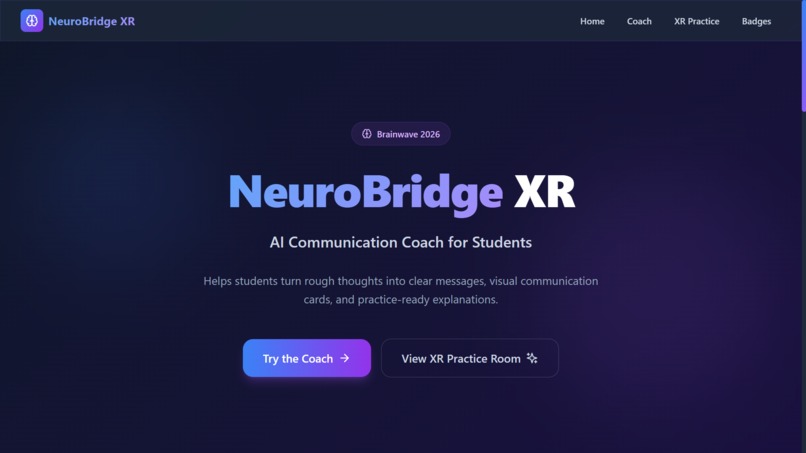
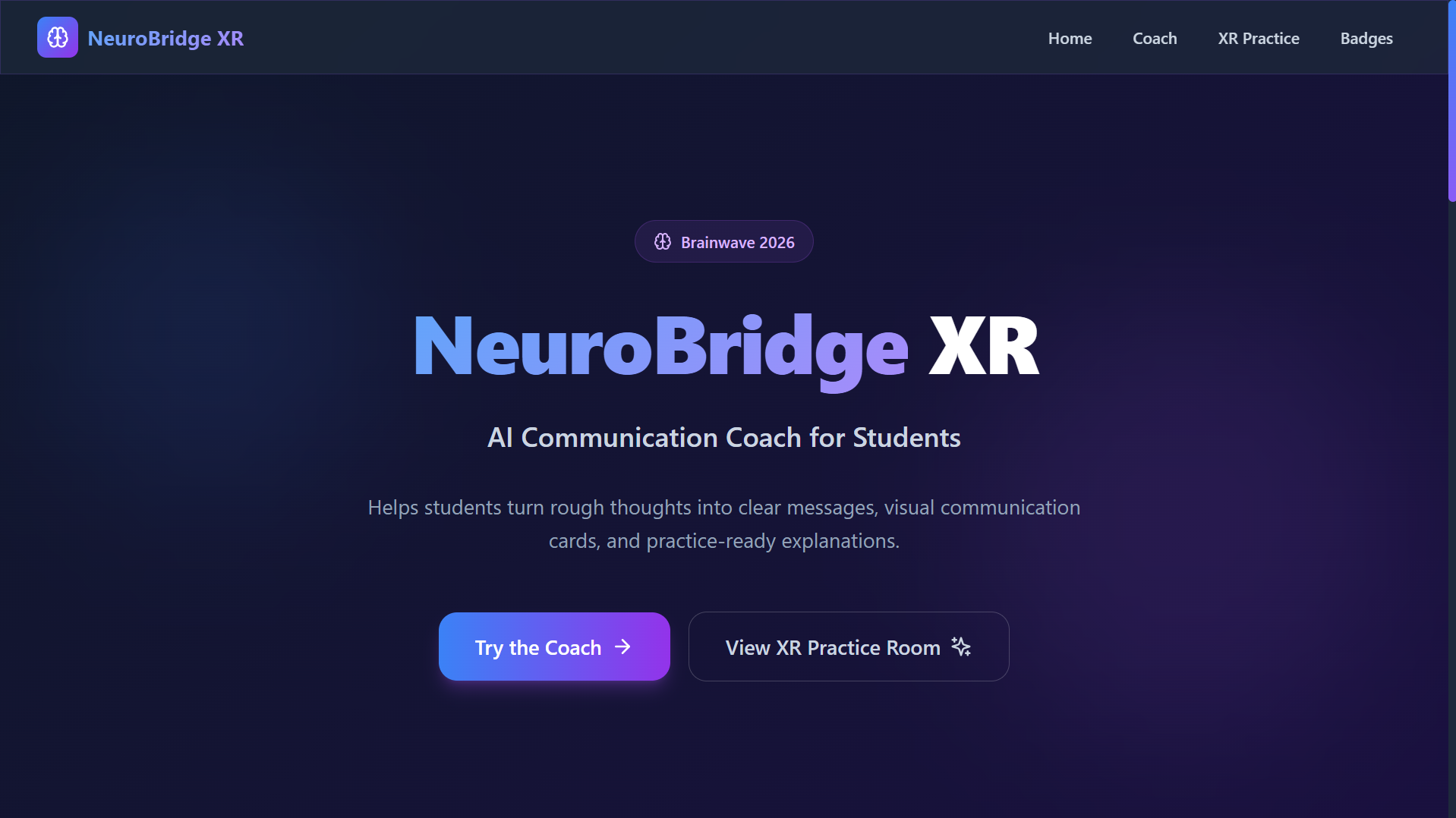
NeuroBridge XR is an AI Communication Coach for Students.
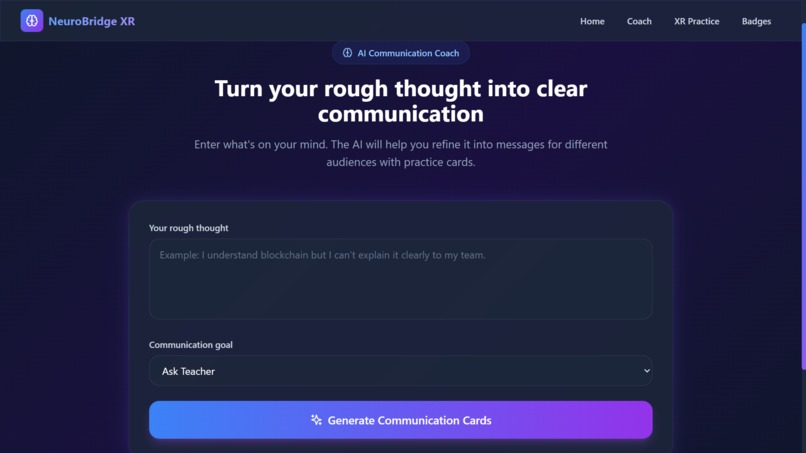
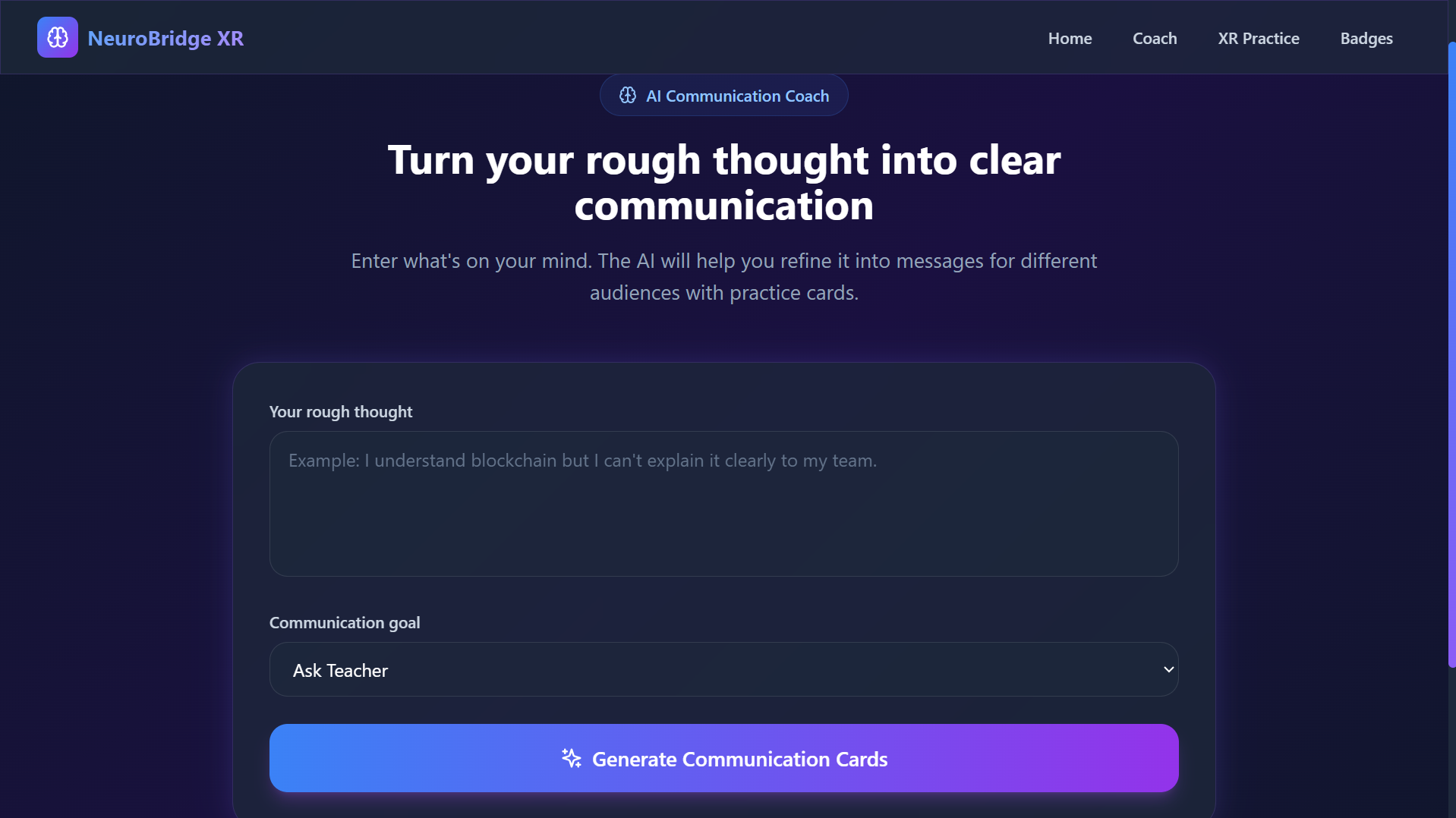
A student can type a rough thought like:
“I understand blockchain but I can’t explain it clearly to my team.”
The app then helps turn that rough thought into:
- A clearer message
- A simple explanation
- A teacher-friendly message
- A teammate-friendly message
- Step-by-step communication cards
- Practice-ready sentences
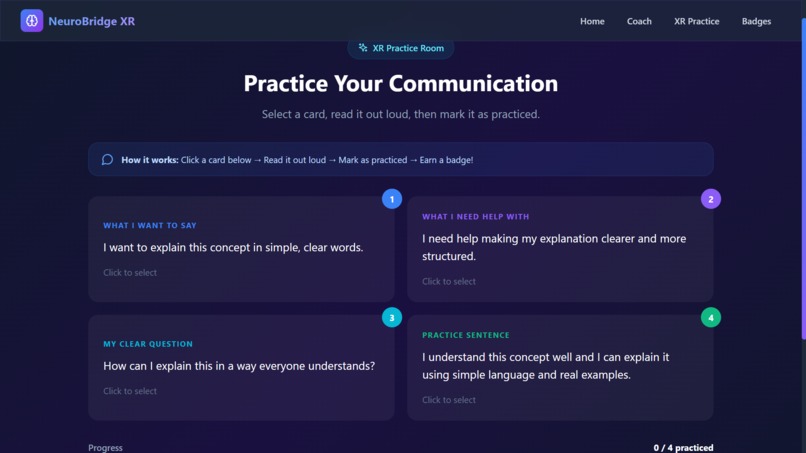
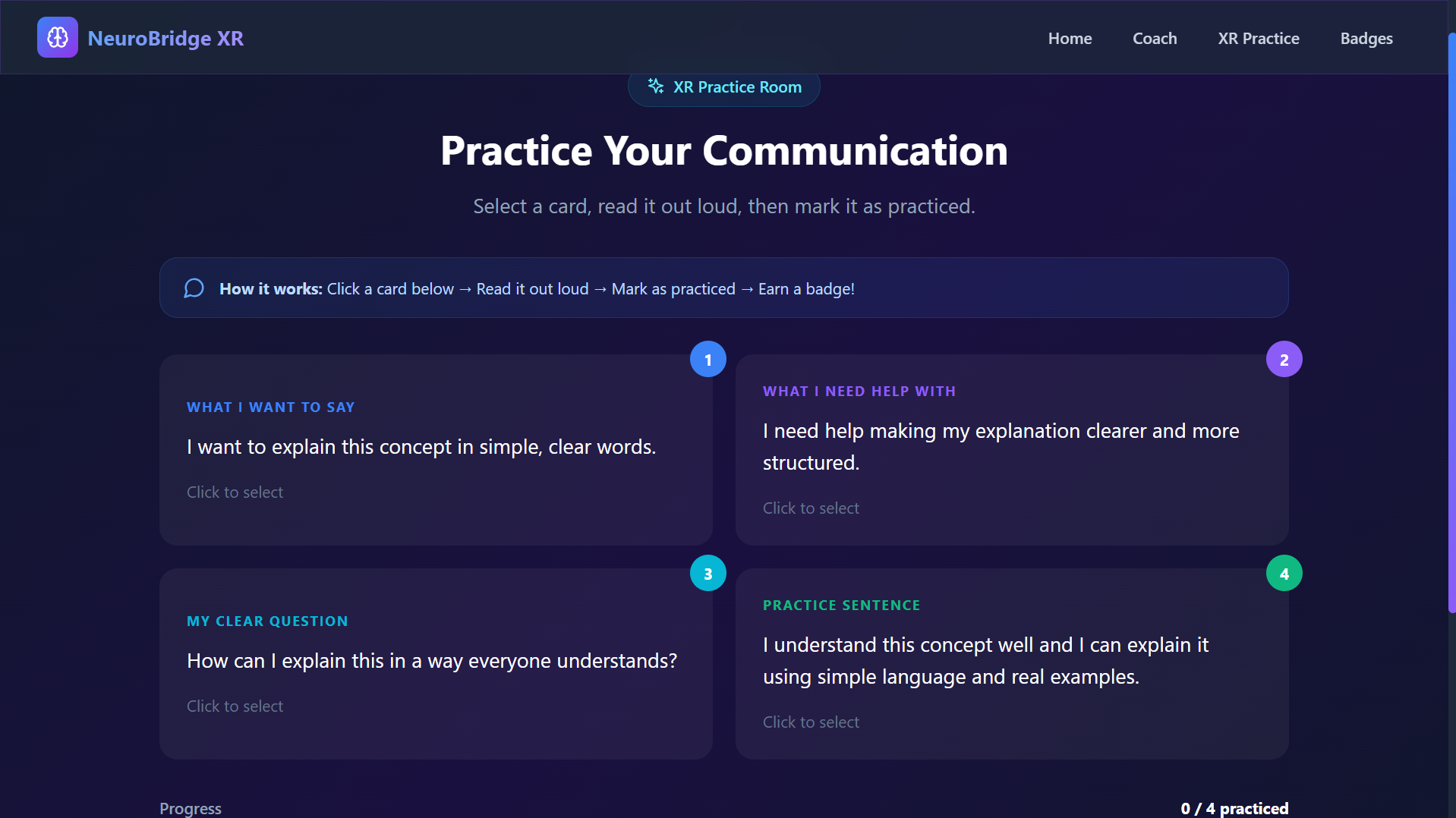
The project also includes an XR-style practice room where students can interact with floating communication cards and mark them as practiced. After practice, students can view progress badges with simulated privacy-safe verification hashes.
How I built it
I built the project as a web-based MVP using Next.js, TypeScript, React, and Tailwind CSS.
The Communication Coach page takes student input and generates structured communication outputs.
The XR Practice Room is a browser-based 3D-style experience where communication cards appear as floating practice cards. The Badges page simulates verified progress badges while keeping student privacy in mind.
The final website was built locally and deployed using Cloudflare Pages.
Challenges I ran into
One challenge was keeping the idea simple enough for a hackathon MVP while still including AI, AR/VR-style interaction, communication support, and blockchain-inspired verification.
Another challenge was deployment. Since the project uses Next.js, I had to build the correct static output and upload the right folder to Cloudflare Pages. After fixing the export setup and uploading the correct out folder, the demo started working.
I also had to balance design and functionality so the project looked polished but stayed easy to understand.
Accomplishments that I am proud of
I am proud that NeuroBridge XR is not just a pitch idea. It has a working demo website where users can open the app, enter a rough thought, view communication outputs, practice with XR-style cards, and see progress badges.
I am also proud that the project focuses on a real student problem: the gap between understanding something and being able to explain it clearly.
What I learned
I learned how to turn a hackathon idea into a complete project with a problem, solution, MVP, pitch deck, and live deployment.
I also learned more about Next.js, Tailwind CSS, static deployment, designing simple user flows, and building a demo that connects multiple technologies into one clear product idea.
Most importantly, I learned that a strong hackathon project should not only use technology, but should solve a real problem in a simple and useful way.
What’s next for NeuroBridge XR
Next, I want to improve NeuroBridge XR with:
- Real voice input
- Speech practice feedback
- Multilingual support
- Teacher dashboard
- Real AR support
- More accessibility features
- Better badge verification
- School and classroom integration
The long-term goal is to make NeuroBridge XR a complete communication learning platform for students.
Built With
- ai
- ar/vr
- blockchain
- cloudflare
- communication
- css
- fiber
- next.js
- pages
- react
- tailwind
- three
- three.js
- typescript


Log in or sign up for Devpost to join the conversation.