-
-
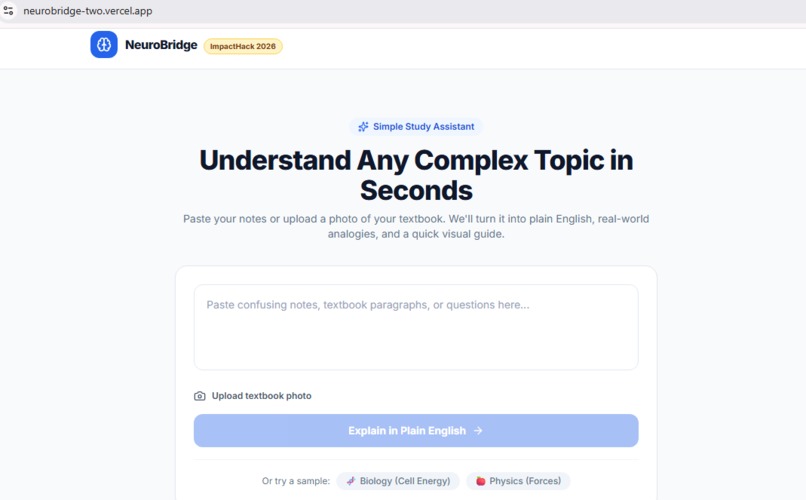
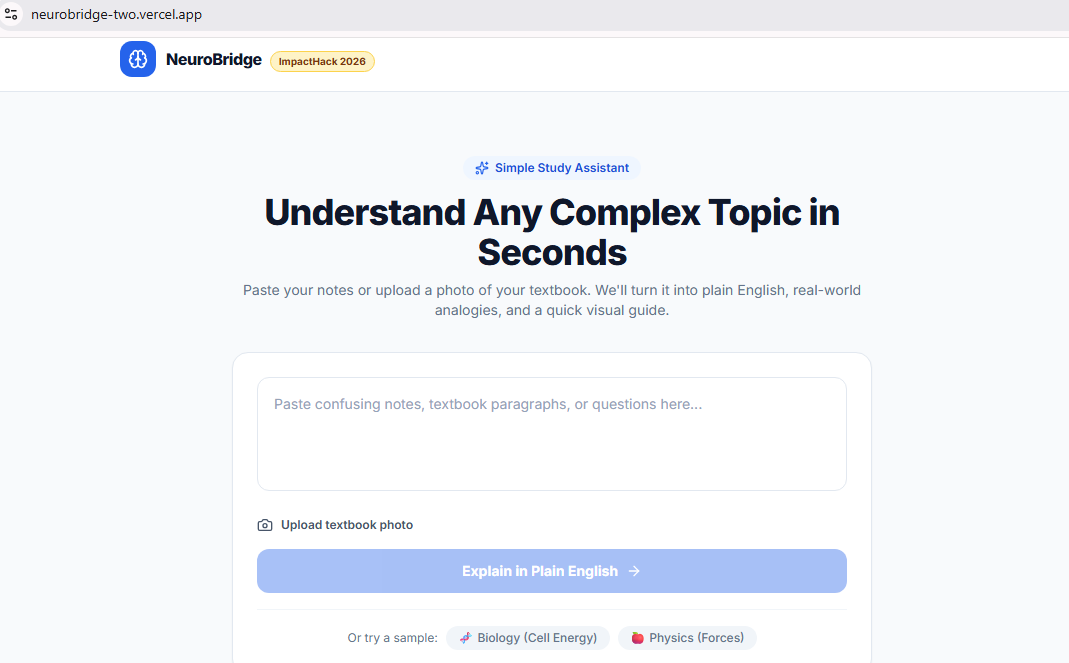
NeuroBridge home: paste notes or upload a textbook photo to get a simple, plain-English explanation.
-
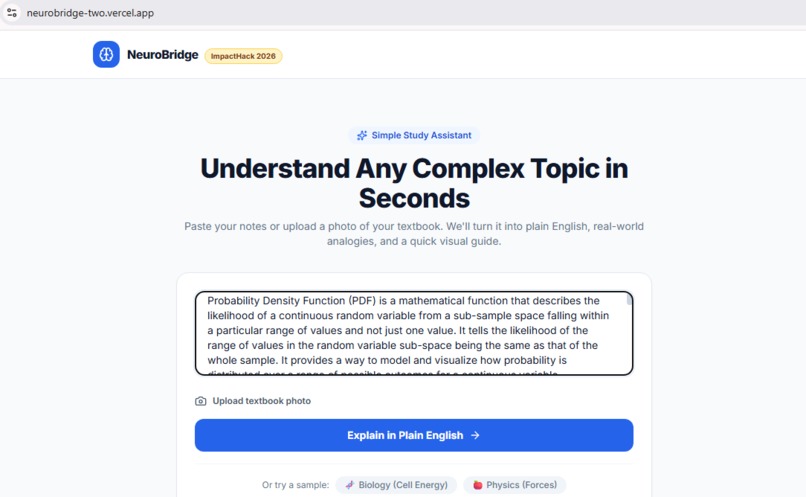
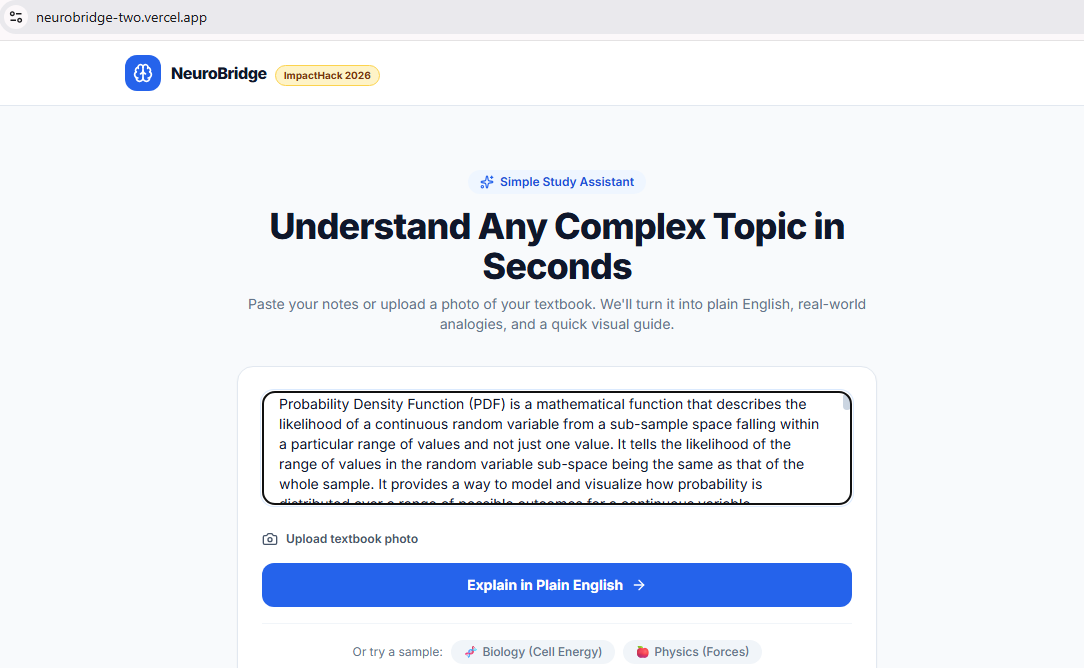
A student pastes a dense textbook paragraph on Probability Density Functions, ready to be simplified.
-
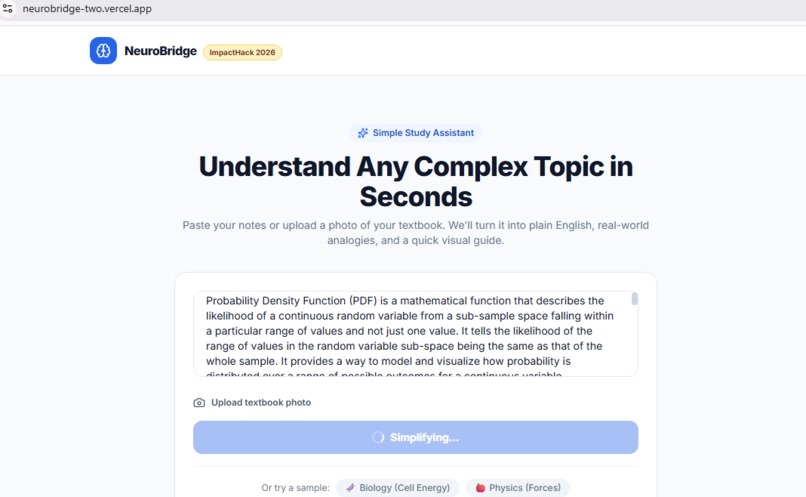
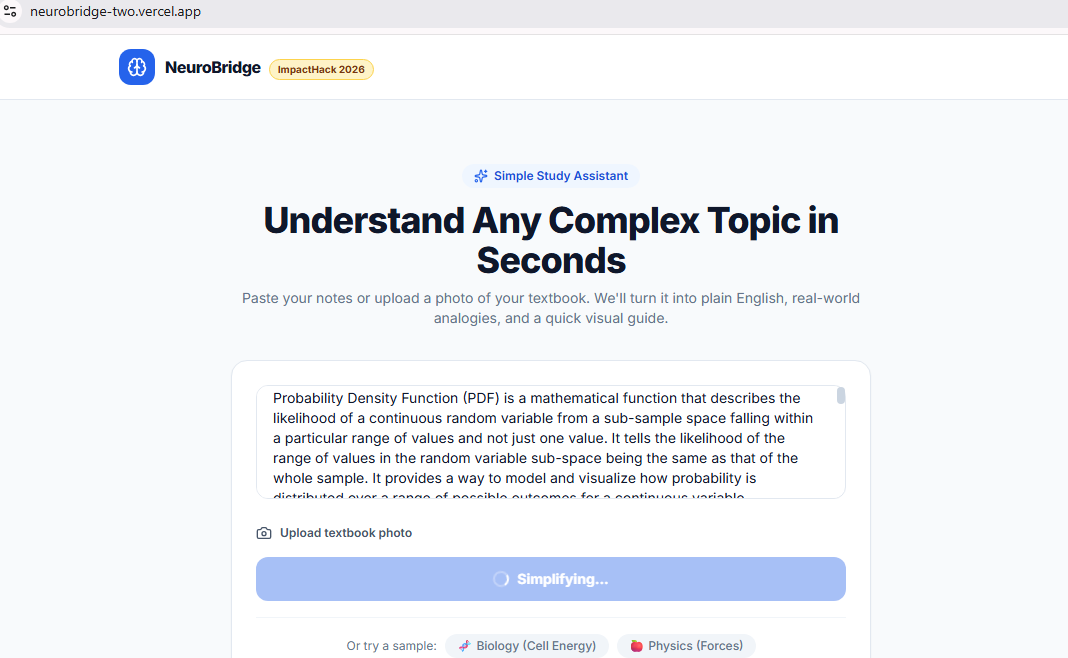
Gemini AI reads the material and simplifies it in seconds. The button shows "Simplifying..." while it works.
-
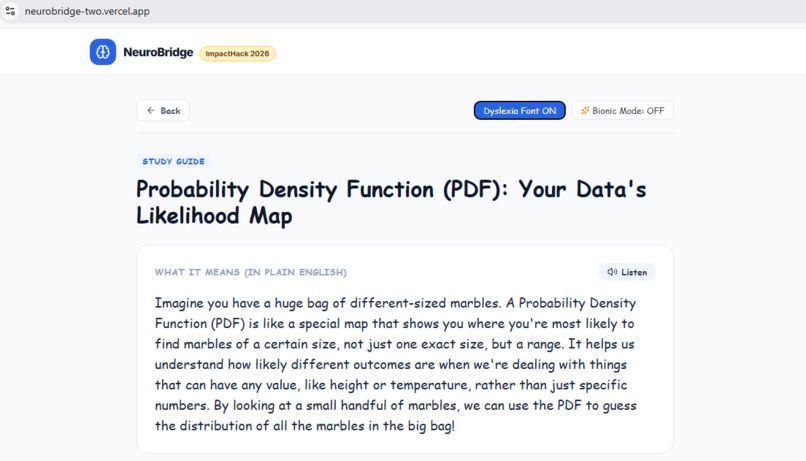
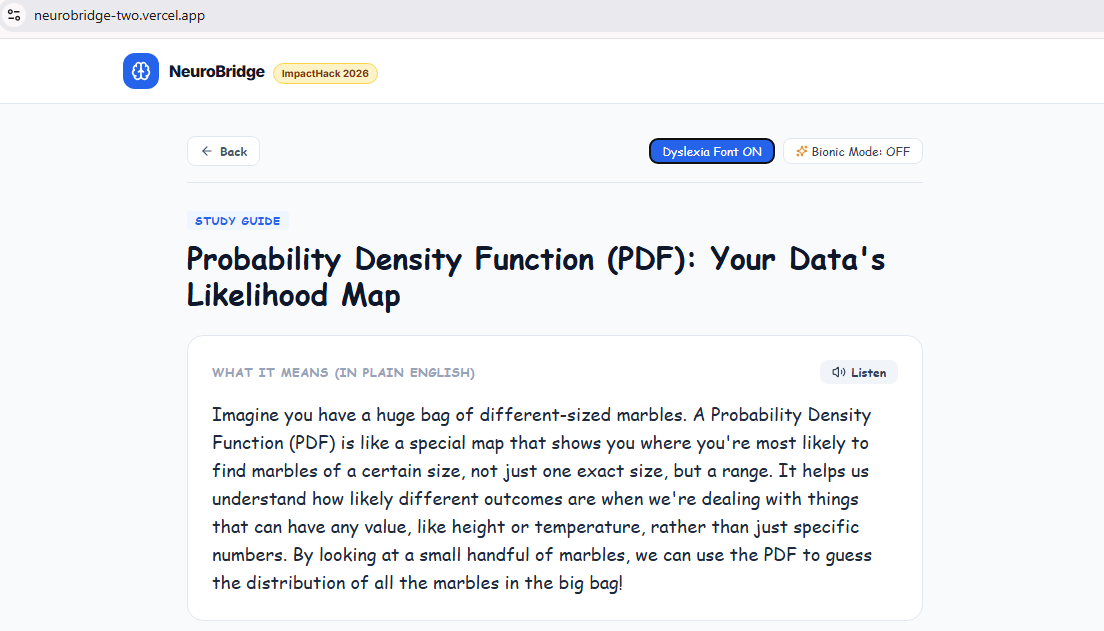
Plain-English result with a marble analogy. Dyslexia-friendly font, Bionic Mode, and Listen make it accessible.
-
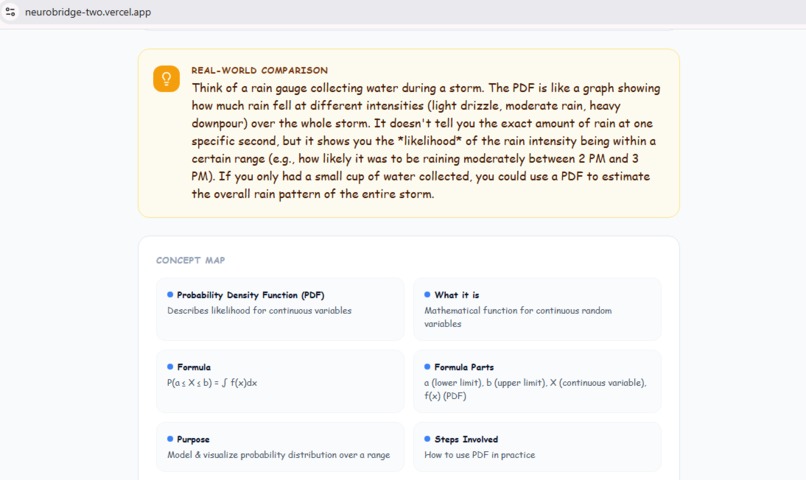
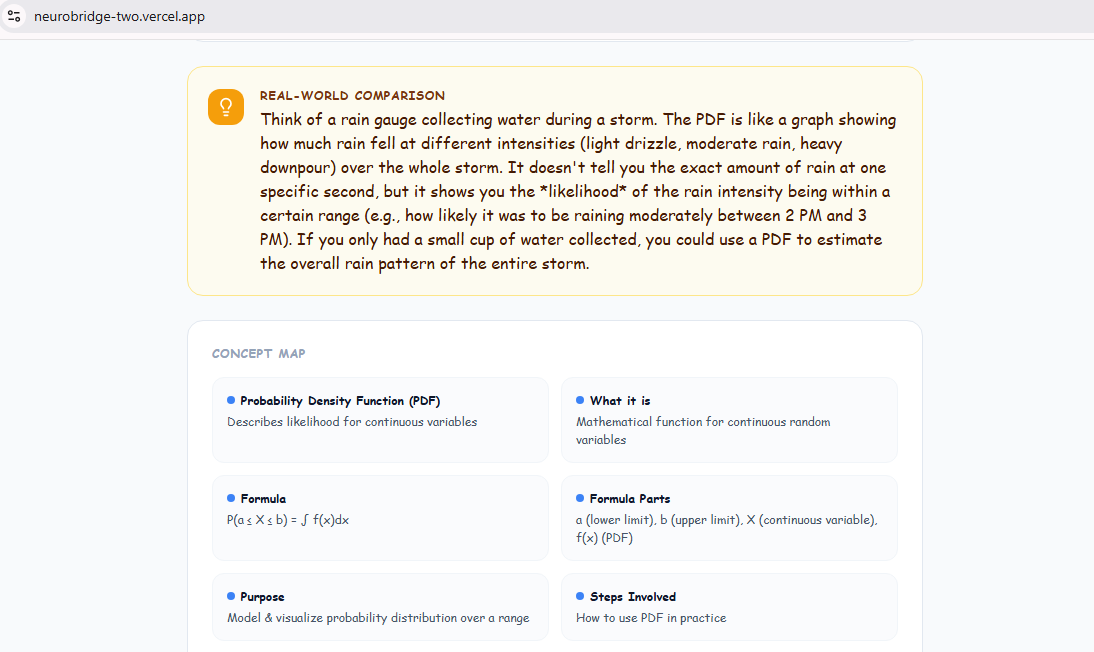
Real-world comparison (rain gauge analogy) and a concept map that breaks the topic into key parts and the formula.
-
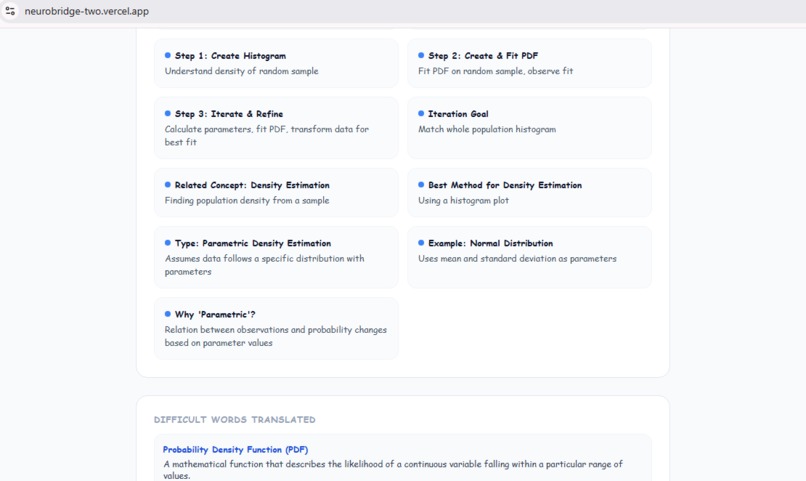
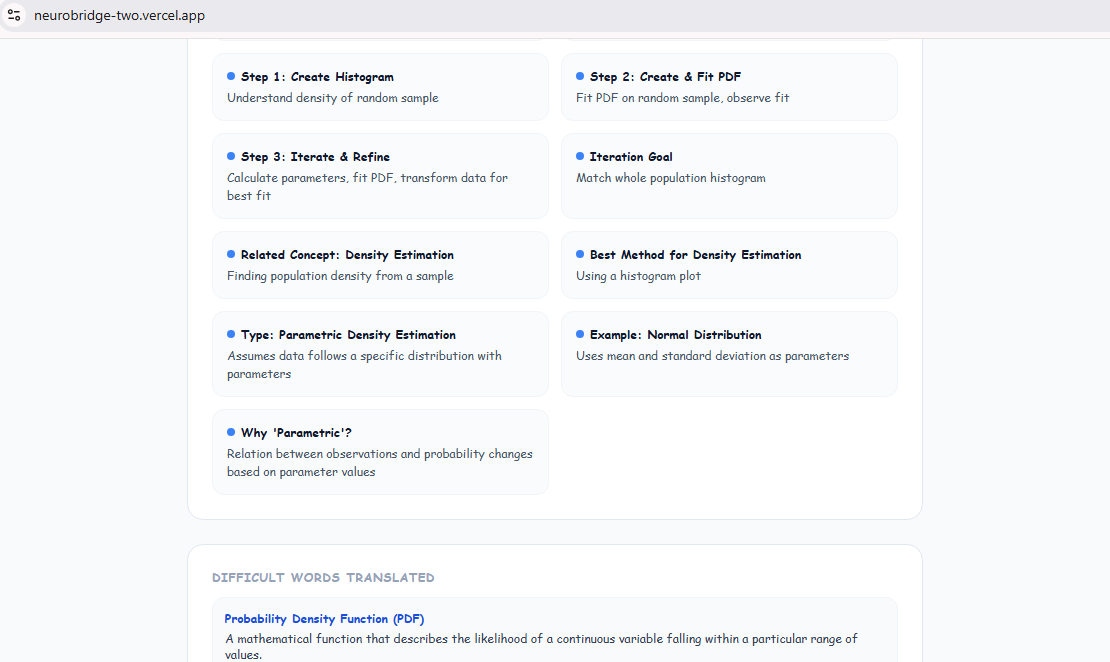
Concept map continues with the step-by-step process and related ideas, plus a "Difficult Words Translated" glossary.
-
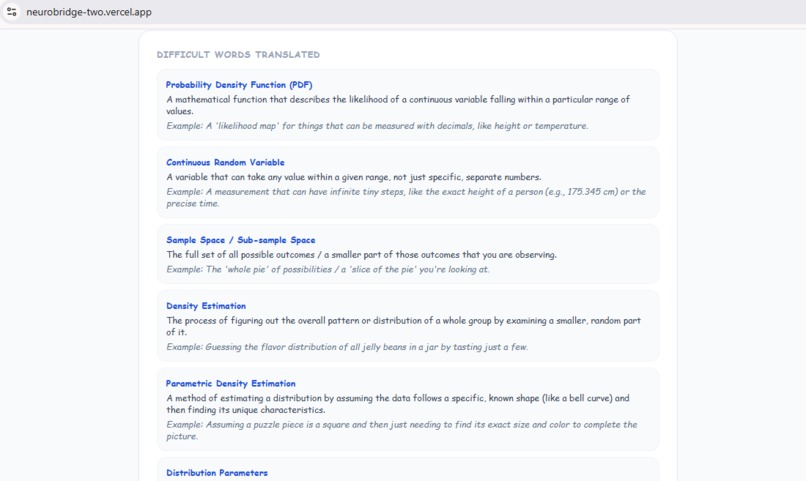
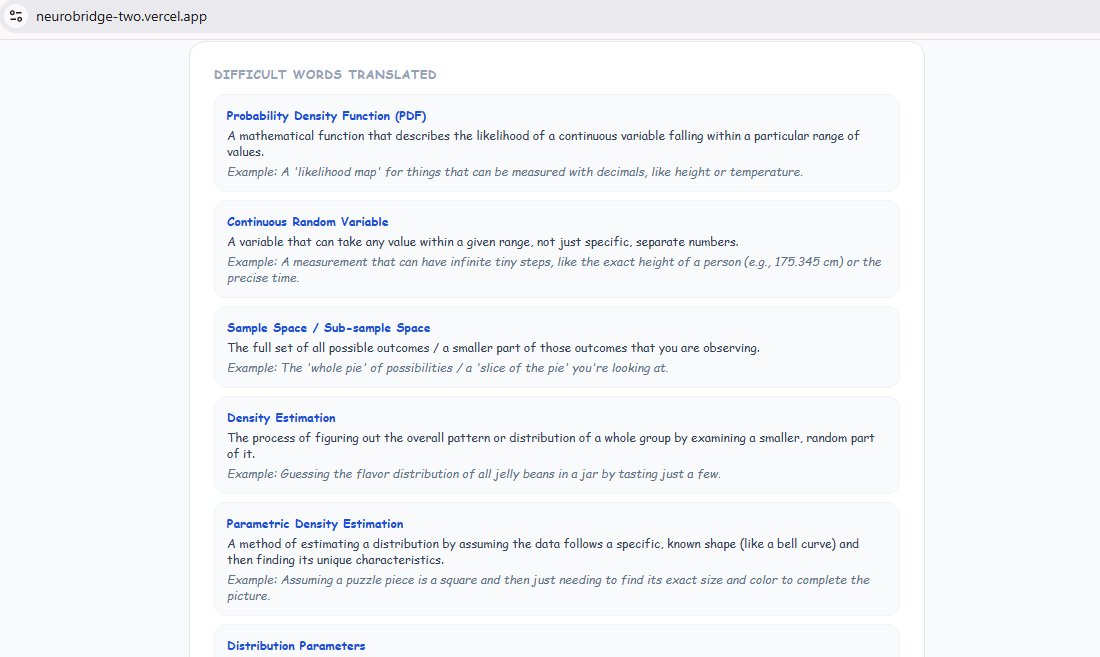
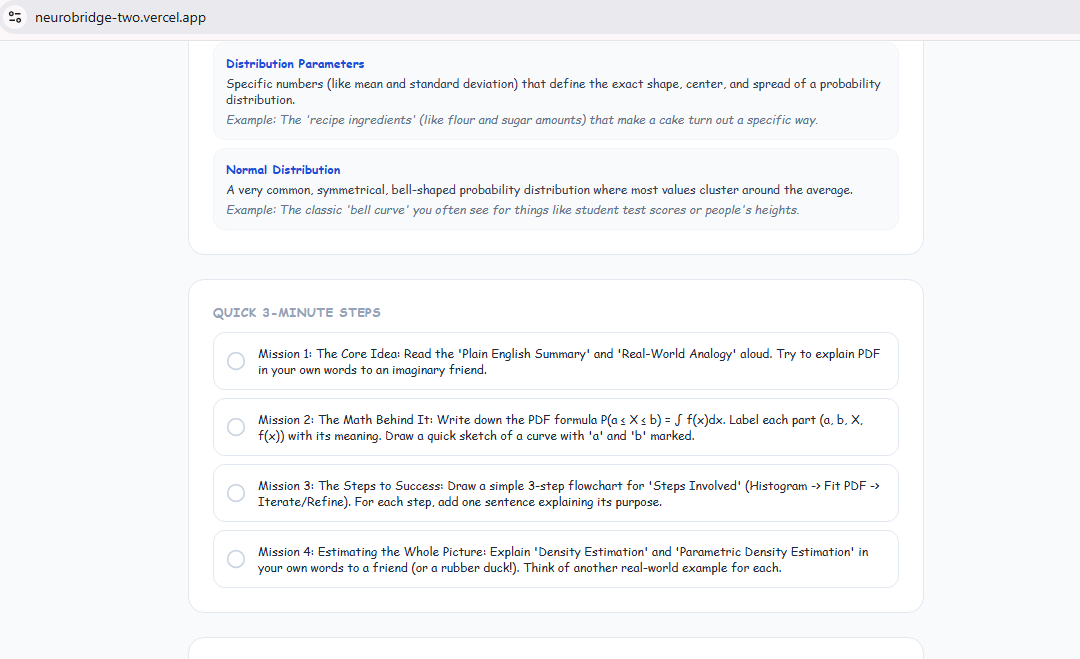
Difficult Words Translated: each technical term gets a simple definition and an everyday example, like jelly beans in a jar.
-
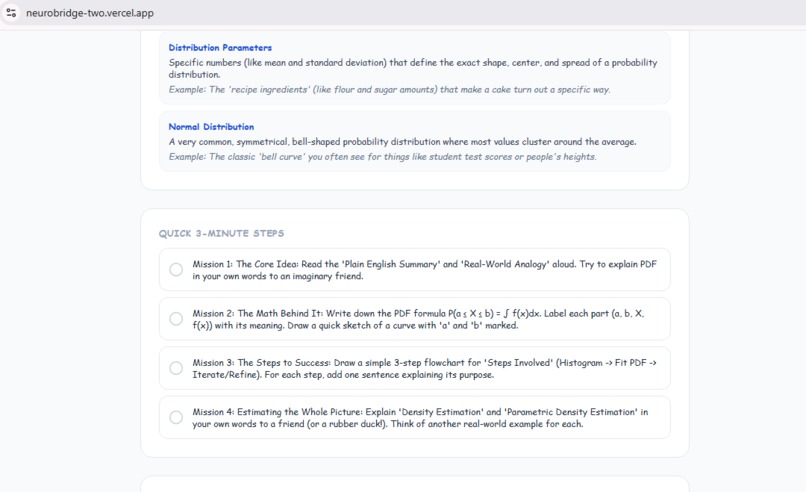
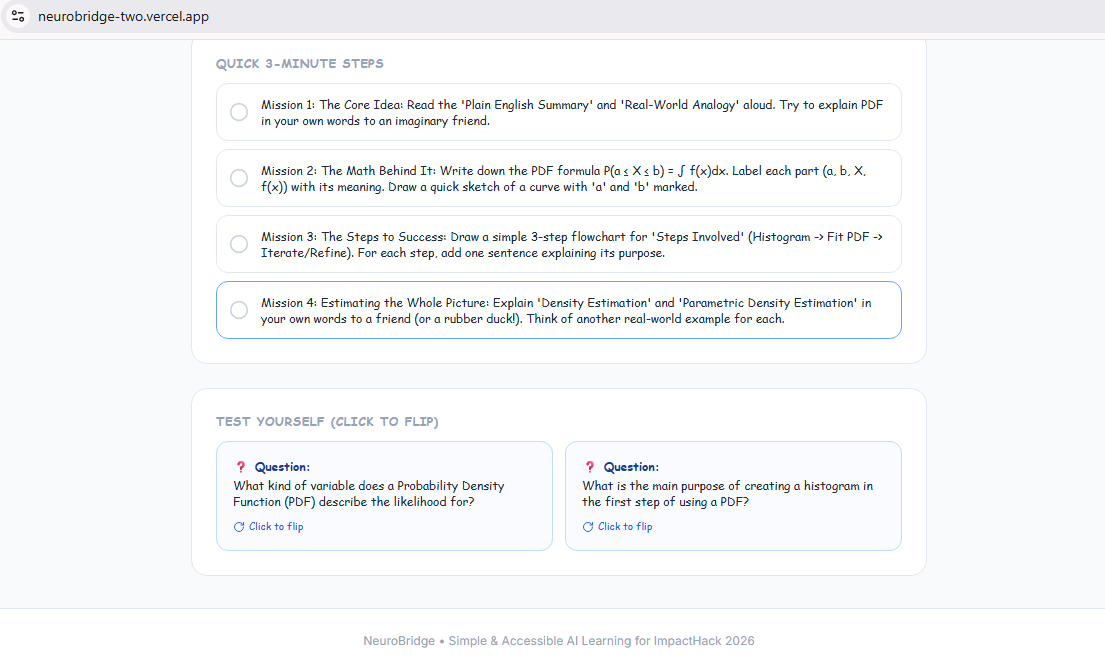
Quick 3-minute missions turn reading into doing: explain it, sketch it, and teach it back in your own words.
-
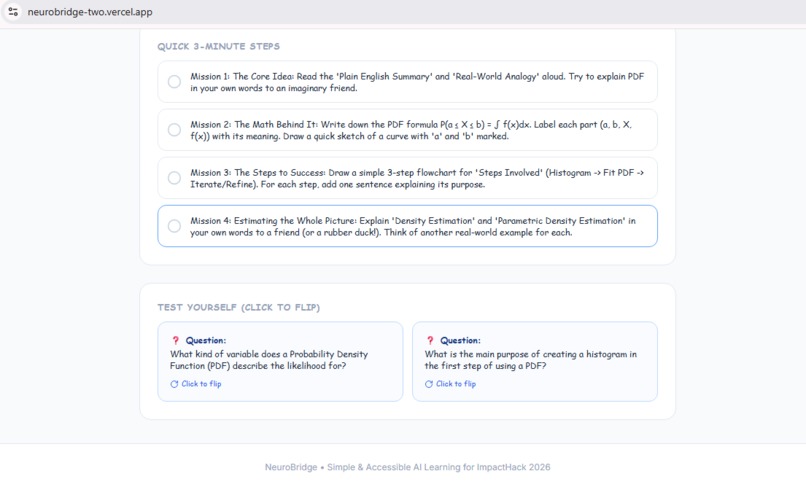
Quick 3-minute study missions plus flip-card questions to test yourself on what you just learned.
Inspiration
Many students sit down with their textbook or class notes and still can't understand them. The words are dense, the examples are abstract, and asking for help isn't always possible. We wanted to build a study assistant that explains things the way a patient friend would: in plain English, with real-world examples.
What it does
NeuroBridge turns confusing study material into something easy to understand in seconds.
- Paste your notes or textbook paragraphs, or upload a photo of your textbook page
- Get a plain-English explanation of the topic
- See real-world analogies that connect hard ideas to everyday life
- Get a visual guide and mind map that shows how the concepts connect
- Try built-in samples like Biology (Cell Energy) and Physics (Forces) without needing any input
It is designed for high school learners, including students who find dense text overwhelming or who learn better visually.
How we built it
- Frontend: React, TypeScript, Vite, and Tailwind CSS
- AI: the Google Gemini API (
gemini-2.5-flash) reads the text, and images of textbook pages, and produces the simplified explanation, analogies, and mind-map structure - Hosting: deployed on Vercel, with the API key stored as an environment variable so visitors can use the app instantly without their own key
- Development: we used AI coding tools (Antigravity) to speed up building and debugging
The AI does the core work for the user: it understands messy input, including photos of printed pages, and restructures it into a learning-friendly format.
Challenges we ran into
- Getting the AI to return structured output reliably, so the explanation, analogies, and mind map display cleanly in the interface
- Handling image-only input, when a student uploads a photo without typing any text
- Deployment: moving from a local app to a live demo, including configuring environment variables so the app works for every visitor without asking for an API key
Accomplishments that we're proud of
- A working, live app that anyone can open and use right away
- A clean, simple interface that doesn't overwhelm students
- Photo upload, so a student can go from textbook page to explanation in one step
What we learned
We learned how to design prompts and structured outputs for an educational tool, how to deploy a Vite app to Vercel, and how important it is to keep an interface simple when your users are already feeling overwhelmed.
What's next for NeuroBridge
- Adjustable explanation levels (younger students, university level)
- More languages, so students can learn in their own language
- Quizzes and flashcards generated from the same notes
- Saving study sessions so students can review them later
Built With
- antigravity
- canvas-confetti
- css3
- gemini-2.5-flash
- gemini-api
- github
- google-gemini
- html5
- javascript
- lucide-react
- react
- tailwindcss
- typescript
- vercel
- vite


Log in or sign up for Devpost to join the conversation.