-
-
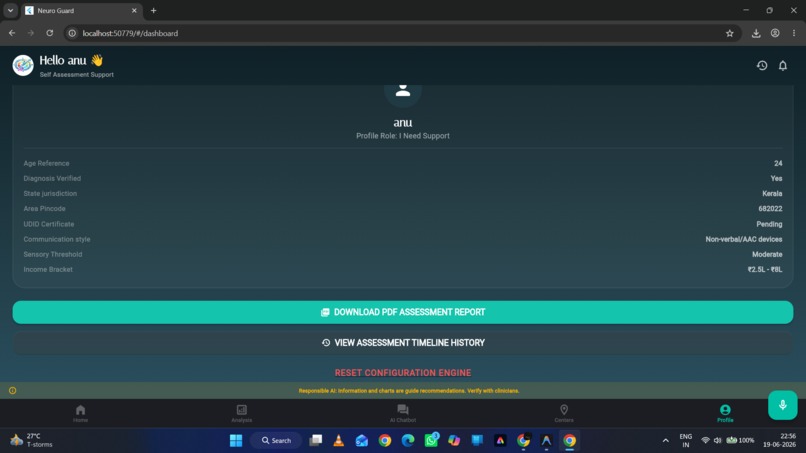
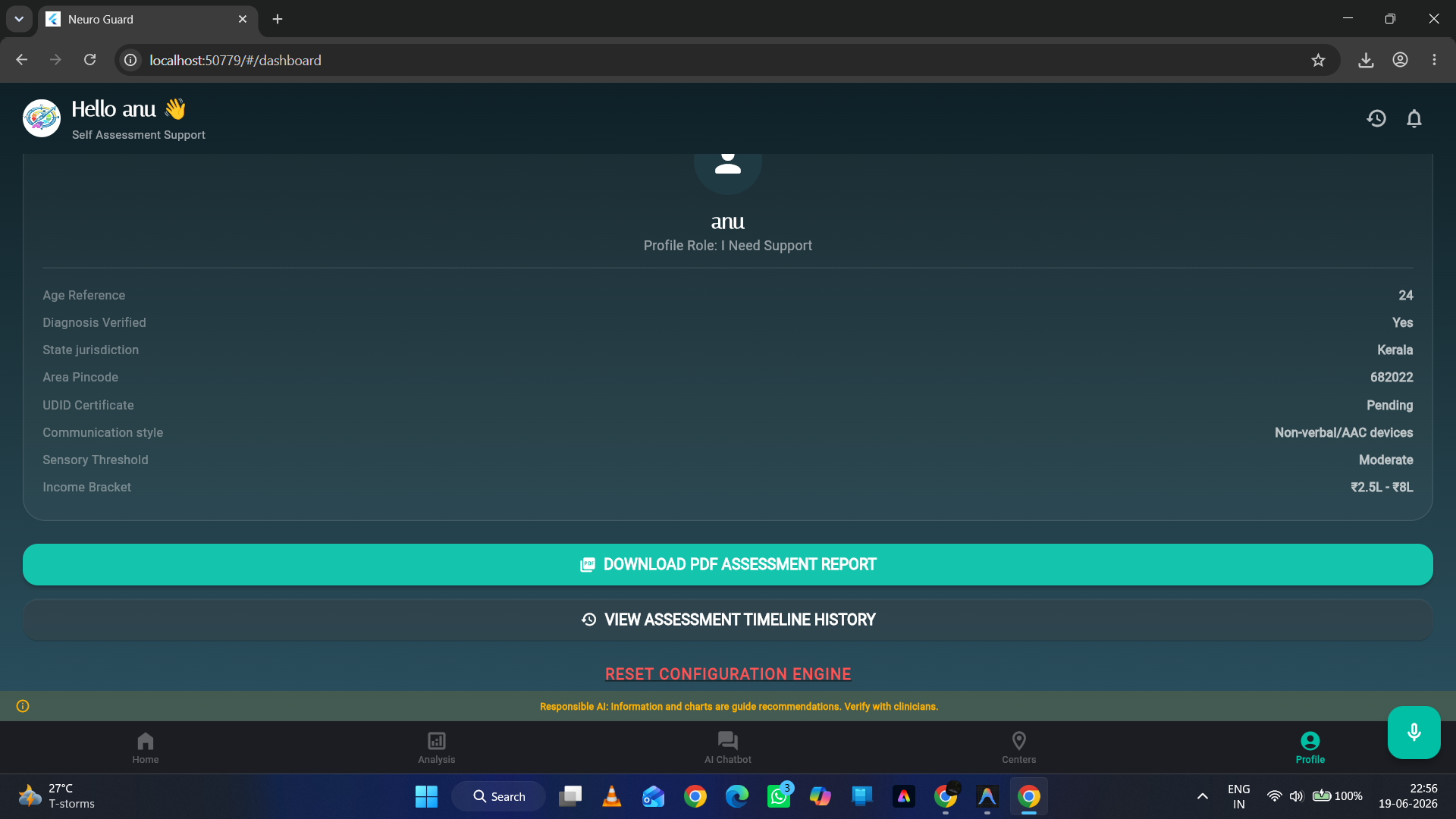
Summary of the completed questionnaire along with the option to download the analysis report
-
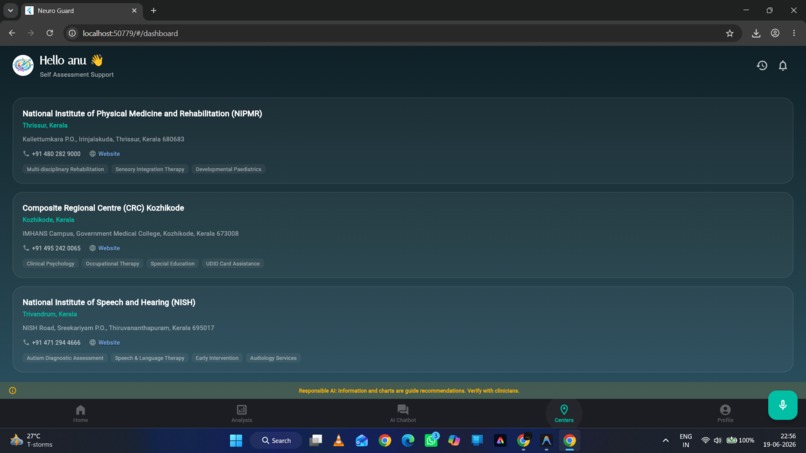
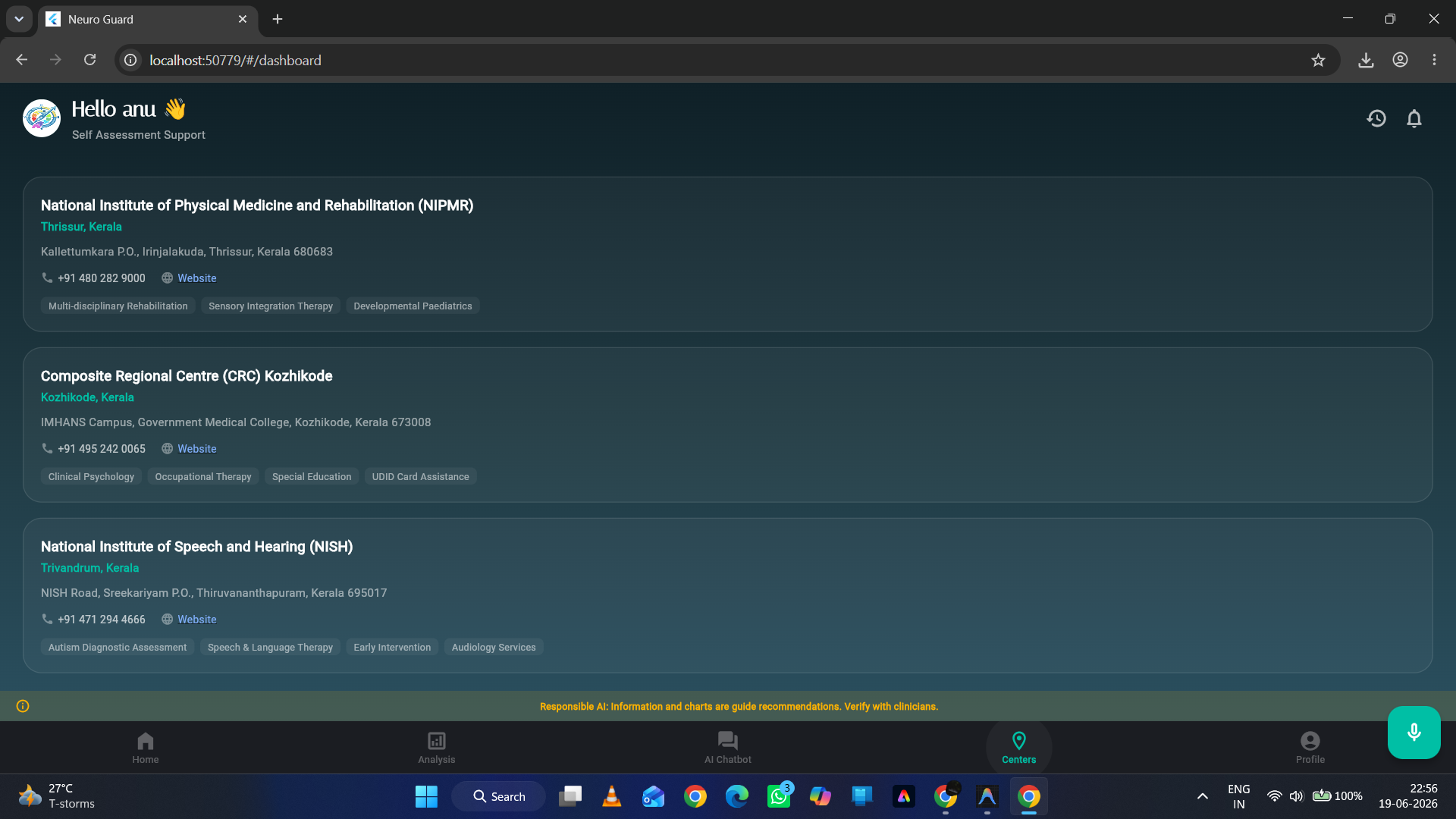
Nearest therapy and speech centres for autistic children generated by our app
-
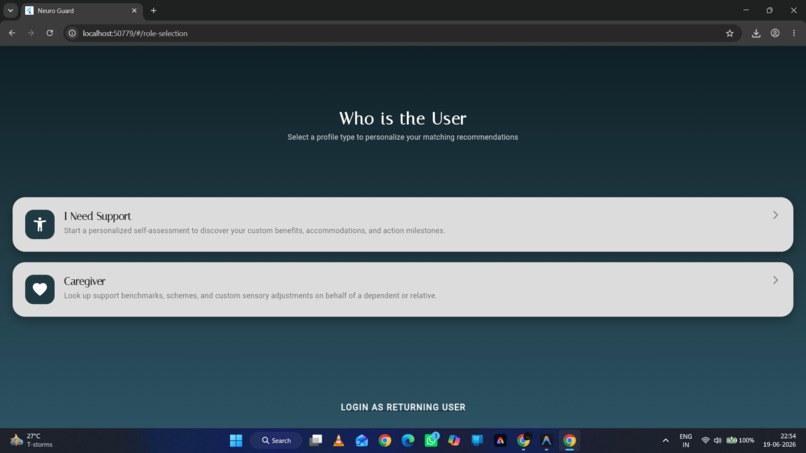
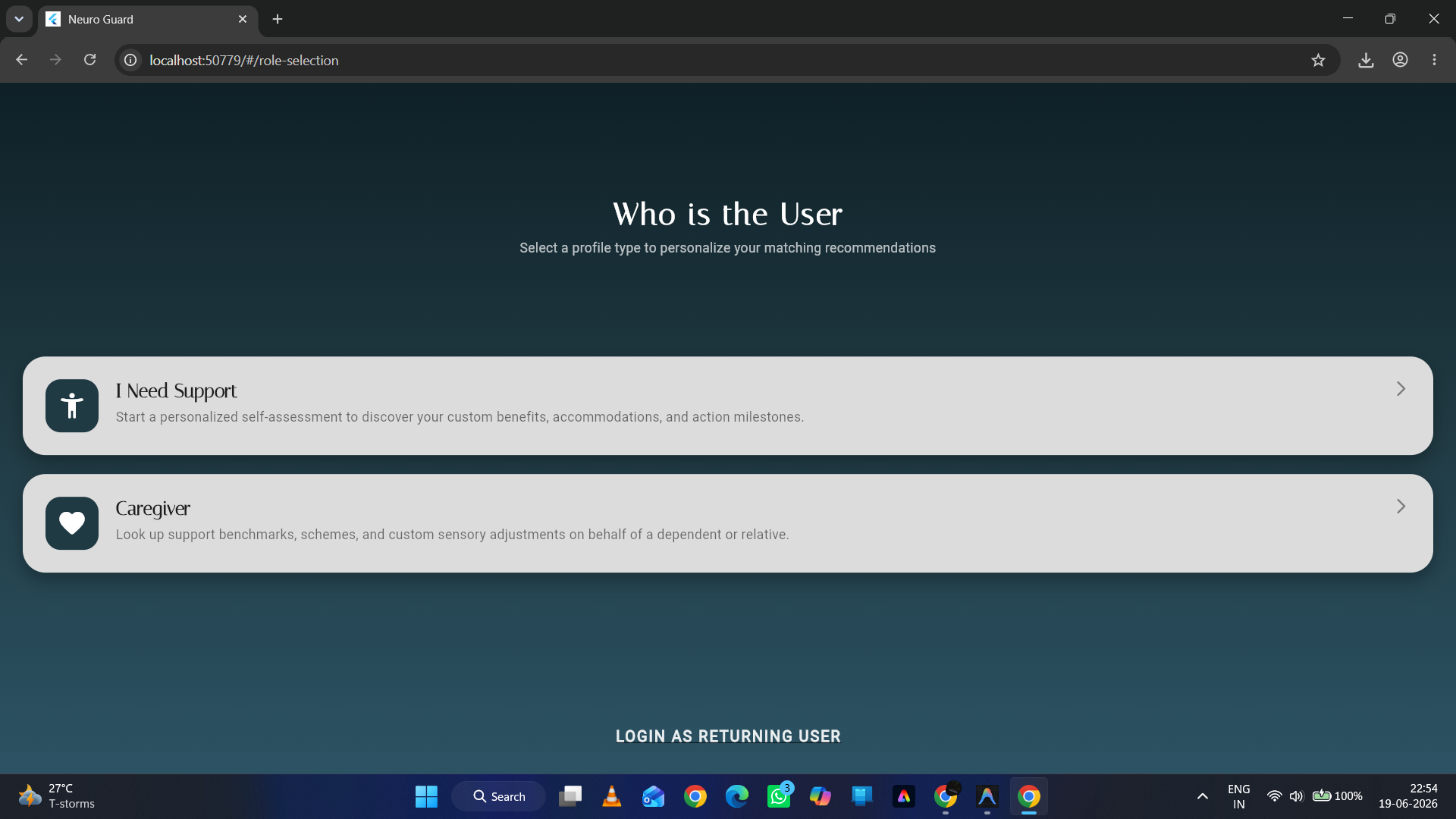
Login Page for our app
Inspiration
Navigating support structures, government welfare schemes, and school or workplace accommodations is incredibly overwhelming for neurodivergent individuals and their caregivers. Official policy documents are often buried in dense bureaucratic text, state benefits vary wildly by region, and finding specialized therapy centers is an exhausting manual search.
We built Neuro Guard to solve this. Our goal was to create a calming, sensory-friendly, and accessible portal that translates policy text into an actionable checklist, calculates individual transition challenges, and answers complex accommodation questions using verified, localised data.
What it Does
Neuro Guard is an intelligent support navigation platform that consists of:
- Branching Onboarding Intake: A questionnaire that adapts to the user's current status (student, employee, or Caregiver) to collect functional, demographic, and financial details.
- Personalised Welfare Matching: Instantly maps profiles against national and state-specific schemes (like India's Niramaya Health Insurance or EWS Scholarships), grading match scores automatically.
- AI Explanation Narrative: Translates scheme matches and eligibility guidelines into plain language under 300 words using large language models.
- Interactive RAG Search & Chat: Grounded Q&A utilising Retrieval-Augmented Generation (RAG) over verified policy texts on accommodations, insurance, and certification guidelines.
- Challenge & Risk Projections: Rules-based assessment of four major categories (Sensory Overload, Communication Barriers, Adjustment Stress, and Financial Needs) to provide direct clinical and environmental advice.
- Proximity-Based Care Finder: Sorts specialised local centres (assessment boards, occupational therapy clinics) based on pincode proximity.
- Action Roadmap & Exportable Reports: Offers a task checklist (e.g., tracking Swavlamban UDID card progress) and exports styled PDF summaries for clinical reference.
How We Built It
- Frontend: Built with Flutter utilising a premium "Cosmic" dark-mode theme designed to avoid sensory triggers. It uses
GoogleFonts.italianafor headers and clean serif fonts for high readability. - Backend: A lightweight Python Flask API coordinating custom matching algorithms and RAG services.
- AI Engine: Powered by Google's Gemini 2.5 Flash for summarisation, chatbot conversations, and retrieval prompting.
- Vector Search & Embeddings: Implemented semantic document indexing by generating batch vectors of local markdown chunks using the
models/text-embedding-004model. We created a local cache database that invalidates itself automatically if text source files are updated. - Database: Firebase Firestore handles secure user session management, assessment logging, and community similarity queries.
Challenges We Faced
- Embedding Latency: Running API calls for text embeddings on every request slowed response times. We resolved this by building a dynamic caching layer (
kb_vector_cache.json) that compares file modification timestamps of knowledge base texts and only rebuilds vectors when changes occur. - Branching Questionnaire UX: Collecting detailed demographic and functional data without overwhelming sensory-sensitive users was difficult. We addressed this by implementing a modular navigation flow with step-by-step progress percentages and conditional path routing.
- Multi-lingual Voice Assistant: Parsing speech commands across multiple languages was challenging. We structured clean string matching arrays in the frontend to route voice keywords directly to screen states.
What We Learned
We learnt how crucial it is to design with accessibility first in mind. Contrast levels, layout predictability, and alternative input pathways (like voice navigation and text-to-speech) are not just minor features—they completely redefine how neurodivergent users interact with digital tools. We also learned how to build high-performance RAG caches to keep AI apps fast and cost-effective.


Log in or sign up for Devpost to join the conversation.