-
-
Neural Network RPG
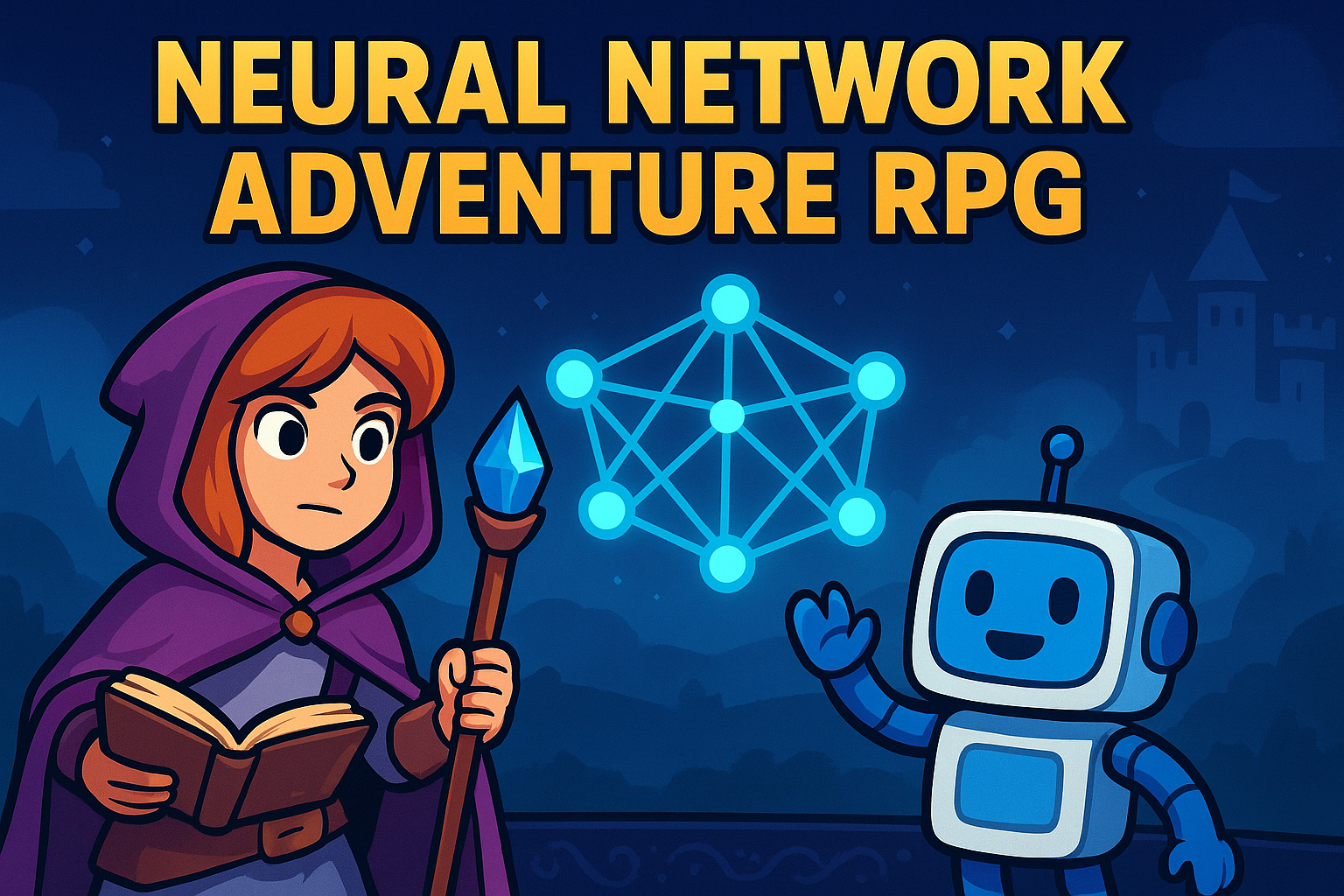
Neural Network Adventure RPG: A Solo Developer's Story
Building an educational game that makes neural networks accessible through interactive gameplay
Inspiration
I was frustrated with how neural networks are taught. Every tutorial was either too abstract or too mathematical. Static diagrams, dense formulas, walls of text - there had to be a better way.
What if learning neural networks could be like playing a game? What if you could see weights changing a network's behavior instead of just reading about it? What if understanding came through experimentation?
The idea: create an RPG where learning neural networks is the adventure. Alex grows stronger by mastering concepts. Boss battles test understanding, not reflexes.
What it does
Neural Network Adventure RPG turns abstract concepts into interactive experiences:
- 6 Progressive Levels covering foundation concepts (neurons, weights, bias, activation functions, perceptrons)
- Interactive Visualizations where you manipulate parameters and see immediate results
- Quiz-Based Boss Battles that reward understanding over speed
- Hands-on Coding Challenges with step-by-step guidance
- Character Progression tied to learning achievements
The game takes you from understanding a single neuron to building complete perceptrons, with plans to eventually reach modern architectures like transformers.
How I built it
Architecture
I chose a state-based design using Pygame. Each game screen (menu, world map, levels, challenges) is an independent state:
class Game:
    def __init__(self):
        self.current_state = 'menu'
        self.states = {
            'menu': MenuState(),
            'world_map': WorldMapState(),
            'level': LevelState(),
            'coding_challenge': CodingChallengeState()
        }
This kept things modular and made testing easier.
Tech Stack
- Pygame 2.5.2: Game engine and graphics
- NumPy: Neural network math
- Matplotlib: Real-time plotting integrated into the game
- pygame-gui: Modern UI components
- pytest: Testing with 80%+ coverage requirement
Challenge System
Each educational challenge inherits from a base class:
class BaseChallenge:
    def check_solution(self, user_input):
        # Implemented by each specific challenge
        pass
This let me create different challenge types while keeping the interface consistent.
Challenges I ran into
Token Limits Hit Hard
AI-assisted development isn't free. I constantly hit token limits during complex features. This forced me to:
- Break features into smaller chunks
- Plan development sessions around token availability
- Develop more efficient communication with the AI
- Prioritize ruthlessly
Token management became as critical as code management.
Web Deployment Was a Nightmare
I wanted a web-based game everyone could access. Reality check: Pygame doesn't play nice with browsers.
Tried multiple approaches:
- Pygame-to-web converters: Browser compatibility issues
- Pyodide: Performance problems with real-time graphics
- Alternative frameworks: Would mean starting over
After weeks of failed attempts, I pivoted to desktop-only. Sometimes the best decision is knowing when to quit.
Cross-Platform Builds Failed
I developed on macOS but wanted Windows and Linux support. Windows builds consistently failed:
- Path separator differences (
/vs\) - Icon format requirements (
.icovs.png) - PyInstaller configuration variations
- Missing dependencies
I got macOS working perfectly. The game runs through Python on other platforms, but I never got clean executables working for Windows or Linux.
Level Design Is Hard
My first levels were terrible:
- Too complex for beginners
- Too simple for the concepts
- Poorly paced
- Unclear objectives
I rewrote the level system three times:
- Complex multi-step challenges → Players got lost
- Oversimplified tutorials → No real learning
- Interactive visualizations with guided discovery → Finally worked
Educational game design requires constant iteration and playtesting.
Performance Problems
Rendering neural networks at 60fps while keeping things educational was tough. Initial versions had:
- Frame rate drops during visualizations
- Memory leaks from matplotlib integration
- UI lag during computations
I optimized by caching surfaces and only redrawing changed regions:
class NeuralNetworkVisualizer:
    def __init__(self):
        self._cached_surfaces = {}
        self._dirty_regions = set()
Accomplishments I'm proud of
Technical Achievements
- 1,500+ lines of well-structured Python code
- 80%+ test coverage across unit, integration, and e2e tests
- Real-time neural network visualization with parameter manipulation
- 6 different challenge types covering core concepts
- macOS executable that works out of the box
Educational Impact
Created a learning progression that takes complete beginners from: $$\text{Single Neuron} \rightarrow \text{Weights & Bias} \rightarrow \text{Activation Functions} \rightarrow \text{Perceptrons}$$
Instead of memorizing formulas, players experience concepts by manipulating them visually.
Development Process
Successfully used AI assistance for rapid prototyping while maintaining code quality through comprehensive testing and iterative design.
What I learned
About AI-Assisted Development
AI is an incredible development partner that never gets tired of refactoring, remembers every project detail, and suggests optimizations. But:
- Token economics matter - plan sessions around availability
- Quality control is essential - AI needs human oversight for educational accuracy
- Efficient communication patterns maximize output
About Educational Game Design
- Learning curves are everything - gradual complexity beats sudden difficulty spikes
- Visualization drives understanding - interactive visuals make abstract concepts concrete
- Gamification must serve learning - mechanics should reinforce objectives, not distract
About Solo Development
- Scope creep is real - I originally planned 17 levels, built 6 solid ones
- Platform complexity - cross-platform support is harder than it looks
- Testing is crucial - comprehensive tests saved me countless debugging hours
What's next
Immediate Goals
- Complete the curriculum: Add remaining levels covering advanced architectures
- Fix cross-platform builds: Get Windows and Linux executables working
- Performance optimization: Smoother animations and faster loading
Long-term Vision
- Content expansion: RNNs, CNNs, transformers, and modern architectures
- Community features: User-generated challenges and sharing
- Educational partnerships: Integration with computer science curricula
Reflection
Building Neural Network Adventure RPG taught me as much about game design and education as it did about neural networks. The biggest lesson: creating effective educational games requires balancing technical complexity with pedagogical clarity.
The challenges - token limits, platform issues, design iterations - forced creative solutions and better prioritization. Each obstacle made the final product stronger.
Most importantly, I built something that makes neural networks accessible. In a world where AI literacy matters more each day, tools like this can bridge the gap between complex concepts and practical understanding.
The adventure continues.
"The best way to learn is by doing, and the best way to do is by playing."


Log in or sign up for Devpost to join the conversation.