-
-
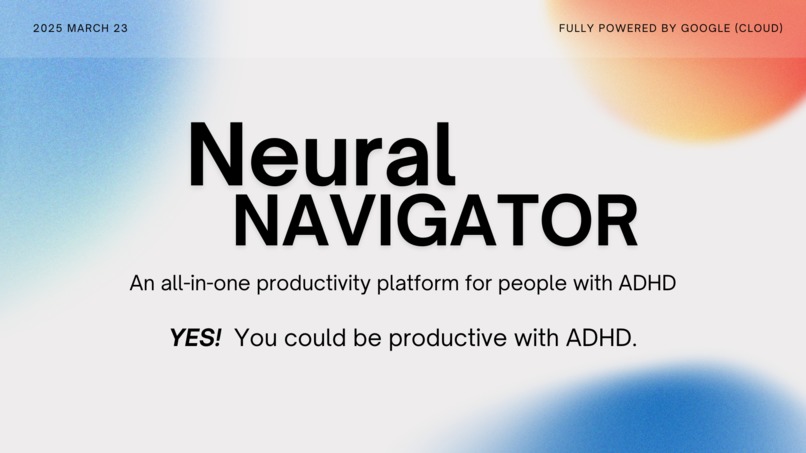
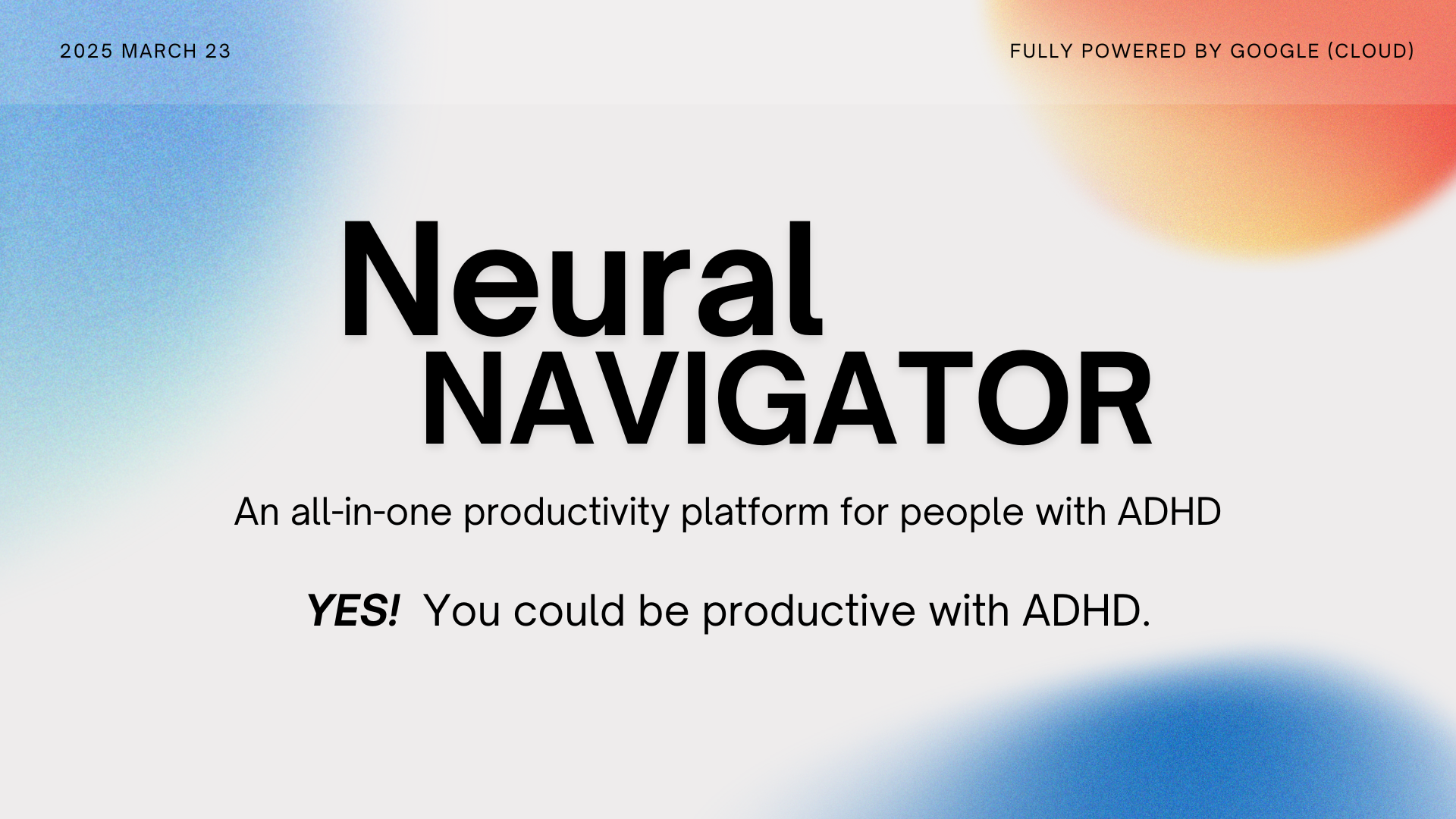
NeuralNavigator: AI-powered, all-in-one productivity station for ADHD users — without app-hopping or burnout.
Inspiration
People with ADHD often face challenges that traditional productivity and learning tools fail to address. Burnout is common — not due to lack of effort, but because conventional study methods are rigid and ignore neurodiverse learning styles.
Beyond academics, ADHD symptoms like time blindness, task paralysis, and emotional dysregulation make it extremely difficult to plan, prioritize, and stay on track. Many existing tools target one of these issues — like a focus timer, a calendar, or a mood tracker — but none offer a unified system that ADHD users can rely on.
Research shows that juggling multiple apps can actually make things worse. According to ADDitude Magazine, the mental overhead of switching between scattered tools often increases stress, overload, and avoidance behaviors — exactly what ADHD brains struggle with most.
This inspired us to create Neural Navigator — an all-in-one AI-powered workspace built specifically for people with ADHD. Instead of forcing users to adapt to tools designed for neurotypical workflows, our platform adapts to them: streamlining scheduling, studying, and emotional regulation into one cohesive space. With real-time support powered by Google Cloud and Gemini AI, Neural Navigator helps ADHD minds work with — not against — how they function best.
What it does
Neural Navigator is an all-in-one, AI-powered productivity platform built specifically for people with ADHD. It tackles three key challenges — and addresses them with targeted, integrated features:
- 🔥 Problem 1: Burnout & Overwhelm from Juggling Tools ADHD users often experience burnout, not just from using rigid, neurotypical productivity methods — but from needing to juggle multiple disconnected tools (e.g., separate apps for tasks, timers, notes, mood tracking). This cognitive load causes frustration, avoidance, and eventually shutdown. How Neural Navigator helps:
✅ A text-to-speech module (Google Cloud TTS) that reads typed or uploaded PDF text aloud, with adjustable speed and pitch — ideal for auditory learners.
✅ Planned features like flashcard generation and AI-powered textbook summarization, so studying can happen in a more ADHD-friendly, passive, or chunked format.
✅ A single clean interface via Streamlit — no app switching, no distractions.
- 📅 Problem 2: Difficulty Prioritizing & Planning ADHD users often struggle with time blindness, underestimating how long tasks will take, and bouncing between priorities. Typical calendars don’t account for flexible events, priority levels, or AI-supported feedback. How Neural Navigator helps:
✅ An intelligent task scheduler with options for fixed vs. flexible events, priority tagging (ASAP, Urgent, Normal, Flexible), and duration planning.
✅ A Gemini-powered AI assistant that reflects on actual vs. planned task duration and offers adaptive suggestions to help the user build time awareness.
✅ Tasks automatically rearrange when new fixed events are added — reflecting the chaotic realities of ADHD life, not just rigid routines.
- 💬 Problem 3: Mood Fluctuation & Trouble Starting Tasks Emotional volatility — sudden mood dips, frustration, or anxiety — is a major barrier to focus and follow-through. Task initiation is often blocked by emotional inertia. How Neural Navigator helps:
✅ A real-time AI companion (using Google Gemini + Vertex AI) offers a space to chat, vent, or ask for encouragement in a non-judgmental, always-available format.
✅ Sentiment analysis detects emotional fluctuations and flags concerning patterns.
✅ (Optional) If the mood drops severely, the system can notify a mental health professional or caregiver (opt-in only).
In short, Neural Navigator is more than a productivity tool. It’s a personalized support system designed to reduce app fatigue, respect neurodivergent workflows, and empower ADHD users to study, plan, and feel better — all in one space.
How we built it
We used a Python-based backend combined with Streamlit to create an interactive and responsive web interface. The app is broken into modular sections for time management, study tools, and emotional support, all integrated through cloud-based AI services.
🔧 Technologies Used: Frontend: Streamlit
Backend: Python (Flask modules for local logic)
AI/NLP Services:
- Google Gemini API: Emotion detection and generative conversation
- Google Cloud Vertex AI: Conversational memory for chat companion
- Google Cloud Text-to-Speech API: High-quality TTS output for typed/PDF text
Libraries:
- PyMuPDF: For PDF parsing and text extraction
- SpeechRecognition: For future voice-to-text input
Infrastructure:
- Google Cloud Platform (GCP): API deployment and key management
Collaboration:
- Git & GitHub: Version control and team contributions
Challenges we ran into
Our biggest challenge was merging code from different team members working on separate modules — time management, text-to-speech, and the AI chatbox — into one unified Streamlit-based web app. With everyone handling different files, integrating UI states, session management, and AI components without breaking functionality required a lot of coordination and troubleshooting.
We also faced some technical challenges:
- Setting up authentication for Google Cloud services across different machines
- Resolving API rate limits and quota issues
- Debugging Streamlit reruns and session states during TTS and chat interactions
Accomplishments that we're proud of
🎉 For most of us, this was our first-ever AI hackathon, and we fully committed to building an end-to-end functional project.
🧠 We created a real, usable product in just 36 hours — complete with smart scheduling, emotional support, and study tools, all powered by AI.
💪 Despite limited time and varying experience levels, we collaborated closely and pushed through the tough integration issues — making it to a polished demo we’re truly proud of.
What we learned
💡** Design thinking**: We learned how to empathize deeply with ADHD users and design not just tools, but systems that match their needs and behaviors.
🐛 Debugging in real-time: Working under pressure taught us how to identify and fix issues fast — especially in streamlit session state logic, API calls, and Python integration bugs.
🔗 Collaboration with modular components: We practiced dividing a complex project into separate parts, then gradually linking them into one experience.
What's next for Neural Navigator
We built Neural Navigator with ADHD users in mind — but we’re just getting started. Here’s what’s coming next:
⚙️ A smoother, more unified experience: We plan to streamline interactions across all modules — from task input to emotional check-ins — to reduce friction and make the app feel like one seamless ADHD-friendly flow.
🚀 Enhanced performance & optimization: We'll refine how we use Google Cloud services (like Vertex AI, Gemini, and Text-to-Speech) to deliver faster responses, smarter feedback, and lower latency — especially in chat and audio generation.
💡 Smarter intelligence: As we gather user feedback, we’ll integrate adaptive algorithms that learn each user’s patterns and offer more proactive support — like nudging the user when mood dips or rescheduling based on past behavior.
🧠 More accessible & customizable features:
- Downloadable audio summaries
- Voice-based input (speech-to-text)
- AI-generated flashcards from textbook uploads
- Long-term productivity and mood insights dashboard
🌍 Community + clinical integration: We envision optional features for therapists, parents, or coaches to engage with the user's data (only with full consent), enabling true neurodivergent-centered care.
Built With
- git
- github
- google-cloud
- google-cloud-text-to-speech-api
- google-cloud-vertex-ai
- google-gemini-api
- pymupdf
- python
- requests
- speechrecognition
- streamlit


Log in or sign up for Devpost to join the conversation.