-## Inspiration
I wanted to paint in mid-air with nothing but my hands. That only works if a machine can actually see my fingers, so for Hack the Arts 2026's theme of "art that wouldn't exist without technology," the tech isn't a filter bolted on top of the art. It's the only reason the art can exist.
What it does
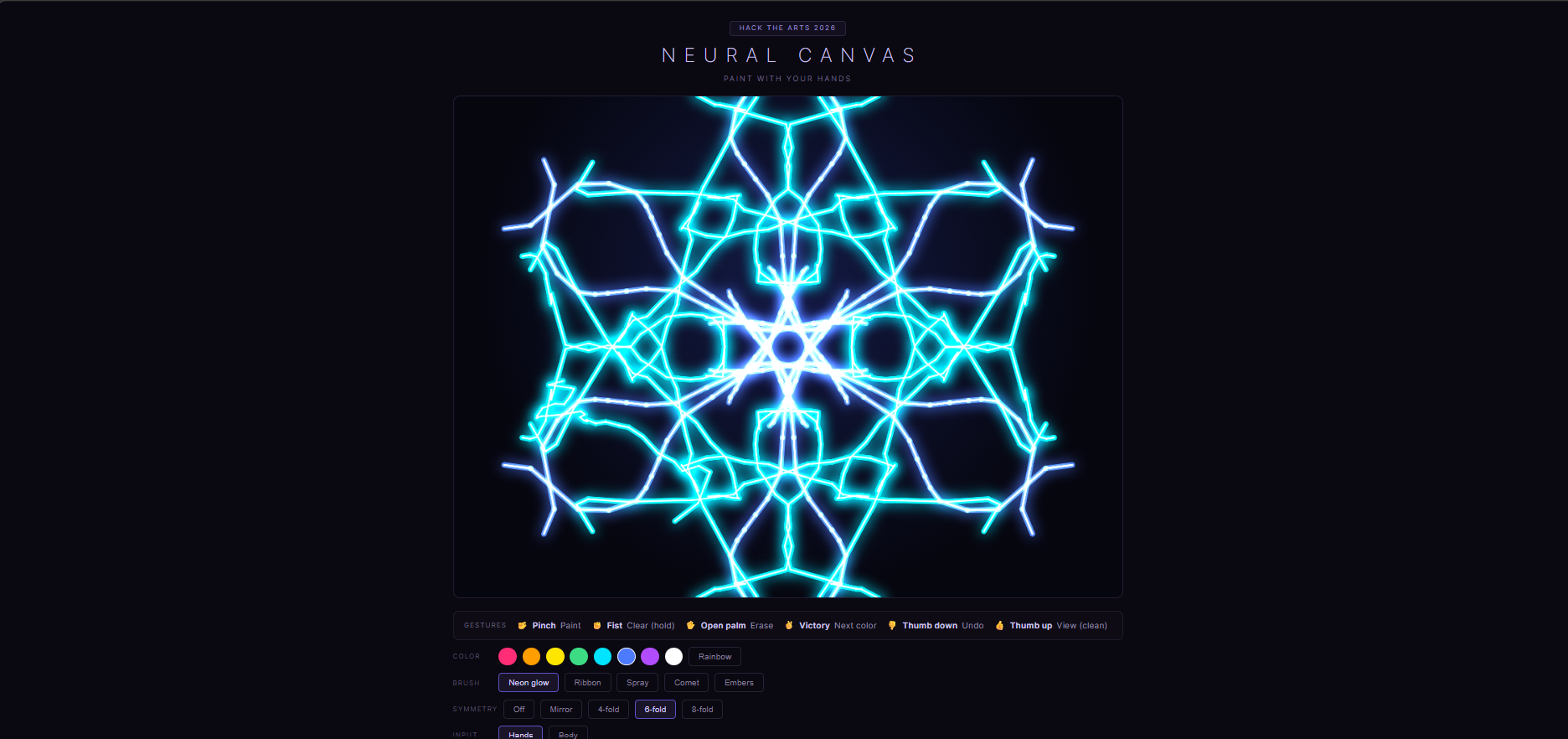
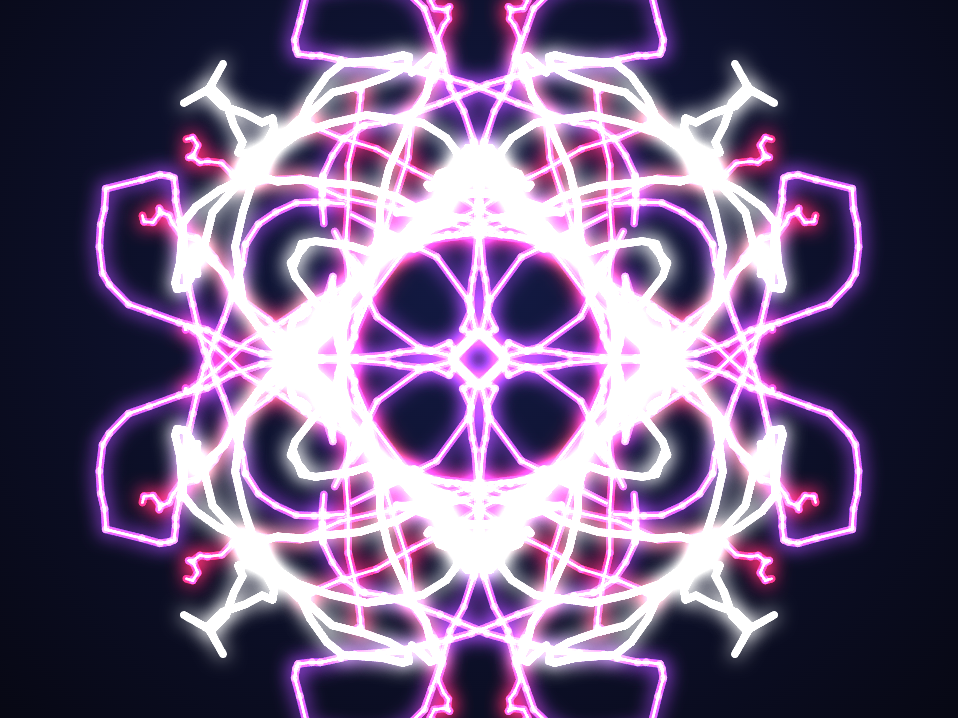
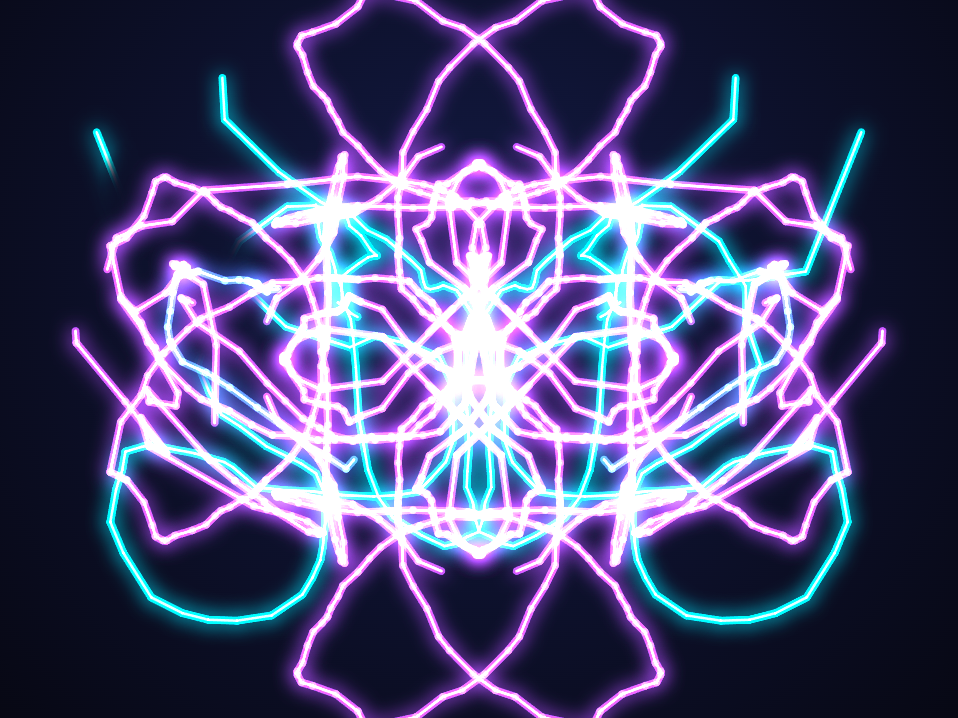
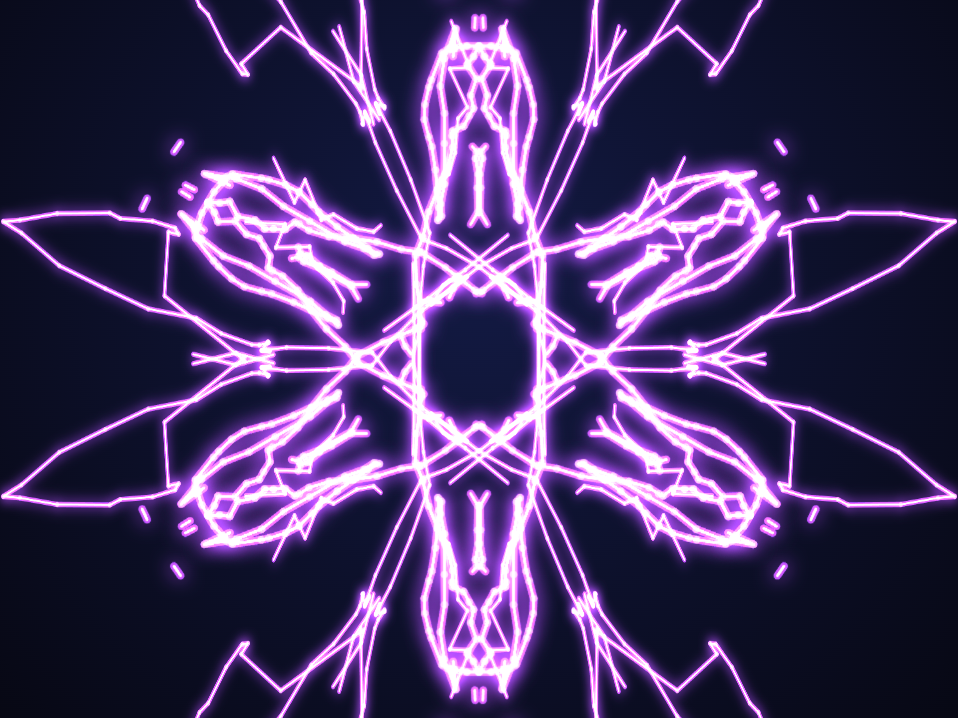
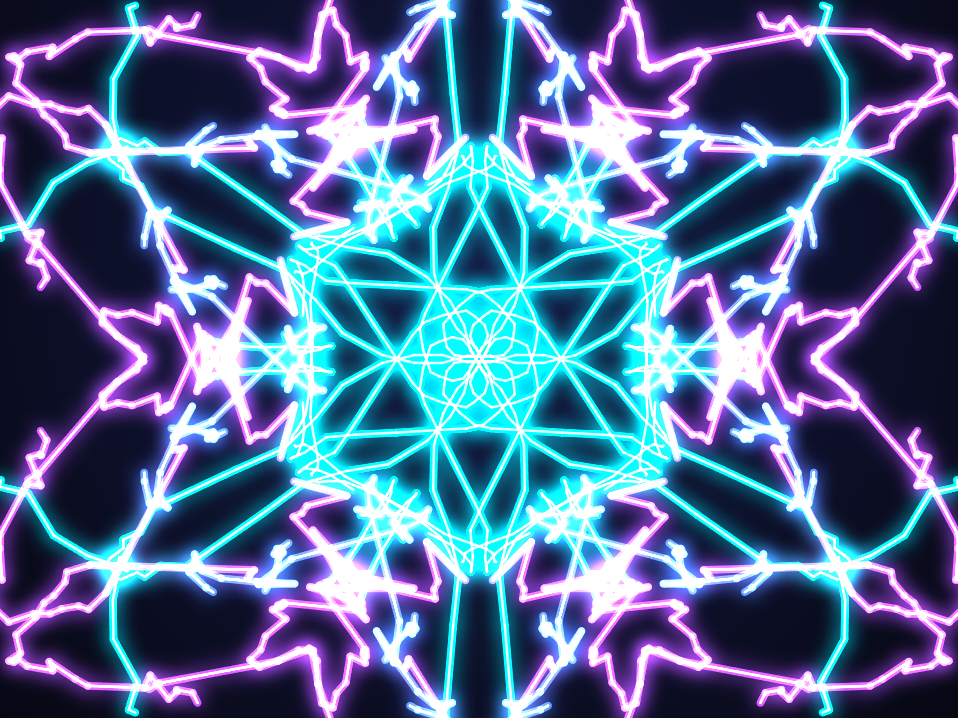
Neural Canvas turns your webcam into a paintbrush. Your index fingertip is the brush: pinch your thumb and index finger together and glowing light follows your finger through the air. The painting itself is entirely gesture-driven, with no mouse and no keyboard. An open palm erases, a victory sign cycles to the next color, thumbs down undoes, holding a fist clears the canvas, and thumbs up drops into a clean view of the finished piece. On top of that there are five brushes (neon glow, ribbon, spray, comet, and drifting embers), kaleidoscope symmetry (mirror and 4, 6, or 8-fold), an eight-color palette plus a rainbow mode that shifts hue as you move, bloom, fading trails, an audio-reactive glow that swells the stroke with the sound in the room, and a two-hand mode that tracks both hands and gives each its own color. Save PNG and Record export what you make. Left alone for fifteen seconds, an attract mode takes over and paints its own six-fold rainbow mandala until someone raises a hand, then instantly hands control back.
How I built it
One HTML file. No build step, no server, no framework, and no data leaving the device. Every webcam frame is fed to Google's MediaPipe Tasks Vision gesture and hand model, running on WebAssembly with a GPU delegate and loaded straight from a CDN, which returns 21 3D landmarks per hand plus a classified gesture up to 60 times a second. I read landmark 8, the index fingertip, as the brush position and the thumb-to-index distance as the pen. Strokes render through the Canvas 2D API across layered canvases, using additive blending and shadow blur for the glow. Symmetry is a list of coordinate transforms applied to every segment, the ember brush drives a small particle system on its own layer, and undo keeps a rolling stack of canvas snapshots.
Challenges I ran into
Raw fingertip tracking jitters several pixels per frame, which turns a smooth motion into a shaky, ugly line. I fixed it with a one-euro filter, which smooths heavily when your hand is nearly still and backs off when you move fast, so lines come out clean without feeling laggy.
Detecting the pinch was harder than it sounds. In absolute pixels the threshold breaks the moment you lean closer to the camera, so I measure the thumb-to-index distance relative to the size of your hand, using the wrist-to-knuckle span as the yardstick. That works at any distance, but a pinch held near the threshold still flickered and shattered one signature into a dozen fragments. The fix was hysteresis: it takes a tight pinch to start a stroke and a much looser one to break it. Gesture commands had the same problem in reverse, where a single misread frame would recolor the canvas mid-stroke, so an action only fires if the model agrees for several frames in a row and only when you aren't currently painting.
Accomplishments that I'm proud of
It genuinely feels like magic the first time light follows your finger through empty air. The whole painting loop is hands-free, it runs entirely on-device with nothing ever uploaded and no account required, and it's a single self-contained HTML file that anyone can open in a browser. Attract mode plus kaleidoscope symmetry makes it a real crowd-pleaser at a booth, since it paints itself until someone walks up.
What I learned
How real-time hand landmark estimation actually works in the browser, and that the model is the easy part. Almost all of the effort went into the layer on top of it: adaptive filtering instead of a plain average, thresholds normalized to hand size instead of pixels, and hysteresis and debouncing so noisy per-frame predictions become stable intent. I also learned how much a first-time user can pick up with no instructions if you give them an on-screen cursor, a gesture key, and live status text.
What's next for Neural Canvas
Making it fully hands-free by moving brush and symmetry selection onto gestures instead of on-screen chips, multiplayer so two people can paint the same canvas over the network, a timelapse replay that redraws a piece stroke by stroke, and a gallery of saved work.
Built With
- canvas
- computer-vision
- css3
- hand-tracking
- html5
- javascript
- machine-learning
- mediapipe
- webassembly

Log in or sign up for Devpost to join the conversation.