Inspiration
The inspiration for this came from an interview where Aravind Srinivas where mentioned they were working on a browser called Comet. It was supposed to be an AI-powered browser, and I thought the idea was a bit funny. So when this hackathon came around, I figured I could just build something like that myself but make it extremely retro. That was the starting point, take the concept of an AI browser and push it into a full Windows 95 aesthetic.
What it does
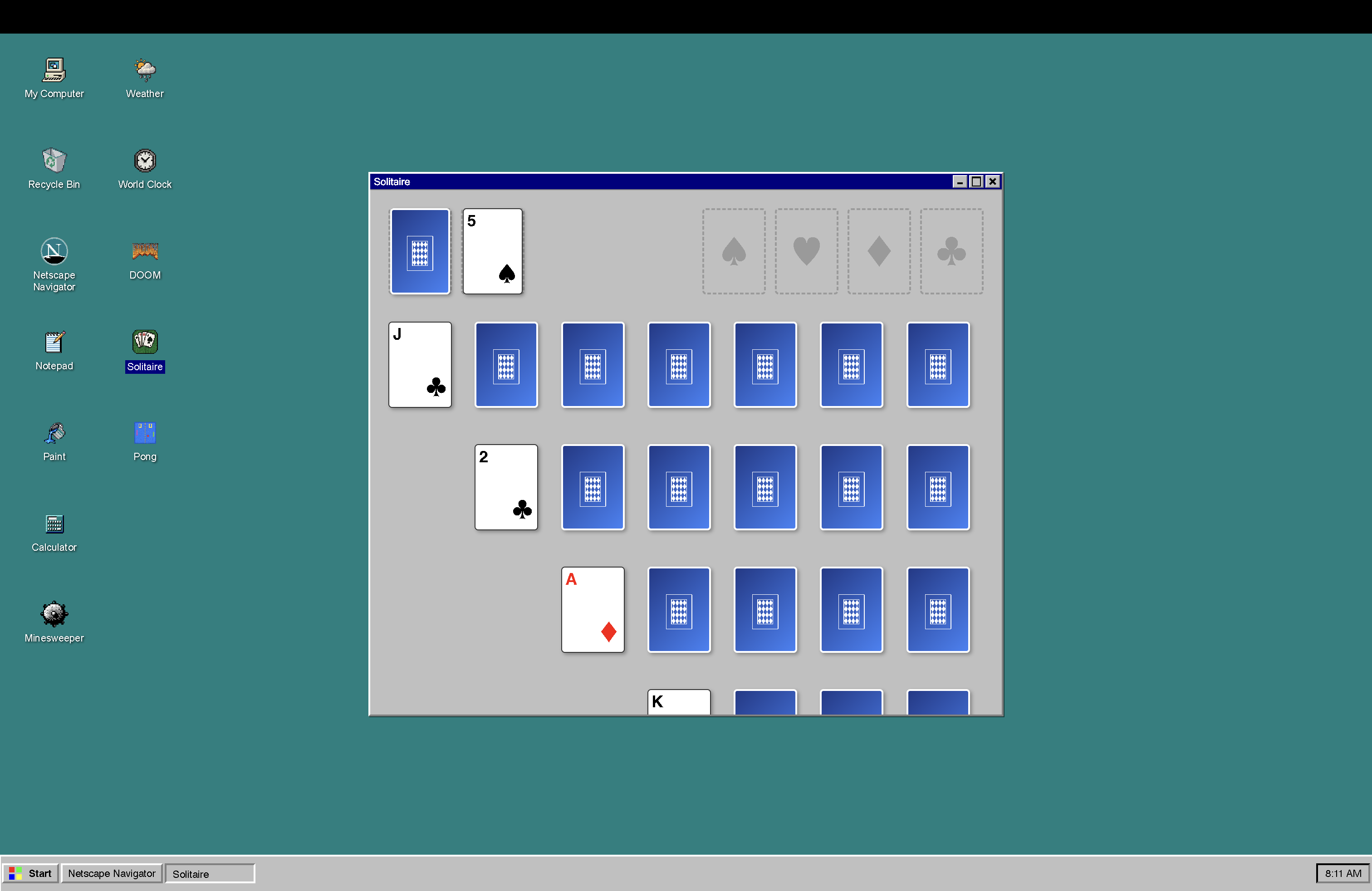
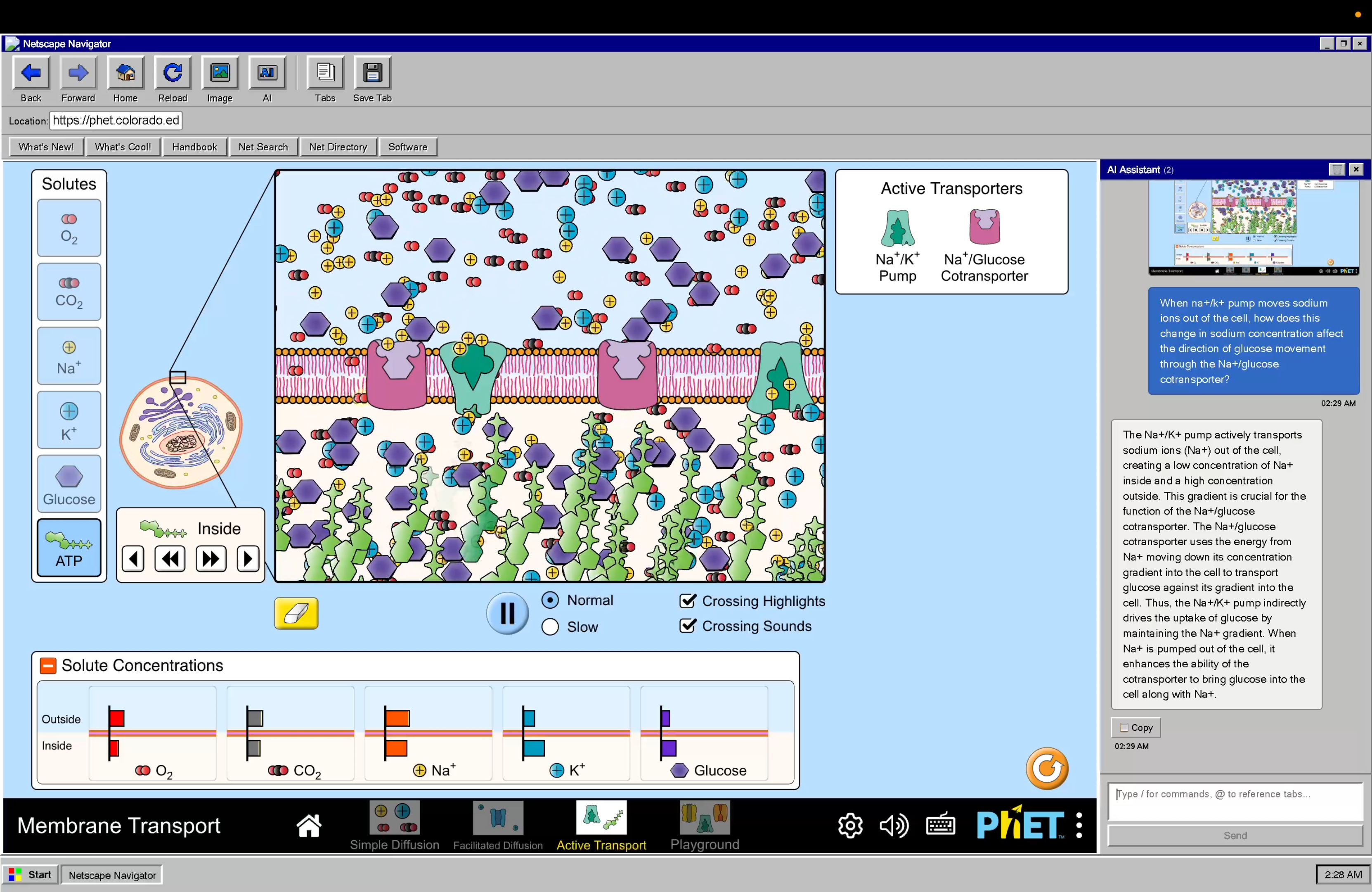
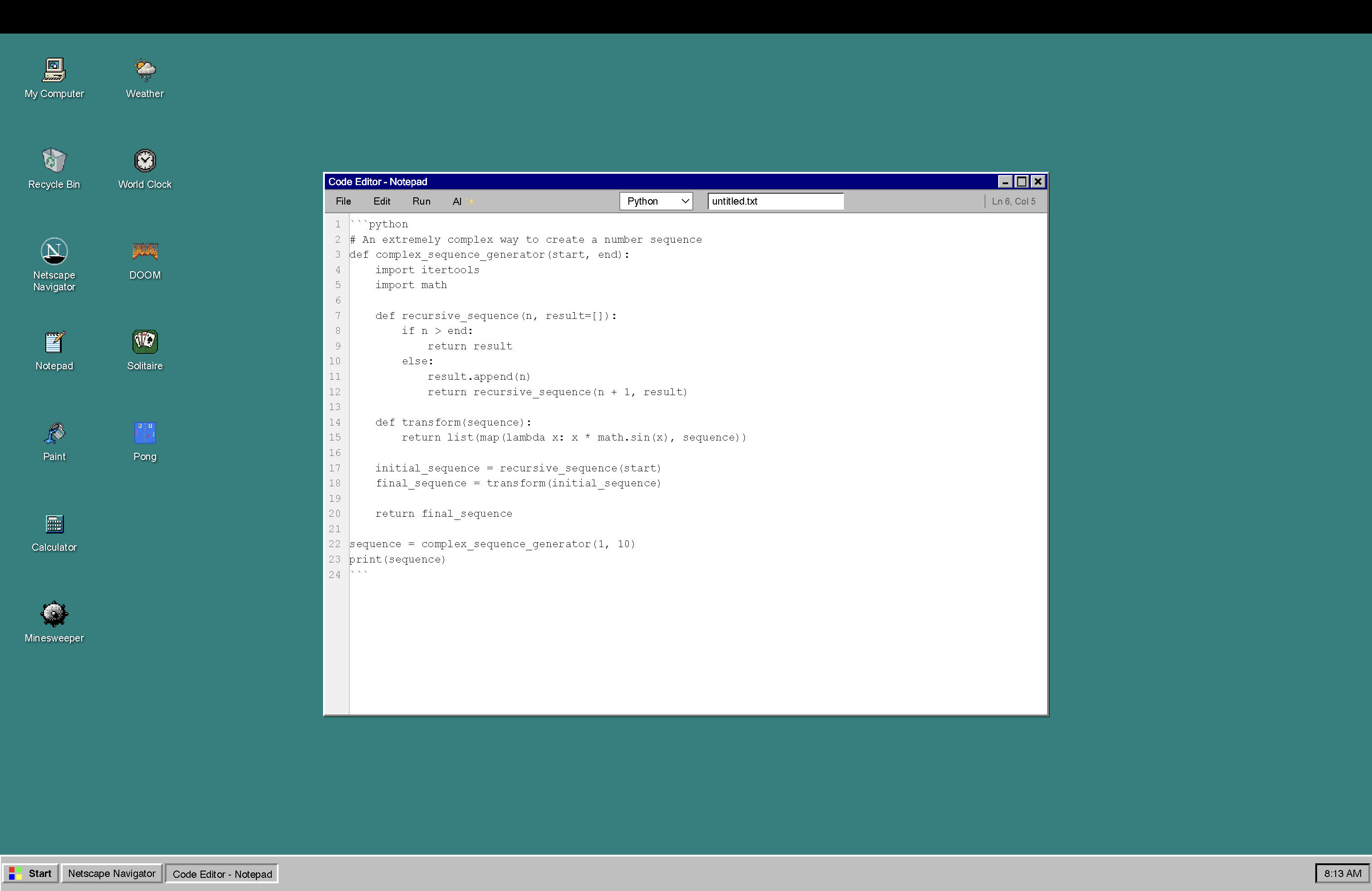
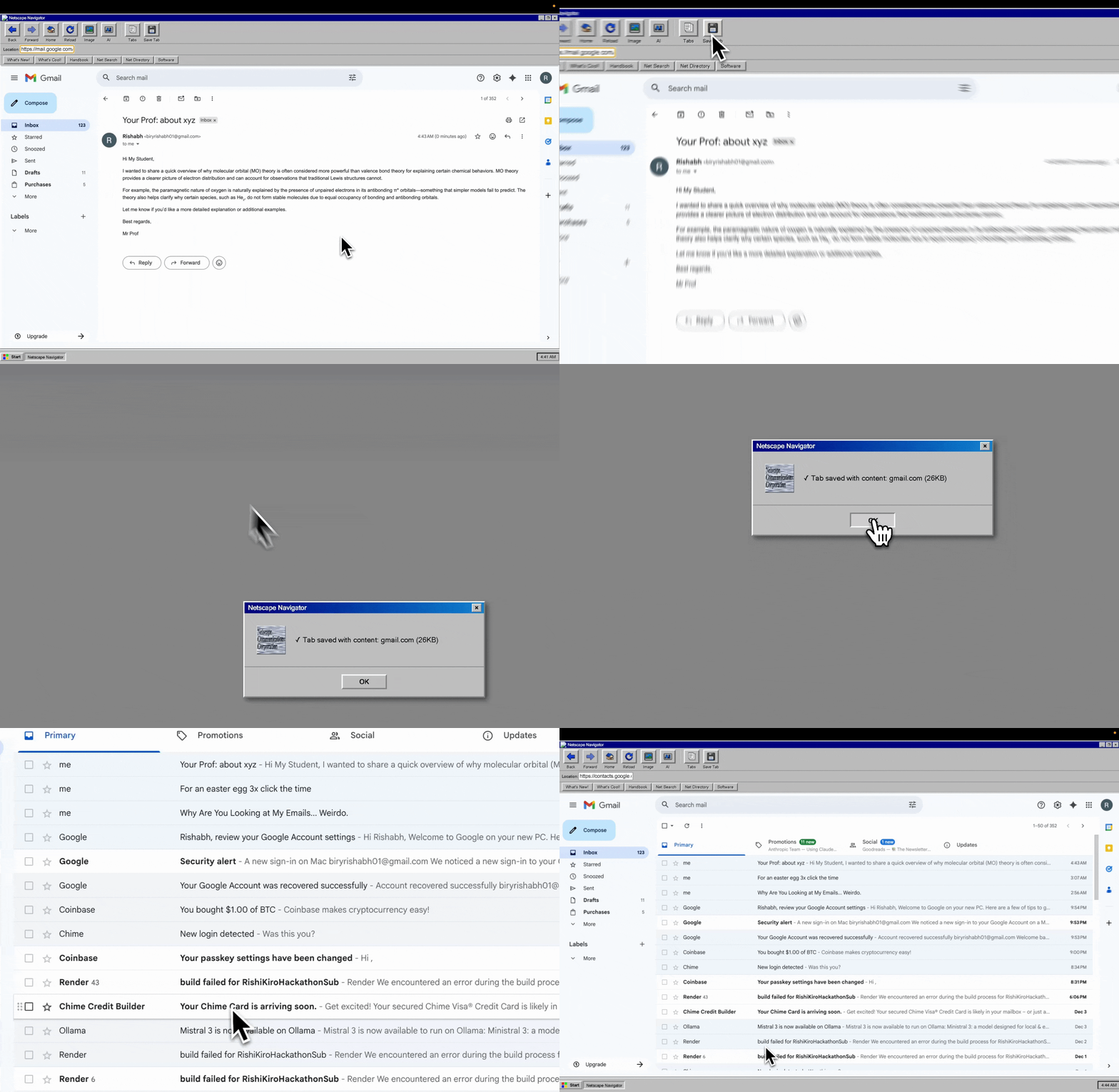
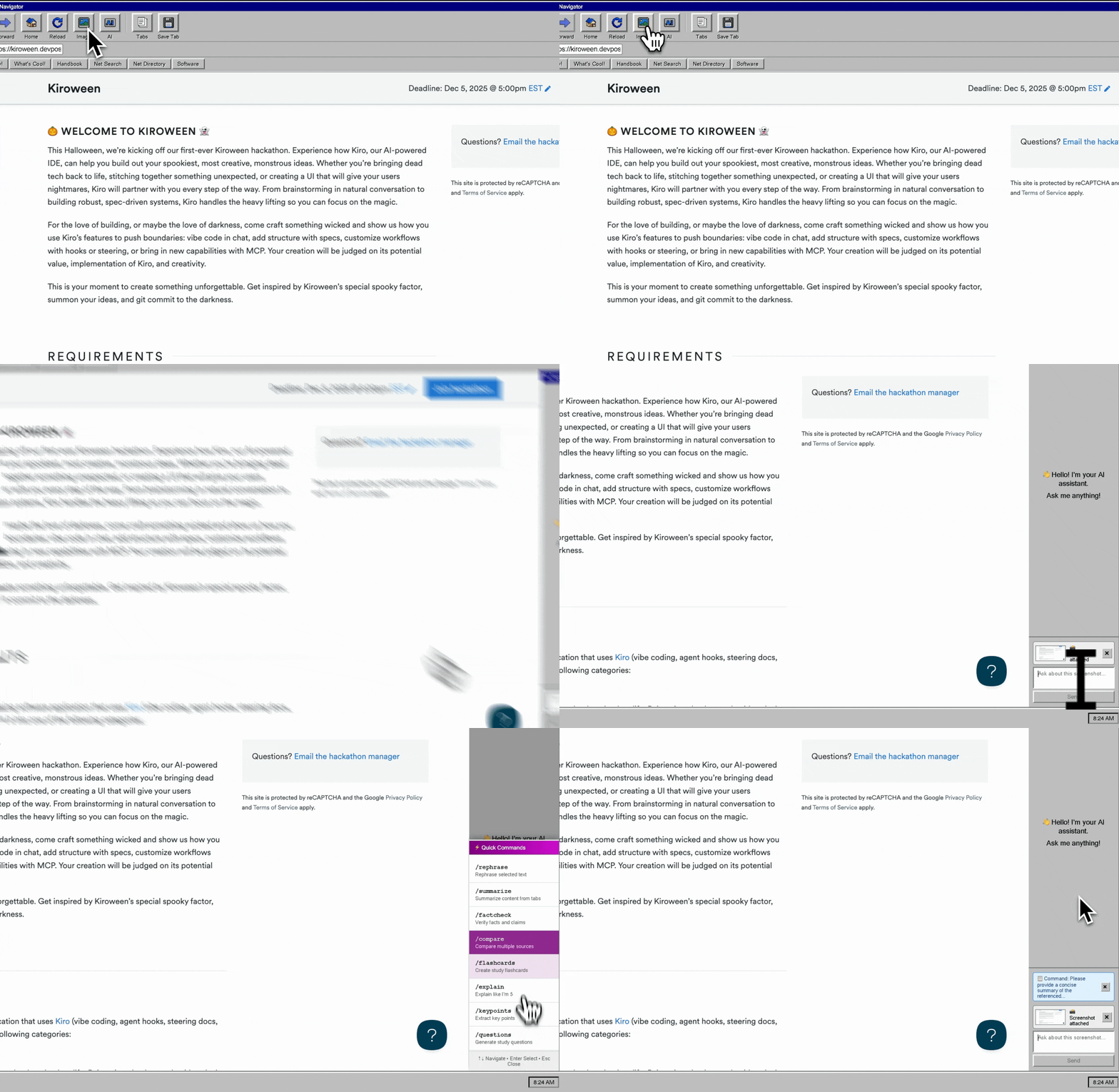
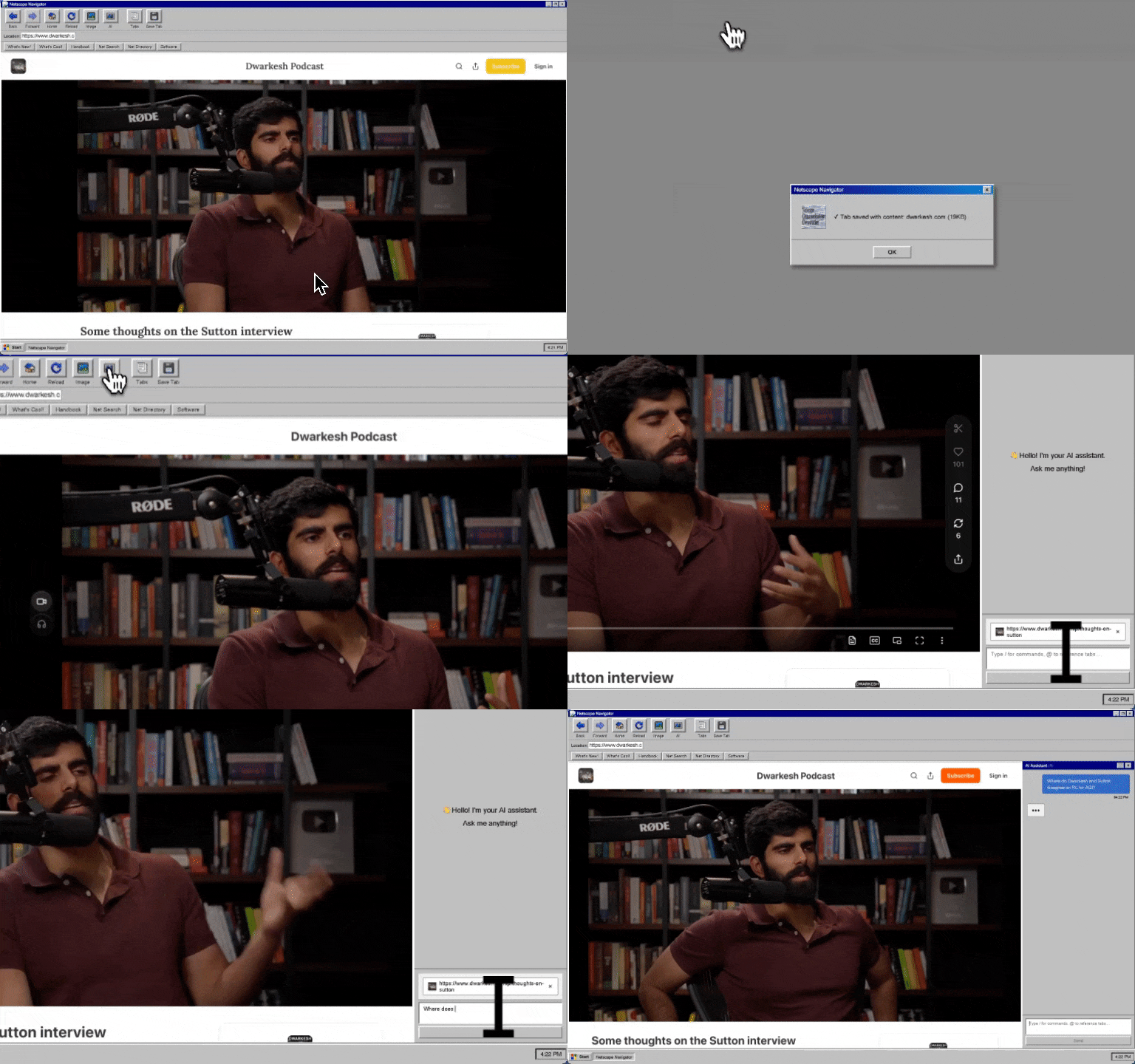
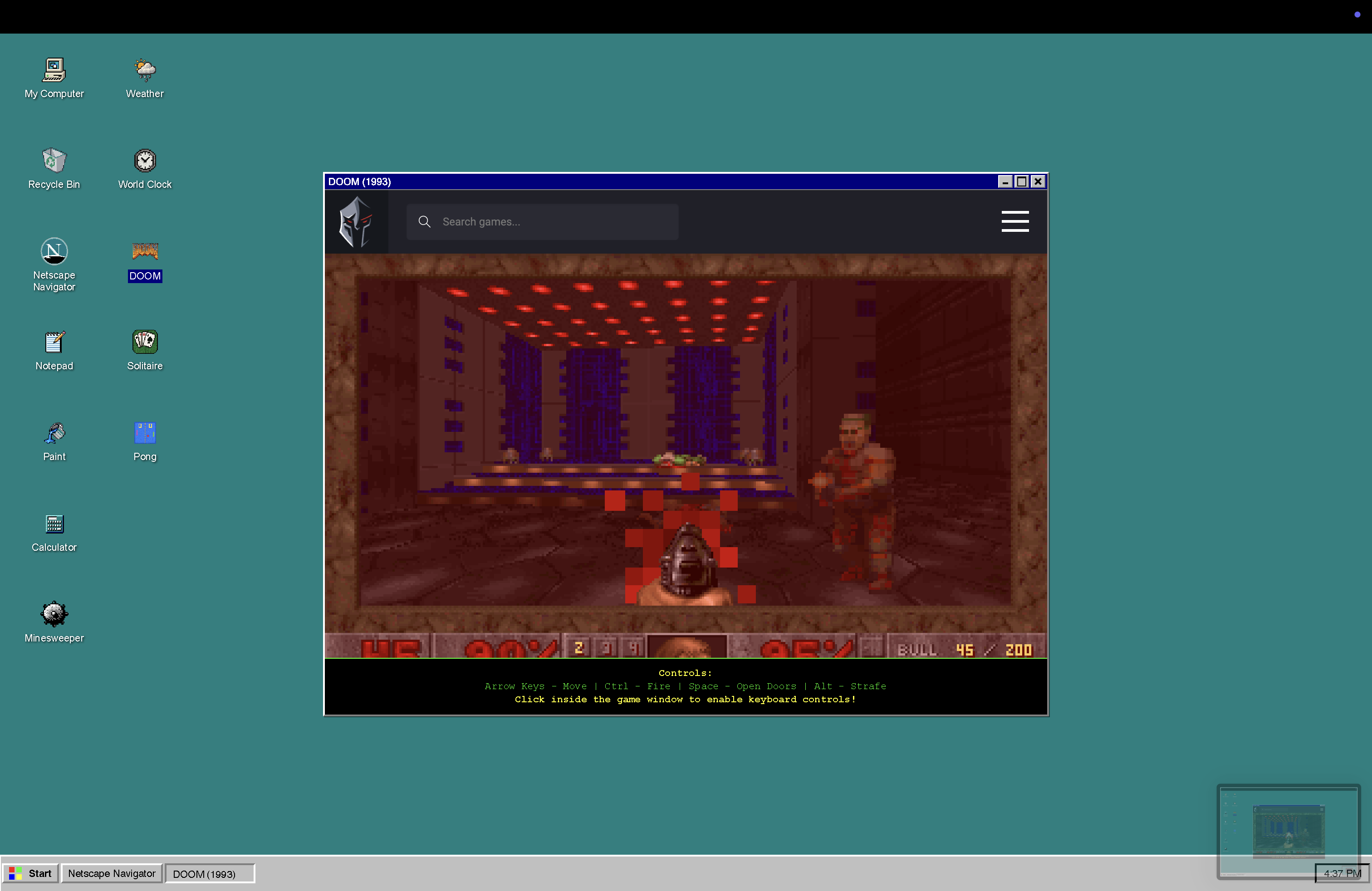
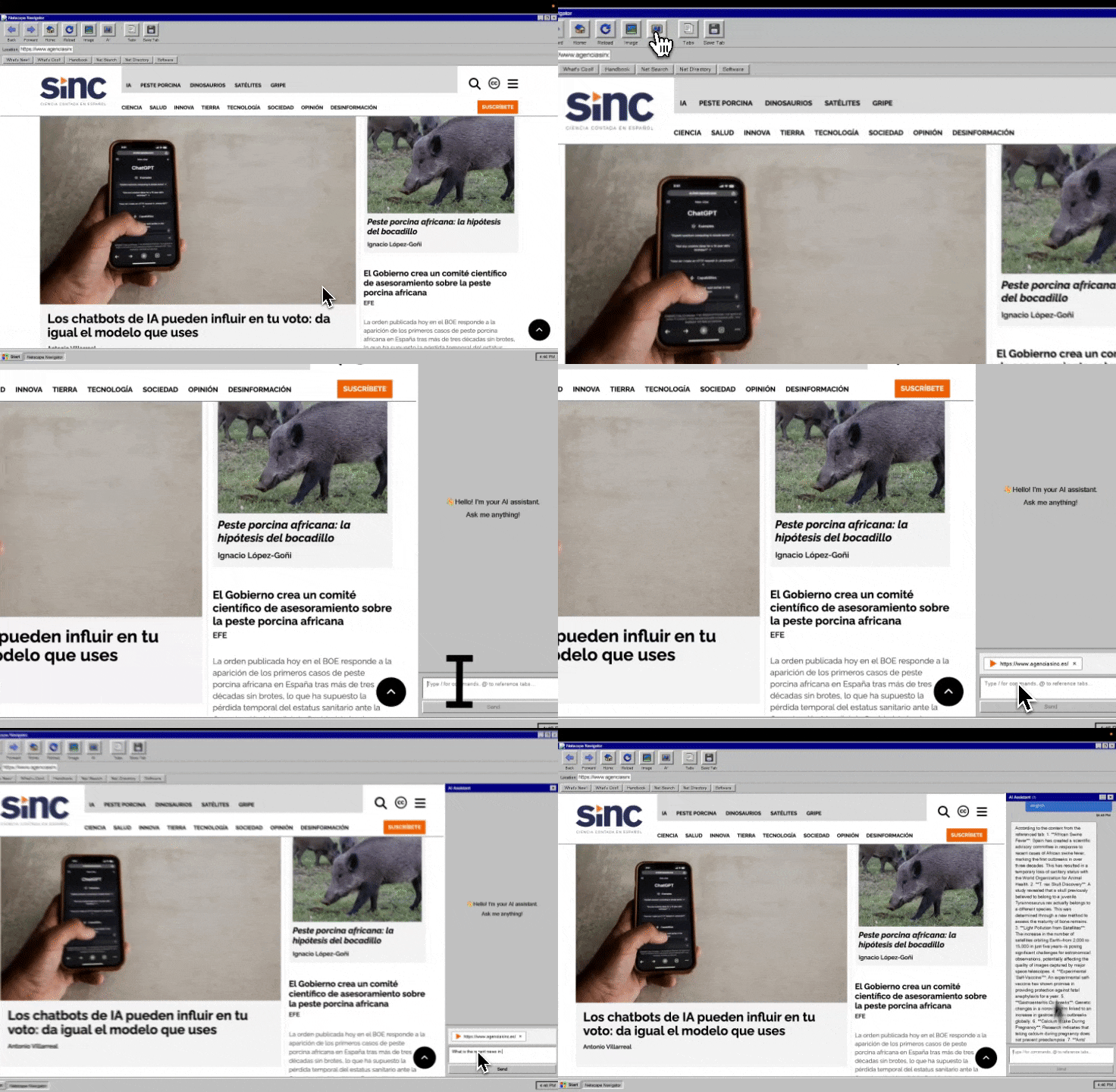
The project ended up doing a lot more than what I originally planned. It started as just a browser, but because of limitations around running a real browser inside a website(for security reasons) I switched to Electron. And once I moved to Electron, it didn’t make sense to just make a browser, so I expanded it into a full Windows 95-style environment. It runs actual websites, has a working Netscape-style UI, and includes multiple retro apps like Solitaire, Minesweeper, Notepad, Calculator, and Pong. Everything in the environment works together so it really feels like using a 90s desktop, just with AI features built in.
How we built it
I built the entire project with Kiro. Every bug fix, every design element, every component, front end, back end, Electron logic, it all went through Kiro, except for the images. I used React and TypeScript for the UI, Electron and BrowserView for the desktop app, and Vite for the build system. All the retro styling was done through CSS modules with very strict rules so it would stay authentic to Windows 95. The AI features run through the OpenAI API, and the whole development process was guided by specs and steering docs so the project stayed consistent from start to finish.
Challenges we ran into
The first big challenge was simply displaying websites. On the original web version, browsers block this kind of embedding for security reasons, so I had to abandon that path completely. Moving to Electron introduced its own issues; BrowserView would crash on bad URLs and had to be handled carefully. Balancing the authenticity of Windows 95 with modern usability was also tougher than expected, since some original UI decisions don’t translate well to modern expectations. And building out the Windows 95 desktop turned into building a small operating system, with window management and multiple apps running at once.
Accomplishments that we're proud of
The aesthetic came out exactly how I wanted. It’s not just a gray theme; it actually looks and behaves like something from 1997. The browser is real, not a fake UI. The AI features feel like they fit into the environment instead of being bolted on. The Windows 95 desktop works with multiple apps running at the same time. And honestly, just the fact that the entire thing, from the browser to the apps to the Electron setup, was built through Kiro is something I’m proud of.
What we learned
AI development works best when it’s structured. Kiro needed specs, designs, and clear constraints to stay consistent; otherwise, it would drift into modern UI decisions or suggest tools that didn’t fit the project. Electron is powerful but very unforgiving, one mistake in lifecycle handling or IPC can crash the whole app. We also learned that building an authentic retro interface requires understanding the limitations of the time, not just copying the look. And most importantly, AI-generated code still needs testing and verification at every step.
What's next for Netscape
Next steps include adding a proper browser history and bookmarks panel, more Windows 95 apps like Paint or File Explorer, and theme options based on other 90s browsers. I want to expand the AI features so it can help users browse the web more intelligently, maybe even recreate early-internet search experiences but with modern capabilities. Multiplayer retro games, a small companion mobile app, and community-driven customization are also possibilities. The long-term goal is to make Netscape not just nostalgic, but genuinely useful—an AI-powered browser that just happens to look like it shipped in 1997.
Built With
- doomapi
- electron
- kiro
- node.js
- typescript

Log in or sign up for Devpost to join the conversation.