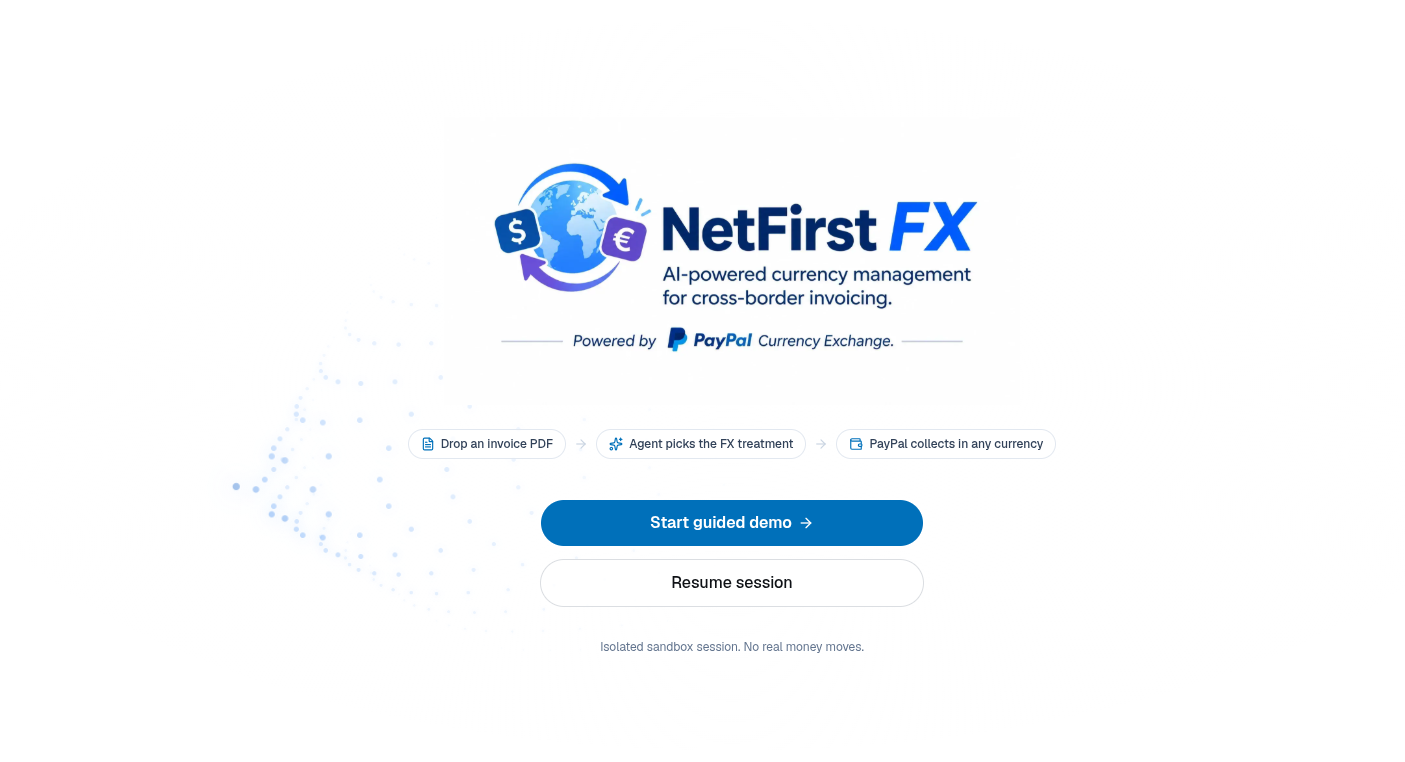
Invoice in any currency. Get paid what you actually charged.











The problem
Every cross-border PayPal invoice quietly loses 7–9% to receiving fees and conversion markup. Freelancers pad prices with a guessed 3–5% buffer, overcharging some clients, undercharging others, and never knowing which.
The solution
NetFirst FX is an AI invoicing agent built on PayPal. Drop in the invoice PDF you already make, and it:
- Charges the real FX cost as a visible line, priced with PayPal's live exchange rate.
- Tracks every rate swing between sending and payment, per client.
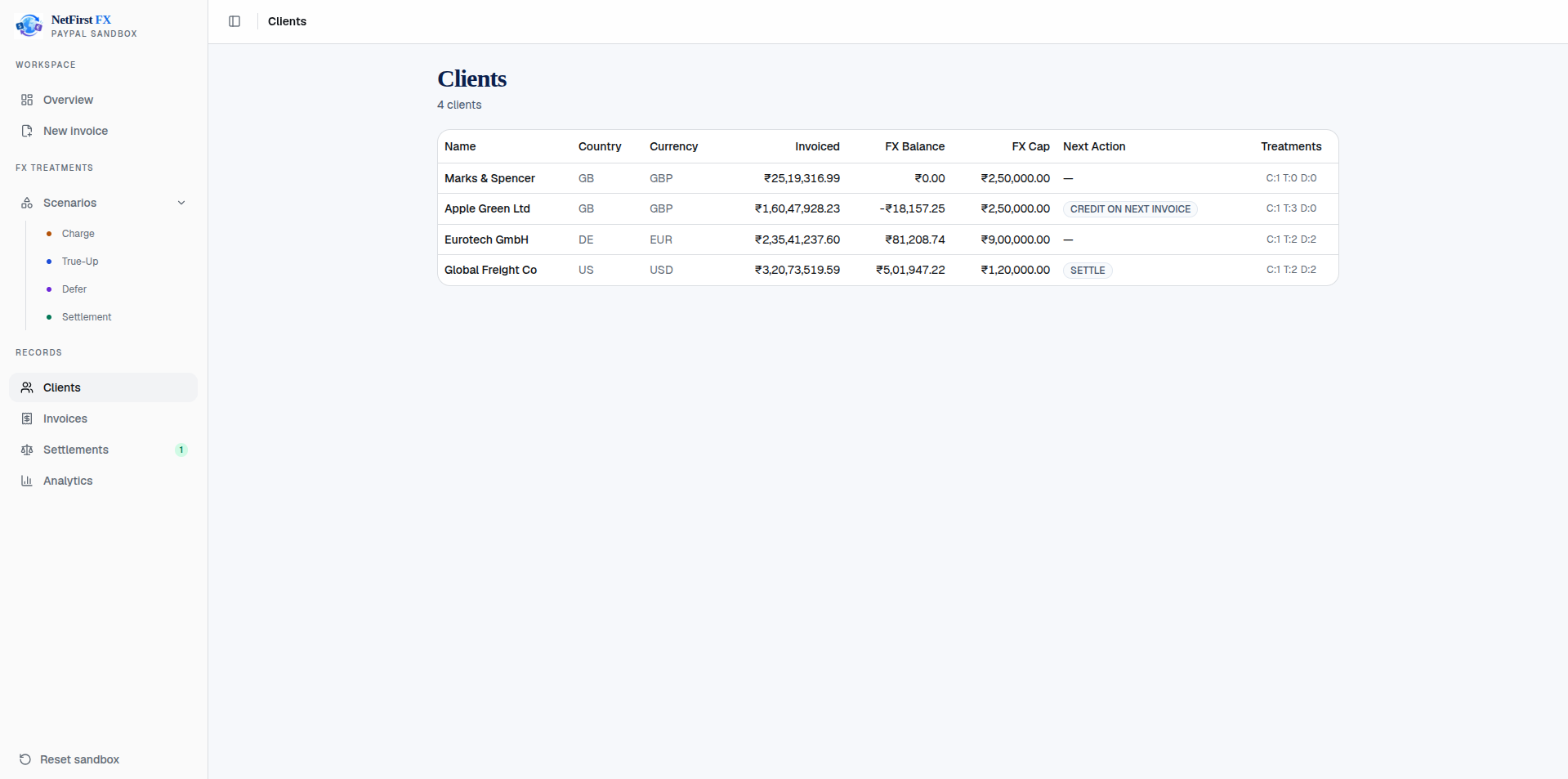
- Nets gains and losses on a running balance that settles in one small invoice, not on every bill.
The AI reads, decides and explains. Plain code does every calculation and every PayPal call. Nothing goes out without your approval.
How it works
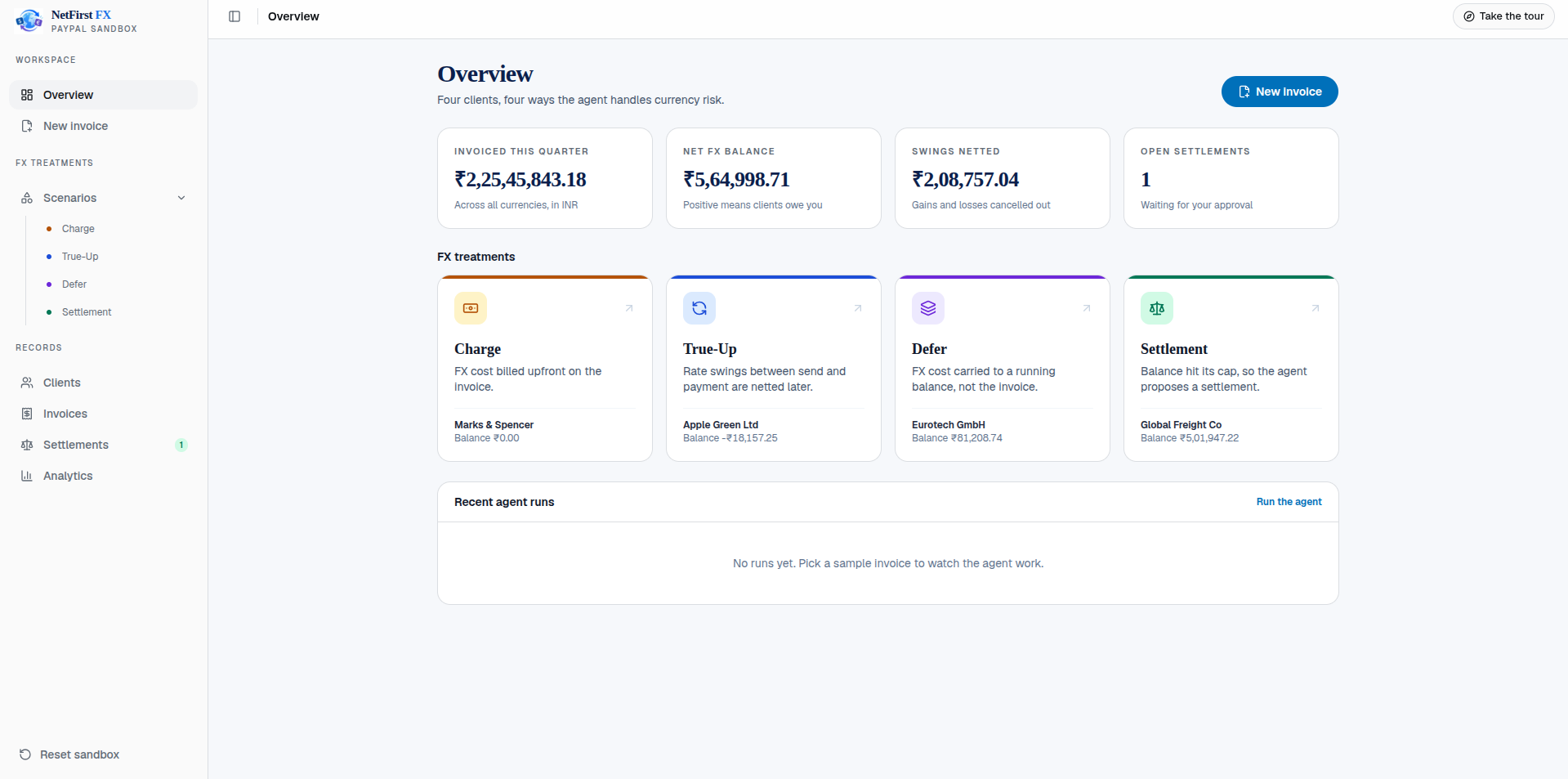
One rule per client
| Treatment | FX cost | Rate swing | Best for |
|---|---|---|---|
| Charge | Billed on the invoice | Absorbed | New or slow-paying clients |
| True-Up | Billed on the invoice | Netted on the client's balance | Repeat clients |
| Defer | Carried to the balance | Carried to the balance | Loyal clients, under a cap |
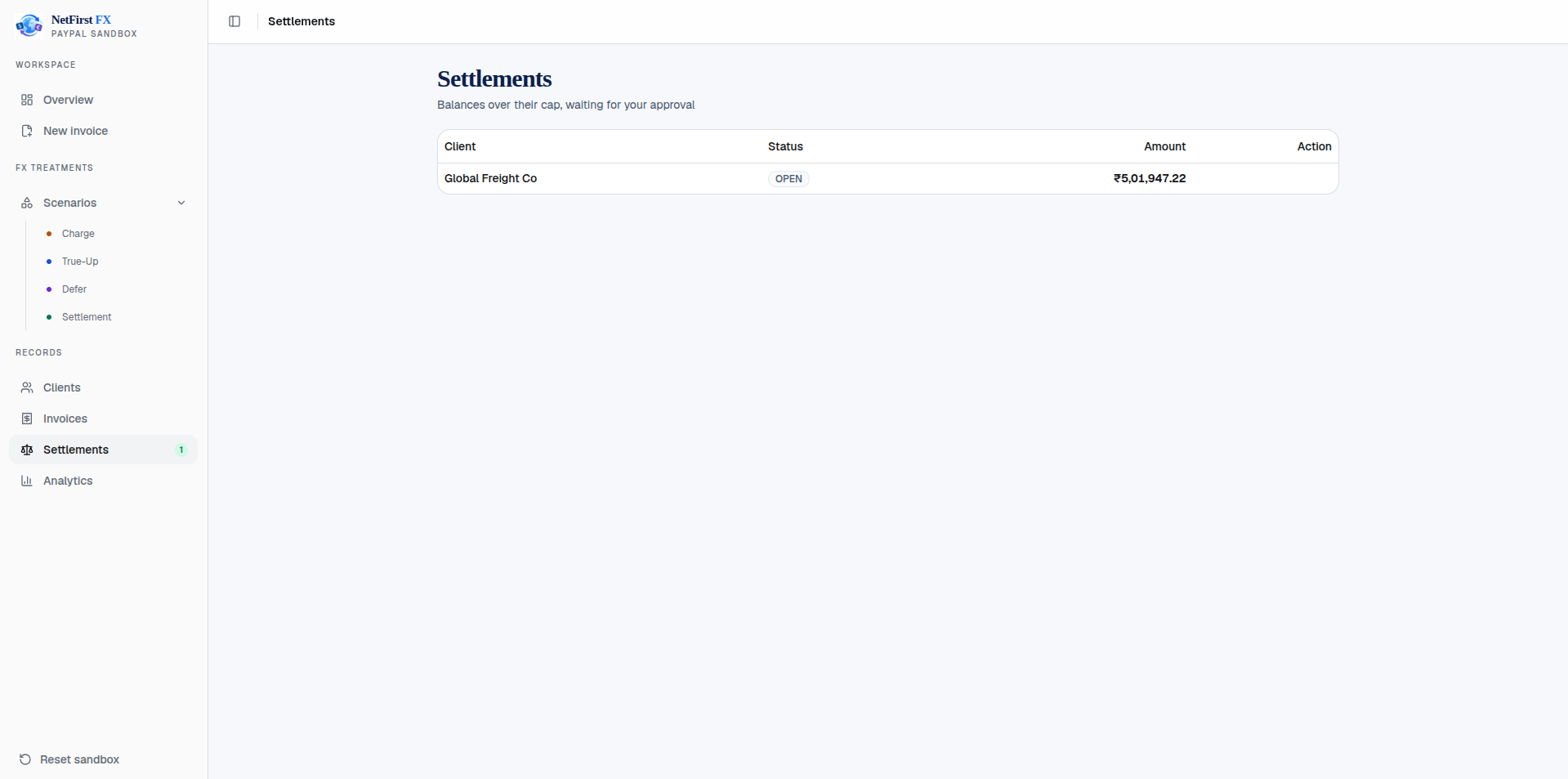
The agent picks the treatment from payment history. Balances over the cap become one settlement invoice; credits become a discount on the next one.
See it live
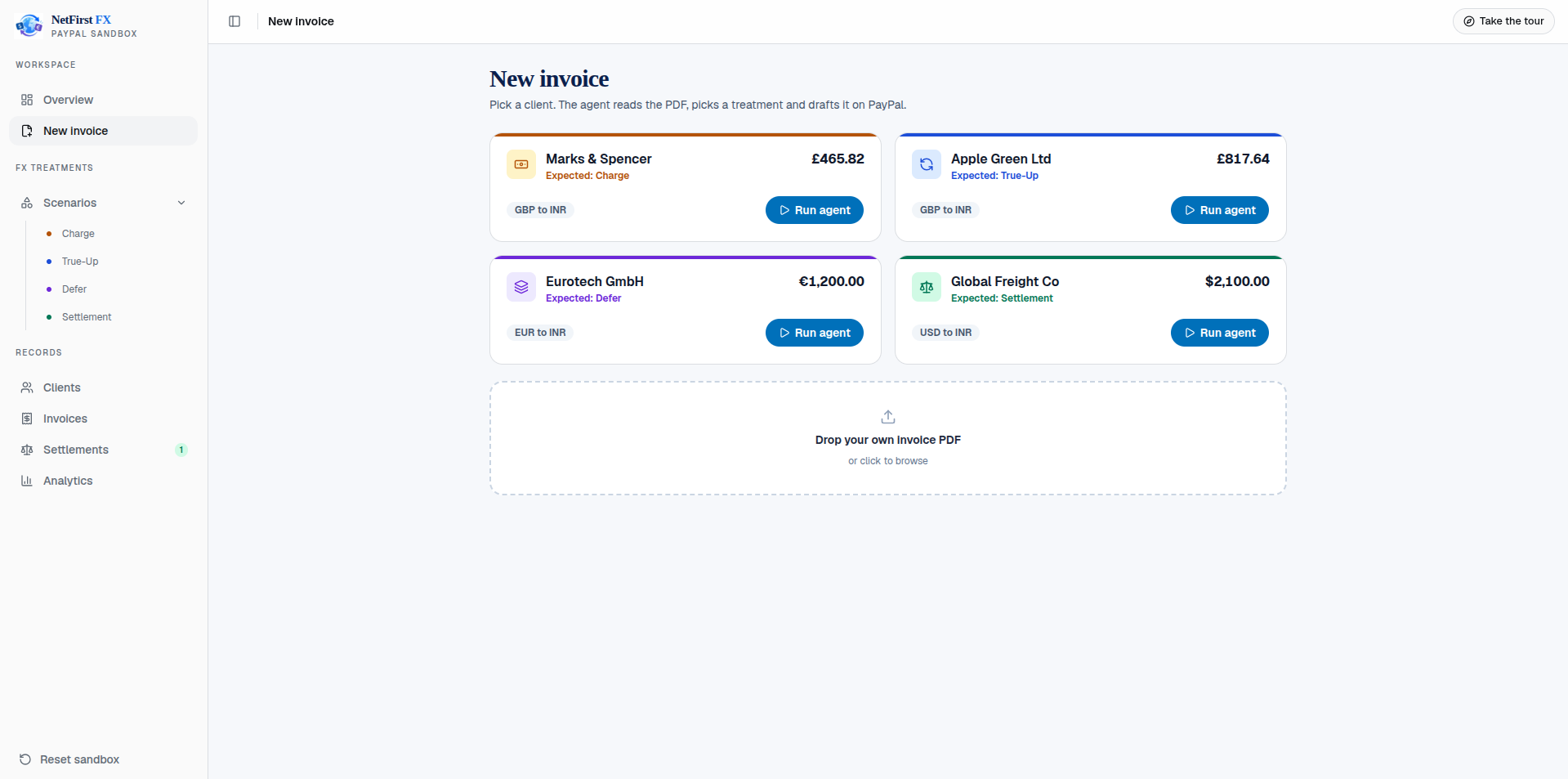
The guided demo runs four real invoices end to end, each with a step-by-step tour:
https://dc171pyg4k4gz.cloudfront.net/
| Scenario | Client | Invoice | What you see |
|---|---|---|---|
| Charge | Marks & Spencer | GBP 465.82 | FX line billed upfront |
| True-Up | Apple Green Ltd | GBP 817.64 | Past credit returned as a discount |
| Defer | Eurotech GmbH | EUR 1,200.00 | Clean invoice, FX carried forward |
| Settlement | Global Freight Co | USD 2,100.00 | Cap reached, settlement proposed |
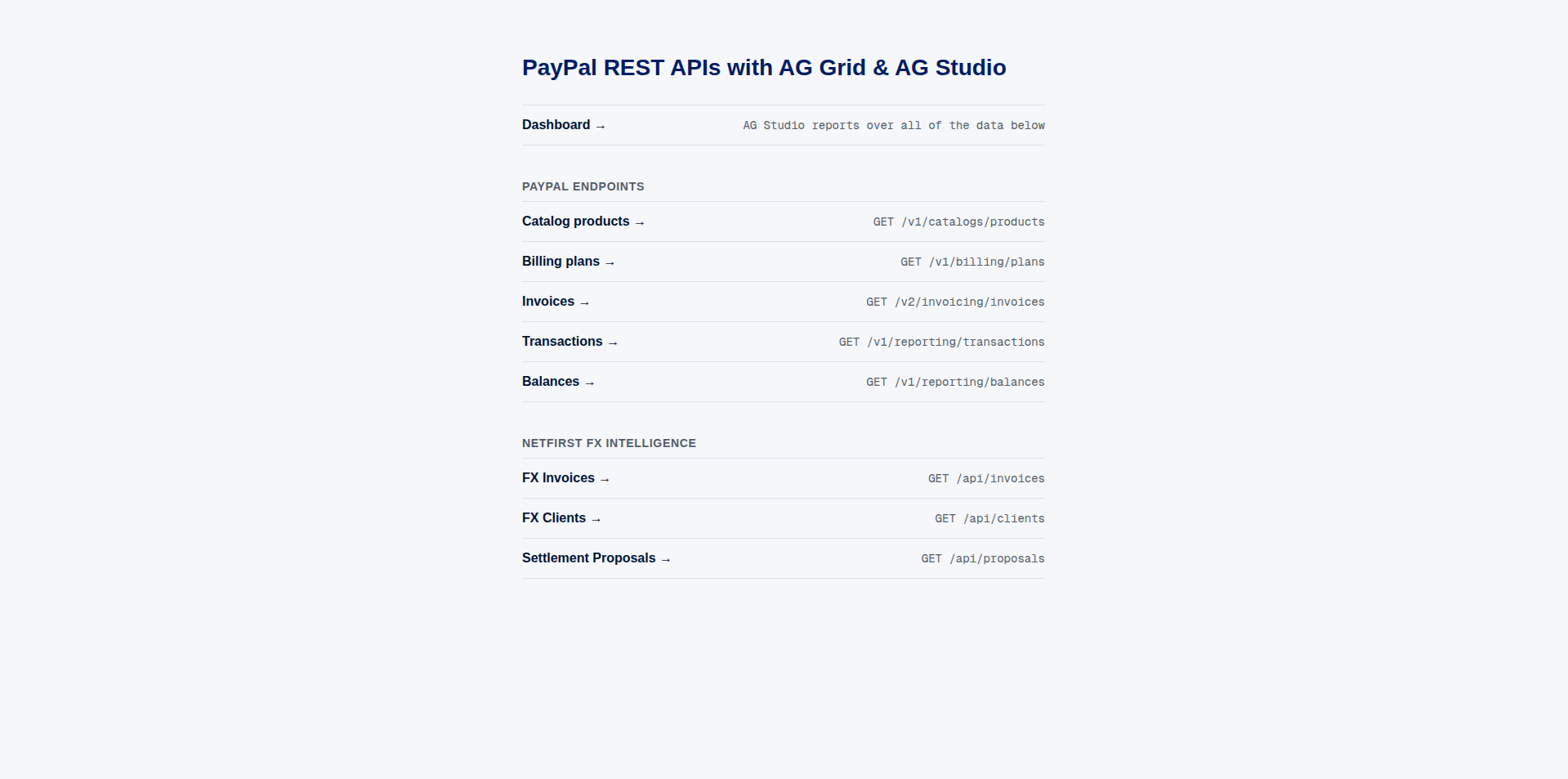
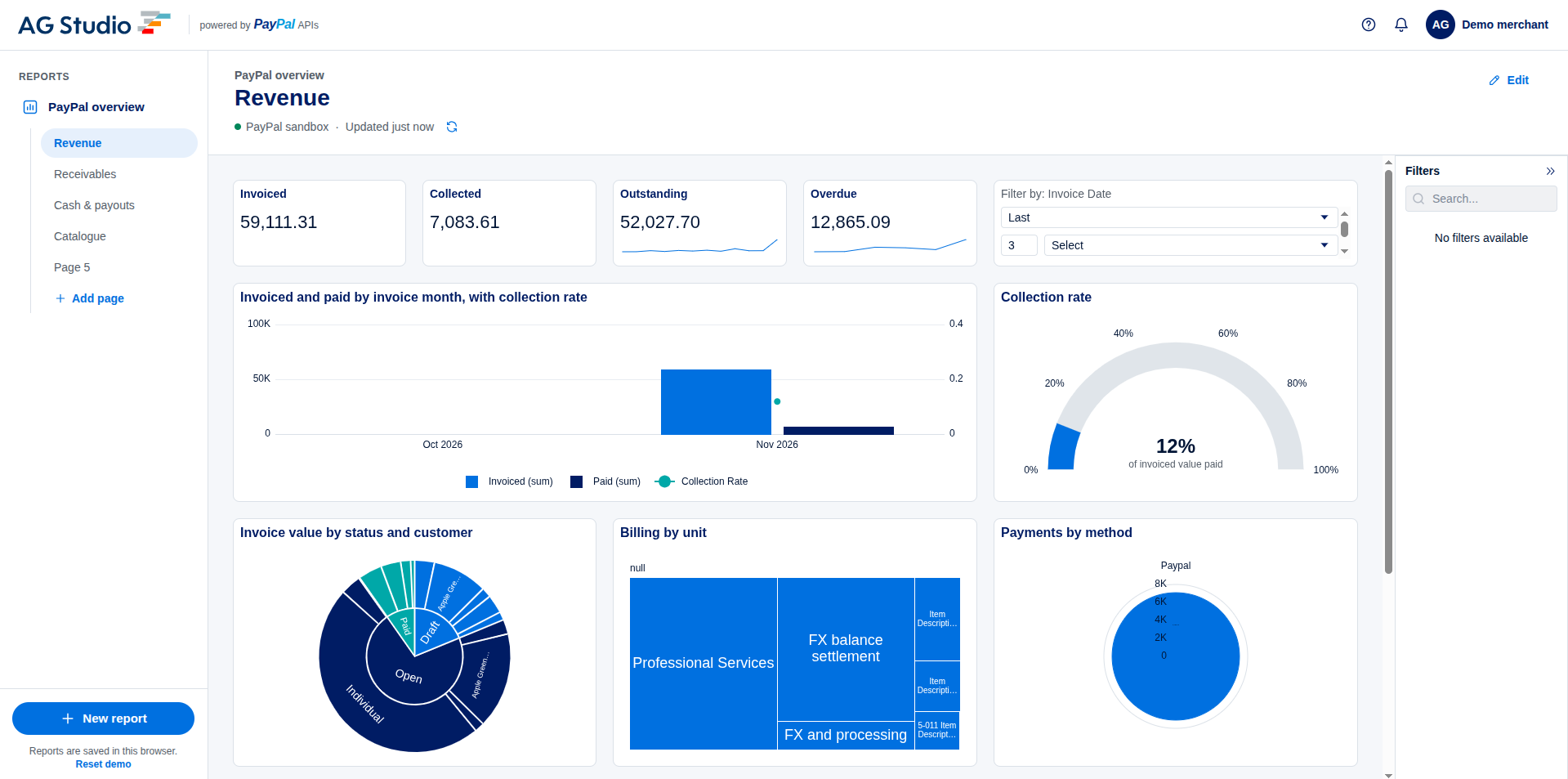
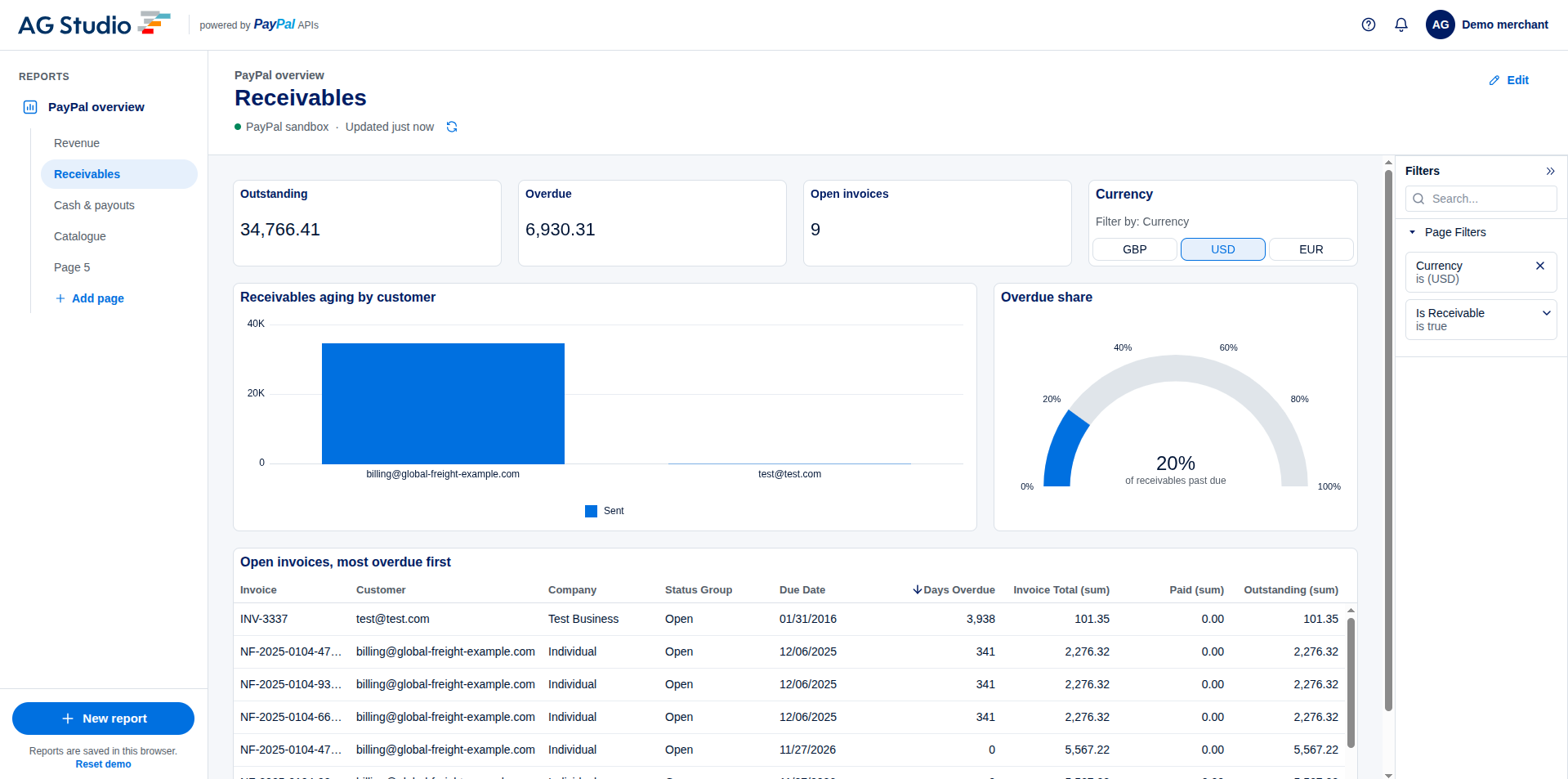
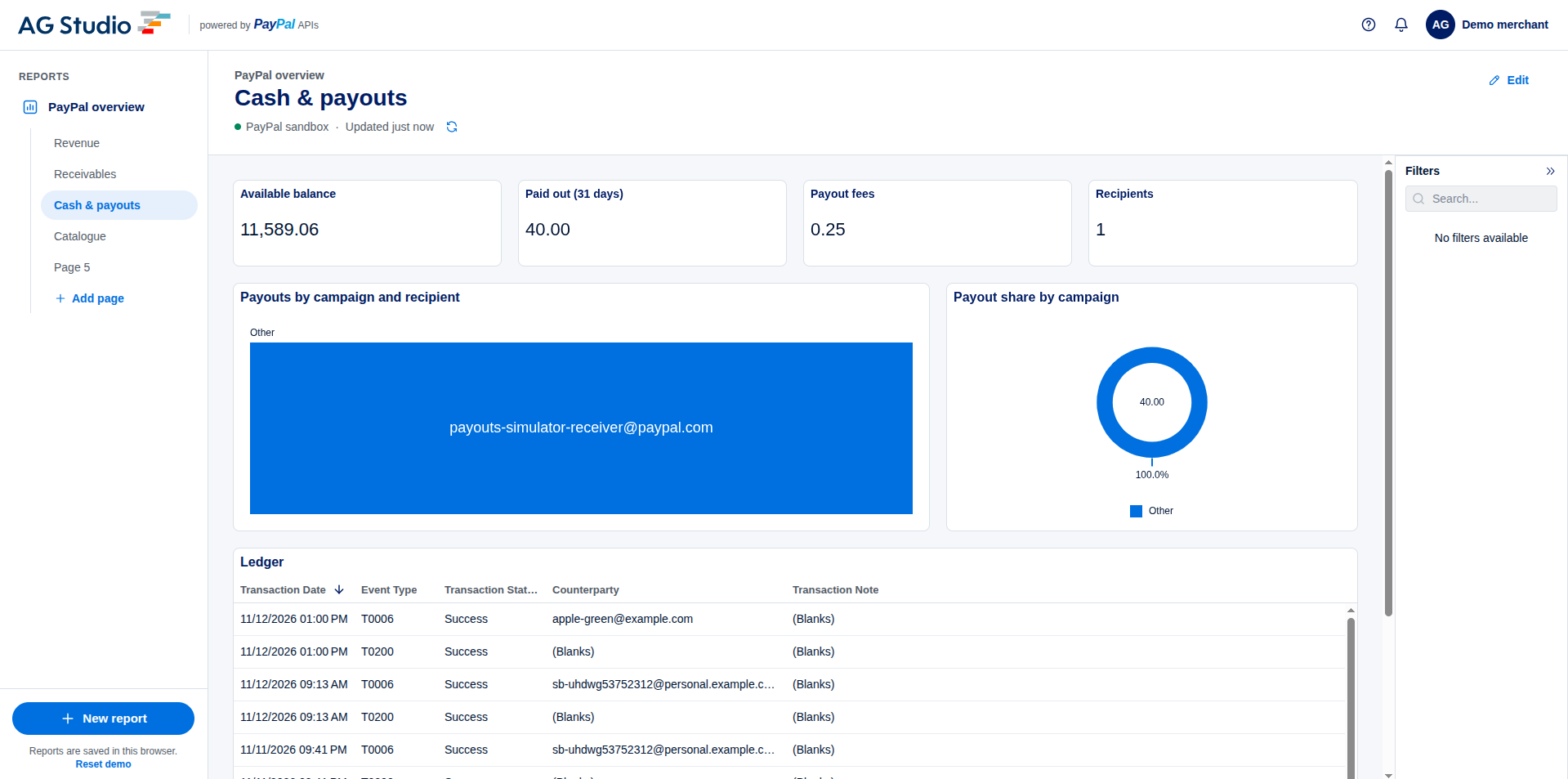
Each run goes upload → agent works → review → send and collect → ledger impact, then opens the same invoice in AG Grid analytics and in your live PayPal invoices. Every visitor gets a private, freshly seeded workspace.
Built on PayPal
| API | Used for |
|---|---|
| Invoicing v2 | Drafts with the FX line, sending, payer links, credit discounts, settlement invoices |
| Currency Exchange | Live locked rates (/v2/pricing/quote-exchange-rates), ECB as fallback |
| Webhooks | INVOICING.INVOICE.PAID posts the payment-day true-up |
Architecture
Get started
You need: Python 3.13 + uv, Node.js 20+, a PayPal sandbox app with Invoicing enabled, and a Groq API key.
1. Configure
cp netfirst/.env.example netfirst/.env
Set PAYPAL_CLIENT_ID, PAYPAL_CLIENT_SECRET, GROQ_API_KEY and DEMO_MODE=1. In hackathon-paypal-ag-grid-boilerplate/.env.local, add your AG Studio licence key, the same PayPal credentials and NETFIRST_API_URL=http://localhost:8000.
2. Run the three services
cd netfirst/api && uv sync && uv run uvicorn app.main:app --port 8000
cd hackathon-paypal-ag-grid-boilerplate && npm install && npm run dev -- --port 3001
cd netfirst/web && npm install && npm run dev
3. Open http://localhost:3000. That's the only URL you need: it routes /api and /analytics behind the scenes.
Run the tests with cd netfirst/api && uv run pytest.
Deploy to AWS
All three services run in one ECS Fargate task behind an ALB and CloudFront, with SQLite on EFS and secrets in Secrets Manager.
bash scripts/push-secrets.sh   # upload .env values to Secrets Manager
bash scripts/infra-setup.sh    # create ECR, EFS, IAM, ALB, ECS, CloudFront
bash scripts/build-push.sh     # build and push the three images
bash scripts/deploy.sh         # start the service
For later code changes, run build-push.sh and redeploy the netfirst-demo service.
Project layout
netfirst/api/                          FastAPI backend: agent, FX engine, ledger, PayPal client
netfirst/web/                          Next.js app: landing, scenarios, guided tours
hackathon-paypal-ag-grid-boilerplate/  AG Grid analytics console
scripts/                               AWS deployment
License
MIT. See LICENSE.
Team Nooglers
Built With
- ag-grid
- agno
- amazon-web-services
- cloudfront
- docker
- fargate
- fastapi
- groq
- nextjs
- python
- sqlite
- typescript


