-
-
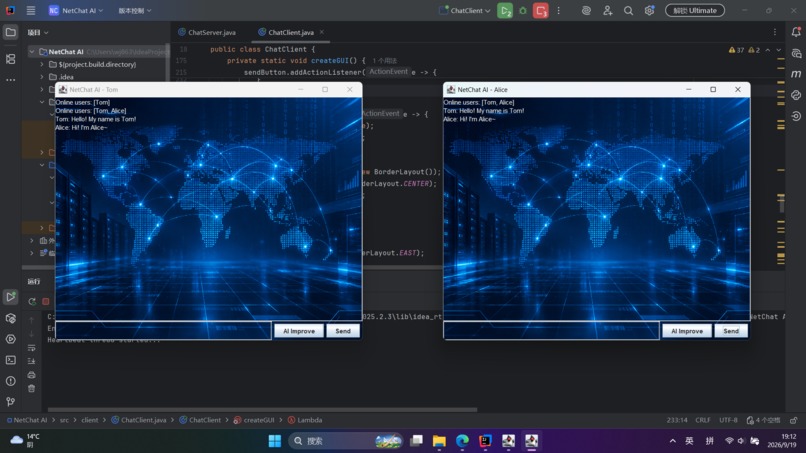
Run demo
-
Terminal Demo
-
Terminal Demo
-
Terminal Demo
Inspiration
I wanted to build a small networking project that I could understand and complete by myself. Since I am studying Computing Science, I was interested in how computers communicate with each other over a network.
I decided to build a simple LAN chat application using Java TCP sockets. I also wanted to add a small AI feature, but I did not want the project to become an AI-heavy application. This is why I chose to use AI only to help users improve their chat messages.
What I Built
NetChat AI is a lightweight LAN chat application built with Java.
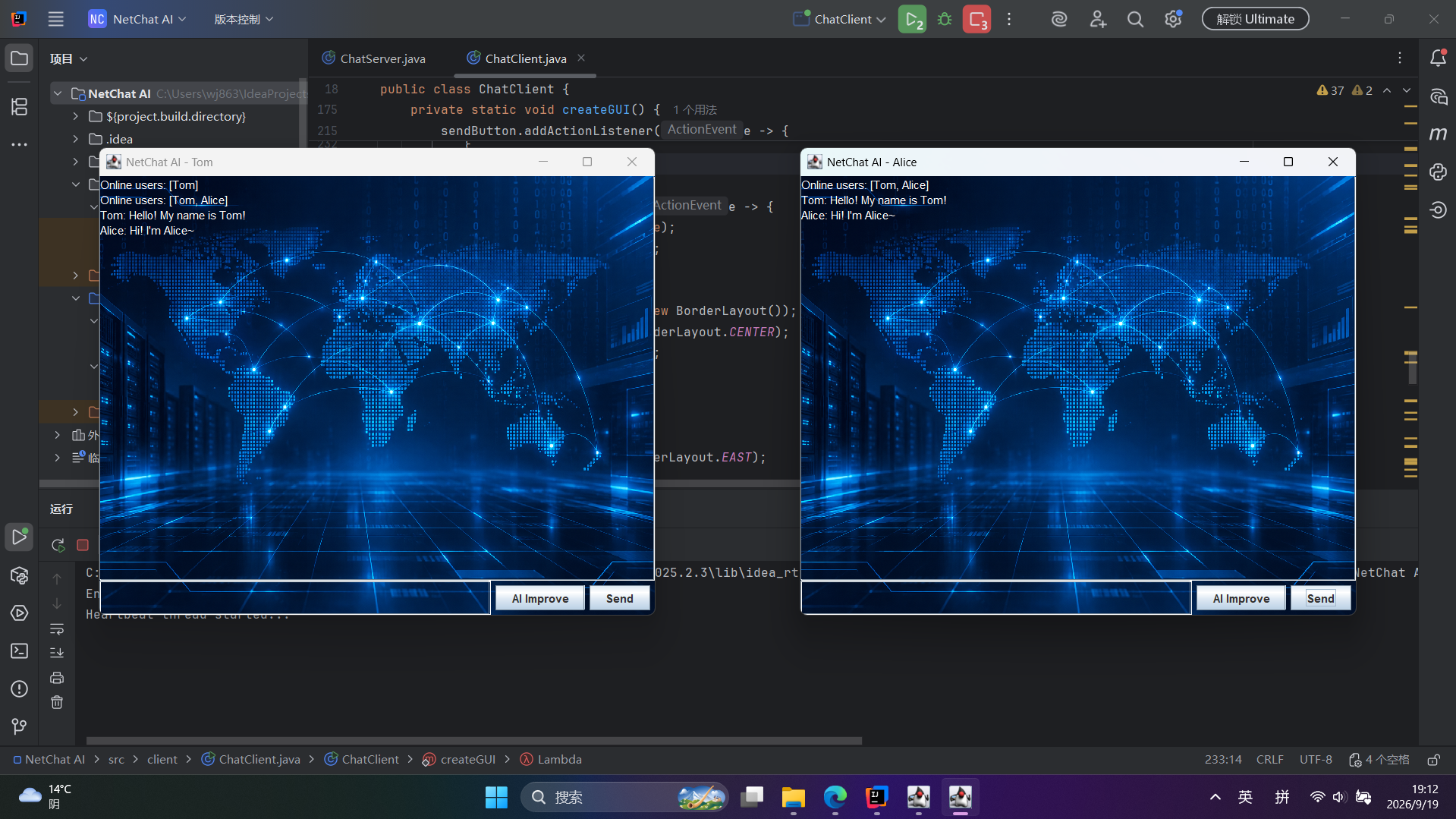
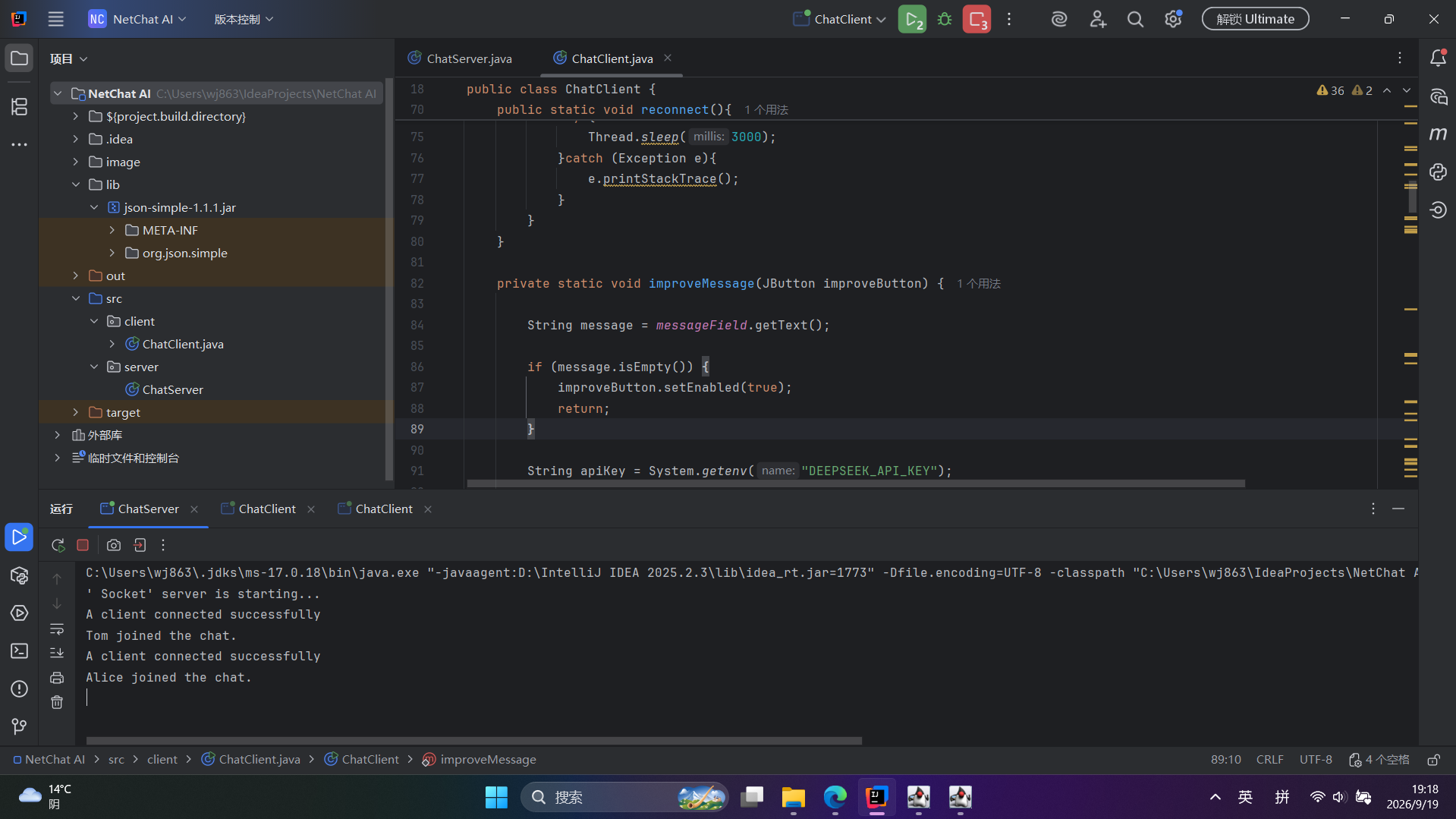
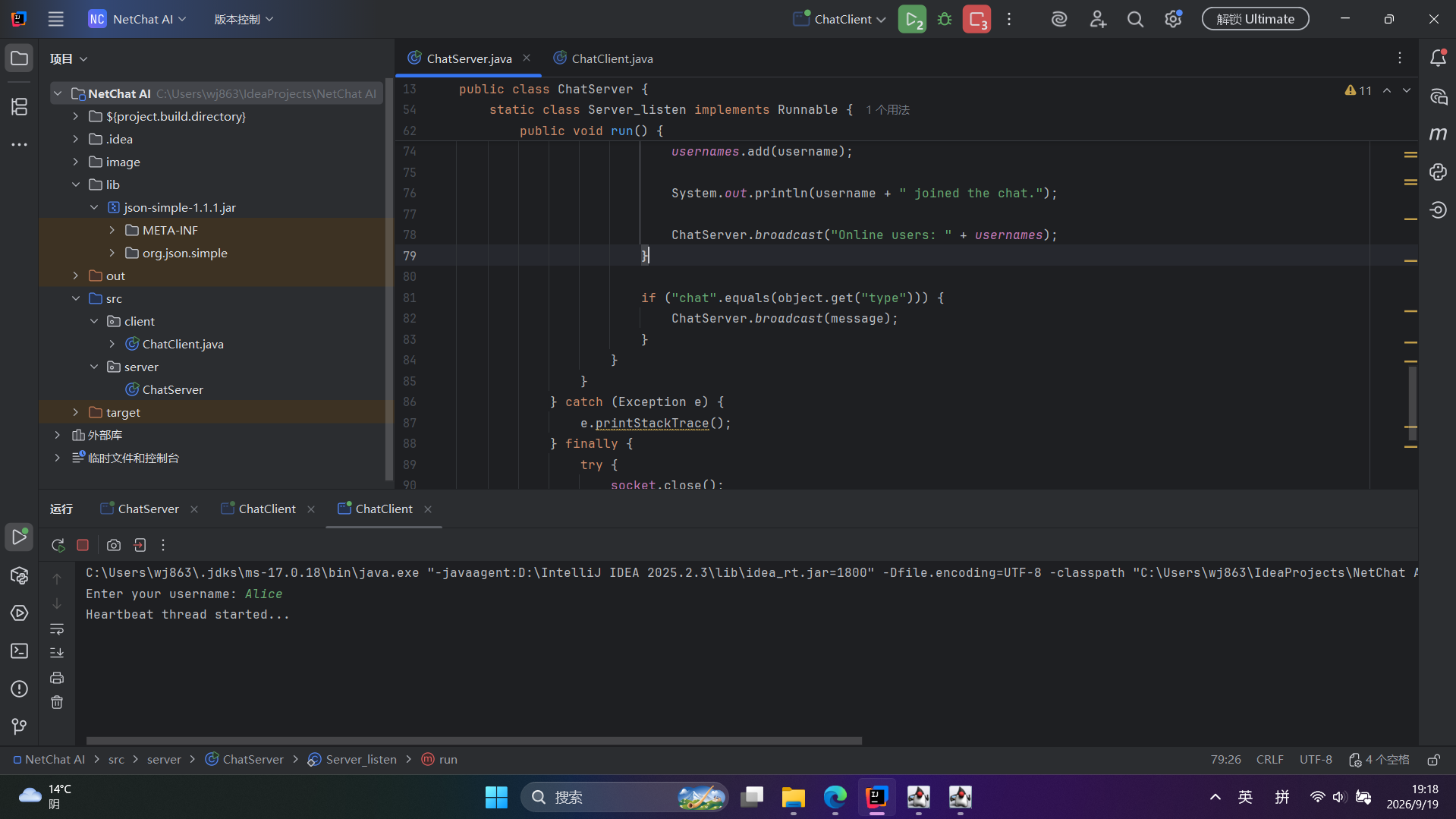
The main application uses a client-server architecture. The server listens for TCP connections and manages connected clients. Each client can enter a username and send messages to other connected users.
The application currently supports:
- Multiple chat clients
- Username identification
- Online user display
- Group messaging
- Java Swing graphical interface
- TCP socket communication
- AI-assisted message improvement
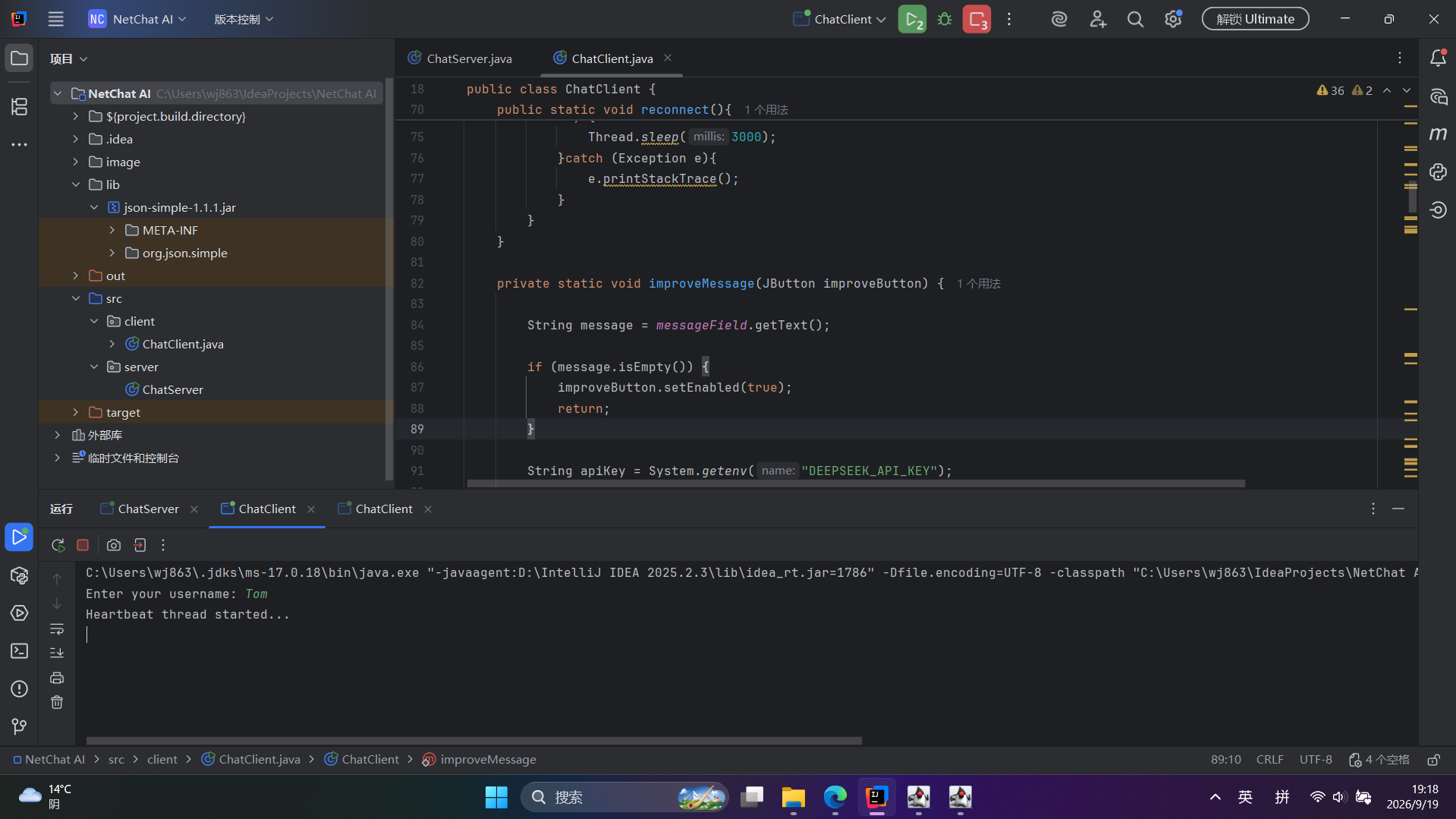
The AI Improve button sends the user's message to the DeepSeek API and puts the improved version back into the message input box. The user can then decide whether to send the improved message.
How I Built It
I built the project using Java 17 and Java Swing.
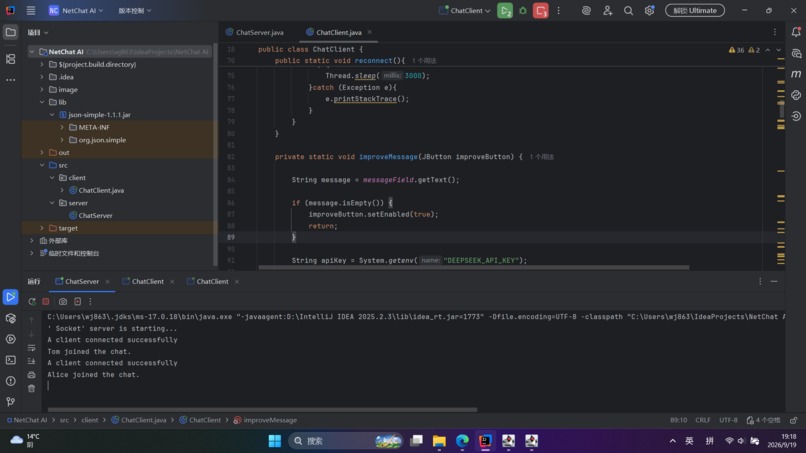
For networking, I used TCP sockets and a simple client-server architecture. The server listens on port 9999 and keeps track of connected clients. When a client sends a chat message, the server broadcasts it to the other connected clients.
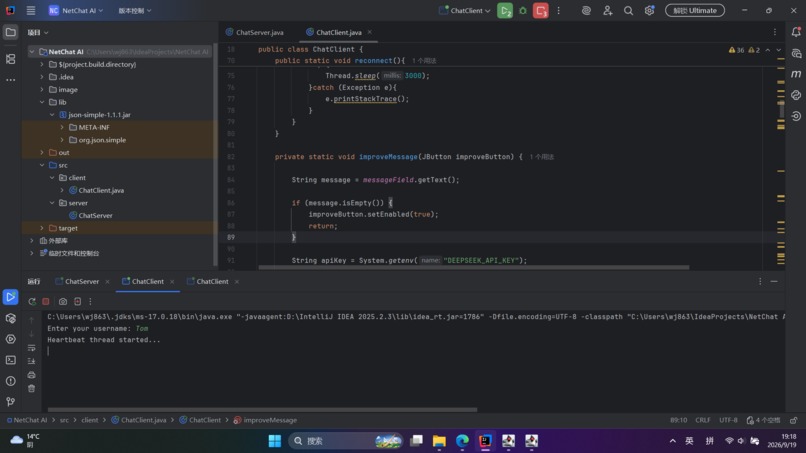
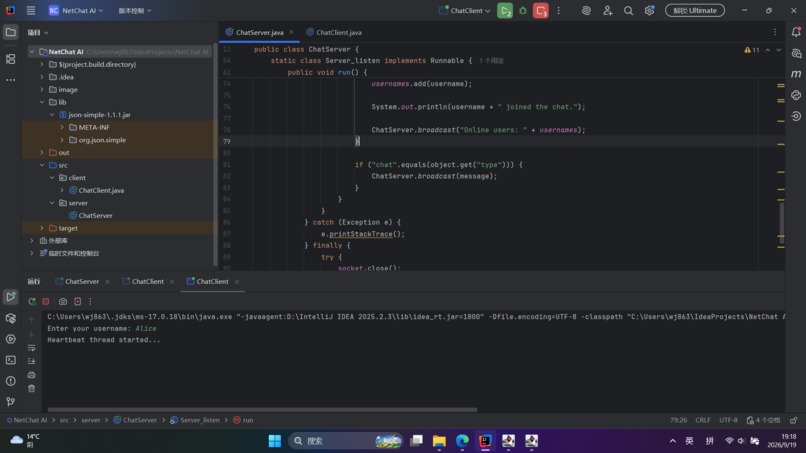
I used Java threads to handle client connections, receiving messages, and the heartbeat connection.
For communication between the client and server, I used JSON objects to represent different types of messages such as login and chat messages.
For the AI feature, I used the DeepSeek API through an HTTP request. I kept this part simple because the main purpose of the project is still the networking system rather than building an AI model.
I also added a simple Swing interface with a blue technology-style background to make the application easier to use.
What I Learned
This project helped me understand TCP client-server communication much better.
Before building the project, I understood the basic idea of sockets, but I had not built a complete application where multiple clients communicate through a server.
I learned how to:
- Create a TCP server using
ServerSocket - Connect clients using
Socket - Send and receive objects through input and output streams
- Use threads for multiple connections
- Design a simple client-server architecture
- Work with JSON data in Java
- Connect a Java application to an external API
- Build a simple GUI using Swing
I also learned that networking programs can have problems that are not obvious at first, especially when multiple threads are involved.
Challenges
One of the main challenges was getting multiple clients to communicate correctly through the server.
I also had some problems with the Swing GUI because messages can arrive from a different thread while the interface is being updated. I had to use SwingUtilities.invokeLater() to update the GUI safely.
Another challenge was connecting the AI feature to the Java application. I had to learn how to create an HTTP request, send the API key securely through an environment variable, and process the JSON response.
There were also some smaller issues during development, such as reconnecting clients, handling the heartbeat connection, and making sure the AI Improve button could be used again after an API request finished.
Final Result
The final result is a small but functional LAN chat application that combines networking with a simple AI-assisted feature.
I intentionally kept the project relatively simple so that I could understand each part of the system instead of relying on a large framework or a complicated architecture.
This project gave me a better understanding of practical networking and how an external AI service can be integrated into a normal Java application.

Log in or sign up for Devpost to join the conversation.