-
-

Logo
-
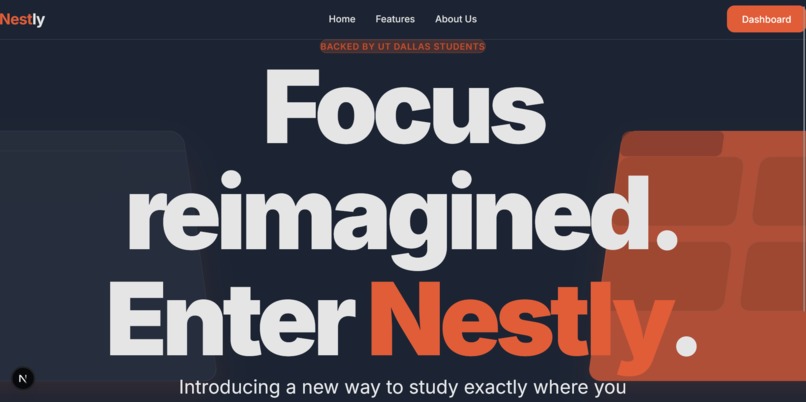
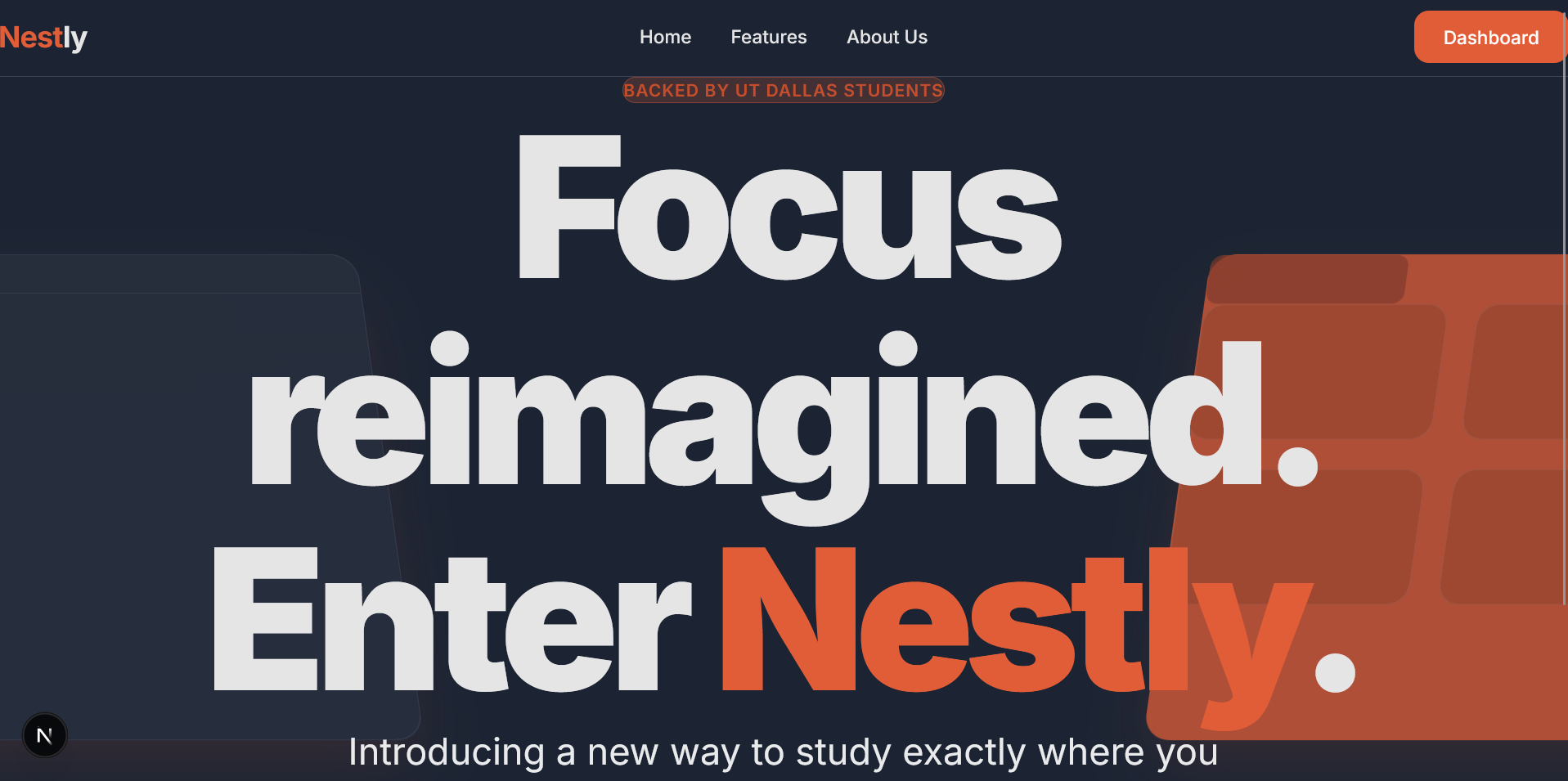
Landing Page
-
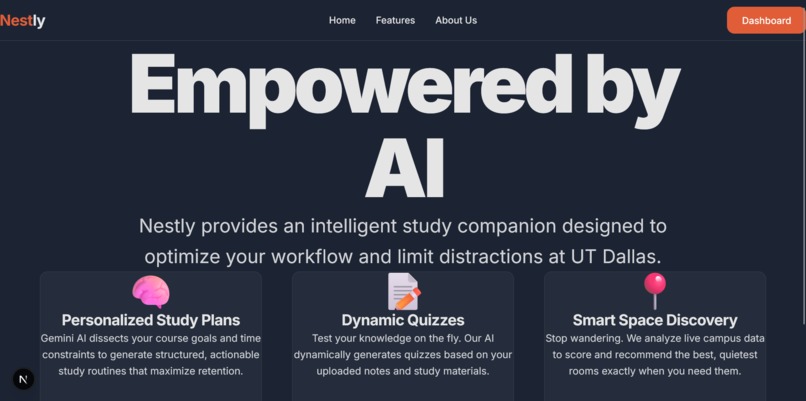
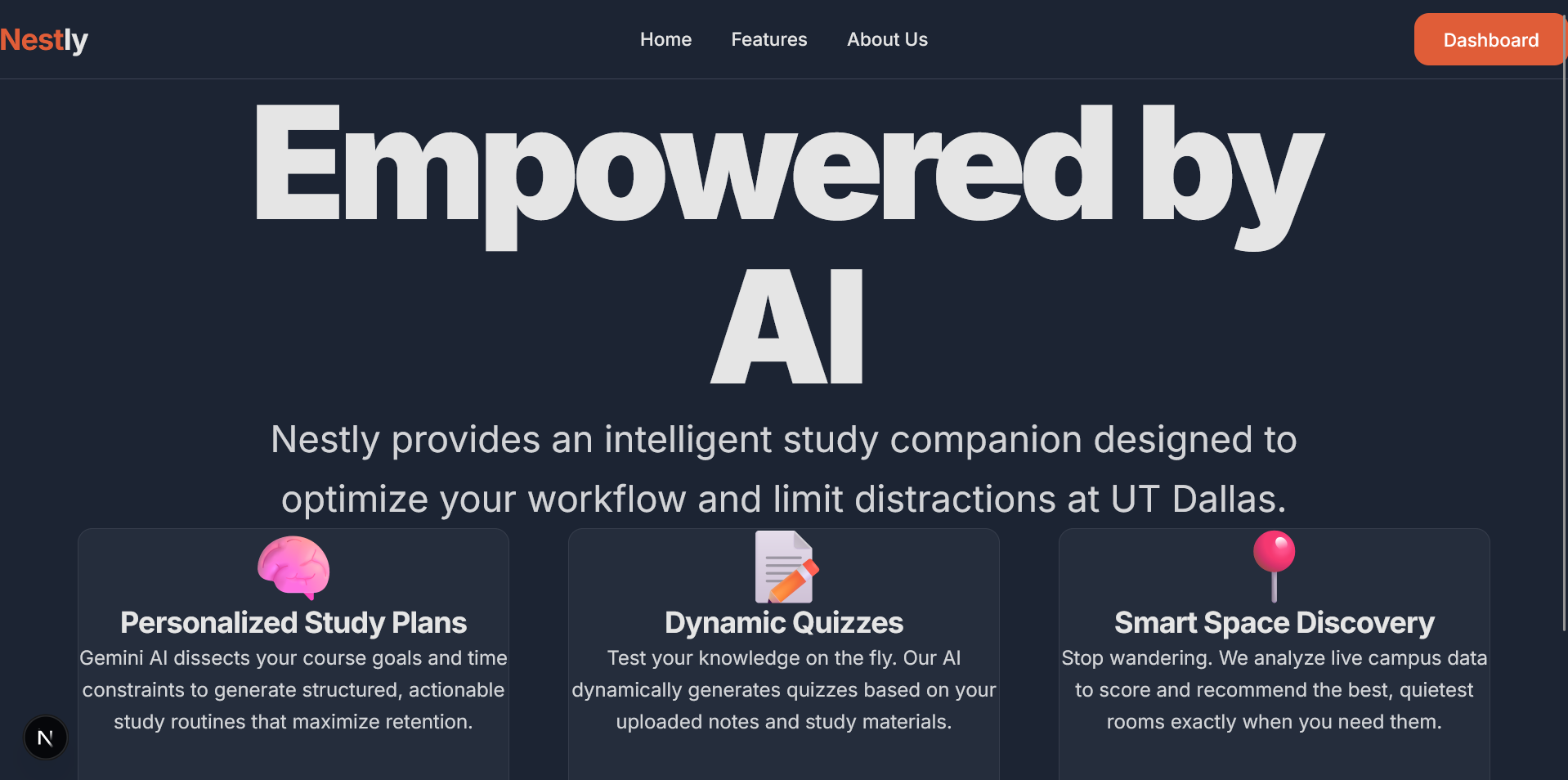
Features
-
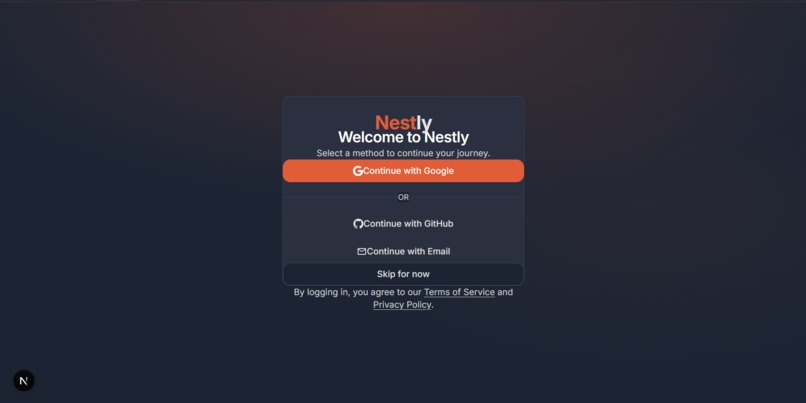
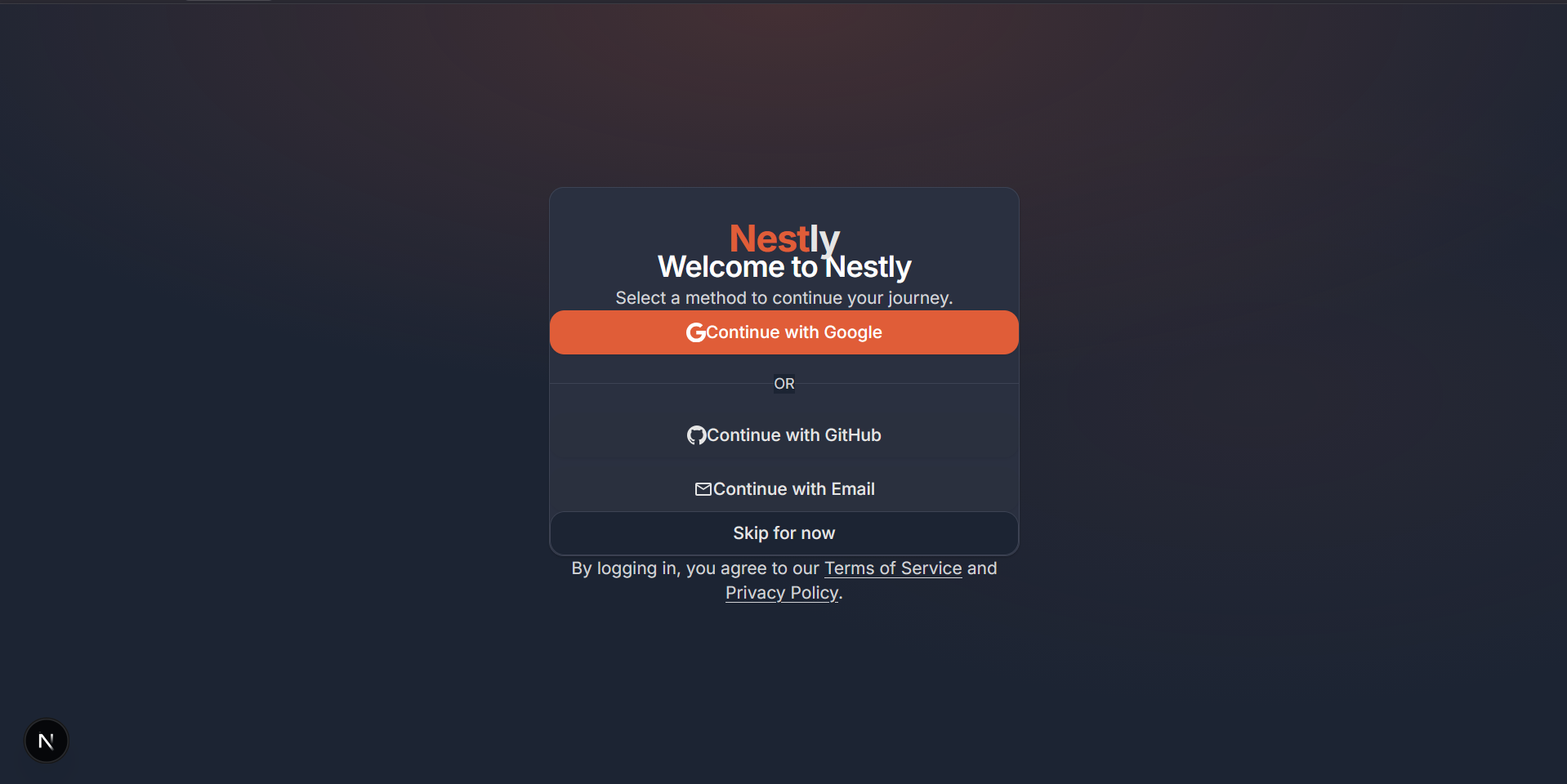
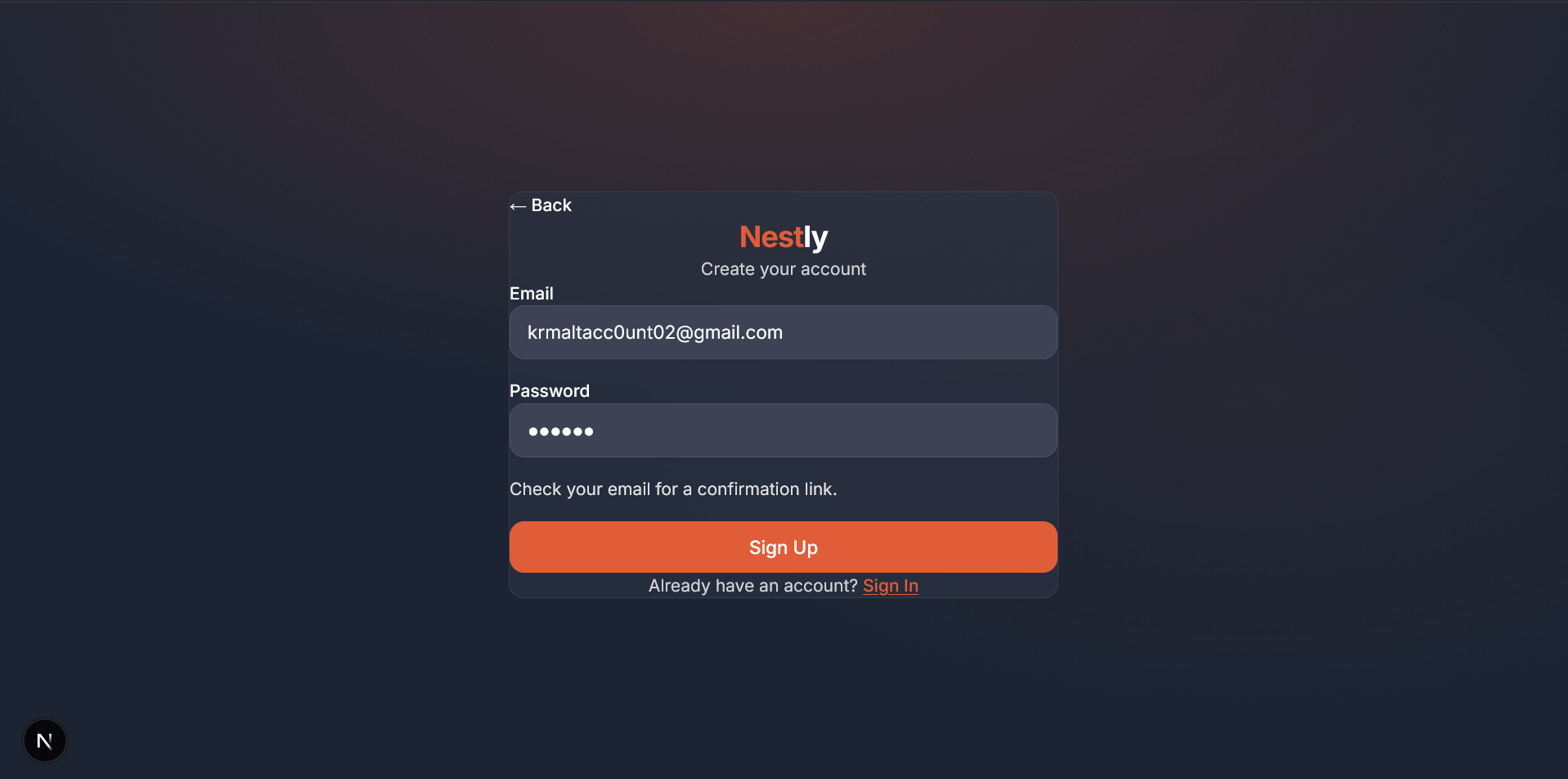
SignUp/SignIn
-
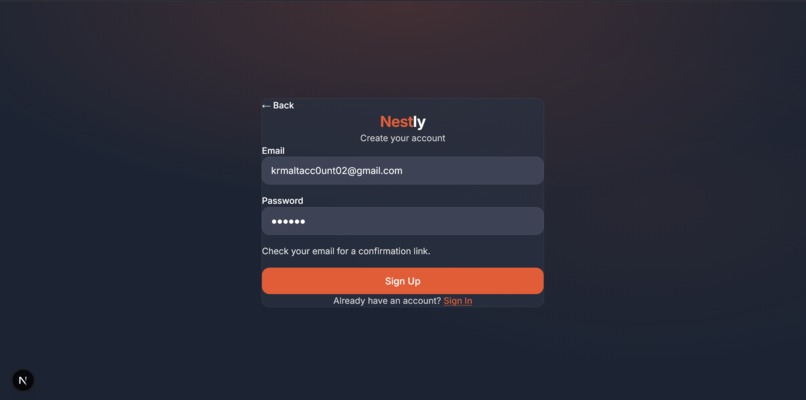
Confirmation Email
-
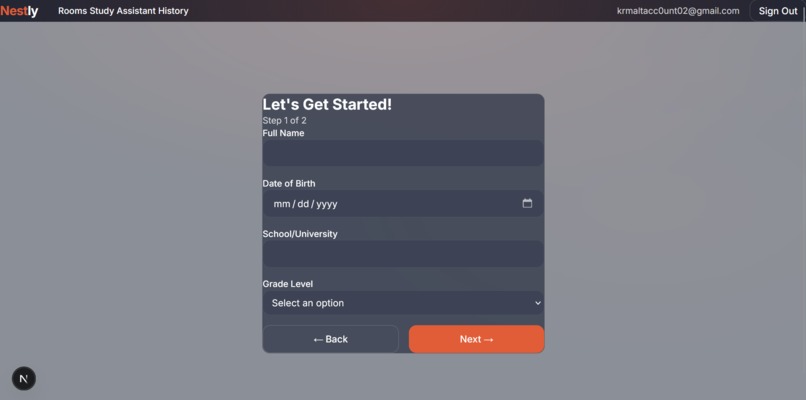
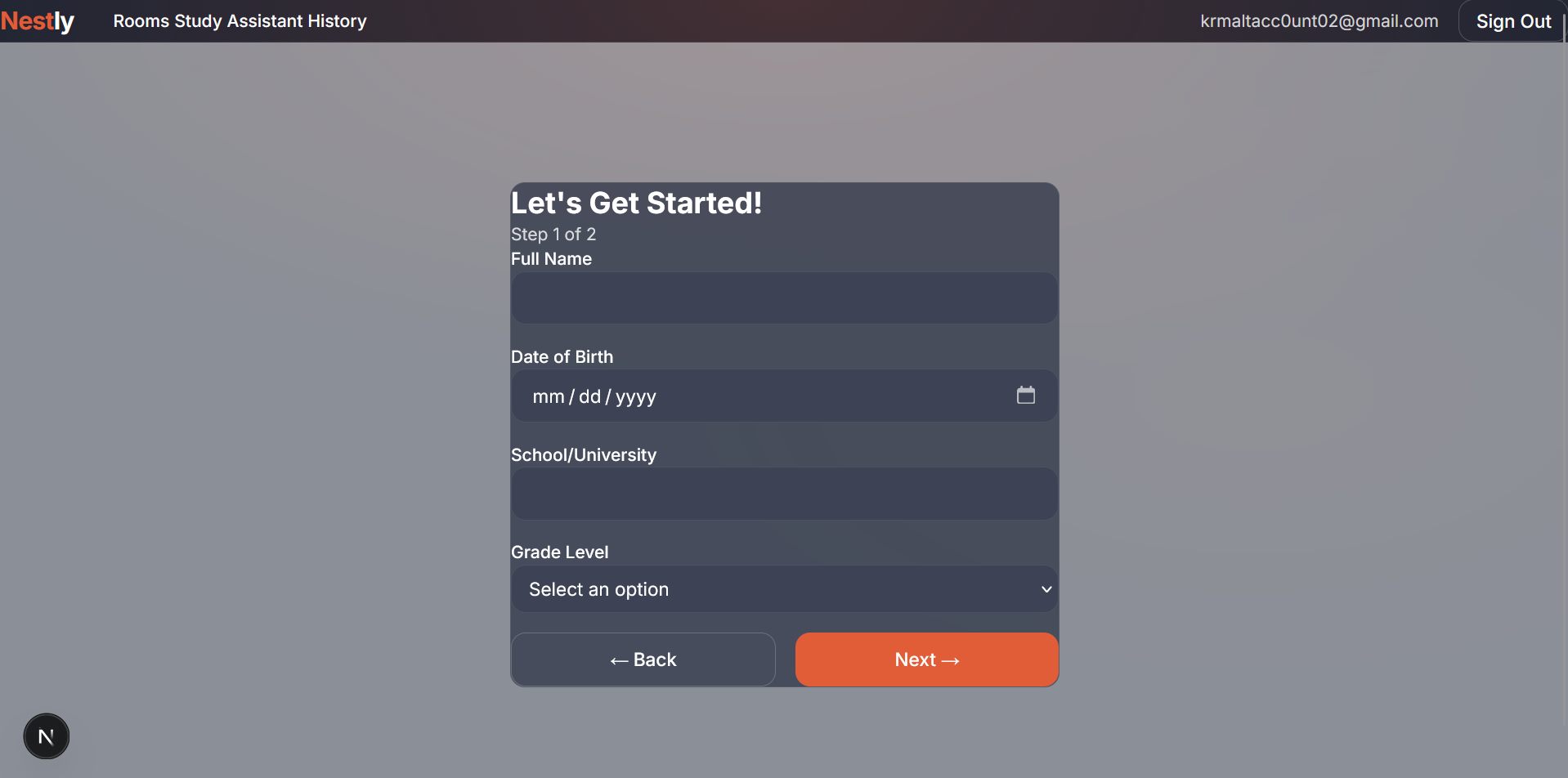
Onboarding Page
-
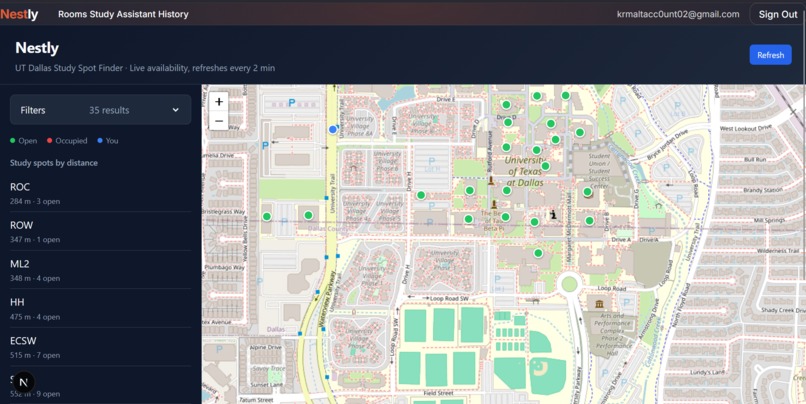
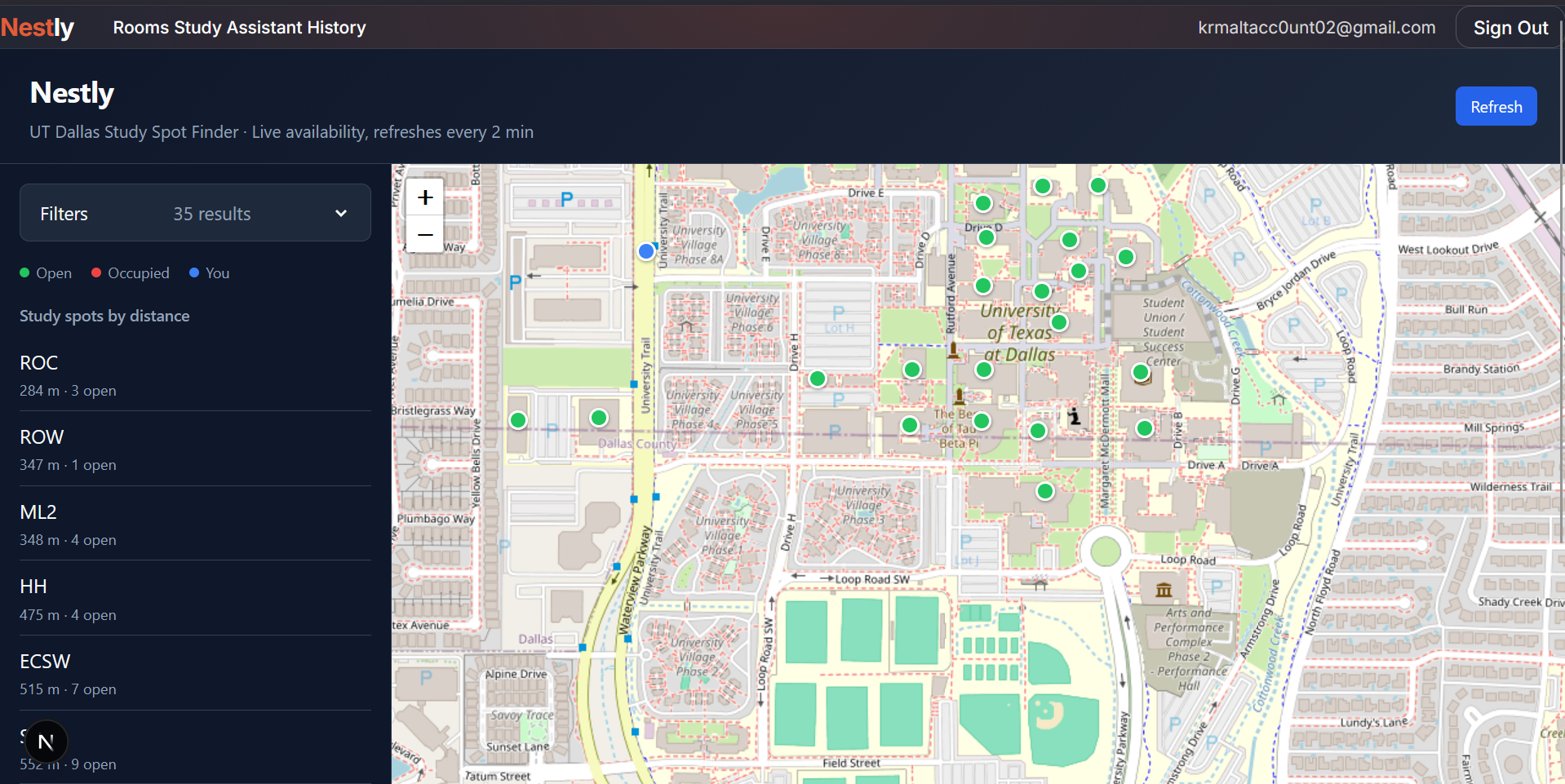
Dashboard Map
-
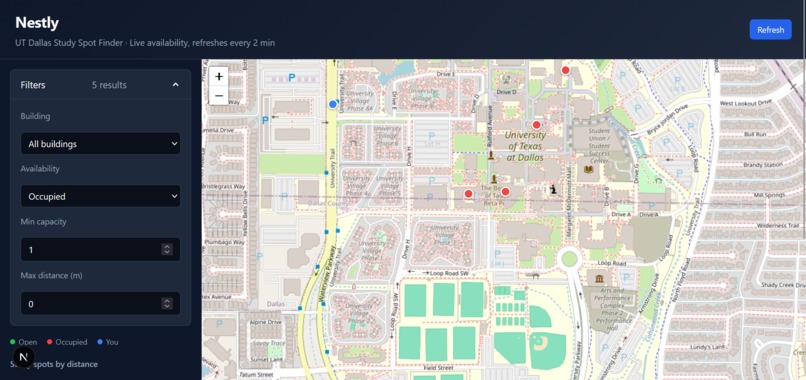
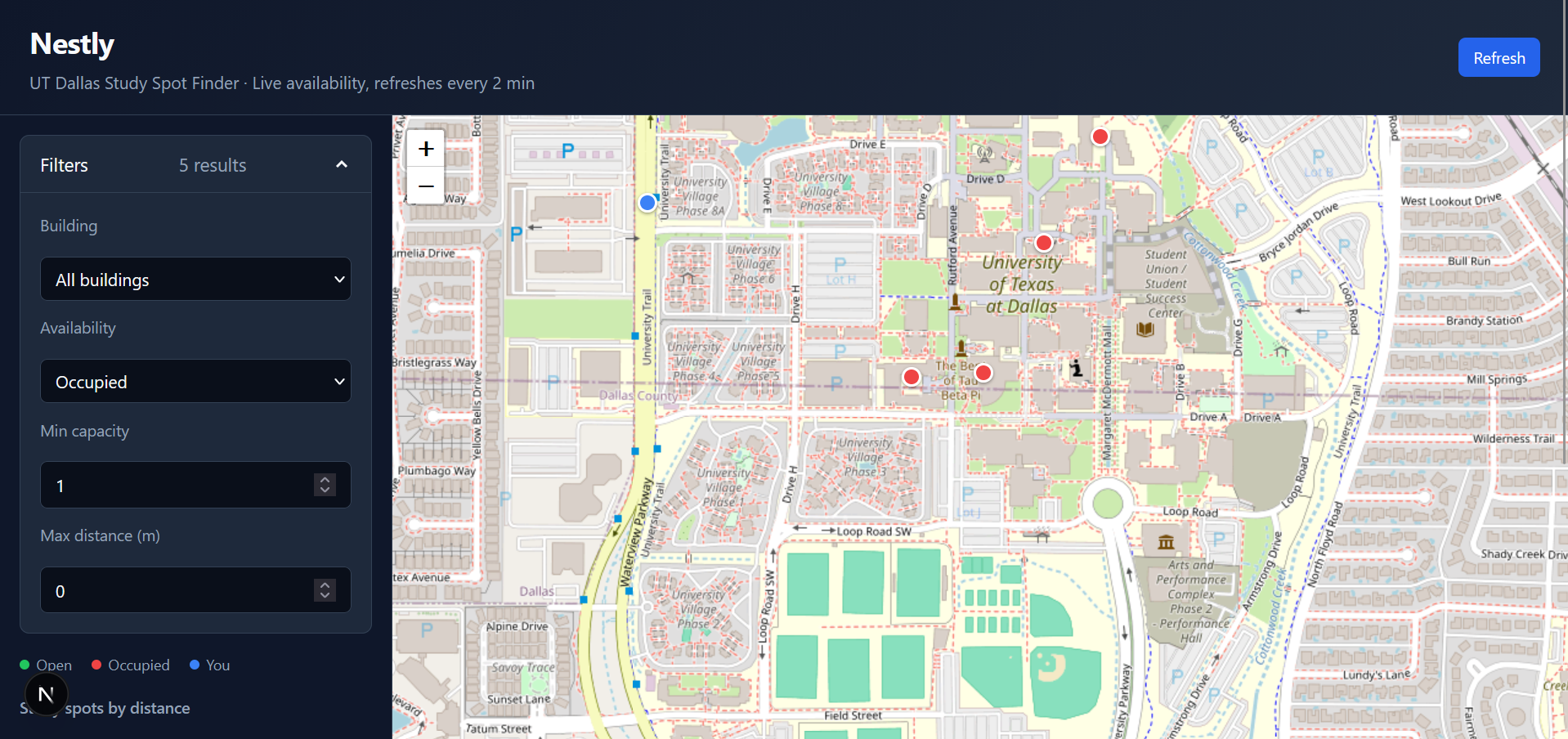
Filters (for Occupied spots)
-
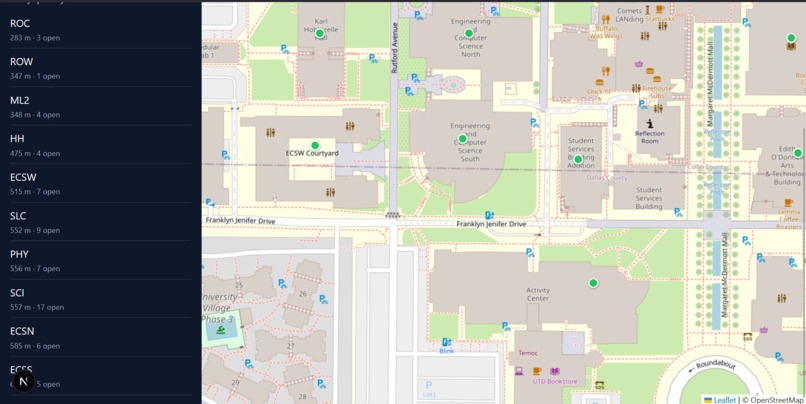
Close Up w/ List of Rooms
-
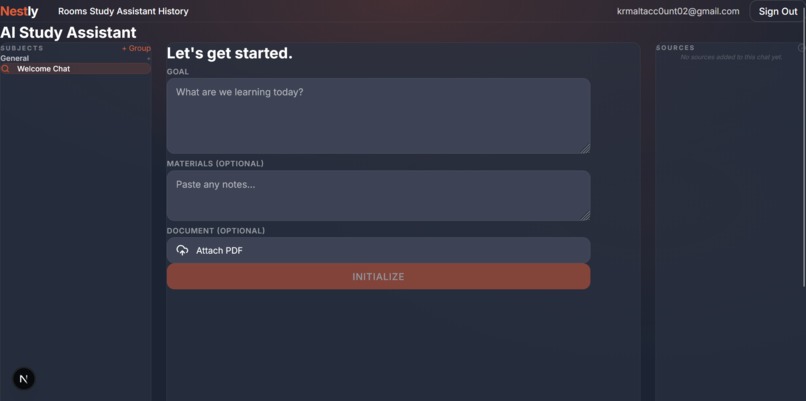
AI Assistant

Inspiration
Students constantly switch between separate tools for planning, campus navigation, document management, and note execution. This constant switching disrupts their focus and wastes time. We built Nestly to give students one unified platform to plan study sessions, locate available spaces, and interact with course materials.
We drew inspiration from the UT Dallas Nebula API, which provides real-time room availability data. We integrated this data with modern AI models to build a comprehensive productivity assistant for campus life.
What It Does
Nestly acts as a personal campus productivity assistant that helps students in several ways:
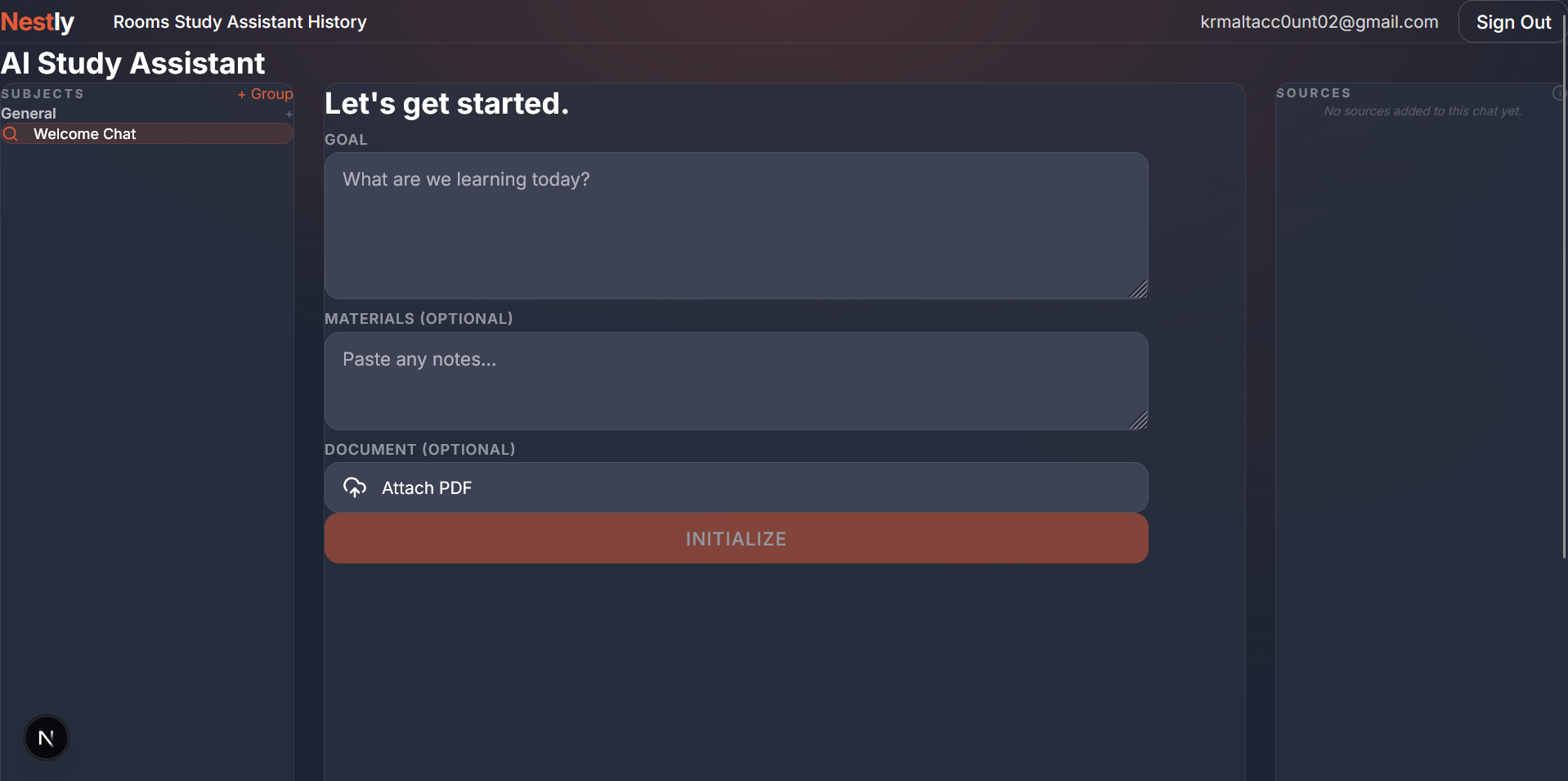
- Generate study plans: Students enter their course name, goals, and available time to receive structured plans that prioritize topics and allocate time effectively.
- Create flashcards and quizzes: The assistant automatically generates custom flashcards and interactive quizzes based directly on course material to test knowledge.
- Query documents: Users upload PDFs and ask questions in plain English. The assistant extracts summaries and answers directly from the text.
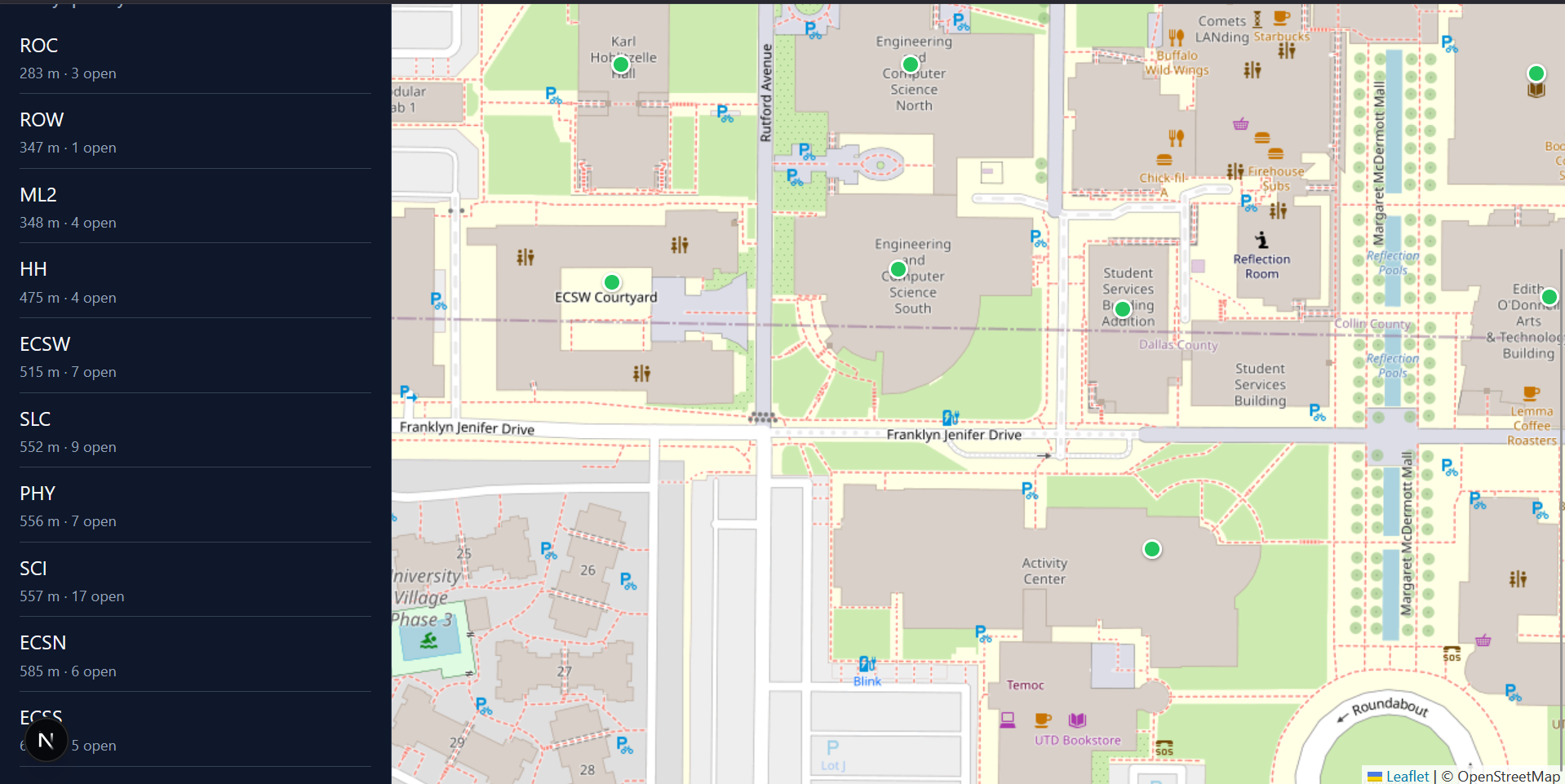
- Find study spaces: An interactive map displays real-time room availability, capacity, and distance. Students can filter these options to find their ideal study spot.
- Track progress: Users can log their study sessions and review their previous study plans.
User accounts power the entire experience, ensuring every student receives personalized recommendations and history tracking.
How We Built It
We built the frontend using Next.js and React, styling the interface with Tailwind CSS and adding 3D elements with Three.js.
For our core AI features, we use Google Gemini models to generate study plans, create flashcards and quizzes, power the chat interface, and determine what the user wants to do. We use NVIDIA Nemotron to process PDFs, and we store document data in ChromaDB to enable rapid search capabilities.
To build the interactive campus map, we combined Leaflet mapping tools with the UT Dallas Nebula API to plot buildings and check real-time room availability.
Our backend relies on Supabase to manage user accounts and databases, while a Python server runs the heavy document processing tasks. We also integrated the Google Docs application programming interface allowing users to export their notes and summaries easily.
Finally, we built a smart routing system. When a user types a single sentence, the system automatically detects whether they want a study plan, a quiz, or a general answer, preventing the need for clunky menus.
Challenges We Ran Into
- Managing multiple AI models: We had to build robust connections and error handling to seamlessly route tasks between Gemini, Nemotron, and Whisper.
- Processing complex documents: Converting PDFs, summarizing pages, and indexing the text required extensive tuning to keep the application fast and accurate.
- Integrating campus maps: We spent significant time aligning the Nebula API room data with our map coordinates and filtering it to show accurate, real-time availability.
- Configuring Google Docs export: Setting up secure user authentication and permissions for Google integration proved tricky.
- Synchronizing environments: We went through several iterations to properly connect the frontend interface, the database, and the backend server.
Accomplishments We Are Proud Of
- Building a unified assistant: We successfully combined study planning, flashcard generation, document search, and space discovery into one seamless interface.
- Creating smart routing: We designed a system that understands what the user wants from a simple typed sentence, eliminating the need for complicated menus.
- Developing document intelligence: We built a pipeline that takes a raw PDF file, processes it, and accurately answers user questions based on the text.
- Designing an interactive map: We successfully linked real-time university room data with an interactive map that ranks spaces based on distance and capacity.
- Adding voice controls: We integrated speech recognition directly into the main workflow.
- Crafting a premium interface: We designed a clean, responsive dark-mode layout featuring smooth animations.
What We Learned
We learned how to connect an array of specialized AI models and tools into a single, cohesive product. We discovered that designing a system that accurately detects user intent was far more challenging than simply connecting data endpoints. Working with the UT Dallas Nebula API also taught us how to transform raw institutional data into a highly visual, map-based experience that students can easily navigate.
What Is Next for Nestly
- Expanding to more universities: We plan to adapt our map system to support other college campuses that offer similar room data.
- Adding collaborative features: We want to allow students to form study groups, share their plans, and book rooms together.
- Building a mobile app: We plan to create native phone versions for students walking around campus.
- Enabling offline support: We aim to cache study plans and document summaries so students can work without an internet connection.
- Deepening personalization: We want the assistant to learn each student's preferred study style over time and adjust its plans and quizzes accordingly.
- Integrating calendars: We plan to allow students to sync their generated study plans directly into their personal calendars.
Built With
- css
- gemini
- javascript
- leaflet.js
- nebula
- pdf2file
- python
- supabase
- typescript

Log in or sign up for Devpost to join the conversation.