Why I Built NestLog
Taking care of someone can involve a lot of small things that are easy to forget. A feeding time, an appointment, a medication reminder, a mood change, a measurement, or even finding the closest vet or pharmacy can all end up in completely different places.
I wanted to build one dashboard that could bring all of that together.
That became NestLog.
The idea was to make care tracking flexible enough to work for both people and pets. Instead of making a separate app for every situation, NestLog lets you create different profiles for babies, special needs children, seniors, adults, and pets. Each profile gets tools that make sense for that type of care.
How It Works
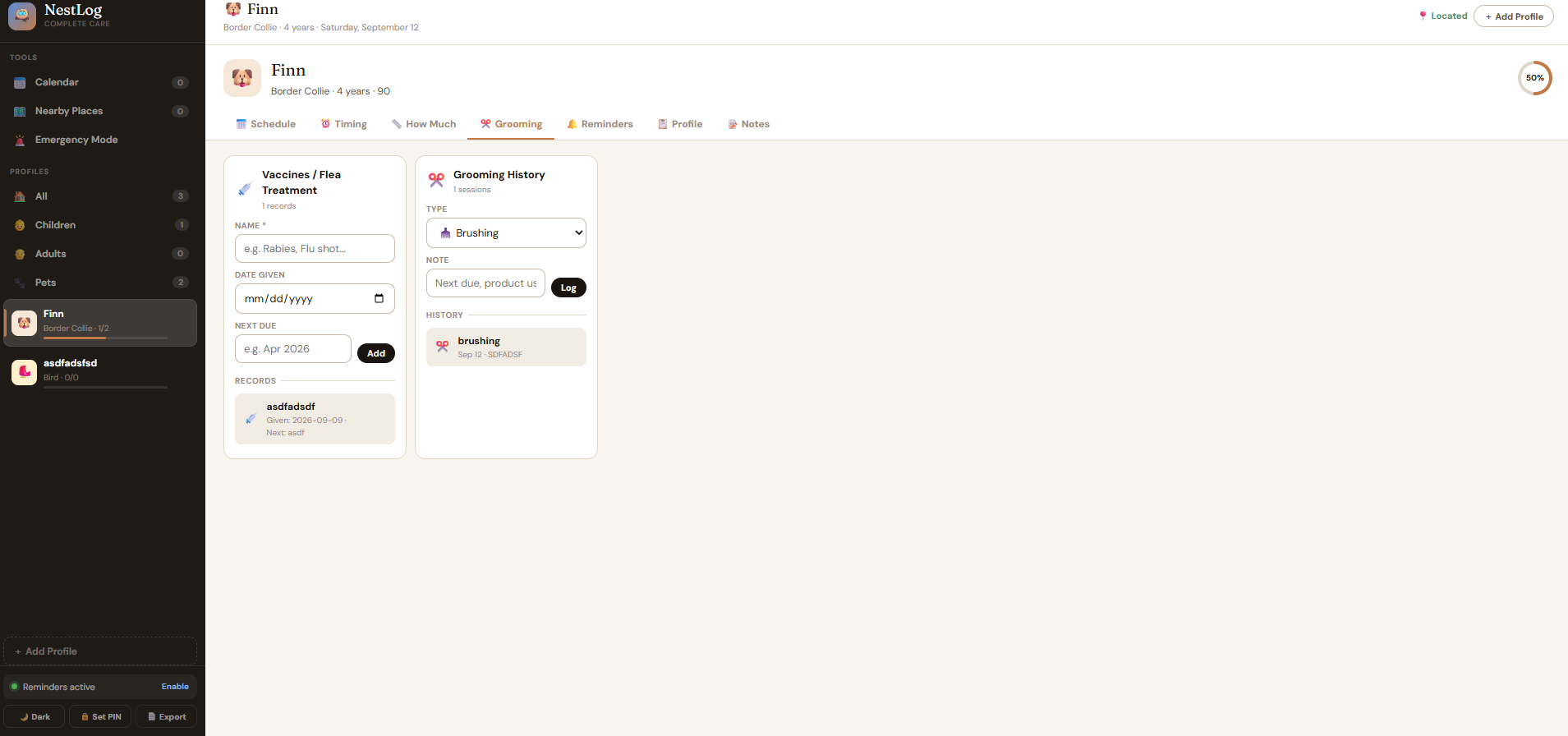
You start by creating a profile. From there, you can organize schedules, reminders, notes, records, and other care information.
For care profiles, NestLog includes sections for things like mood, vitals, milestones, incidents, schedules, timing, measurements, caregiver handoffs, records, and notes. Pet profiles have their own tools for scheduling, timing, measurements, grooming, reminders, and notes.
I also wanted the app to be useful outside the dashboard itself.
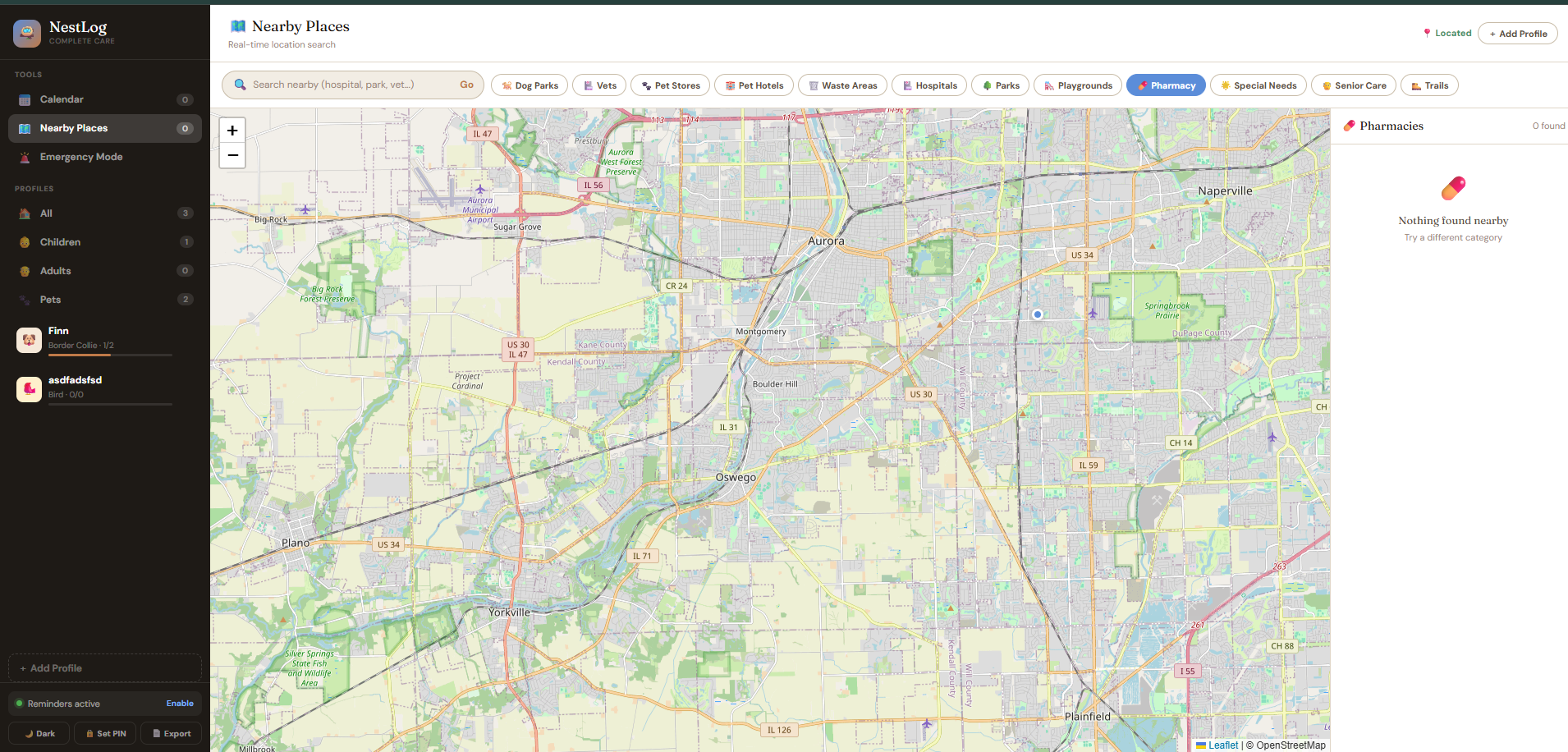
The Nearby Places feature uses the browser's location to find useful resources around you. It can search for hospitals, pharmacies, veterinary clinics, parks, playgrounds, special needs centers, senior care, dog parks, pet stores, pet hotels, and more.
For directions, NestLog can calculate a driving route and display the distance, estimated time, and route steps directly on the map.
I also built an Emergency Mode so that the most important nearby resources are accessible quickly. It gives direct options for finding a hospital, pharmacy, vet, or special needs center.
Building It
NestLog is built with HTML, CSS, and JavaScript. I used Leaflet for the interactive map and connected it to OpenStreetMap's Nominatim service for location searches and OSRM for routing.
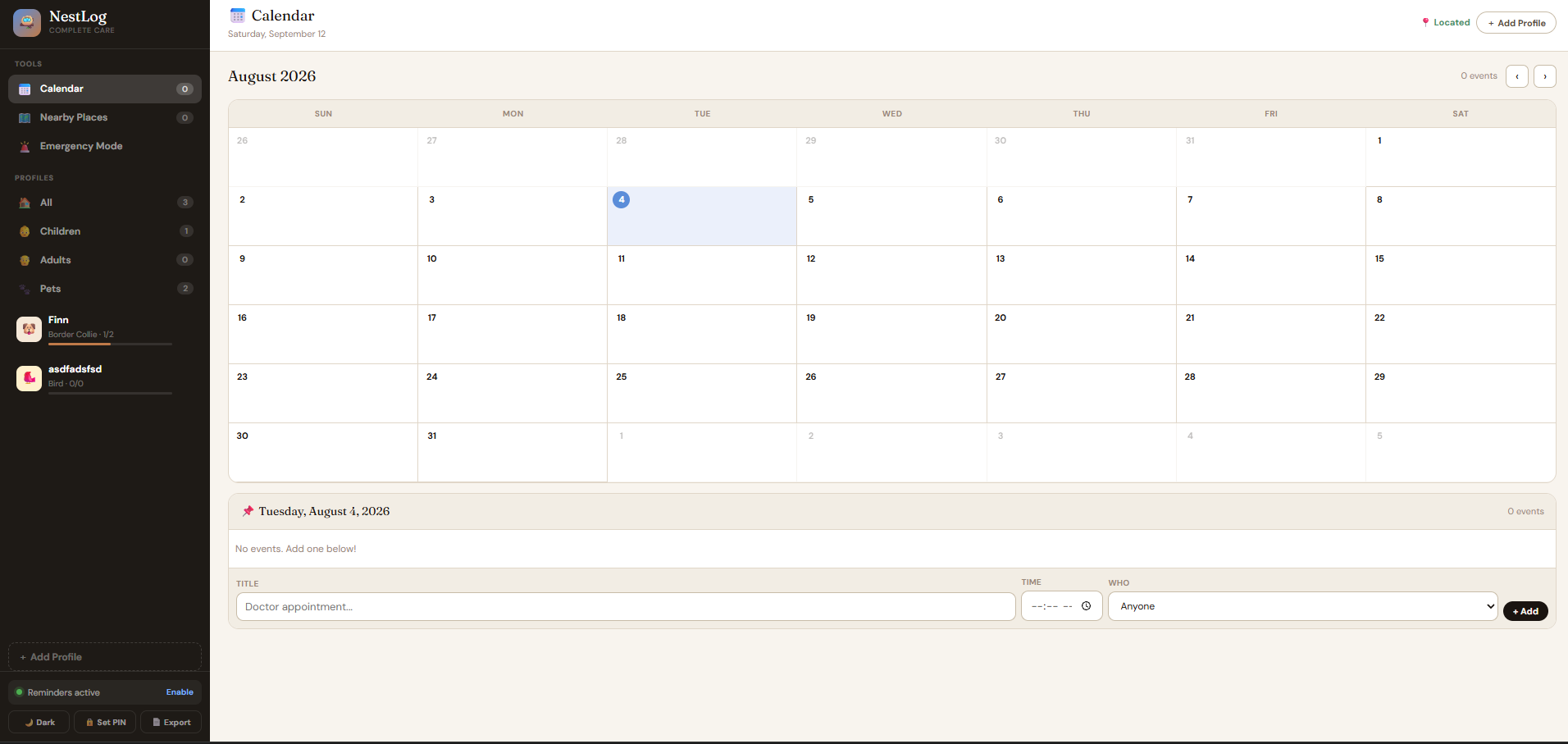
One of the things I focused on was making the app feel like an actual product instead of just a collection of forms. The interface has separate profile categories, progress indicators, tabs, calendars, map panels, notifications, modals, and different visual themes.
I also added browser notifications for scheduled reminders. Users can enable notifications through the browser, and NestLog creates timers for upcoming events.
Another feature I wanted was privacy. NestLog includes an optional 4 digit PIN system and stores the PIN locally in the browser.
Finally, I added report exporting. A user can generate a printable care report containing profile information, notes, schedules, and different care logs.
Challenges
The hardest part was getting all of these features to work together without making the interface overwhelming.
A care dashboard can become complicated very quickly. There are different types of profiles, and not every type needs the same information. I had to structure the application so that the available tools could change depending on the profile.
The map was another challenge because it isn't just a static map. NestLog needs to get the user's location, search for relevant places, remove duplicates, calculate distances, display markers, and then calculate routes when a user asks for directions.
I also had to think about what should happen when browser features aren't available. For example, notifications require browser permission, and the map has a fallback location if the user does not provide their location.
What I Learned
This project taught me that building a useful application isn't just about adding as many features as possible.
The features need to work together.
I learned more about browser APIs, geolocation, interactive maps, external APIs, local storage, notification permissions, state management, and designing an interface around different types of users.
Most importantly, I learned how much planning is needed when one application has to handle many different situations.
NestLog started as an idea for a care tracker, but it became a much larger system for organizing everyday care in one place.

Log in or sign up for Devpost to join the conversation.