-
-
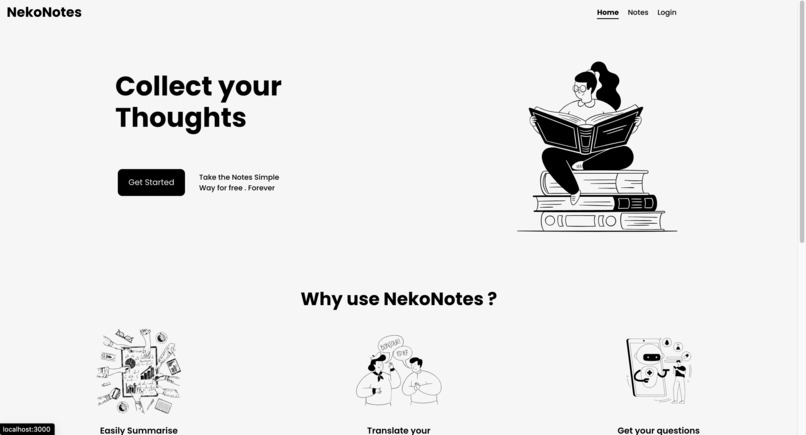
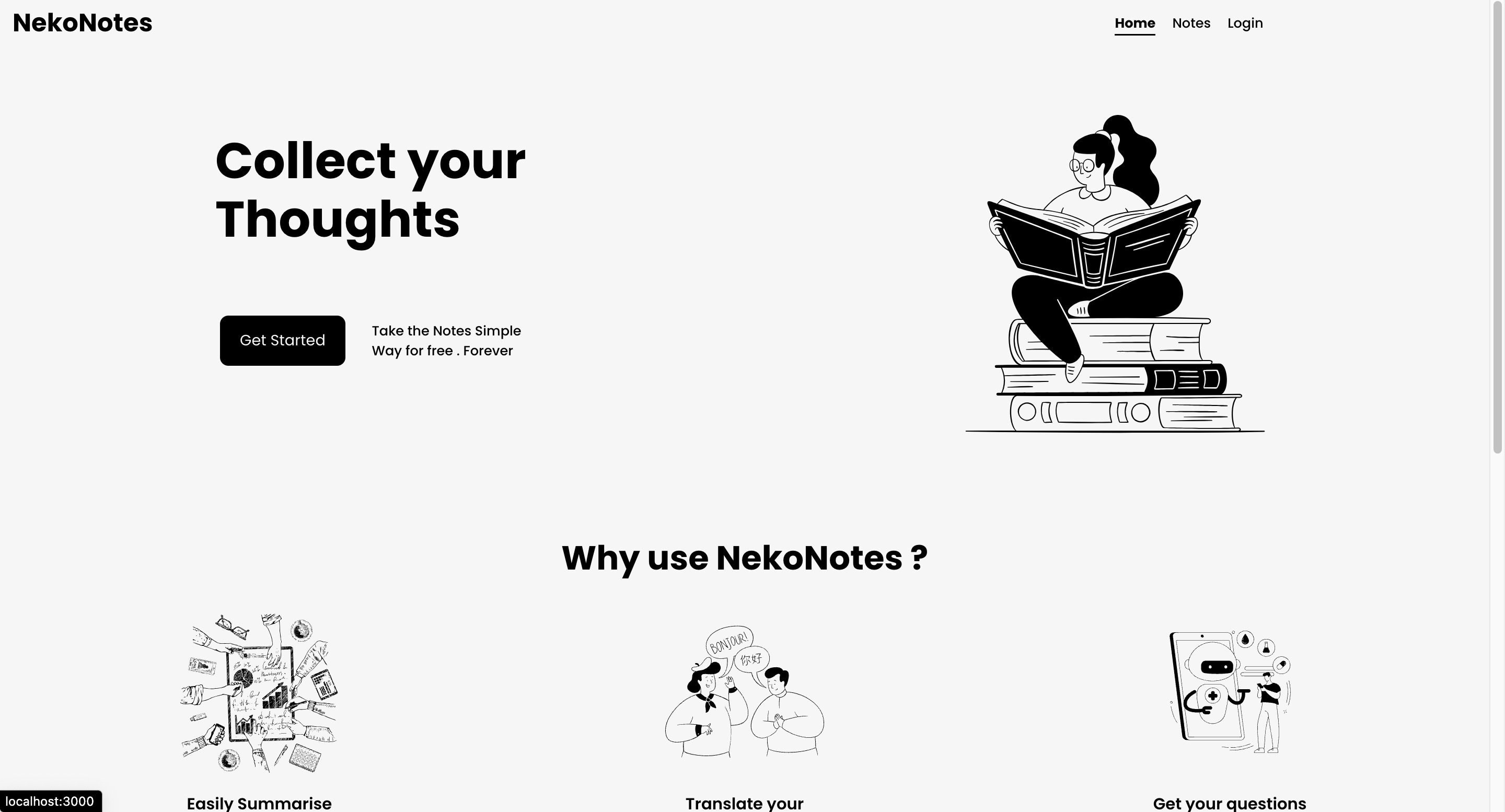
Home Page
-
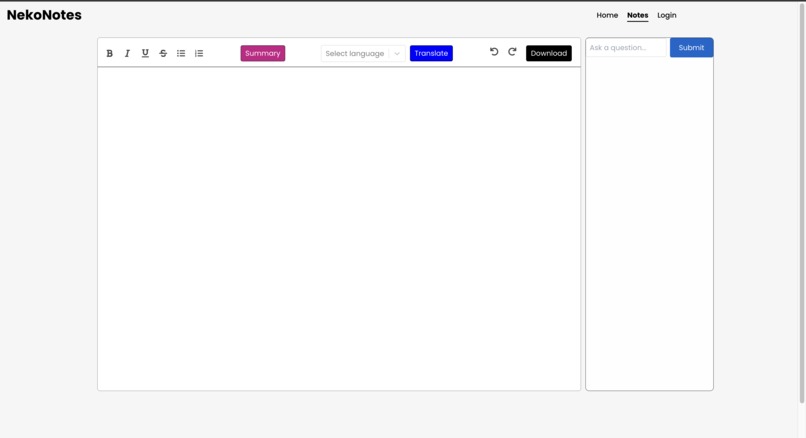
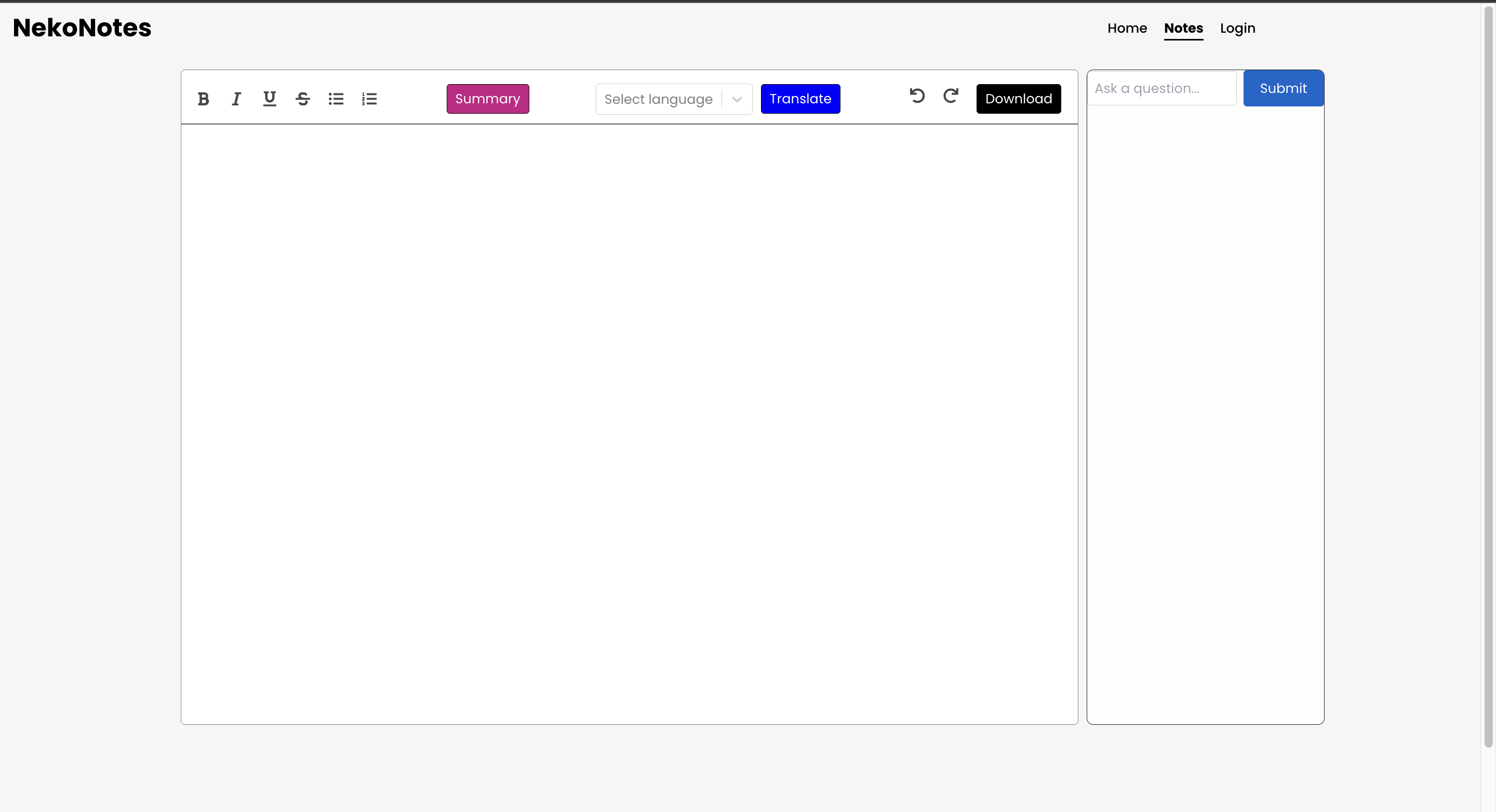
Note page
-
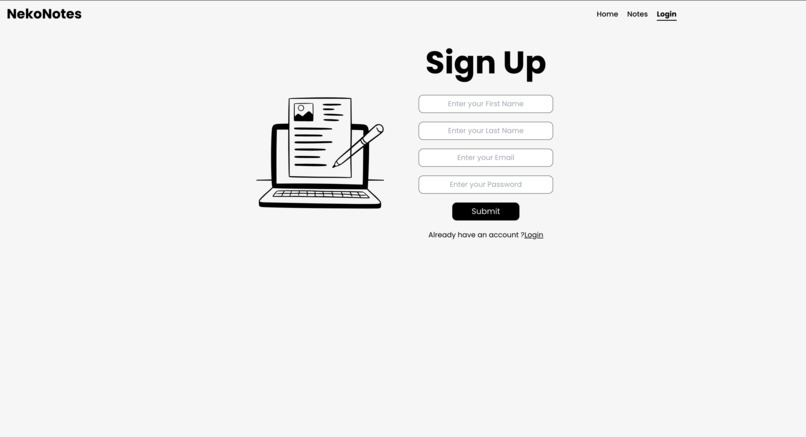

Inspiration
What it does
Project Journey 🚀📝
Inspiration
The inspiration for Neko Notes came from a desire to create a note-taking application that goes beyond the ordinary. We envisioned a tool that not only captures thoughts but also leverages AI to enhance the user experience. The goal was to make note-taking more intuitive, efficient, and even a bit magical.
What We Learned
Throughout the development of Neko Notes, we learned the importance of balancing simplicity and functionality. We discovered how to integrate AI services seamlessly into the app, providing users with powerful features without overwhelming them. Working with a diverse tech stack, from ReactJS for the frontend to Flask and Go for the backend, taught us the value of choosing the right tool for each job.
Building the Project
The project was built with a user-centric mindset. The rich text editor was crafted to provide a familiar and enjoyable writing experience. Implementing AI summarization, translation, and context-based Q&A required careful integration with Hugging Face APIs, and we had to ensure that these features felt like a natural extension of the note-taking process.
The choice of TailwindCSS for styling allowed us to create a modern and visually appealing UI without sacrificing maintainability. The project structure, with separate frontend and backend components, provided a clear division of responsibilities and made the development process smoother.
Challenges Faced
One challenge we faced was finding the right balance between feature richness and simplicity. We wanted to offer powerful AI capabilities without making the interface overly complex. Iterative design and feedback loops helped us refine the user experience.
Integrating the various AI services posed technical challenges, but overcoming them was a rewarding experience. Handling asynchronous operations and ensuring smooth communication between the frontend and backend were key aspects of the development process.
Get Started with Neko Notes
To get started with Neko Notes:
- Clone this repository.
- Navigate to the
frontenddirectory and runnpm install --forceto install dependencies. - Start the React app with
npm start. - Explore Neko Notes at
http://localhost:3000.
Contributions Welcome!
Contributions are encouraged and welcomed. Whether it's bug fixes, new features, or improvements to the user interface, your input can make Neko Notes even more amazing. Feel free to open issues and pull requests; let's build something great together!

Log in or sign up for Devpost to join the conversation.