-
-
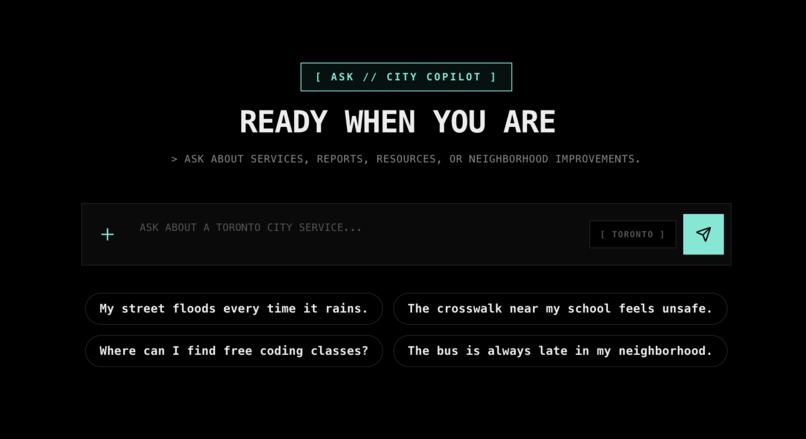
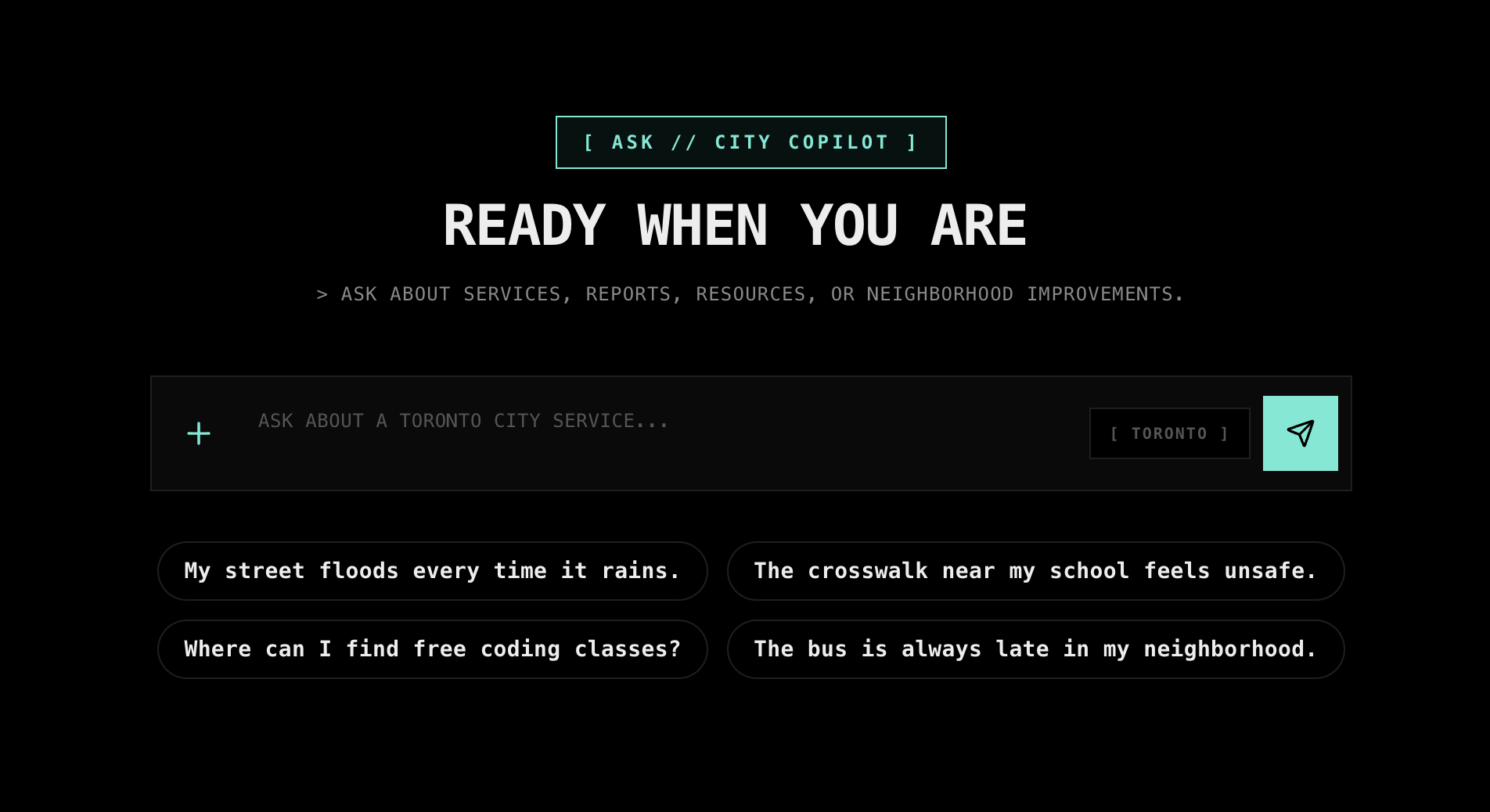
Ask Page
-
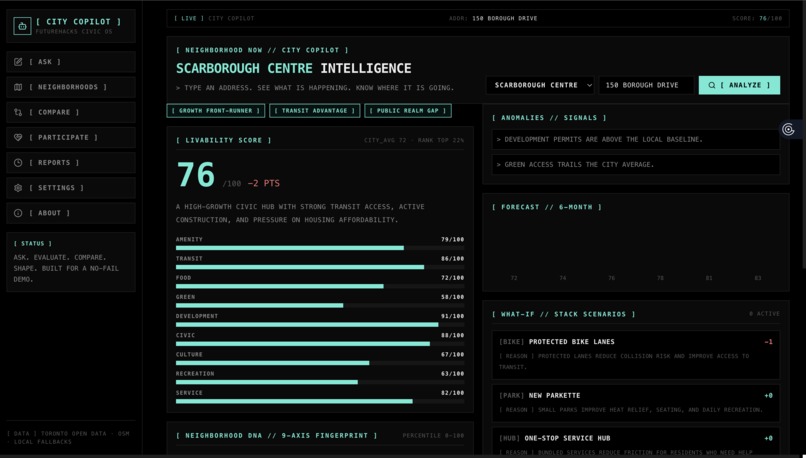
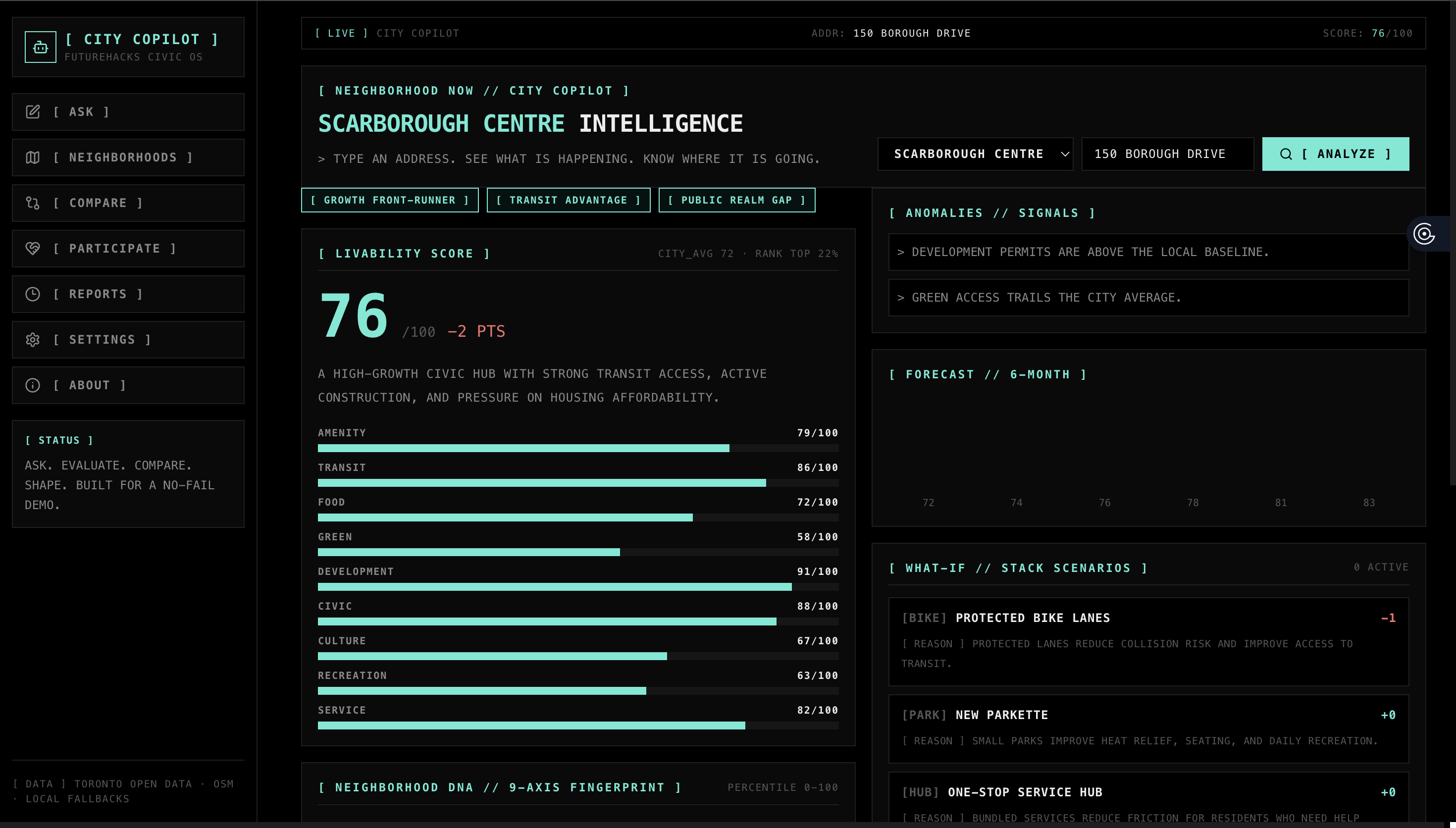
Neighborhood Page
-
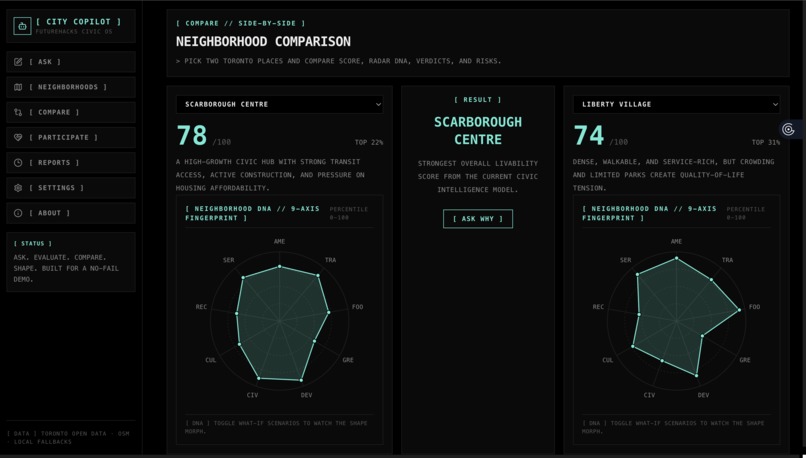
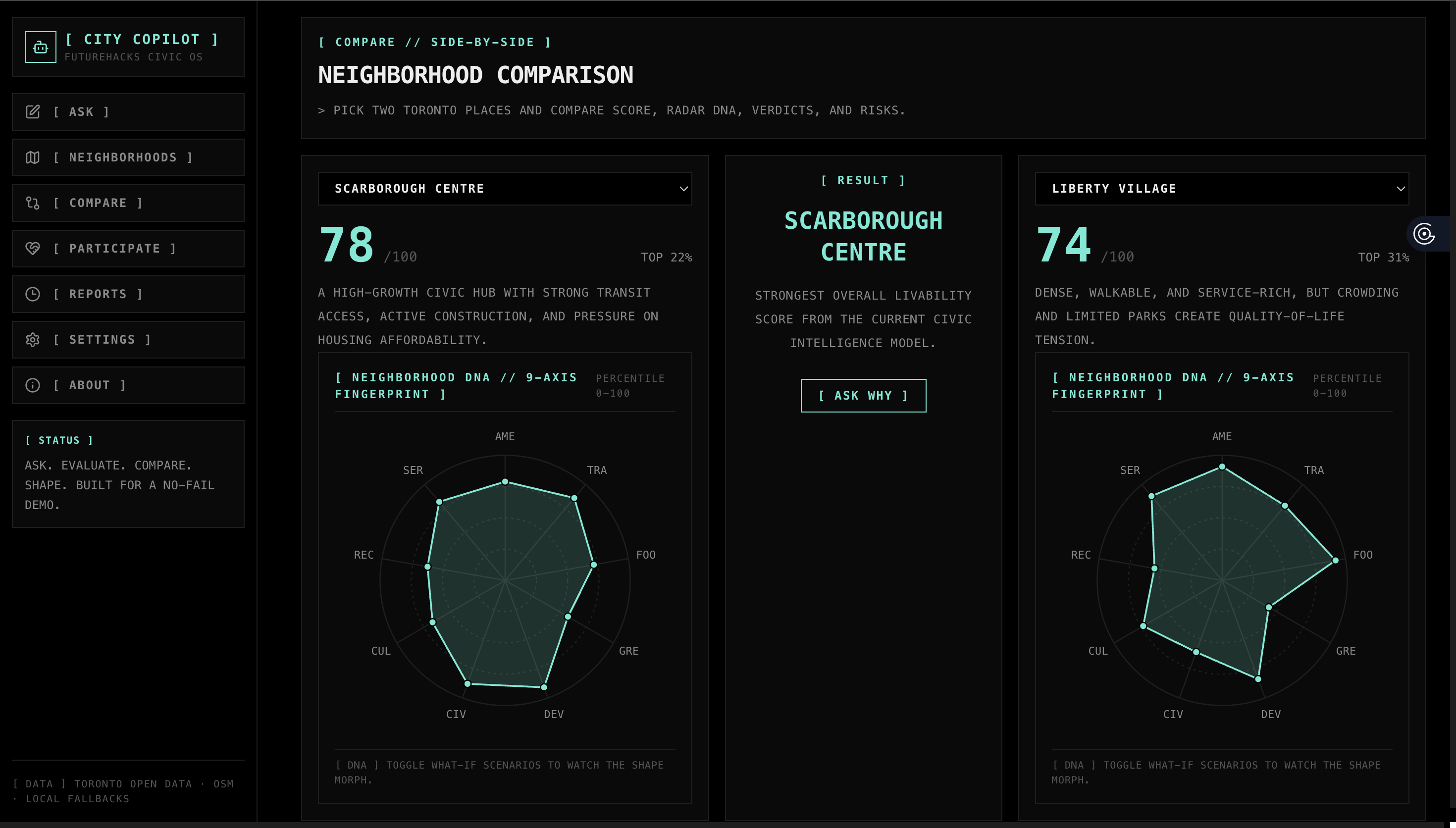
Compare Page
-
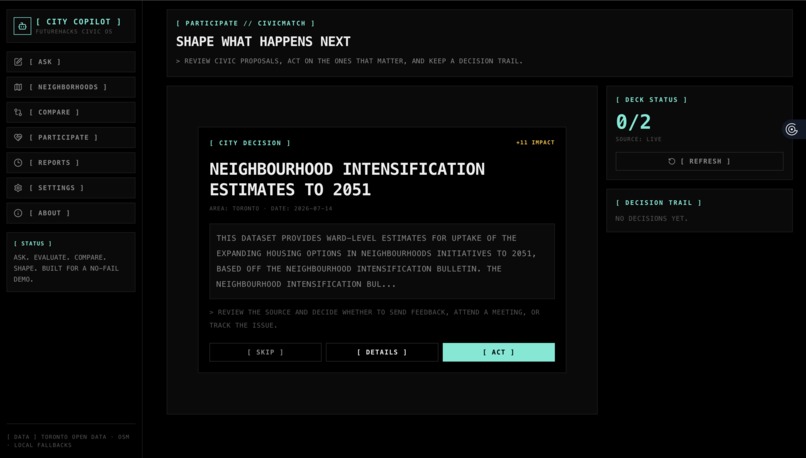
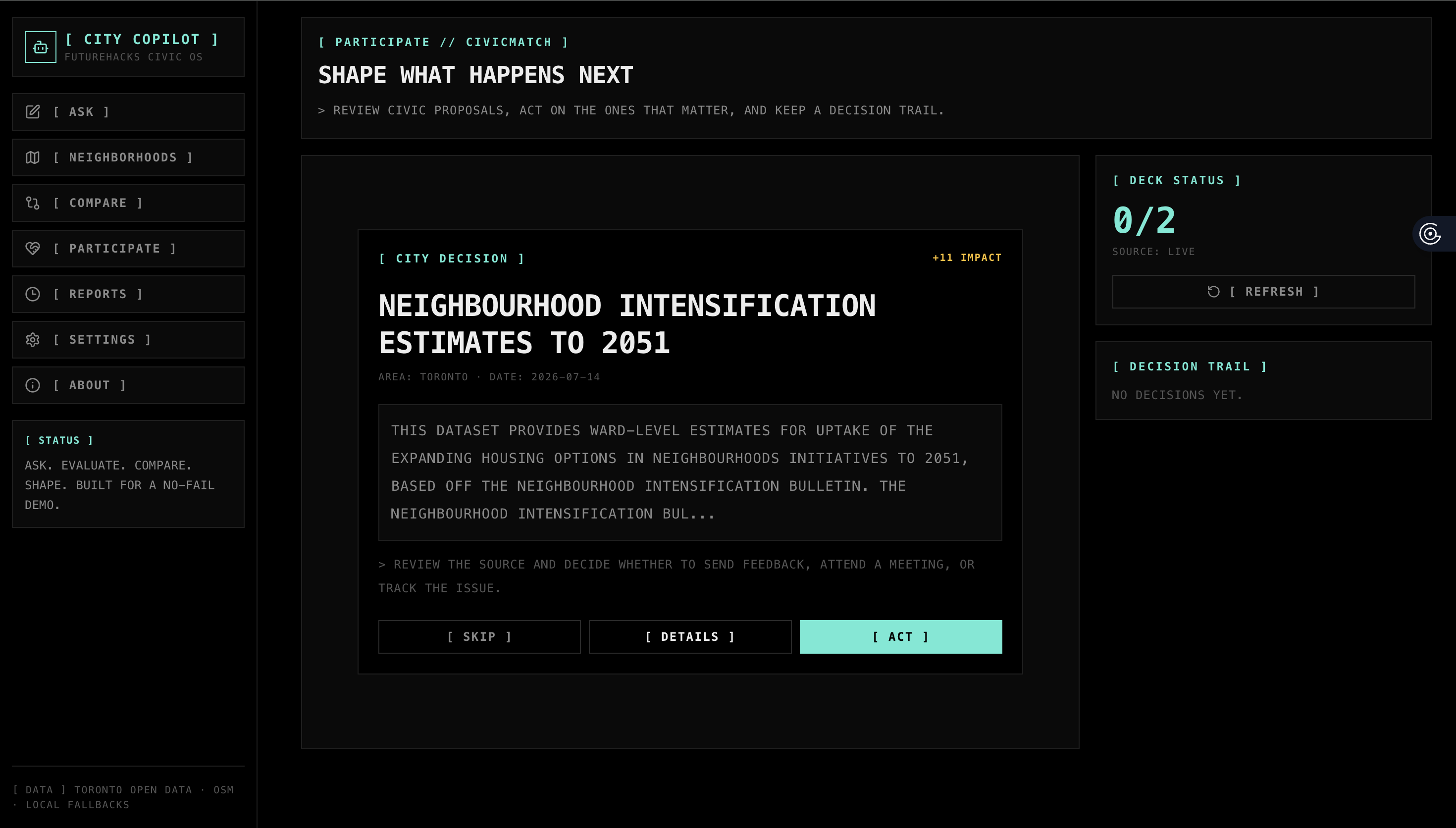
Participate Page
-
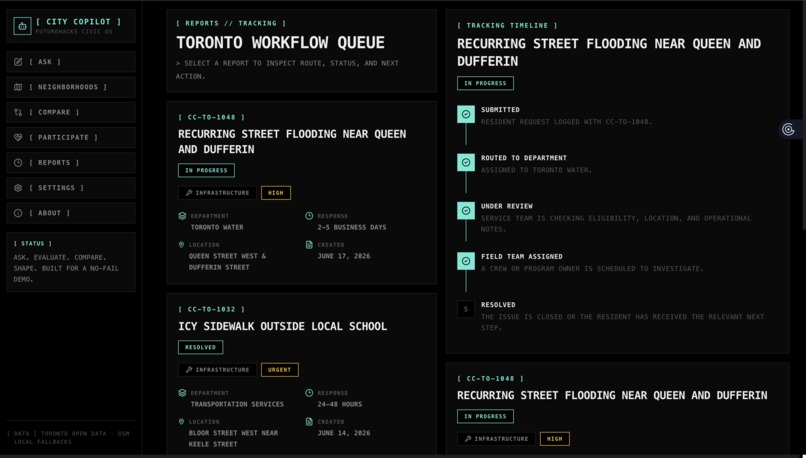
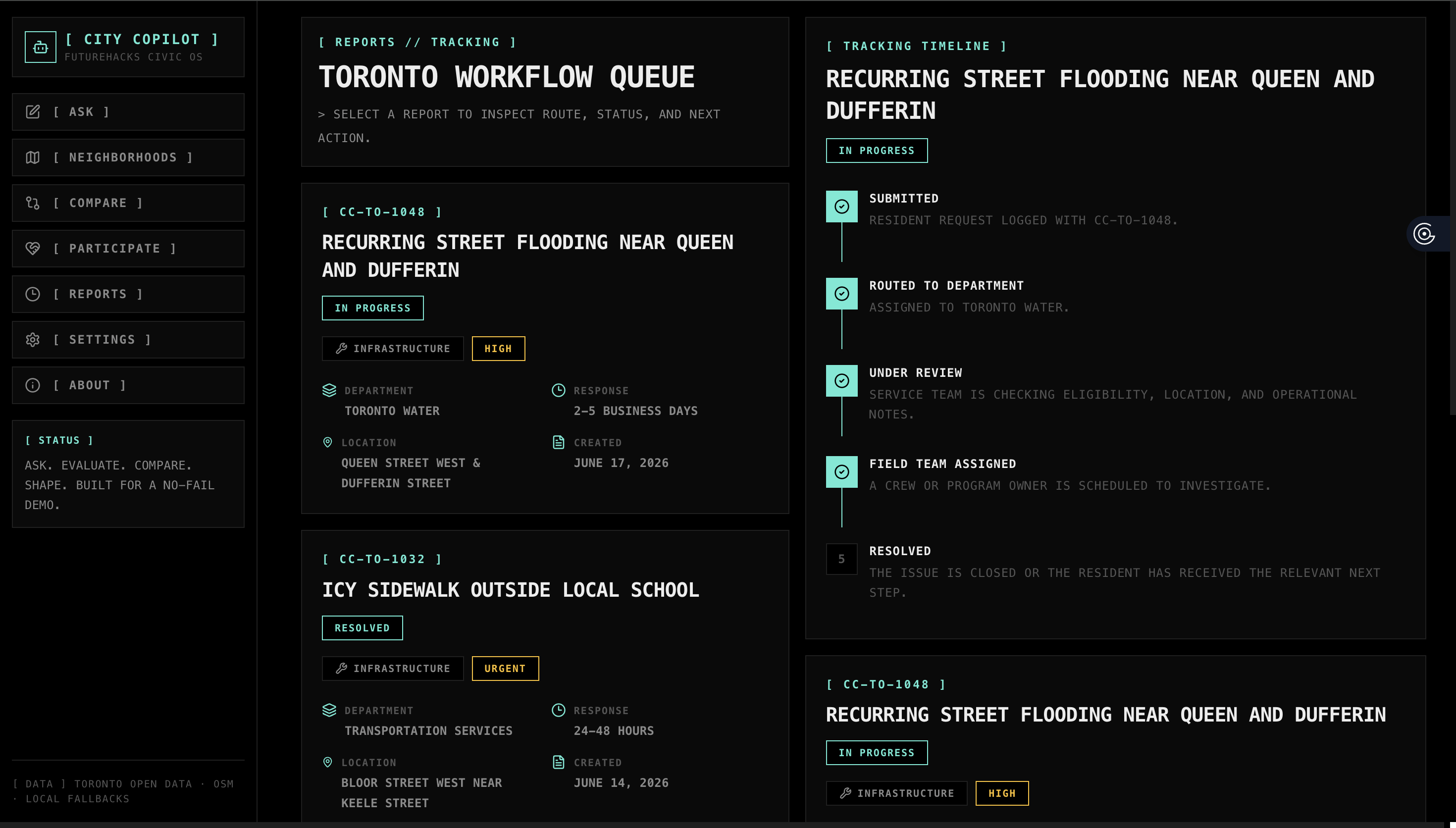
Reports Page
Inspiration
City services can feel confusing, even when help exists. We wanted to build a civic AI assistant that makes it easier for Toronto residents to understand what to do, where to go, and how to take action.
What it does
City Copilot helps residents ask civic questions, route service requests, explore neighborhoods, compare livability, review local proposals, and draft outreach emails. It combines AI answers with Toronto-style civic workflows and fallback logic so the app still works during demos.
How we built it
We built City Copilot with Next.js, React, TypeScript, Tailwind CSS, Vercel, Toronto Open Data, and an OpenAI-compatible AI provider setup. The app includes a local settings page for API keys, AI chat, neighborhood scoring, radar graphs, what-if scenarios, proposal cards, and structured report views.
Challenges we ran into
The biggest challenge was making the app feel like one complete product instead of separate prototypes. We also had to handle unreliable AI/API connections, and inconsistent UI styles while keeping the demo stable.
Accomplishments that we're proud of
We are proud that City Copilot became a full civic dashboard, not just a chatbot. It has AI-powered answers, neighborhood intelligence, proposal participation, local configuration, fallback responses, and a strong visual identity inspired by terminal-style civic operations tools.
What we learned
We learned how important fallback systems are when building AI apps. We also learned that civic technology needs clear language, trustworthy routing, and simple interfaces because residents should not need to understand city bureaucracy to get help.
What's next for City Copilot
Next, we would connect deeper real-time city APIs, add multilingual support, voice input, map-based reporting, saved user accounts, official 311 integrations, and more accurate neighborhood data for every Toronto community.
Built With
- css
- github
- html/css
- javascript
- lucide
- next.js
- node.js
- react
- tailwind
- typescript
- vercel
- vultr


Log in or sign up for Devpost to join the conversation.