-
-
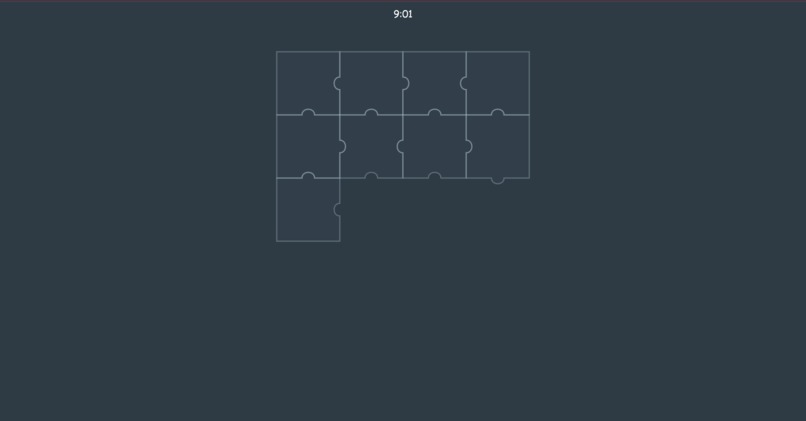
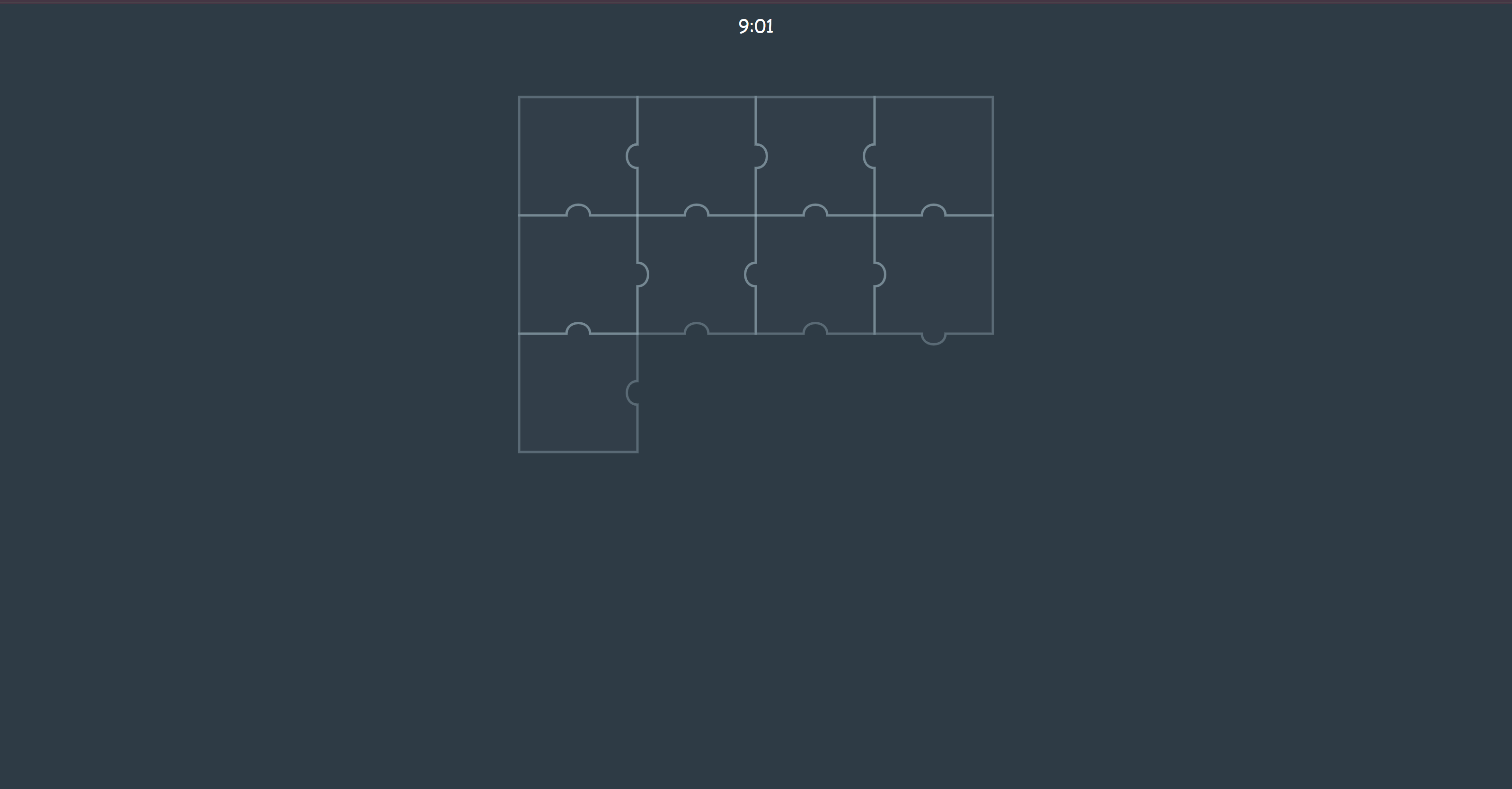
Puzzle pieces during session
-
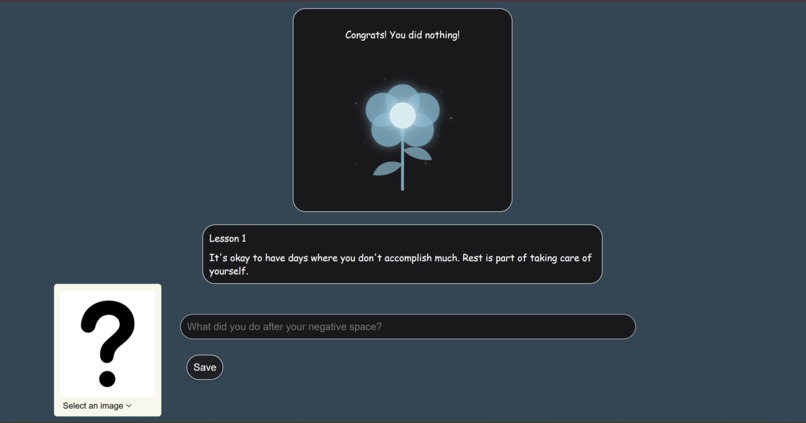
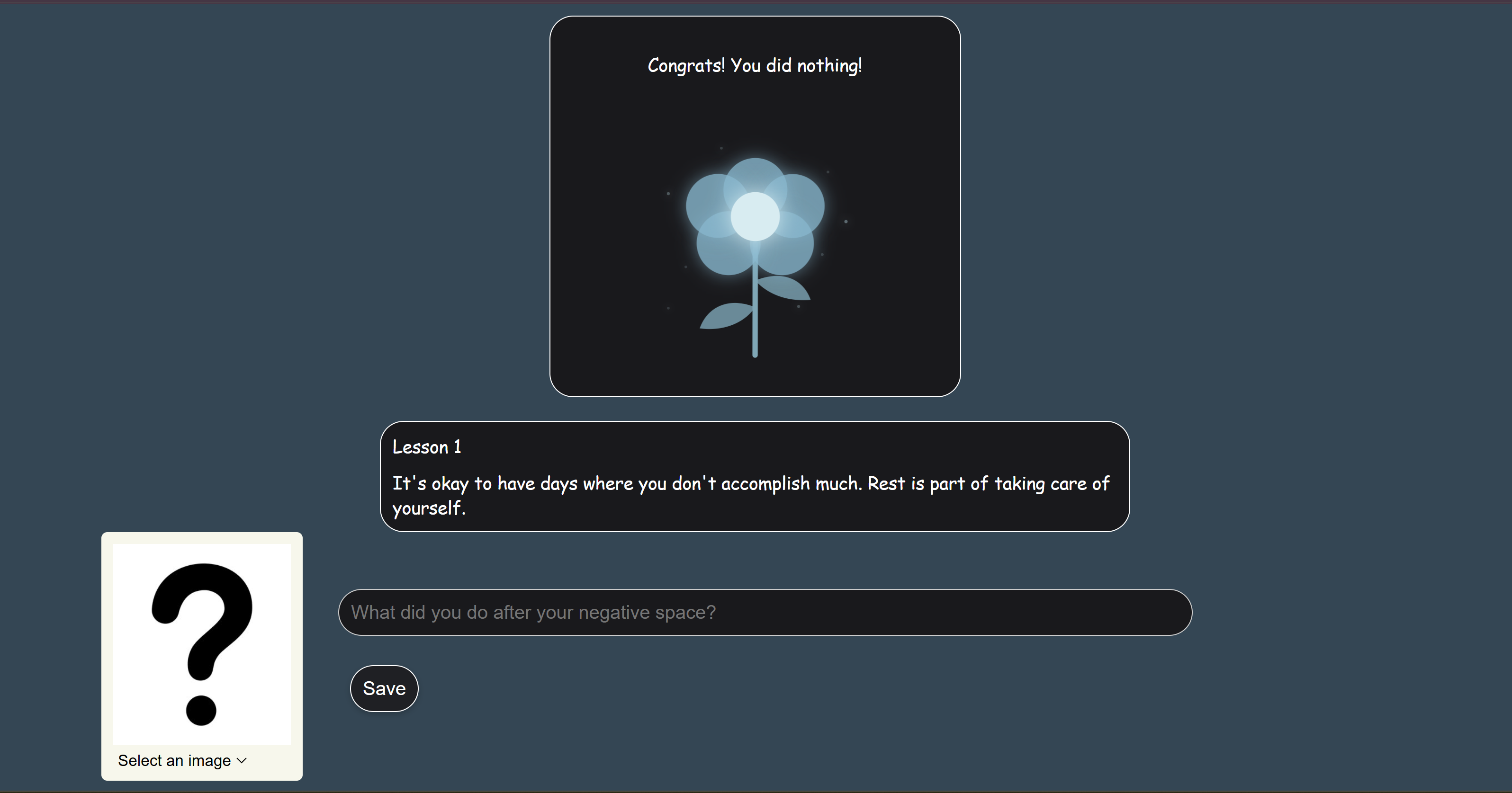
Lesson Page
-
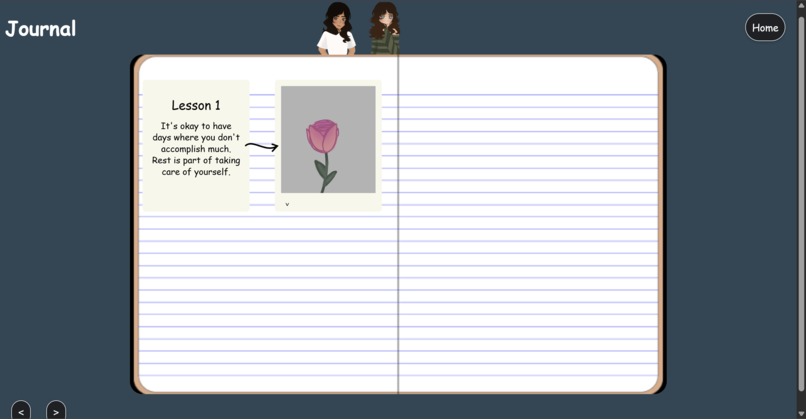
Another Journal Page
-
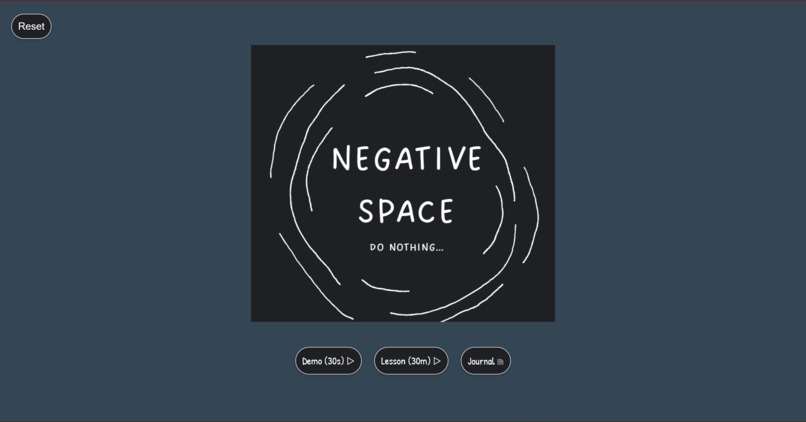
Blue background page
-
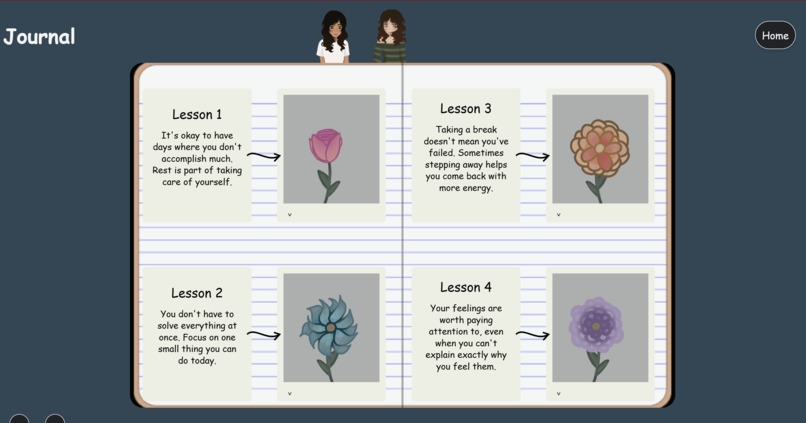
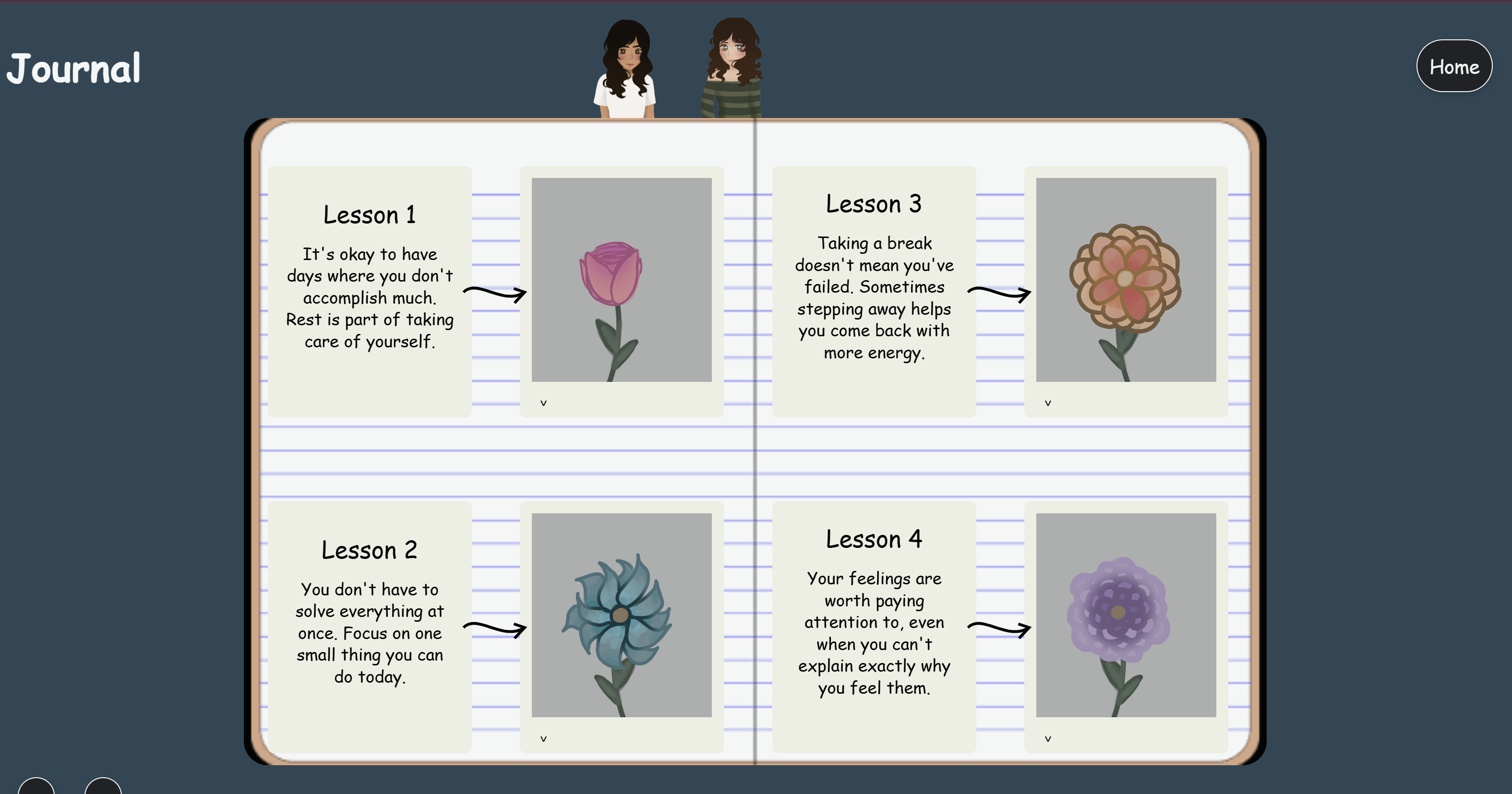
Journal Page
-
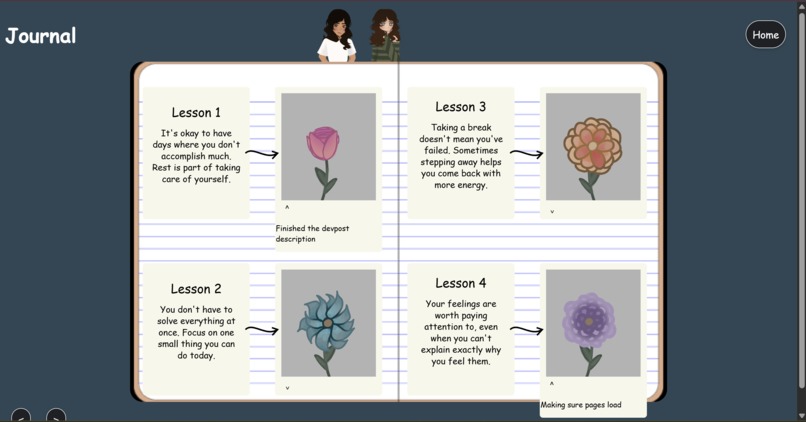
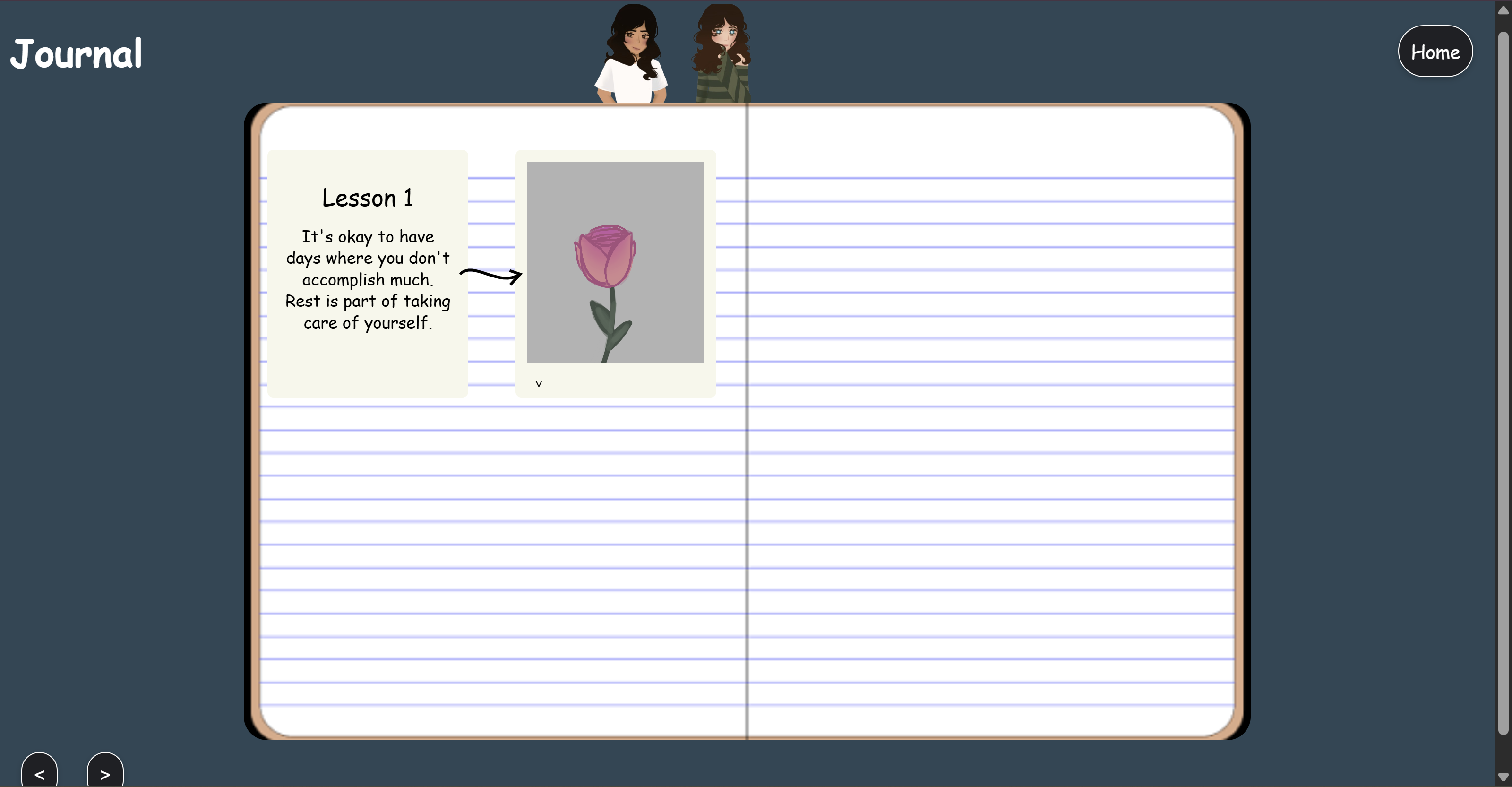
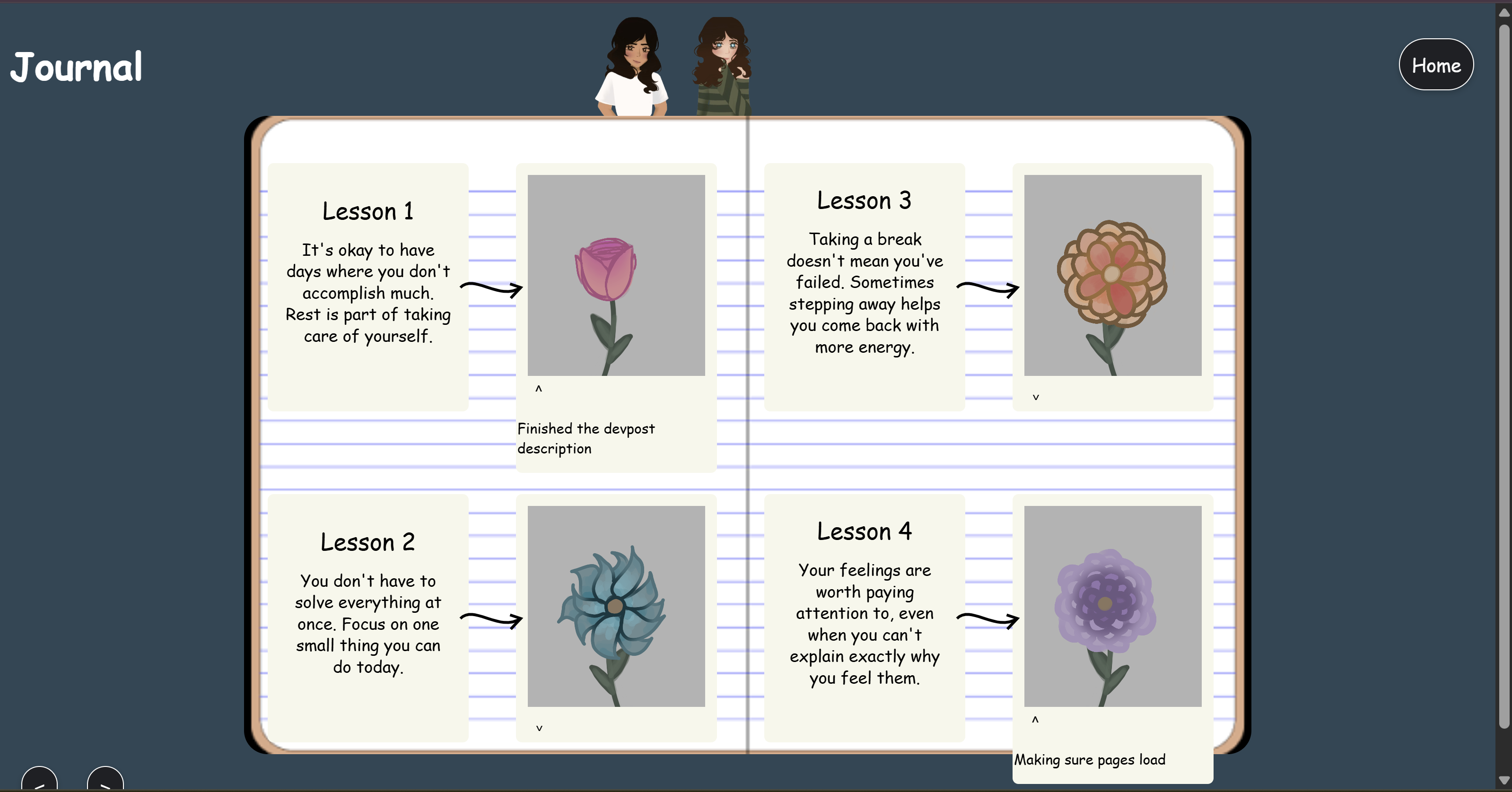
Journal page showing entry
Inspiration
Bella: My personal inspiration for this idea comes from in school, always feeling the need to find more time in my day to do things when listening to my classmates talk. I always overhear everyone talking about the cool projects they do, the events they go to, and everything else, and I feel like I want to do all of that and more. I sometimes forget to make time out of my day to just let my brain relax, and I think that this is a good idea! I also want to make it easy to access offline and keep it very simple, since I think clutter or lots of details ends up being more stress-inducing for me. Jenna: My personal inspiration for this project comes from Instagram. Every time I open the app to scroll, I constantly see people talking about how locked in they are and all the amazing things they are doing. I feel like I am not doing enough in comparison, and it overwhelms me. I forget that I am human and it would be even more unproductive to work myself to the point of burnout. I want to make it easier for people to take time out of their days to just do nothing and let themselves relax in a world where that is demonized.
What it does
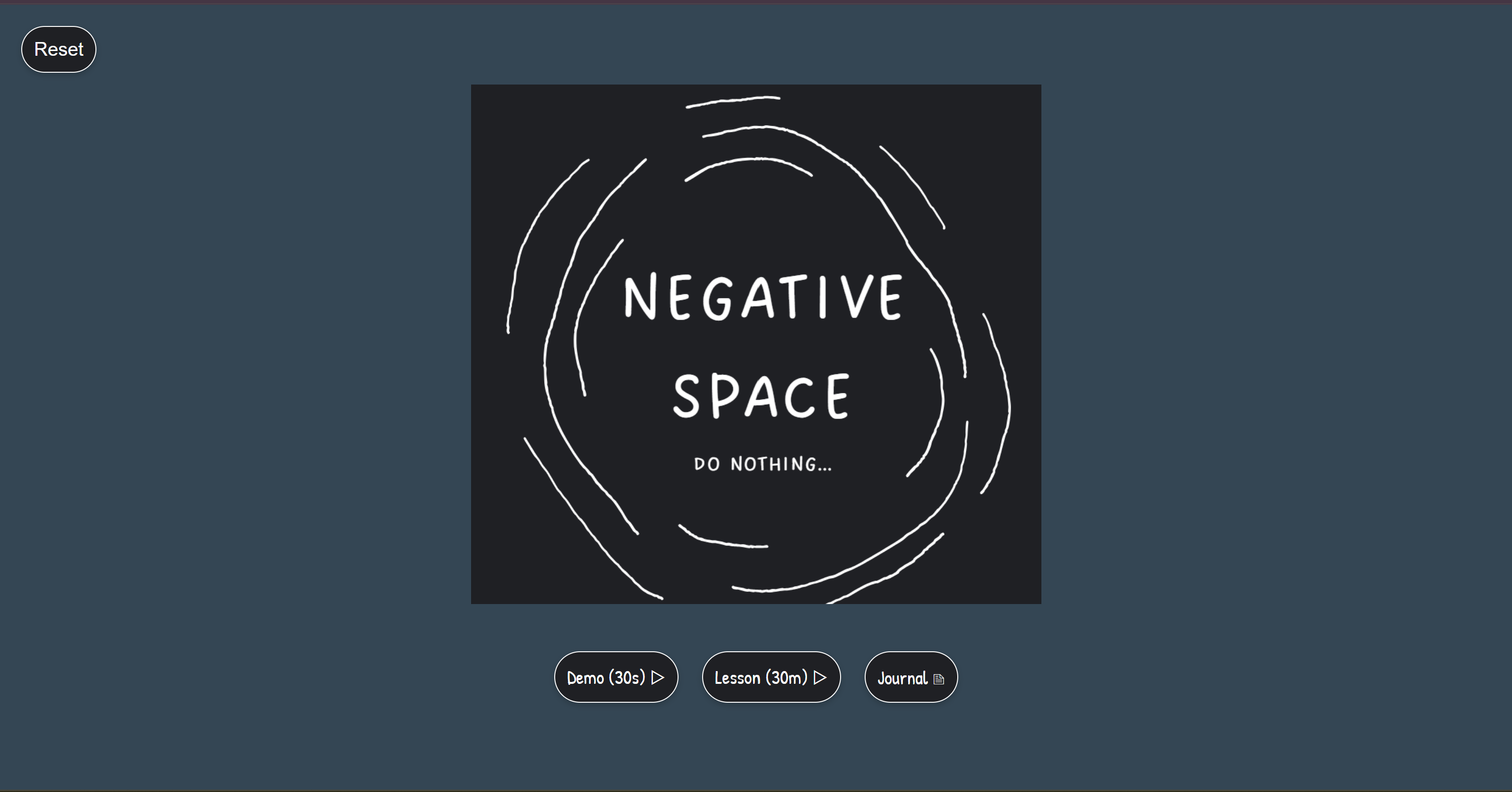
Negative Space is a web experience designed to help people practice intentional mental rest in opposition to "lock-in" culture. It features:
- 30-minute "Blank Space" sessions
- 30-second demo sessions
- Journal entries after each session
- Hand-drawn animations
- Brown noise during sessions
- Puzzle pieces that gradually appear during sessions
- Session tracking using JavaScript's Date functions ## How we built it
- Architecture: The site's functionality is broken up across multiple HTML pages with a couple JavaScript files linked. You start on the NegativeSpace.html page and can either go to your journal, start a 30 second demo session, or start a 30 minute full length session.
- Dynamic Background: Using JavaScript in sync with the session timer, the background color changes from dark blue to pastel blue. The JavaScript file updates the background color every time it updates the timer and does this by slowly changing the rgb values every second and updating the CSS stylesheet.
- Browser Storage: When you complete a session, a lesson is pulled from an array of lessons and displayed on the lesson page. This, along with the journal entry and selected image is saved using local browser storage and you can view previous entries at any time in the journal. ## Challenges we ran into
- CSS SVG Issue: A CSS rule that was being applied to the SVG drawn arrows connecting lesson content to user journal entries was causing issues with arrow display.
- Disappearing Puzzle Pieces: When dragging puzzle pieces was originally implemented, dragging them would cause them to disappear which was caused by a bug in the JavaScript dragging function. ## Accomplishments that we're proud of
- Animation: Bella hand-drew animation frames and Jenna used CSS keyframes to animate them onto the page.
- Dynamic Background: In sync with the session timer, the background of the page will slowly turn from deep blue to pastel blue to represent how you start the session stressed but leave it feeling relaxed and refreshed. ## What we learned
- Creating animations using HTML and CSS
- Collaborating on a digital project
- Redirecting pages when a timer ends
- Designing an interactive user interface
- Changing all page backgrounds in synchronization with a timer using JavaScript ## What's next for Negative Space
- Expanded content: More lesson content.
- Garden Streak Feature: Every day you complete a daily lesson, a flower is added to the home page. If you miss a lesson, the garden resets.
## AI Usage AI tools were used to assist with the implementation of several features, including the interactive puzzle animations, the swaying flower, and the arrows between images, however, the remaining features were coded and drawn by hand. We also used AI to format our code in NegativeSpace.html to visually form a flower without changing any of the code. All AI-generated suggestions were reviewed and adapted by the project team. We used Claude to do this and out prompt was: I have an HTML file. Reformat it so that when you zoom out, the characters form the outline of a flower, while the page still renders exactly as it does now.
Do not hand-align this. Write a Python script that does the pouring, run it, and give me the script plus the output file.
How it should work: Build a boolean mask of a flower: five radial ellipses for petals, a circle for the core, a vertical bar for the stem, two ellipses for leaves. Multiply horizontal distances by 0.5, because character cells are about twice as tall as they are wide. Without that the flower comes out squashed. Split the HTML into atoms that must never be broken internally. Walk each horizontal run of "on" cells in the mask, left to right and top to bottom, dropping in atoms that fit. When one doesn't fit, skip to the next run. When the HTML runs out, fill every remaining cell with one <!-- --> comment so the flower is solid instead of half empty. The filler text must never contain two hyphens in a row.
Hard rules for HTML: An entire tag, from < to >, is one atom. Never break inside a tag name, an attribute name, or an attribute value. Never put whitespace between < and the tag name, or between </ and the name. Text nodes may be split at existing word boundaries only. Splitting elsewhere inserts a space that the browser will render. Content inside
, , and <script> that contains a template literal
must be left completely untouched on its own lines. Whitespace is significant
there.
Inline elements are whitespace-sensitive. If a break between two tags would add
a rendered space that wasn't there before, keep those two tags in one atom.
Do not use <!-- --> comments anywhere except the filler at the end.</p>

<p>When you're done, confirm the DOM is unchanged by parsing both the original and
the flowered file and diffing the trees. Show me that diff is empty.
for HTML that works
This will work for Javascript:
I have a JavaScript file. Reformat it so that when you zoom out, the characters
form the outline of a flower, while the code still runs and produces identical
output.</p>

<p>Do not hand-align this. Write a Python script that does the pouring, run it, and
give me the script plus the output file.</p>

<p>How it should work:
Build a boolean mask of a flower: five radial ellipses for petals, a circle
for the core, a vertical bar for the stem, two ellipses for leaves. Multiply
horizontal distances by 0.5, because character cells are about twice as tall
as they are wide.
Tokenize the source into atoms: identifiers, numbers, whole string literals,
whole template literals, whole regex literals, and operators.
Walk each horizontal run of "on" cells left to right, top to bottom, dropping
in atoms that fit. Skip to the next run when one doesn't.
When the code runs out, fill remaining cells with one /* / block comment.
The filler must never contain/ before the end.</p>

<p>Hard rules for JavaScript, and automatic semicolon insertion is what will bite
you:
Glue these pairs into single unbreakable atoms, because a newline between them
changes the meaning or is a syntax error: any token following return, throw,
break, continue, yield, or async; and any operand preceding a postfix ++ or --;
and any token preceding =>.
Insert a space when joining two atoms would create a different token. Two word
characters would fuse into one identifier. Two operator characters would fuse,
turning + + into ++ or / / into //.
Template literals, regex literals, and strings are single atoms and can never
be split or wrapped.
Strip all comments first. A // comment would eat the rest of its line and
destroy the shape. Never emit // anywhere.
Add explicit semicolons to every statement before pouring, so the line breaks
can't be misread.</p>

<p>Verify by running both the original and the flowered file and diffing stdout.
Show me that the diff is empty. </p>


Log in or sign up for Devpost to join the conversation.