Nee — Cut Like a Diamond
Inspiration
You've heard a song and thought, "this sounds like a Swizz Beatz track." You've watched a trailer and thought, "this looks like a Tarantino cut." Editors — like producers — have fingerprints. A favorite transition, a rhythm to their cuts, a habit of throwing an emoji or a sound effect at exactly the right beat. That fingerprint is usually locked inside one person's head and their timeline history.
Nee started from a simple question: what if an app could learn that fingerprint instead of just executing commands? Not by training a giant model on someone's back catalog, but by literally reading the timeline they just built — clip lengths, transition choices, overlay density, the look they reached for — and turning that into something reusable. The name of the game isn't "AI edits your video," it's "the app remembers how you edit, so next time it can lean the same way." That idea scales naturally from a single TikTok clip to a whole channel's back catalog of Reels and YouTube uploads, each one nudging the app closer to your style.
What it does
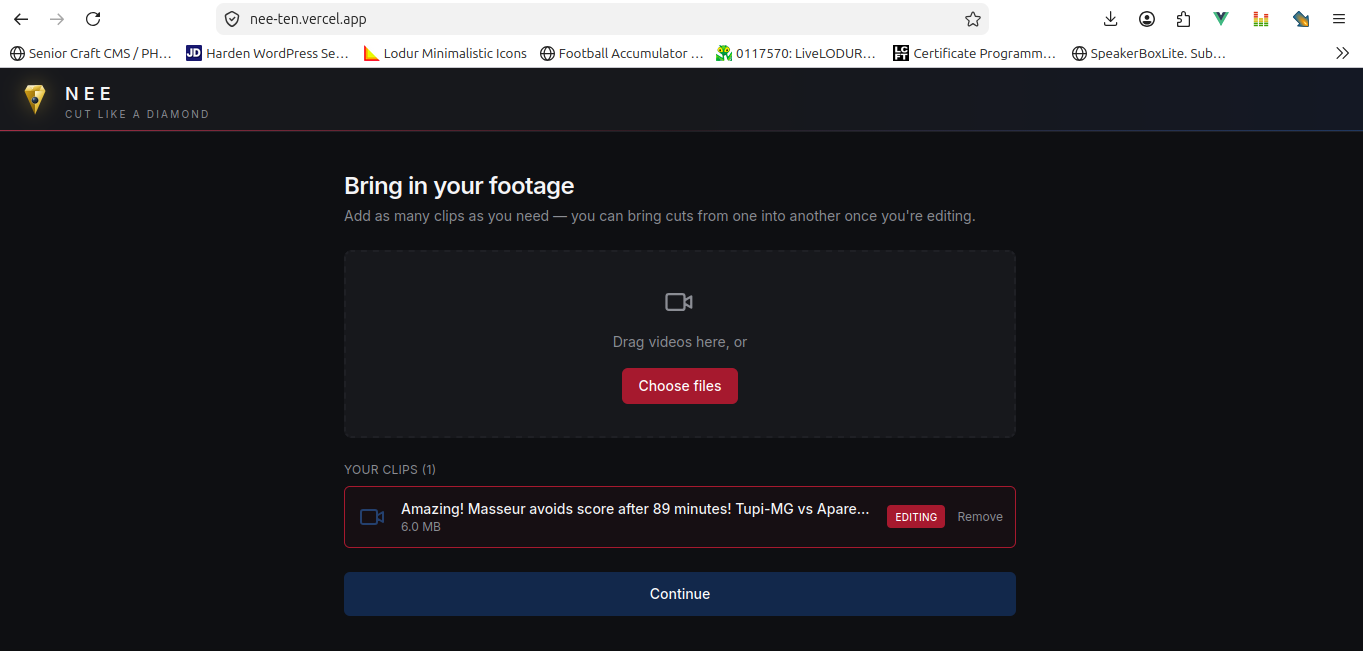
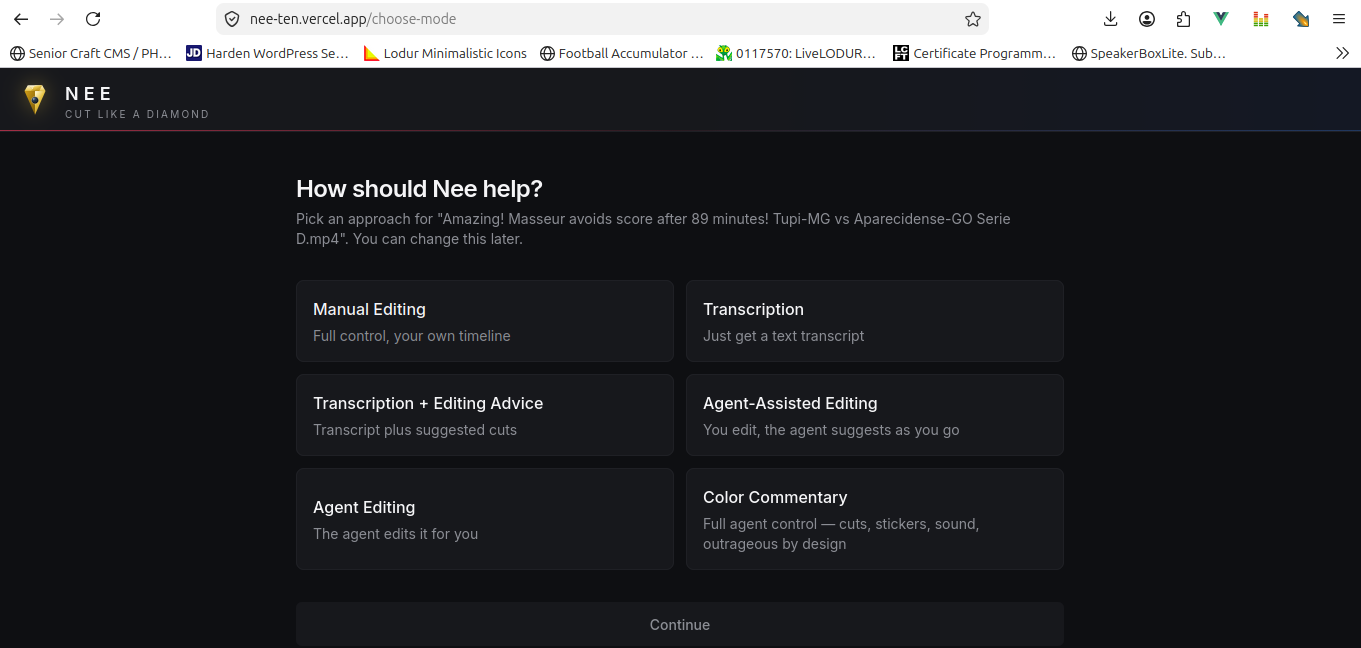
Nee is a browser-based video editor with seven ways to work on a clip:
- Manual Editing — full control: trim, reorder, duplicate, transitions, drag emoji/stickers/ sound effects/looks onto the filmstrip.
- Transcription — in-browser Whisper transcription with timestamps.
- Transcription + Editing Advice — transcribes, then flags filler words and dead air as suggested cuts.
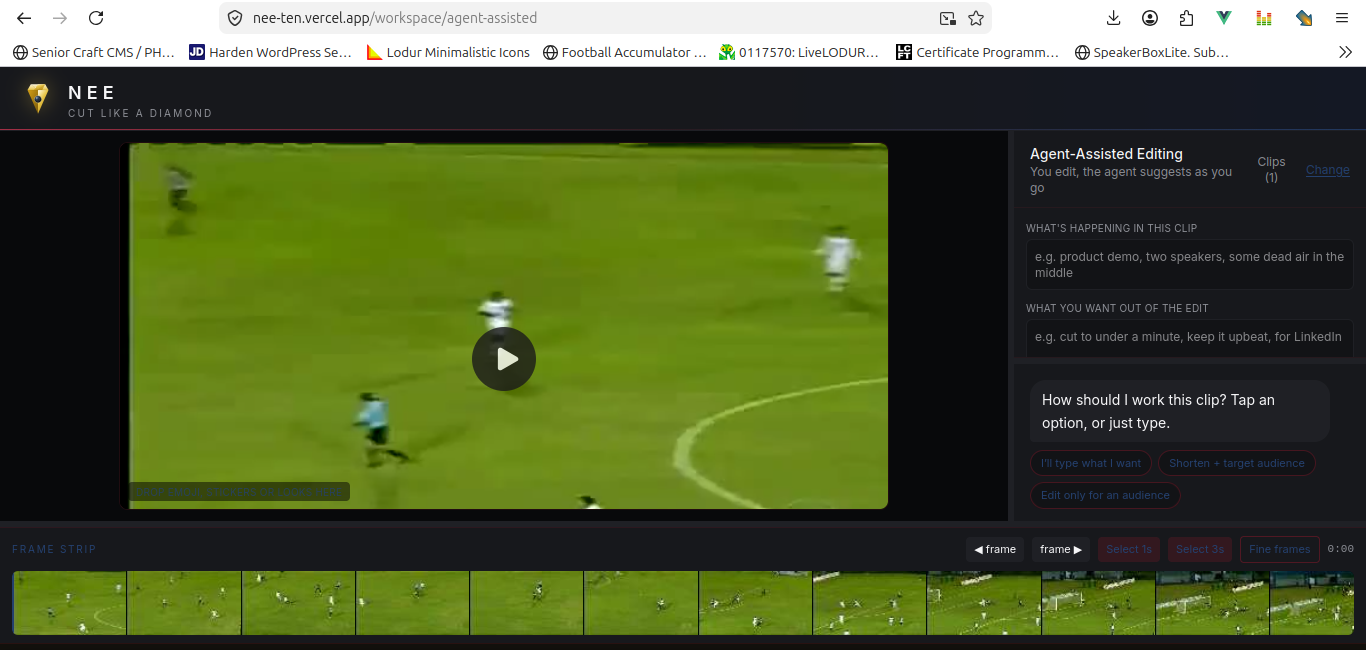
- Agent-Assisted Editing — the manual editor with a live suggestion feed running alongside it.
- Agent Editing — chat with the agent, or answer two quick questions (audience, target length), and it transcribes, cuts, and exports on its own.
- Color Commentary — full creative license: the agent picks the cuts, slaps on a random color look, and scatters stickers/emoji/SFX across the edit. Loud and unpredictable by design.
- Load Saved Strategy — the newest mode: pick a strategy you saved from a previous edit and replay its brief, look, and transition choices against a new clip.
Every export — Manual, Agent-Assisted, Agent Editing, Color Commentary, or a replayed
strategy — goes through the same two-step render: overlays get baked onto the source video via
time-gated ffmpeg filters, then the result is trimmed and concatenated per the chosen
segments. Nothing on the video stage is preview-only; what you see staged is what ends up in
the download.
After any export, "Read strategy" measures what actually happened on the timeline — clip count, average clip length $\bar{d} = \frac{1}{n}\sum_{i=1}^{n} d_i$ where $d_i$ is the duration of kept segment $i$, dominant transition, overlays per minute, which look was used — and turns it into a plain-language description. You can rewrite that description by hand before saving it, so the strategy that gets stored is part measurement, part your own words. Saved strategies carry an engine tag and an agent-brief snapshot, so Load Saved Strategy can pick a video, reapply the brief, and re-run the same kind of cut through whichever engine produced it the first time.
Two engines can do that cutting:
- Heuristic — everything runs in-browser: regex filler-word matching, RMS-based silence detection $\text{RMS} = \sqrt{\frac{1}{N}\sum_{j=1}^{N} x_j^2}$ over rolling audio windows, and energy-window picking for "shorten to N seconds." Free, private, no API key.
- json2video — sends the cut to json2video's cloud render API instead. A toggle at the top of the page switches between the two; if json2video is out of credits (or the clip is a local upload it can't reach, since it renders from hosted URLs, not blobs), the app automatically falls back to Heuristic and explains why in a banner rather than failing silently.
How we built it
Nee is a Vue 3 + Vite app with Pinia for state. The media pool is scoped per uploaded source —
each clip keeps its own cuts, transcript, and suggestions independently, so switching between
clips in a session never loses work. ffmpeg.wasm handles all in-browser rendering: trim +
concat, whole-video color filters, and an overlay-baking pipeline that turns emoji/stickers/SFX
into real PNGs and WAVs on a canvas before compositing them with time-gated filters. Whisper
(tiny) runs client-side for transcription.
The "agent" is intentionally not an LLM call — it's a stack of heuristics (agentJob.js,
heuristics.js, intent.js) that parses free text locally, decides what to cut, and either
executes it directly or hands it to json2video.js, a thin API client that builds a movie
definition from the current edit, submits it, and polls for a finished URL. Both paths share a
single dispatcher (engine.js) so every panel that needs to "just run the edit" doesn't need to
know which engine is behind the toggle, or handle credit failures itself.
Saved strategies live in styleStore.js — a genuinely-JSON "database" backed by localStorage,
exportable to a real .json file. Adding the description/engine/agent-brief fields to that
existing store (rather than building a parallel one) meant the context pane's "apply a saved
style," StyleSaveTools' "Read strategy" flow, and the new "Load Saved Strategy" mode all read
and write the same record shape.
Challenges we ran into
- Two "cut" pipelines that had to feel like one. Heuristic cuts operate on local PCM data
and produce keep-segments Nee can render itself. json2video cuts have to be described as a
request and rendered remotely. Making both return the same shape (
{ keep, target, audience,
... }
) so every panel could stay engine-agnostic took a few iterations before the seams stopped showing. - Local files vs. hosted URLs. json2video renders from URLs it can fetch — a browser
blob:URL from a local upload isn't one of them. Rather than pretend this works, the engine surfaces a clear message and falls back to Heuristic, which felt more honest than a silent failure or a fake success. - Credits running out mid-session. Cloud rendering means a request can fail for reasons
that have nothing to do with the edit itself. The fallback path needed to be automatic (don't
make the user manually flip a toggle mid-workflow) but also visible (a banner explaining what
happened and why), which meant threading a
engineNoticethrough the store rather than just catching and swallowing the error. - Keeping "measured" and "described" honest. The whole pitch of style analysis is that
nothing is guessed — every field is a plain measurement of the timeline. Letting people
hand-edit the description before saving (for "Read strategy") meant drawing a clear line
between the measured
profile(never edited) and the free-textdescription(theirs to rewrite), so a saved strategy is always traceable back to real numbers even after the wording has been personalized.
What we learned
Style doesn't have to mean "trained on a corpus." A handful of plain measurements — clip rhythm, transition choice, overlay density, target length — captures a surprising amount of what makes an edit feel like someone's edit, without a model in the loop at all. And when you do reach for a cloud API, the interesting engineering isn't the happy path — it's making the unhappy path (no credits, wrong URL type, timeout) feel like part of the product instead of a crash.
Built With
- javascript
- pinia
- vite
- vue
