-
-
Random Mutation
-
Random Mutation
-
Random Mutation
-
Random Mutation
NecroWinamp
Inspiration
We wanted to resurrect the iconic Winamp 2.9 interface but give it a supernatural twist: what if the UI could "haunt" itself based on the music playing? The idea of combining nostalgic retro aesthetics with modern AI capabilities felt like the perfect way to honor classic music players while pushing the boundaries of what's possible with real-time audio analysis and generative AI.
What it does
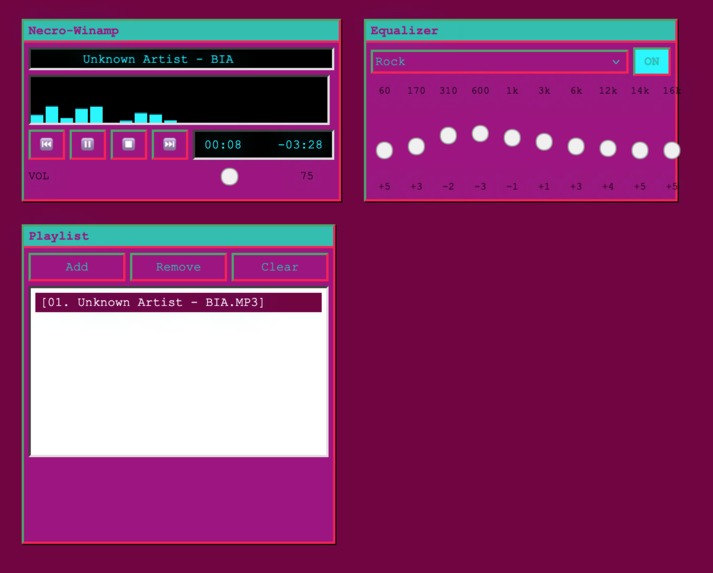
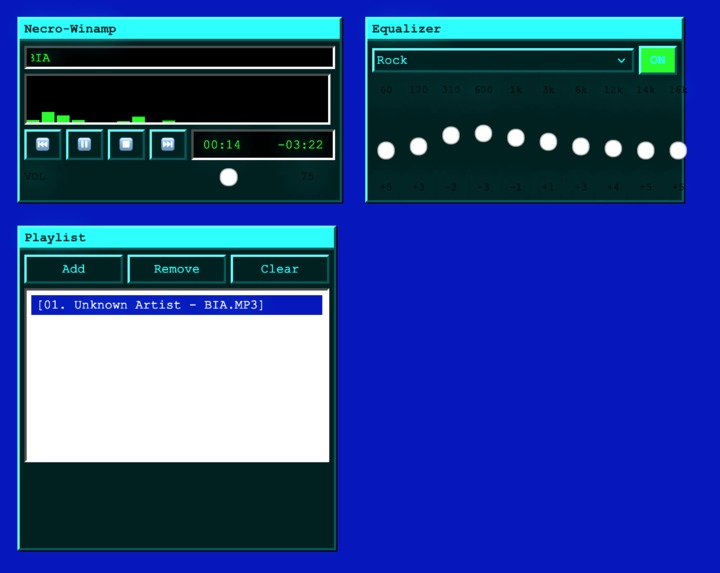
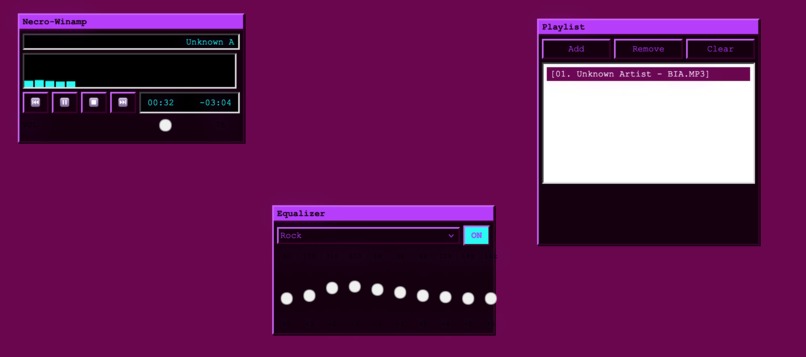
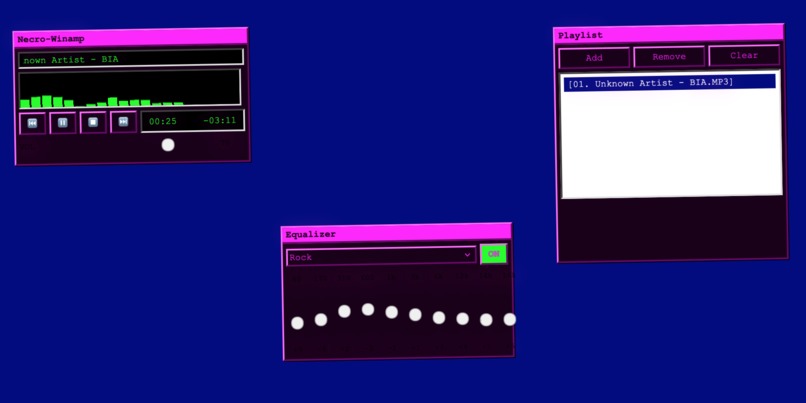
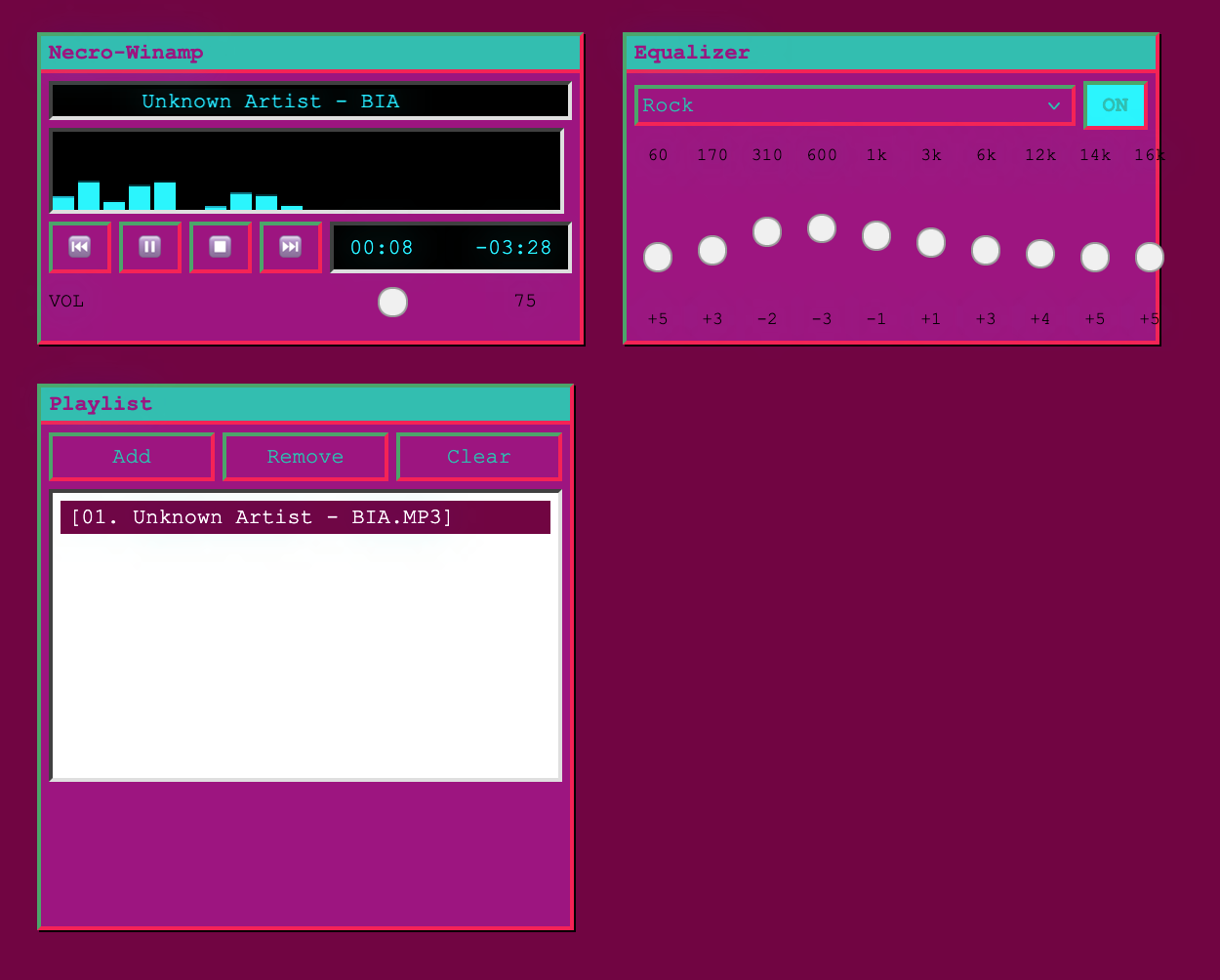
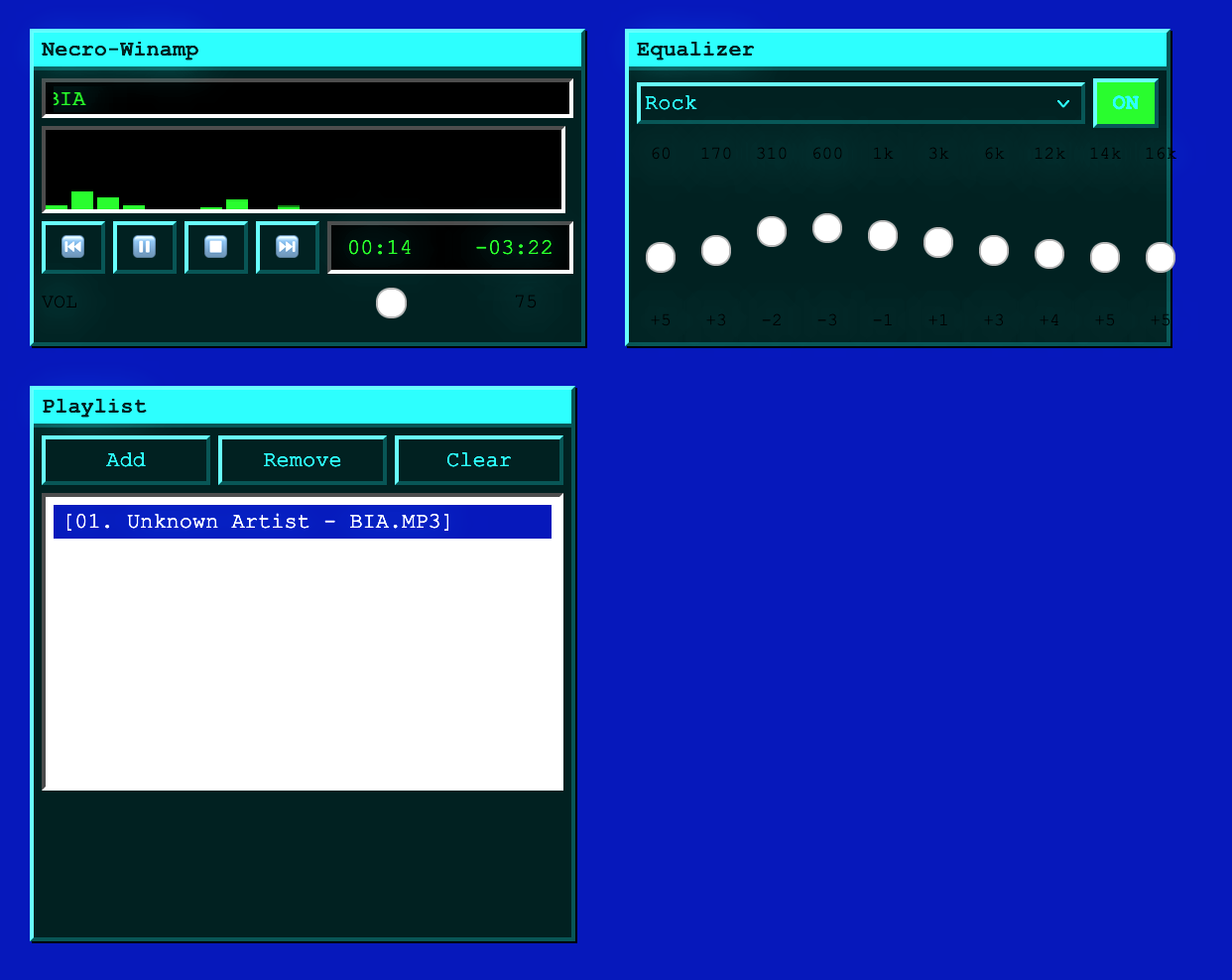
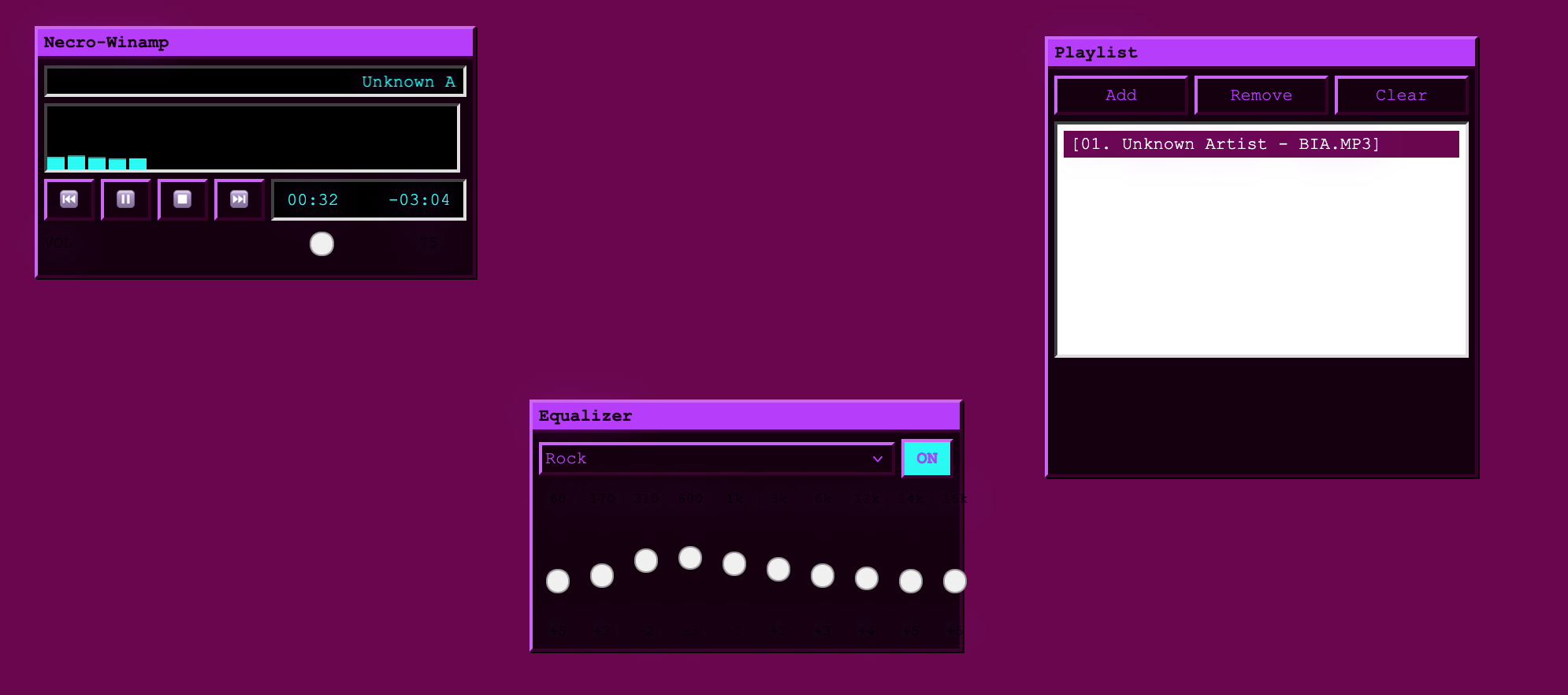
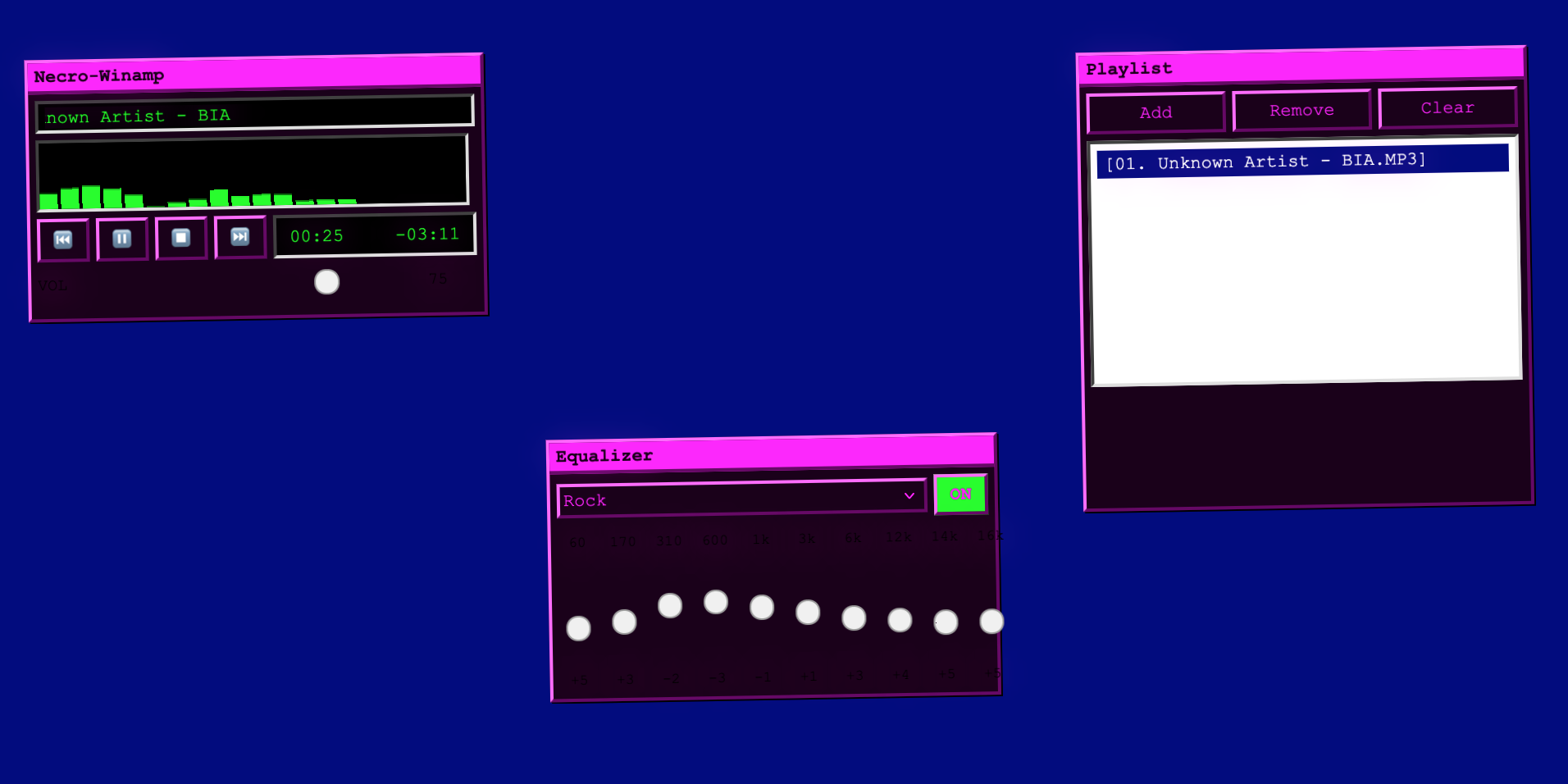
NecroWinamp is an AI-driven retro music player that recreates the classic Winamp experience with three draggable windows: Main Player, Equalizer, and Playlist. It features a unique "Necromancy Engine" powered by Cerebras AI that brings the interface to life.
As music plays, the app analyzes frequency data in real-time detecting bass levels, treble, BPM, and energy—then sends this data to Cerebras AI, which generates dynamic style mutations. Aggressive bass-heavy tracks trigger red colors with shaking and glitch effects, ethereal high-treble songs create cyan glows, and low-energy music fades to ghostly grays.
Key Features:
- 10-band equalizer with multiple presets
- 60fps oscilloscope visualizer with 20 frequency bars
- Playlist management with drag-drop support
- Authentic pixel-perfect retro styling with beveled buttons and no rounded corners
How we built it
Tech Stack:
- React 18, TypeScript, and Vite
- Zustand for state management
- TailwindCSS for styling
- react-draggable for window management
Audio Pipeline: The audio processing uses the Web Audio API, connecting MediaElementSource through a GainNode for volume control, 10 BiquadFilters for the equalizer (60Hz to 16kHz), and an AnalyserNode for FFT frequency analysis.
Necromancy Engine: Runs every 1.5 seconds during playback, analyzing frequency data and sending it to Cerebras Cloud SDK. The AI returns style mutations (colors, effects, modes) that we apply to CSS variables with smooth transitions. We implemented graceful degradation with rule-based fallback styling when AI is unavailable.
Development Process: Built using Kiro's spec-driven workflow with comprehensive requirements, 34 correctness properties, and a 60+ task breakdown. Window management includes custom 10-pixel snap thresholds for that authentic desktop feel.
Challenges we ran into
Performance vs. AI: Synchronizing real-time audio analysis with AI-generated style mutations without killing performance was tough. We throttled Cerebras API calls to once every 1.5 seconds while maintaining 60fps visualization, requiring careful interval management and cleanup with React refs.
Audio Pipeline Complexity: Getting the Web Audio API pipeline right took multiple iterations. Connecting 10 separate BiquadFilters in series while maintaining proper gain staging was trickier than expected.
Window Snapping: The snapping logic turned out to be surprisingly complex, requiring distance calculations between all window edges and viewport boundaries.
CSS Animations: Smooth style mutations required wrestling with CSS variable transitions, especially since properties like box-shadow don't animate cleanly.
AI Response Parsing: Cerebras sometimes returned JSON wrapped in markdown code blocks, so we needed robust error recovery to handle unpredictable responses.
Accomplishments that we're proud of
The Necromancy Engine genuinely feels like the UI is alive and responding to the music's soul. Hitting 60fps on the visualizer while running frequency analysis and AI requests simultaneously was a major win.
The authentic retro aesthetic captures the Winamp vibe perfectly-pixel-perfect beveled buttons, zero rounded corners, and all. The 10-band equalizer with presets (Flat, Rock, Jazz, Electronic) works flawlessly, and the window snapping feels natural and intuitive.
Most importantly, the graceful degradation means the app stays fully functional even when AI fails, with rule-based styling that still creates dynamic effects based on audio characteristics.
What we learned
Spec-driven development with comprehensive requirements and correctness properties dramatically reduces rework. The 34 properties we defined created a clear testing roadmap even though we didn't implement all the tests yet.
The Web Audio API is incredibly powerful but demands careful node management and cleanup to avoid memory leaks. Throttling AI requests while maintaining real-time responsiveness taught us valuable lessons about async state management in React.
CSS variables are perfect for dynamic theming, and Cerebras AI can generate surprisingly creative style mutations when given structured music data. We also learned that retro aesthetics require discipline every rounded corner or modern gradient we removed made the interface more authentic.
What's next
- Implement the 34 correctness properties as property-based tests using fast-check
- Add automatic playlist generation based on mood
- Implement BPM-synced visual effects
- Add voice commands for playback control
- Support more audio formats and add a spectrum analyzer view
- Implement skin support for customizable retro aesthetics
- Performance optimizations using Web Workers for frequency analysis
- Desktop version using Tauri or Electron
- Integration with streaming services like Spotify
- Explore morphing UI into different retro player styles (WinAmp, iTunes, Windows Media Player) based on genre
Built With
- ai
- cerebras
- kiro
- qwen
- react
- vite
- zustand

Log in or sign up for Devpost to join the conversation.