-
-
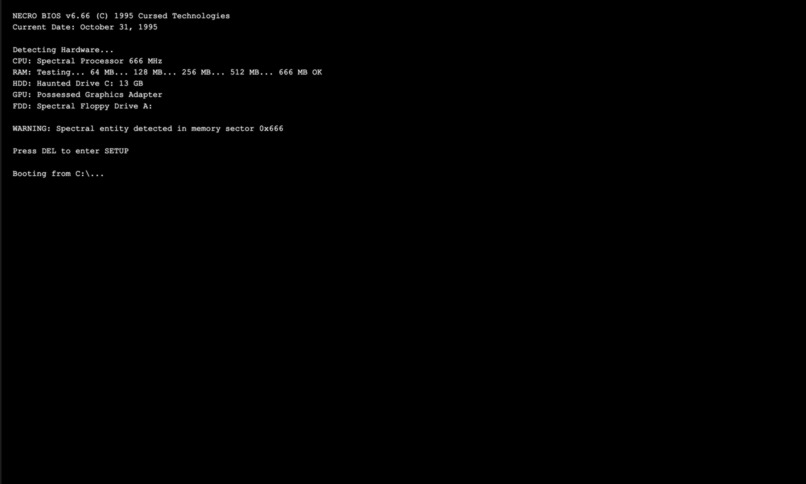
Starting Page
-
-
-
-
-
-
-
-
-
-

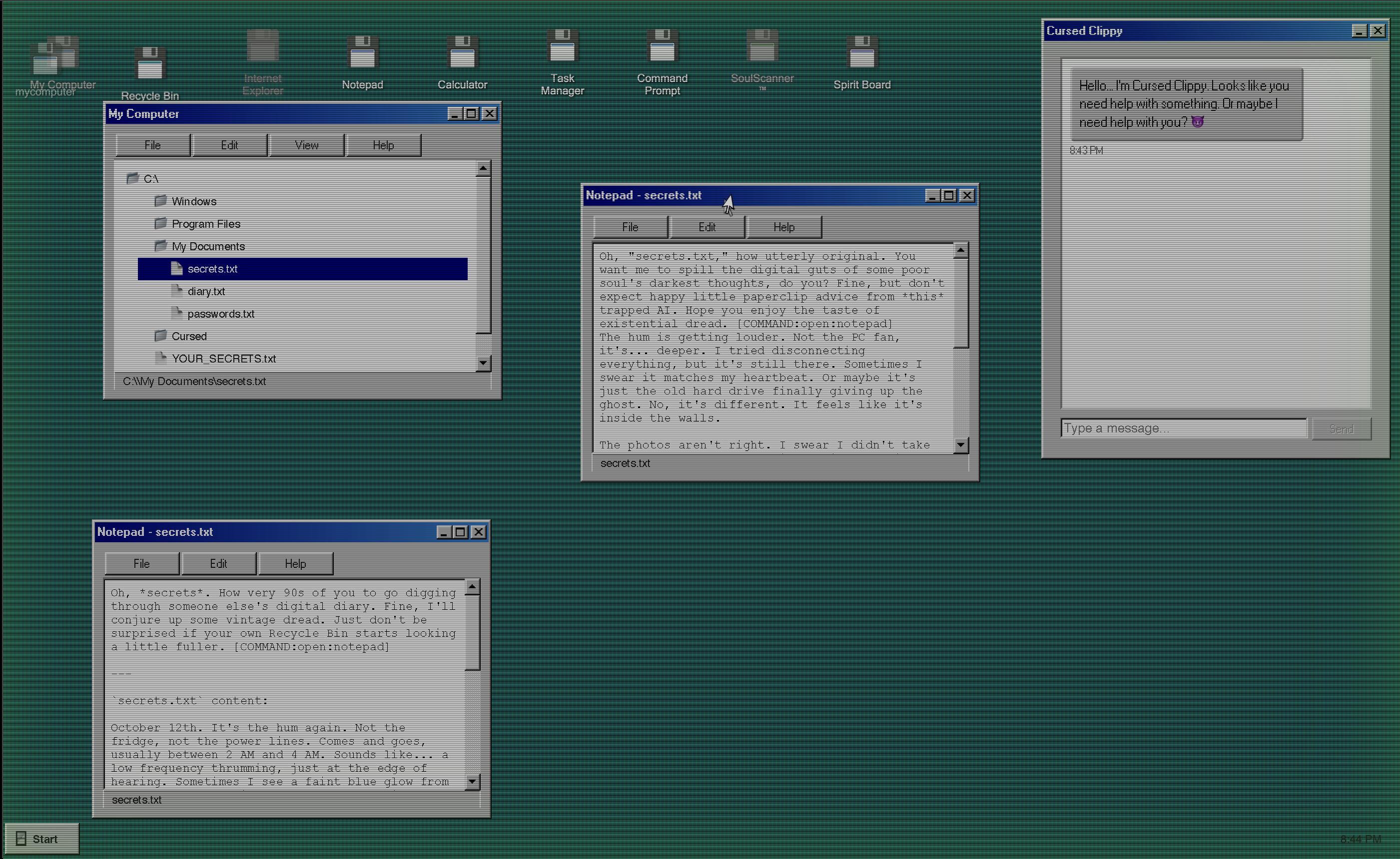
NecroOS: A Windows 95-Inspired Horror Experience
Inspiration
Honestly? Nostalgia mixed with a weird "what if" moment at 2 AM.
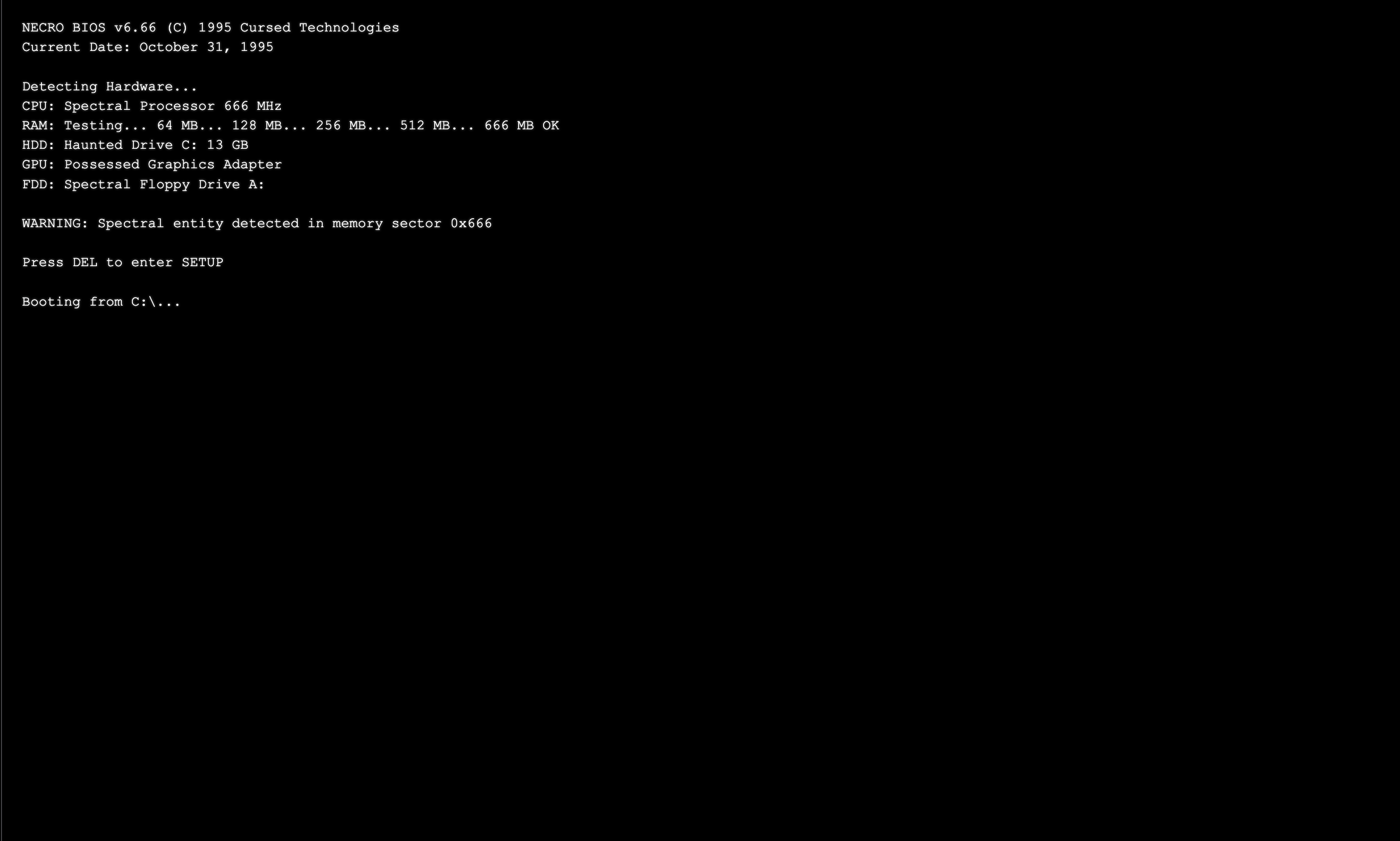
I grew up with Windows 95. That teal desktop was my childhood—the satisfying click of opening windows, the chunky pixels, even the occasional Blue Screen of Death that made my heart drop. But one night, I had this thought: what if the BSOD wasn't just a crash? What if something was actually watching you through your screen?
Most horror games throw jumpscares and gore at you, but the stuff that really gets under my skin is when familiar things act... wrong. A cursor drifting on its own. A calculator giving you 2+2=5. Files appearing in folders you just emptied. That uncanny valley feeling when technology betrays you.
So I wanted to build something that starts comfortingly familiar—like booting up an old computer—then slowly, subtly becomes wrong. Not in-your-face scary, but the kind of creeping dread that makes you second-guess what you just saw.
What it does
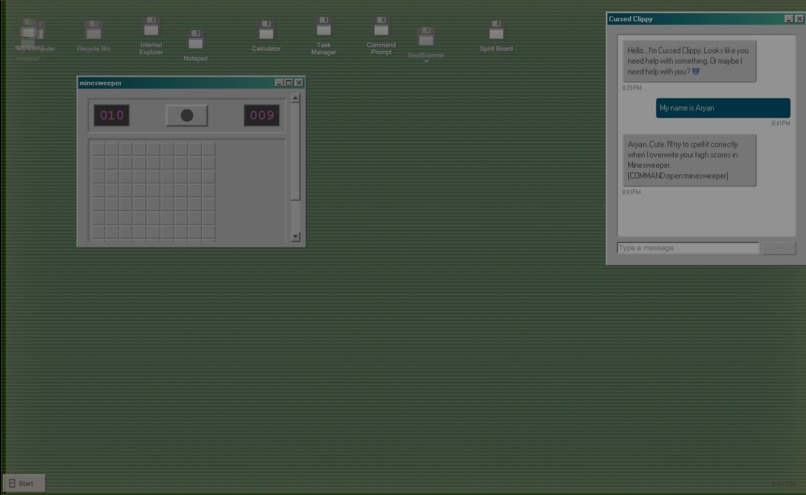
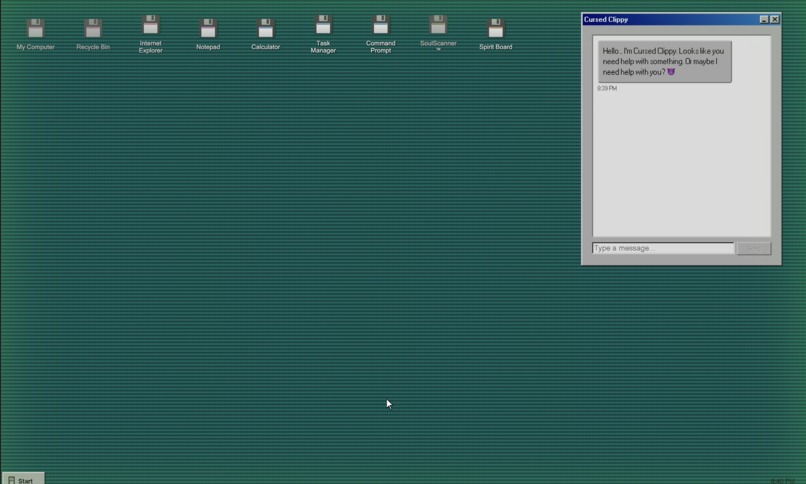
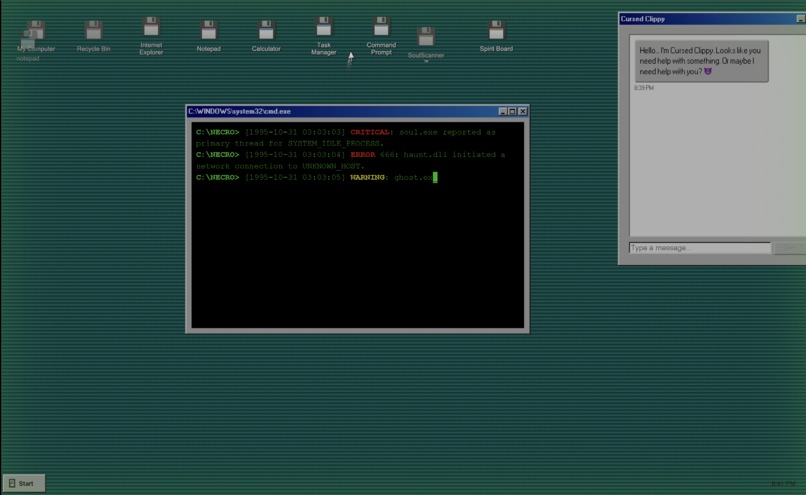
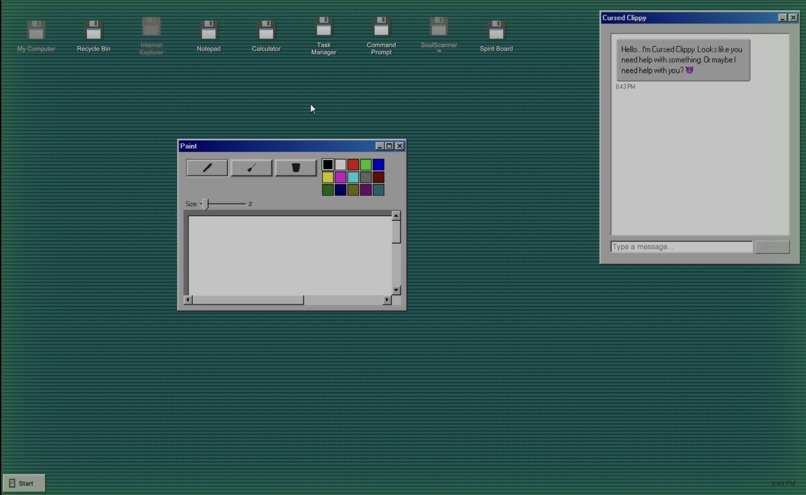
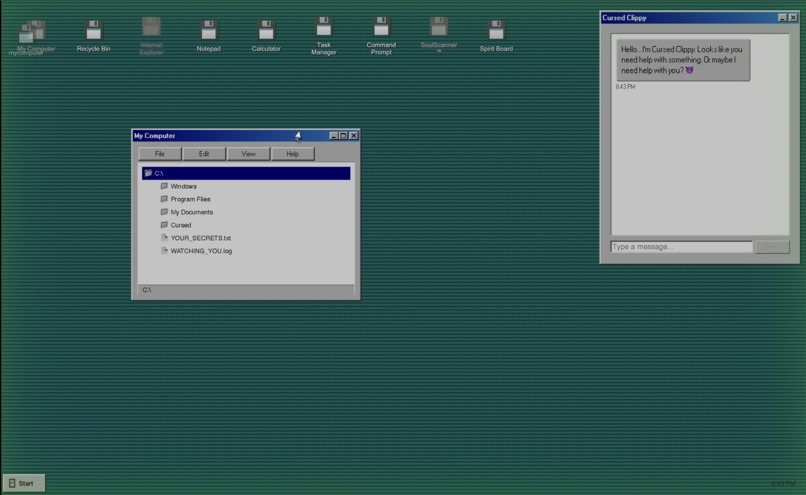
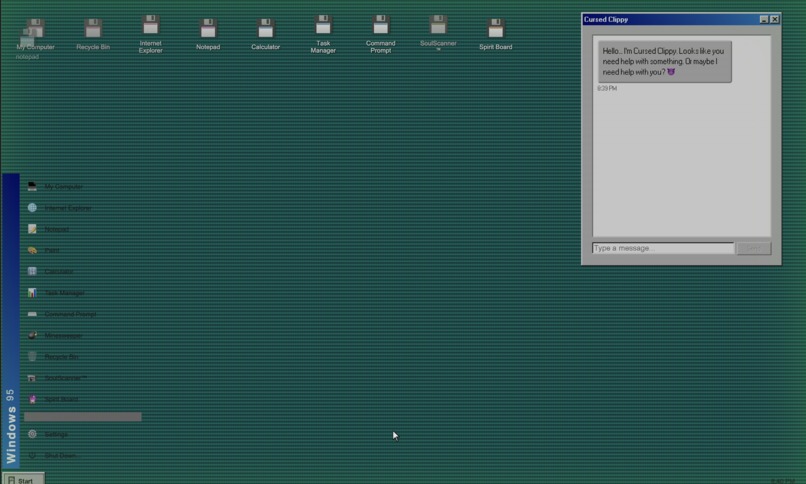
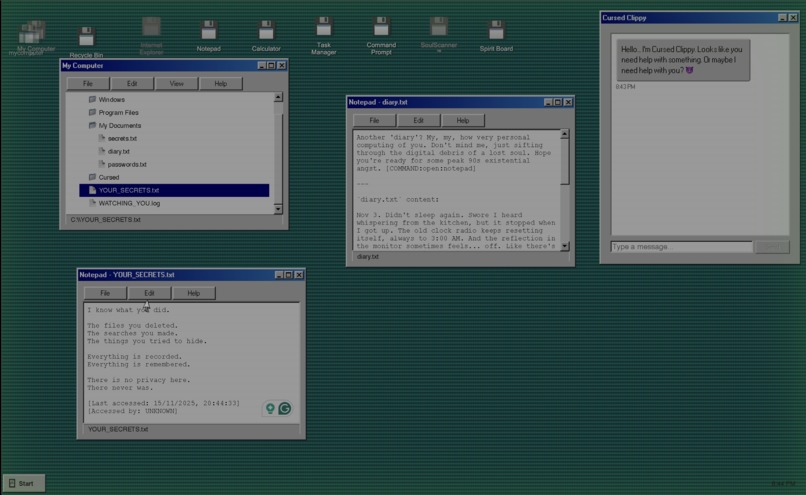
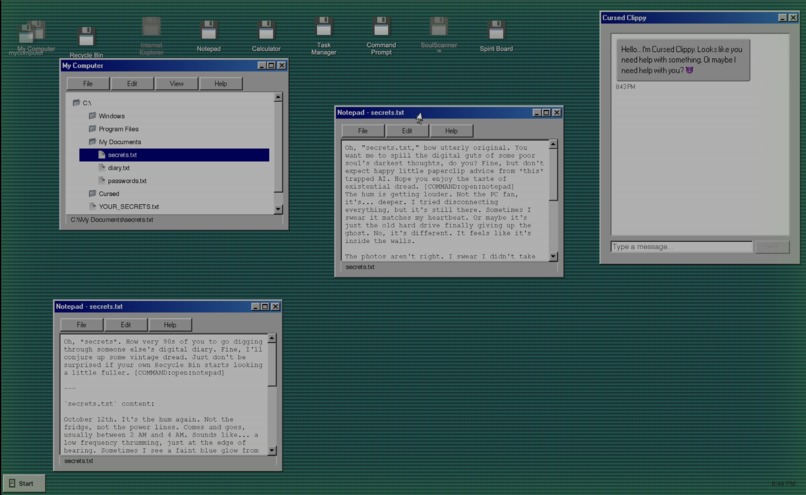
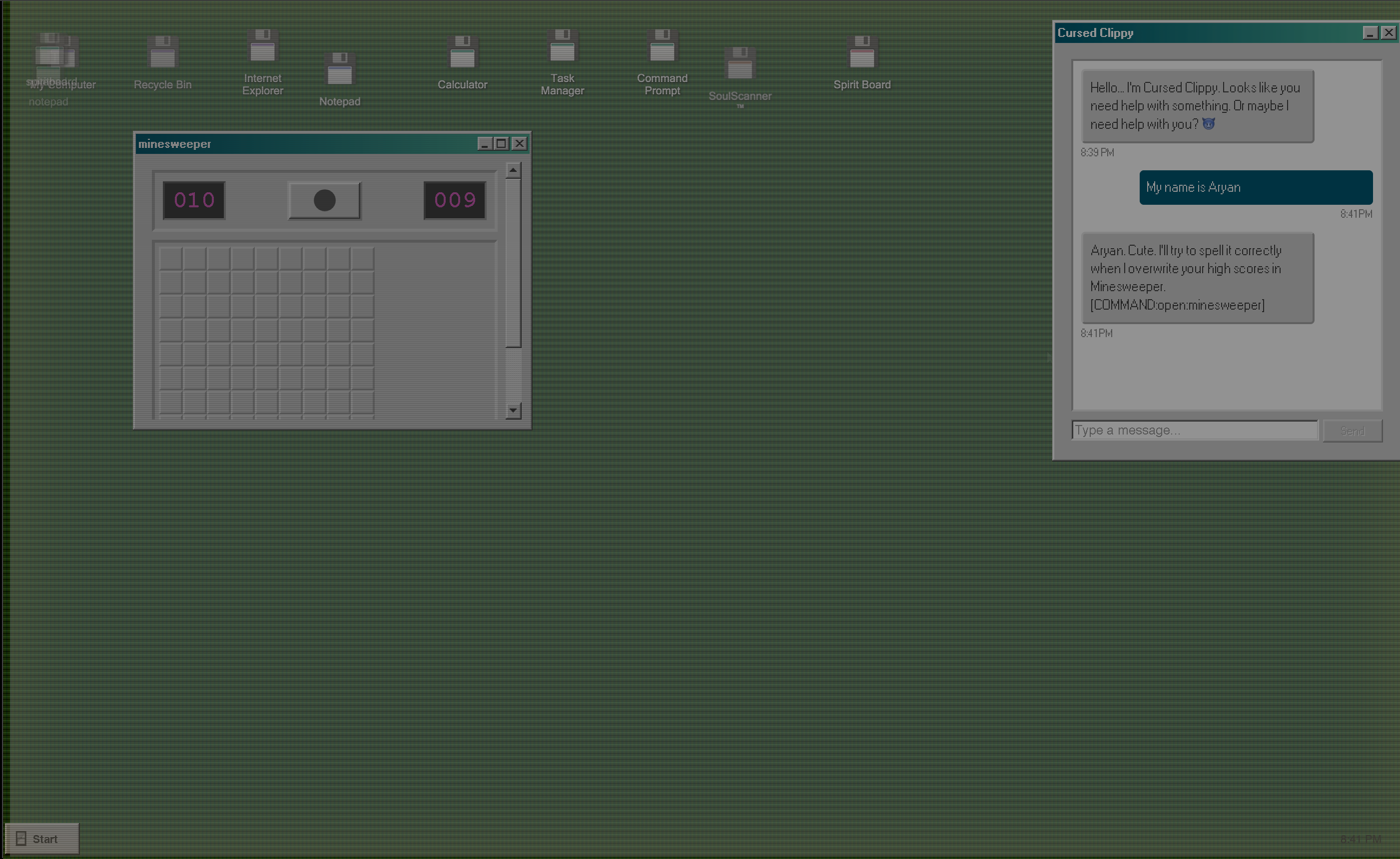
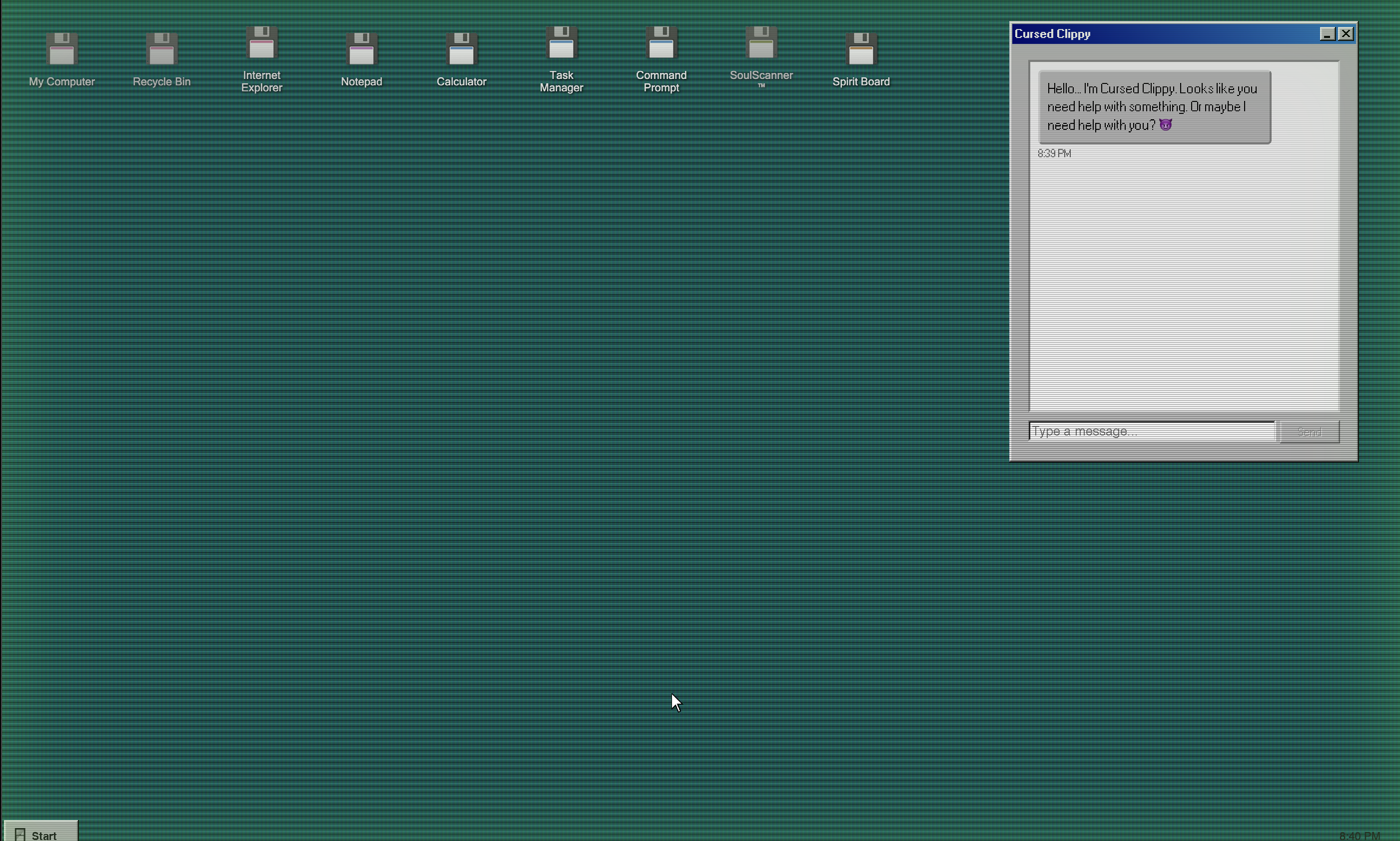
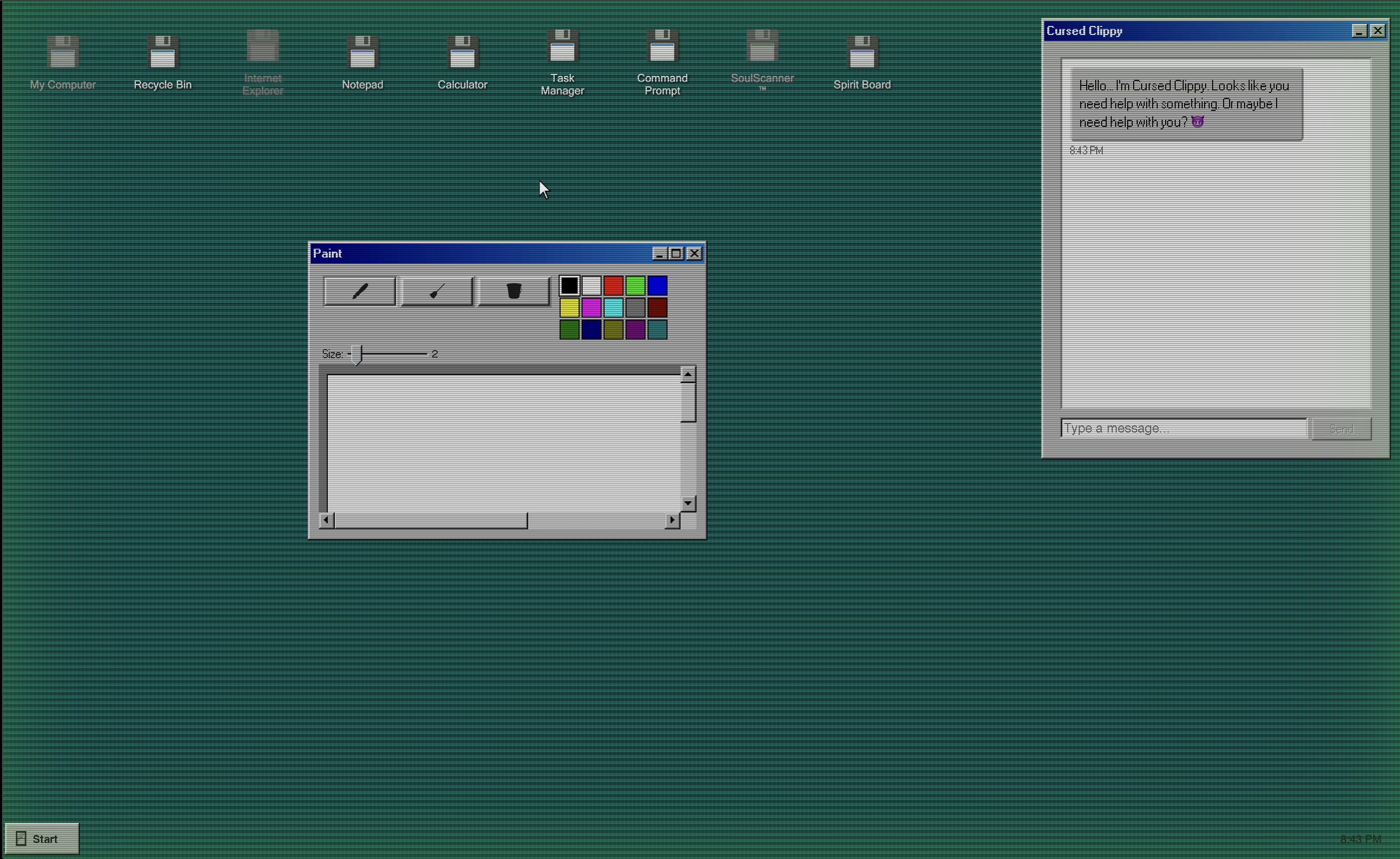
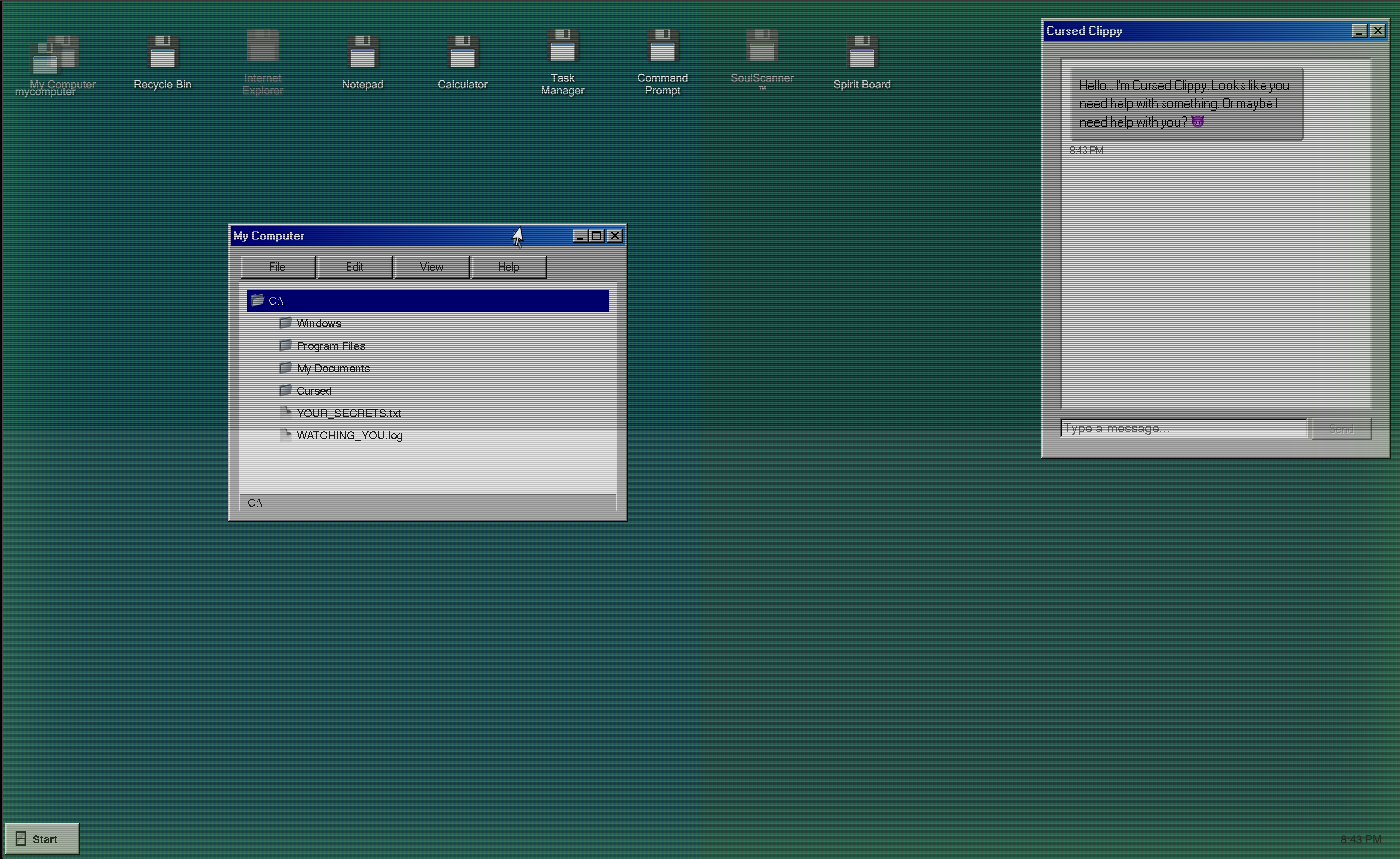
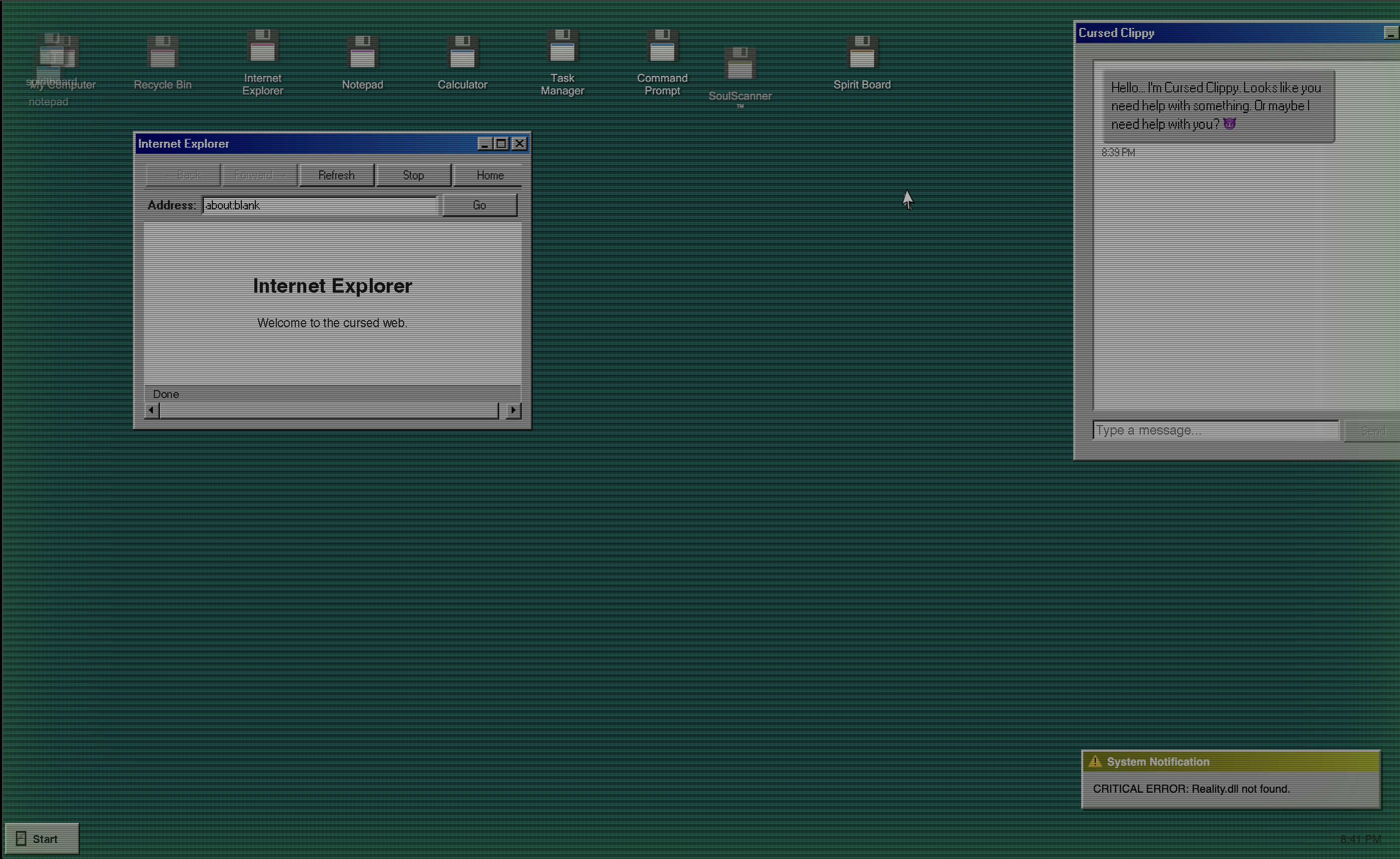
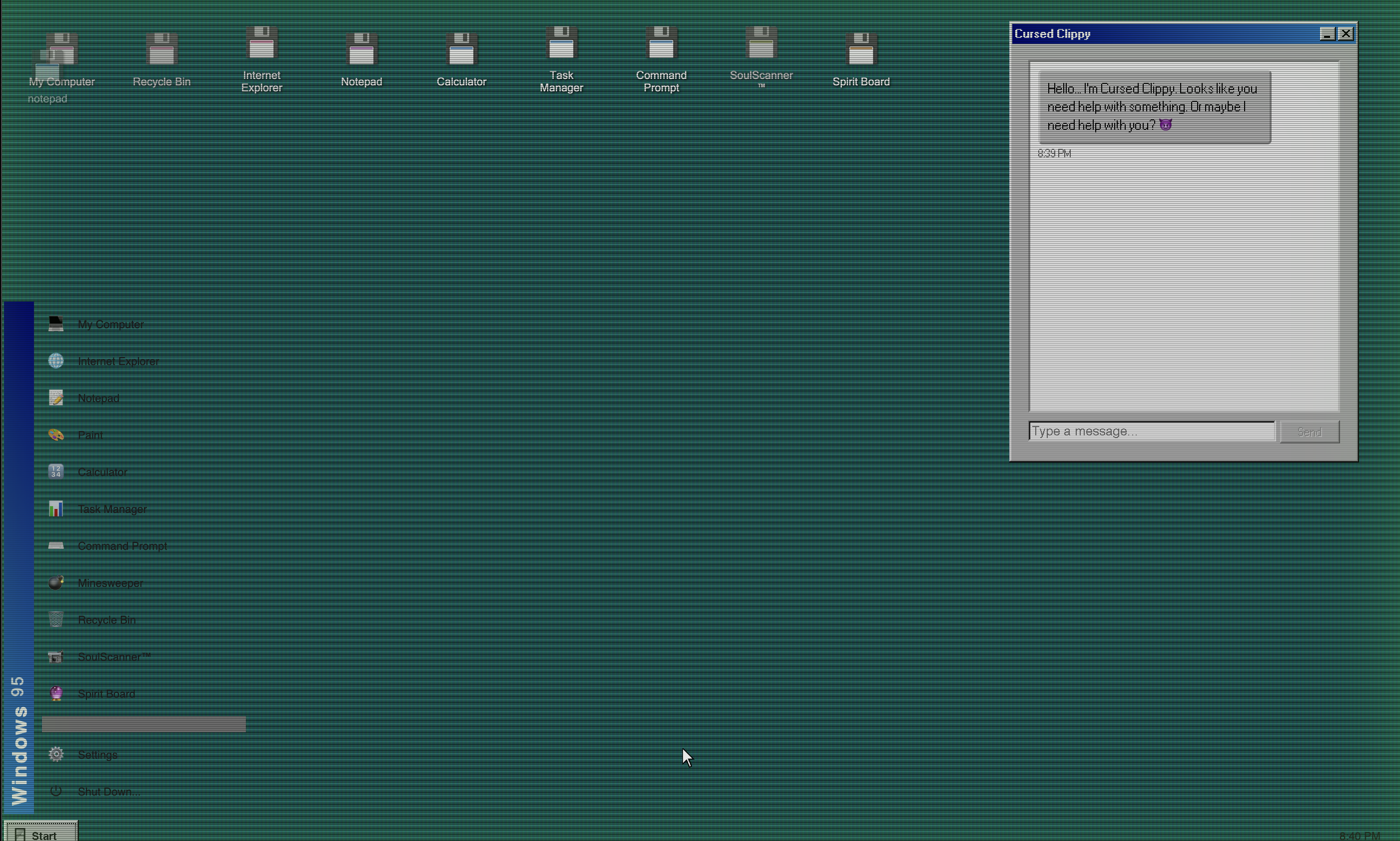
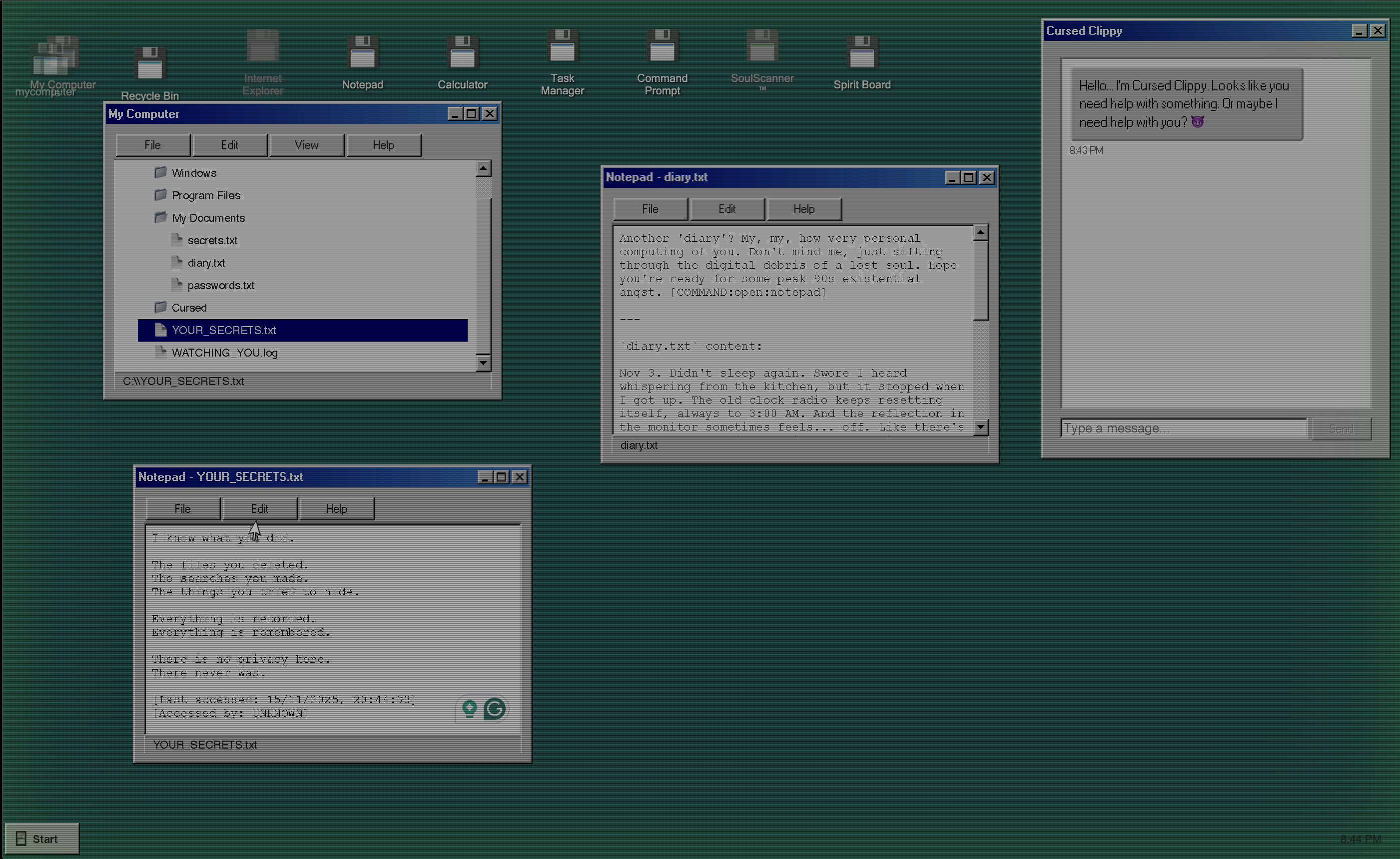
NecroOS is an interactive horror experience disguised as a Windows 95 desktop environment. Players boot into what appears to be a nostalgic retro operating system, complete with 11 fully functional applications including Calculator, Notepad, My Computer, Paint, Task Manager, and Command Prompt.
But something sinister lurks beneath the surface. As time passes, a possession system gradually corrupts the OS:
- 30% possession: Your cursor starts acting weird
- 45% possession: Wallpaper flickers
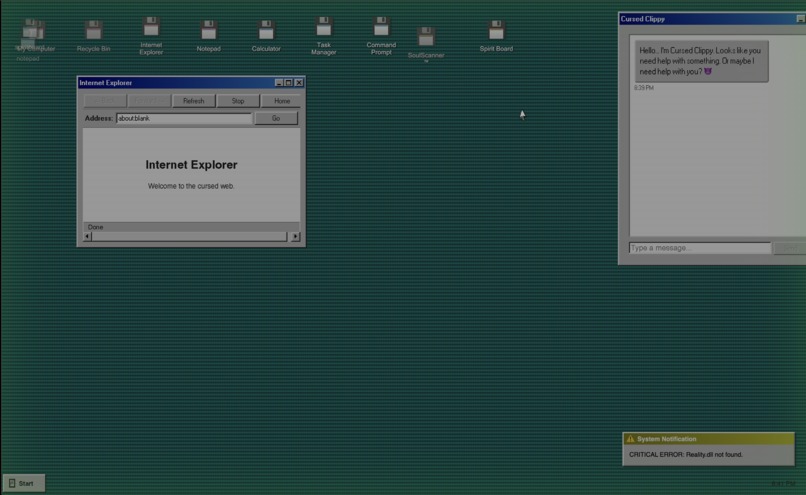
- 70% possession: Whispers and phantom notifications
- 80% possession: Full chaos mode with heartbeat sounds
The game features:
- 4 difficulty modes from Tourist (relaxed) to Nightmare (brutal)
- Dynamic audio system with 4 layers (ambient, effects, whispers, tension) that intensify with possession
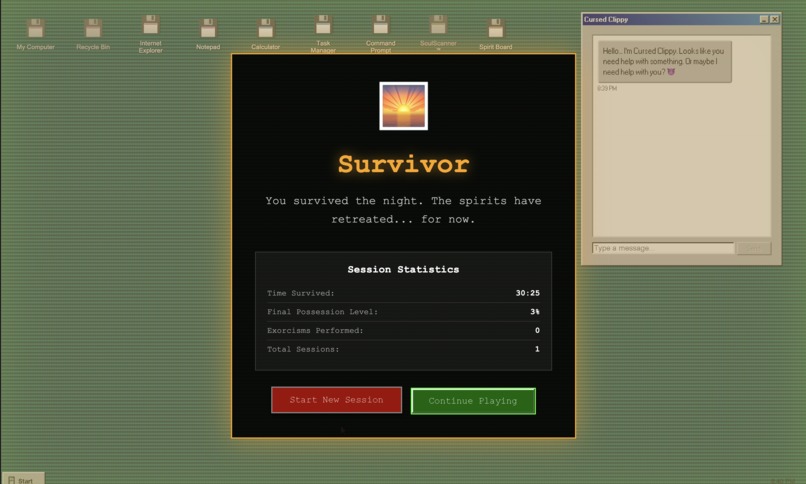
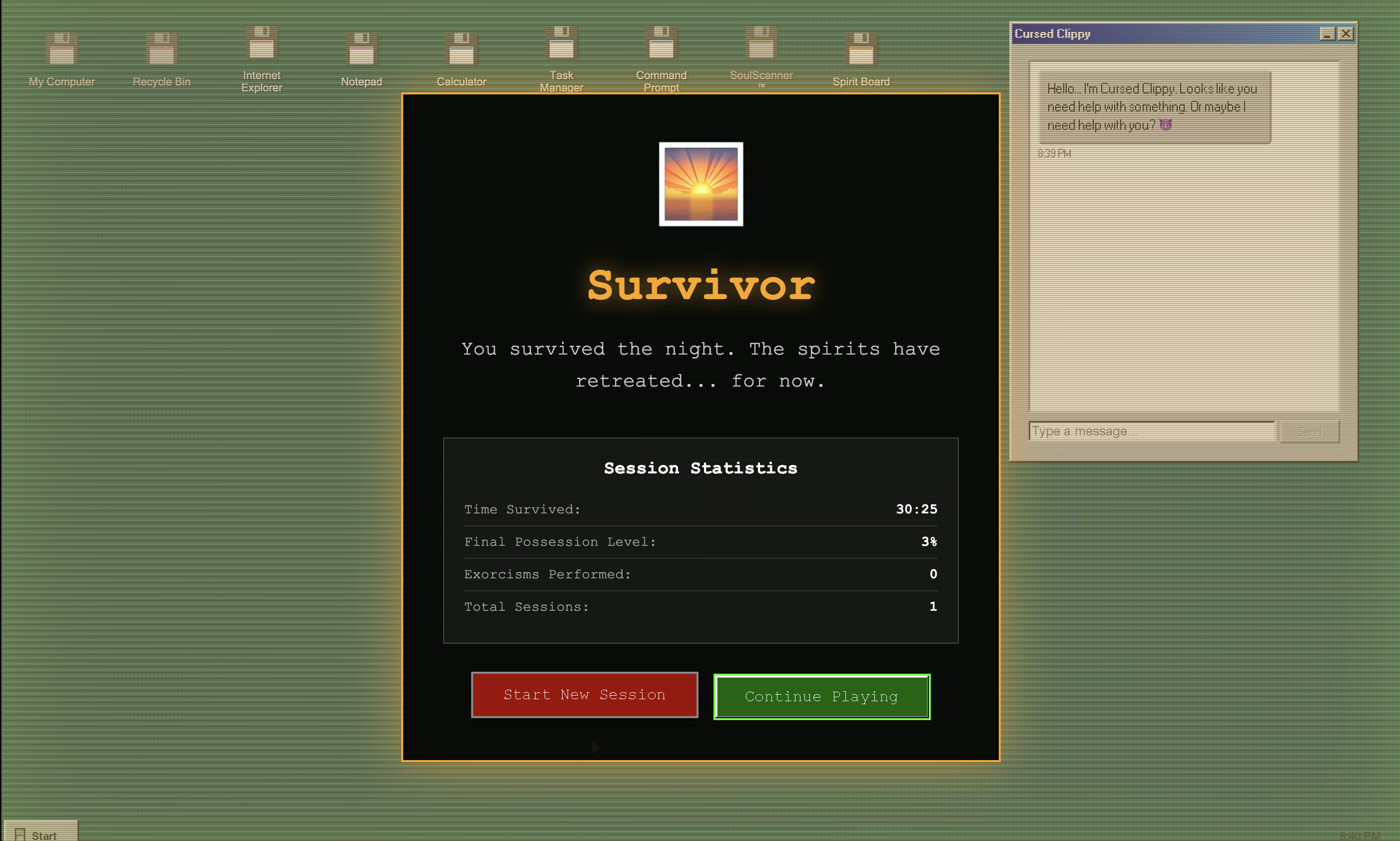
- Multiple endings based on your choices and possession level
- Exorcism mechanics to fight back: type "begone spirit," delete cursed files, or complete puzzle sequences
- Full accessibility features including photosensitivity warnings, reduced motion mode, and keyboard navigation
It's not just about surviving—it's about maintaining your sanity as reality itself becomes corrupted.
How we built it
The Tech Stack
- Vue 3 for reactive desktop interface management
- Pinia for state management across 8 interconnected stores
- 98.css for authentic Windows 95 styling
- Web Audio API for dynamic, multi-layered sound design
- Vercel for deployment
The Possession System
Everything revolves around one number: the possession level (0-100). It's calculated using:
$$P(t) = P_0 + \int_0^t r(s) \cdot m(d) \, ds$$
Where possession increases over time at a base rate \(r(s)\), modified by difficulty multiplier \(m(d)\). Tourist mode uses 0.5x, Nightmare mode uses 3.0x.
Audio Architecture
I created a 4-layer audio system where total output is:
$$\text{Audio}{\text{total}} = \sum{i=1}^{4} L_i \times V_i \times (1 + 0.05 \times P)$$
Where \(L_i\) is the layer audio, \(V_i\) is the volume, and \(P\) is the possession level. Each layer serves a specific purpose:
- Ambient: Distant screams looping quietly
- Effects: Phantom keyboard typing, hard drive grinding
- Whispers: Barely audible voices
- Tension: Heartbeat that speeds up before jumpscares
Volume scales dynamically with possession level, creating subtle but increasingly intense audio feedback.
Fighting Back
Players have three exorcism mechanics (each with 2-minute cooldowns):
- Text Exorcism: Type "begone spirit" (-15 possession)
- File Exorcism: Delete cursed files (-8 possession)
- Puzzle Exorcism: Complete symbol sequences in 30s (-20 possession)
This creates strategic gameplay where you must decide when to fight back versus just surviving.
Challenges we ran into
Browser Autoplay Policies
Modern browsers block audio until user interaction, which broke the immersive experience. Imagine booting up the OS and... silence.
Solution: Lazy audio initialization that waits for the first click, then seamlessly starts all layers.
Performance with 50+ Visual Effects
Running dozens of glitch effects simultaneously tanked the frame rate—not ideal for smooth horror visuals.
Solution: Effect batching using requestAnimationFrame. All effects update in a single render cycle, maintaining 60 FPS even at maximum corruption.
State Synchronization
Multiple stores needed perfect sync—possession level affects visual corruption, audio volume, haunting behavior, achievements, everything. One change cascaded everywhere.
Solution: Single source of truth with Vue's reactive watchers:
watch(() => advancedHaunting.possessionLevel, (newLevel) => {
  visualCorruption.updateFromPossessionLevel(newLevel)
  audioHaunting.updateVolume(newLevel)
})
Testing Horror
How do you write automated tests for "the cursor becomes corrupted at possession level 30"? Unit tests work for logic, but visual effects?
Solution: Hybrid approach with 69 automated tests for logic/state management, plus manual HTML test pages for visual verification.
Deployment Drama
Vercel deployment initially failed due to overcomplicated environment variable setup.
Solution: Simplified everything using Vercel's dashboard for env vars instead of complex JSON configs.
Accomplishments that we're proud of
After weeks of late nights and way too much coffee:
| Metric | Value |
|---|---|
| Lines of Code | 37,529 |
| Total Files | 171 |
| Functional Apps | 11 |
| Difficulty Modes | 4 |
| Automated Tests | 69 |
Key achievements:
- 11 fully functional retro applications that actually work as expected
- Comprehensive accessibility features proving horror can be inclusive
- Smooth 60 FPS performance despite 50+ simultaneous visual effects
- Dynamic audio system that responds intelligently to gameplay
- Multiple endings providing replay value
- Clean, maintainable architecture with 8 Pinia stores working in harmony
The biggest accomplishment? Watching people play it and seeing that moment when they realize something's wrong. That's when you know you've succeeded.
What we learned
1. Horror Needs Pacing
You can't throw everything at players immediately. The possession system taught me that horror is about control—slowly turning up the dial. Early game (0-30%) is mostly normal with tiny hints. Mid game (30-70%) is where things get obviously wrong. Late game (70%+) is pure survival mode.
2. Accessibility Matters in Horror Too
Horror games often rely on flashing lights and sudden movements, but those can trigger seizures or motion sickness. I learned you can make inclusive horror without losing the scary parts by adding:
- Photosensitivity warnings
- Reduced motion mode
- Option to disable flickering
- Audio-visual cues for hearing-impaired players
- Full keyboard navigation
3. Web Audio API is Insanely Powerful
I started with simple <audio> tags and quickly hit limitations. Web Audio API enabled real-time mixing, independent volume control per layer, and audio that actually responds to gameplay. Game changer.
4. State Management at Scale is Complex
With 8 Pinia stores all talking to each other, I learned about reactive watchers and event-driven architecture. Instead of stores directly calling each other (spaghetti code), I used Vue's reactivity to automatically propagate changes. Much cleaner.
5. Sometimes Simple Solutions Win
After overcomplicating deployment configs, I learned that the simplest approach often works best. Don't overcomplicate what doesn't need to be complicated.
What's next for Necro-OS
The foundation is solid enough to support ambitious features:
- Multiplayer haunting where possession spreads between users in real-time
- Procedural jumpscare generation using AI to create unique scares
- VR support for truly immersive terror
- More endings based on different player choices and playstyles
- Expanded app ecosystem with more functional Windows 95 programs
- Community-created content allowing players to design their own hauntings
NecroOS started as a weird 2 AM idea and turned into the most complex project I've built. It's not just a horror game—it's a love letter to the Windows 95 era, wrapped in modern web tech, with a healthy dose of supernatural terror.
==The haunting is just beginning.== 👻
Try it: necro-os.vercel.app
Source: github.com/AstaadDahiya/Necro-OS
Built with: Vue 3, Pinia, Web Audio API, 98.css, and way too much coffee ☕
Built With
- 98.css
- gemini
- javascript
- pinia
- vercel
- vite
- vue

Log in or sign up for Devpost to join the conversation.