Inspiration
Every serious product team has at least one undead codebase: a decade‑old jQuery plugin, a PHP monolith, an Express 3 app that nobody wants to touch but everyone is afraid to break. Those systems quietly run critical flows, but they’re too risky to rewrite from scratch and too painful to refactor by hand.
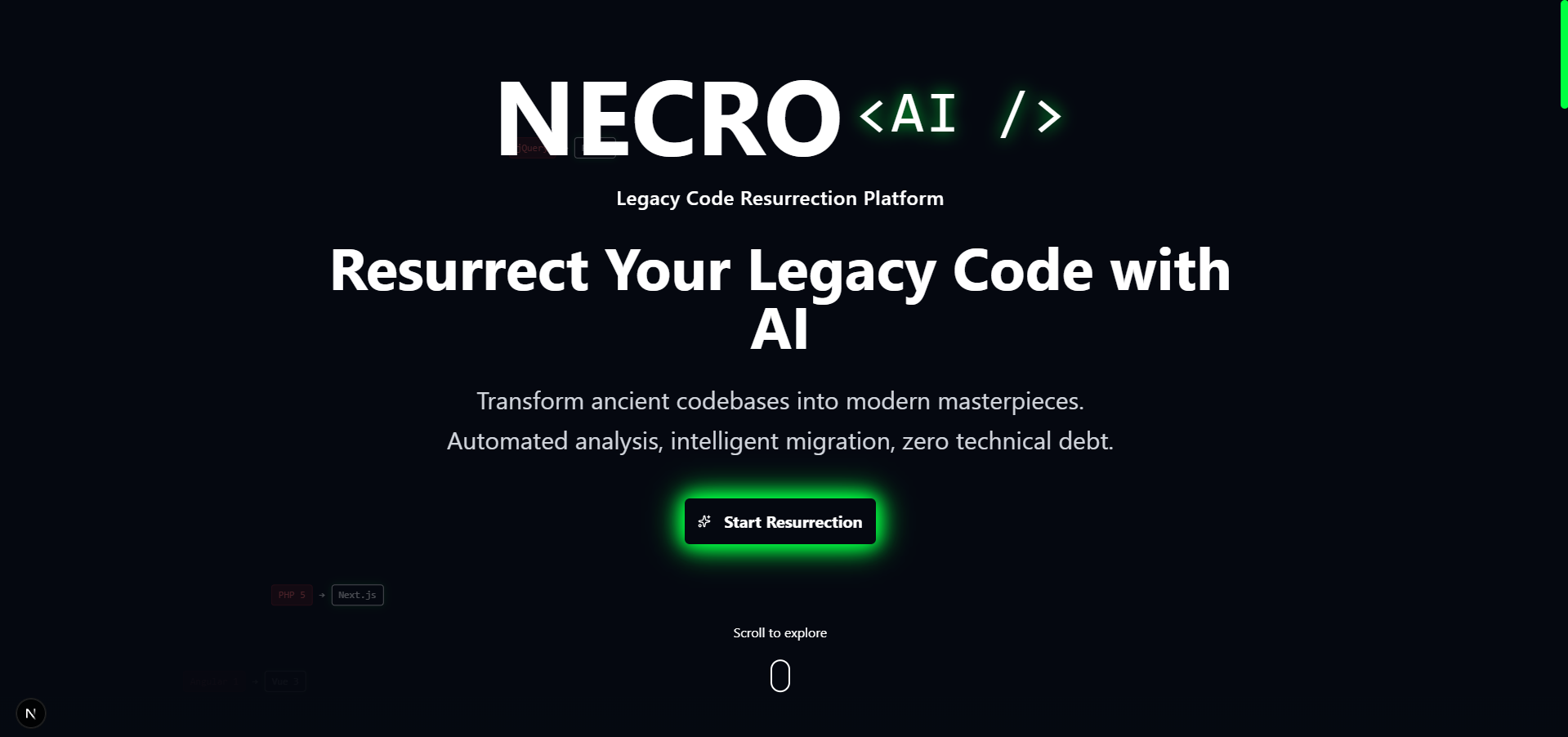
I built Necro AI to turn that horror story into a guided, data‑driven process. Instead of dumping a legacy repo on a senior engineer and hoping for the best, I wanted a tool that can look at real code, explain what’s wrong, and propose a realistic path to something modern.
What it does
Necro AI is a modernization assistant for legacy codebases:
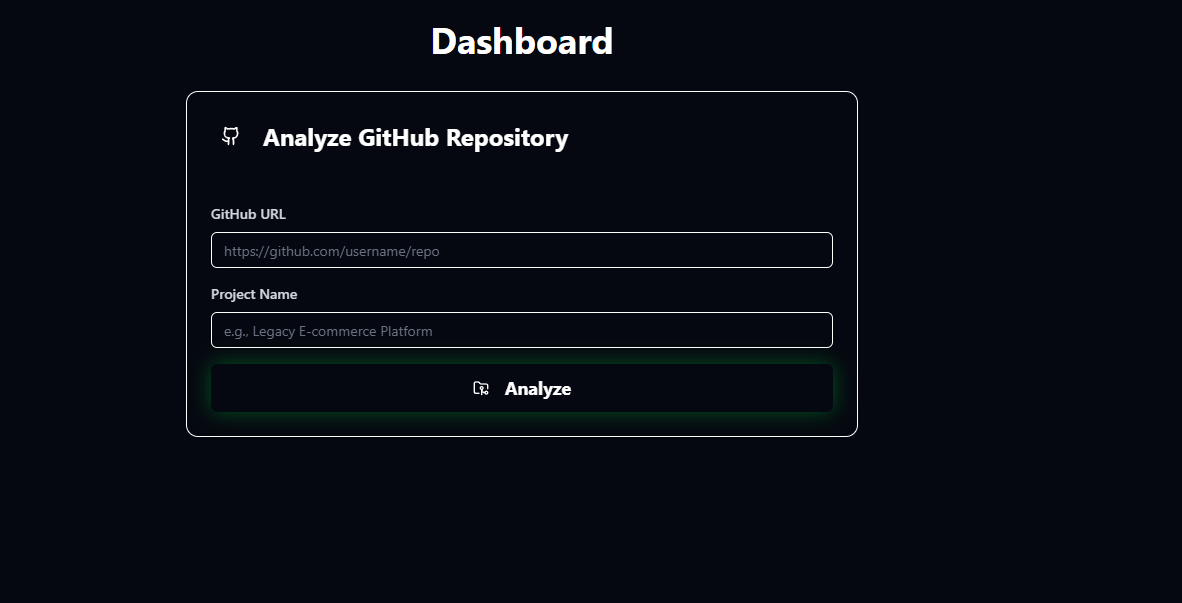
- Paste any legacy file (jQuery, PHP, Express, etc.) or point it at a GitHub repo.
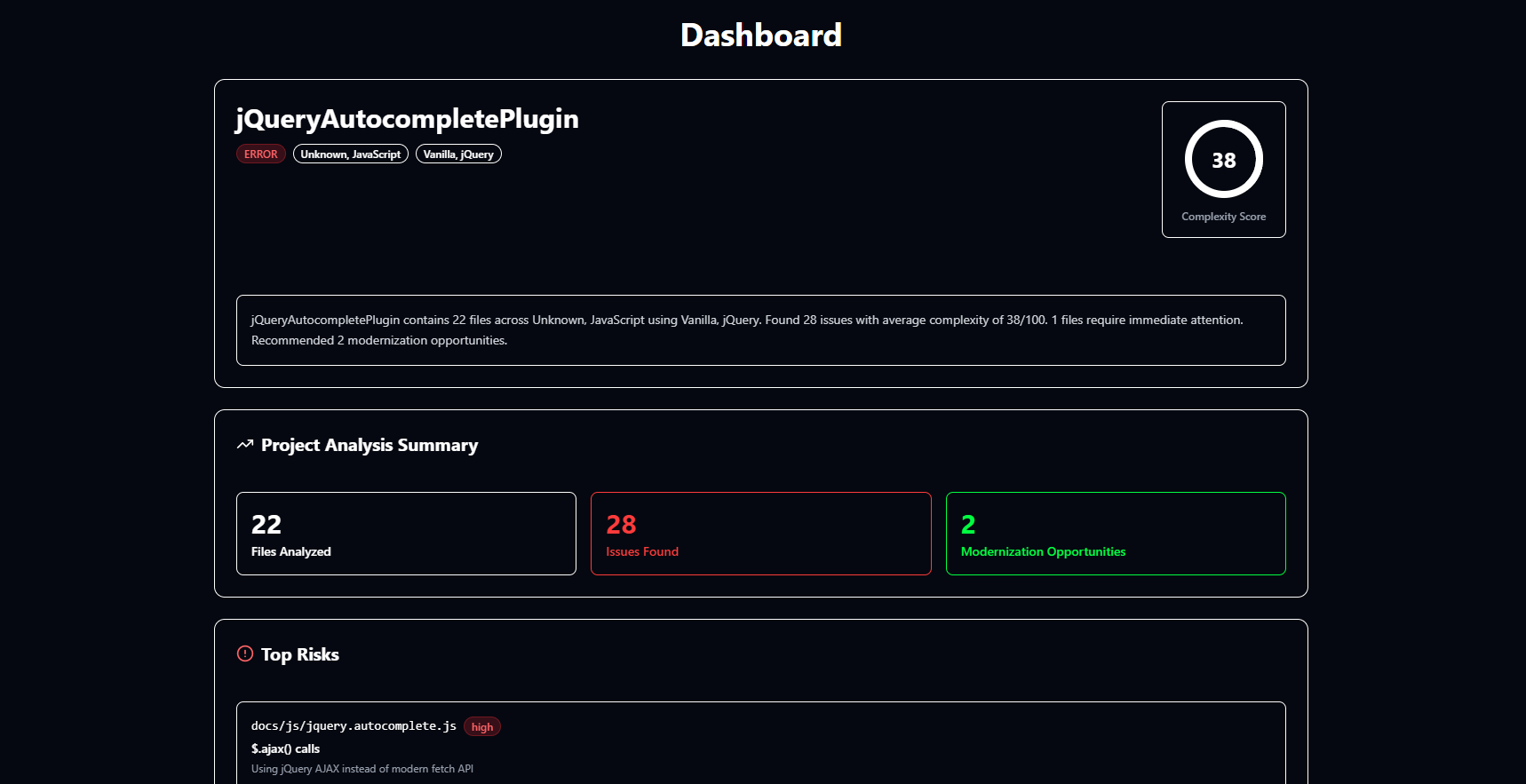
- It detects languages and frameworks, surfaces concrete code smells, and assigns a complexity score.
- It generates a phased migration roadmap: which files to touch first, what to change inside them, and suggested modern alternatives.
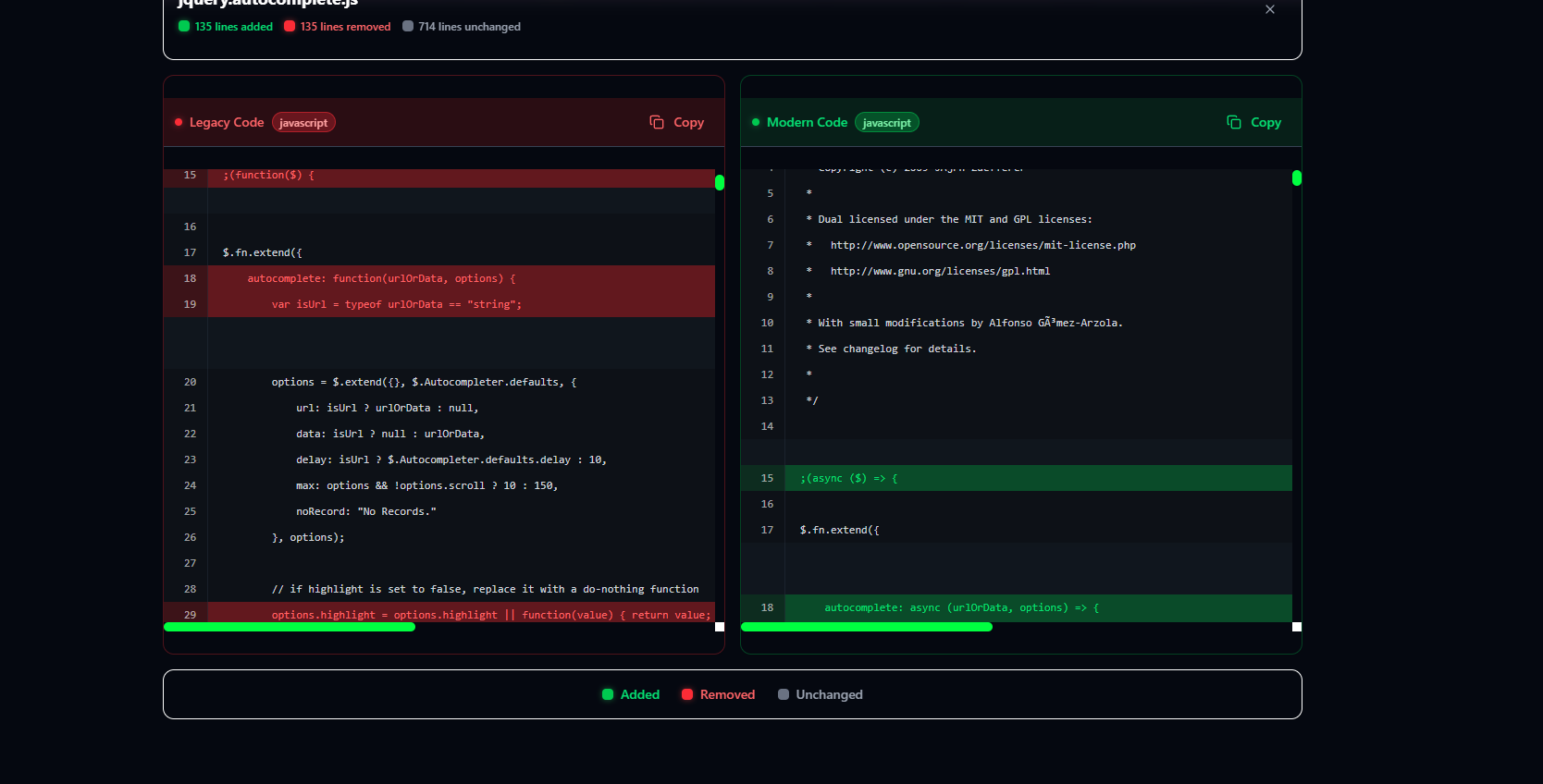
- It provides before/after code comparisons for common transformations (e.g., jQuery AJAX →
fetch, legacy WordPress templates → headless React). - It visualizes a dependency graph highlighting safe, warning, and “undead” packages in your stack.
For the judges, I demonstrate this on real, old GitHub projects like an archived Express 3 authentication example and a jQuery plugin repo. Necro AI scans the code, summarizes the risks, and proposes a pragmatic modernization plan instead of just saying “this repo is old.”
How I built it
Necro AI is a full‑stack Next.js 16 application:
- Frontend: Next.js App Router, TypeScript, Tailwind CSS, shadcn UI, and Framer Motion for the Kiroween‑themed UI.
- Backend: Next.js API routes that accept individual files and entire repositories, normalize them into a common analysis format, and run heuristic/LLM‑assisted analysis.
- Persistence & auth: Supabase for storing projects, analyses, and demo data.
- Analysis engine: A central
analyzeLegacyCodefunction that:- infers language and framework from file paths and content,
- detects legacy patterns (jQuery
$.ajax,mysql_*calls, Express 3 middleware, etc.), - produces smells, modernization suggestions, and a phased roadmap,
- generates best‑effort modernized code samples.
- Visualizations: A custom code comparison view and a React Flow–based dependency graph showing package health and upgrade targets.
- Reports: A downloadable modernization report combining single‑file and batch analysis into a shareable artifact for teams.
The dashboard ties everything together: single‑file analysis, preloaded demos, GitHub repo analysis, project‑level summary, and the migration plan.
How I used Kiro
Kiro was involved in almost every layer of this project:
- Vibe coding for UI: I used Kiro to rapidly iterate on the landing page, dashboard layout, navigation, and themed components (cards, stats, timelines, etc.). Most of the polished TSX and Tailwind you see in the UI started as a natural language prompt to Kiro, then was refined over a few iterations.
- Spec‑driven backend: Before writing code, I created specs in the
/.kiro/specsfolder describing:- the shape of the analysis result,
- the batch analysis API,
- the database schema. Kiro used these specs to generate type‑safe Next.js API routes, helper functions, and Supabase integration.
- Steering & consistency: Steering docs in
/.kiro/steeringdefine the “Necro” visual language (dark, neon green/purple, glassmorphism) and coding patterns (functional components, hooks, typed API handlers). This kept Kiro’s output consistent as the project grew. - Refinement loops: When something felt off—like the dashboard results panel, the phased roadmap UI, or the dependency graph—I used Kiro to refactor large components while preserving behavior, instead of doing everything manually.
Overall, I estimate this would have taken ~60 hours to build alone. With Kiro as an IDE partner, I shipped a production‑ready app in ~20 hours, including UI polish, GitHub analysis, and documentation.
Challenges I ran into
- Defining “legacy” in code, not just theory: It’s easy to say “this repo is old,” but hard to turn that into concrete signals a tool can act on. I had to experiment with simple heuristics and prompt patterns that could reliably detect outdated patterns (jQuery, old Express middleware, inline SQL) across very different languages.
- Balancing realism with hackathon scope: Real‑world modernization is messy and huge. I had to scope Necro AI to work reliably on small to medium repos, while still feeling believable and useful to judges on real GitHub examples.
- Making Kiro output consistent over time: As the project grew, early one‑off prompts started to conflict with later expectations. Moving to proper
.kirospecs and steering docs mid‑build was a learning curve, but it paid off in more predictable code generation. - Designing a guided experience: I didn’t want judges to have to guess where to click. Creating a clean navbar, a focused dashboard, and a clear “happy path” through the app—while keeping the Kiroween theme—required several rounds of iteration.
What I learned
- How to treat an AI‑powered IDE like Kiro as a true pair programmer: use specs and steering to set constraints, then iterate in vibe coding sessions instead of rewriting everything by hand.
- How to turn a vague concept like “legacy modernization” into a concrete data model and UI that can handle real GitHub projects, not just toy examples.
- How much of a difference a tight, opinionated UX makes: reducing duplicate pages, unifying navigation, and crafting a clear story from landing page → dashboard → analysis results dramatically improves how the project feels in a 3‑minute demo.
Built With
- framer-motion
- html2canvas
- jspdf
- kiro
- next.js
- node.js
- react
- react-flow
- shadcn
- supabase
- tailwind
- typescript

Log in or sign up for Devpost to join the conversation.