-
-
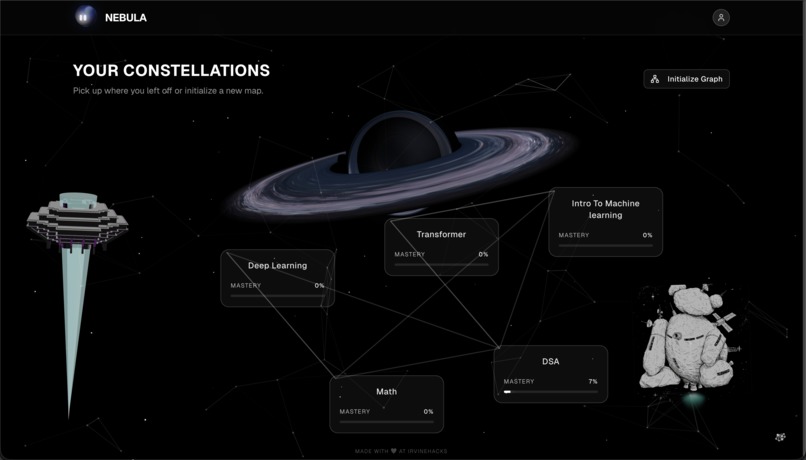
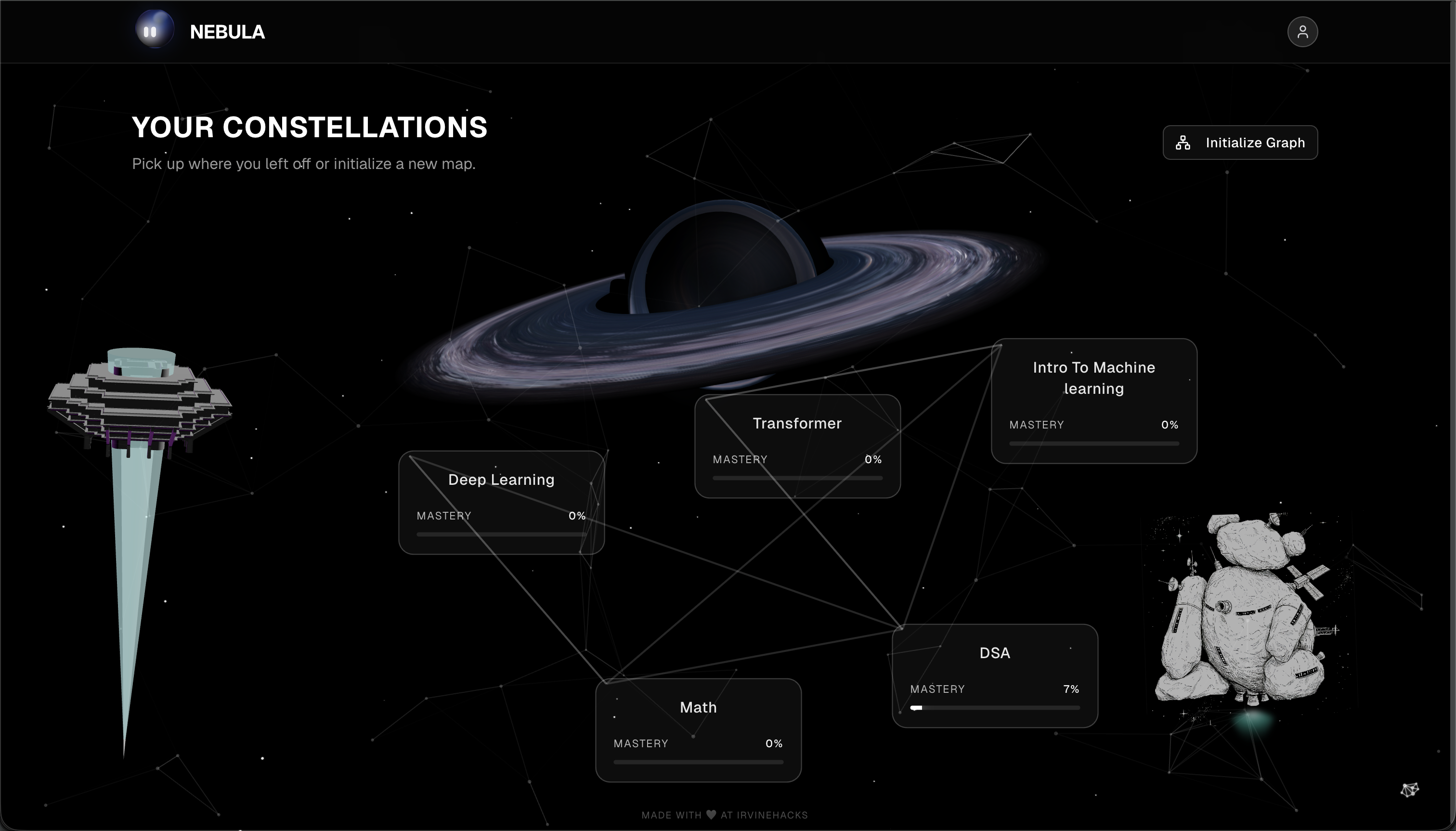
Homepage
-
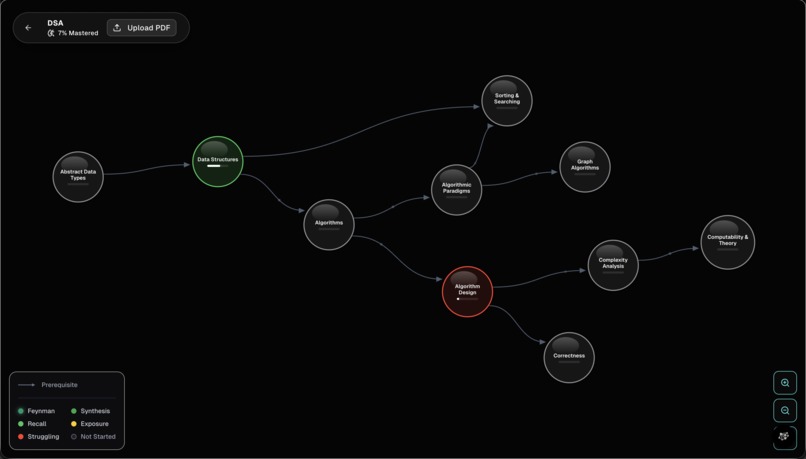
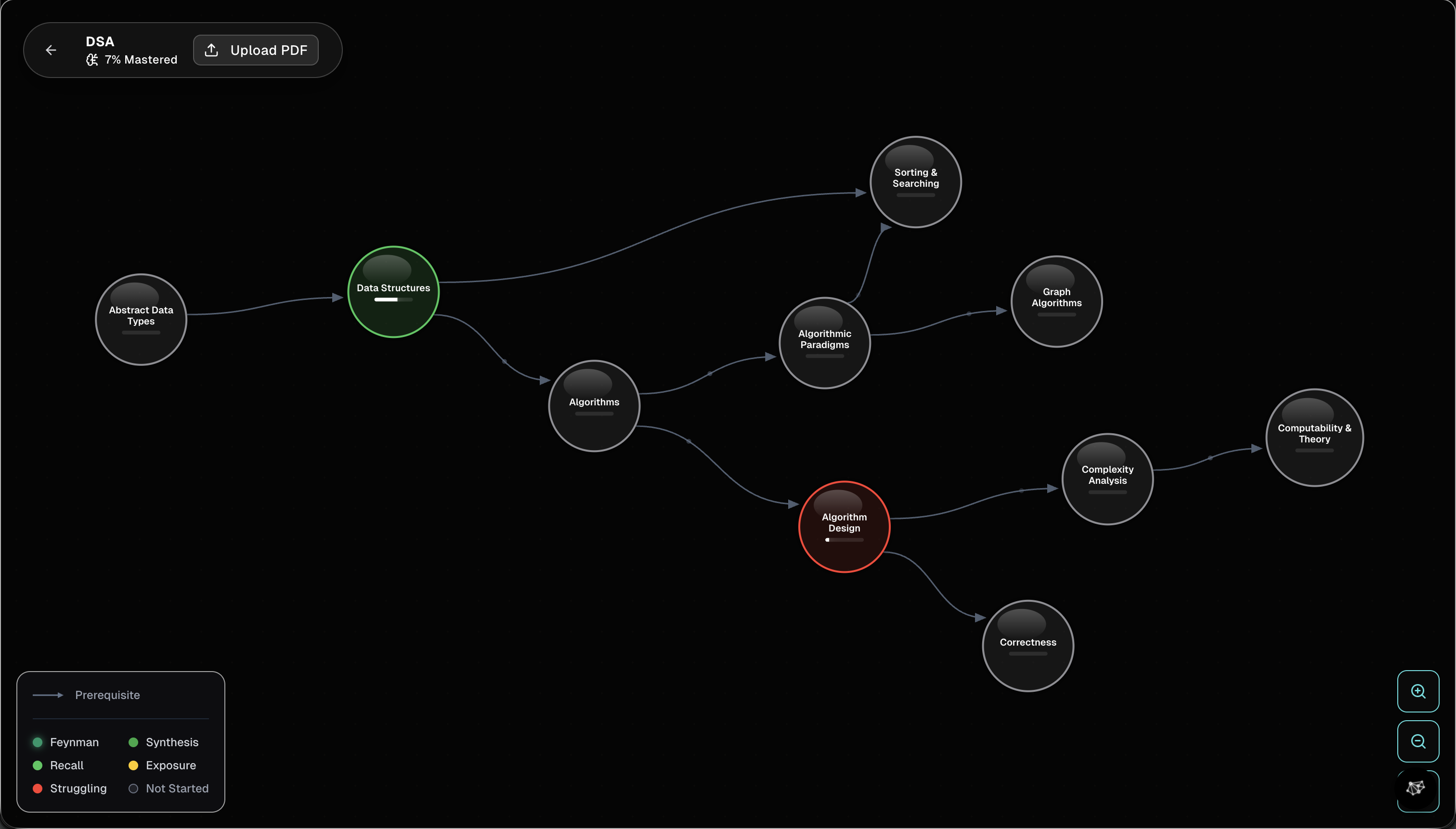
Knowledge graph
-
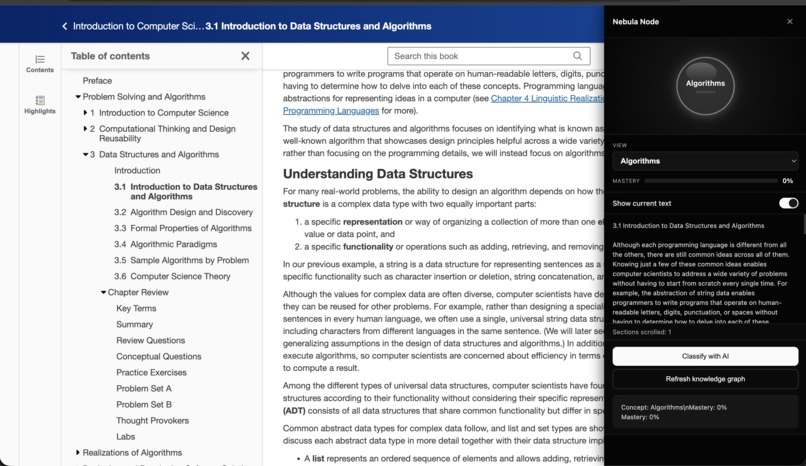
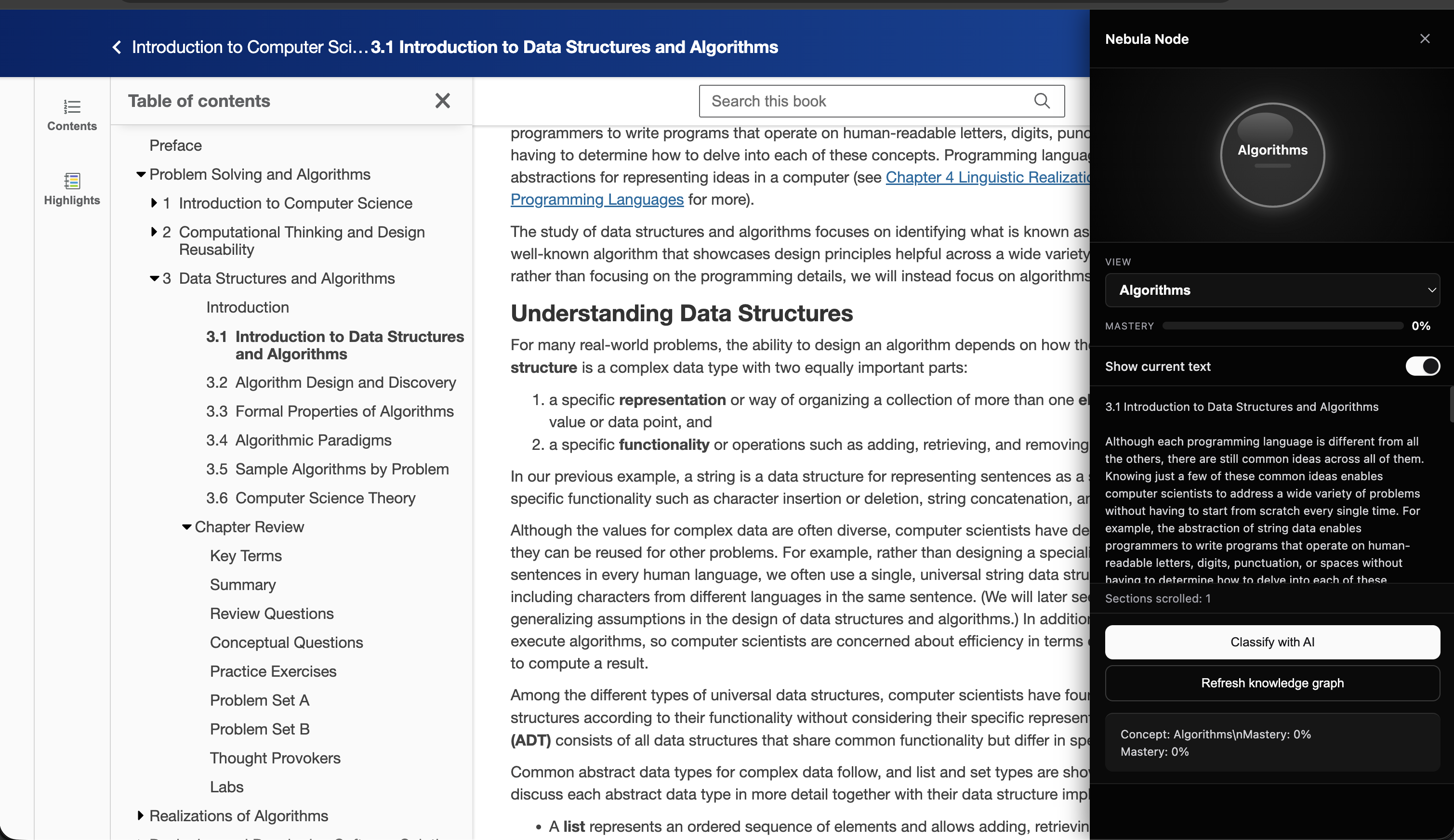
Chrome extension to track your readings
-
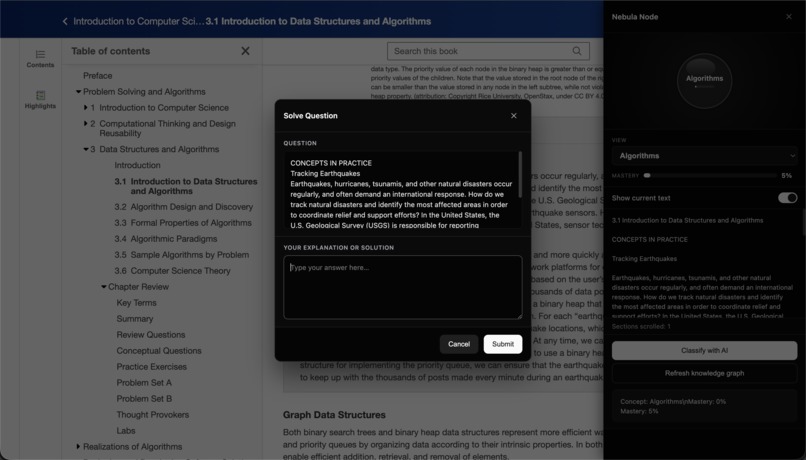
Highlight text and then explain
-
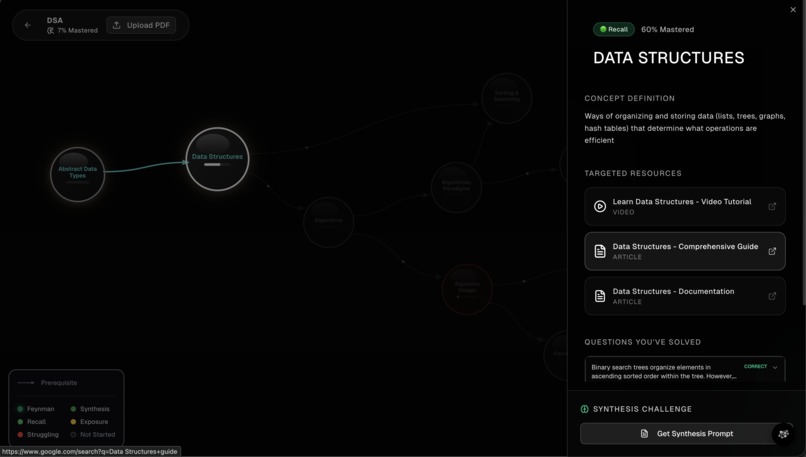
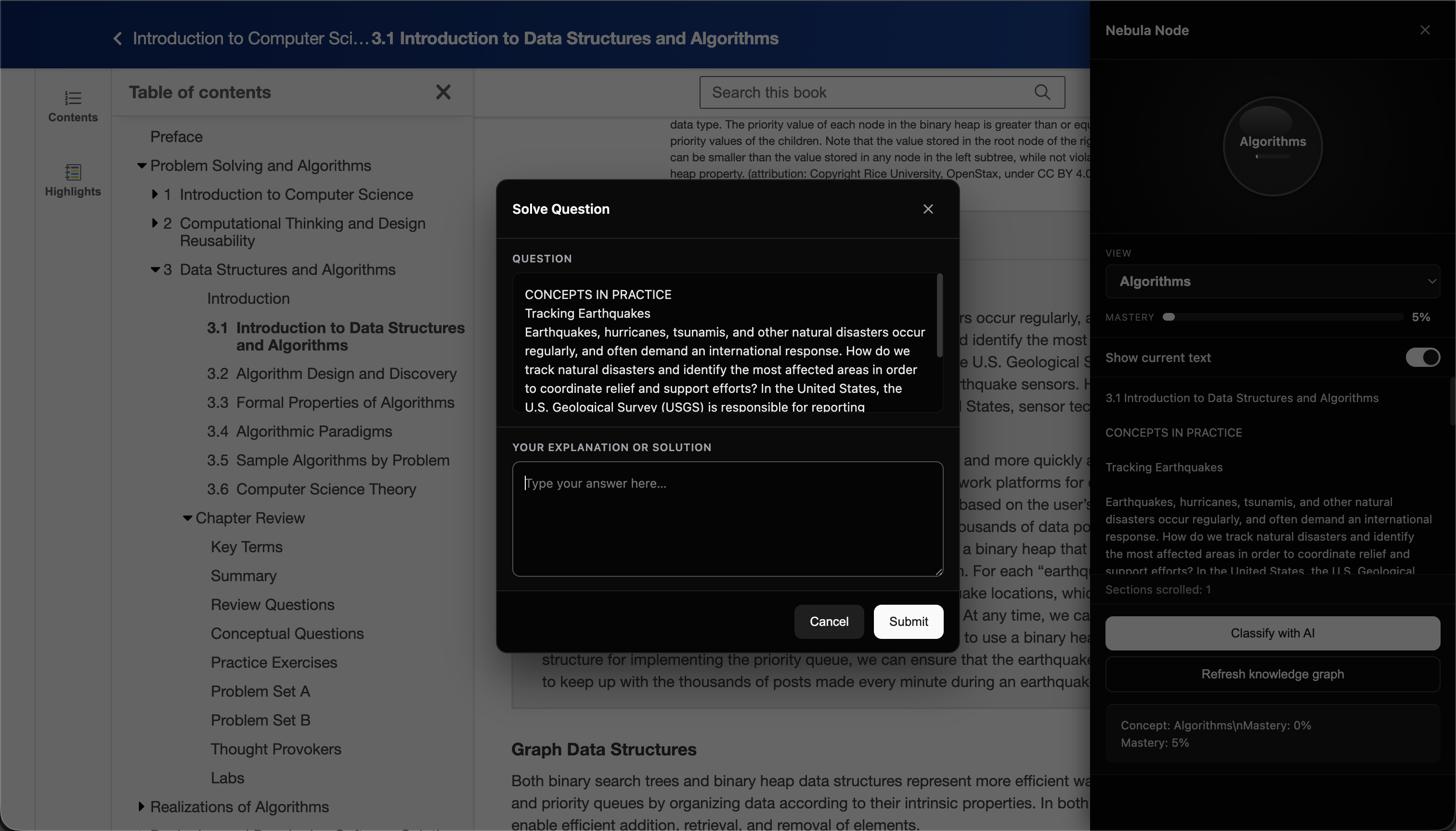
Test on each topic
-
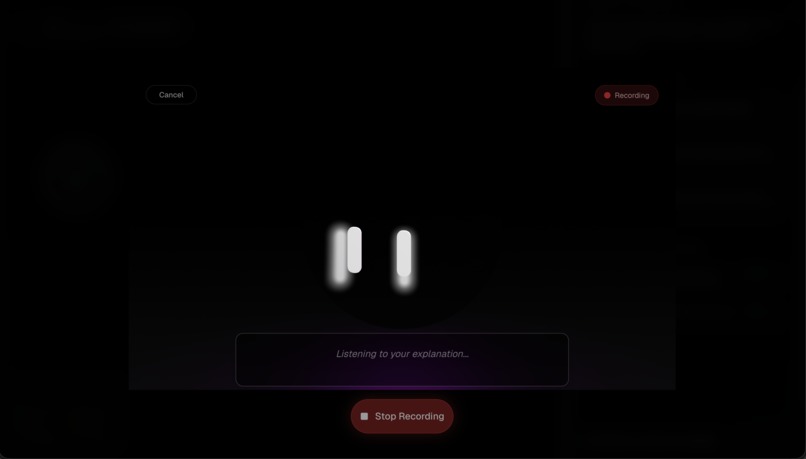
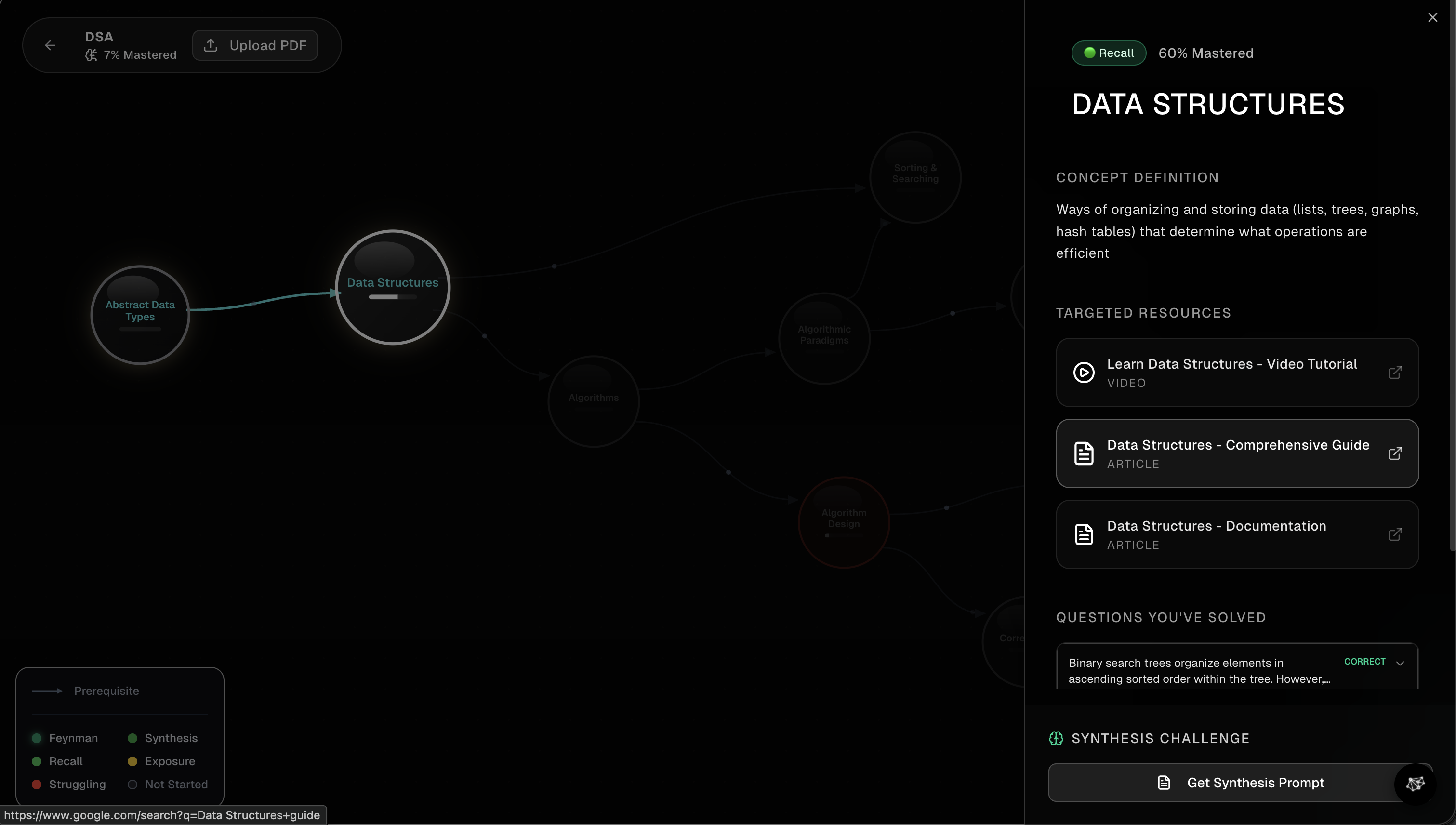
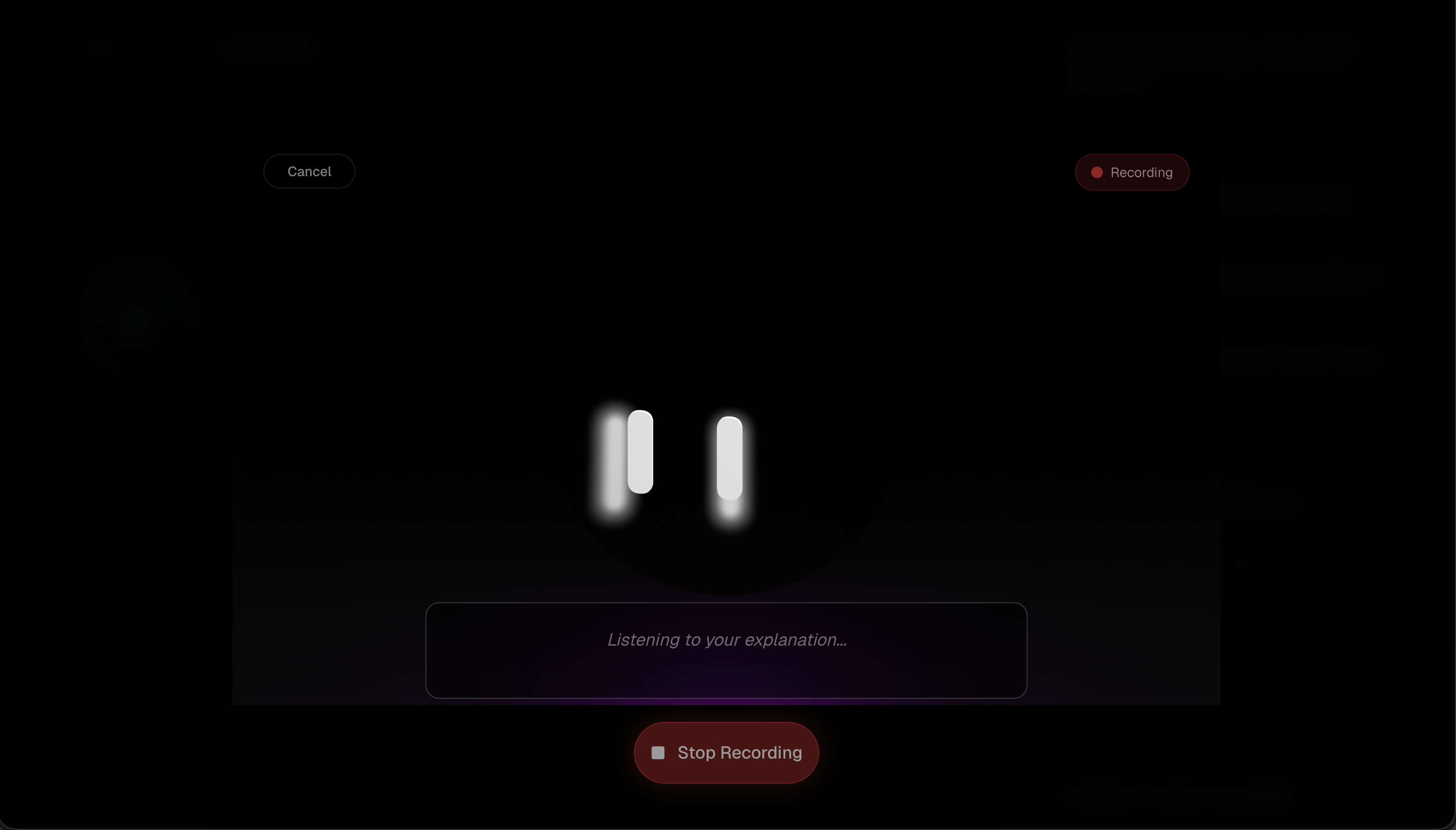
Feynman Screen
-
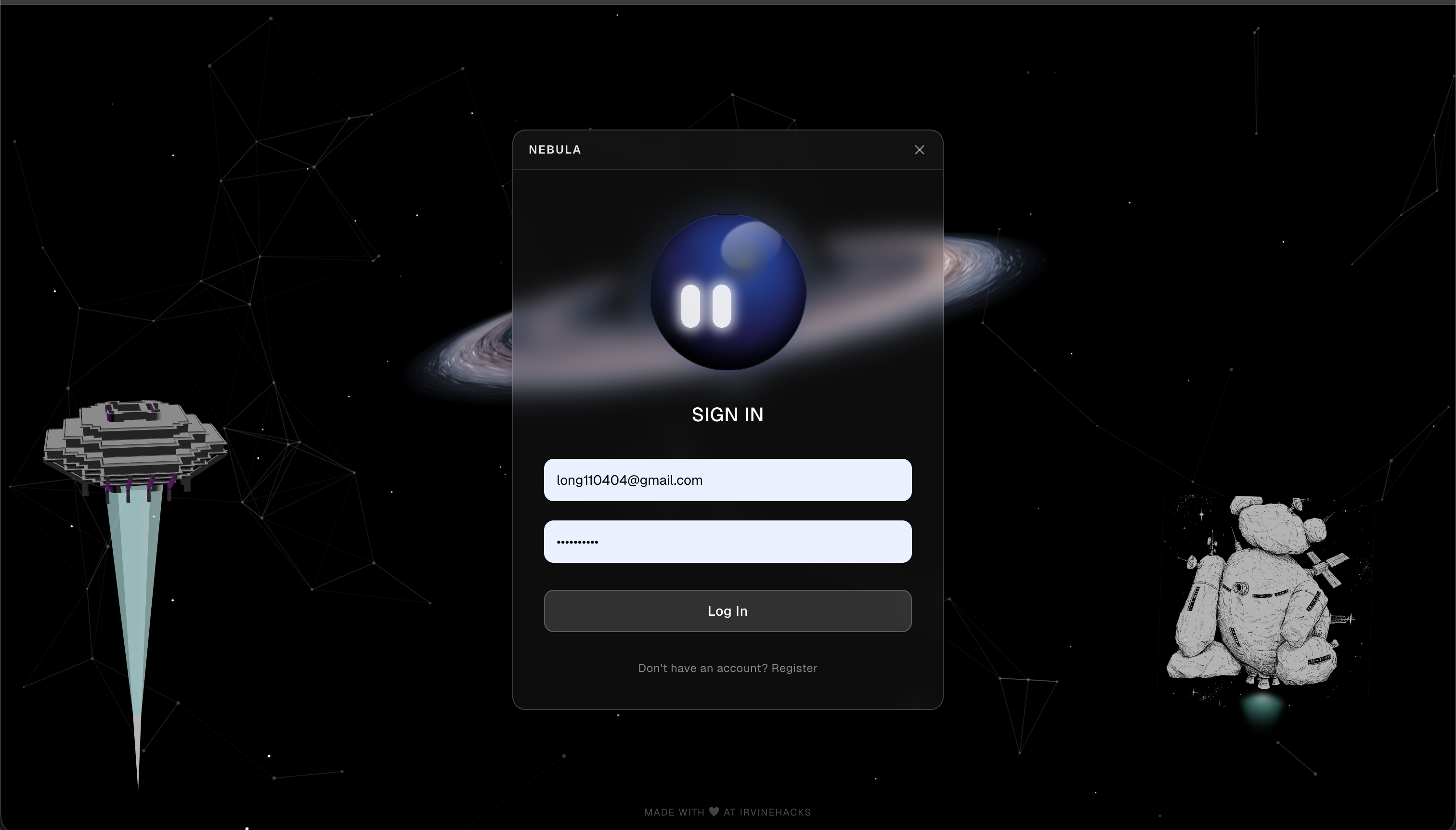
Login
Inspiration
We’ve all been there: staring at a 40-page textbook chapter or a dense Wikipedia deep-dive, only to realize twenty minutes later that we haven't retained a single word. It’s called the "illusion of competence"—that feeling that because your eyes moved over the text, the knowledge is now in your brain. It isn't.
Current study tools are mostly manual and fragmented. You read in one tab, take notes in another, and try to build a mental map in a third. We wanted to build something that bridges that gap—a tool that lives where you learn and actually shows you the "shape" of your knowledge as it's being formed. We wanted to take the mental effort out of organizing information so you can focus entirely on understanding it.
What it does
Nebula is a Chrome extension that turns your browser into a living knowledge graph. As you read through textbooks, articles, or documentation, Nebula works silently in the background to identify core concepts and map how they connect.
Instead of a static list of bookmarks, you get a dynamic, visual "brain" that grows in real-time. When you're on a page, the extension identifies the "nodes" you're currently covering. If you want to check your progress, you can highlight a specific section to trigger a quick mastery check. Your graph then updates based on your performance—shifting from a hazy yellow to a solid green as you prove you've actually locked the concept in. It’s a passive tracker that gives you an active edge, showing you exactly what you know and, more importantly, what you’ve missed.
How we built it
We built Nebula as a Chrome extension plus a knowledge-graph backend. In the extension, you highlight any practice question on the web (e.g. OpenStax); a button opens a small overlay where you type your answer. We send that to Gemini (cloud) for grading and get back a concept tag, score, and hint, then show a results card (concept pill, score bar, hint). We also use Gemini Nano (Chrome’s on-device model) to classify the page you’re on—so when you’re reading an OpenStax section or quiz, it maps the visible content to a concept in our graph and the sidebar shows the right node without a round-trip to the cloud. If you’re logged in, we sync the result to our kg-mastery app: we update mastery and store the solved problem. The kg-mastery stack is FastAPI + SQLite for courses and a concept graph; the frontend uses React and D3 to show the graph.
Challenges we ran into
Gemini sometimes returned truncated or malformed JSON, so we added robust parsing (trailing commas, brace matching) and raised the token limit. Extension context invalidated after reloading the extension with a tab open—we guarded storage/messaging and tell users to refresh the page. We hit Perplexity 401 and ModuleNotFoundError when the backend was run from the wrong directory; we fixed run instructions and .env placement. For OpenStax, the visible-text buffer was often empty on Refresh because the observer is async—we added on-demand visible text and pre-filled the buffer so Refresh always shows what’s on screen.
Accomplishments that we're proud of
- Full flow: highlight → answer → Gemini grading → concept + score + hint in the overlay → optional sync to the knowledge graph and mastery.
- Resilient AI parsing so grading still works when the model output is messy or cut off.
- Visible-only scraping (IntersectionObserver + on-demand visible text) so we only use what the user is actually reading.
- End-to-end stack: Chrome extension (content scripts, background, Shadow DOM UI) talking to a FastAPI backend and a React + D3 knowledge-graph frontend.
What we learned
- Extension lifecycle is strict. Reloading the extension invalidates the context for open tabs, so we learned to guard every chrome.* call and design for “refresh the page” when the context is gone.
- On-device vs cloud has a real tradeoff. Gemini Nano (classification) keeps data local and avoids API cost but is Chrome-only, needs flags/model download, and can be slow on CPU. Cloud Gemini (grading) is consistent and fast but needs an API key and sends data off-device. Using both taught us when to prefer which.
- Scraping “what’s on screen” is trickier than full-page. For OpenStax we learned that an async IntersectionObserver alone isn’t enough—we needed on-demand visible text and initial buffer fill so Refresh and classification always see the same content the user sees.
What's next for Nebula
- Spaced repetition & reminders — Use mastery and solved-problem history to surface “review this concept” and lightweight practice prompts in the extension or in kg-mastery.
- Better offline / on-device — Rely more on Gemini Nano where it’s available (e.g. classification, simple grading) and only call the cloud when needed, with clear privacy messaging.
- Instructor dashboard — Views in kg-mastery for course-level progress, weak concepts, and which problems students attempt so instructors can adjust content.
Built With
- gemini
- javascript
- nextjs
- perplexity
- sqlalchemy
- typescript


Log in or sign up for Devpost to join the conversation.