Inspiration
“Hello, I'm calling from your bank. Read me the code to confirm your identity.”
For older adults targeted by convincing callers, a verification code can become a trap. The person asking for it sounds helpful and trustworthy, and the situation seems urgent.
We wanted to change the mechanism, not give people another warning to remember. What if the second factor were something you couldn’t simply read aloud?
### What it does
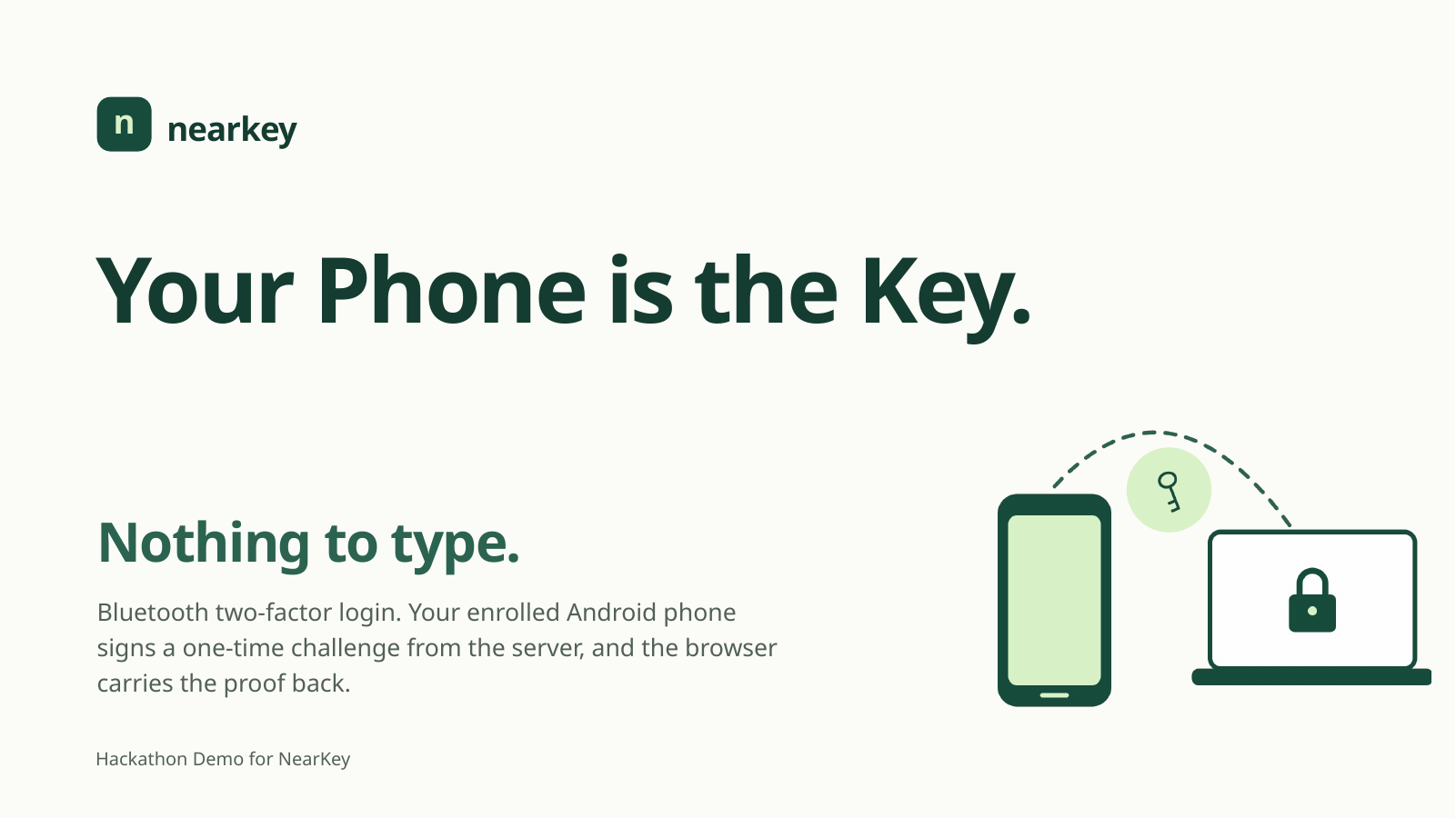
NearKey turns the phone you already carry into an automatic second factor.
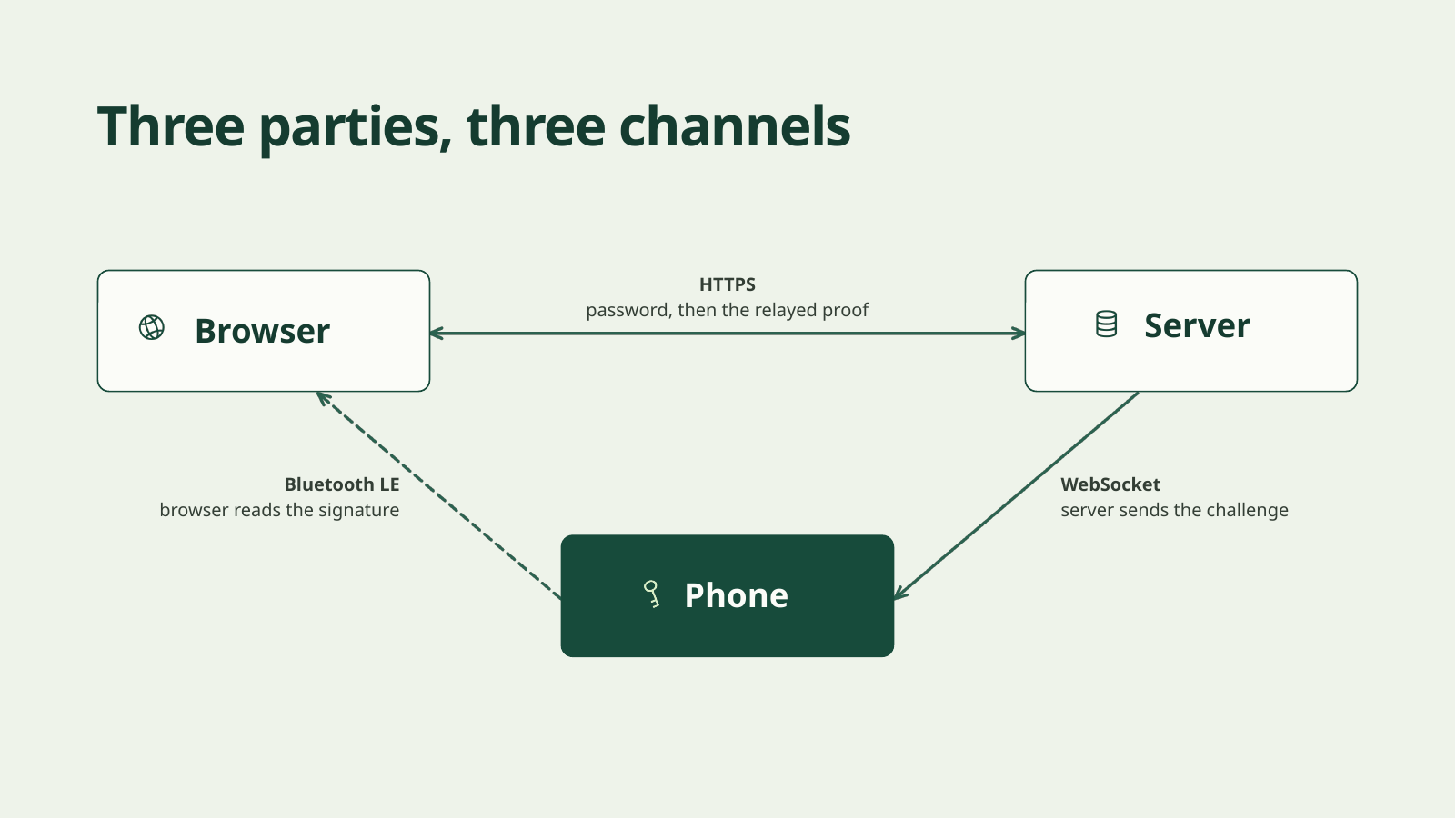
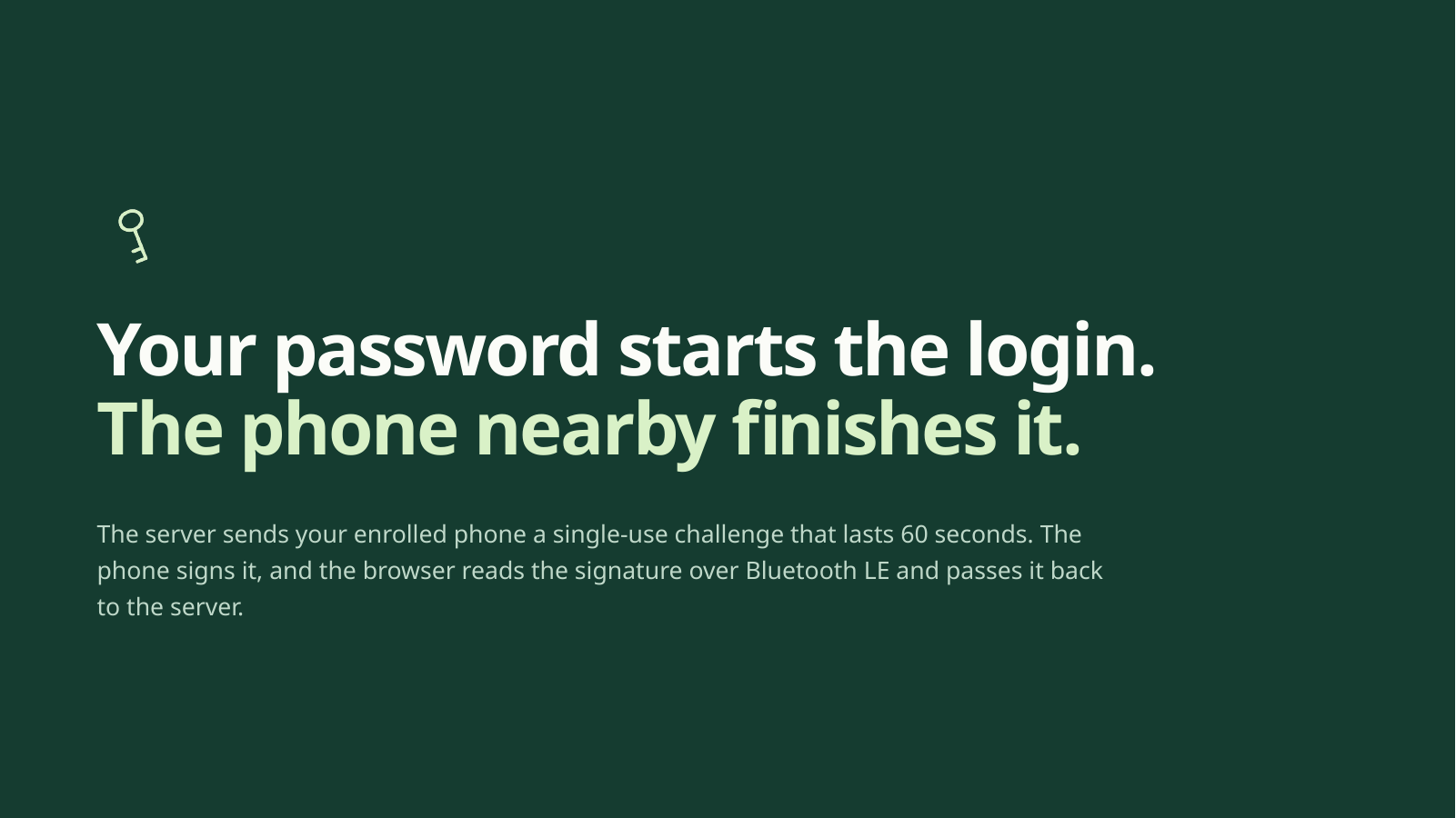
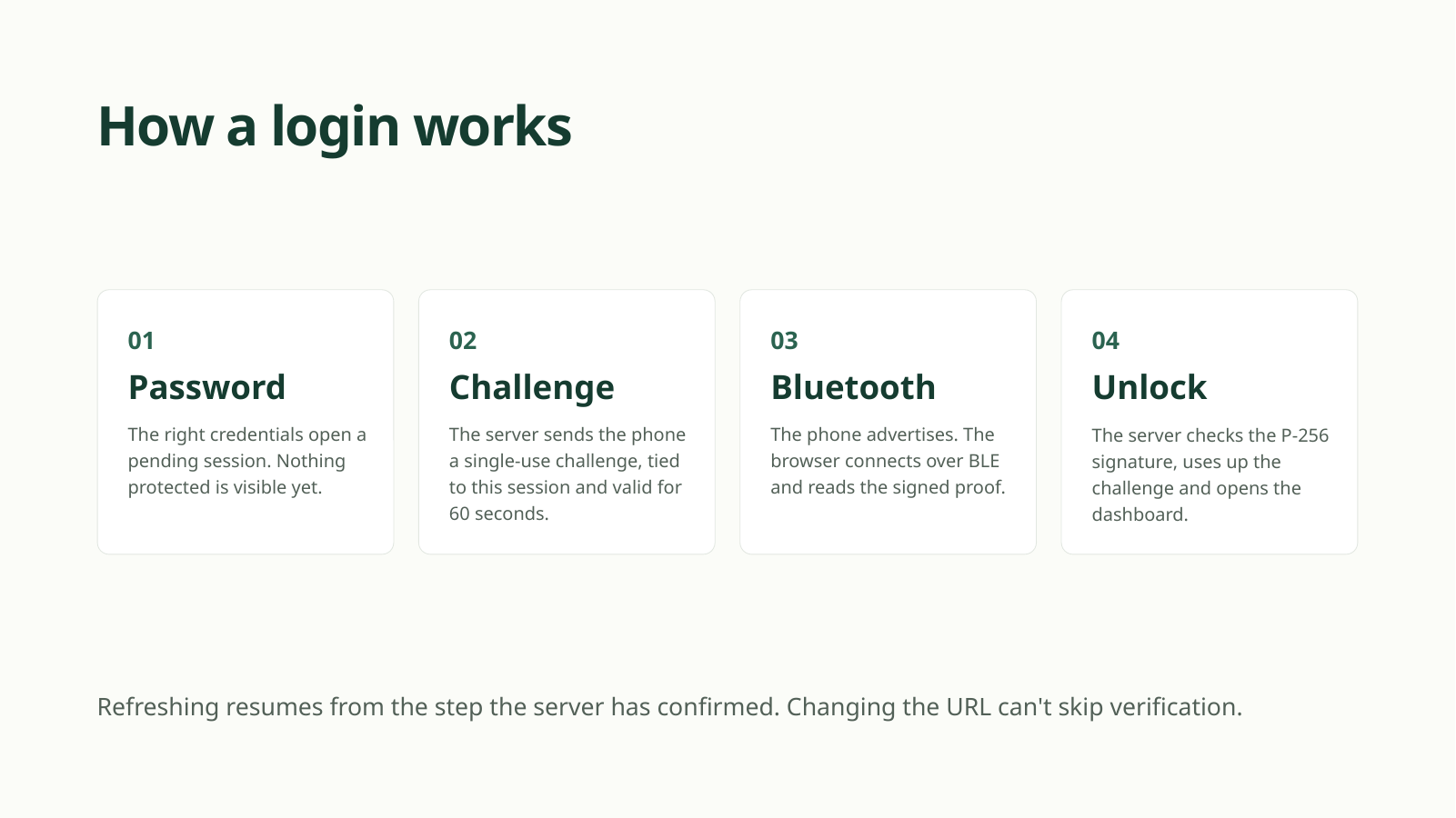
After you enter your password, the server creates a fresh login challenge. Your phone signs it, and your browser retrieves the proof over Bluetooth. Only after the server verifies that proof does the protected dashboard open.
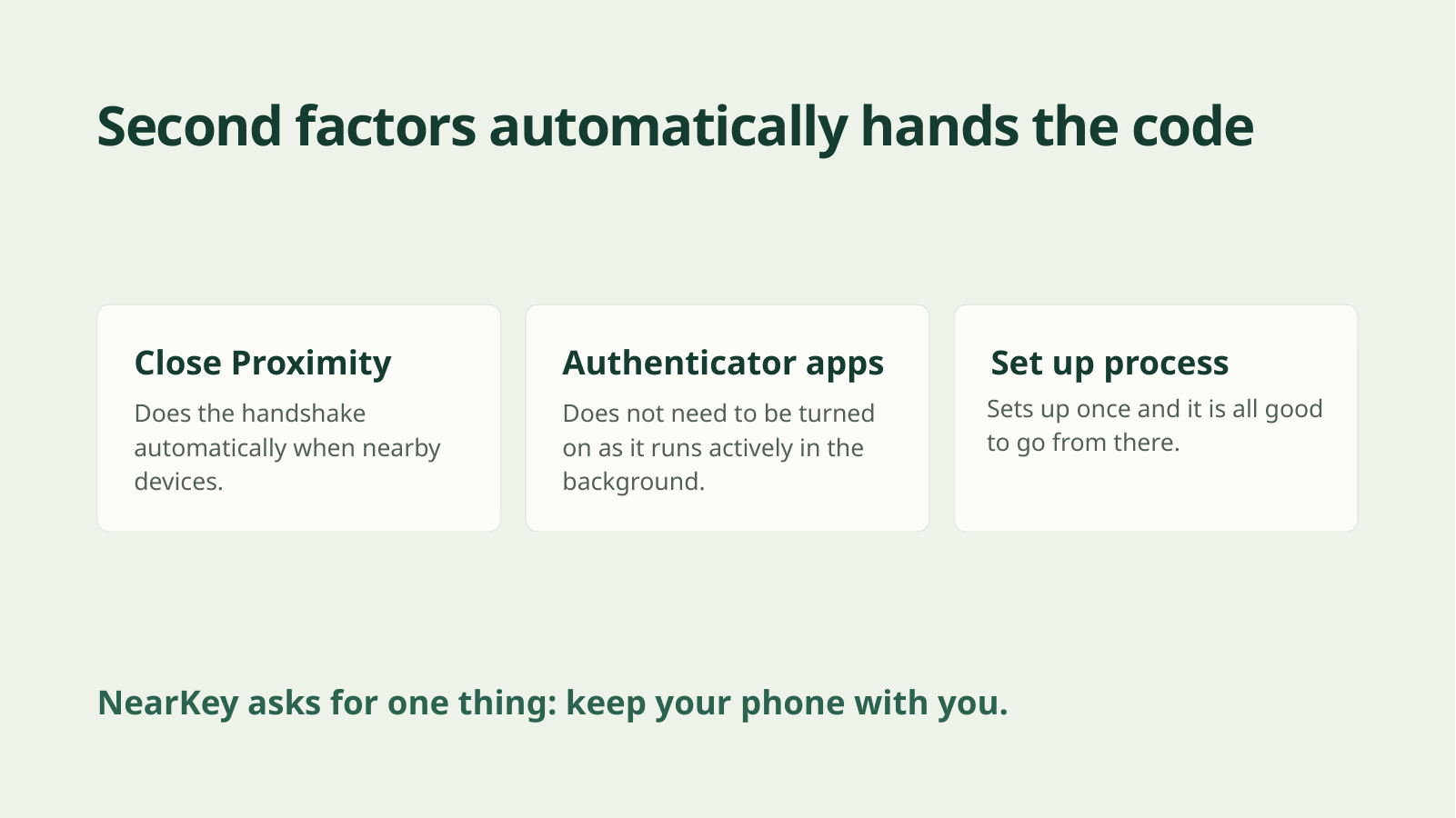
There is no login verification code to copy, memorize, or hand to a caller. After initial setup, the experience is designed to happen without switching apps or approving another notification. And, unlike other 2FA approaches, NearKey is seamless and doesn't require any technical expertise to use--just set it up, and passively protects you from scammers forever.
### How we built it
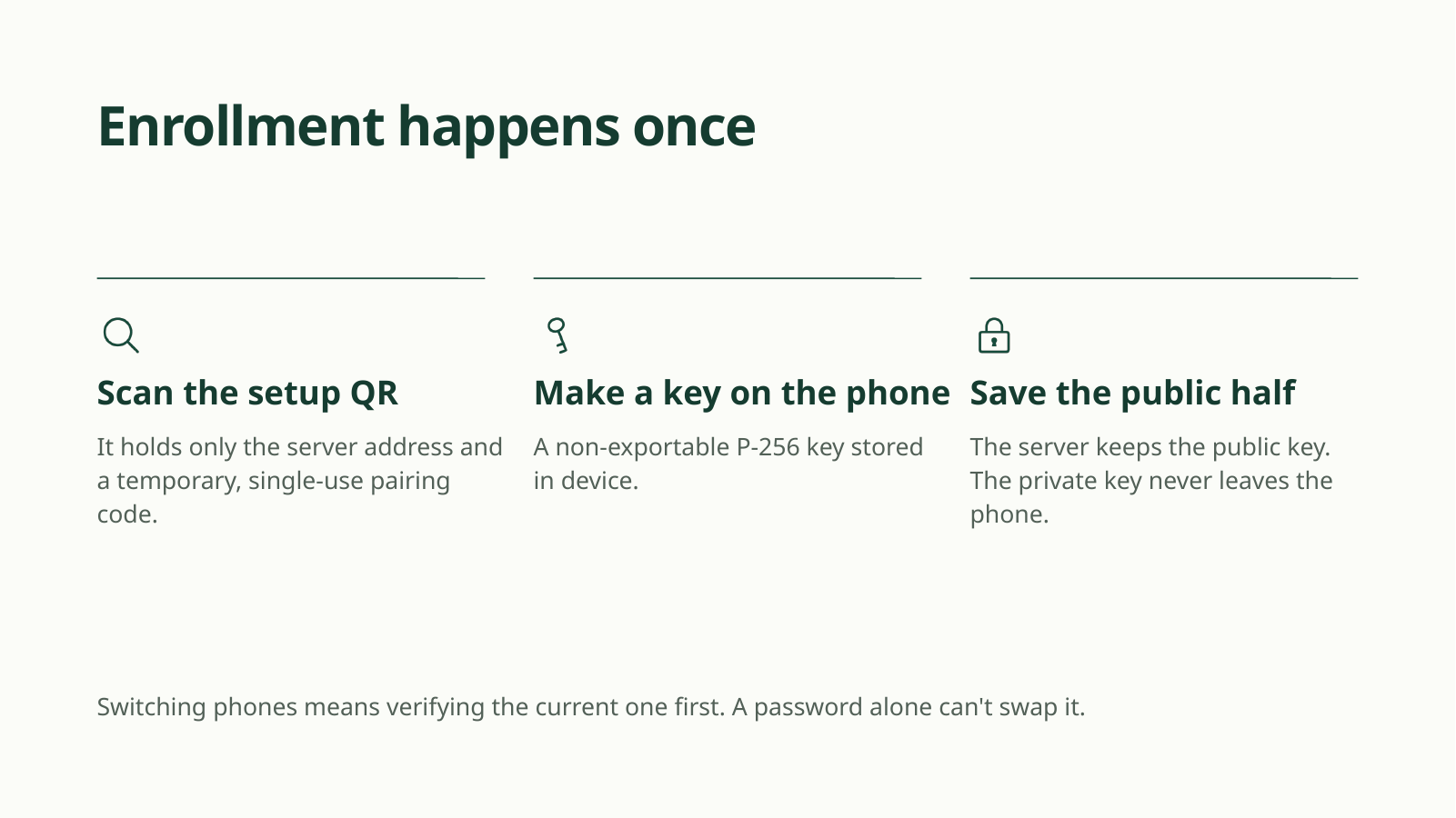
We connected a JavaScript web application and Node.js backend to a phone-based authenticator using Bluetooth Low Energy. The phone holds the signing key; the server verifies signatures against challenges that expire within 60 seconds and can be accepted only once.
We added QR enrollment, remembered browser permissions, background verification, and protected phone replacement. Hosted deployment uses Vercel and Redis-backed shared state.
### Challenges we ran into
Making authentication automatic meant coordinating browser permissions, Bluetooth connections, phone background behavior, and server state. Remembering a device was not enough—we also had to handle disconnects, expired challenges, and retries without weakening verification. We also had to put significant thought into the server/client flow and how the phone receives a challenge to send to the browser to work around browser security sandbox restrictions.
### Accomplishments and lessons
We built a working password-plus-phone authentication flow without transferable login codes.
Our biggest lesson: accessibility and security can reinforce each other. Removing a confusing interaction can also remove something scammers exploit.
NearKey does not eliminate every phishing attack: Bluetooth can be relayed, and automatic signatures do not prove user consent. Our contribution is narrower and concrete—removing the “tell me the code” mechanism, attacking the social engineering behind many scams and phishing attempts towards the elderly.
### What’s next
We want to test with older adults, improve mobile reliability, and explore explicit approval for sensitive actions. We also want to explore the possibilities of integrating NearKey passive phone authentication directly with a mobile banking app or other such services, completely eliminating the need for the user to go through a pairing process or even install any additional pieces of software entirely.


Log in or sign up for Devpost to join the conversation.