-
-
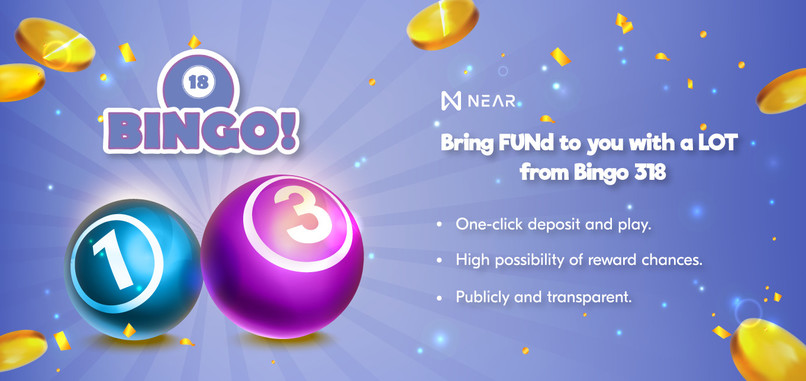
Banner Features
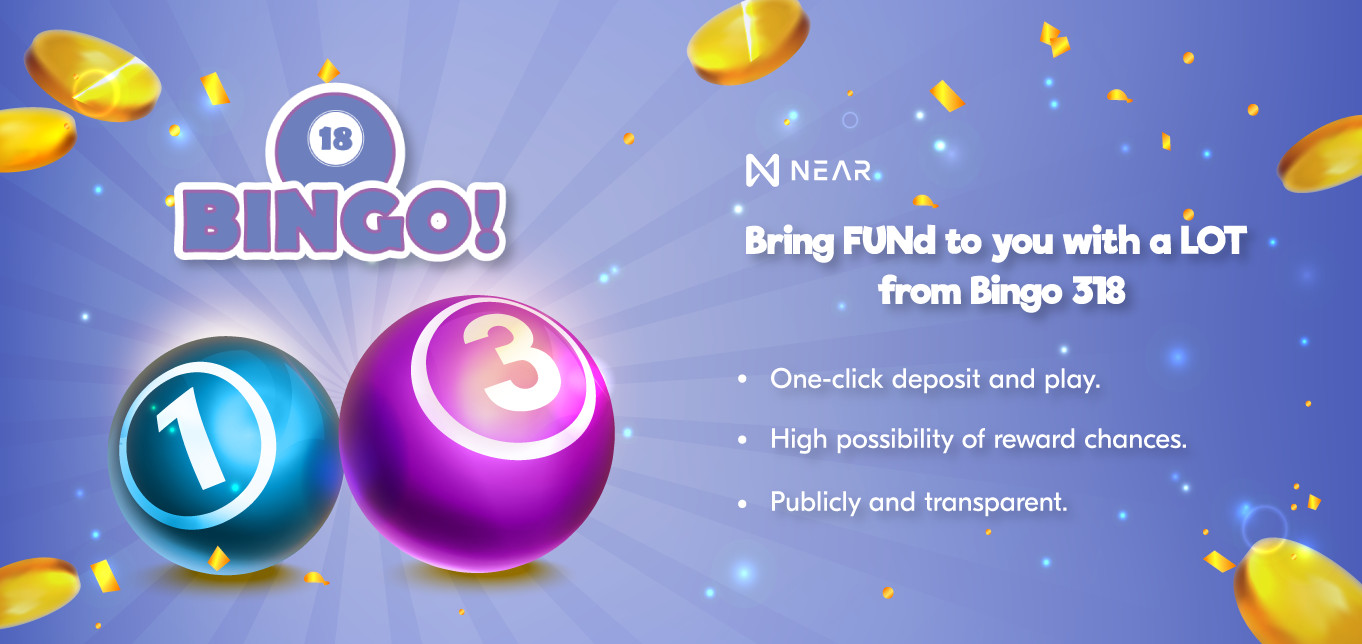
Inspiration
- Ideally, the lottery must be clear and transparent.
- We bring the Bingo 18 version on the chain.
- Simplify everything and increase the chance get the reward.
- High probability with the combination of 3 numbers of 1-digit one.
What it does
- Players will participate in the spins by choosing their desired number on the screen.
- The results will be generated randomly from "Smart Contract" on Blockchain (NEAR Network)
- Each round will take place within 10 minutes.
- There are 38 different winning and playing modes for players.
- At the end of the game session, the results will be notified and compared.
- Prizes are received almost immediately in the participant's wallet.
How we built it
- ReactJS (NextJS Framework)
- Near SDK, API JS, Link: https://docs.near.org/tools/near-sdk-js
- Near Wallet
- Bootstrap with CSS
- Support Responsiveness on Mobile.
- Vercel Hosting for dApp Static Site.
- Mob-X, Redux for State Management.
Challenges we ran into
- The documentation of Smart Contract in JS SDK is quite new, seem lack of material for developers.
- Recognized the limitation of the network for our next idea to reduce rounding time to less than 10 minutes.
- How it could be supported worldwide for massive users using in the future.
Accomplishments that we're proud of
- We are proud to finished creating an innovative dApp LOT on the chain.
- The MVP doesn't get plenty of time, to make it perfect, but it works.
What we learned
- We have learned mainly interacting with Smart Contract.
- And also how to deploy the Contract on NEAR Network.
What's next (Milestones)
- Q1-2023: Extend to complete remaining modes of Bingo-18 to bring 38 types live, roll-out to mainnet.
- Q2-2023: Support Cross-chain (eg: Chain-Link (VRF)) and multiple wallet.
- Q3-2023: Support others lottery mode, 2-digits type as Keno.
- Q4-2023: Support stable-coin, fiat currency and mobile applications.
Development Status
- Source Repo: https://github.com/hieple7985/near-318
Guidance
Roles
Player: Participants buy lottery tickets.
Features
- Wallet Connecting:
- On the Header, click the "Connect wallet" button.
- Select "Connect with NEAR"
- Select the wallet you want to connect to in the list, below the words "Connect your wallet".
- Select the wallet account you want to connect or create a new one.
- The text on the "Connect wallet" button will change to the name of the logged in wallet account.
- Buy Tickets:
- Go to the "Buy Ticket" section on the Header (or press the "Buy Ticket" button on the homepage).
- Pick up the number you want and click the "Order" button.
- Click the "Approve NEAR" button to confirm the money amount of the wallet will be deduced.
- Select the amount you want to bet (smaller than the available amount).
- Click the "Agree" button.
- Sign the transaction and wait for the result.
- In success, the app will redirect to the homepage, and under the "NEXT DRAW" section will display the number of tickets purchased.
Notice: The time limit for purchasing a ticket per round is less than 1 minute.
Result validating and get rewards:
- On the homepage, at the "Winning Numbers" section, switch to the "Your History" tab.
- A list of rounds participated with the number of winning tickets will be displayed.
- Press the ">" arrow button to open the details of a joined match.
- If the player has a winning number, click the "Request Prize" button to claim the reward.
- In success, the "Request Prize" button will change to "Claimed".
Built With
- figma
- near
- near-api
- near-sdk-js
- react


Log in or sign up for Devpost to join the conversation.