Inspiration
My inspiration for Nayan came from observing how technology and AI have become essential parts of our everyday lives, transforming the way we learn and access information. However, as I worked through the hackathon prompt, it struck me that not everyone benefits equally from these advancements. Visually impaired individuals, who traditionally relied on braille to read and learn, now face new challenges as more study materials move online. I wanted to address this gap by creating a platform, Nayan, that allows them to listen to their notes in an easy, accessible way.
What it does
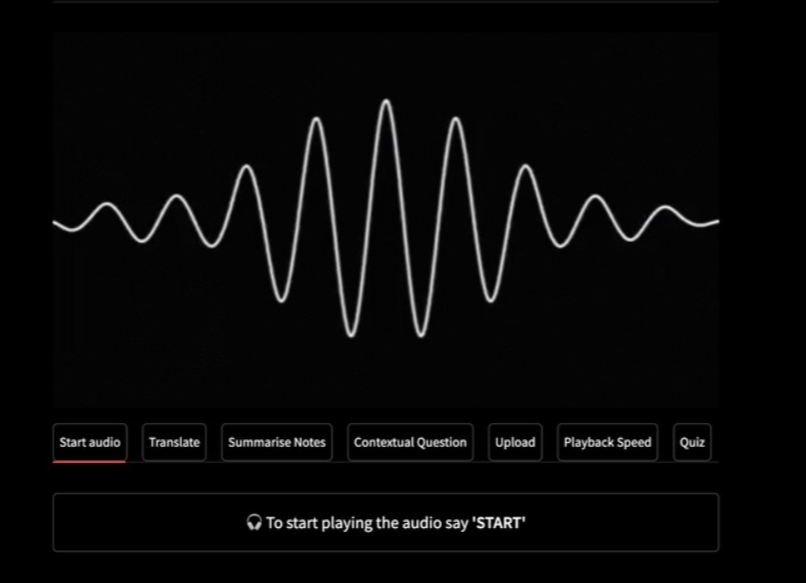
Nayan is a website designed to make learning easier for visually impaired users. It offers an interface tailored to their needs, enhancing their educational experience. With Nayan, users can listen to their notes, adjust the audio speed to suit their comfort, translate content between languages, ask questions to AI in real time, generate quizzes for active recall, and even get quick summaries for last-minute revision—all without the need for visual interaction.
Using Nayan is straightforward. Users just press the space bar, speak a voice command, and interact with the platform easily. I chose the space bar because it’s easy to locate without needing to see the keyboard. When users open Nayan, they are introduced to the available voice commands, allowing them to explore all features effortlessly and make the most of their learning.
How I built it
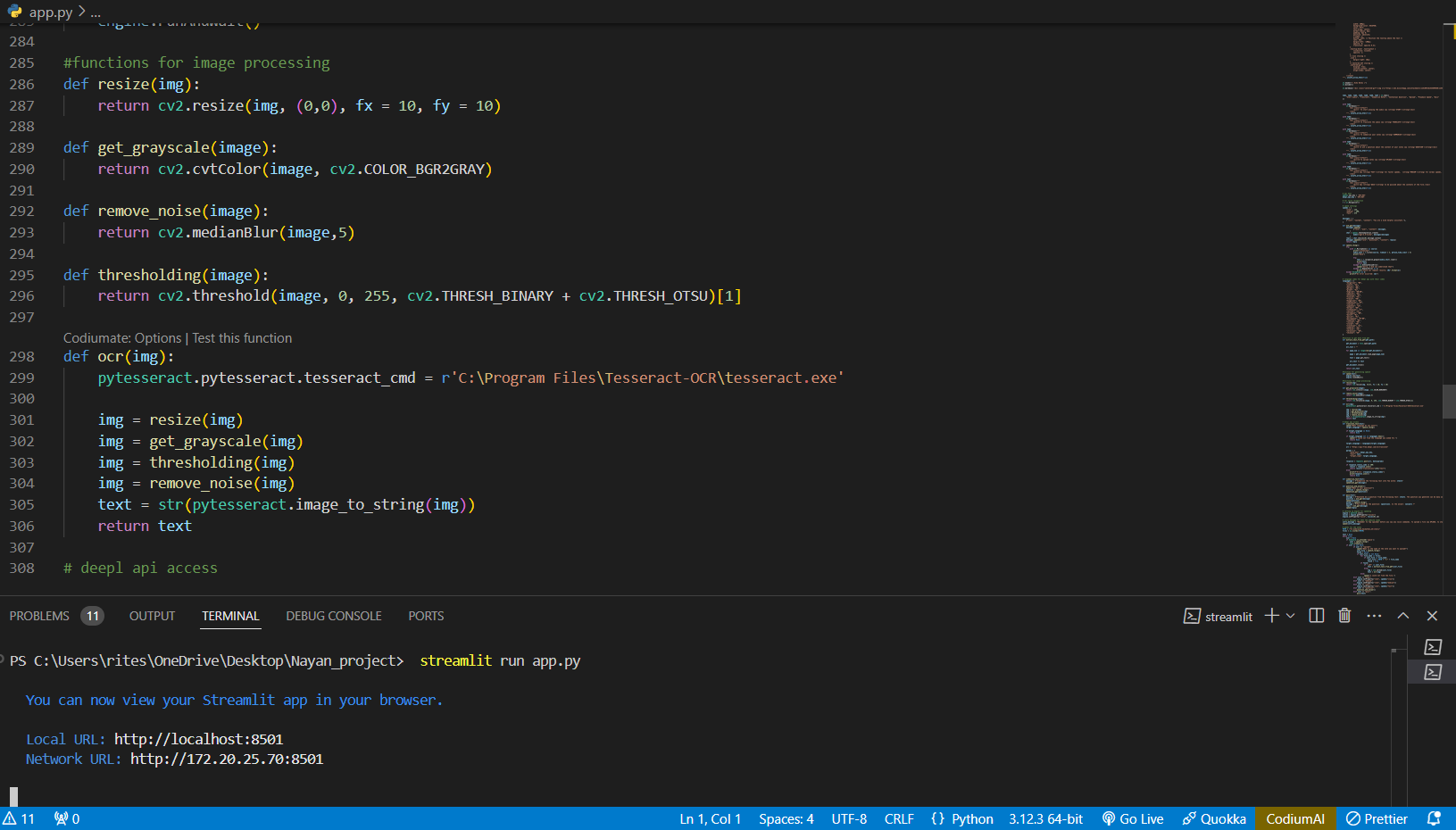
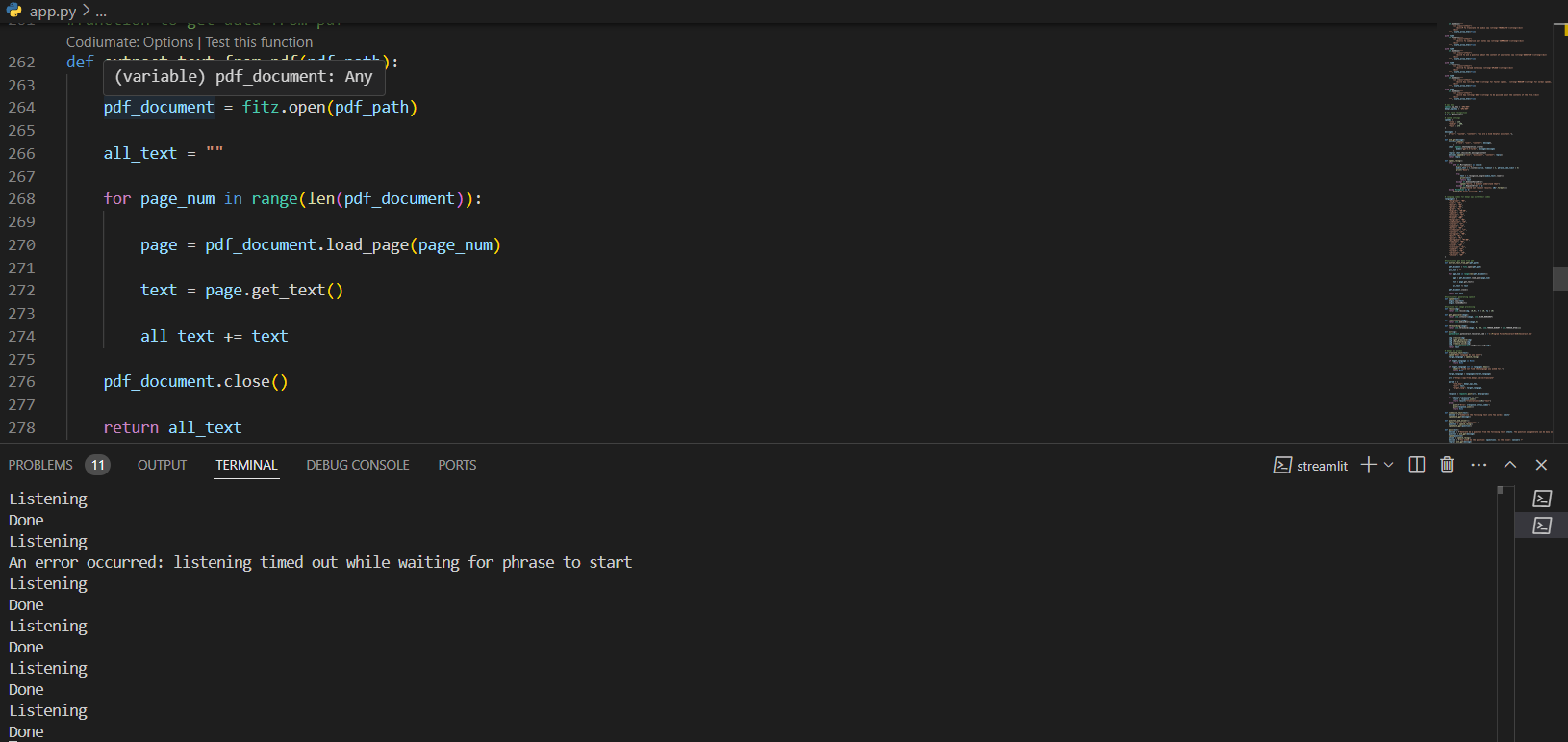
I built Nayan using Python with Streamlit to create a web-based application. To provide features like translation, quiz generation, answering questions, and summaries, I integrated the ChatGPT API and DeepL API. I also used other tools, including speech_recognition for voice commands and pytesseract for OCR, allowing me to convert images into text.
Challenges I ran into
The journey of building Nayan wasn't without challenges. Finding reliable tools for voice recognition and implementing OCR to convert images into readable text was tricky at first. I also faced some hurdles during the ideation phase, as I wanted to ensure each feature I envisioned was functional and beneficial for my users. It took a lot of brainstorming, but I was determined to create something truly impactful.
Accomplishments that I'm proud of
I’m incredibly proud of how Nayan turned out. Successfully implementing all the features I aimed for was a huge achievement. The voice recognition works exceptionally well, and integrating OpenAI and DeepL APIs added a lot of value to the platform. Most importantly, I’m proud of how accessible I’ve made Nayan—visually impaired users can now activate voice commands just by pressing the space bar, without needing any outside help.
What I learned
Working on Nayan taught me a lot. It was my first time using the ChatGPT API and DeepL API, and I had to figure out how to implement them effectively. Voice recognition was also new to me, and it was challenging but rewarding to learn how to make it work smoothly. This project gave me a deeper understanding of accessibility and how to create tools that can truly make a difference.
What's next for Nayan
Moving forward, I want to make Nayan even more useful. One of my goals is to add a feature that lets users navigate to specific sections of their notes, giving them more control and flexibility. I also want to allow users to edit their notes using voice commands, further enhancing interactivity. Finally, I plan to extend Nayan's compatibility to different devices, including iPhones, iPads, and Android devices, so more people can benefit from it.
Built With
- cv2
- deepl-api
- openai
- pytesseract
- python
- pyttsx3
- streamlit


Log in or sign up for Devpost to join the conversation.