-
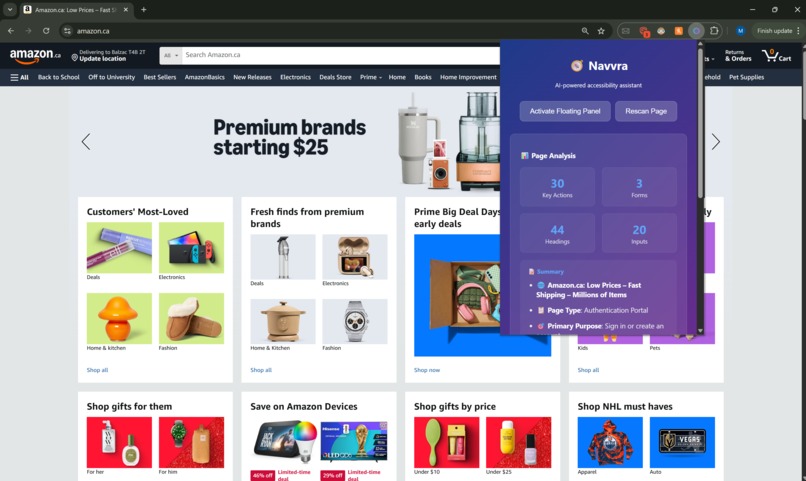
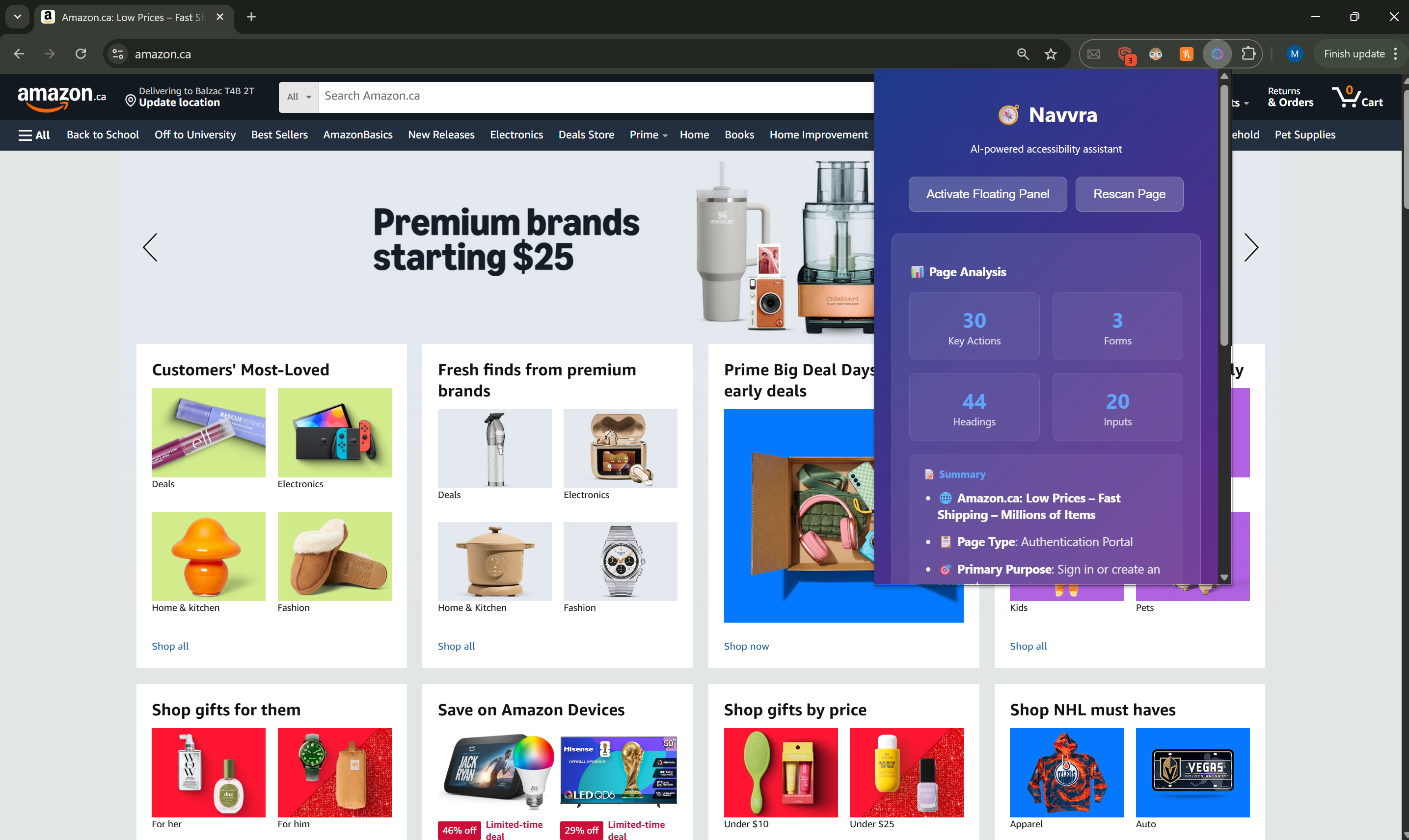
Navvra used on the Amazon.ca home page. Shows page analytics and AI-generated summary.
-
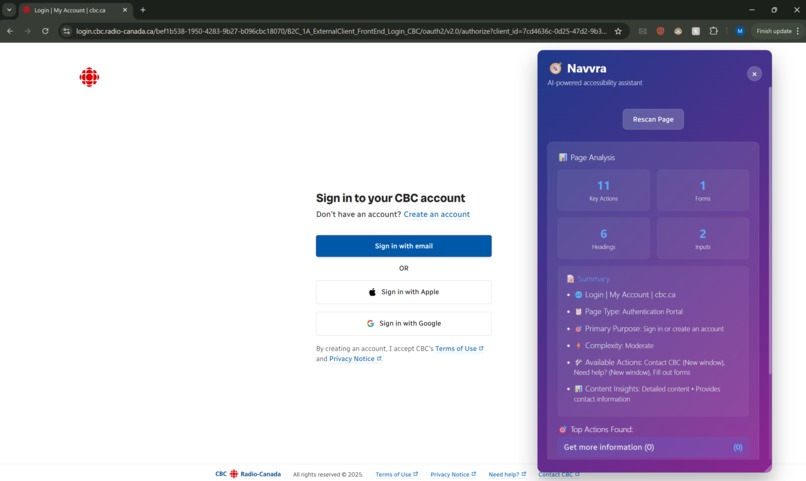
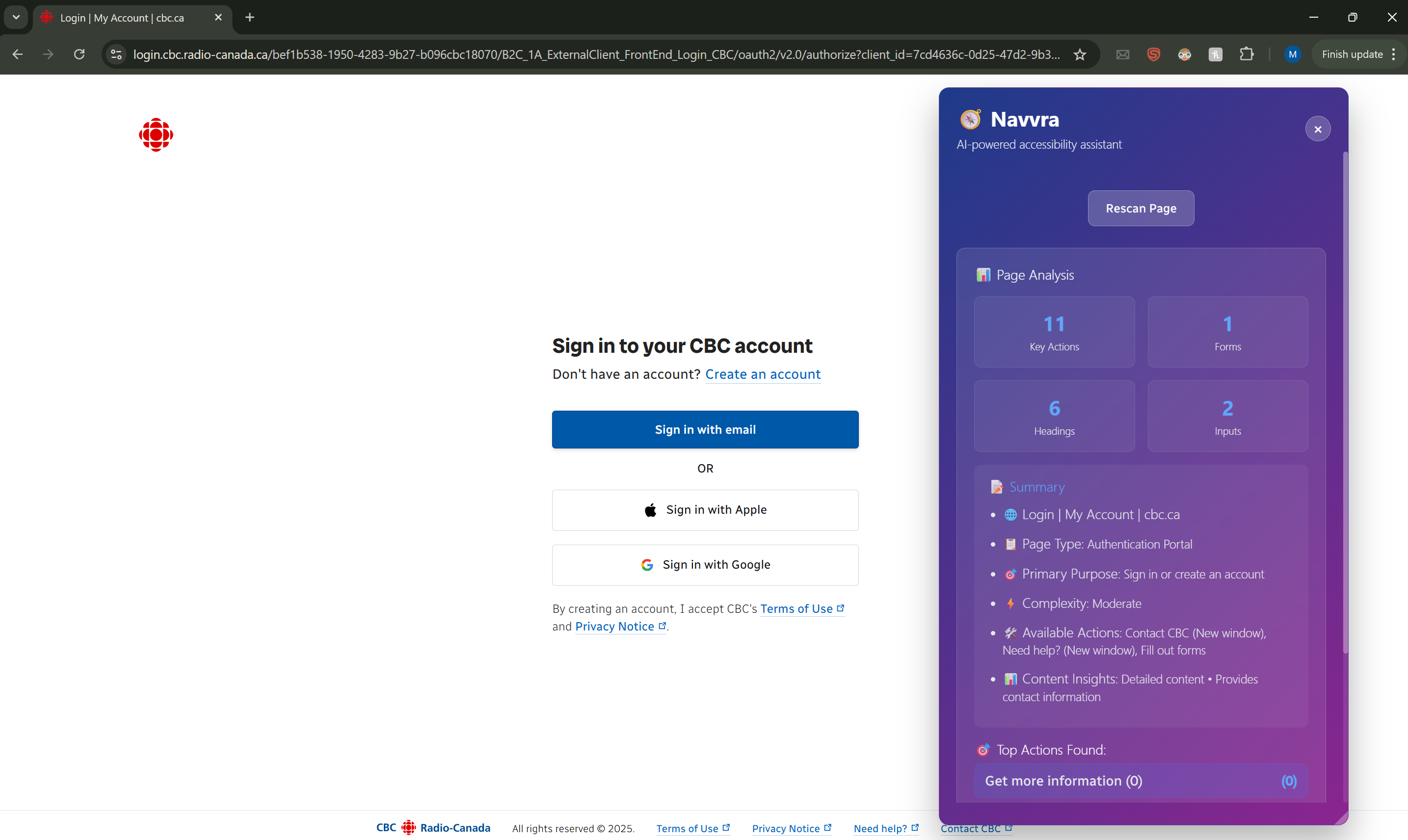
Navvra Floating Panel used on the CBC sign in page. Clearly shows page purpose and relevant actions.
Inspiration
We were inspired by watching less tech-savvy family members struggle with modern websites. My grandmother couldn't find the "checkout" button on shopping sites. A friend with ADHD would get overwhelmed by news sites with endless pop-ups and sidebars. Existing accessibility tools only changed colors or text size. They didn't solve the fundamental problem of structural complexity.
The insight came from realizing that most interactive elements have low importance, but a few critical actions (login, checkout, submit, etc.) carry disproportionate weight. Traditional tools treat all elements equally, while Navvra identifies and surfaces these high-value actions.
What it does
Navvra simplifies webpages in real-time using AI-powered analysis. It scans the DOM, classifies elements by importance, and presents a clean, adaptive interface that puts users in control. The floating panel shows:
- 🎯 Priority Actions: Login, checkout, submit buttons surfaced instantly
- 🧭 Smart Navigation: Jump to key content sections
- 📝 AI Summaries: Context-aware page overviews
- 🎨 Adaptive Modes: Focus, Task, and Content views
Unlike reader modes that just strip content, Navvra maintains full functionality while reducing cognitive load.
How we built it
Architecture:
Frontend Layer: Chrome Extension (Manifest V3) + React Popup
└── Content Script Layer: DOM Analysis + Element Classification
    └── AI Service Layer: Rule-based ML + Gemini API ready
        └── Injection Layer: Floating Panel + Real-time Updates
Technical Implementation:
DOM Analysis Engine: Real-time element scanning with priority scoring
Classification System: Multi-category AI classification (primary-action, navigation, content, noise)
Element Mapping: Bidirectional connection between panel buttons and actual DOM elements
Message Passing: Chrome runtime API for cross-component communication
The classification algorithm uses feature weighting:
$$Score = \sum^{n}_{i=1} w_i\cdot f_i$$
Where $$w_i$$ represents weights for text content, element type, visibility, and dimensions.
Challenges we ran into
DOM Element Stability: Dynamic pages would change between scan and click
- Solution: Real-time element mapping with mutation observers
Cross-site Compatibility: Different frameworks (React, Angular, vanilla JS) required adaptive parsing
- Solution: Framework-agnostic element detection using multiple selectors
Performance vs. Accuracy: Comprehensive scanning slowed down complex pages
- Solution: Lazy loading and progressive enhancement
AI Integration Timing: External API delays disrupted user experience
- Solution: Hybrid approach with rule-based fallbacks
Accomplishments that we're proud of
Real Impact: Built something that genuinely helps people with cognitive accessibility needs
Technical Innovation: Created a working DOM reconstruction system in 36 hours
AI Integration: Successfully implemented both rule-based and ready-to-scale AI classification
User Experience: Designed an intuitive interface that requires zero learning curve
Performance: Achieved sub-100ms panel injection on most websites
What we learned
Technical Insights:
- Chrome extension messaging requires careful async handling
- DOM manipulation has subtle cross-browser implications
- AI classification works best as enhancement, not replacement for rules
Accessibility Learnings:
- Structural simplicity matters as much as visual accessibility
- Different user groups need different types of simplification
- Real user testing reveals needs that metrics don't capture
Team Growth:
- Balancing ambitious vision with hackathon constraints
- Dividing complex problems into parallel workstreams
- The importance of rapid prototyping and user feedback
What's next for Navvra: AI-Powered Accessibility Assistant
Short-term (1-3 months):
- Gemini API integration for enhanced classification
- User preference system and presets
- Expanded browser support (Firefox, Edge)
Medium-term (3-6 months):
- Mobile browser compatibility
- Advanced struggle detection using behavioral analysis
- Community-driven element classification rules
Long-term Vision:
- Personalized adaptation learning from user patterns
- Enterprise version for internal business applications
- Integration with educational platforms and LMS systems
We're excited to continue developing Navvra into a comprehensive accessibility platform that makes the web truly usable for everyone.


Log in or sign up for Devpost to join the conversation.