-
-
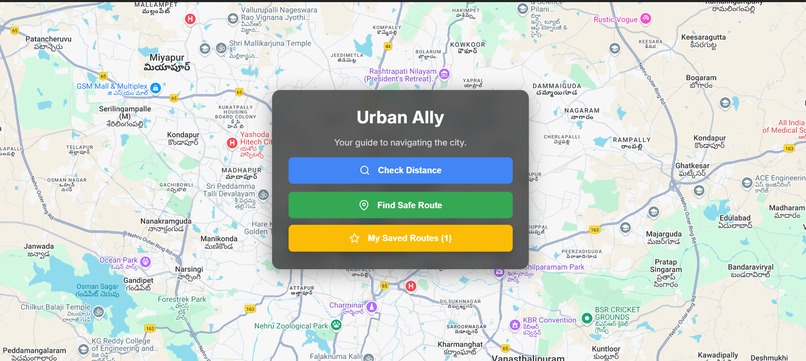
MapPage
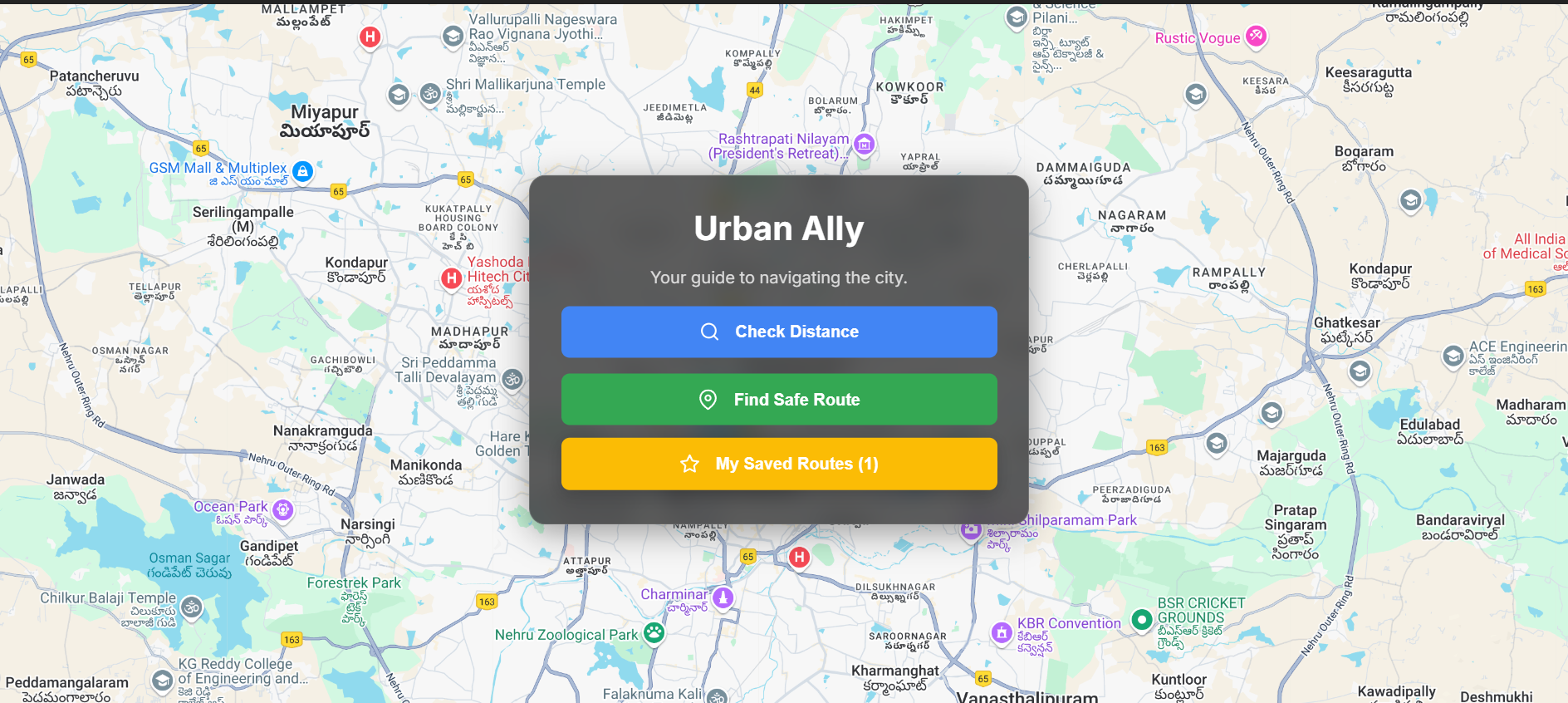
Every day, millions of people walk or bike through unfamiliar neighborhoods — students heading to late classes, solo travelers exploring new cities, or night-shift workers commuting home. Traditional navigation apps prioritize the shortest or fastest route, but they don't consider safety. That’s what inspired PathGuard — a navigation tool that helps users find routes that prioritize personal safety. PathGuard uses real-time mapping powered by Google Maps Platform APIs and overlays public safety data to help users avoid areas with high crime rates. We also highlight nearby safe zones such as police stations or well-lit 24/7 establishments.
Inspiration This project was inspired by: ->Personal experiences walking in poorly lit or unsafe areas late at night Stories of women and travelers using “safe route” communities to avoid dangerous zones The potential of geospatial intelligence to improve everyday lives, beyond just directions
What I Learned Deep integration of multiple Google Maps Platform APIs (Directions, Places, and Heatmap Layer)
How to visualize risk data effectively on maps
How UI/UX choices (like heatmaps, route highlighting) directly impact user trust and decision-making
How I Built It Started with a basic Google Maps integration using @react-google-maps/api
Added DirectionsRenderer to plot routes
Overlaid HeatmapLayer with simulated crime data
Used the Places API to identify nearby safe locations like police stations
Created an interactive UI in React with a clean, mobile-first layout
Deployed with Vercel for instant accessibility
Challenges Faced Balancing route optimization with safety metrics
Integrating heatmap data from external (or simulated) datasets
Managing API quota while testing frequently
Creating a demo-ready version with limited real-world datasets but still conveying the concept clearly.

Log in or sign up for Devpost to join the conversation.