Inspiration
A smartphone is supposed to make life easier, yet completing a simple task can mean navigating multiple screens, remembering a long sequence of steps, finding small buttons, and recovering when an app behaves unexpectedly. For people with motor, visual, cognitive, or accessibility-related challenges, these everyday interactions can become real barriers.
I asked a simple question: What if you could teach your phone a task once and ask it to do it again whenever you need it?
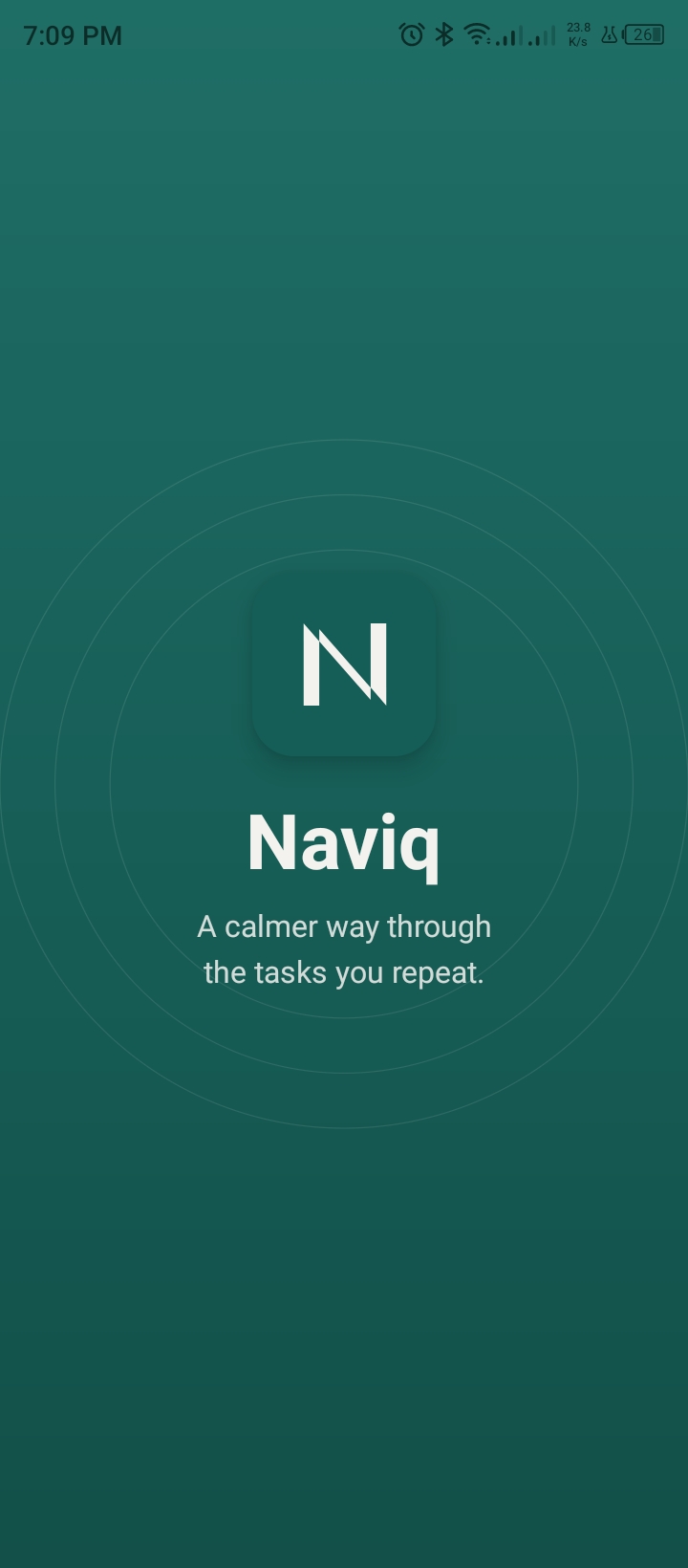
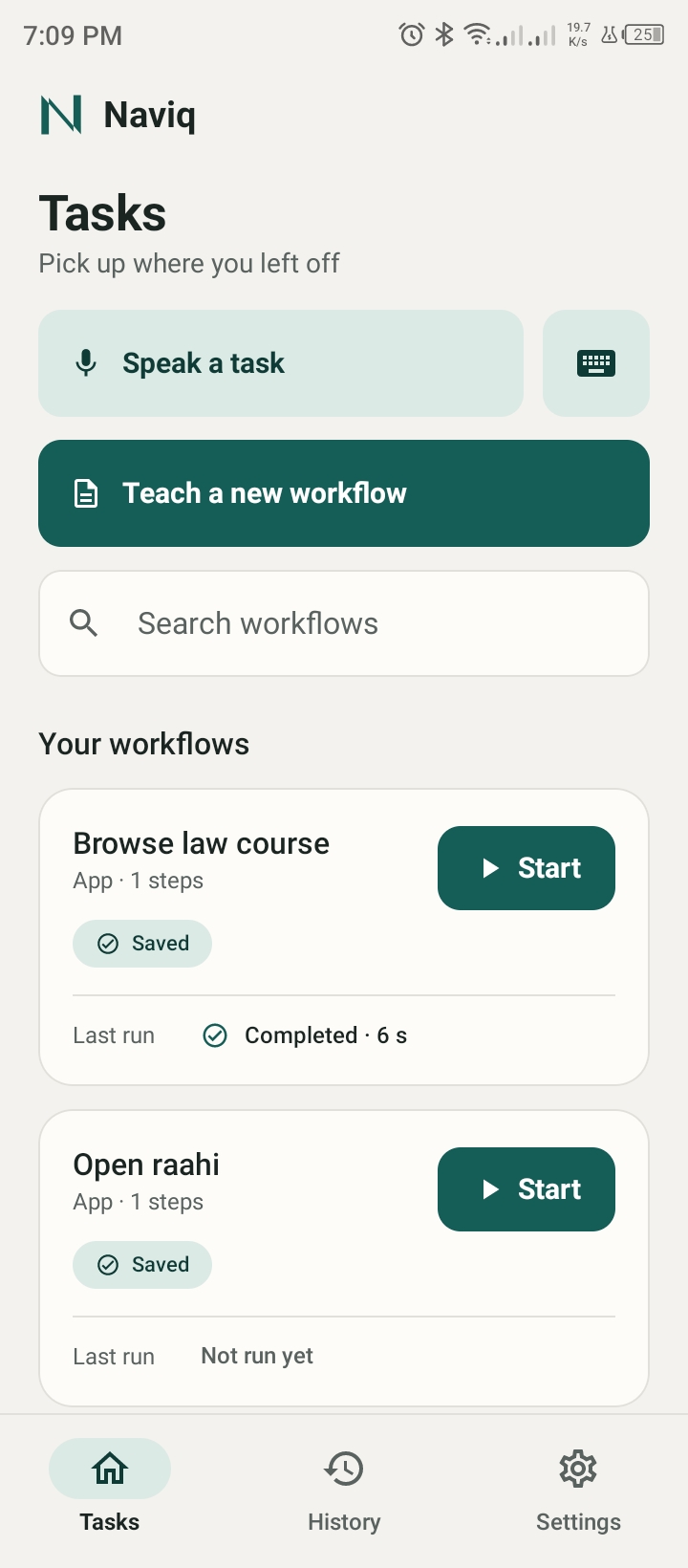
That question inspired Naviq—a voice-driven Android assistant that learns reusable workflows from a user's own demonstration. Instead of requiring users to create automation scripts or repeat every step manually, Naviq turns a demonstrated task into a workflow they can launch again using natural language.
The User and the Barrier
Intended user: Someone with a motor, visual, or cognitive challenge, or anyone who finds multi-step phone tasks tiring, who repeats the same routine in the same apps (for example, opening an online course, joining a class, or checking a submission page).
The barrier: Every repetition demands the same long chain of precise taps through small buttons and changing screens. If a popup appears or a layout shifts, the person has to recover on their own. Existing automation tools often require writing scripts, which leaves these users behind.
The change: Instead of tapping through six screens every time, the user teaches the task once by doing it, then says something like "Open my course." Naviq repeats the workflow while showing every step, and the user stays in control the whole time.
What Makes Naviq Different?
Naviq is not designed to blindly replay taps. It is built around a more important principle: automation should remain understandable, verifiable, and under the user's control.
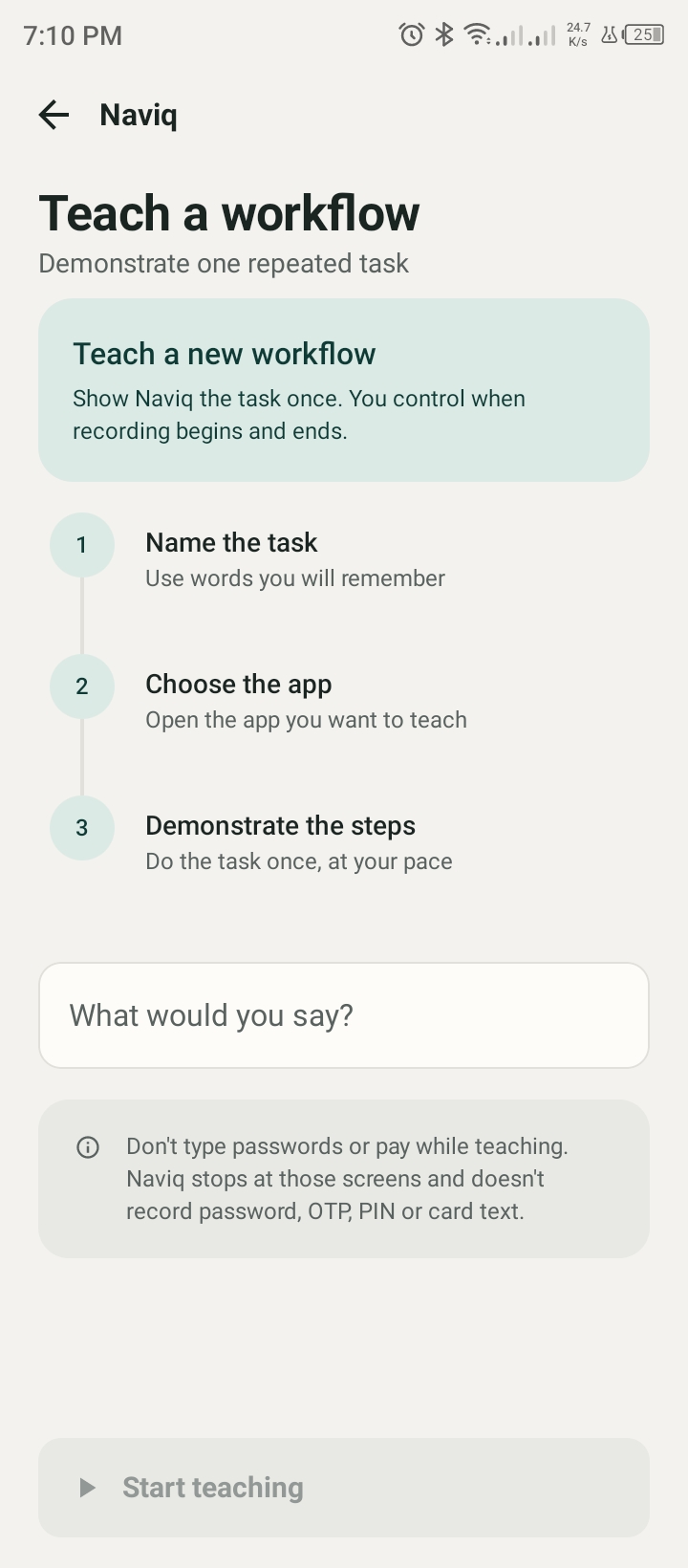
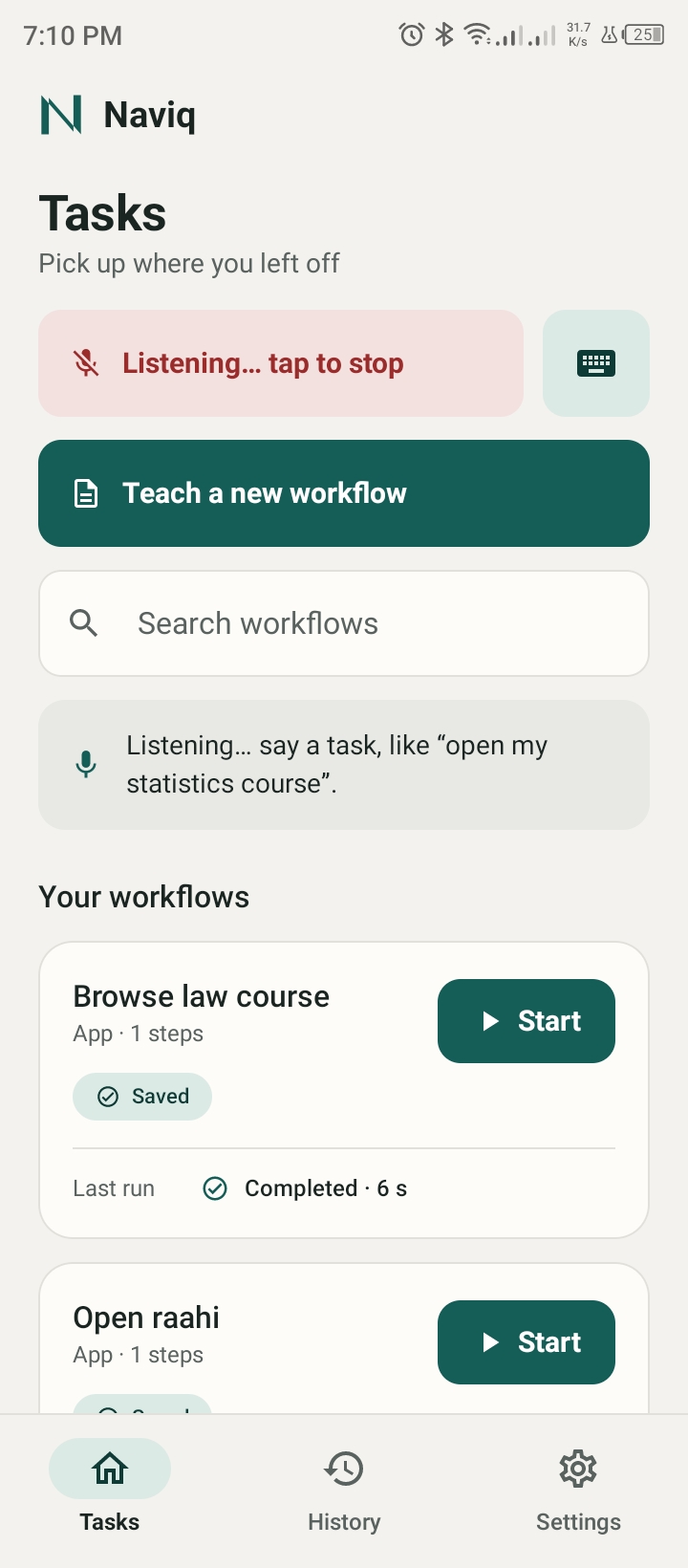
- Teach once, reuse anytime: Demonstrate a task, save it as a reusable workflow, and launch it later with a voice command such as "Open my course."
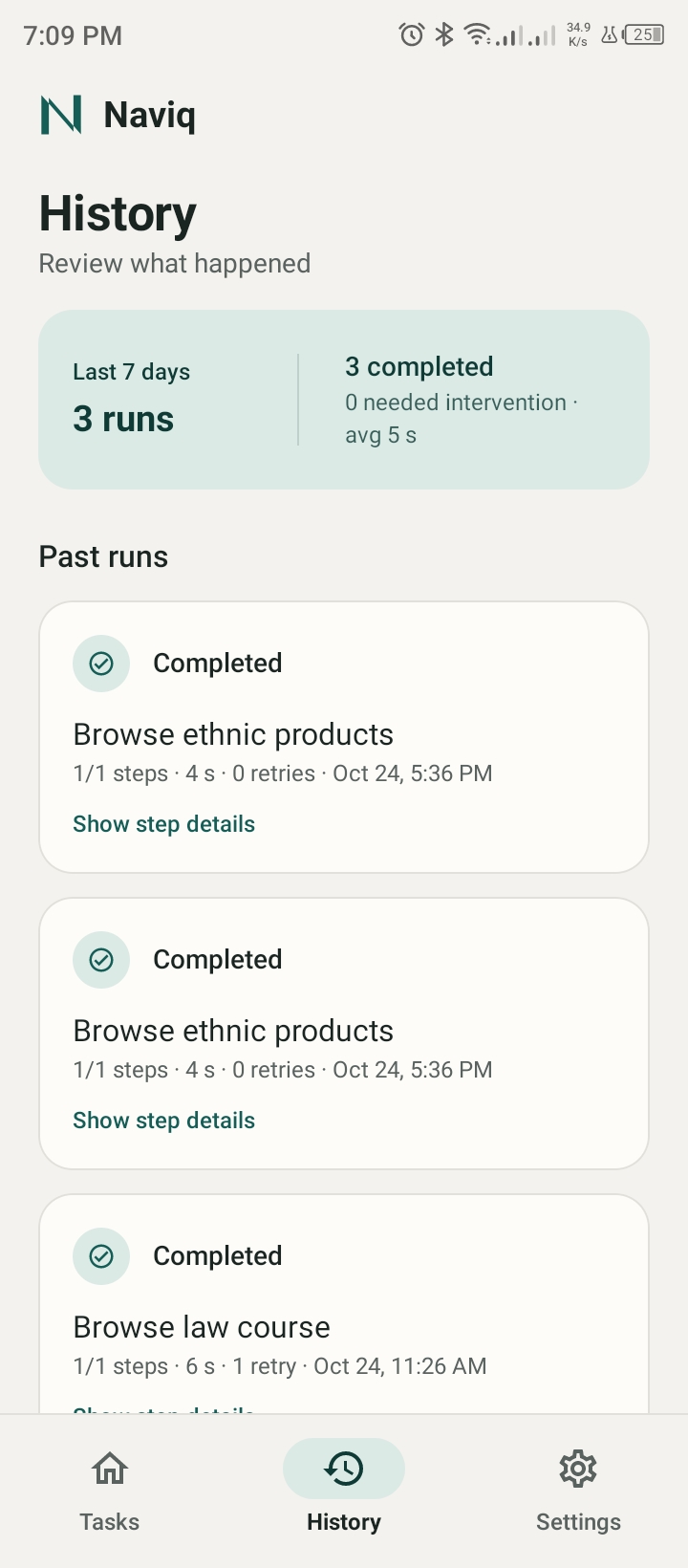
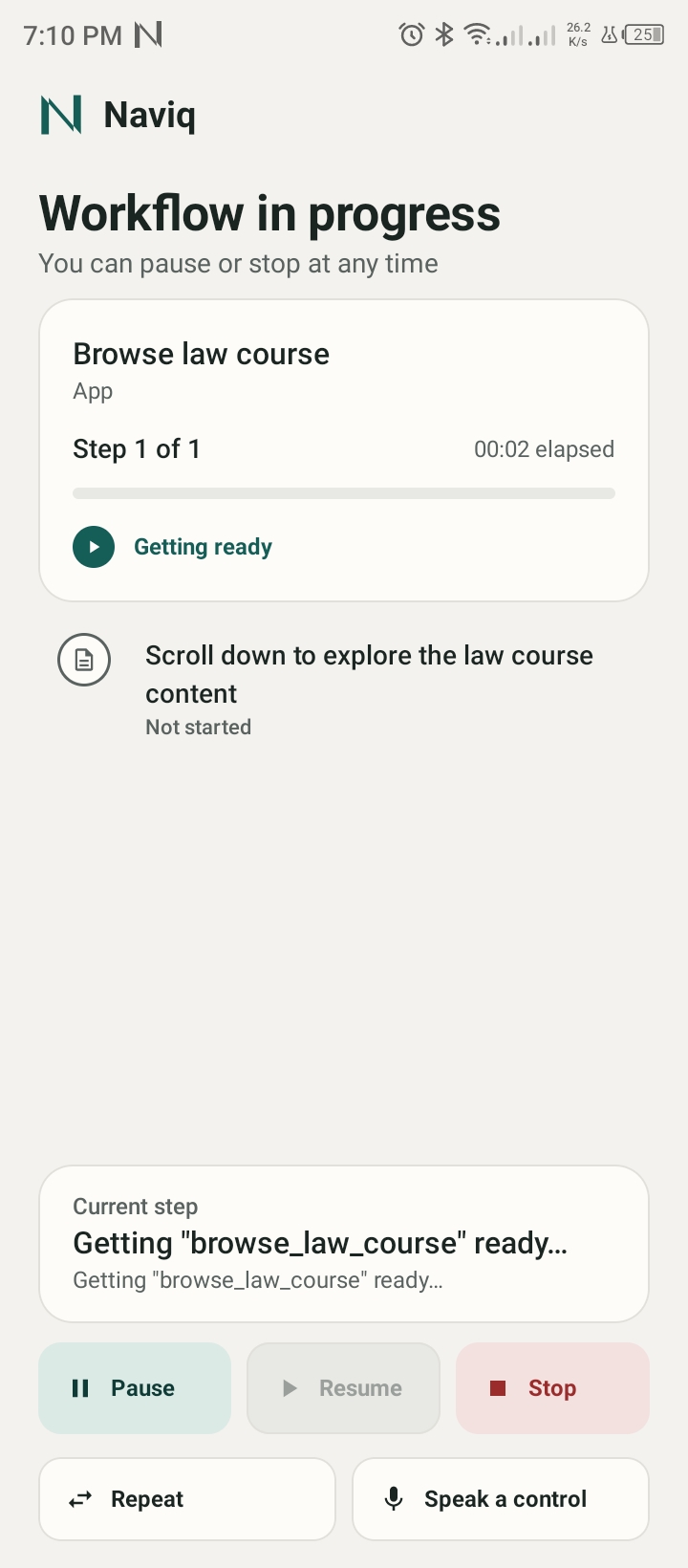
- Follow every step: A live timeline shows what Naviq is doing, so users are not left wondering whether the task is progressing.
- Recover instead of blindly repeating: When an unexpected screen or popup interrupts a workflow, Naviq can attempt bounded recovery actions. If it cannot proceed safely, it pauses and explains the problem.
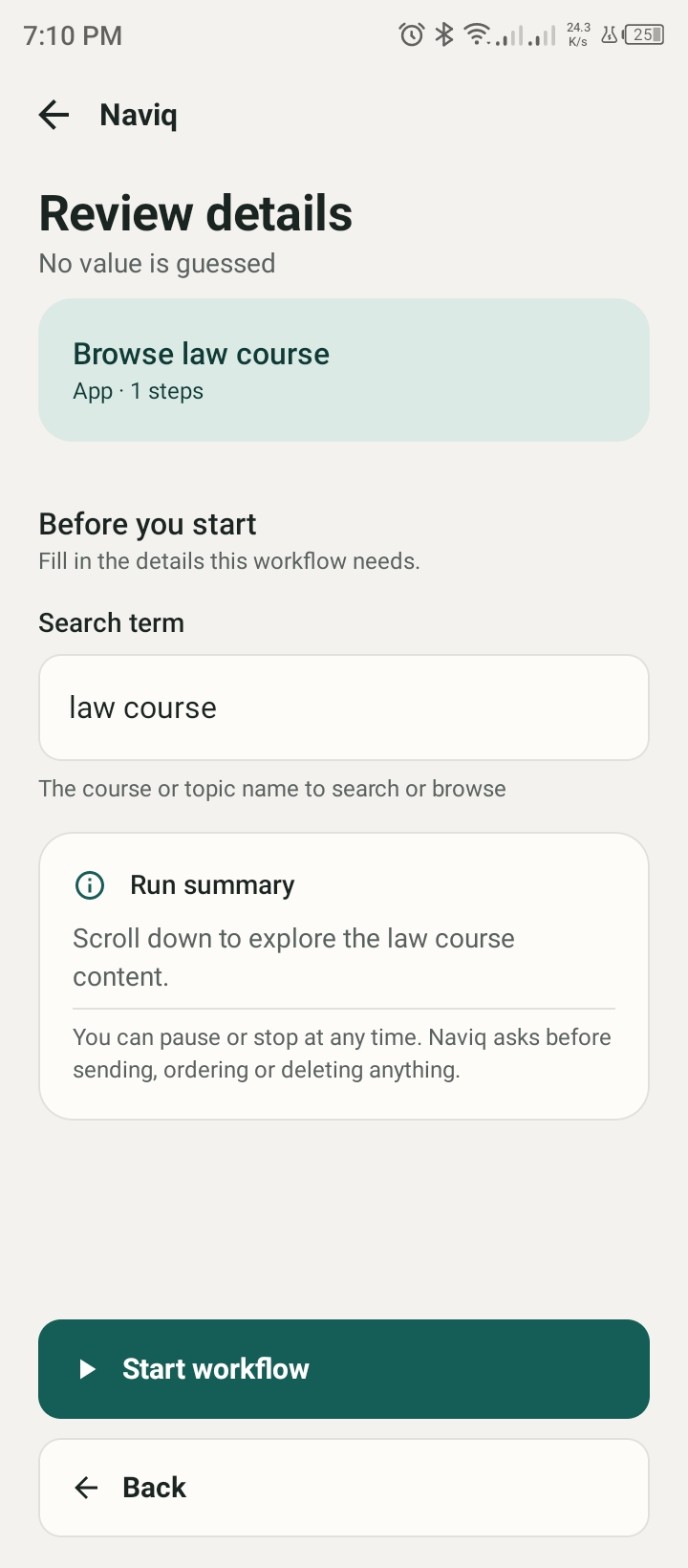
- Keep the user in control: Users can pause, resume, stop, or take over. Consequential actions such as sending, submitting, deleting, or publishing require explicit confirmation.
- Respect sensitive boundaries: Naviq hands control back at password and payment screens instead of attempting to handle those interactions automatically.
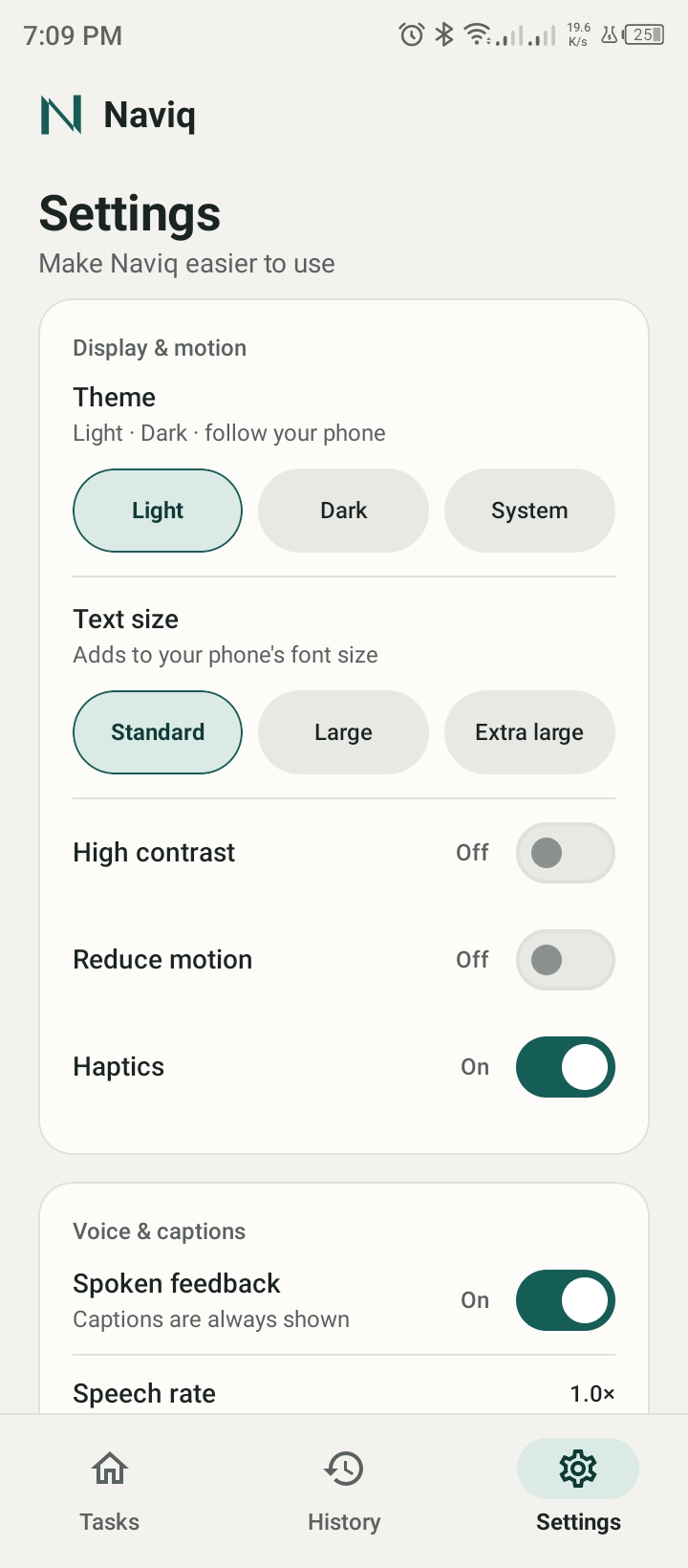
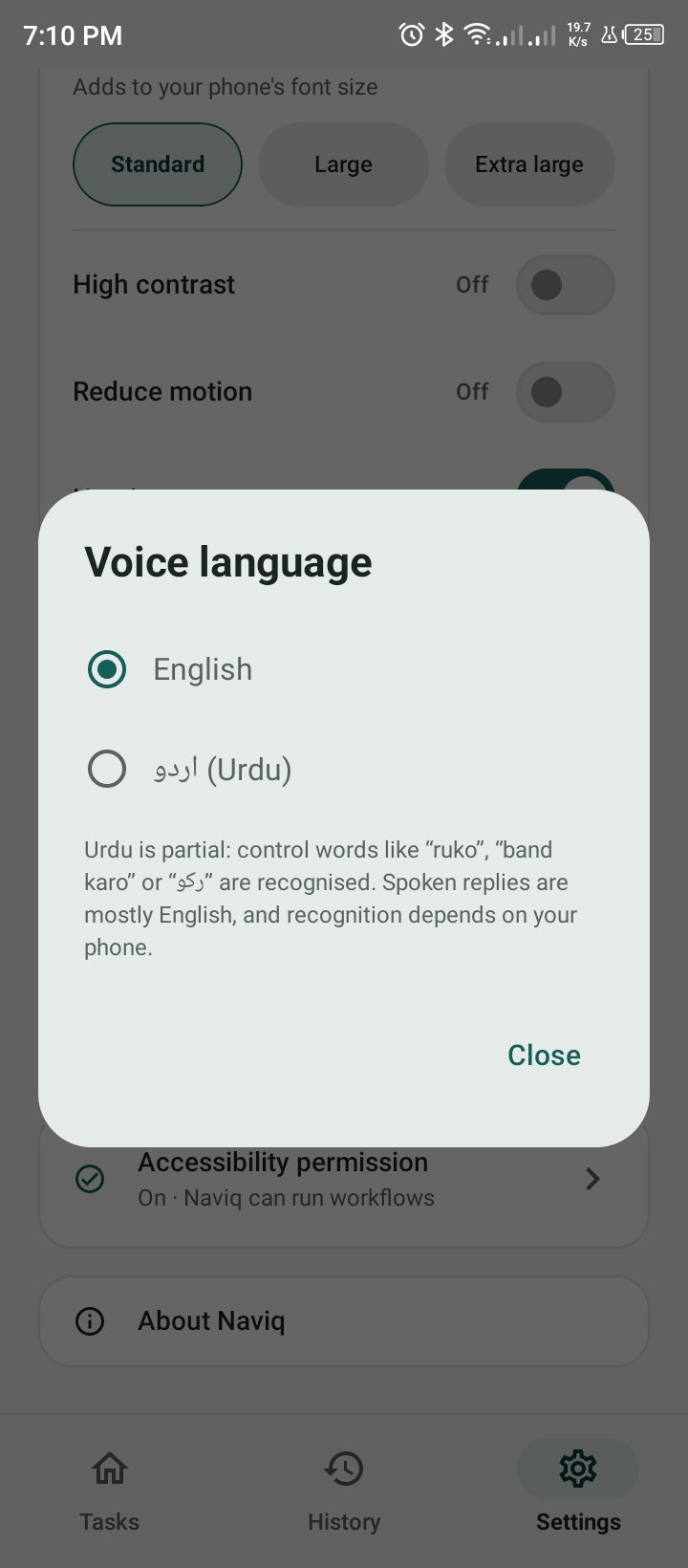
- Speak naturally: Voice commands support English, Urdu script, and Roman Urdu, with spoken feedback and visible captions.
How I Built It
Naviq is an Android application built with Kotlin, Jetpack Compose, and Material 3. Its architecture separates the user interface, accessibility service, workflow engine, AI layer, voice interaction, and local data storage.
During teaching, Android accessibility events capture relevant interactions and descriptions of the interface. An action-cleaning stage filters unnecessary events, and an AI-powered workflow synthesizer converts the demonstration into structured steps with targets, expected results, and parameters where needed.
During replay, Naviq matches workflow targets against the current accessibility tree, executes actions through Android's accessibility capabilities, checks available evidence of success, and uses bounded recovery when appropriate. A state machine tracks execution, while a cooperative controller supports pause, resume, stop, and step-specific confirmation. Saved workflows and execution history are stored locally using Room.
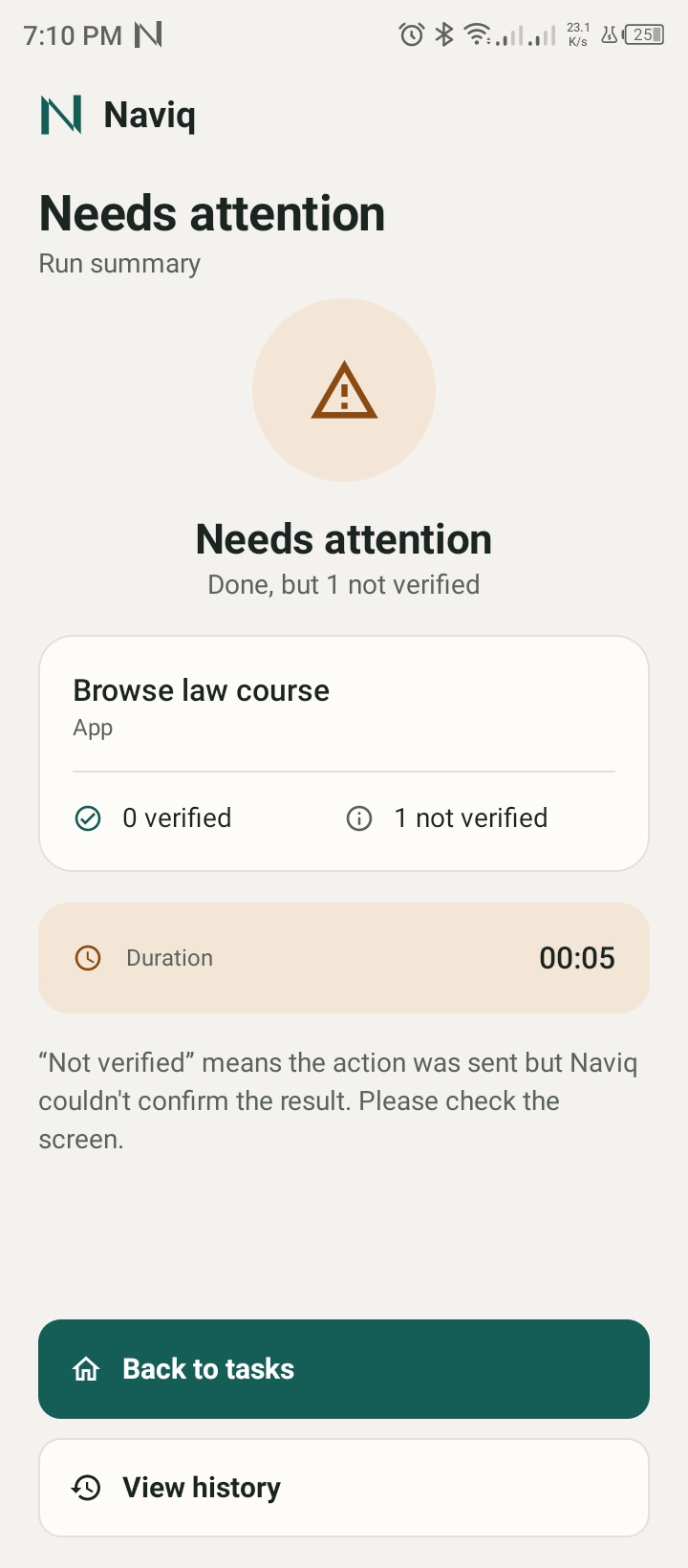
The AI layer supports workflow synthesis and natural-language command matching, with configurable model providers. Importantly, Naviq distinguishes verified actions from actions completed through fallbacks that cannot be confidently verified.
Challenges and What I Learned
The hardest part was not simply making an AI generate a sequence of actions. It was designing what happens when reality differs from the original demonstration.
Apps change their layouts. Popups appear. A user may pause a workflow or switch to another screen. A tap may be dispatched without enough evidence that the intended result occurred. I addressed these challenges through target matching, screen revalidation, bounded recovery, execution checkpoints, explicit confirmation, and honest outcome reporting.
I also learned that accessibility and safety cannot be added as afterthoughts. They must shape the entire interaction: clear status messages, adjustable text and contrast, visible captions, accessible controls, and meaningful ways to interrupt automation.
What I Want Naviq to Change
My goal is to make repeated digital tasks less demanding without taking decision-making away from the person using the phone. Naviq explores a future where people can teach their devices the workflows that matter to them, reuse those workflows in their own words, and understand what is happening at every step.
Teach it once. Say it naturally. Stay in control.
Naviq is a working prototype, not a universal automation solution. Some apps expose limited accessibility information, Urdu support remains partial, and teaching requires an internet connection and an AI API key. I see these limitations as important areas for continued testing and improvement.

Log in or sign up for Devpost to join the conversation.