-
-
NaviGO logo
-
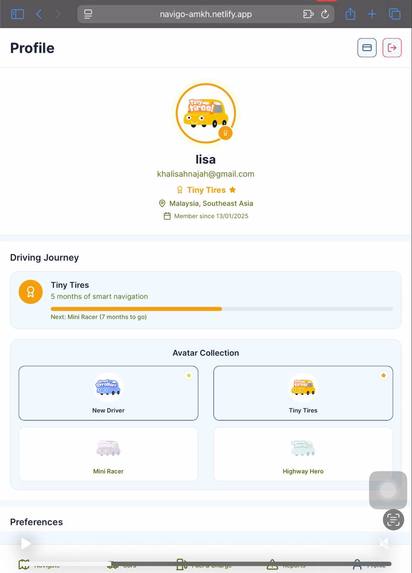
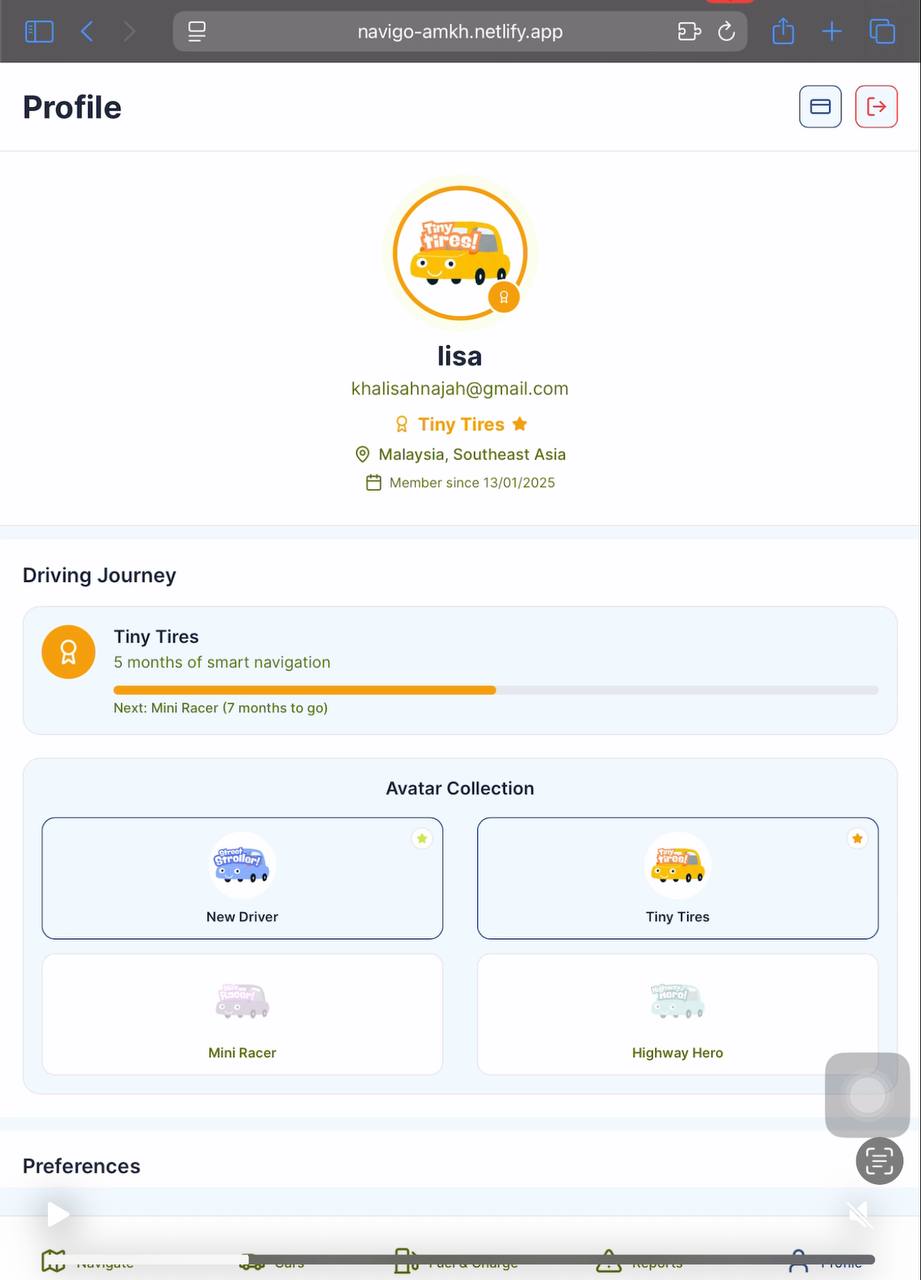
Profile Page
-
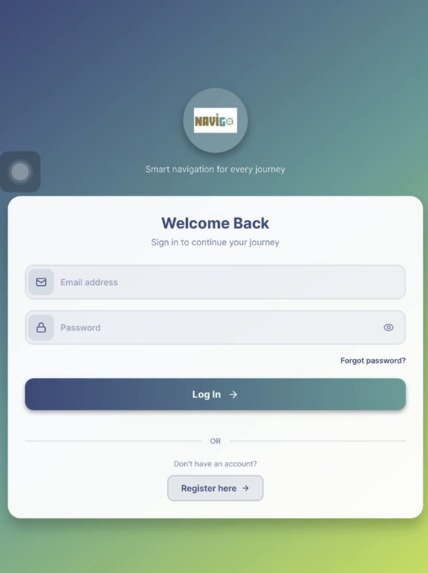
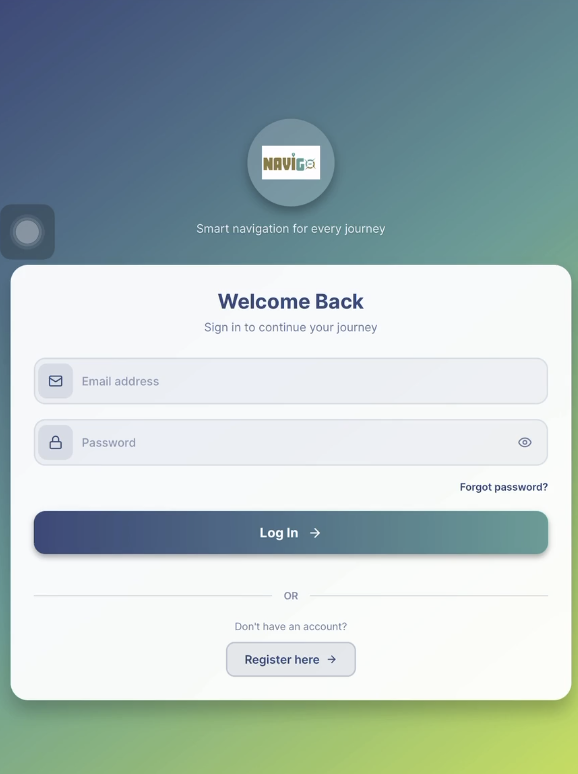
Sign in page
-
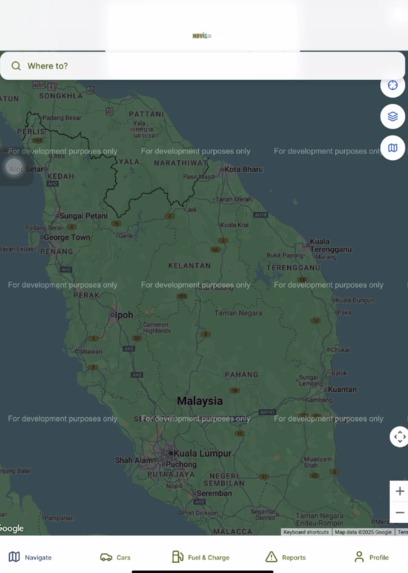
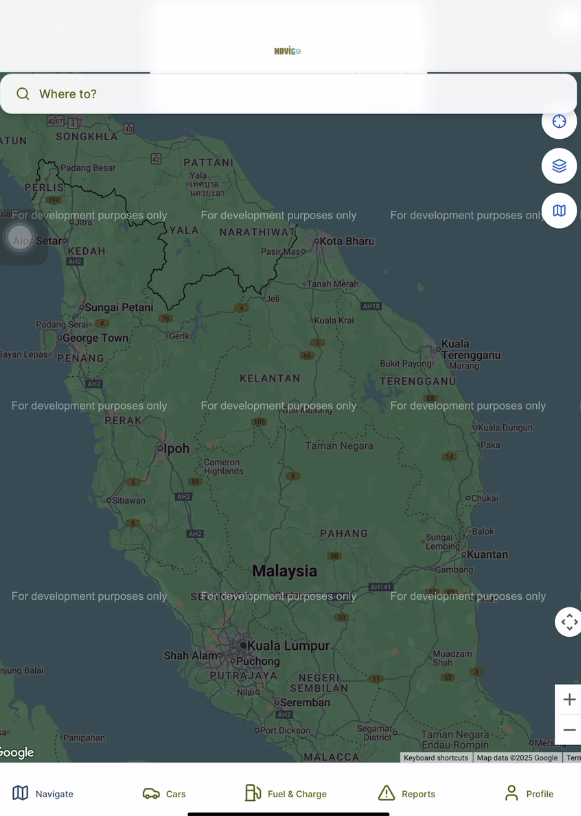
Map page
-
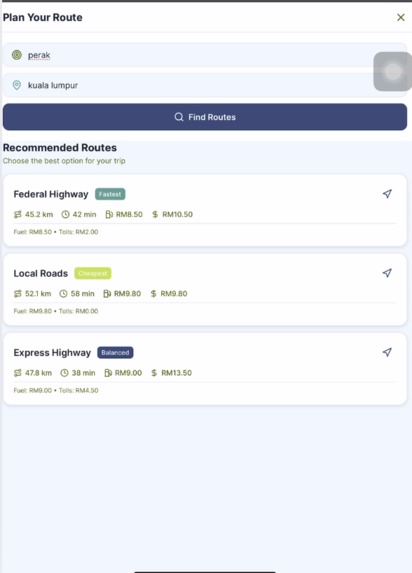
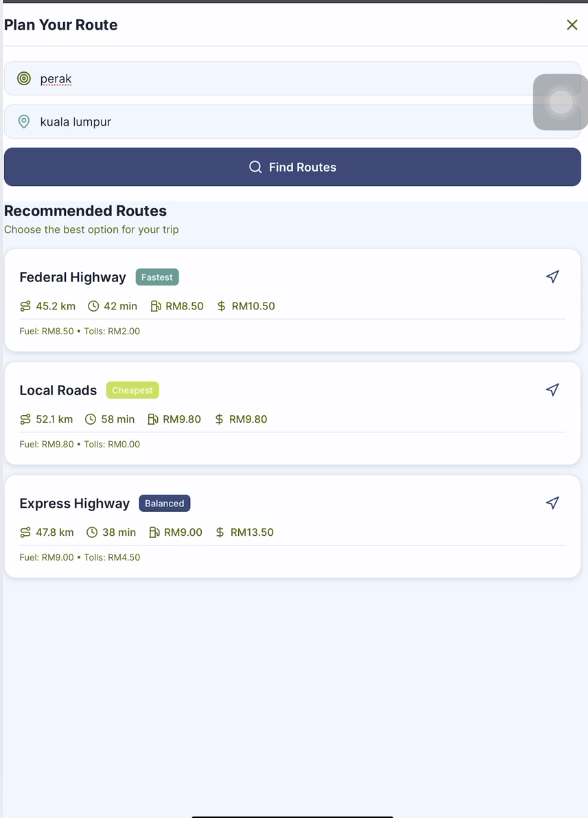
route suggestion page
-
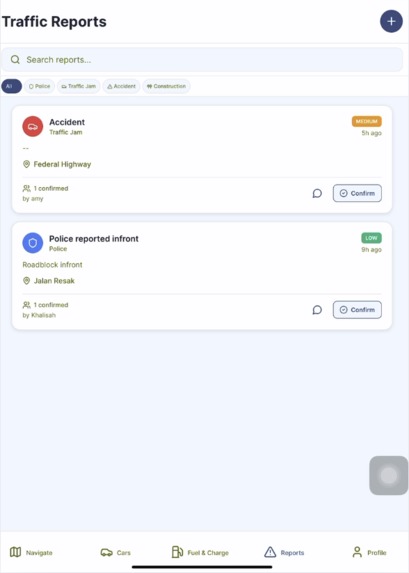
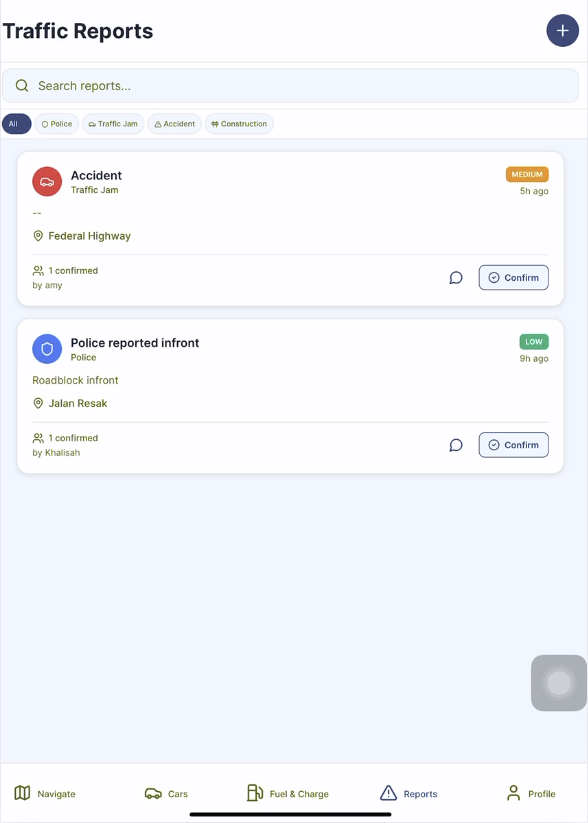
Traffic report page
-
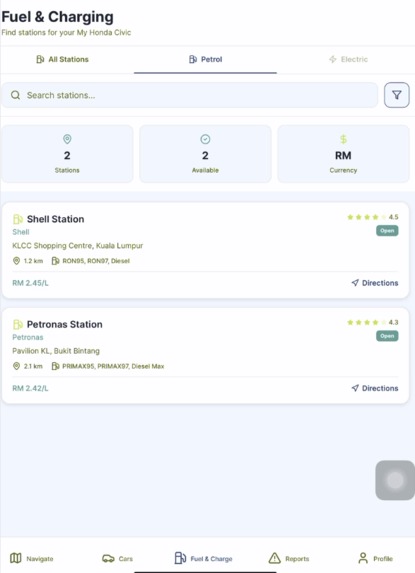
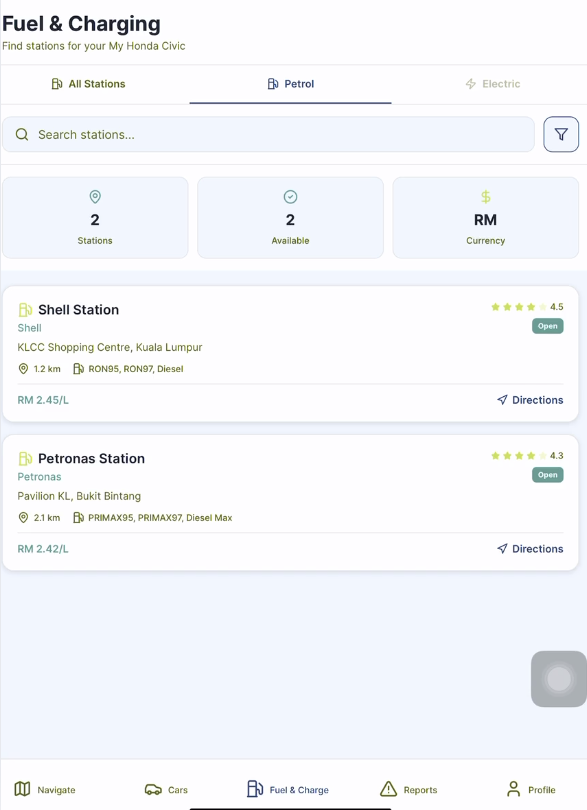
fuel and charging station page
-
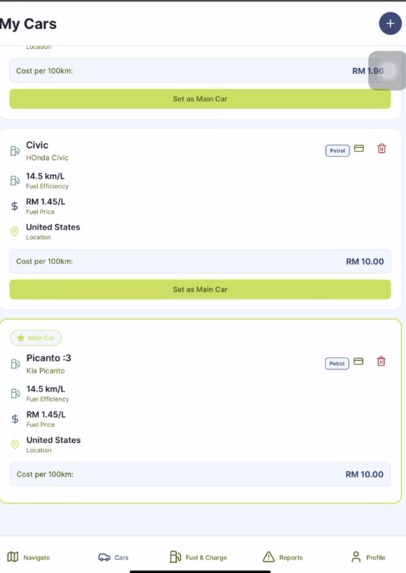
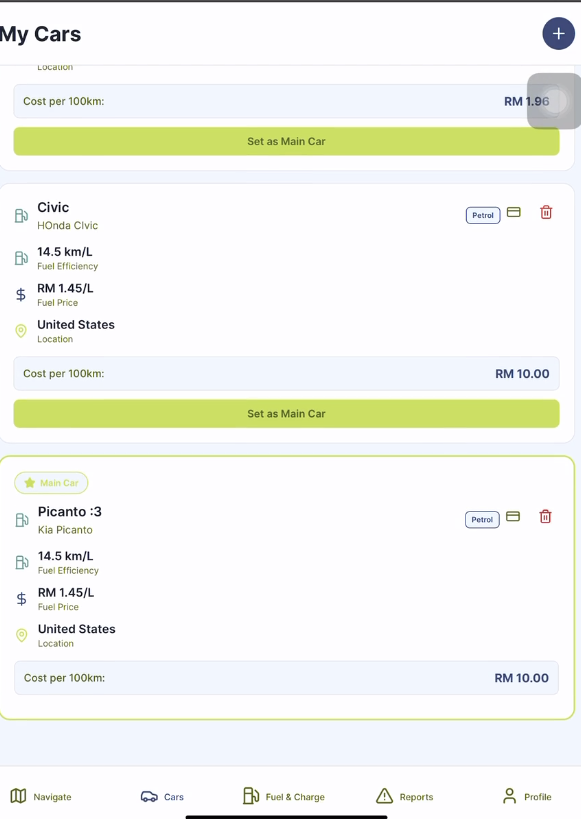
user's car library
Inspiration
We built this app after encountering limitations in existing apps on the market, which do not collectively offer all the features we've integrated, such as petrol cost estimation, nearest charging station locations, and total toll cost calculation
What it does
Our app helps drivers navigate to their desired destinations with advanced features such as route planning, toll and petrol cost calculations. It can also detect the nearest fuel and charging stations, provide real-time user-driven traffic reports, and support personalized car profiles tailored to local contexts. The user experience is enhanced through gamification, based on how long users have been active in the app, and it supports multiple regions. Additionally, users can customize their navigation results using filters in the settings (e.g., avoid toll roads or unpaved roads).
How we built it
We built the project using React Native with Expo Router, integrating Firebase Authentication and Firestore for backend services. Our UI was styled with a custom ThemeContext to support light/dark modes and consistent theming throughout the app. For navigation, we used Expo Router’s folder-based routing system to simplify screen management and deep linking. We used Firebase Auth to securely handle sign-in, sign-up, and password reset features, while storing user data in Firestore. The app also features a dynamic UI using LinearGradient, icon libraries like Lucide, and responsive design elements to ensure a smooth and modern user experience across devices.
Challenges we ran into
There is few problem and challenges we faced during the building phase, which include the firebase native autheticate setup:. The initial setup with initializeAuth() and AsyncStorage caused platform-specific issues, especially with Expo Go vs. standalone builds. Managing authentication state with React context and syncing it properly with routing (redirects) was tricky, especially ensuring smooth user flow between sign-in and protected tabs. And maintaining a polished and consistent design across light/dark themes and screen sizes required extra effort and testing.
Accomplishments that we're proud of
NaviGO has pooled all important elements for travelling and navigating under one roof
What we learned
We learn to prioritize user-centered design to understand how users value time savings, cost transparency, and ease of decision-making. We learn to mastering integration of diverse APIs and data sources because real-time traffic, fuel station data, and location-based services requires handling external APIs reliably.
What's next for NaviGo
We plan to develop Voice Assistant Integration which is to enable hands-free control using voice commands for navigation, reports, and chat.

Log in or sign up for Devpost to join the conversation.