-
-
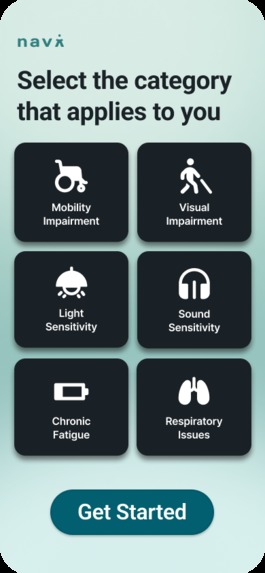
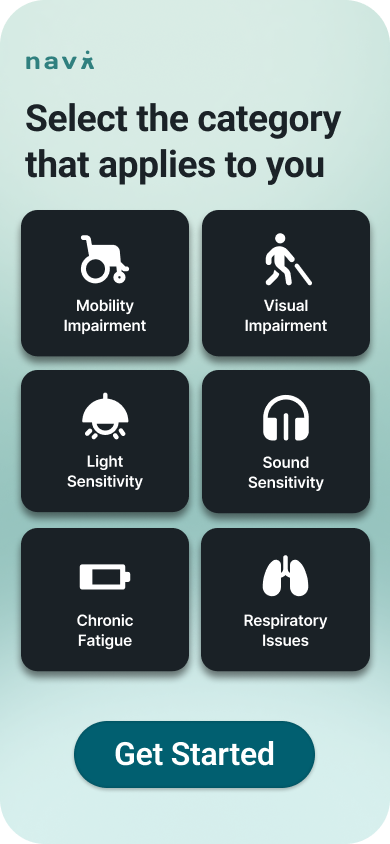
Users select the accessibility categories that apply to them, allowing navi to personalize navigation and place recommendations.
-
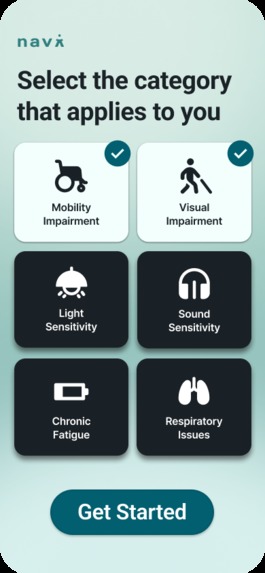
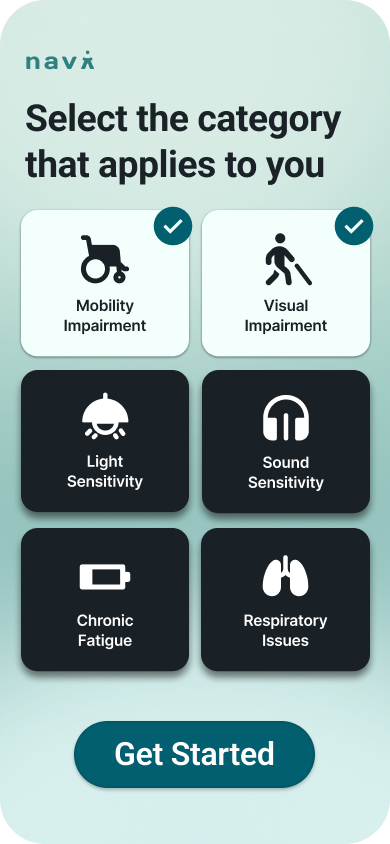
Multiple accessibility needs can be selected at once, ensuring navigation adapts to real, individual experiences.
-
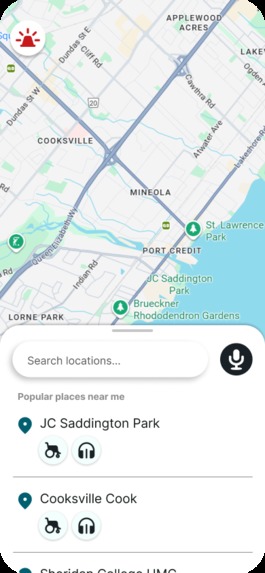
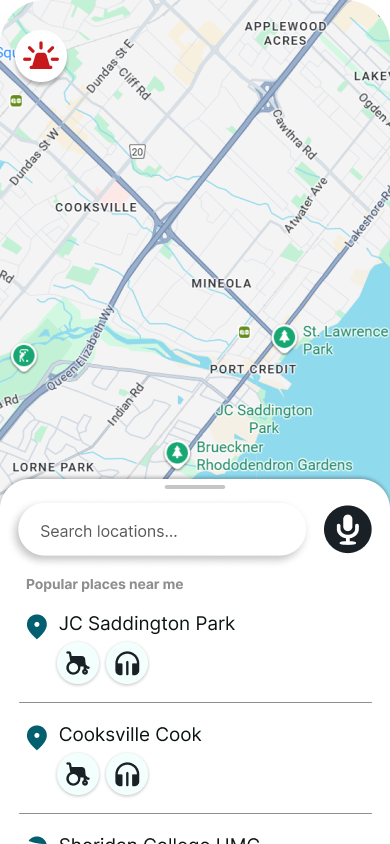
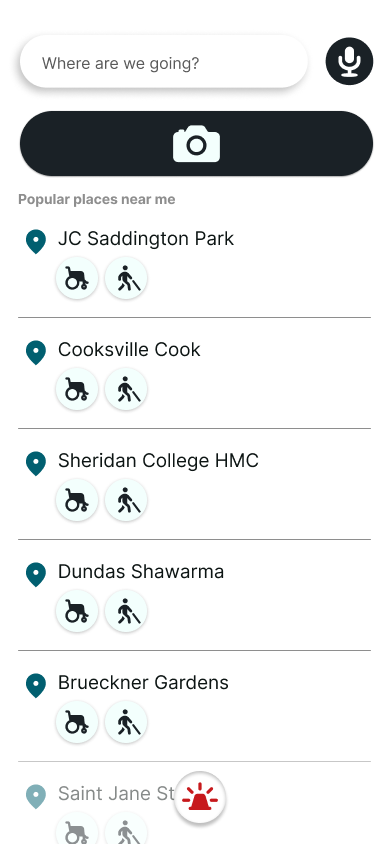
The map highlights nearby locations that match the user’s selected accessibility needs.
-
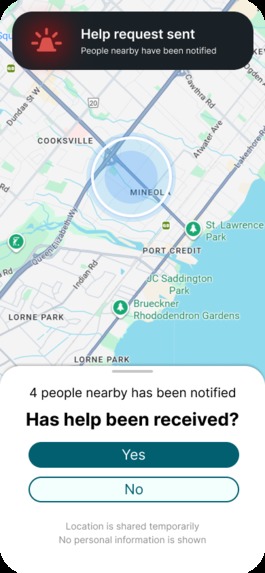
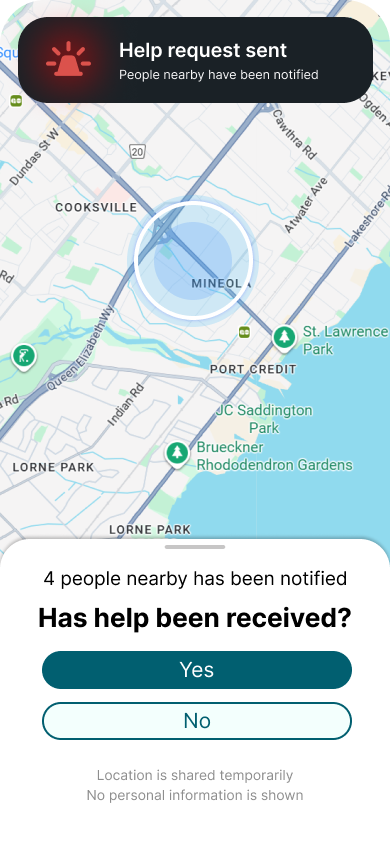
When a user is stuck, they can send a help request that notifies nearby workers or verified helpers.
-
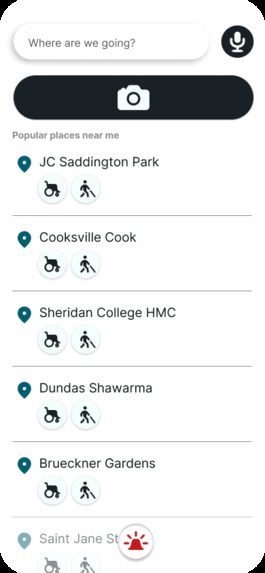
For visually impaired users, navi replaces the map with real-time camera and audio guidance to describe surroundings and nearby places.
-
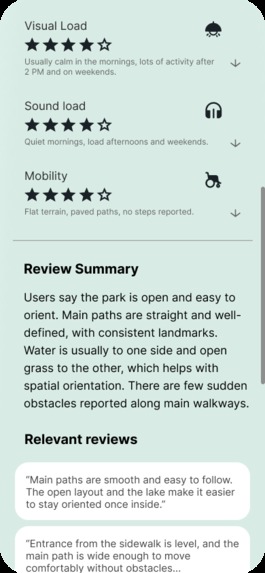
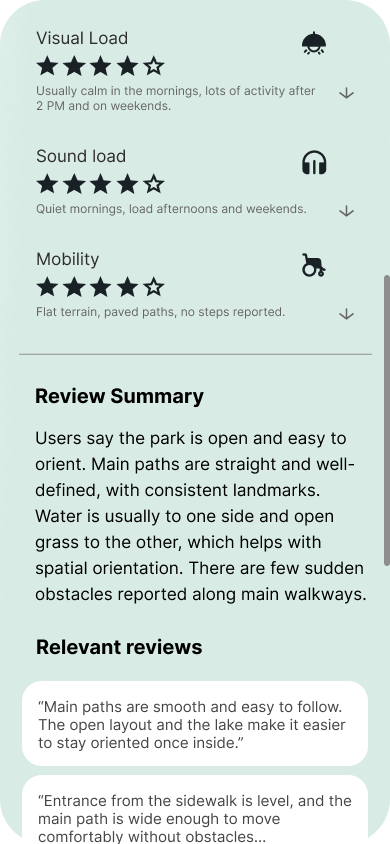
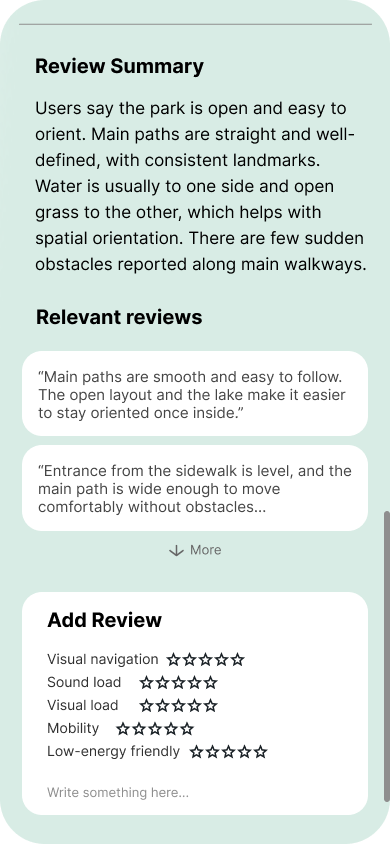
Real user reviews provide context and lived experiences beyond basic accessibility labels.
-
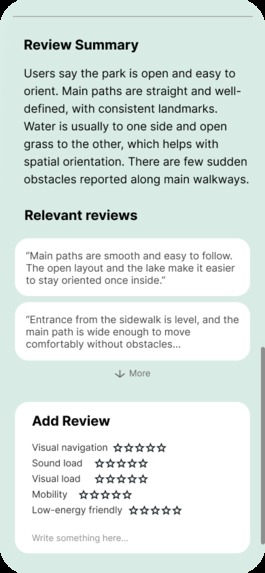
Users can contribute structured accessibility reviews to help improve data quality for the community.
-
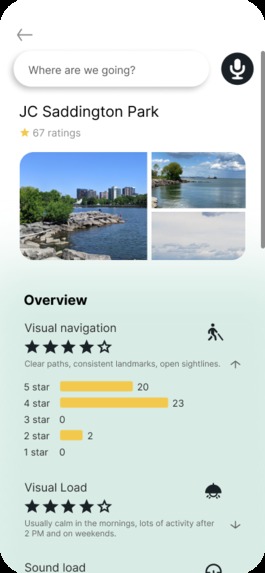
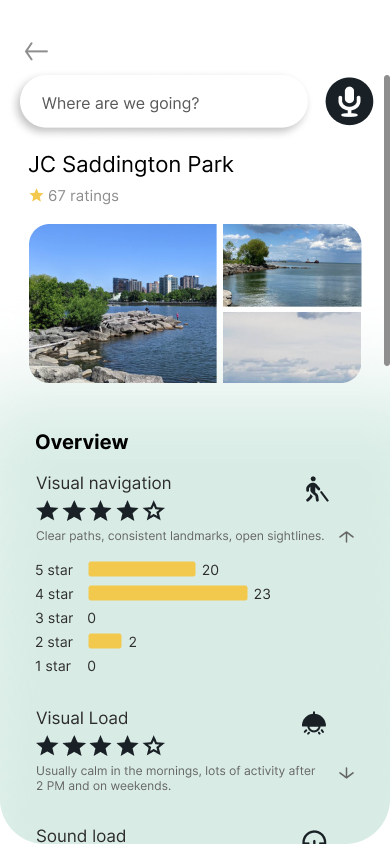
Users can see how a location performs across specific accessibility factors like visual load, sound load, and terrain.
Inspiration
The idea for navi came from two places: real people and real frustration. While researching accessibility, we repeatedly came across posts from people with disabilities such as visually impaired users, wheelchair users and more; describing how everyday tasks become difficult when spaces aren’t accessible. From self-checkout kiosks and digital menus to missing ramps and inaccessible entrances, many common environments are not designed with accessibility in mind, and this causes them to lose so much of their time.
What it does
navi is an accessibility-first navigation app that adapts to the user’s needs. Users select categories that apply to them, such as mobility impairment, visual impairment, light sensitivity, sound sensitivity, chronic fatigue, or respiratory issues. The map then highlights places and routes that better match those needs.
Beyond mapping, navi includes a theoretical real-time help feature. If a user gets stuck, for example:
- a blind user facing an inaccessible kiosk with no staff nearby
- a wheelchair user blocked by stairs, curbs, or broken elevators
they can press a Help button. This sends a nearby alert to workers, volunteers, or certified helpers in the area, letting them know someone nearby needs assistance. It’s designed to be quick, calm, and respectful, without forcing the user to call or explain verbally.


Log in or sign up for Devpost to join the conversation.