Inspiration
The original plan was to develop a weather forecast application to help navigate the seas. This led to us developing an app that was more than just a simple app, we wanted to make an app that helps make ocean travel safe.
What it does
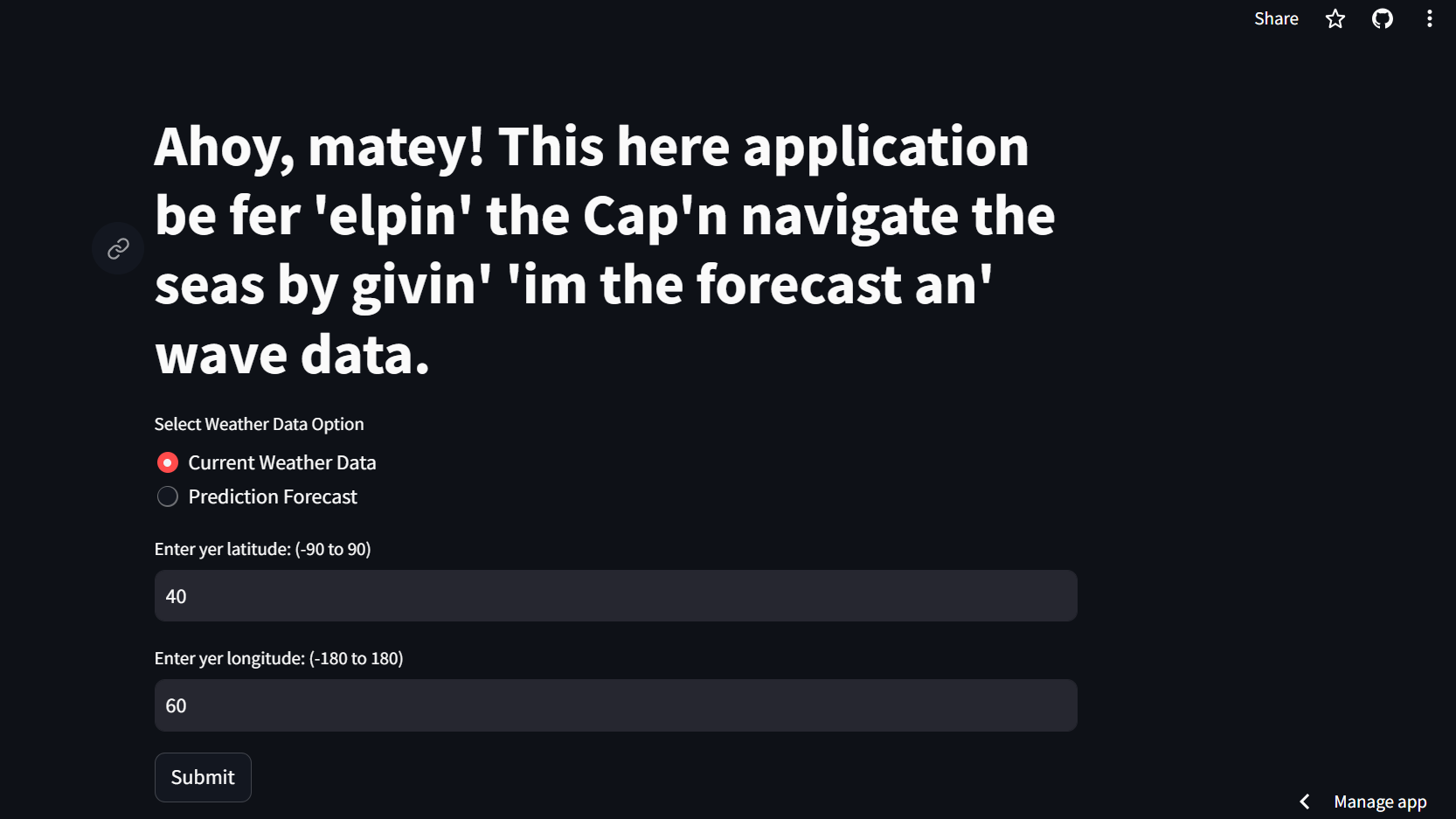
Nautical Navigator is an application that provides both the current weather conditions and predicts the upcoming forecast. By supplying the application with a latitude, and longitude, the user can get wind speed, swell data, pressure, visibility, etc, in addition to the simple weather forecast feature.
How we built it
The backbone of the application is designed in Python. The application was designed with a radio button to switch between the two functions to prevent any clutter that could exist. Requests was used to handle the inputs and generate the outputs with the help of XML. The output was displayed with Streamlit locally before ultimately being deployed through them. To ensure that our API key was secure, we used an env file to store it and used dotenv to call that API KEY from the env file.
Challenges we ran into
- There were instances where there was no output because of simple syntax
- A combination of certain latitude and longitude coordinates would generate an error
- Streamlit would not always update immediately when a new version of the program was saved
- Permission issues between Google Cloud and Docker
Accomplishments that we're proud of
- Seeing the code run and give us output
- Being able to deploy the project without having to run it locally
What we learned
- How to collaborate effectively as a team
- A better understanding of API calls
- How to deploy the code
- Better understanding of GitHub, Google Cloud Services, and Python
What's next for Nautical Navigators
Sail the Seven Seas and hopefully keep on improving the application.

Log in or sign up for Devpost to join the conversation.