-
Navigation Map
-
Navigation Map
-
Navigation Map
-
Navigation Map
-

Navigation Map
-
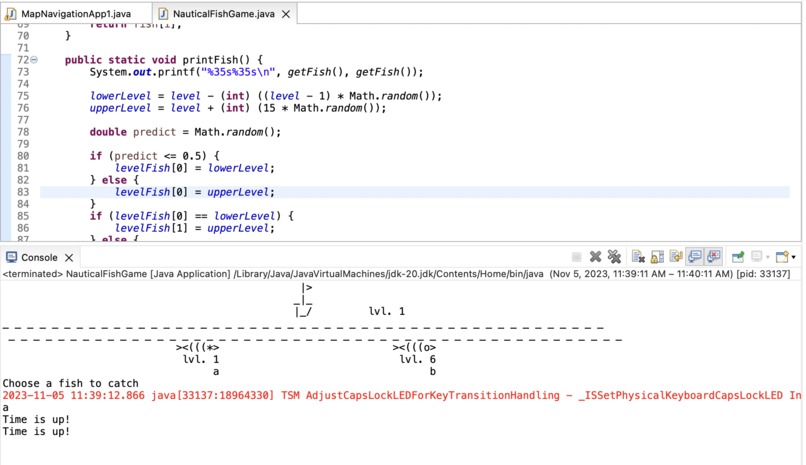
Nautical Fish Game

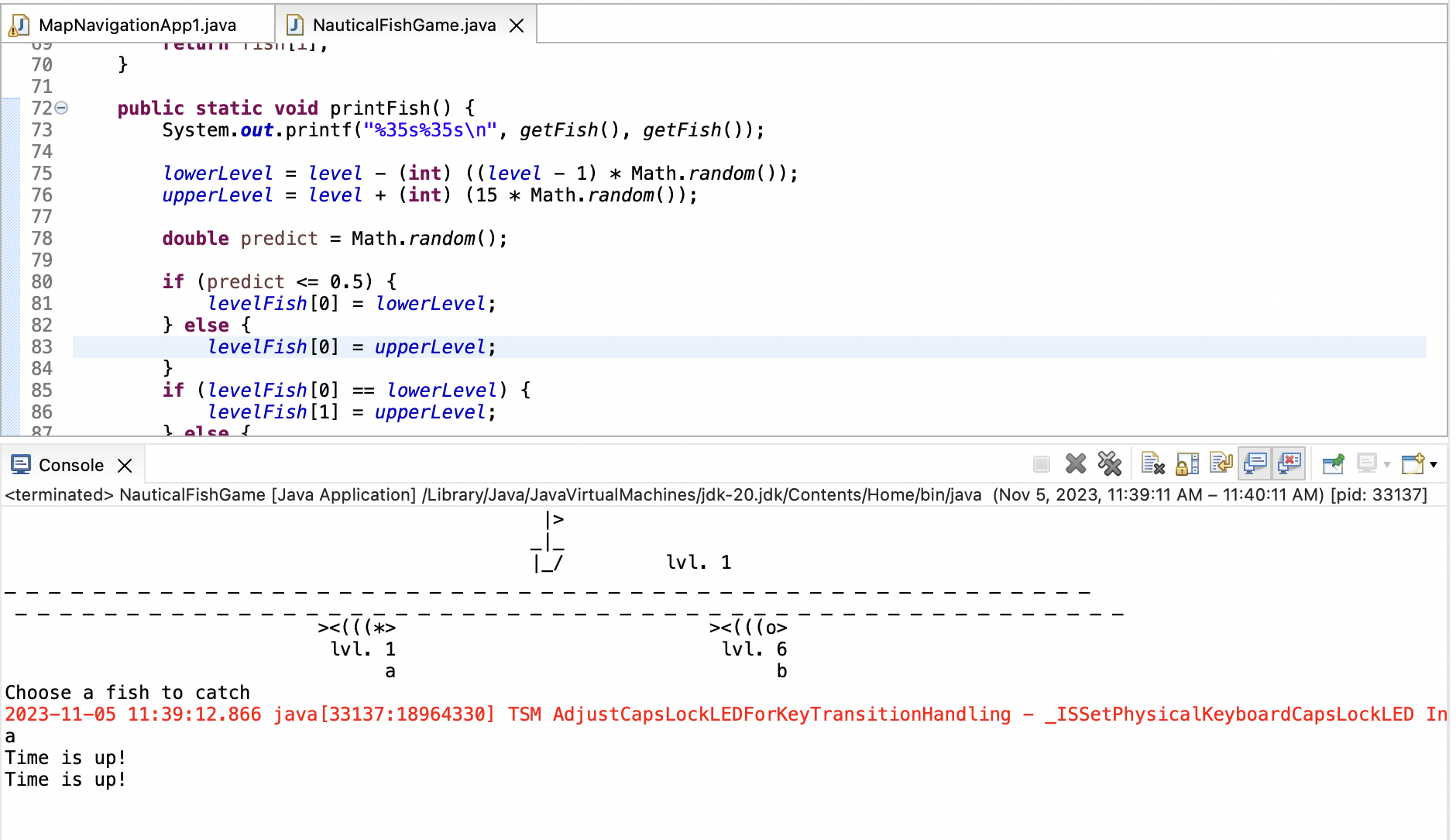
Title: "The High Seas Fishing Adventure"
Inspiration:
Once upon a time in the digital world, there was a curious developer inspired by the idea of creating a simple fishing game in Java. The developer's motivation was to learn more about Java programming, particularly how to work with timers and user input, all while crafting a fun and interactive experience.
What I Learned:
In the process of building this project, the developer learned valuable lessons in Java programming, including:
Utilizing Java's Timer and TimerTask classes for scheduling tasks. Incorporating user input through dialog boxes using JOptionPane. Managing randomization and conditional logic for gameplay. Formatting and printing output in a visually appealing manner in the console. How I Built the Project:
The project was built step by step, with each component carefully crafted to create an engaging fishing adventure. Here's a breakdown of the development process:
Setting Sail: The project started with creating a representation of the boat and setting the initial level of the game.
Casting the Line: Fish symbols were generated at random, and their levels were calculated to add an element of excitement and randomness to the game.
Time Ticking Away: To add a sense of urgency, a timer was implemented. Players had 60 seconds to make their choice before time ran out.
User Engagement: A dialog box via JOptionPane allowed players to choose which fish to catch by entering "a" or "b."
Adventurous Cycle: Once the player made a choice or the timer expired, the program advanced to the next stage, and the cycle continued.
Handling Challenges: Along the way, the developer encountered challenges, such as managing the timing of the game and ensuring a smooth transition between stages. These challenges were tackled with patience and iterative development.
Challenges Faced:
While building this project, a few challenges were faced:
Managing the timer and user input: Ensuring that the timer would run correctly and that user input would be captured seamlessly without causing glitches in the game.
Display formatting: Creating an attractive console output that presented the boat, fish, and messages in a visually pleasing way.
Conclusion:
The developer's fishing adventure project not only served as an entertaining game but also as a journey of learning and exploration in Java programming. The project offered valuable insights into managing time, user interactions, and presenting information effectively. It also demonstrated that even seemingly simple games can be educational and fun to create.
Title: "Journey with Java Swing: A Directional Adventure"
Inspiration:
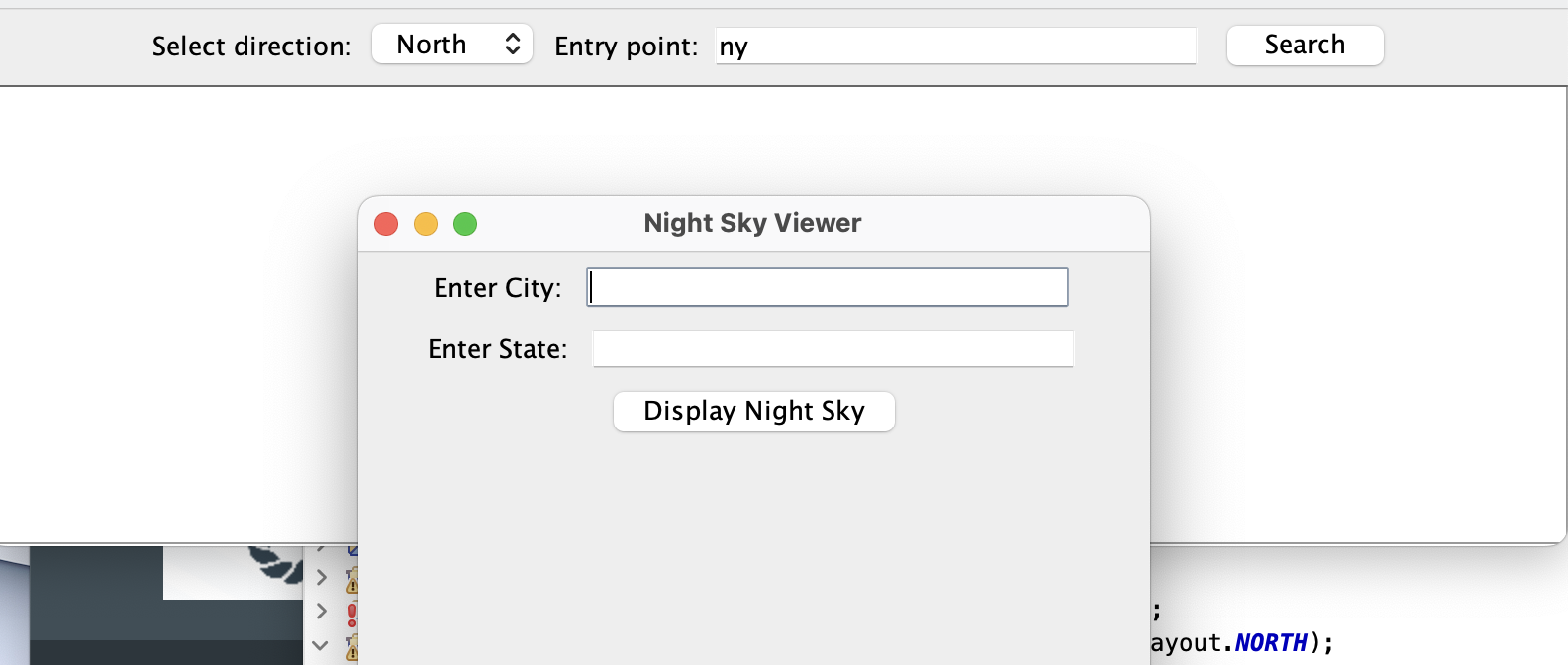
The inspiration for this project came from a desire to create an interactive and versatile Java Swing application. The developer sought to build a tool that not only allowed users to explore different directions and locations but also provided a convenient way to open web pages and display HTML content within the application. The project aimed to make technology more accessible and user-friendly for a wide range of tasks.
What I Learned:
During the development of this project, the developer learned the following key lessons:
Java Swing: Gained a deep understanding of Java Swing, a powerful library for creating graphical user interfaces (GUIs) in Java.
User Interaction: Explored methods to capture user input and respond to button clicks, providing a dynamic and interactive user experience.
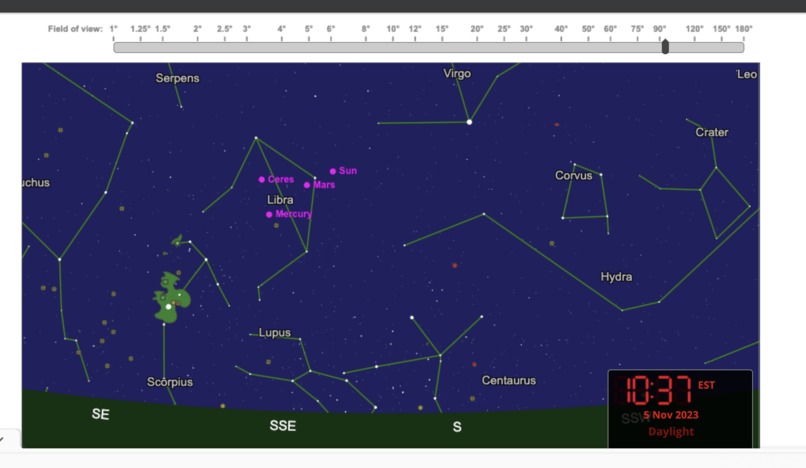
Web Integration: Learned how to integrate web functionality, enabling users to access external web content from within the application.
HTML Display: Explored techniques to load and display HTML content within the application, making it a versatile tool for displaying web-based information.
Code Organization: Emphasized the importance of structuring code in a readable and maintainable way, making it easier to manage a complex application.
How I Built the Project:
The project was meticulously constructed, layer by layer, to create a user-friendly application with multiple features. Here's how it all came together:
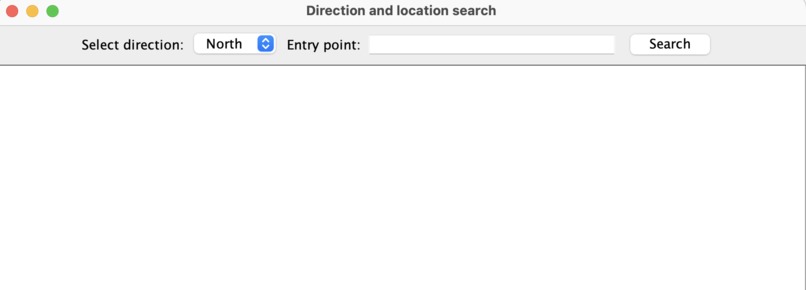
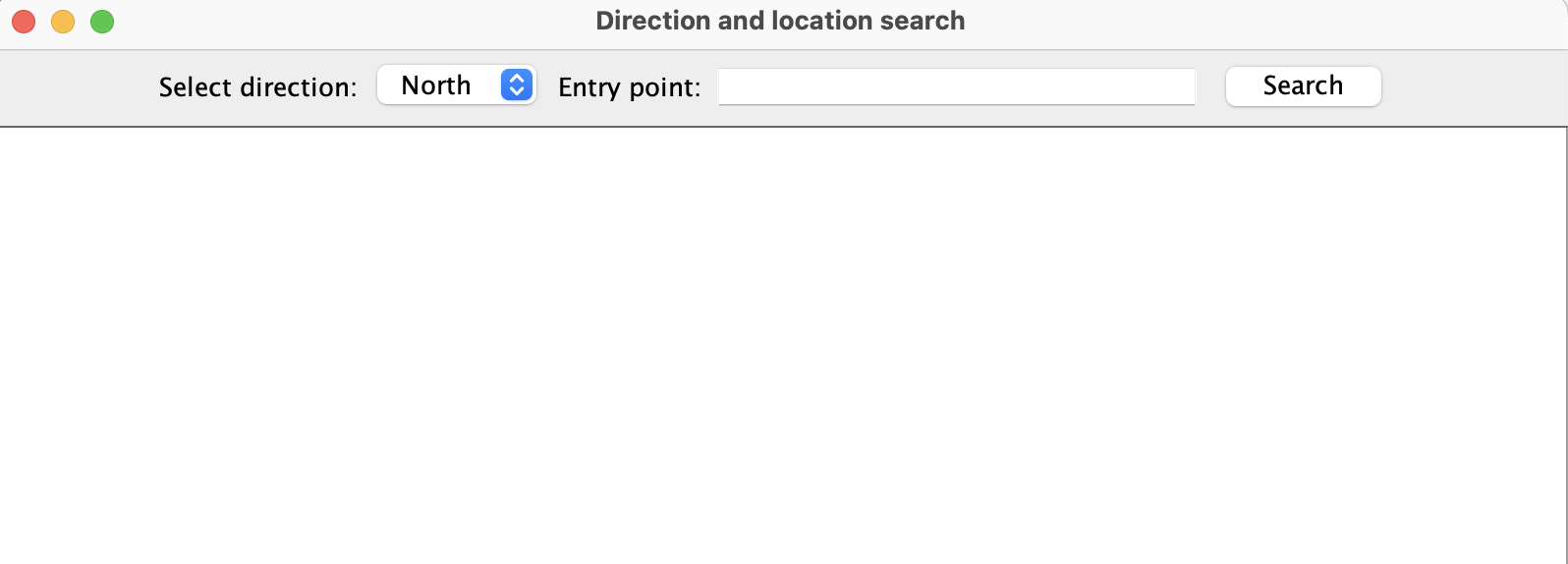
Setting Sail with Swing: The developer began by building a Java Swing application with a combo box for selecting directions, a text field for location entry, and a "Search" button for user interactions.
Navigating Directions: The application effectively captured user inputs, allowing them to choose a direction and input a location. The selected information was displayed below the "Search" button.
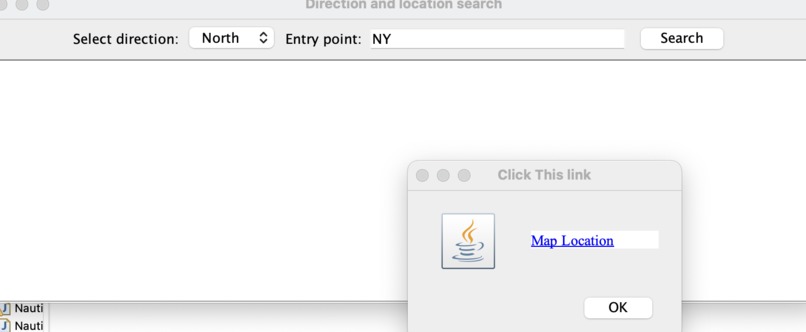
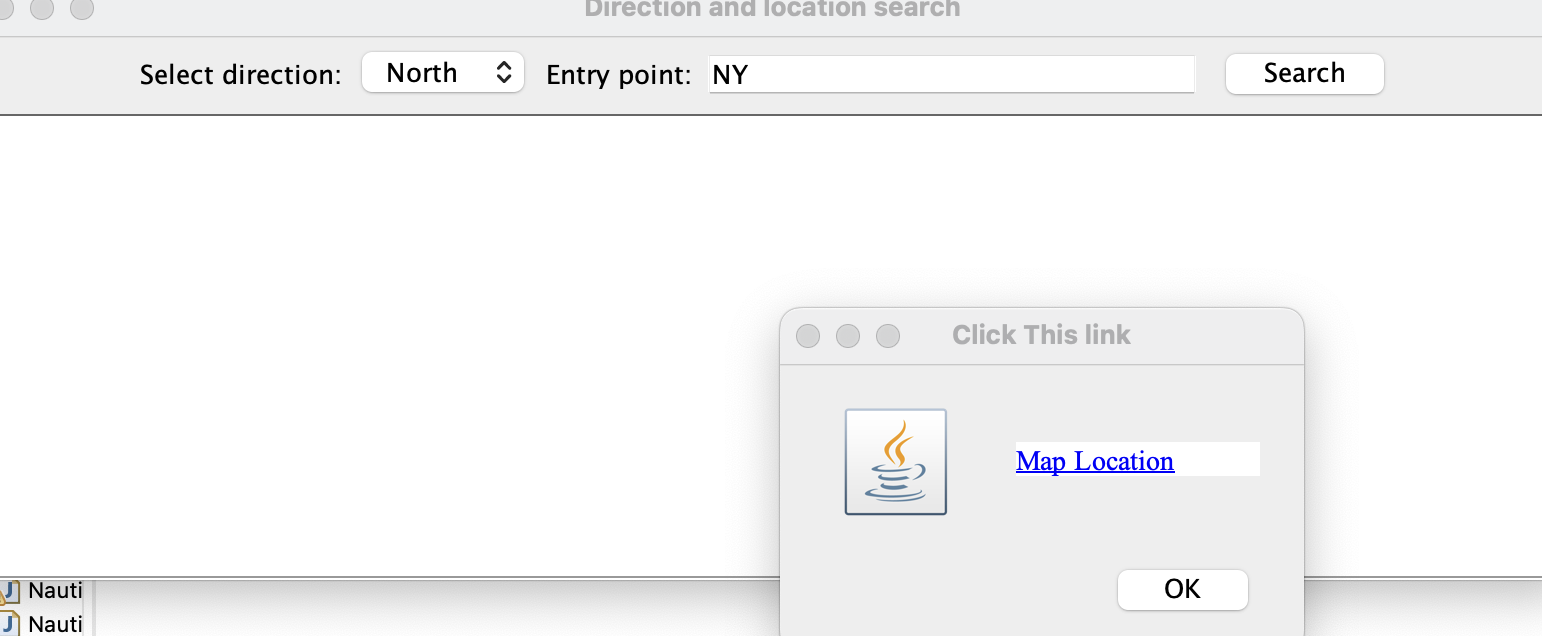
Charting New Horizons: To enhance user experience, a "Show URL" button was implemented. This button provided a way to open external web pages. The developer harnessed the power of JOptionPane to create a clickable link to Google Maps.
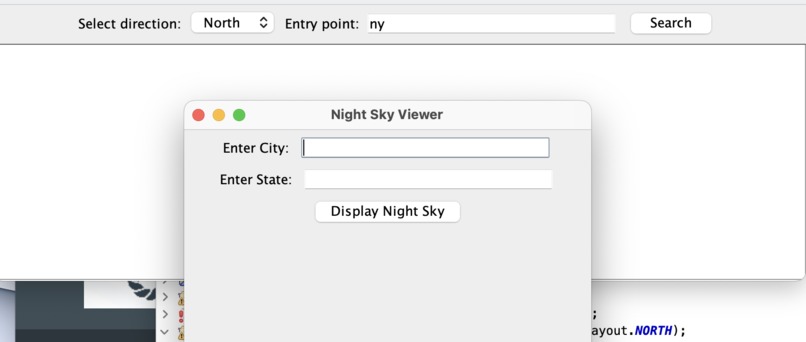
Tabbed Exploration: A section to display HTML content in tabs was drafted, although it's currently commented out. This feature could be enabled to provide an additional layer of versatility, allowing users to explore information presented in HTML format.
Challenges Faced:
Throughout the project, several challenges were encountered:
Web Integration: Integrating web functionality while maintaining user experience and security was a significant challenge. It required learning how to launch web browsers and handle web content from within the application.
HTML Display: Displaying HTML content in tabs, though a valuable feature, can be complex due to different HTML structures and potential rendering issues. This part of the project was commented out, as it requires further development.
User Interface Design: Creating an intuitive and visually appealing user interface that meets user expectations while ensuring a responsive application required thoughtful design.
Conclusion:
The "Journey with Java Swing" project provides a versatile tool that allows users to explore directions, access external web content, and potentially view HTML-based information in tabs. This project not only provides a valuable tool for users but also serves as a stepping stone for further development and exploration of Java Swing applications. It highlights the power of Java Swing in building interactive and user-friendly GUIs. The journey is ongoing, with opportunities for expansion and refinement in the world of Java Swing development.


Log in or sign up for Devpost to join the conversation.