-
-
LOGO
-
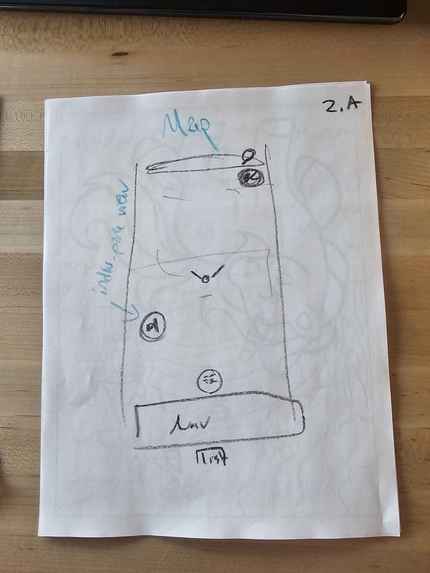
Home page B wireframe
-
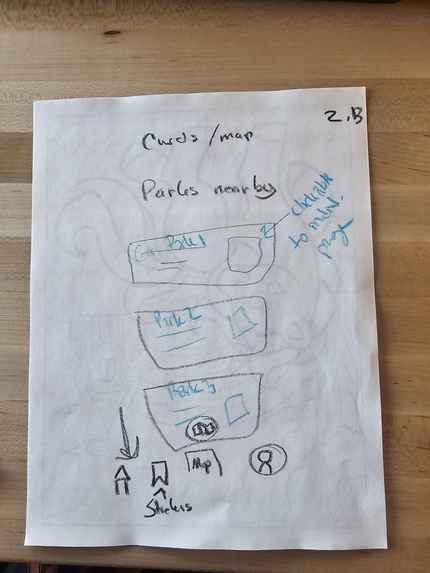
Home page A wireframe
-
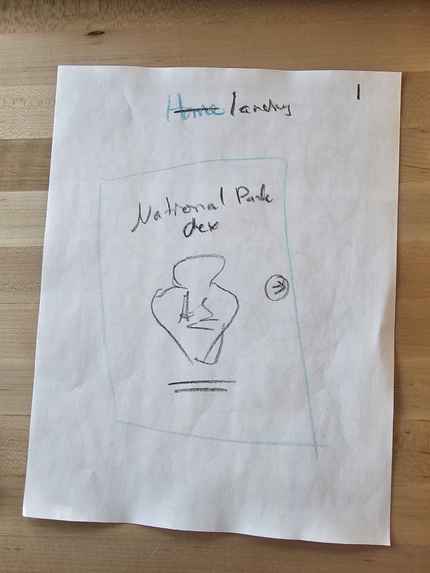
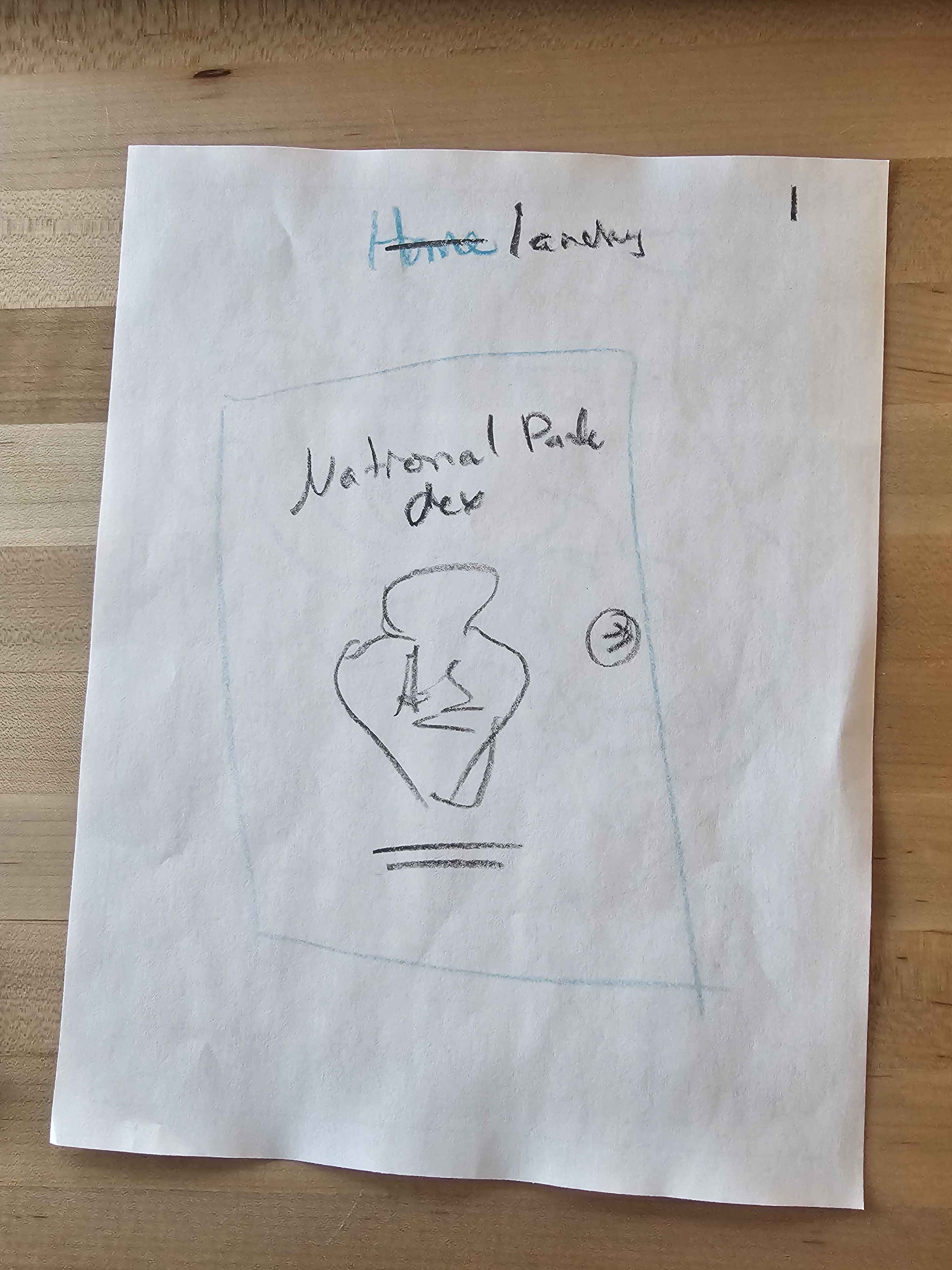
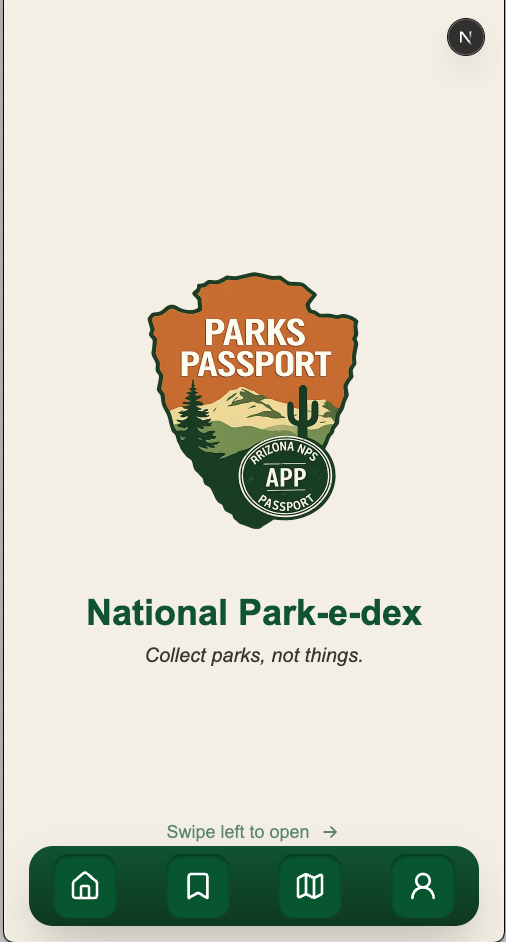
Landing page
-
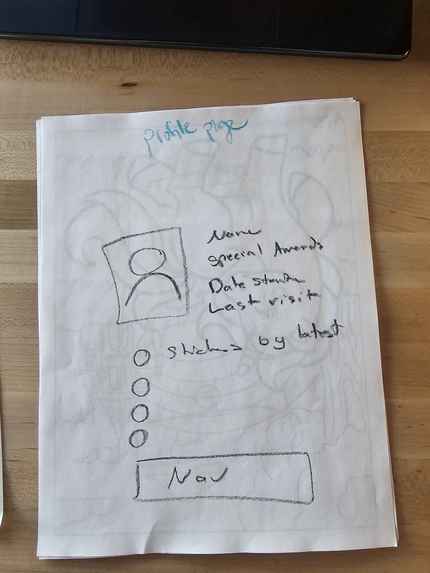
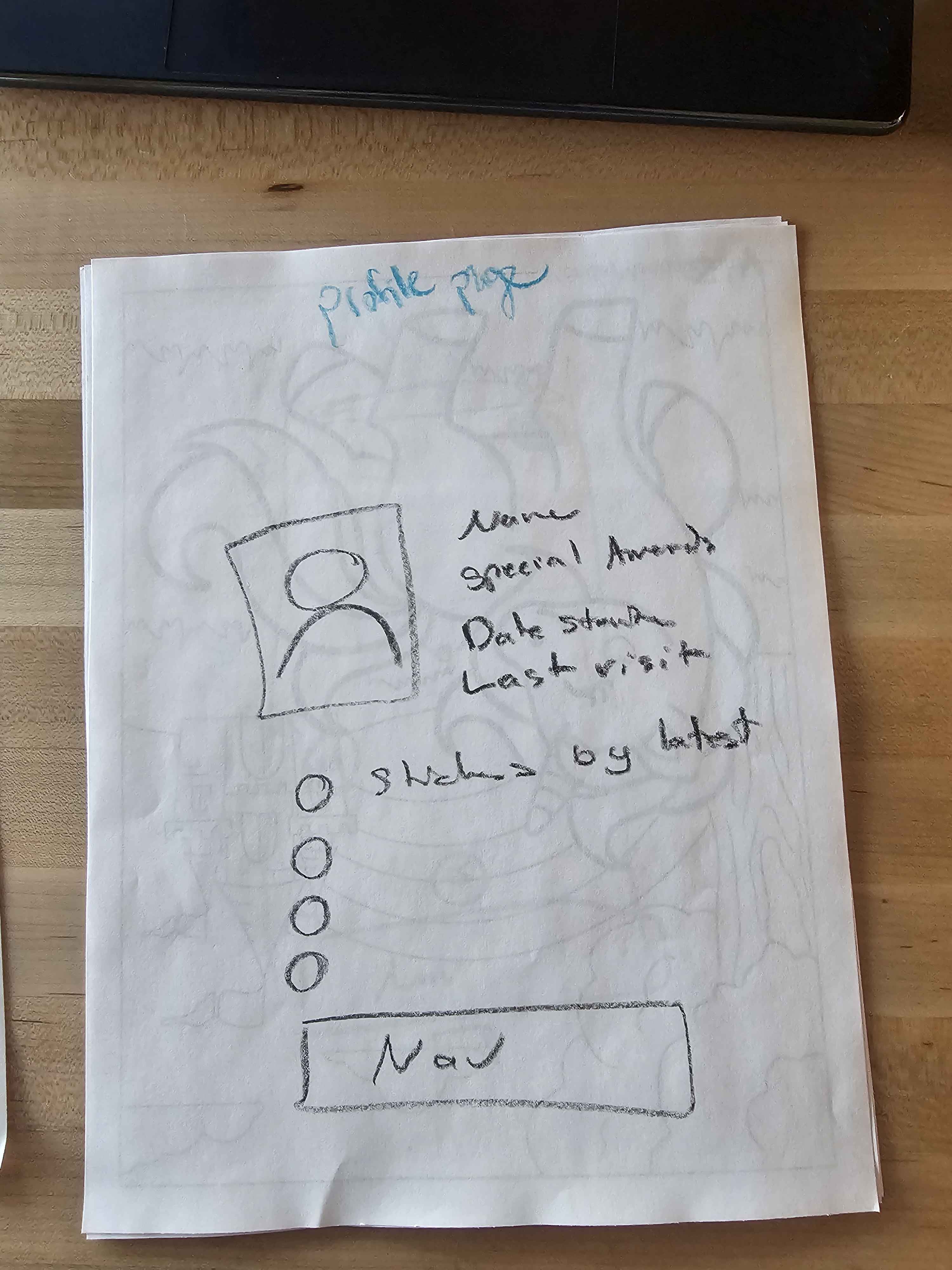
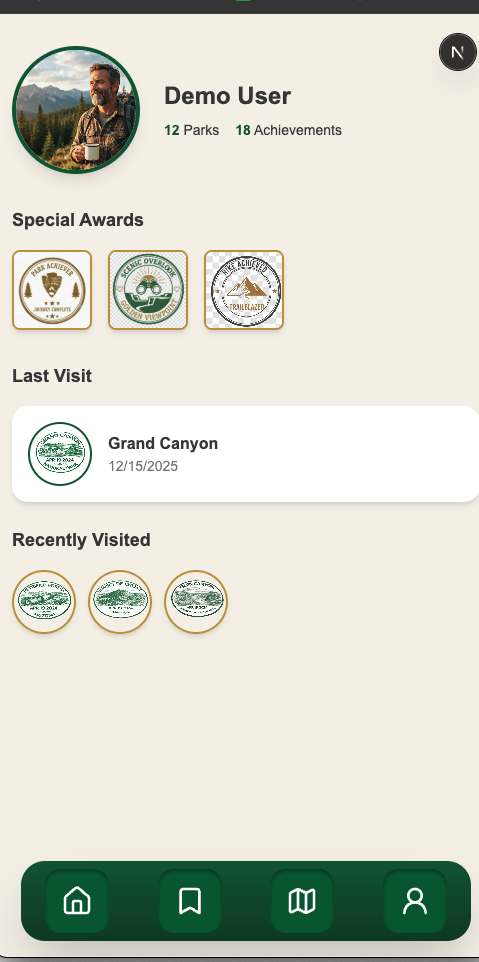
Profile page wireframe
-
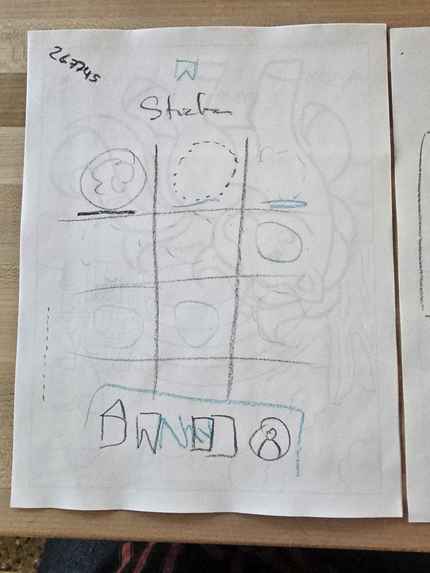
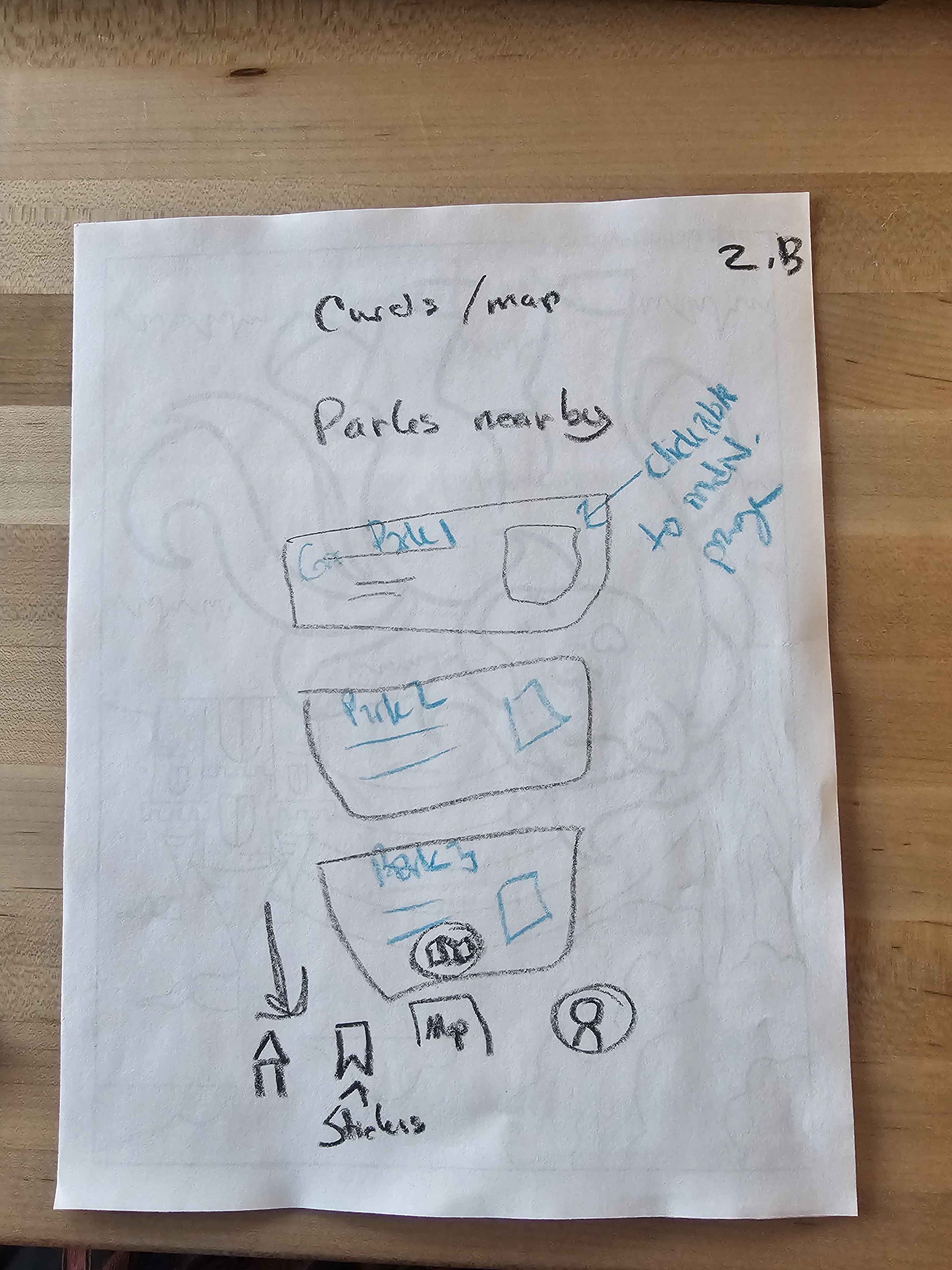
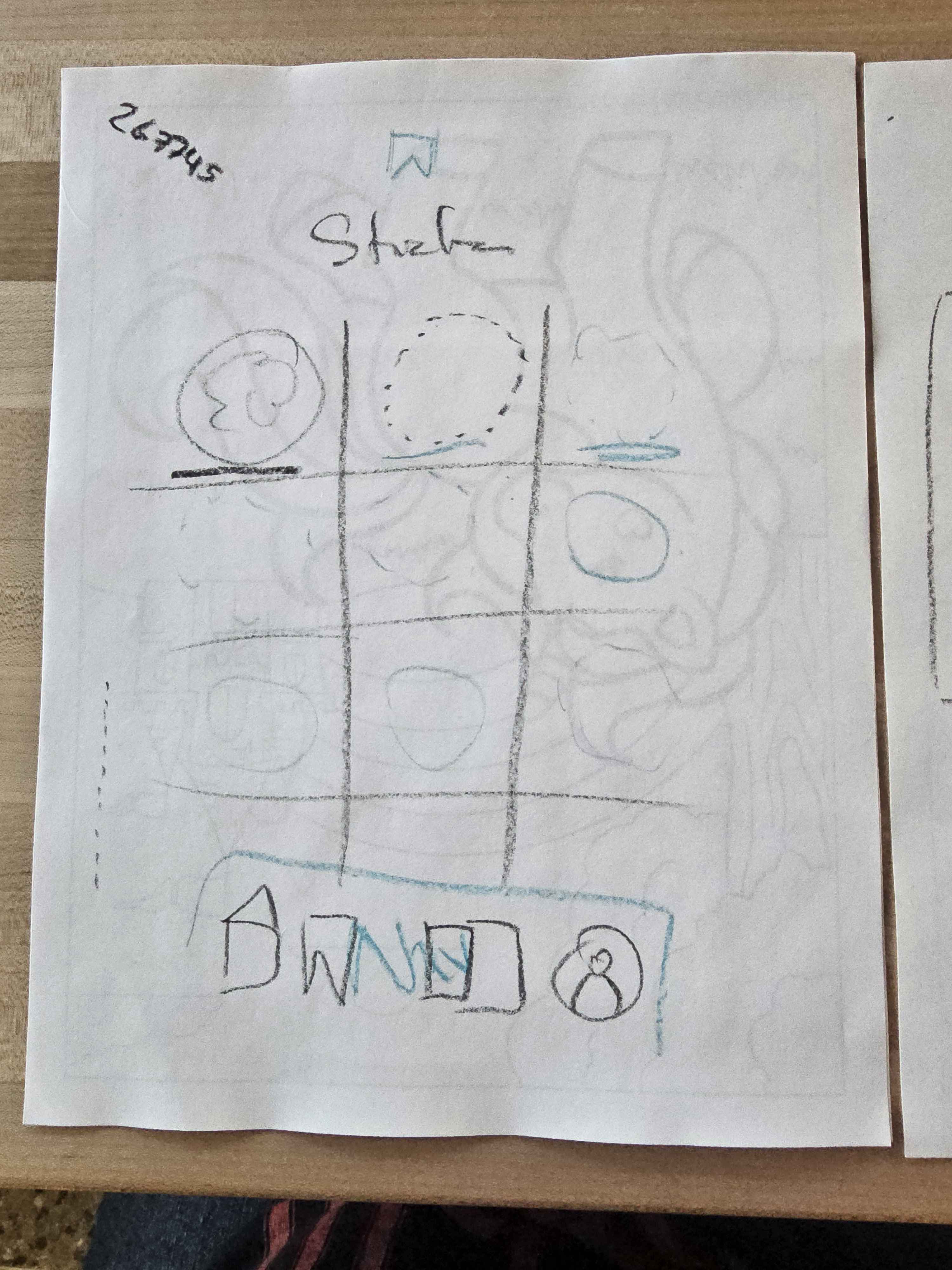
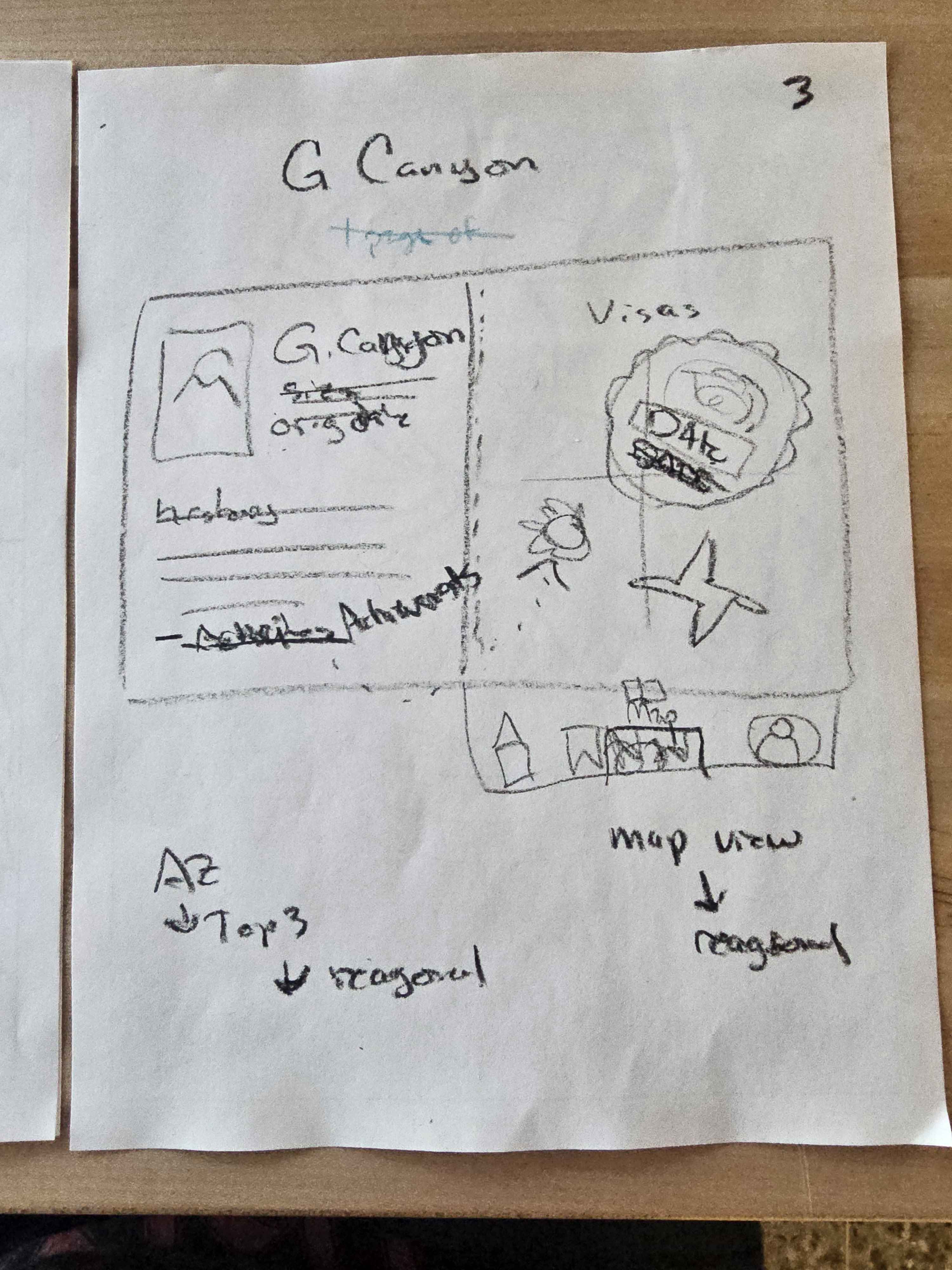
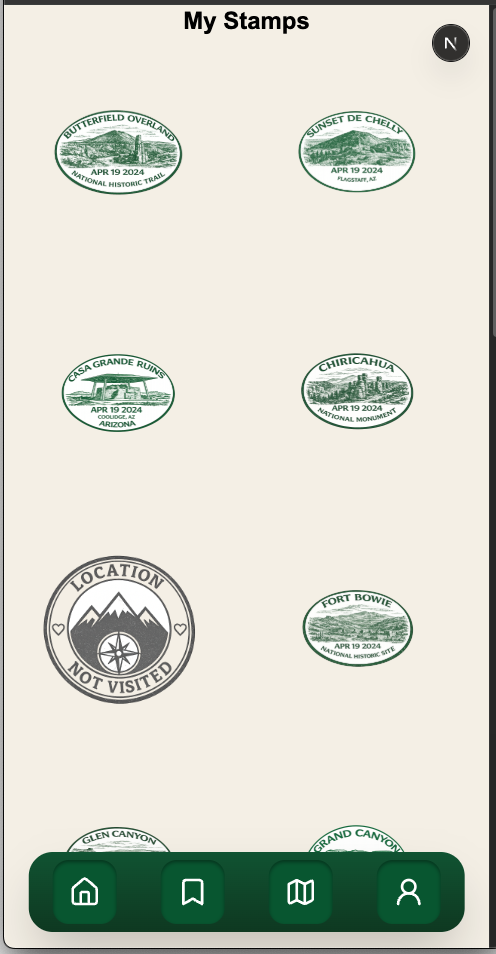
Stamps page wireframe
-
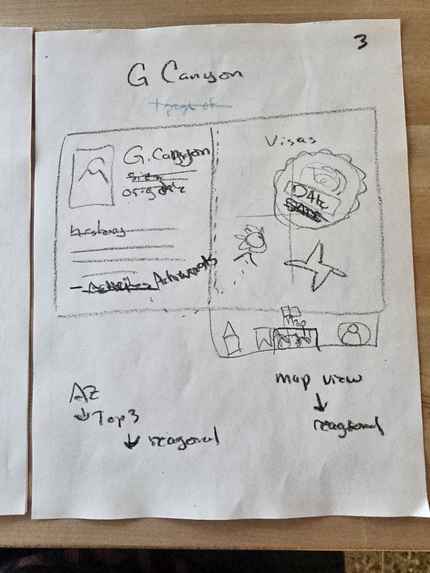
Parks page wireframe
-
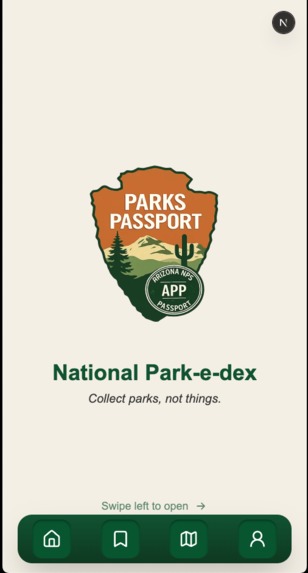
Landing page
-
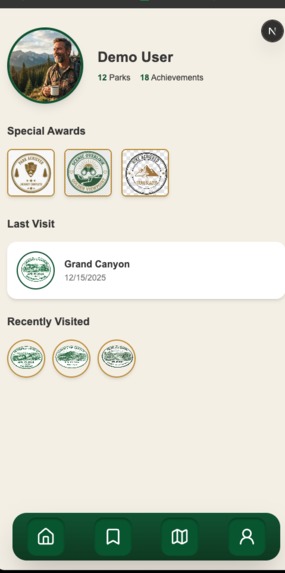
Profile page
-
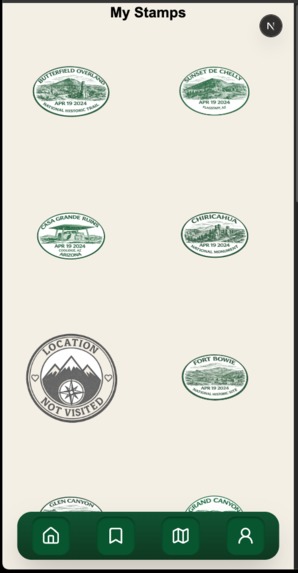
Stamps page
About the Project
💡 Inspiration
The idea for National Park-e-dex was born from a simple observation: people love collecting things, but most digital collections feel hollow. We wanted to create something that gamified real-world exploration without compromising authenticity.
National parks represent some of America's most treasured spaces, yet many visitors treat them as one-time checkbox experiences. What if we could turn park visits into a compelling collection game—like Pokémon, but where the only way to "catch 'em all" is to actually show up?
The core inspiration came from vintage national park passport stamp books, combined with the addictive progression mechanics of collection-based games. We asked ourselves: Can we make outdoor adventure as engaging as a mobile game, without any of the predatory monetization?
🎓 What We Learned
This project pushed us into unfamiliar territory across multiple dimensions:
Technical Learning
- Geolocation complexity: Browser Geolocation API seems simple until you try to verify someone is inside irregular polygon boundaries. We learned about coordinate systems, boundary detection algorithms, and the limitations of GPS accuracy.
- Next.js 16 + React 19: Working with bleeding-edge framework versions meant adapting to new patterns and occasionally hitting difficult edge cases.
- Tailwind CSS 4: The updated utility-first approach required rethinking our styling strategy mid-project.
- State management for collections: Tracking which parks are visited, which achievements are unlocked, and maintaining that state across sessions required careful architectural planning.
Design Learning
- Balancing nostalgia with usability: Vintage aesthetics are beautiful but can sacrifice mobile readability. We learned to honor the heritage feel while maintaining modern UX standards.
- Rapid asset generation: Using AI tools to quickly generate park imagery and stamp designs taught us workflows for rapid prototyping without getting bottlenecked on assets.
Collaboration Learning
- Hybrid development workflows: Working between AI-assisted coding (Vibe Code) and traditional hand-coding required establishing clear handoff protocols and code review processes.
- Asynchronous coordination: Finding productive work sessions when team schedules didn't align meant learning to document decisions more thoroughly and trust each other's judgment.
🛠️ How We Built It
Architecture
Next.js App Router
├── /app
│   ├── /landing       # Landing page
│   ├── /stamps        # Main collection grid
│   ├── /parks/[id]    # Individual park details
│   ├── /map           # Map view (MVP placeholder)
│   ├── /list          # Nearby parks list
│   └── /profile       # User profile (MVP placeholder)
├── /components        # Reusable React components
├── /lib               # Utilities, data fetching
└── /public            # Static assets (park images, stamps)
Tech Stack Rationale
- Next.js 16: Server-side rendering for performance, built-in routing, and excellent DX
- React 19: Latest hooks and concurrent features for smooth UI updates
- Tailwind CSS 4: Rapid styling iteration without CSS bloat
- Browser Geolocation API: Native device location access without external dependencies
Development Workflow
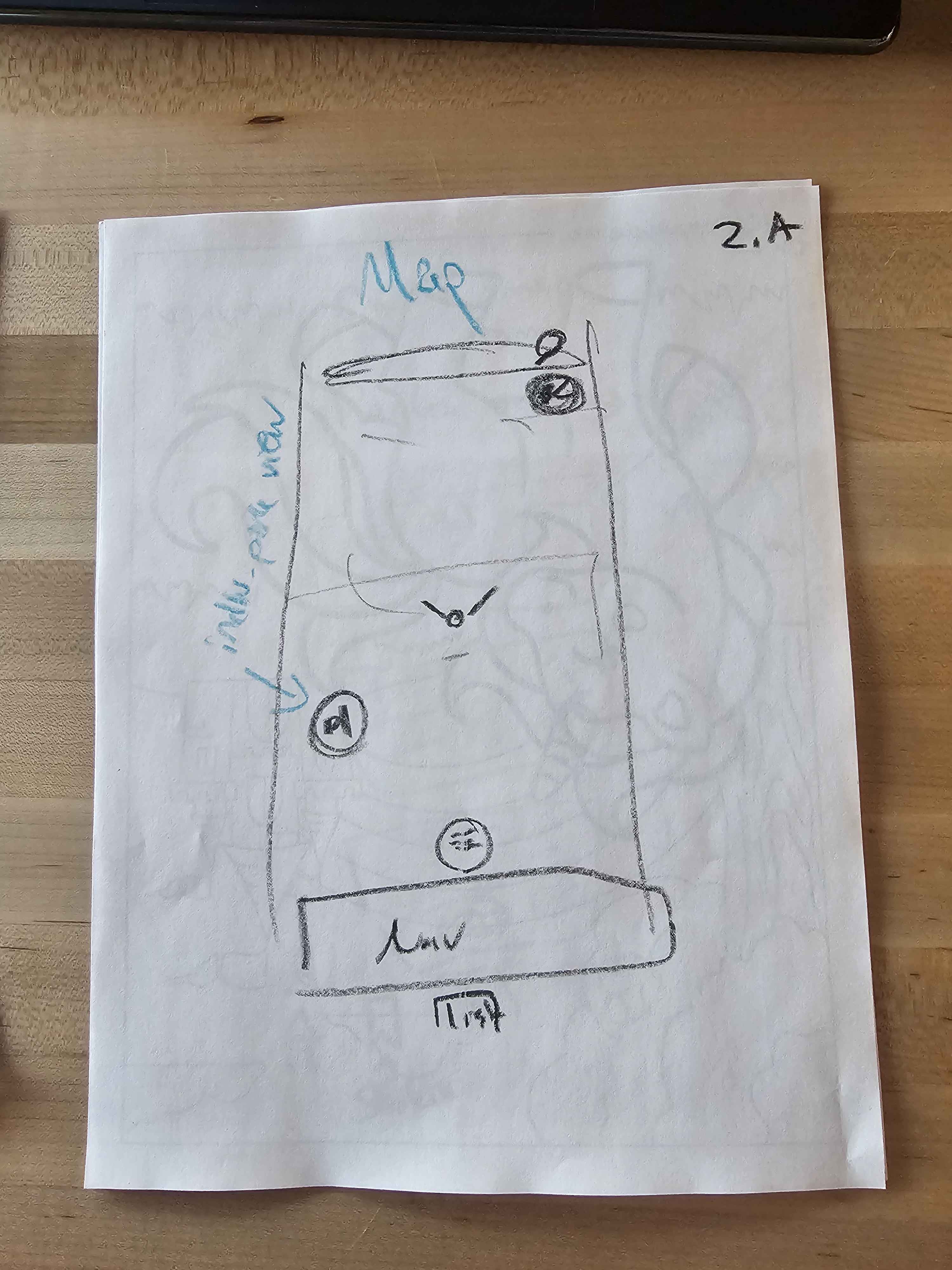
- Wireframing: Sketched core user flows on paper first
- Design system: Established color palette and typography before writing code
- Component-first development: Built reusable stamp, achievement, and park card components
- Data modeling: Created mock park data structure to simulate API responses
- Geolocation integration: Implemented boundary detection logic
- Iterative testing: Continuous mobile-first testing throughout development
AI-Assisted Development
We leveraged AI tools strategically:
- Image generation: Rapidly prototyped park imagery and stamp designs
- Vibe Code assistance: Accelerated boilerplate component creation
This hybrid approach let us move fast on UI while maintaining control over critical functionality.
🚧 Challenges We Faced
1. Rapid Prototyping Under Time Pressure
Problem: Hackathon timeline meant we had $\approx 24$ hours to build a functional MVP.
Solution: Ruthlessly prioritized Tier 1 features. Used AI-generated placeholder assets instead of spending hours on custom graphics. Implemented "good enough" solutions with clear TODOs for post-hackathon refinement.
Lesson: Perfect is the enemy of shipped. We learned to distinguish between "MVP blockers" and "nice to haves."
2. Rapid Image Generation Quality Control
Problem: AI-generated park images and stamps lacked consistency in style, lighting, and dimensions.
Solution: Created detailed prompts with specific style references ("vintage WPA poster," "1940s national park stamp"). Batch-generated multiple options and curated the best matches. Established naming conventions to keep assets organized.
Lesson: AI tools are incredible accelerators, but quality control still requires human judgment. The 80/20 rule applies—AI gets you 80% there quickly, but the final 20% polish takes manual work.
3. Team Coordination Between Coding Paradigms
Problem: One team member using AI-assisted tools (Vibe Code) while another hand-coded, resolving merge conflicts and stylistic inconsistencies.
Solution:
- Established component ownership (one person per component)
- Set clear code style guidelines (formatting, naming conventions)
- Used branch structure (
chans-branchfor active dev,mainfor stable) - Regular sync meetings to review changes before merging
Lesson: Tools don't create process problems—unclear expectations do. Clear communication matters more than which editor you use.
4. Finding Productive Work Environments
Problem: Initial workspace was extremely loud, making communication and concentration difficult.
Solution: Relocated to quieter venue mid-project. Lost some time in the move but gained it back through better focus and easier collaboration.
Lesson: Environment affects productivity more than we expected. Sometimes the meta-work (finding a better space) is the highest-leverage task.
5. Geolocation Accuracy and Privacy
Problem: GPS accuracy varies wildly ($\pm 10-50$ meters), and some park boundaries are massive. How do we verify someone is "inside" a park without false positives/negatives?
Current Status: Implemented basic boundary detection for MVP. Acknowledged this needs refinement for production (buffer zones, multi-point verification, battery optimization).
Future Work: Explore geofencing APIs with better accuracy, implement confidence scoring for location data, add manual verification fallback for edge cases.
🎯 What's Next
This hackathon prototype proved the concept works, but there's substantial work ahead:
- Production geolocation: Implement robust boundary detection with accuracy thresholds
- Real park data: Integrate with National Park Service API for official information
- Authentication: Build secure user accounts with cloud data persistence
- Achievement system: Design and implement park-specific challenges
- Social features: Enable sharing and friend connections (Tier 2)
- Performance optimization: Lazy loading, image compression, bundle size reduction
🏆 What We're Proud Of
Despite the challenges, we shipped a working prototype that:
- ✅ Demonstrates the core collection mechanic
- ✅ Has a cohesive, polished design system
- ✅ Works on mobile devices (our primary target)
- ✅ Validates the gamification concept resonates with users
Most importantly, we built something that makes us want to go visit national parks—and that was always the goal.
Built with determination, an AZ tech ladies brunch, and a genuine love for America's national parks. 🏕️
Built With
- css
- javascript
- lucide
- next.js
- tailwind


Log in or sign up for Devpost to join the conversation.