-
-
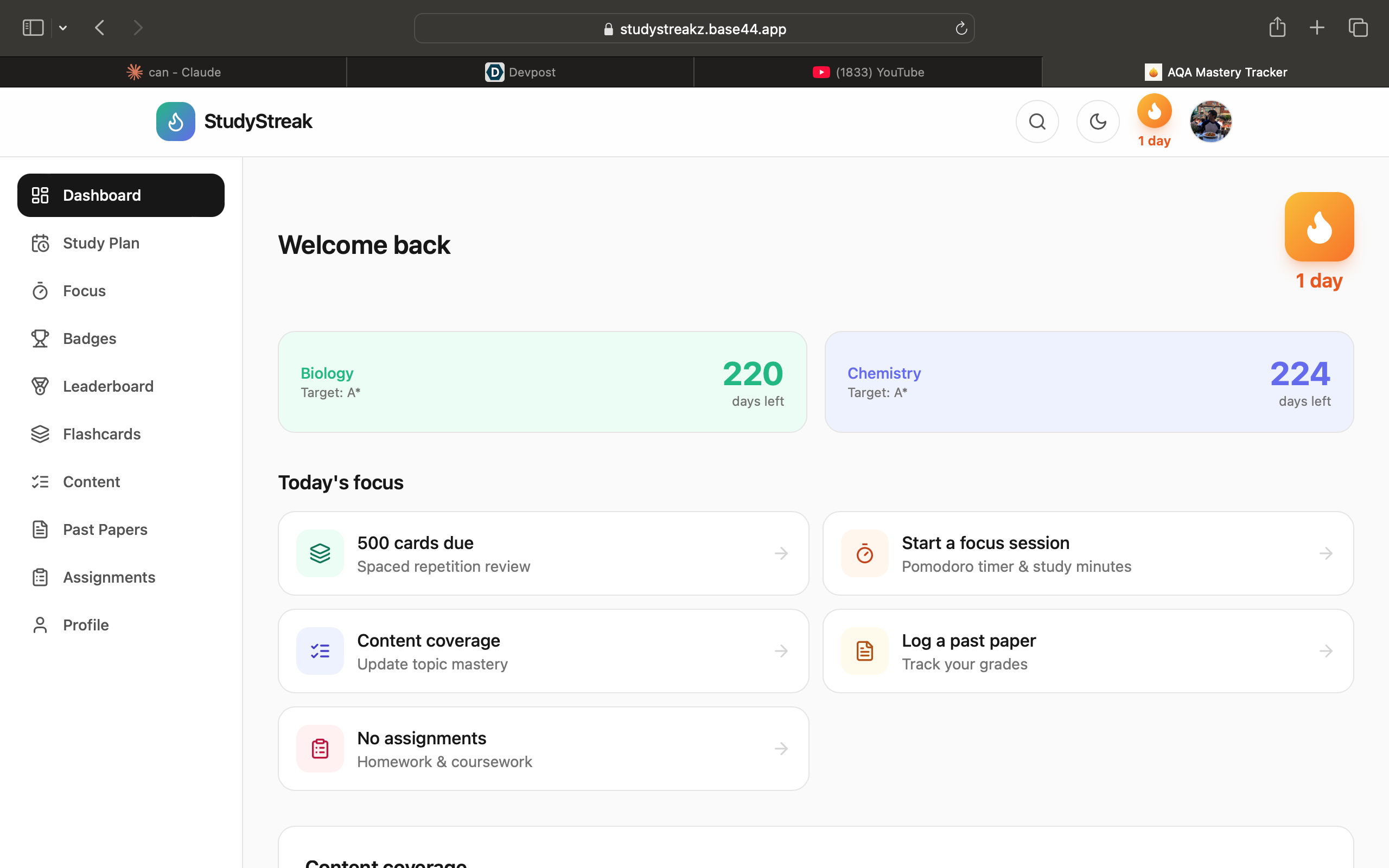
Dashboard
-
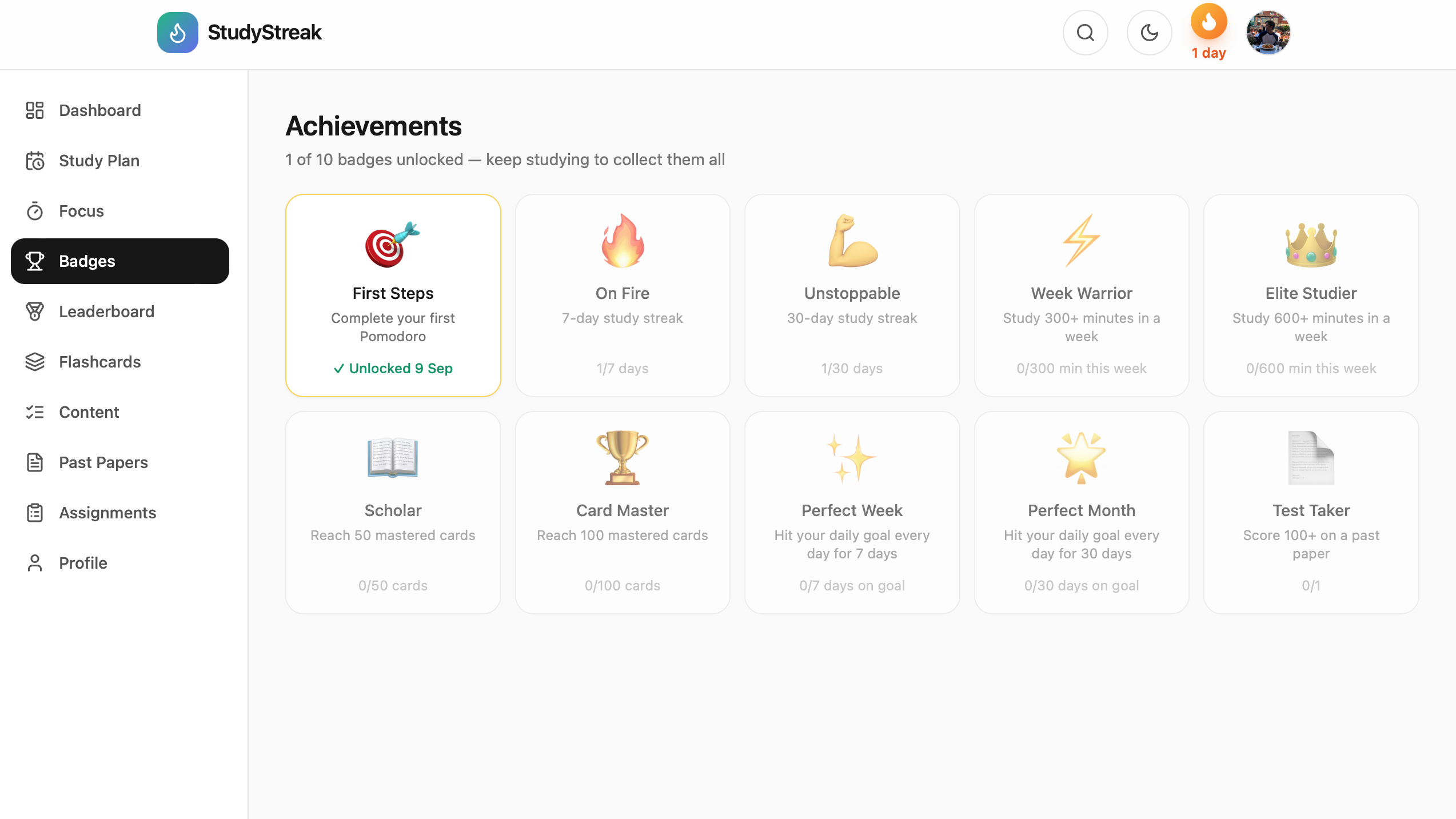
Achievements
-
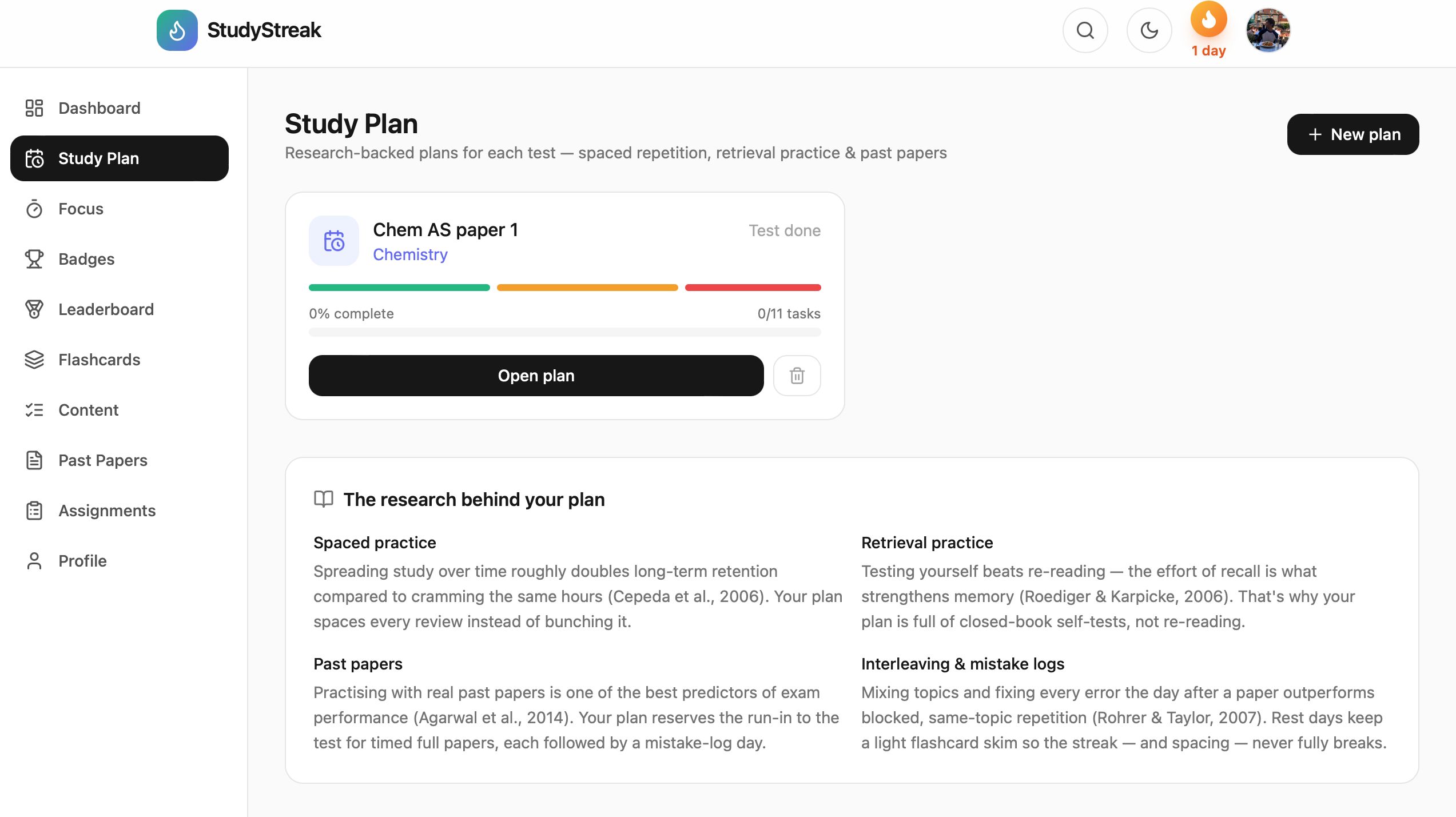
Study Planner
-
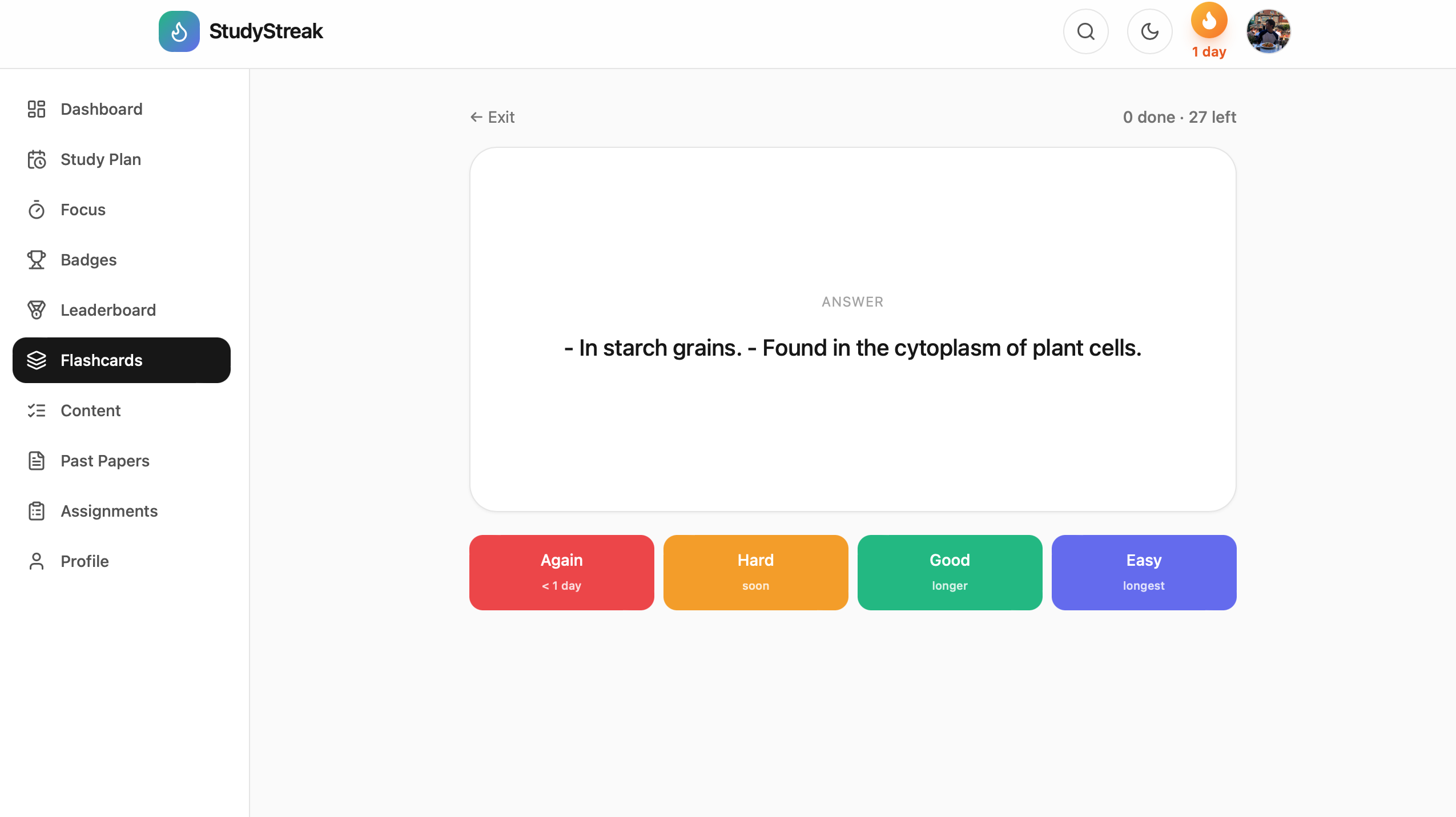
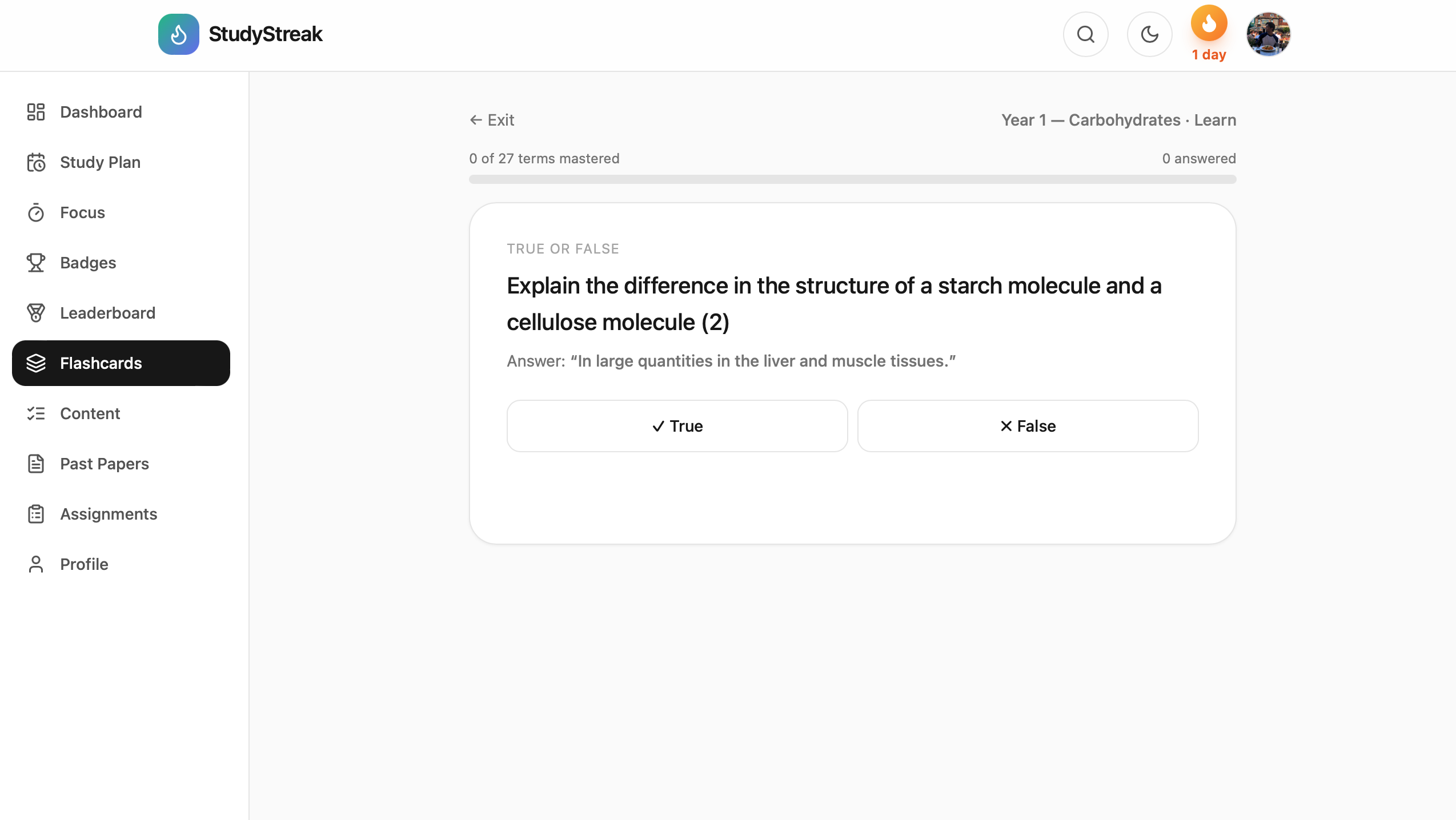
Spaced repetition
-
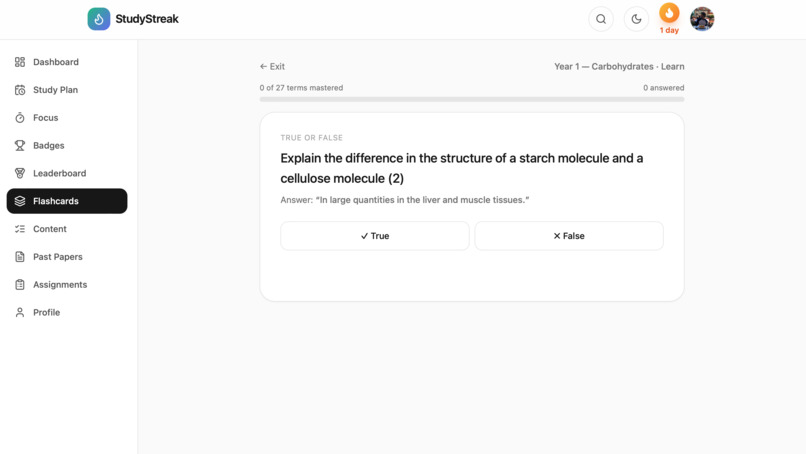
Learn mode
-
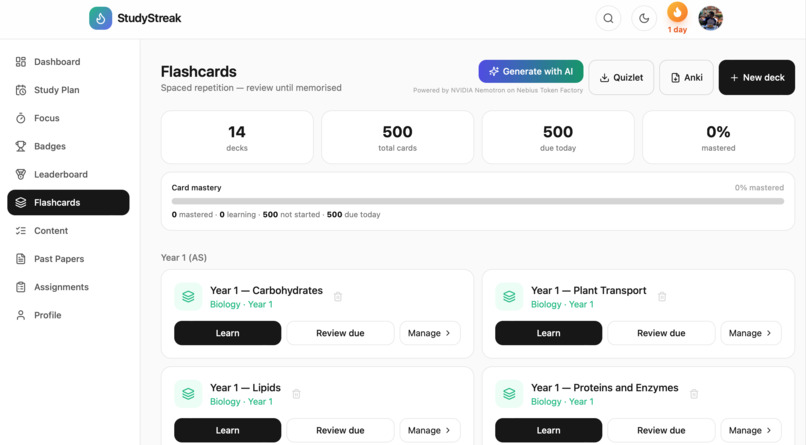
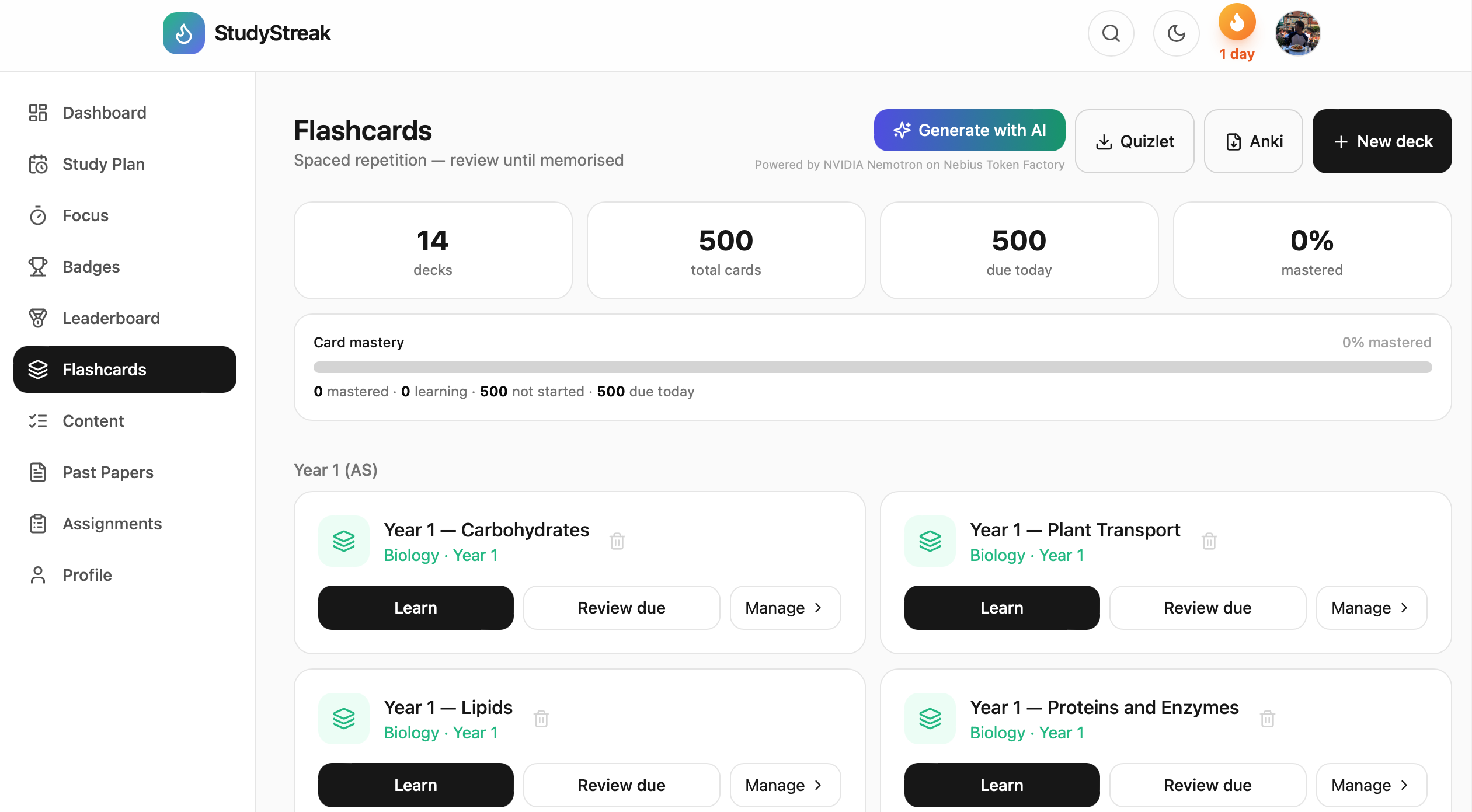
Flashcards
-
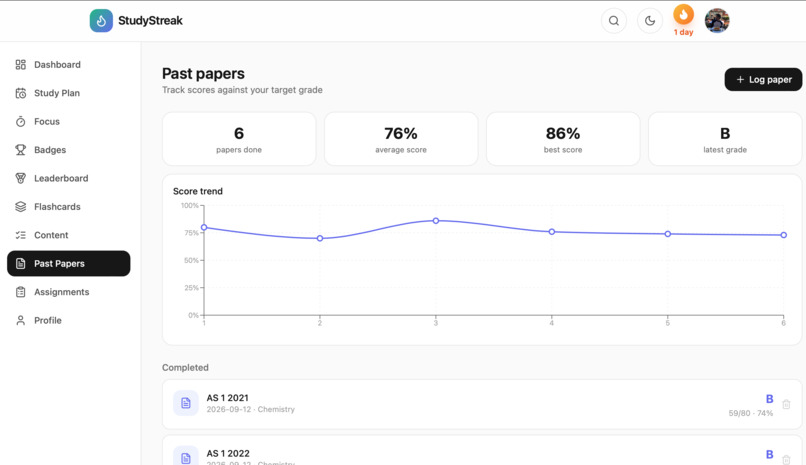
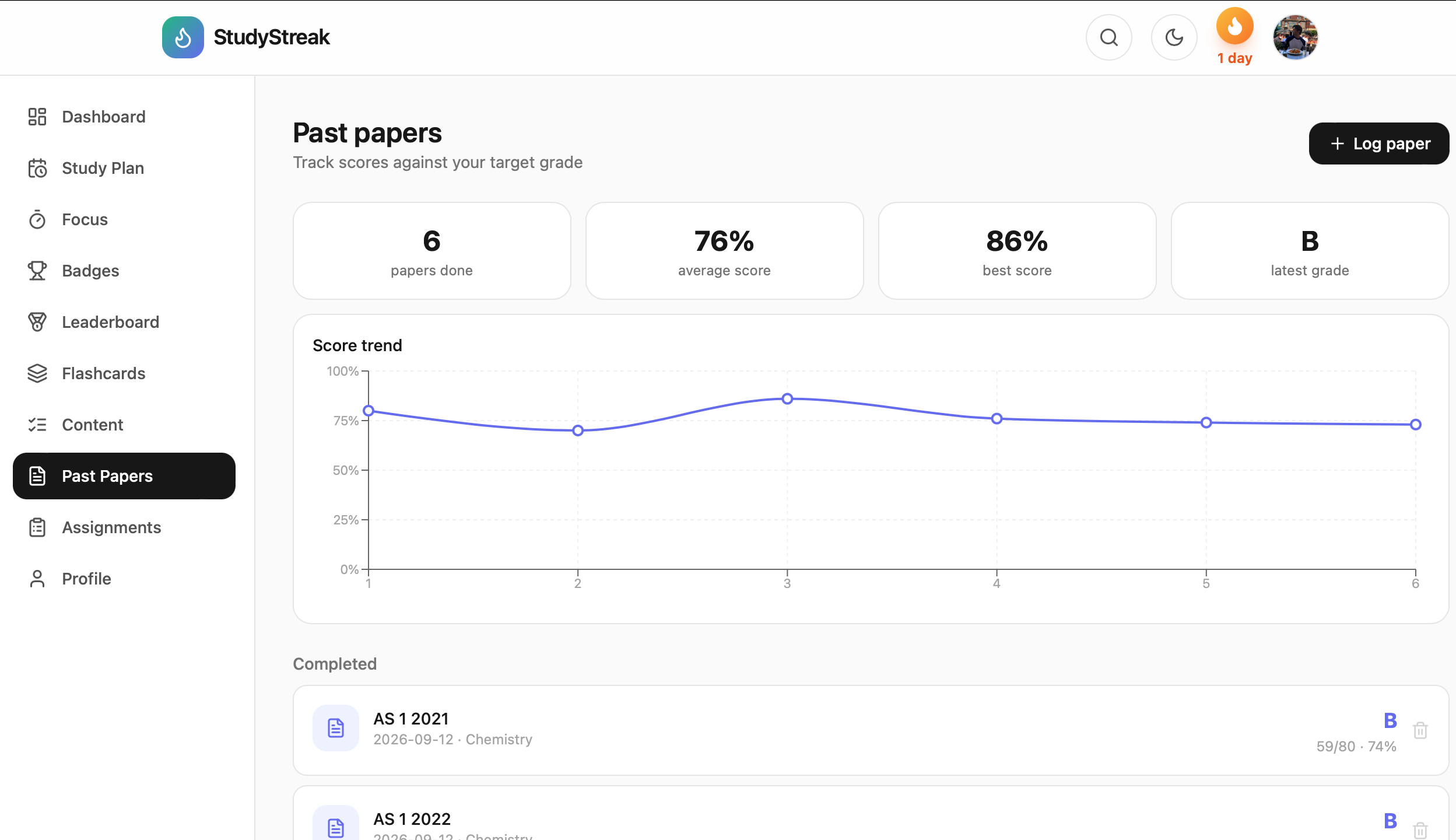
Past paper log
-
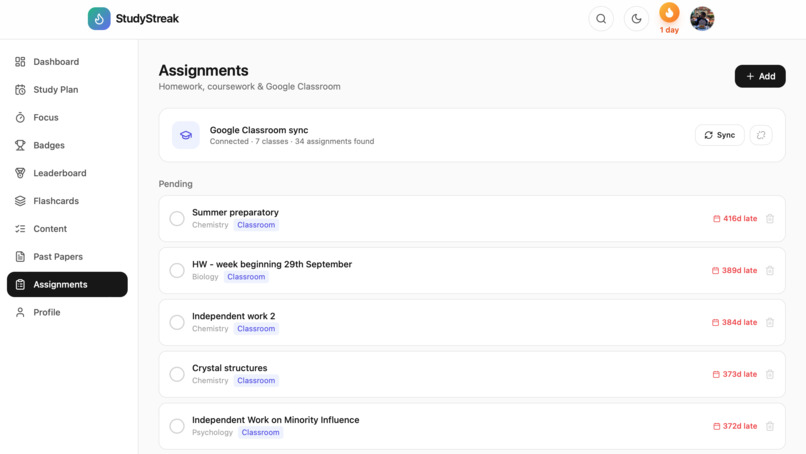
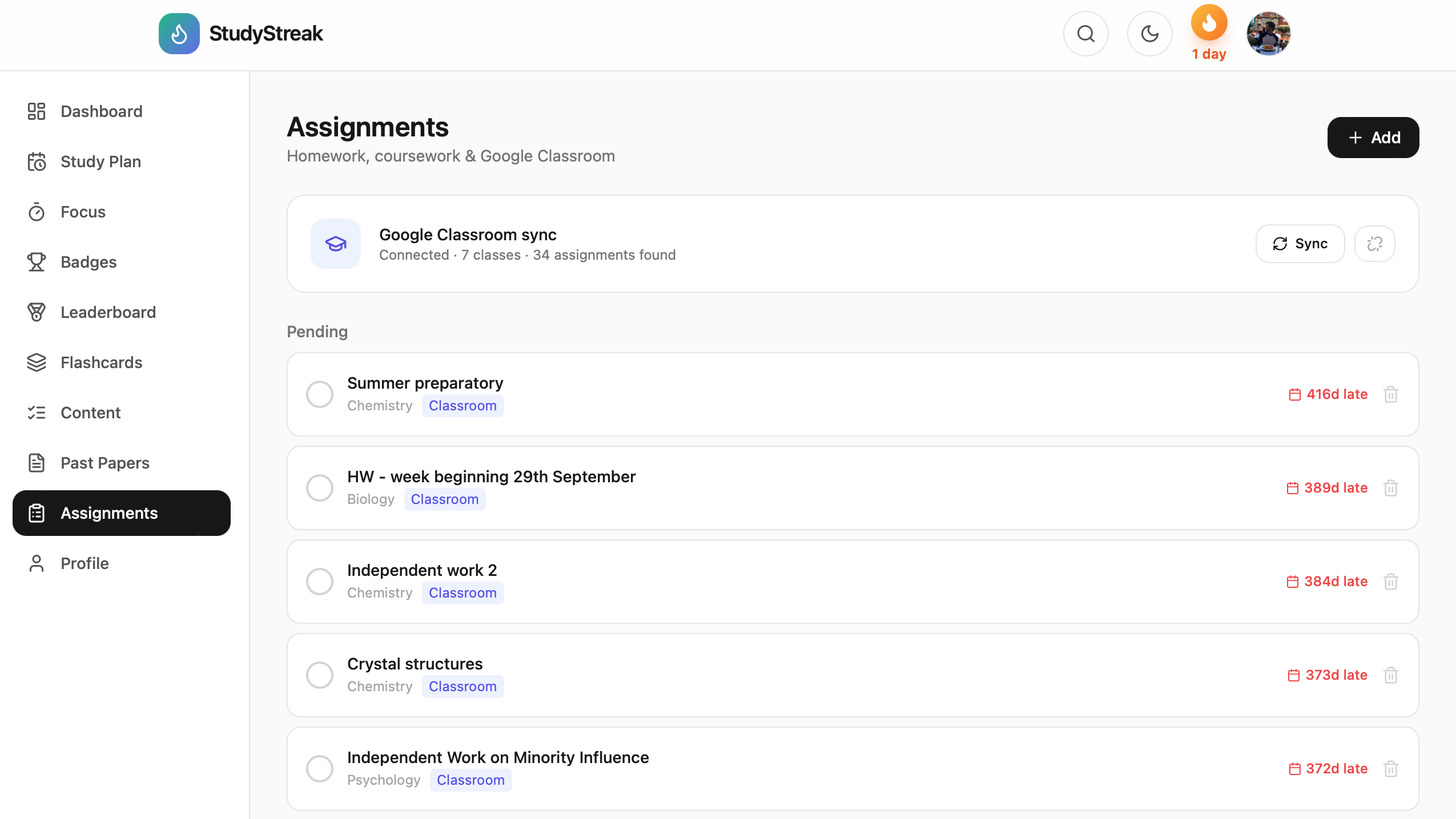
Assignments
-
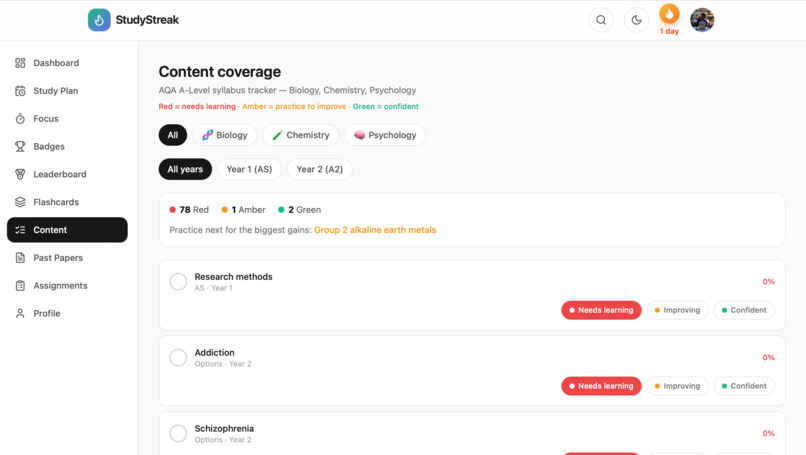
Progress tracker
-
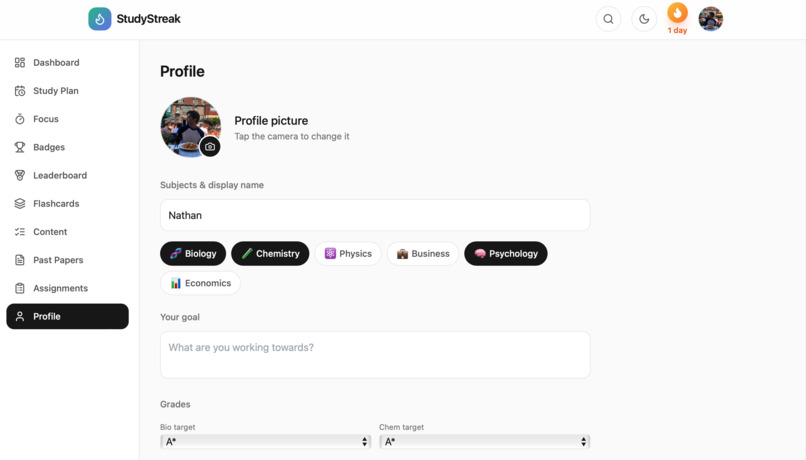
Profile
-
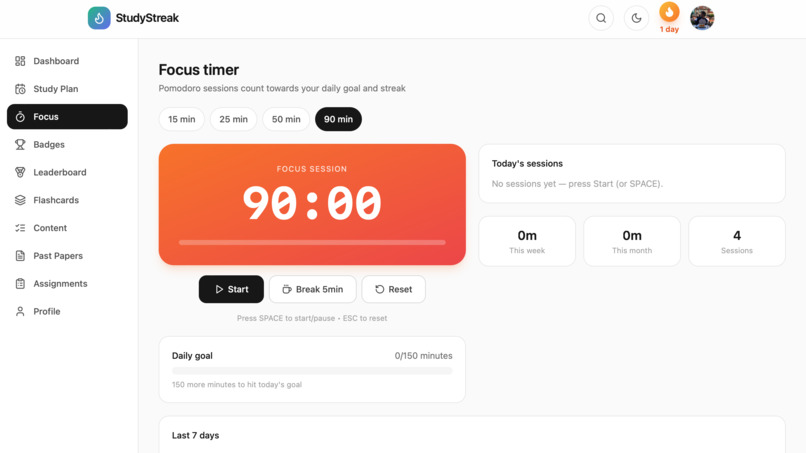
Pomodoro timer
-
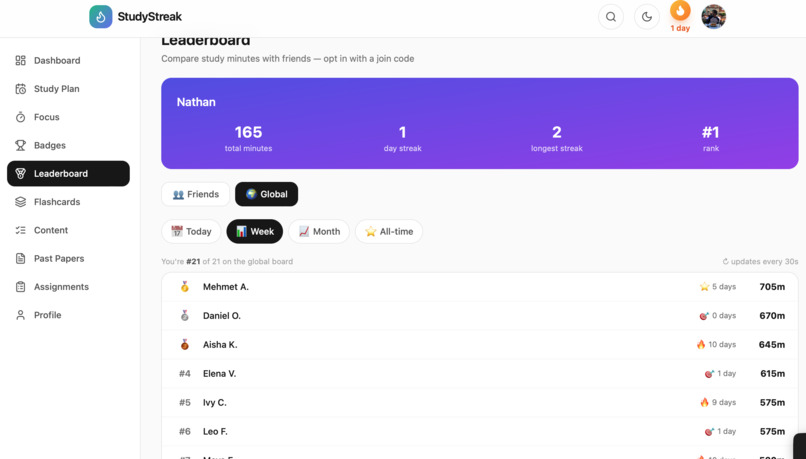
Leaderboard

Inspiration
Good revision tools shouldn't cost students money. A-Level students have two years of content, several subjects and no clear idea whether they're on track. I built StudyStreak as a free, open-source revision app around the AQA syllabus.
What it does
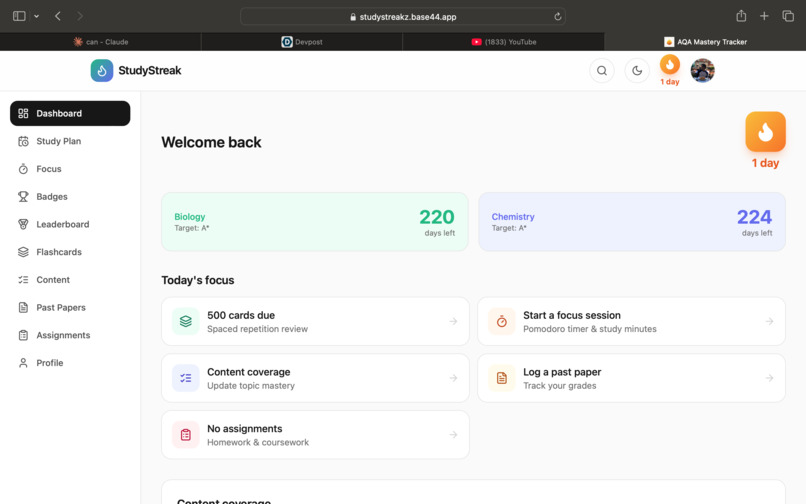
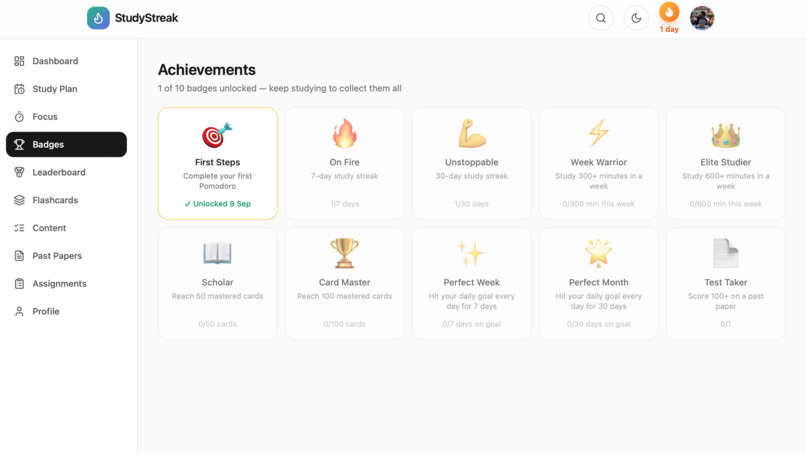
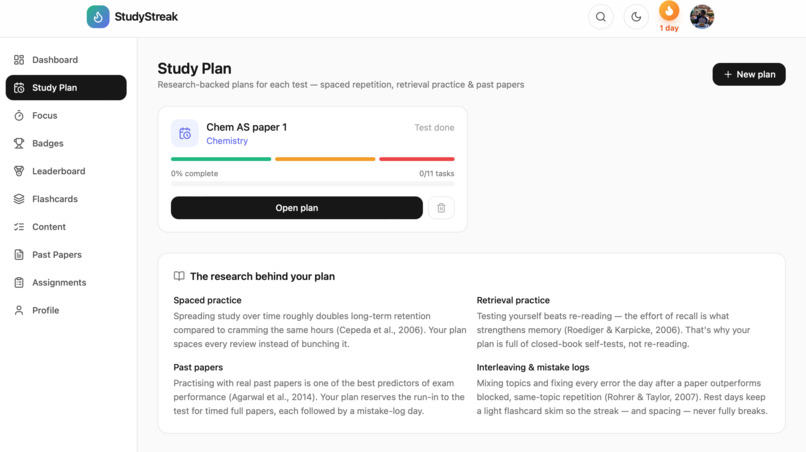
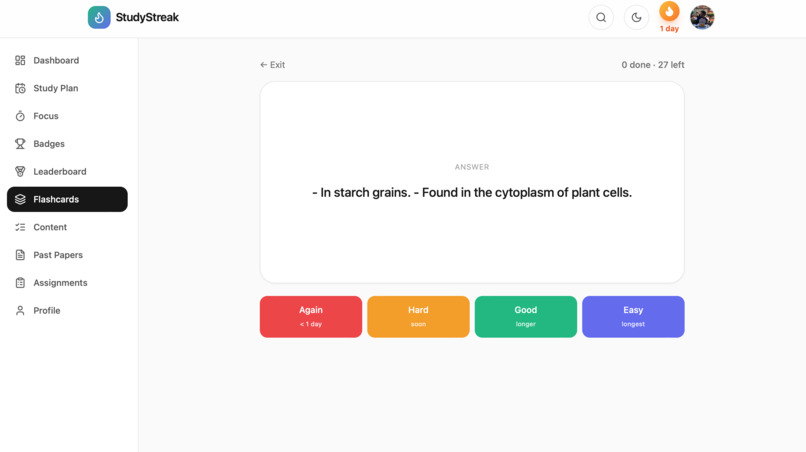
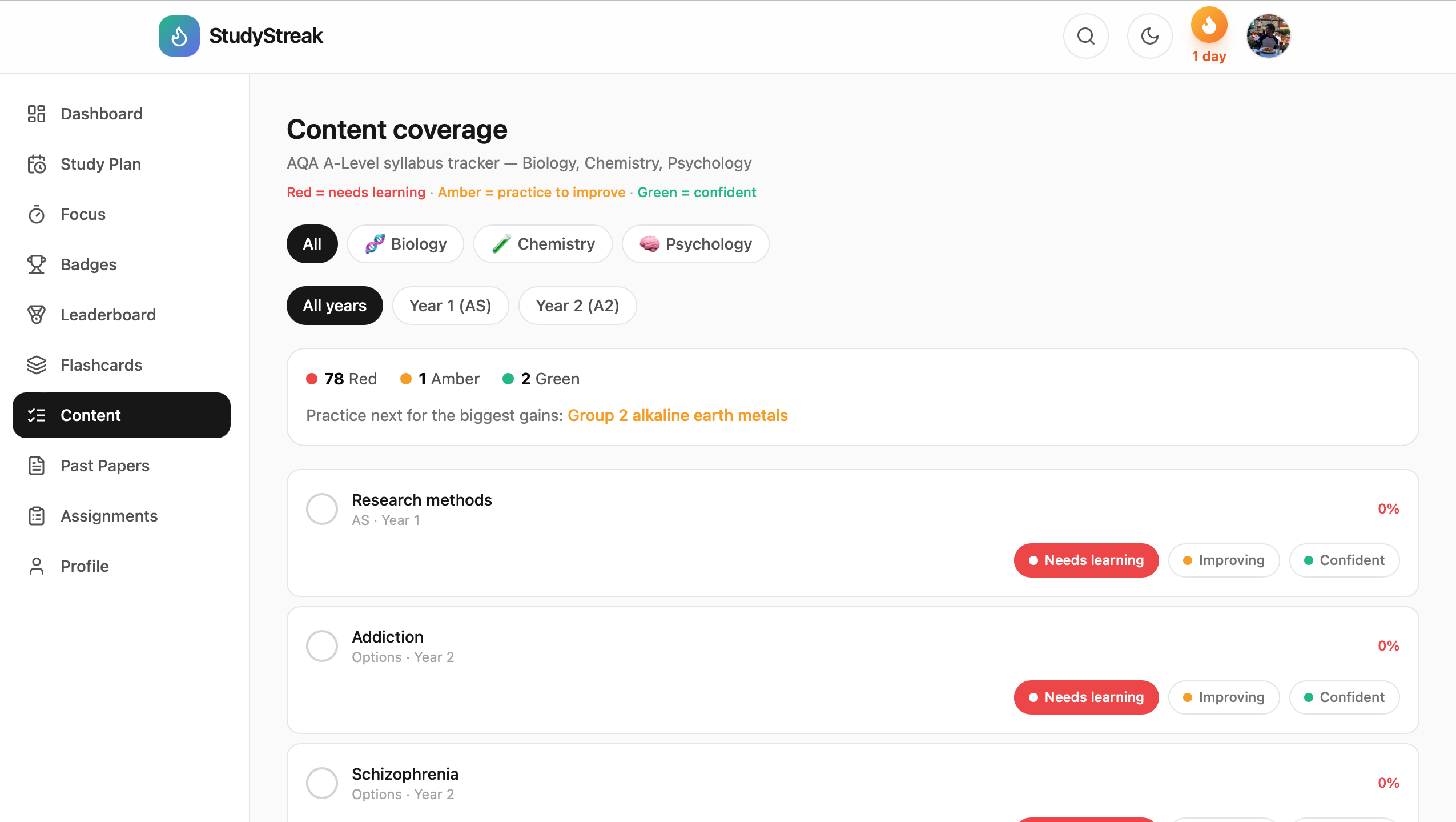
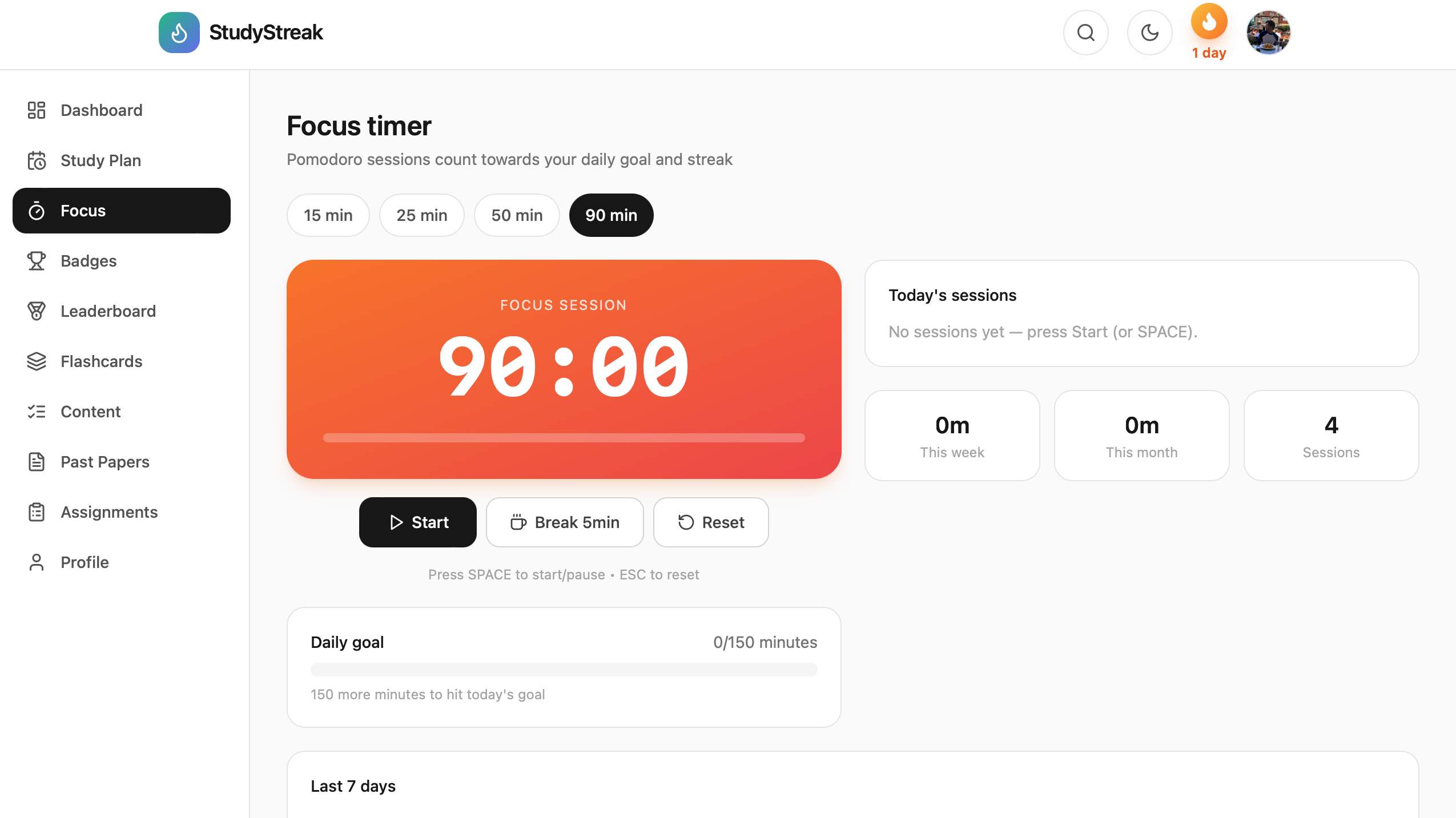
StudyStreak tracks the AQA syllabus, schedules flashcards with spaced repetition (SM-2), generates a day-by-day study plan that counts down to each exam, logs past papers, and keeps students motivated with streaks and badges.
For this hackathon I added AI flashcard generation: a student pastes their revision notes, picks a subject, and NVIDIA Nemotron returns a ready-to-review deck. They can delete cards they don't want, save the deck, and it enters the spaced-repetition schedule. The same model also groups imported Anki cards into topic decks.
How I built it
- NVIDIA Nemotron (
nvidia/nemotron-3-super-120b-a12b) on Nebius Token Factory powers the flashcard generation and card grouping. - A server-side function calls the Token Factory API, validates the subject, and cleans up the model's JSON before showing it. The API key is stored as a secret and is never exposed in the front end.
- Front end: React, Vite and Tailwind. Backend, auth and database: Base44.
What was updated during the submission period
StudyStreak was built during the submission period, starting in early September 2026. The AI flashcard feature uses Nemotron on Nebius Token Factory.
Challenges
Making the model's output reliable. It sometimes wraps JSON in markdown or adds extra text, so I added tolerant parsing and validation so a bad reply never breaks the app.
What's real and what's simulated
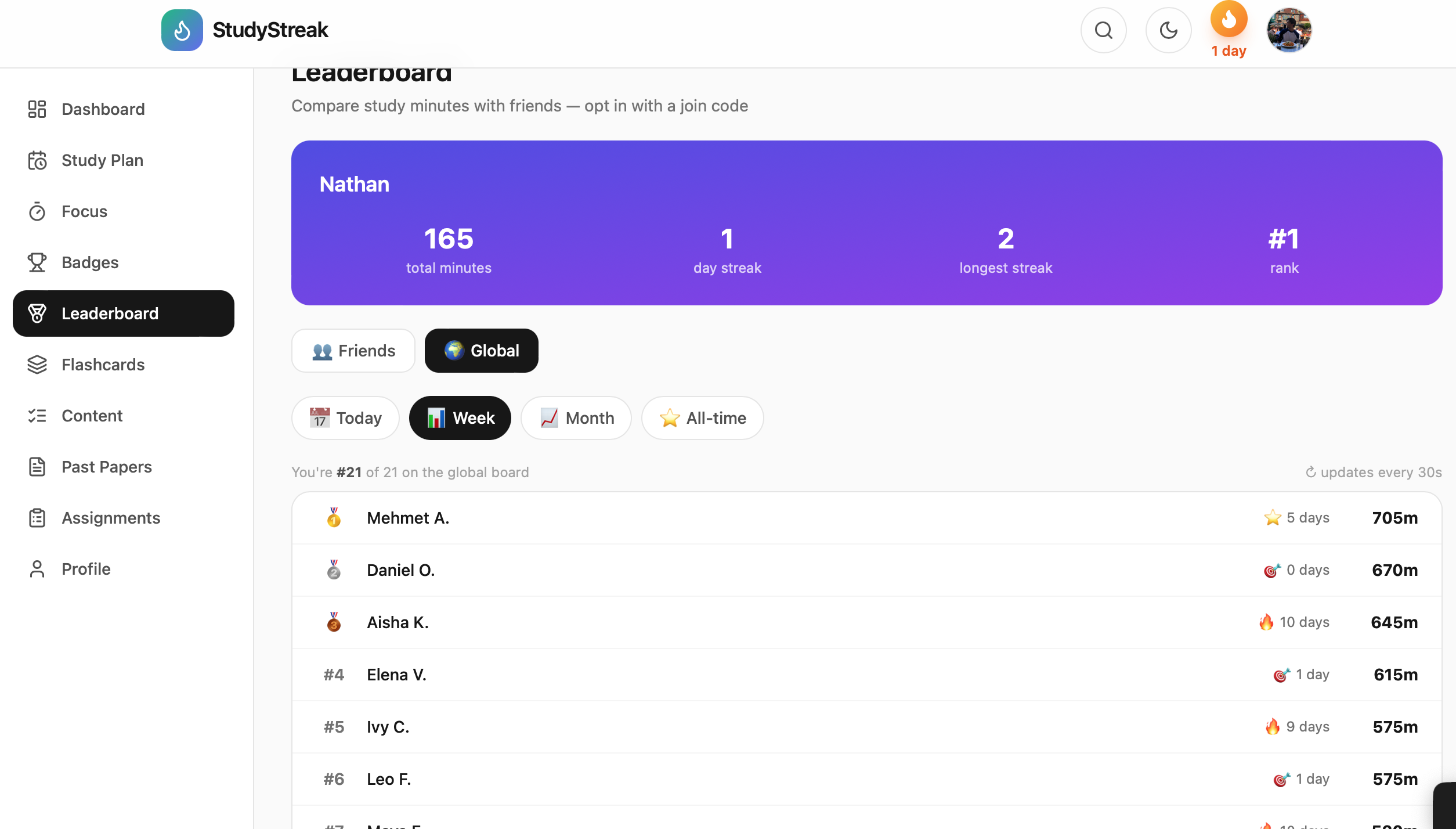
The global leaderboard includes simulated students to keep it lively for new users. Everything else (flashcards, study plans, AI generation) is real.
What's next
AI marking of typed answers (right now they're exact-match), regenerating a plan after a missed week, and a tutor view.
Testing instructions
The app is free to use. Open https://studystreakz.base44.app, click Sign up, enter an email and confirm with the verification code sent to it, complete onboarding, then go to Flashcards → Generate with AI, paste some revision notes and click Generate.
Links
- Code (MIT): https://github.com/Natawdsa/StudyStreakz
Built With
- base44
- deno
- javascript
- nebiustokenfactory
- nvidianemotron
- react
- tailwindcss
- vite
