-
-
-
-
-
-
-
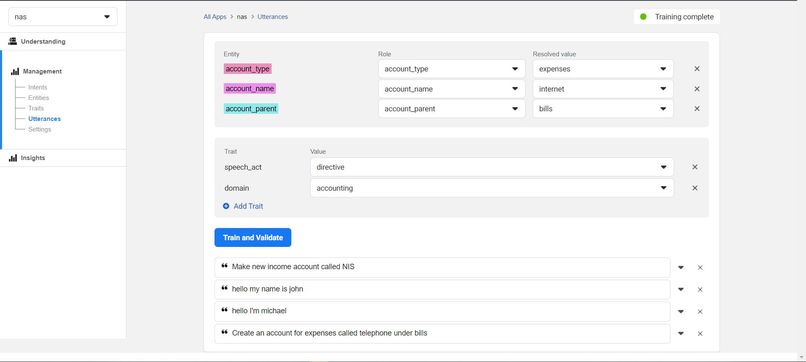
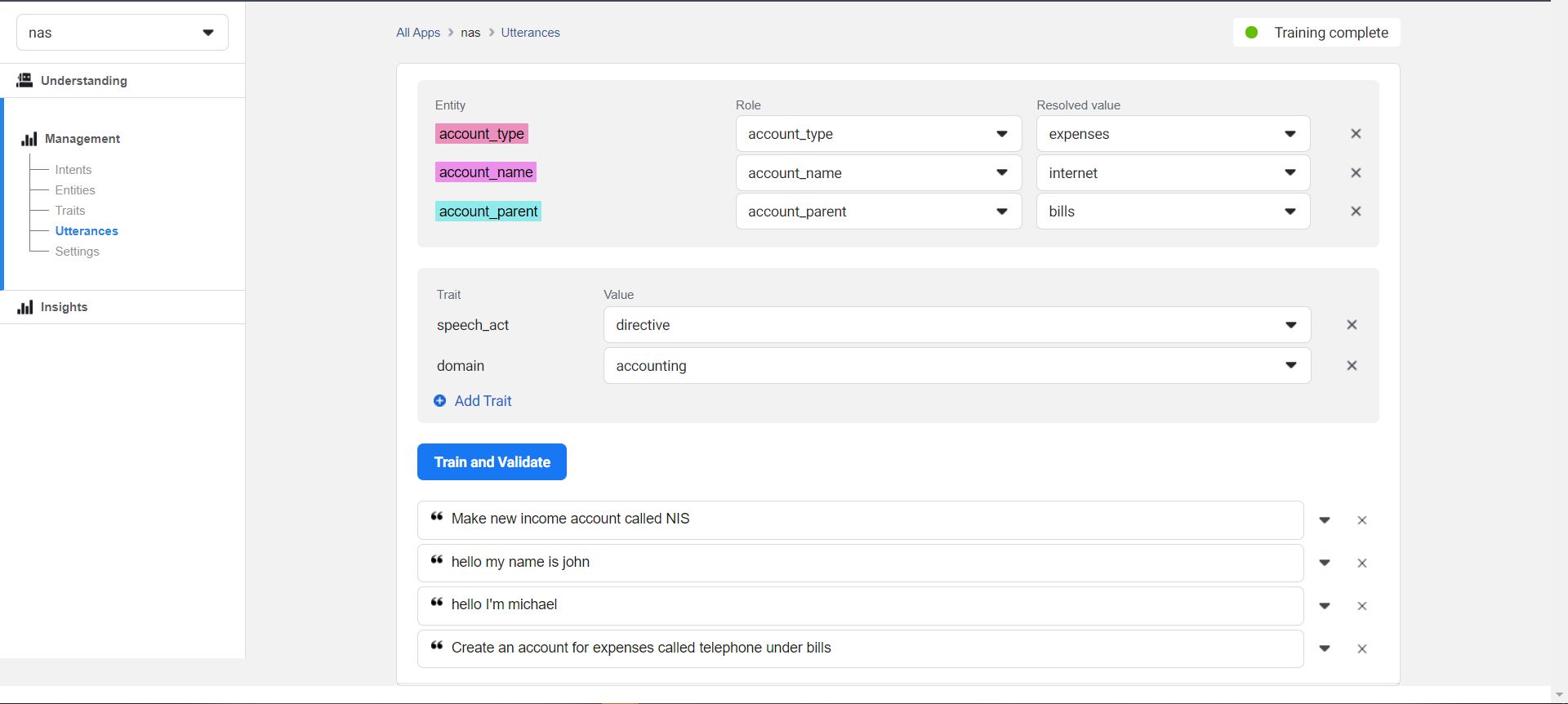
Training the Nash Wit NLU model
-
cg
-
Inspiration
Inspiration
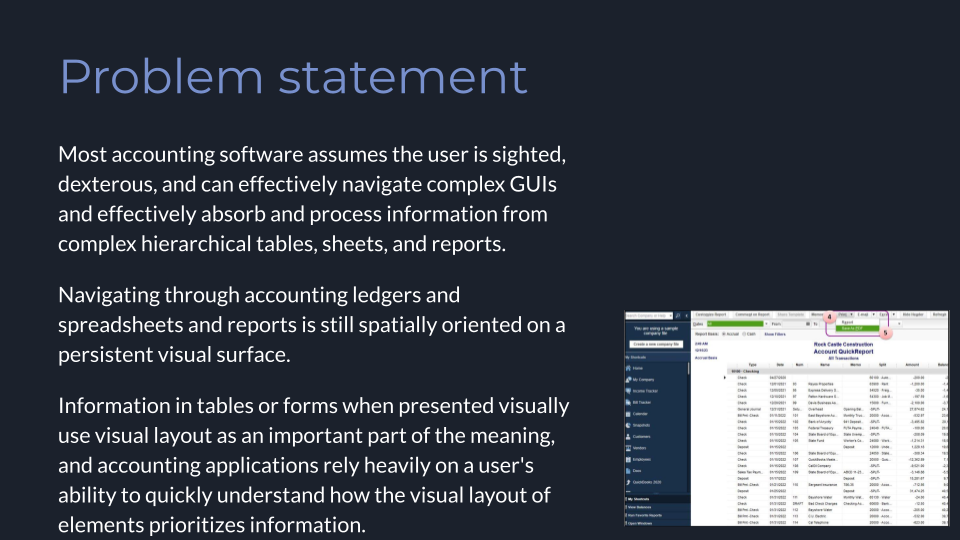
Managing your personal and family finances is one of the essential aspects of being an independent adult, and double-entry accounting is a critical part of managing a small business. The wide availability of accounting software packages and apps has made activities like tracking income and expenses, following budgets, and invoicing customers easier than ever for individuals and small business owners and employees. However most of this software assumes the user is sighted, dexterous, and can effectively navigate complex GUIs and effectively absorb and process information from complex hierachical tables, sheets, and reports.
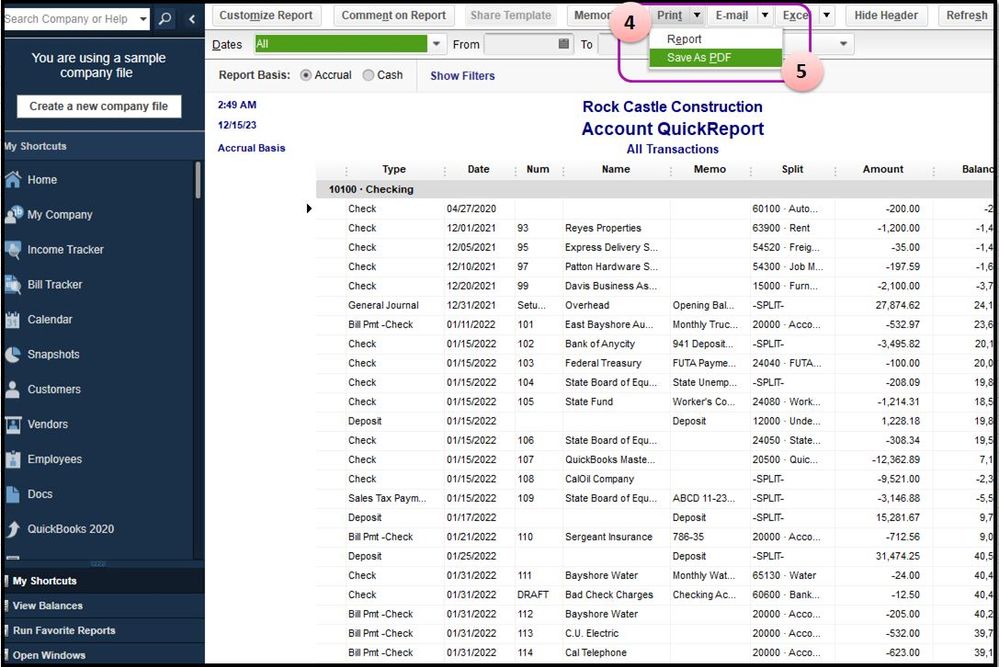
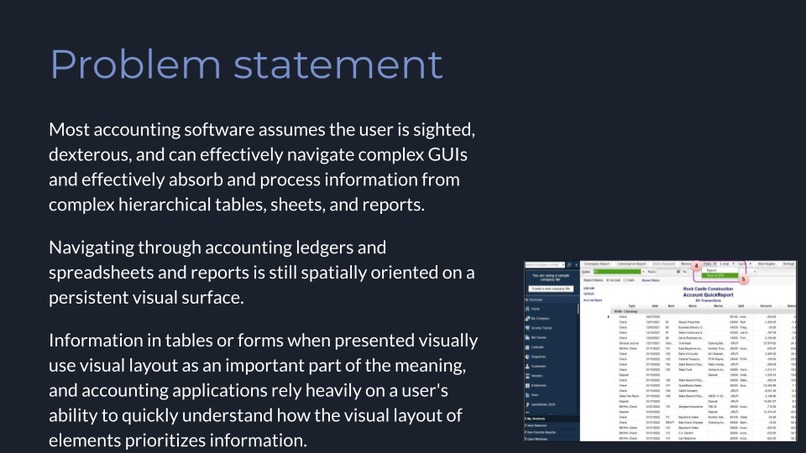
Spreadsheet / report interface metaphors are used widely in accounting software and existing packages try to make this accesssible to differently-abled users using assistive technology like screen readers by designing interfaces to conform to standards like WCAG and ARIA. But in most accounting packages, navigating through accounting ledgers and spreadsheets and reports is still spatially oriented on a persistent visual surface and visual users can see and immediately memorize and rank in importance navigation elements like menus, trees, buttons, headers, columns, text et.al, while using a visual input marker like a mouse cursor or touch to select the desired element or to click the relevant UI element to expand or collapse a section of data. Information in tables or forms when presented visually use visual layout as an important part of the meaning, and accounting applications rely heavily on a user's ability to quickly understand how the visual layout of elements prioritizes information or the steps needed to complete a task or process.
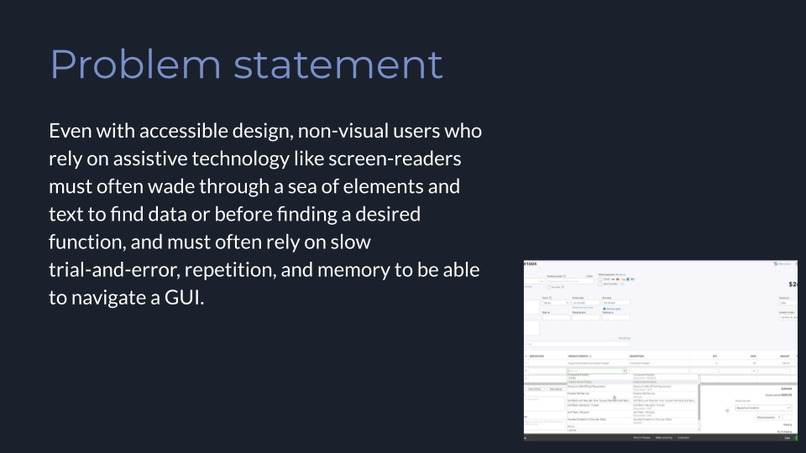
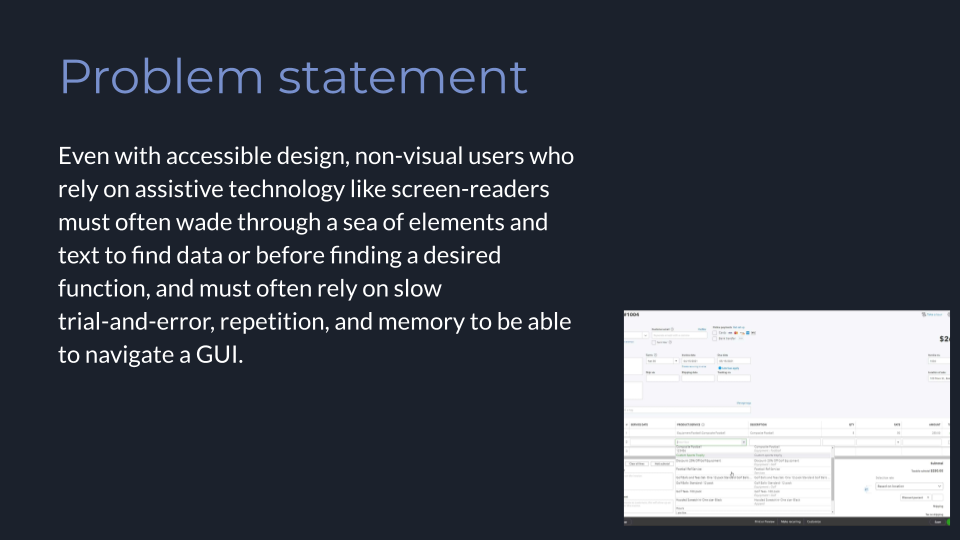
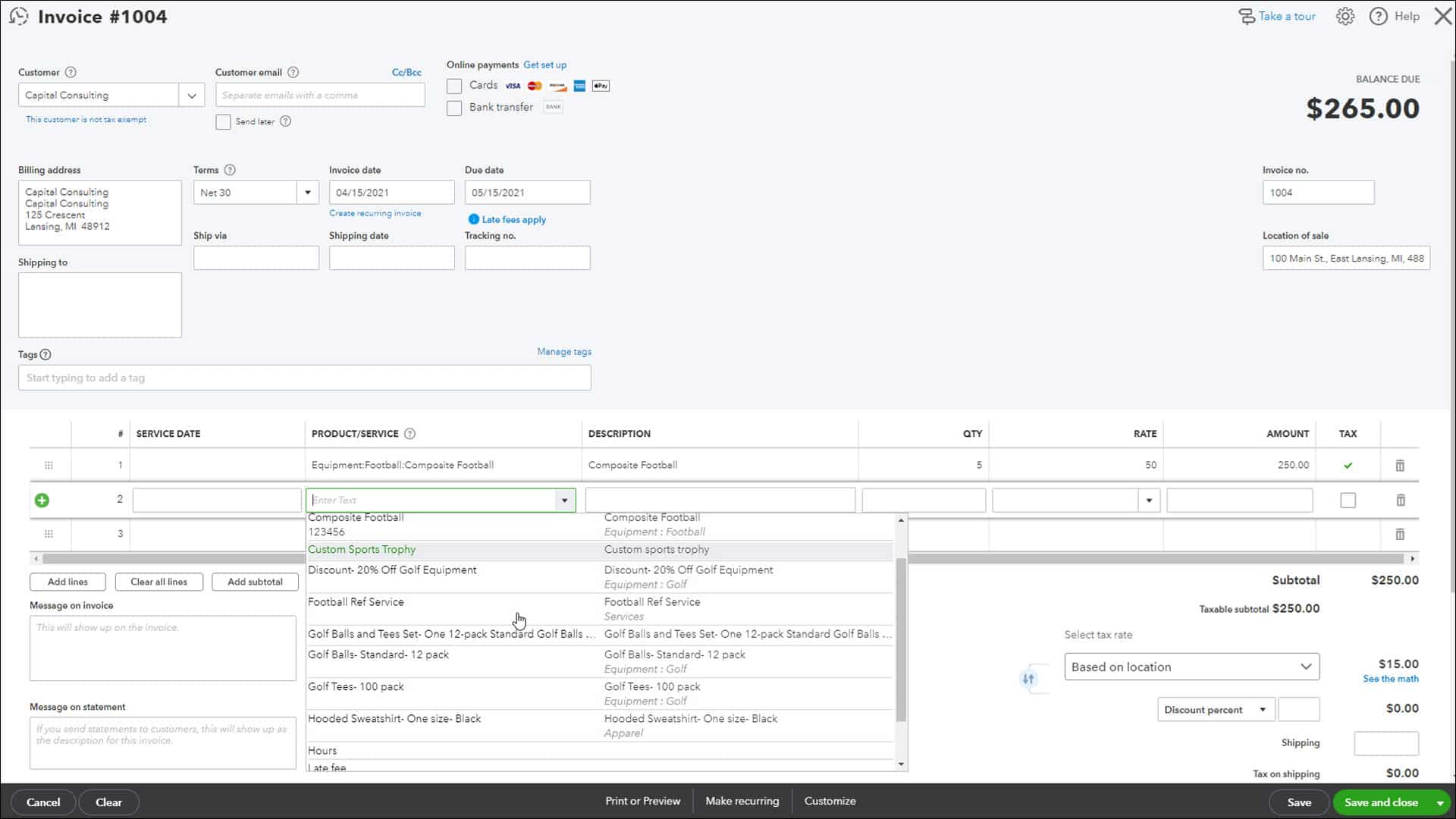 Creating an invoice in QuickBooks 2020
Even with accessible design, non-visual users who rely on assistive technology like screen-readers must often wade through a sea of elements and text to find data or before finding a desired function, and must often rely on slow trial-and-error, repetition, and memory to be able to navigate a GUI. The complexity of user interfaces for desktop and mobile accounting packages and finance applications today may benefit and seem intuitive to experienced visual users, but complex and intricate GUIs that make assumptions about the sight acuity or dexterity or short-term information processing abilities of users can end up being extra-frustrating and excluding a significant proportion of users.
 Beancount accounting software account journal interface
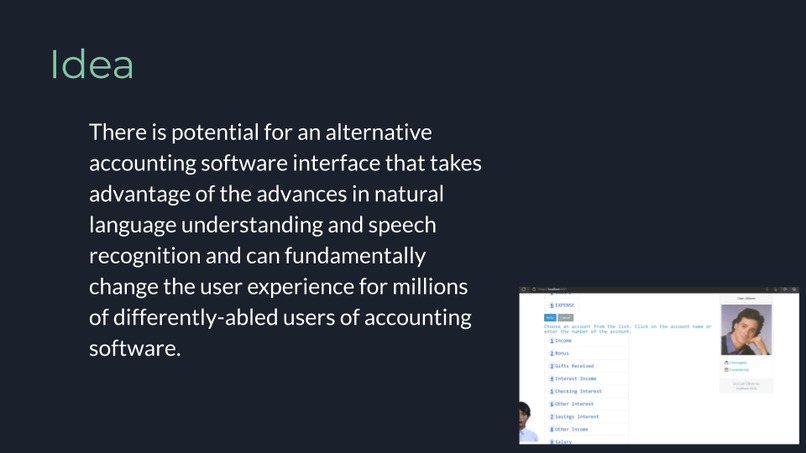
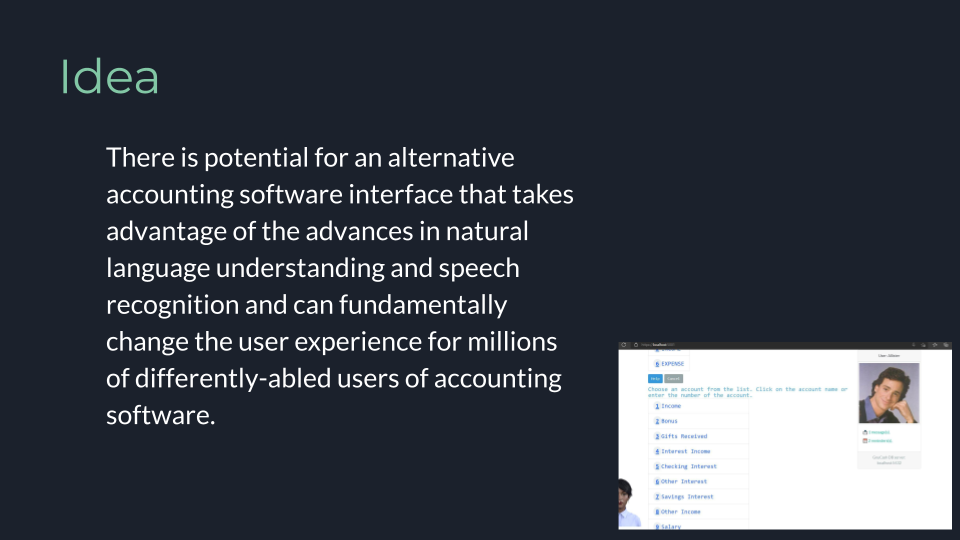
Conversational user interfaces are among the easiest and most accessible forms of human-computer interaction. There is potential for an alternative accounting software interface that takes advantage of the advances in natural language understanding and speech recognition and can fundamentally change the user experience for millions of differently-abled users of accounting software. Organizations investing in this technology may find an untapped market for their products and services and a new source of brand and customer loyalty especially among non-visual technology workers.
What it does
Nash is a virtual assistant and conversational user interface to the GnuCash personal and small-business financial accounting program. GnuCash is a modern double-entry desktop accounting package that allows you to track and report on your bank accounts, stocks, income and expenses. Nash works by translating natural language statements and commands entered by text or voice to SQL queries over the GnuCash database. Nash works similar to the PieCash program by accessing the GnuCash database schema and object model directly
 but is designed to provide a natural language interface as an alternative to the traditional GnuCash GUI interface.
Nash communicates with the user as a friendly virtual assistant using voice, text and multimedia and is designed to provide accessible and inclusive access to personal and small-business accounting tools without requiring complex GUI forms and visual widgets. Nash instead uses a simple line-oriented conversational user interface with inline buttons and menus with voice feedback that uses dialogue with the user to complete common accounting interface tasks involving accounts, transactions, journals, reports, invoices, and documents. The data is saved in the GnuCash database and can be accessed by the traditional GnuCash desktop interface.
Users issue commands like Create a new expense account under Bills called Internet or Show me all expenses funded from the Checking Account last month and Nash uses NLU to parse natural language commands, questions, and queries into structured data queries and presents the data as accessible HTML content inline. Nash provides an alternative interface for traditional desktop software accounting that can be easier-to-use for differently-abled users, but uses the same data and source-of-truth as the traditional desktop interface.
How we built it
Overview
Nash is written in F#, running on .NET Core and the WebSharper framework. The Nash front-end is a browser-based CUI which uses natural language understanding on both text and speech, together with voice, text and graphic output using HTML5 features like the WebSpeech API. The front-end is designed to be accessible to all mobile and desktop users and does not require any additional software beyond a HTML5 compatible browser.
Dialogue manager
The Nash CUI and dialogue manager make heavy use of functional language features like first-class functions, algebraic types, and pattern-matching, . CUI rules are implemented in a declarative way using F# pattern matching, which greatly reduces the complexity of the branching logic required for a rule-based chatbot.
Tech Stack
| Name | Description |
|---|---|
| WebSharper | F#-to-JavaScript compiler and application framework for building web applications in pure F#. |
| HTML5 WebAudio/WebSpeech | Browser API for capturing speech and performing speech-to-text without requiring a mobile or desktop app. |
| .NET Core | Open-source, cross-platform application development SDK and runtime. |
| Wit.ai | NLU service provided by Facebook. |
Challenges we ran into
This was my first time trying to learn double-entry accounting concepts and it all took a while to click. Each software package - GnuCash vs. Ledger CLI for instance seems to have slightly different conventions.
What's next for Nash: Voice-enabled, inclusive accounting virtual assistant
I'd like to get feedback from differently-abled users on how they use traditional accounting packages and if they will find something like Nash useful


Log in or sign up for Devpost to join the conversation.