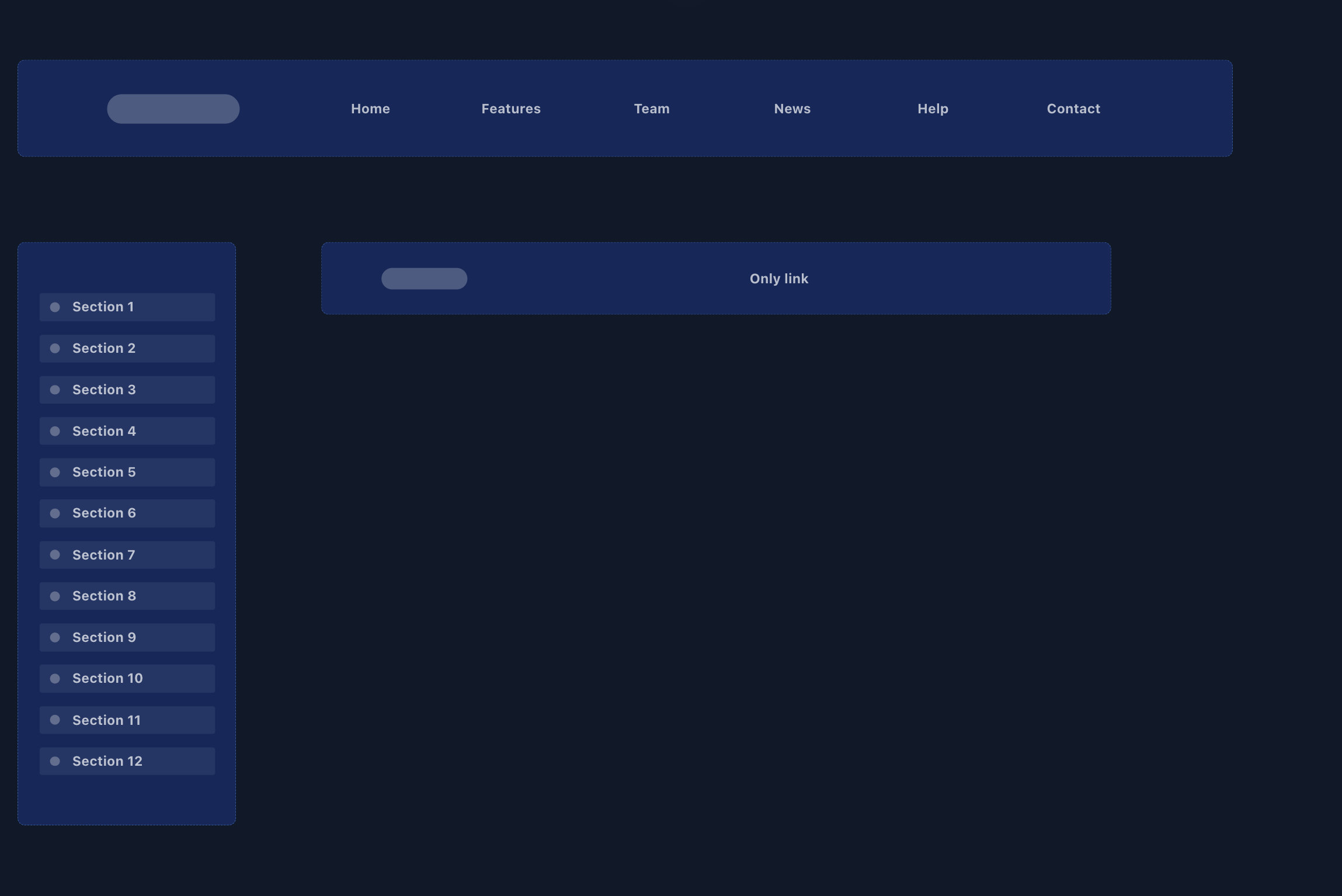
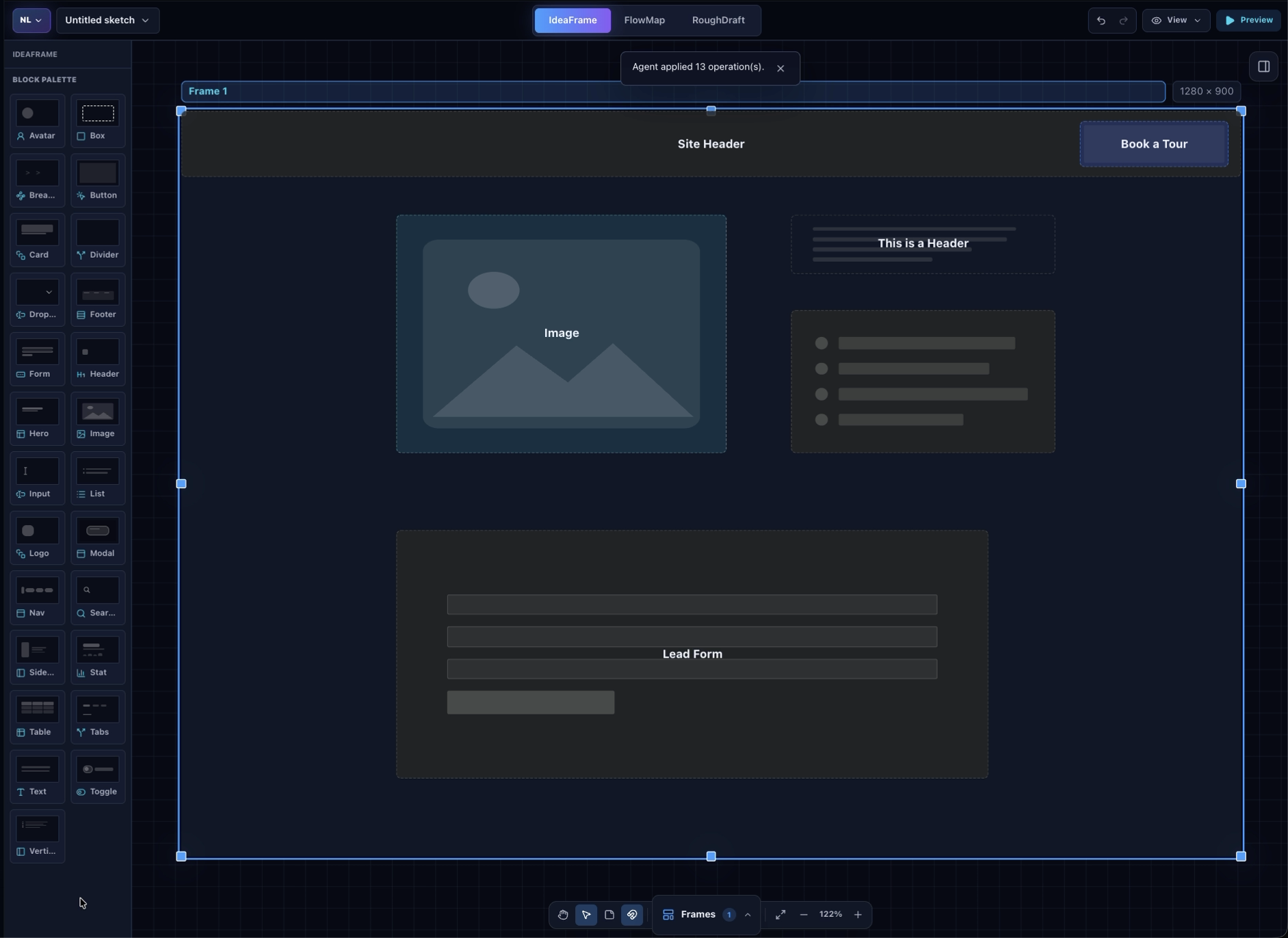
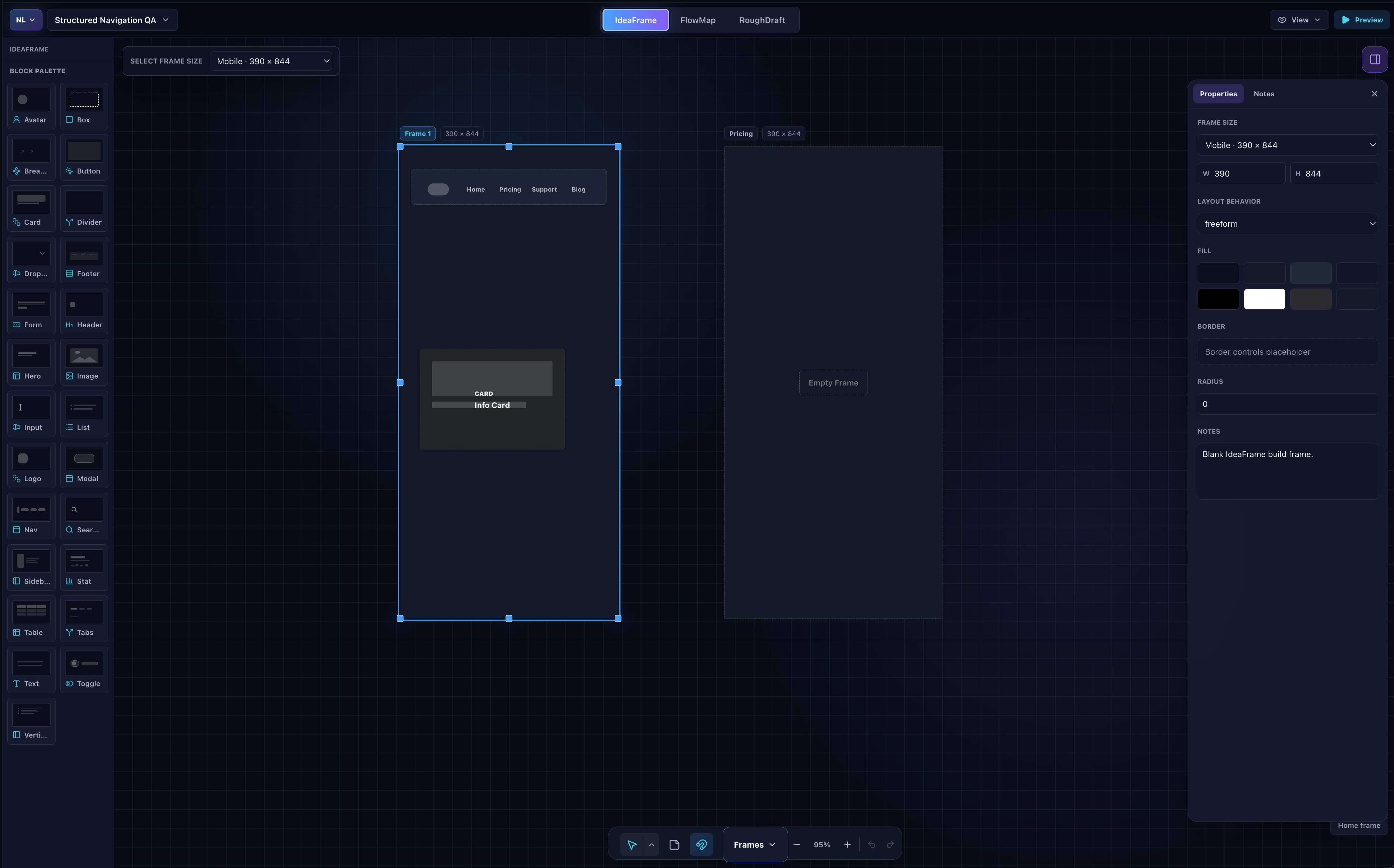
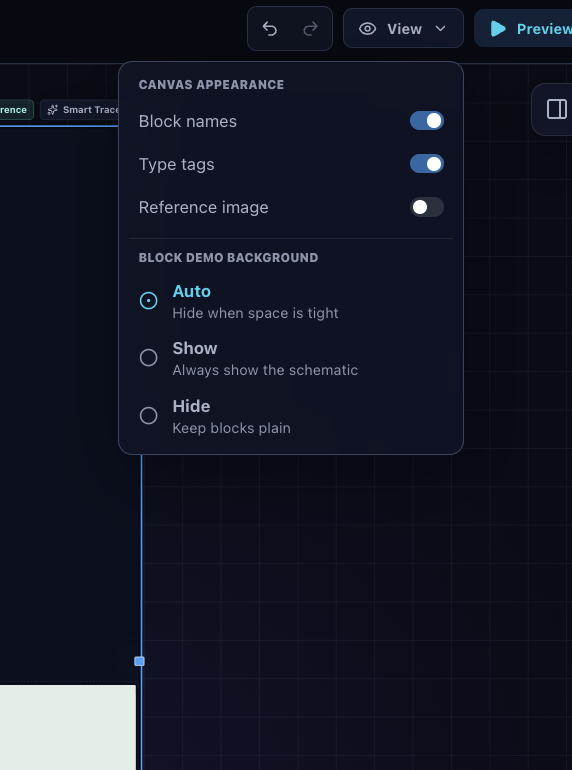
Product ideas usually start visually: a rough layout, a screenshot, a few boxes, or a hand-drawn flow. But when an AI coding agent joins the process, that visual context gets flattened into prompts and descriptions. The person can see what they mean, while the agent receives an incomplete or outdated translation. I wanted a workspace where the person and the agent could collaborate on the same live artifact. The human should be able to think spatially and direct the product visually; the agent should be able to inspect the actual structure, make precise changes, and immediately return control to the human. That is what Napkin Lab is designed to do. What it does Napkin Lab is a browser-based visual UI-flow sketcher. It helps people turn rough product ideas into structured, testable flows before committing to production code. The studio has three connected views:
- IdeaFrame for arranging Frames and reusable interface blocks.
- FlowMap for connecting navigation and understanding the journey between Frames.
- RoughDraft for clicking through the planned experience like a lightweight prototype. Napkin Lab also supports browser-local autosave, .napkin import and export, annotations, visual tracing, temporary agent handoffs, and snapshots of eligible public URLs. The important WebMCP addition is that an AI agent no longer has to infer the sketch from a screenshot or wait for the user to export a file. In a WebMCP-capable browser, the agent can work with the sketch that is open right now. How WebMCP is used Napkin Lab exposes two native WebMCP tools: napkin_describe This read-only tool returns a compact, structured description of the active sketch, including its Frames, interface elements, notes, navigation flows, canvas items, and current selection. It intentionally does not expose the application’s raw state store or embedded image data. The agent receives the information it needs to understand the product flow without receiving unrelated internal state. napkin_apply_operations This tool lets an agent apply a validated batch of document operations to the live sketch. The operation input is treated as untrusted data and parsed at runtime. Napkin Lab validates the entire batch before applying anything. If one operation is invalid, the whole batch is rejected and the document remains unchanged. A successful batch:
- Appears immediately on the visible canvas.
- Can contain between one and 100 operations.
- Supports references to objects created earlier in the same batch.
- Produces an updated structured description for verification.
- Is recorded as one Undo step. Napkin Lab also rejects agent writes while the person is in the middle of a canvas gesture. This creates a clear coordination boundary: the agent cannot race the human while they are dragging, resizing, or editing something. The result is a genuine shared-canvas workflow. A person can sketch or select something, ask the agent for a change, watch that change appear in the real document, and undo the entire agent action once if it is not what they wanted. What was added during the challenge Napkin Lab existed before the WebMCP Challenge. The pre-existing product already included the visual editor, FlowMap, RoughDraft, import and export, browser-local autosave, an optional stdio MCP server, and hosted handoff infrastructure. During the challenge submission period, I added and refined the native in-page WebMCP implementation. That work included:
- Native discovery of napkin_describe and napkin_apply_operations.
- A shared compact description layer used by the browser and stdio transports.
- Runtime parsing of untrusted operation input at the document-store boundary.
- Atomic operation batches with one-batch/one-undo behavior.
- References to objects created earlier in the same batch.
- Rejection of writes during an active human gesture.
- Safe registration and cleanup across React StrictMode remounts.
- Serialized registration and duplicate-name retry behavior.
- Selection cleanup after mutations.
- Updated agent guidance and WebMCP-specific regression tests.
- Validation in ChatGPT’s WebMCP-capable in-app browser. The WebMCP layer is intentionally thin. It does not create a second, agent-only editing engine. Both the person and the agent operate on the same underlying document model. How I built it Napkin Lab is built with React, TypeScript, Vite, and Zustand. The application detects document.modelContext or navigator.modelContext and registers its tools only when WebMCP is available. Browsers without WebMCP still receive the normal visual editor. The public application is hosted on Cloudflare Pages. Temporary relay sessions use Workers KV, while Snapshot from URL uses a service-bound Cloudflare Worker with Browser Rendering. The core editor does not require an account. OpenAI Codex helped me implement and review the WebMCP transport, refine the tool schemas and descriptions, test runtime validation and atomic behavior, diagnose registration lifecycle issues, and verify the native tools in the in-app browser. I also used Codex to run the automated test, lint, type-check, and production-build gates; audit the repository before publication; prepare a history-free public contest snapshot; and verify the deployed site, relay, snapshot service, license, and native WebMCP discovery. Challenges The hardest part was not simply registering a browser tool. It was making agent edits behave like trustworthy product interactions. That meant handling partial failures, malformed operation input, React registration lifecycles, duplicate tools, human-agent editing conflicts, selection state, and undo history. A tool call returning successfully was not enough: the visible canvas, structured result, and document history all needed to agree. Another challenge was preserving the value of an existing product while being transparent about what was specifically built during the challenge. The public repository therefore includes a dedicated contest-period document that separates the original editor from the new WebMCP work. What I learned The biggest lesson was that useful agent integration is as much about boundaries as capabilities. Giving an agent permission to mutate a document is easy. Making that mutation understandable, validated, atomic, reversible, and coordinated with the person is the real work. WebMCP makes it possible for the webpage itself to define those boundaries. Napkin Lab can expose a small, intentional interface instead of handing an agent unrestricted application state or forcing it to interpret the UI through screenshots alone. Why it matters Napkin Lab explores a different relationship between visual tools and coding agents. The agent is not replacing the canvas, and the canvas is not merely producing a prompt for the agent. They are sharing one working model. That makes it possible for product owners, designers, developers, and small teams to communicate product structure more directly, make changes with less translation, and keep a human-visible, reversible record of what the agent did.
Built With
- and
- browser
- cloudflare
- cloudflare-pages
- cloudflare-workers
- https://napkinlab.pages.dev
- react
- typescript
- vite
- webmcp
- zustand


Log in or sign up for Devpost to join the conversation.