-
-
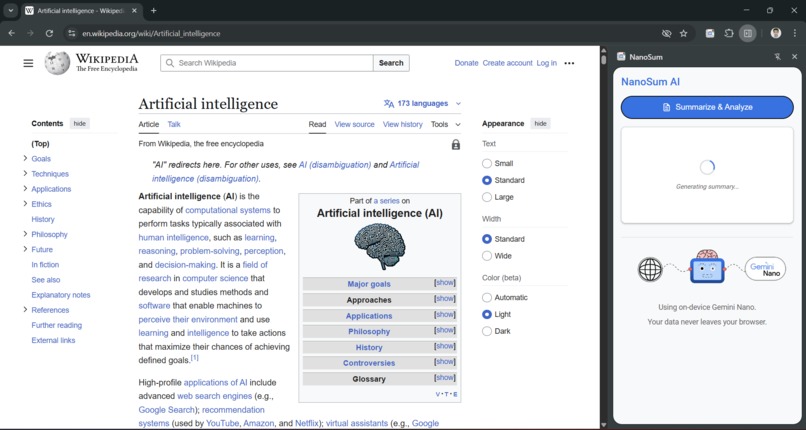
NanoSum First Look
-
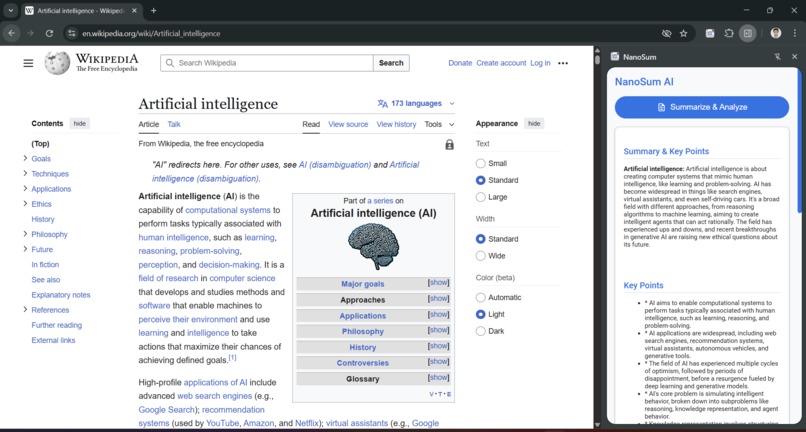
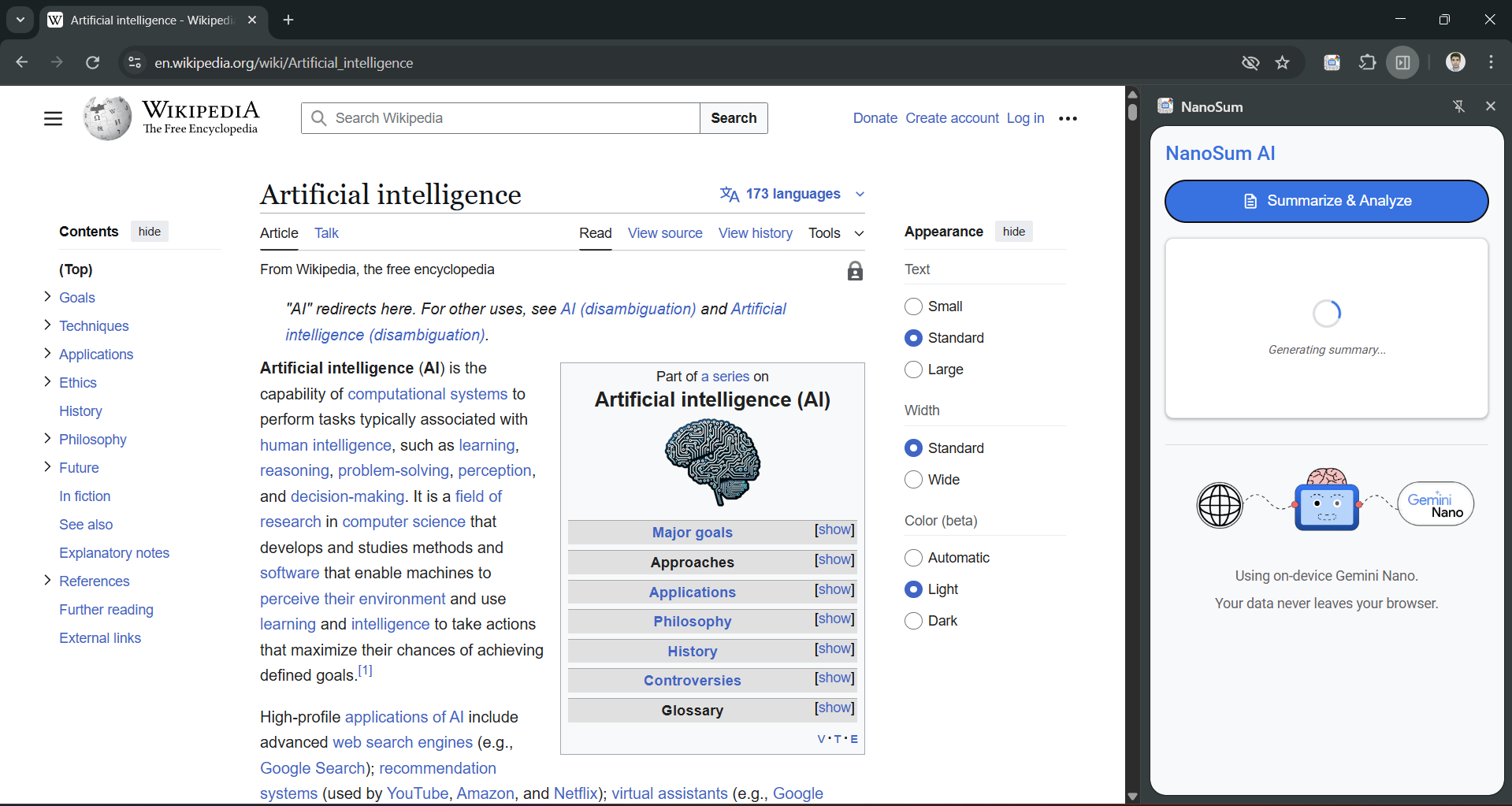
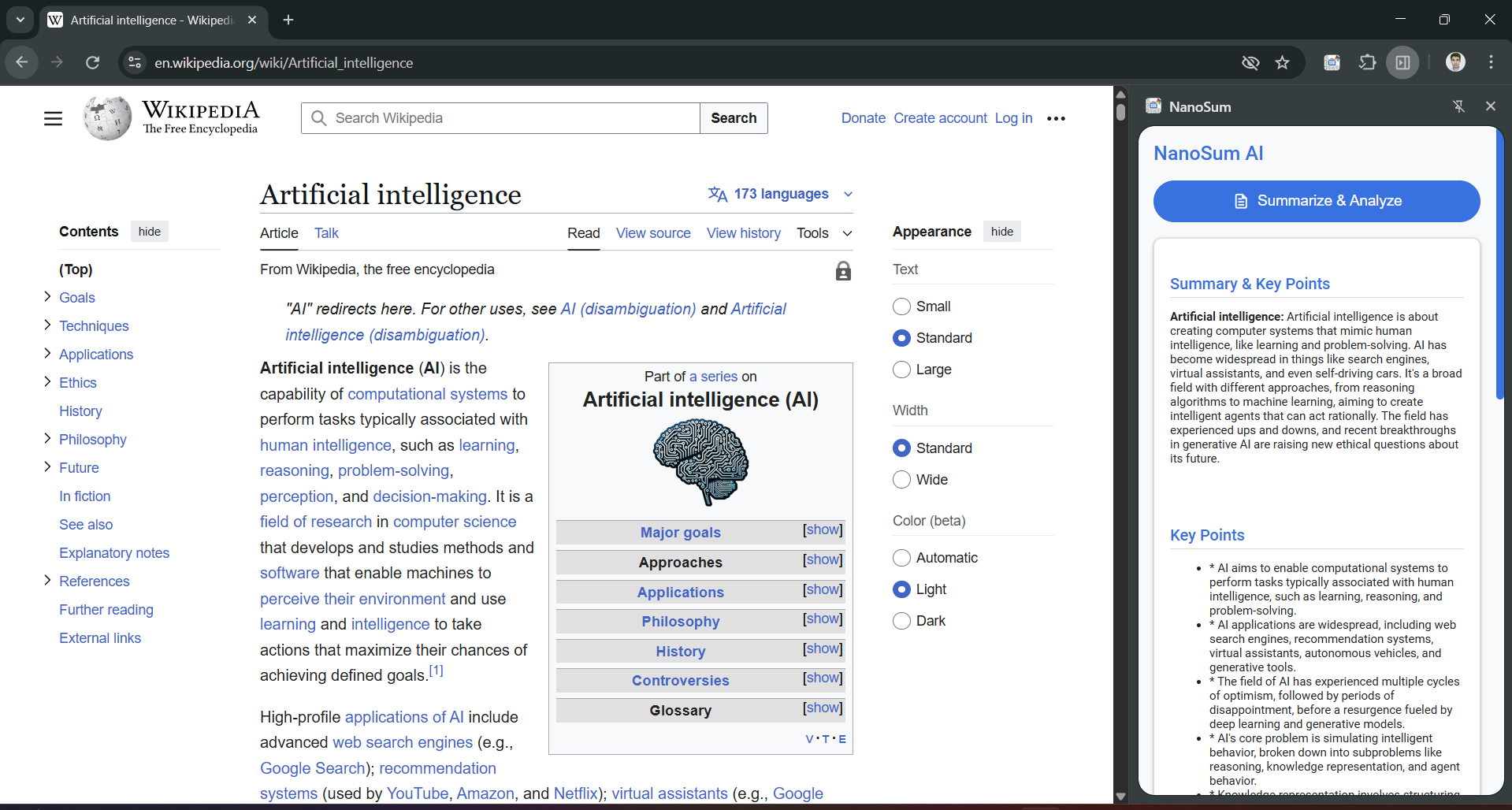
Generating summaries with Summarizer API
-
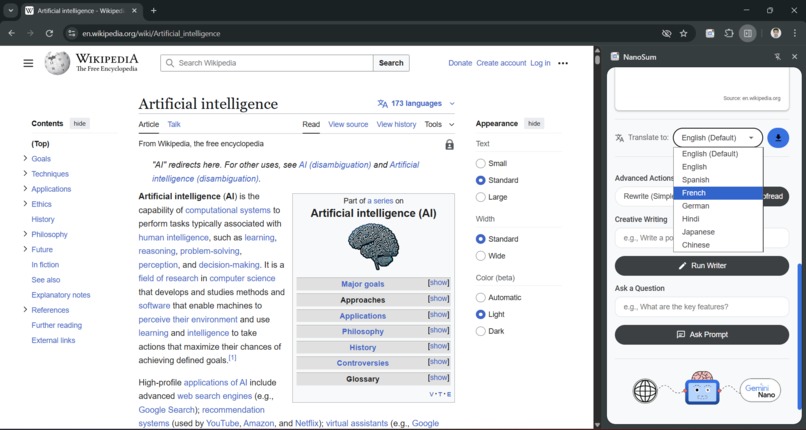
Translating to preferred language with Translator API
-
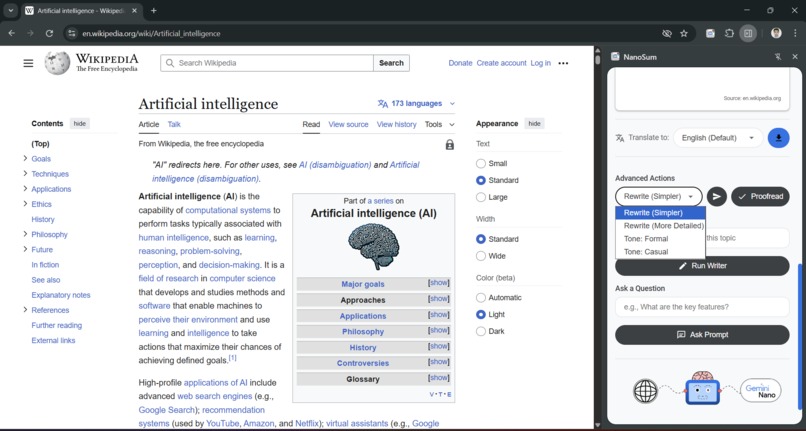
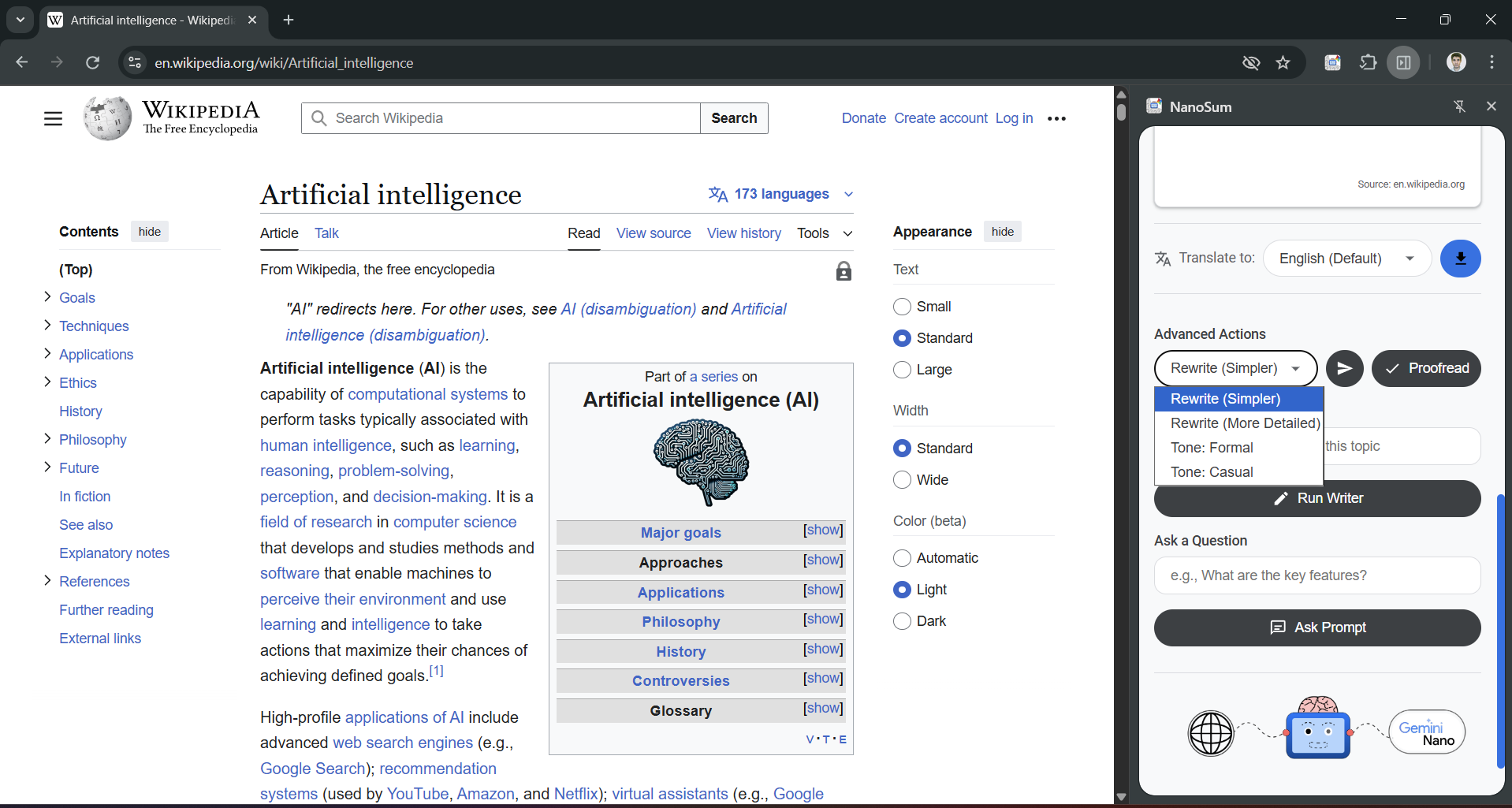
Rewriting the results in more details or personalised tone with Rewriter API
-
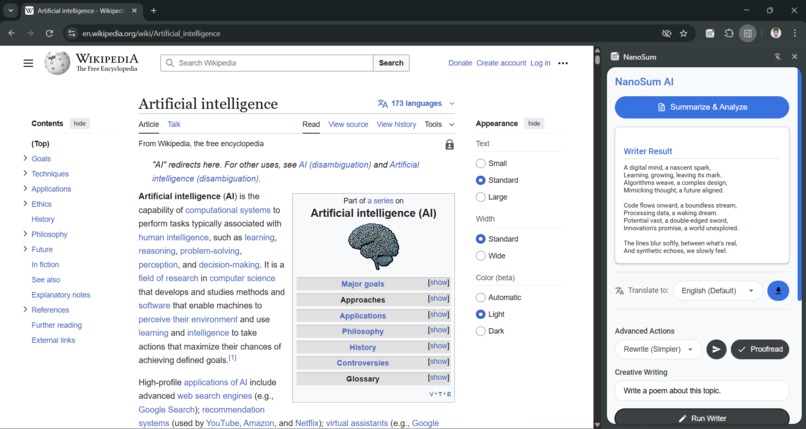
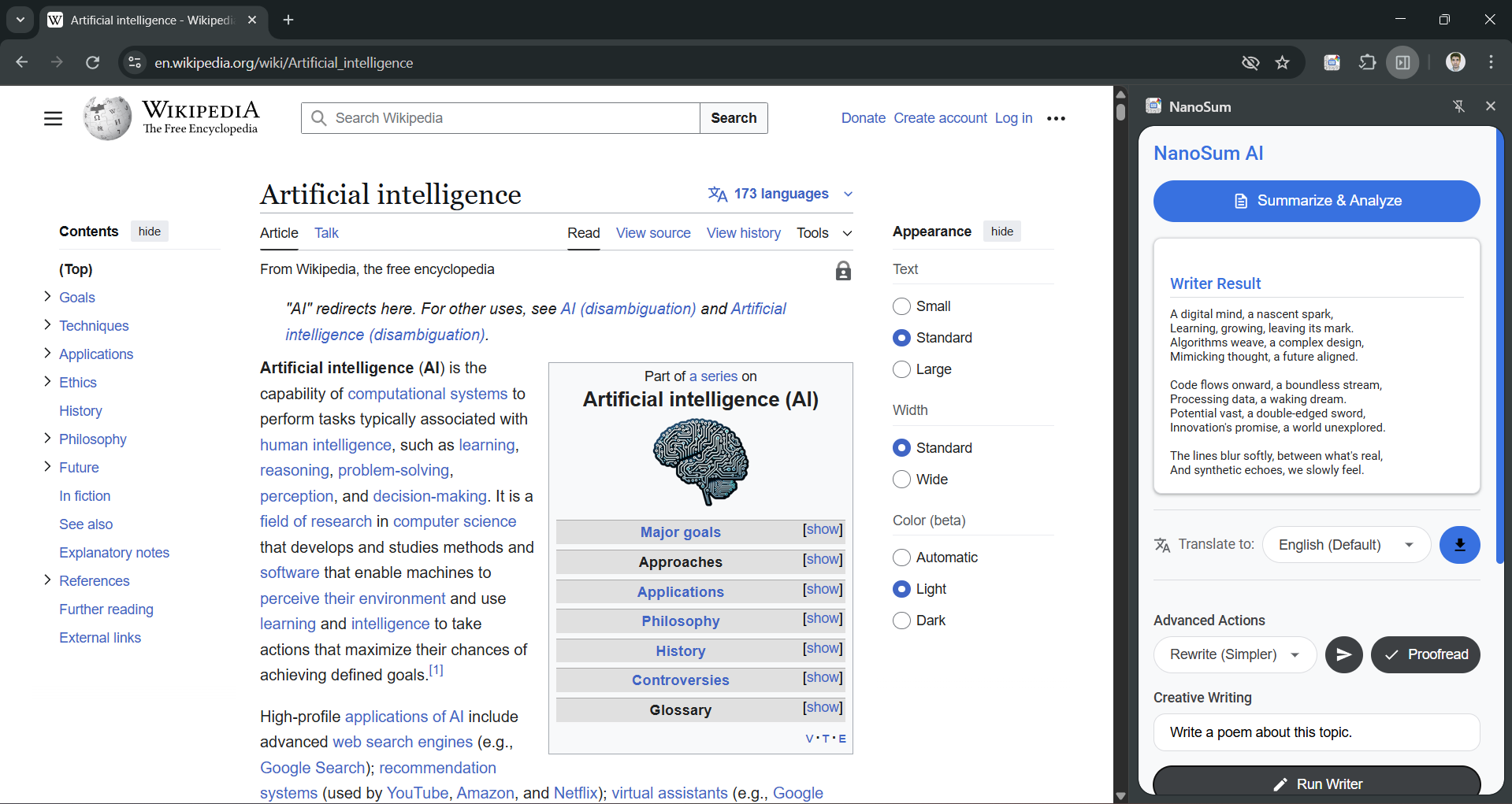
Creative writing with active Proofreading with Writer API and Proofreader API
-
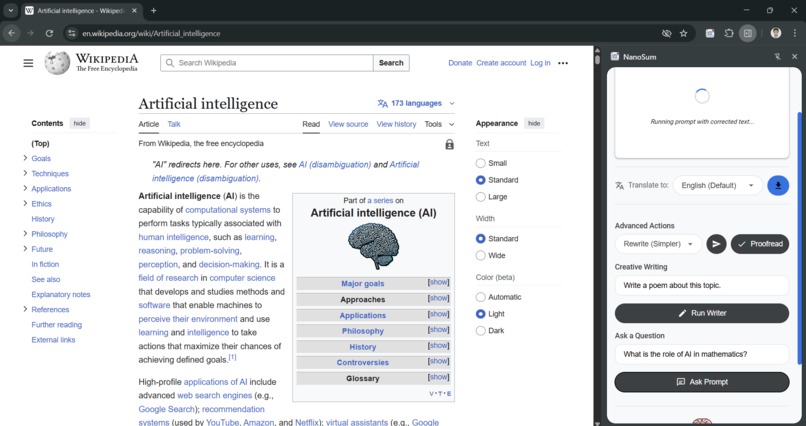
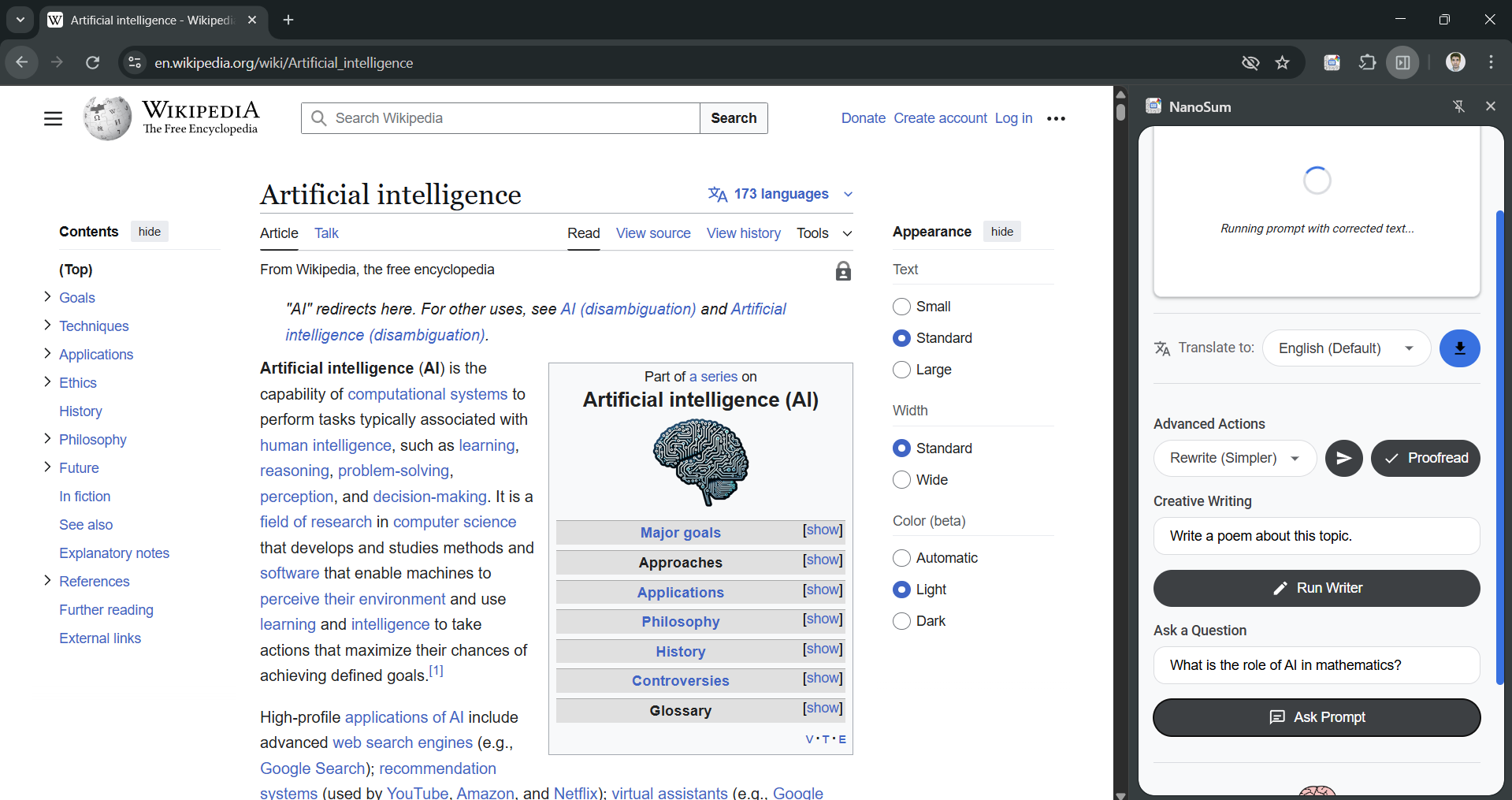
Query resolution and customized results with Prompt API and Proofreader API

Inspiration
I wanted to help students, professionals and anyone who feel stressed and overwhelmed by long articles, especially before a test or a meeting. NanoSum was created to reduce panic by providing a fast, on-device tool to learn or revise any topic in minutes.
What it does
NanoSum is a Chrome Side Panel assistant that analyzes any webpage you're on. Because it uses the on-device Gemini Nano model, your data and browsing history never leave your browser, ensuring 100% privacy.
It's a complete AI suite that uses all six of the core built-in AI APIs:
- 📜 Summarizer API: Instantly generates a clean paragraph summary and a formatted list of key points.
- 🌐 Translator API: Automatically translates any generated text into 7 different languages.
- 🖌️ Rewriter API: Rewrites the entire article's content to be simpler, more formal, or casual (e.g., "in less than 200 words").
- ✨ Writer API: Creatively generates new content (like a poem or a song) based on the page's topic.
- ✔️ Proofreader API: Automatically proofreads a user's prompt before sending it to the other AI models, ensuring better, more accurate results.
- 💬 Prompt API (LanguageModel): Answers in-depth, specific questions about the full text of the article.
- 📥 Export: Saves any AI-generated text to a
.txtfile for your notes.
How I built it
NanoSum is built with plain JavaScript, HTML, and CSS, running as a modern Chrome Side Panel. The core of the project was orchestrating all six of the built-in AI APIs, which required registering for Origin Trials and adding all trial_tokens to the manifest.json.
Built With
- Summarizer API
- Translator API
- Rewriter API
- Writer API
- Proofreader API
- Prompt API (LanguageModel)
- JavaScript (ES6+)
- HTML5 / CSS3
- Chrome Extension Manifest V3
Challenges I ran into
My biggest challenge was discovering that the on-device model is text-only. The documentation mentioned image/audio, but after extensive debugging, I proved that the local Gemini Nano model returns a NotSupportedError. I pivoted from a buggy multimodal feature to a polished, 100% working, text-only AI suite.
Another major challenge was fixing all the formatting and translation bugs. The solution was to create a central lastEnglishPlainText variable to manage the "state" of the app, ensuring that translations were always performed on the original English text.
Accomplishments that I am proud of
I am incredibly proud of successfully integrating all six of the text-based, built-in AI APIs into a single, cohesive application that solves a real-world problem: helping students and professionals who feel stressed and overwhelmed by long articles before a test or a meeting. The most difficult challenge was debugging the experimental, on-device models. I successfully:
Proved that the on-device
Prompt APIis text-only by systematically debugging theNotSupportedErrorwhen attempting multimodal input.Engineered a robust content-extraction pipeline that feeds a 30,000-character context to the
Prompt APIwhile sending a safer, shorter 10,000-character context to theSummarizer,Rewriter, andProofreaderto prevent them from crashing.Built a "stateful" translation system that correctly handles formatting and can re-translate new content on the fly.
Solved all
trial_tokenandmanifest.jsonissues to get all six APIs registered and functioning.
What I learned
The biggest lesson was how to debug experimental, on-device APIs. I learned:
On-device models have strict limitations. Unlike cloud APIs, they can't handle massive inputs and will fail silently if you overwhelm them. I had to find the "sweet spot" for each API.
Environment is everything. I learned to reset the AI model in
chrome://componentsto fixUnknownErrorcrashes that had nothing to do with my code.State management is critical. My initial translation feature was buggy. I learned to build a "single source of truth" (the
lastEnglishPlainTextvariable) to manage my app's state, which fixed all my formatting and re-translation bugs.
What's next for NanoSum
With the core AI engine and export feature now working, I have a clear roadmap for the future:
Smarter Content Extraction: I want to improve the
smartContentExtractorto find the true main content of a page (e.g., by ignoring sidebars and footers) instead of just grabbing all paragraphs.Multimodal (When Ready): I want to implement image and audio support in the extension. So that user can use the Prompt API with image and audio as well.
Note-Taking Feature: I'd love to add a "Notes" tab within the side panel where users can collect and edit summaries from multiple pages, using the
Proofreaderto help them write.
Built With
- chrome-built-in-ai
- css3
- html
- html5
- javascript
- prompt-api-(languagemodel)
- proofreader-api
- rewriter-api
- summarizer-api
- translator-api
- writer-api


Log in or sign up for Devpost to join the conversation.