-
-
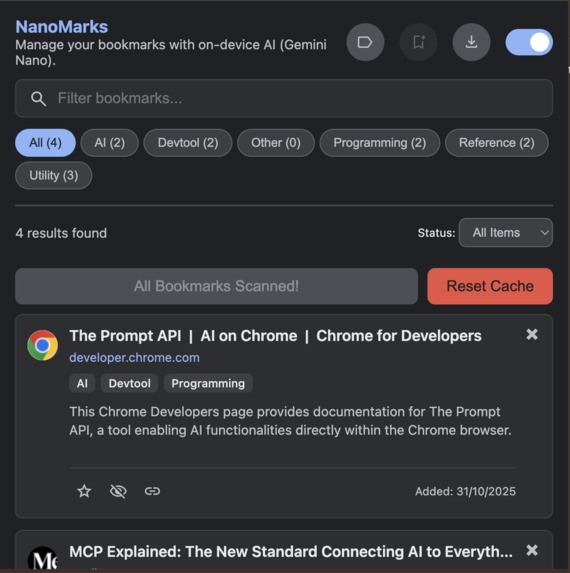
NanoMark Dashboard
-
-
-
Inspiration
Honestly, my own bookmark bars were a total mess. We all have that endless list of links we swear we'll read, but when you actually need one, it's impossible to find. We wanted to stop manually dragging links into folders and build a tool that just... finds stuff for us.
What it does
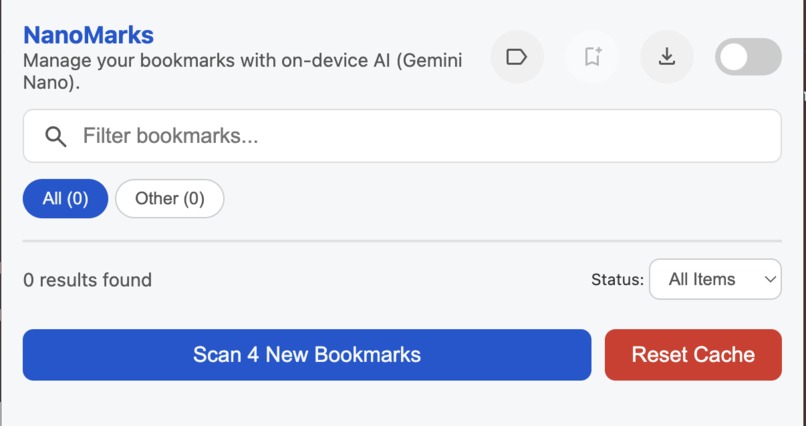
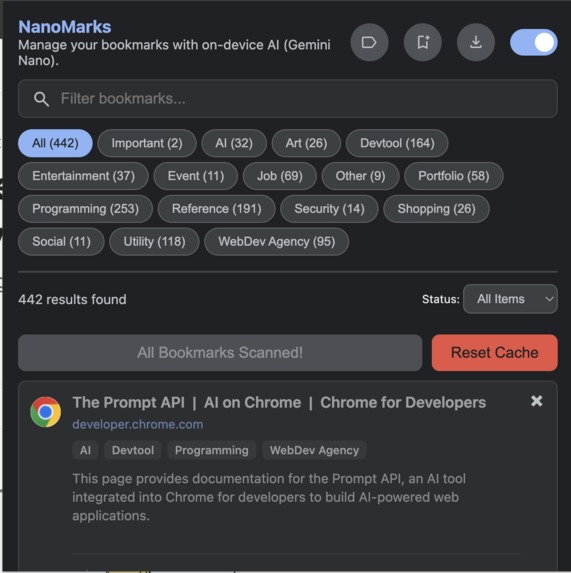
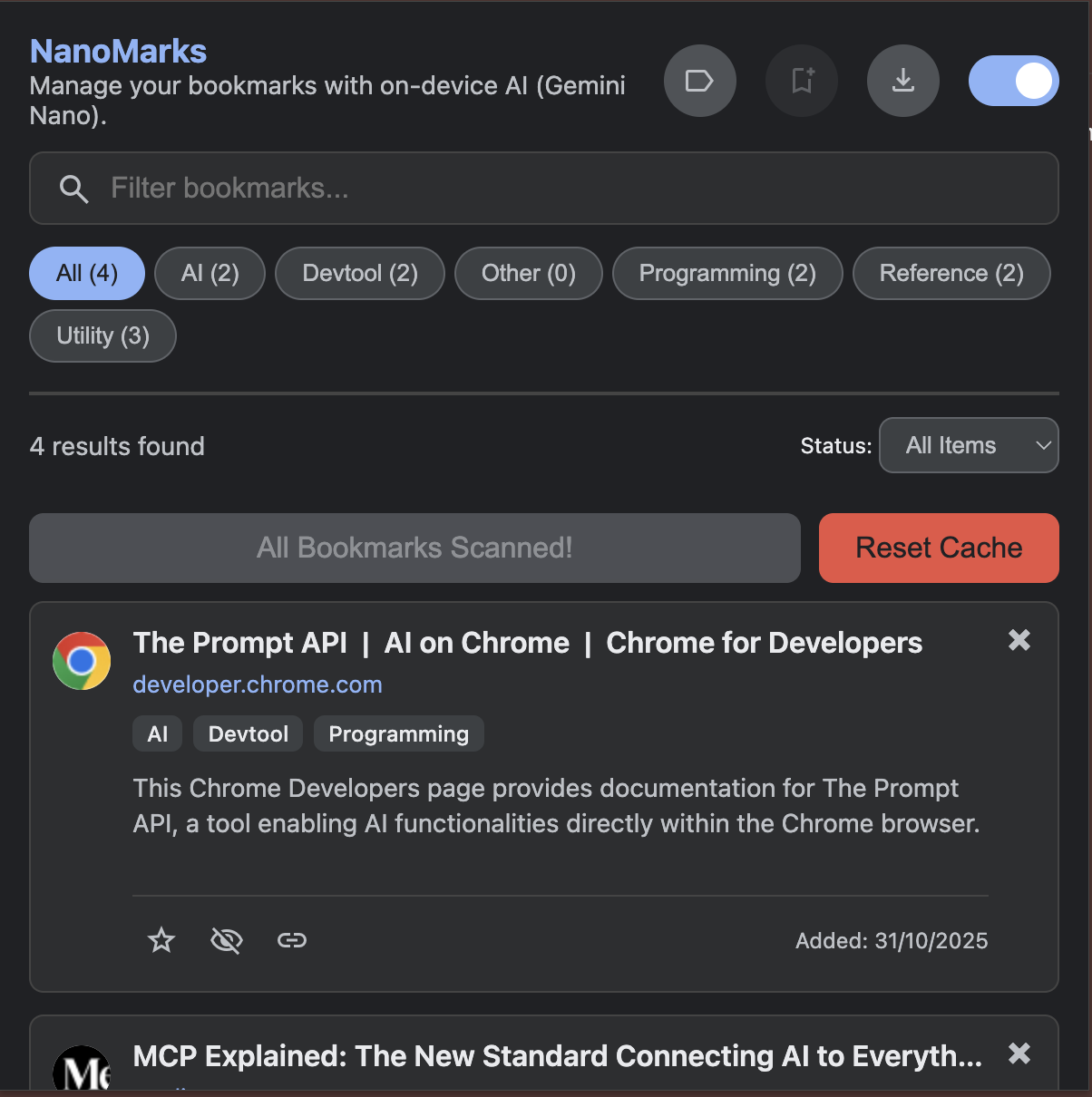
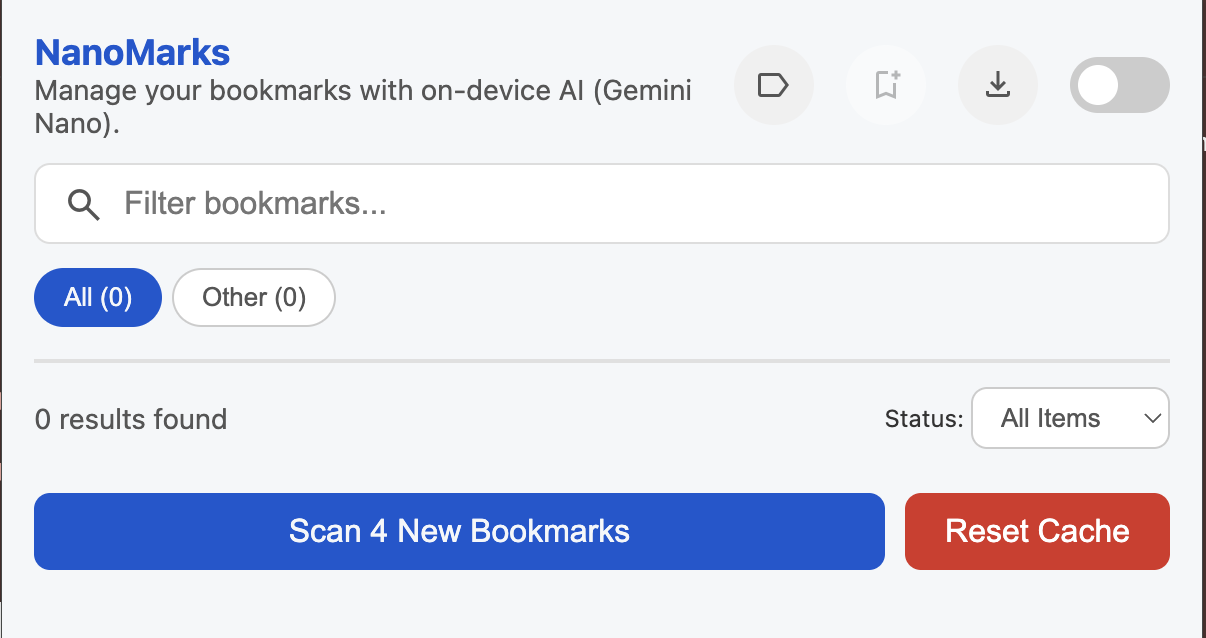
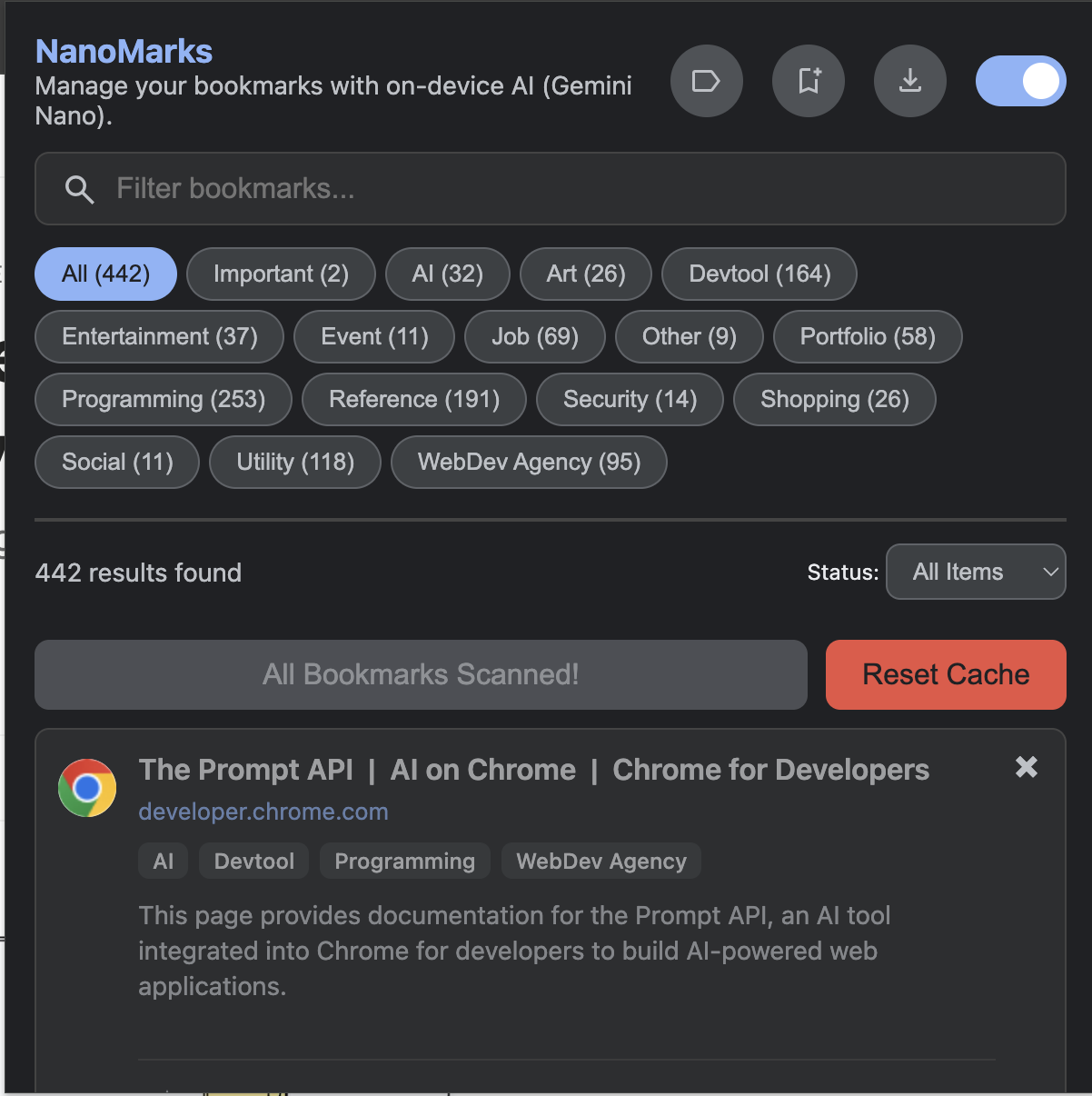
NanoMark is like a smart librarian for your messy bookmark collection. It uses the Gemini Nano AI built right into your browser to automatically scan every link and give it a one-sentence summary and smart tags (like "Programming" or "Shopping"). This turns your list into a searchable database. You can find links by keywords, filter by "Unviewed" or "Important," and it's all 100% private and works completely offline.
How I built it
I built this as a Chrome extension using the LanguageModel API, which lets us talk to the on-device Gemini Nano model. The app is built with JavaScript and saves all the AI-generated data (categories, summaries) right into Chrome's local storage. This way, it only has to scan each bookmark one time and is super fast after that.
Challenges I ran into
Setup and Queriyng the on device model was hectic at first and the AI prompt just right was the biggest challenge. We needed a prompt that could give us good categories from just a URL and a title (for old bookmarks). We also had to build a system that treats new bookmarks (where it can read the whole page) differently from old ones, which was tricky to get working smoothly, also he context window is smaller so we can't feed it a lot of tokens to this smaller model.
Accomplishments that I'm proud of
I'm incredibly proud that the entire thing is 100% private and its working smoothly also works without internet, no data ever leaves your machine. The "Add Current Page" feature also feels like magic; watching it read a full webpage, summarize it, and categorize it in real-time is the best part. We're also proud of the "read-it-later" queue, which we now use every day.
What I learned
I learned just how powerful on-device AI can be. How to use it for daily needs, I also learned a lot about Chrome's extension architecture and how important a good caching system is so you're not wasting resources by scanning the same things over and over.
What's next for NanoMark
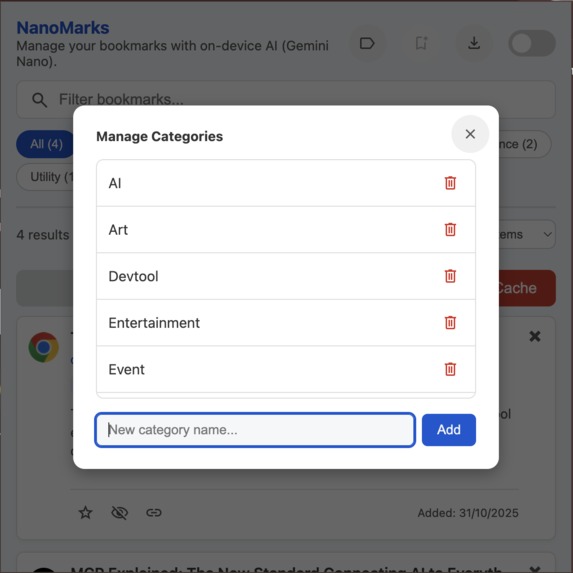
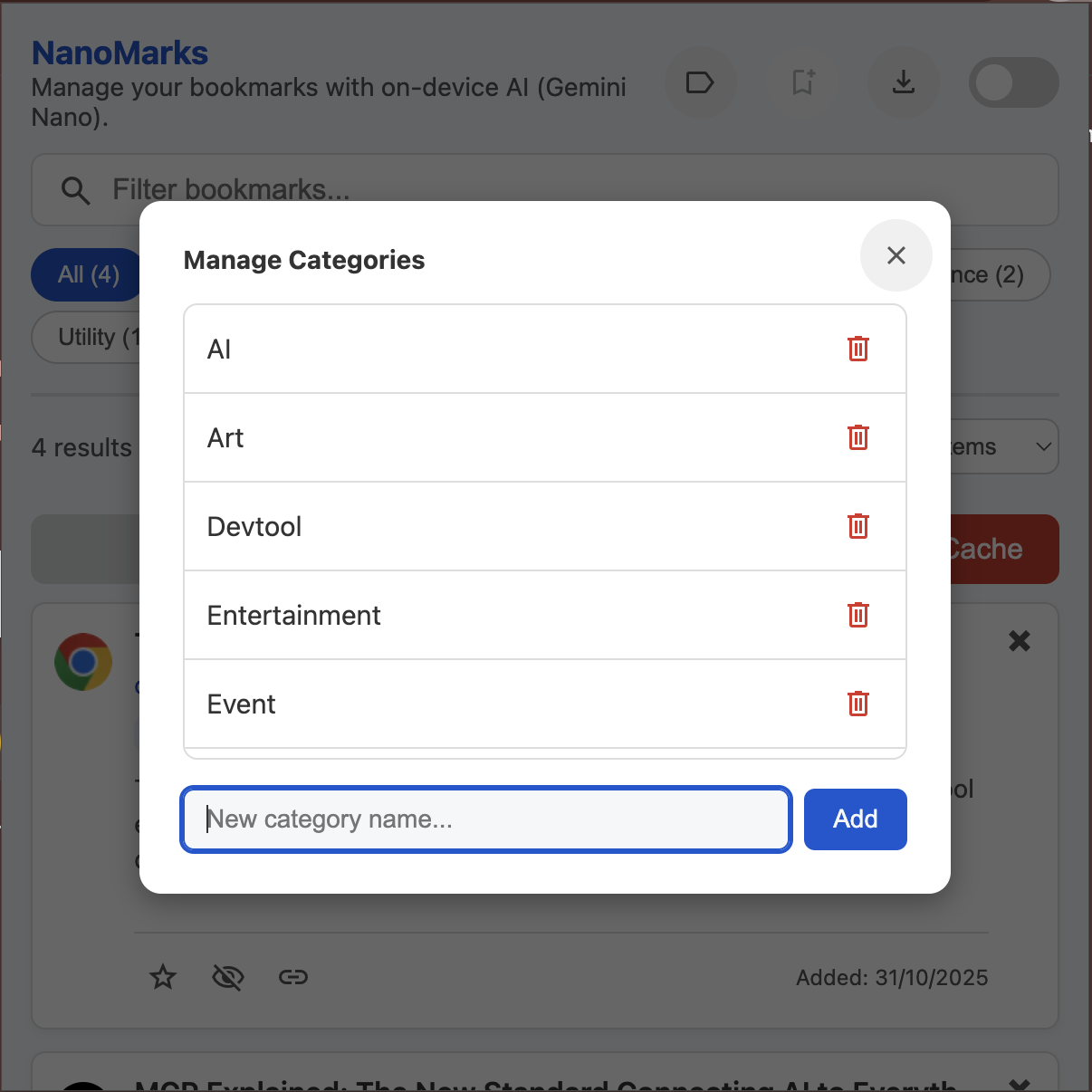
Right now, you can create and delete categories, but next, we want to let users bulk-edit categories on their bookmarks. We also want to improve the search so you can ask natural language questions (like "What was that cooking site I saved last week?") instead of just searching for keywords.

Log in or sign up for Devpost to join the conversation.