-
-
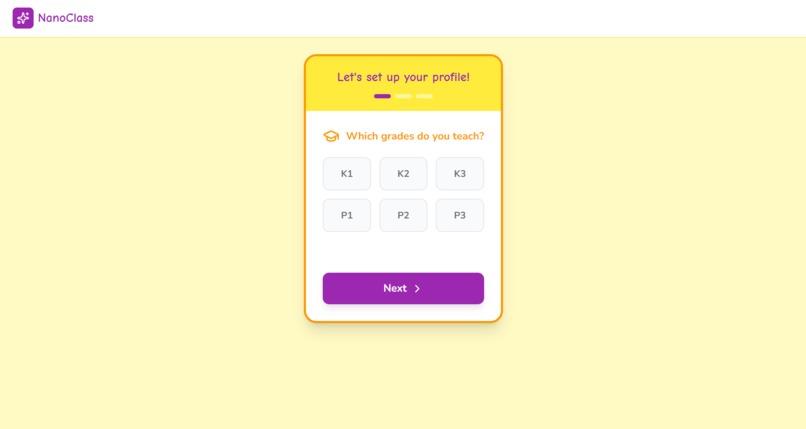
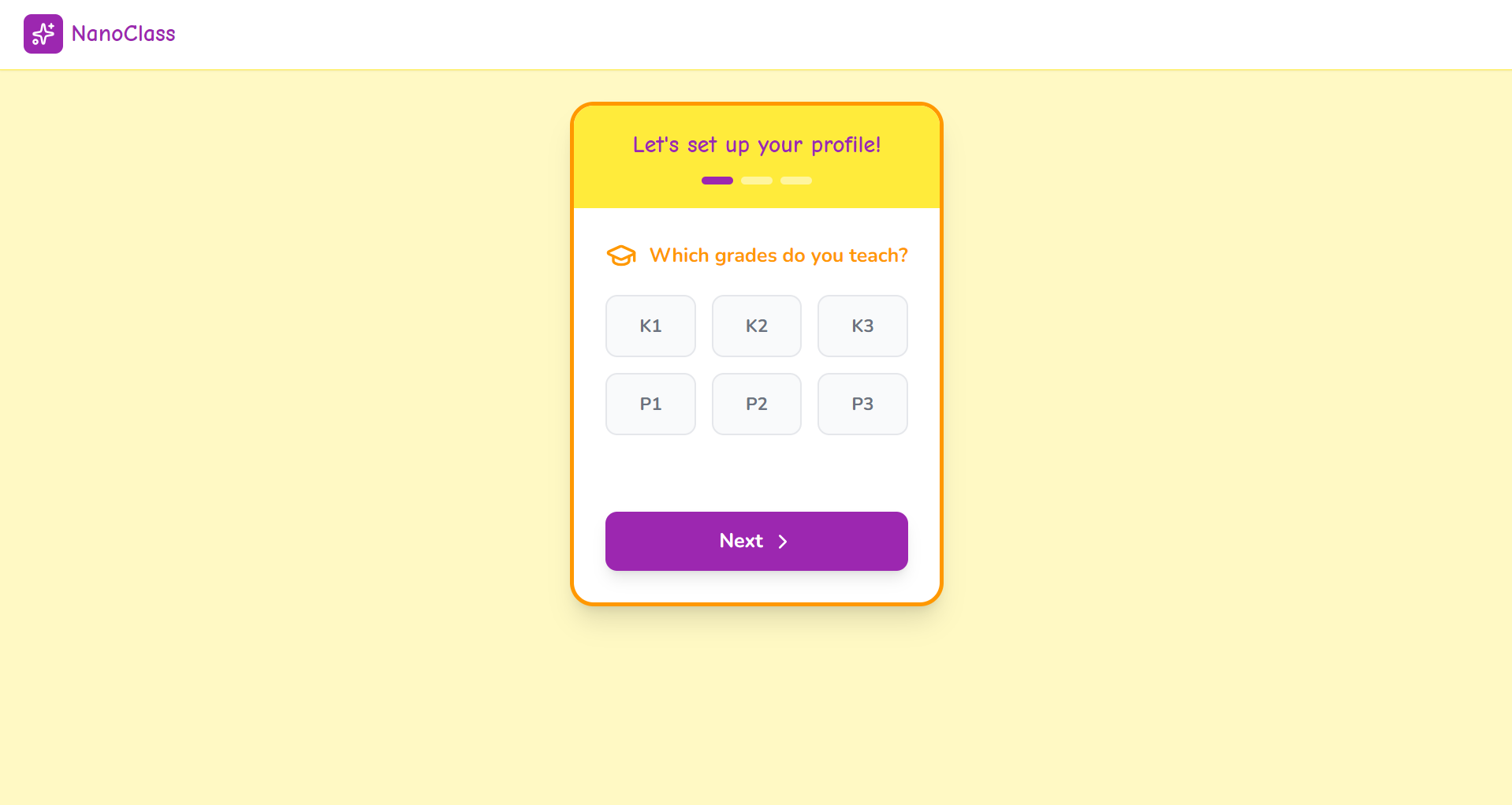
The interactive question that guide the user to individualize their learning material
Inspiration
NanoClass grew out of watching how much time K1–P3 teachers spend building PowerPoints instead of engaging with kids in the classroom. I saw the same basic topics—colors, shapes, early science—recreated from scratch over and over, often late at night and with limited design support. At the same time, multimodal models like Gemini 3 and tools like NanoBanana PPT Skills and Veo AI became powerful enough to handle structure, visuals, and transitions end to end. That inspired me to treat AI as a quiet co-teacher that can turn a simple topic input into a fully animated, age-appropriate lesson in under two minutes.
What it does
NanoClass takes a topic (or a curriculum-aligned template) from a teacher and turns it into a classroom-ready animated PPT designed for ages 3–8. It uses Gemini 3 to generate slide narratives, learning objectives, explanations, teacher notes, and prompts for visuals and character actions tailored to K1–P3 students. Those outputs are passed into NanoBanana PPT Skills to automatically assemble and style the PowerPoint deck. Gemini 3 also produces transition and animation descriptions that guide Veo AI in rendering short video clips between slides, so the final lesson feels like a coherent animated story rather than a static deck.
How we built it
We built NanoClass as a pipeline that orchestrates Gemini 3, NanoBanana PPT Skills, and Veo AI around a simple teacher-facing input. The core logic is implemented in Python, with scripts like prompt_file_reader.py and transition_prompt_generator.py managing the structured prompts and outputs for Gemini 3. When a teacher selects or types a topic, Gemini 3 generates a structured script: slide titles, age-appropriate content, objectives, notes, and visual/transition prompts. These are fed into NanoBanana PPT Skills to construct and style the slides, while Veo AI uses the transition descriptions (coordinated via video_materials.py and video_composer.py) to create the video segments between slides. Reusable prompt patterns, styles, and templates live in the prompts, styles, and templates directories, and an .env/.env.example setup manages API keys and configuration.
Challenges we ran into
A key challenge was getting Gemini 3 to produce outputs that are both structurally consistent for the pipeline and pedagogically appropriate for very young learners. Early prompts produced content that was either too advanced or too free-form, which broke the downstream PPT and video generation pieces. We had to iterate heavily on prompt design, output schemas, and internal templates so that tone, complexity, and format stayed within tight constraints while still allowing creativity. Another challenge was defining shared data contracts so that slide content, visual prompts, and transition descriptions all made sense simultaneously to NanoBanana PPT Skills and Veo AI. Finally, hitting the “under 2 minutes per lesson” goal required careful attention to latency, batching, and avoiding redundant model calls.
Accomplishments that we’re proud of
We’re proud that a teacher can go from a single topic idea to an animated, classroom-ready PPT in roughly two minutes, without touching slide layout or video editing tools. The tight integration between Gemini 3, NanoBanana PPT Skills, and Veo AI means the narrative, visuals, and transitions feel unified instead of stitched together from separate systems. Another accomplishment is the focus on K1–P3 pedagogy: the content is simplified, structured, and paced specifically for early learners rather than being a generic slide generator. We’re also happy that the codebase is modular—scripts, prompts, styles, and templates are organized so new subjects or visual themes can be added without rewriting the whole pipeline.
What we learned
We learned how important it is to design around a clear contract between AI components: if the structure from Gemini 3 drifts even slightly, everything downstream becomes fragile. That pushed us to think in terms of schemas, validation, and reusable prompt patterns instead of one-off prompts. We also gained a deeper understanding of instructional design for young children, especially around limiting cognitive load, using consistent characters, and keeping each slide focused on a single idea. On the engineering side, we learned to balance model creativity with reliability and speed so that the tool actually fits inside a teacher’s real prep workflow.
What’s next for Nanoclass
Next, we want to expand beyond individual topics into full curriculum paths, so teachers can generate coherent multi-lesson units with cumulative learning objectives. We’re also interested in adding light interactivity, such as embedded questions or simple on-screen activities that can adapt to different classroom contexts. Another direction is supporting more languages and localization so that schools in different regions can use the same pipeline with culturally and linguistically appropriate content. Finally, we plan to refine the user flow (as outlined in userflow.txt) and add more robust configuration knobs so teachers can adjust depth, tone, and animation intensity with just a few controls.
Built With
- canvas
- localstorage
- nanobanana
- python
- react
- tailwindcss
- typescript
- vite

Log in or sign up for Devpost to join the conversation.