-
-
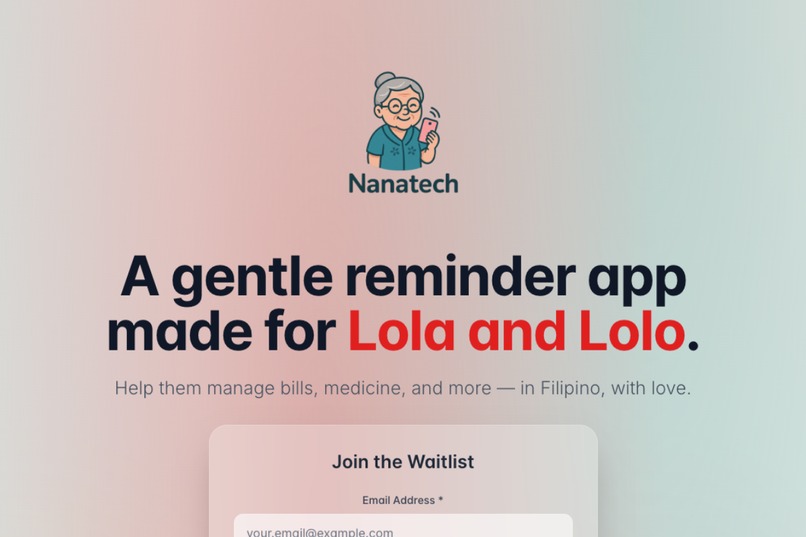
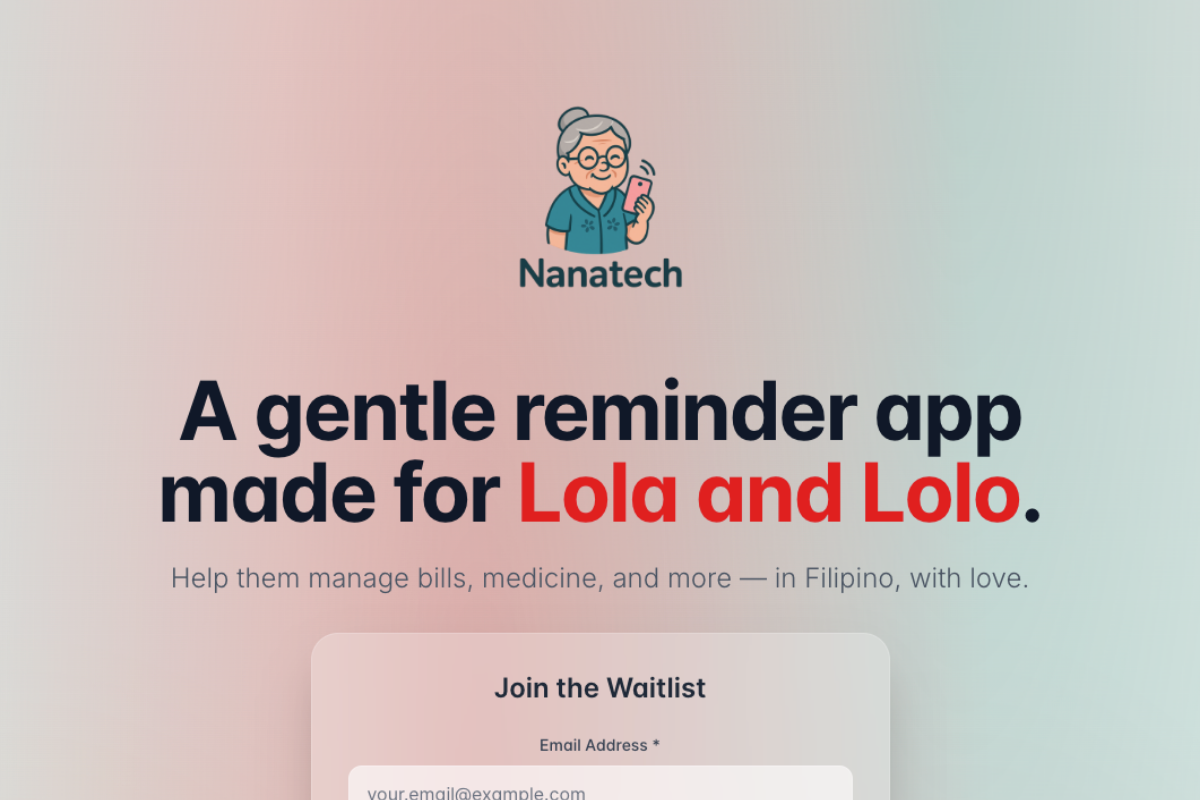
Nanatech Waitlist Landing Page
-
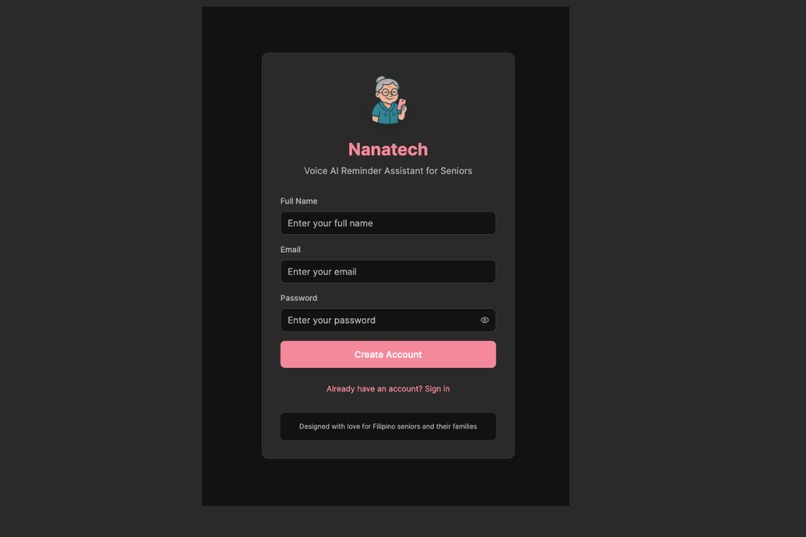
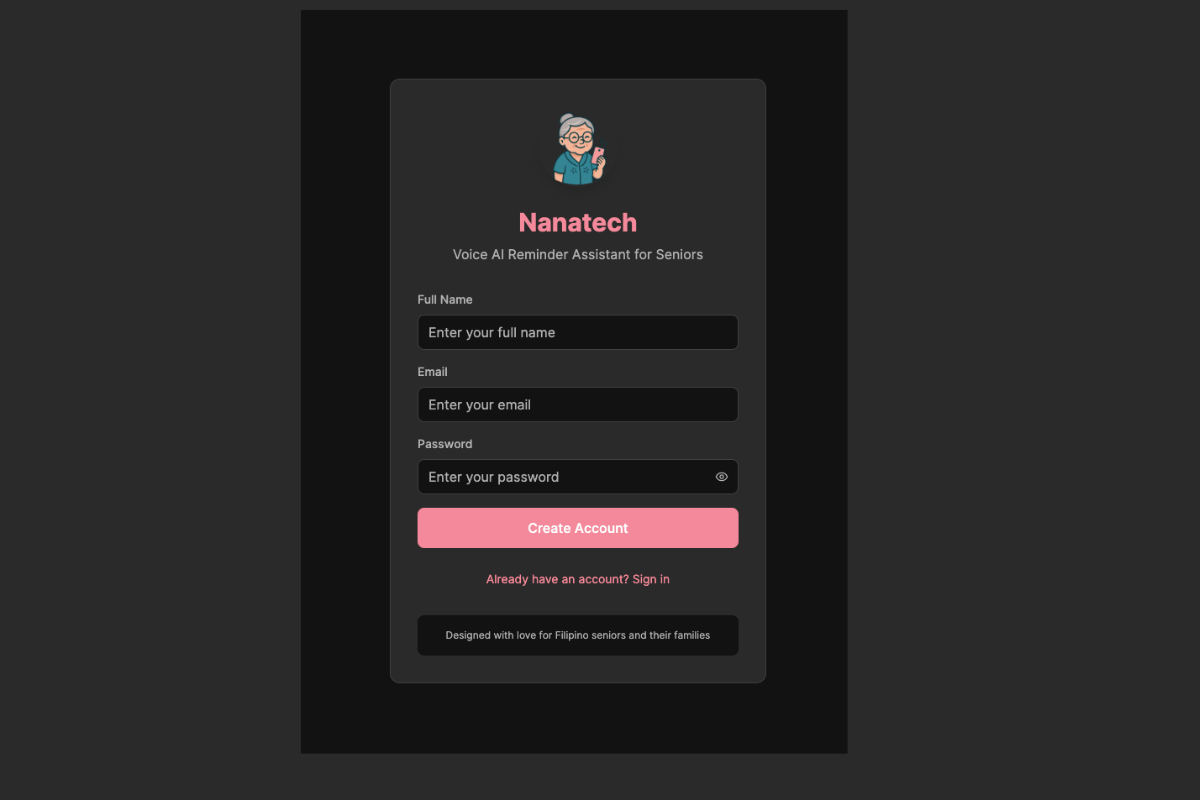
Nanatech Registration Auth Page
-
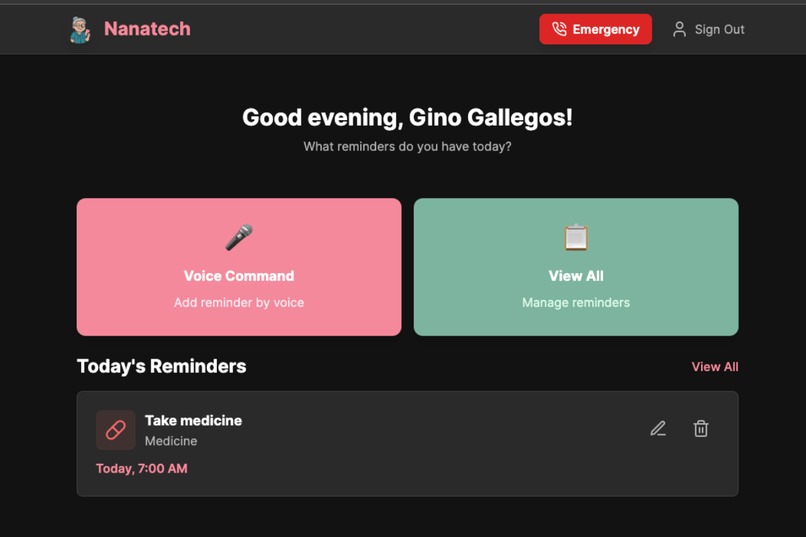
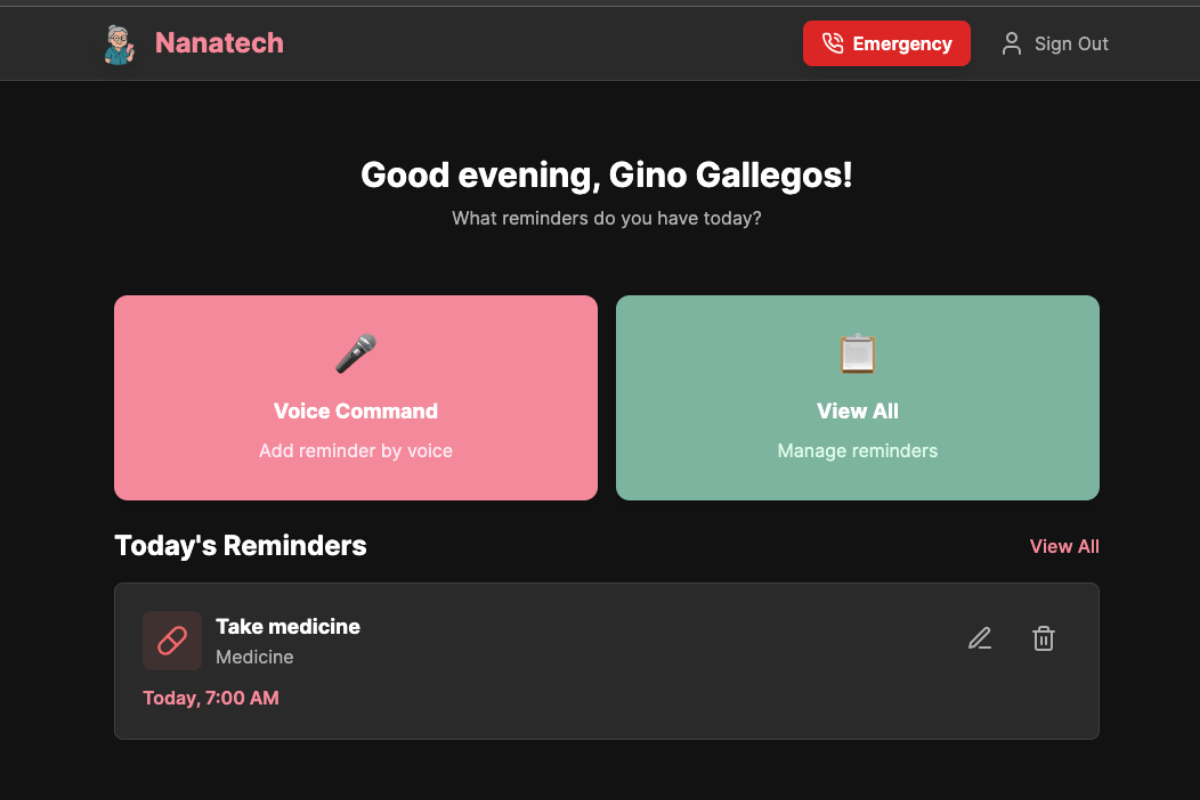
Nanatech - Home tab
-
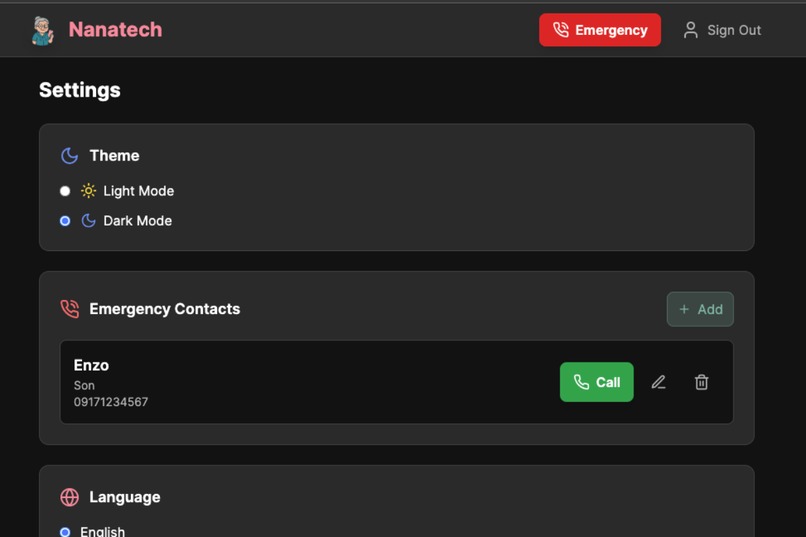
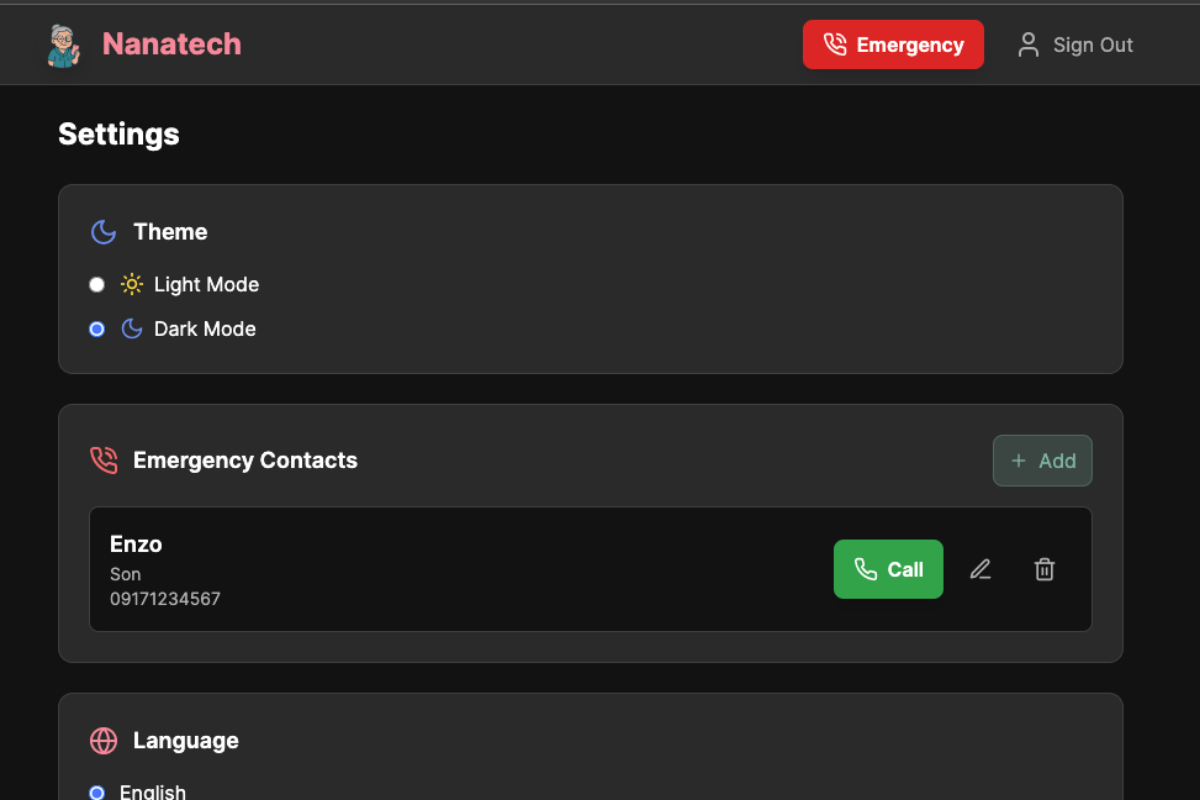
Nanatech - Settings Tab
-
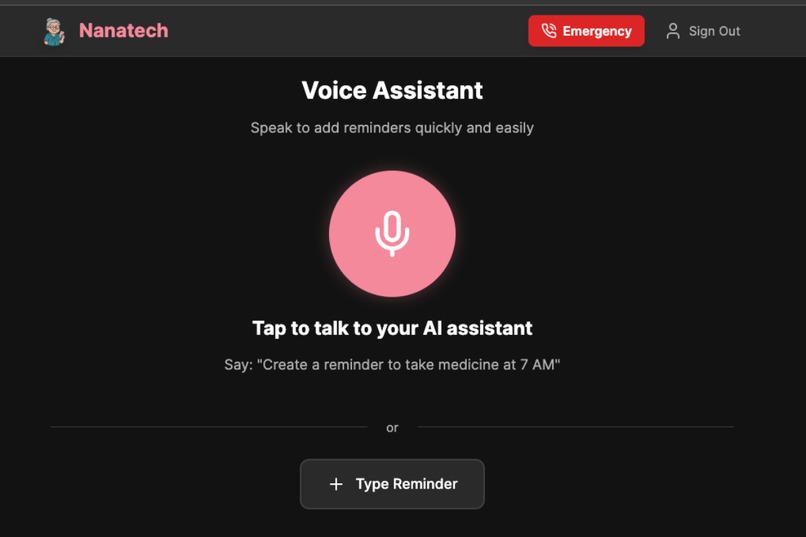
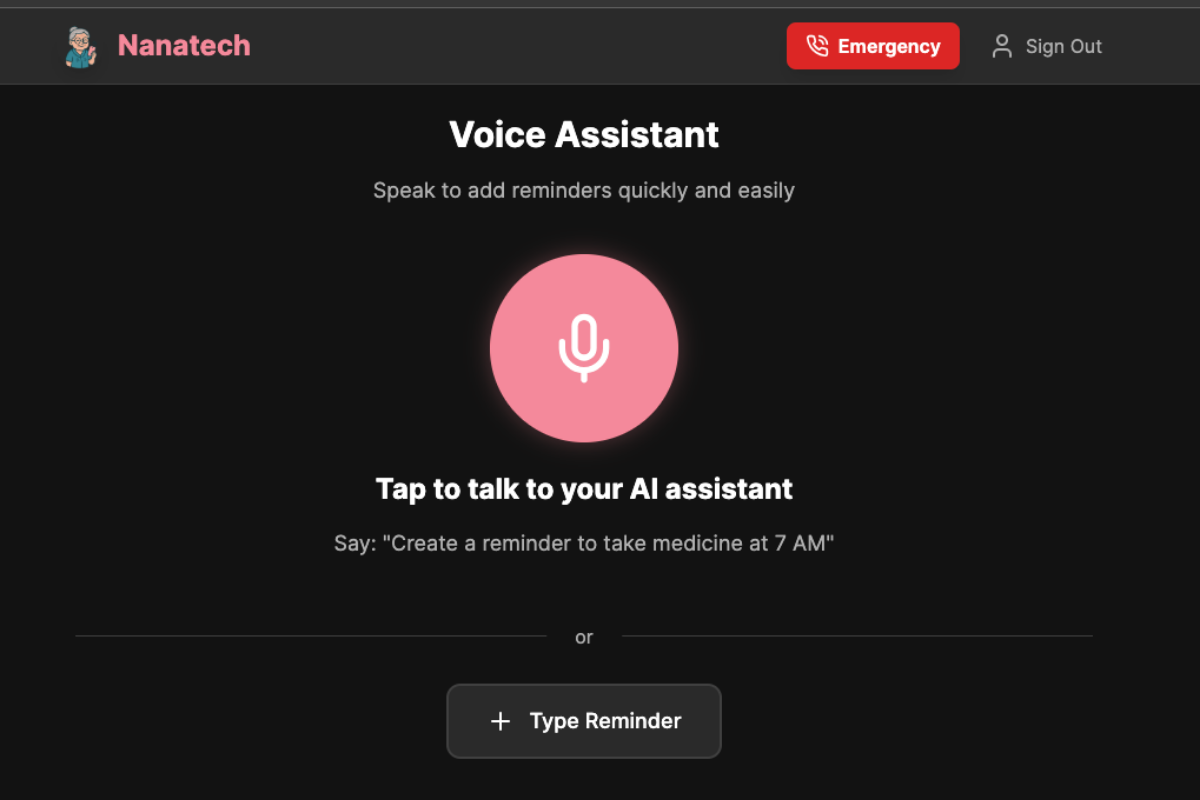
Nanatech - Interactive Voice Ai Agent tab
-
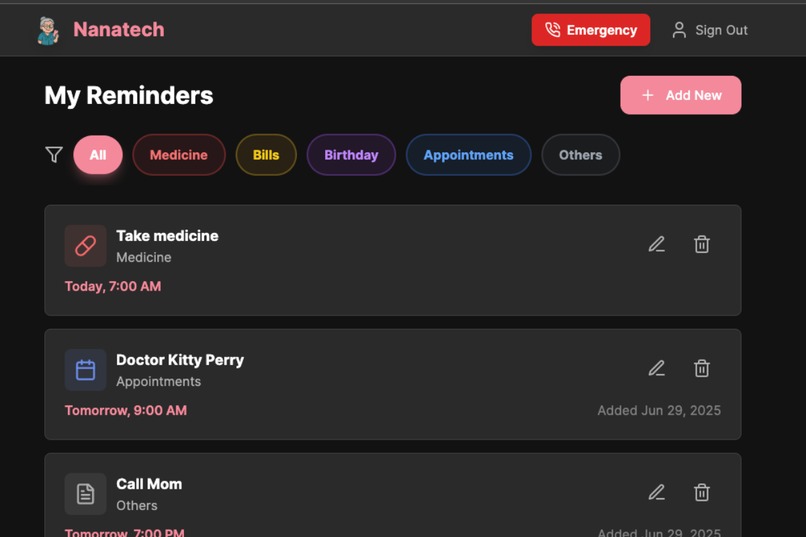
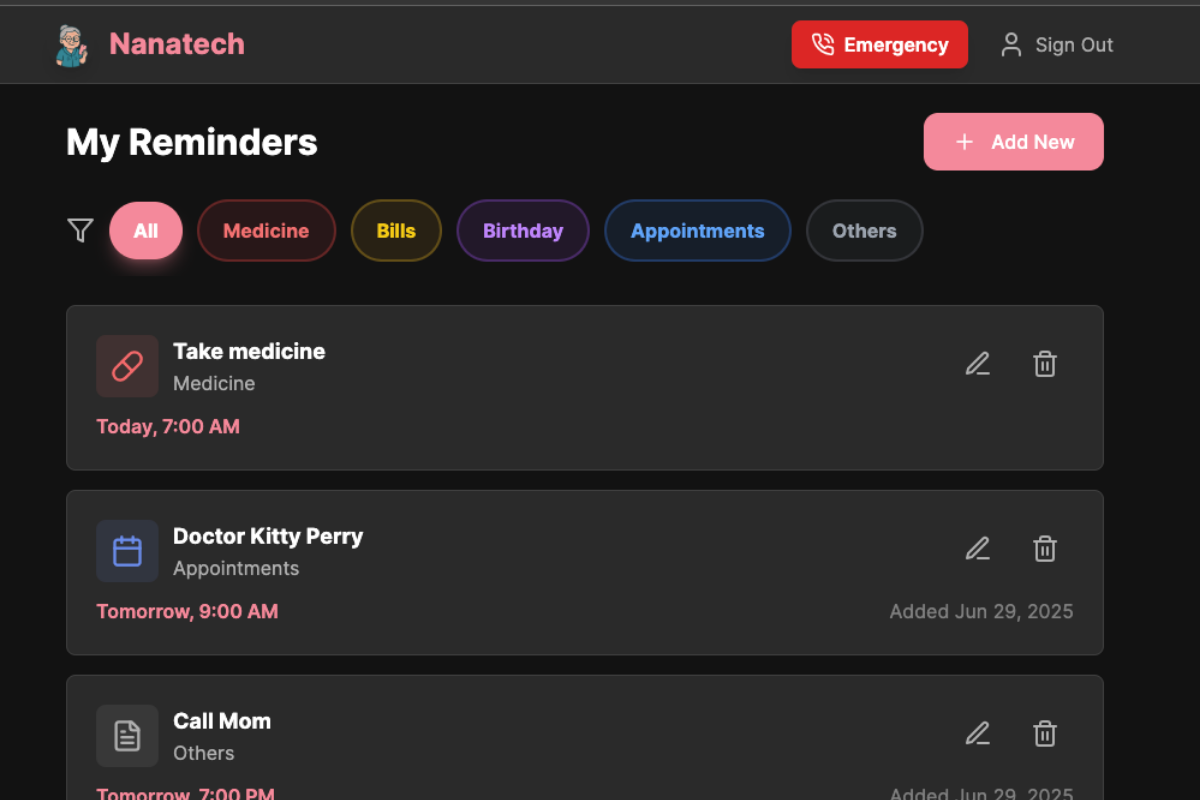
Nanatech - Reminders tab
-
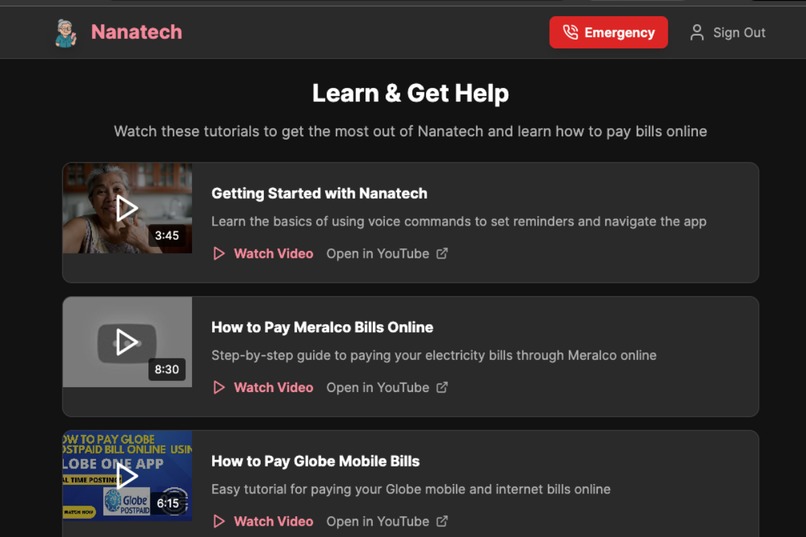
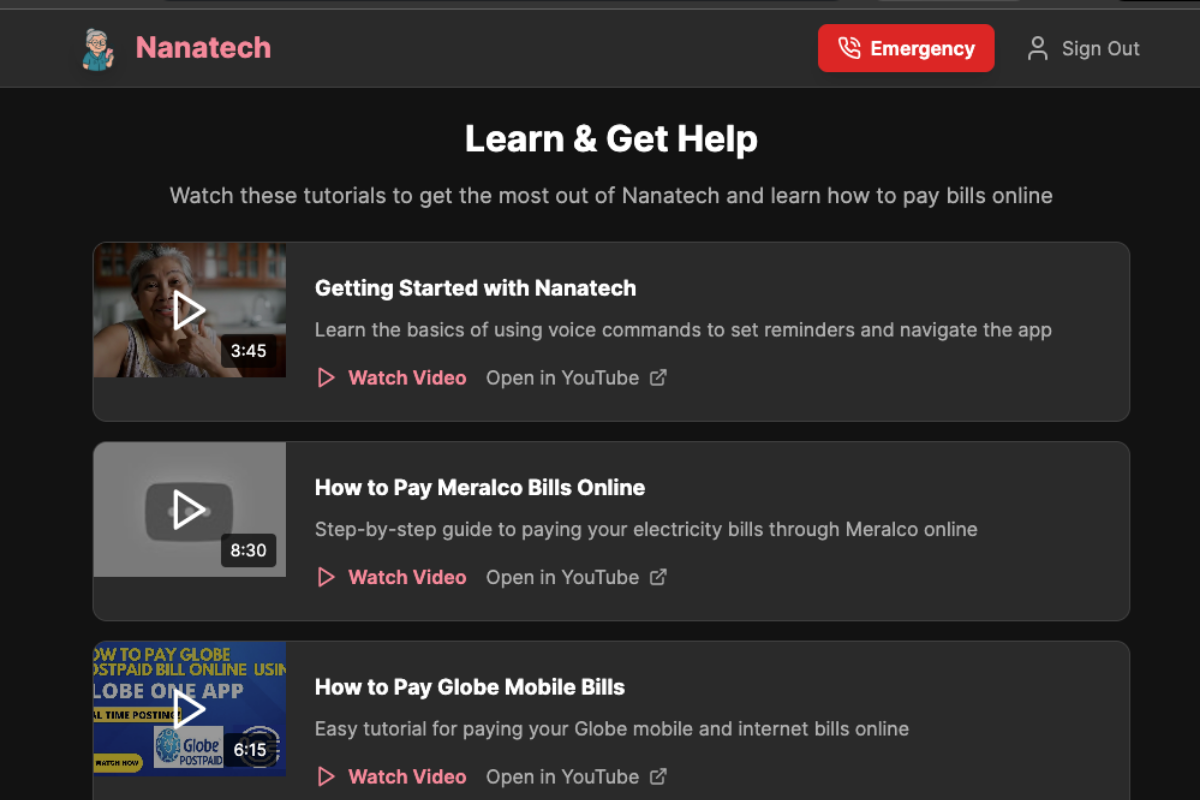
Nanatech - Tutorial tab for How To's tab
Inspiration
This isn’t an app for millions of users. I built it for just one person... my mom.. It came from fear, love, and one really scary night.
My mom is getting older. She's been forgetting more such as her meds, birthdays, appointments. And she keeps asking "Kelan birthday ni Sophie?" (When is Sophie's birthday?) like a trillion times! I dont know if anyone can relate but we Filipinos have very deep family bonds and we care a lot for family. But... you can remind her X number of times. But what really pushed me was when she got sideswiped by a car walking home from church. A neighbor had to sprint to our house screaming for help. I found her injured, confused, lying on the pavement, and in shock.. I called 911. But this is the Philippines. Help takes time.
That helplessness haunted me.
So I asked myself months later: What if she could press something? What if a voice could speak for her, call for help, and remind her of the little (but critical) things throughout the day?
That’s how Nanatech began in my head...not as a oh i want to make money shit, but as a love letter disguised as an app.
What it does
Nanatech is a voice-powered AI reminder app built for seniors or who we call Lolo and Lola (grandparents) ...especially in the Philippines.
It helps the elderly:
- Set reminders for medicine, bills, appointments, birthdays, and other tasks
- Hear reminders in Taglish or English using ElevenLabs voice AI
- View a simple, high-contrast interface with big buttons for accessibility
- Trigger an emergency contact alert system (future feature when I have money to pay for Twilio and get a PH number which is kinda costly unlike in the US).
- Log in securely and manage their own profiles (via supabase)
- Learn via built-in tutorials on how to use features and navigate the app and how to pay bills, etc.
- More importantly, talk to the Ai voice to write the reminders for them. And Ai timestamps everything in supabase for reference for future use.
For now, all of this is packaged in a web app with light and dark themes for visual comfort.
How I built it
I used a Frankenstein mix of tools and a lot of trial-by-error (emphasis on the error). LOL
- Frontend: React + TypeScript + Tailwind (thanks to Vite for fast builds)
- Backend: Supabase (PostgreSQL, Auth, Row-Level Security)
- Automation: n8n for reminder logic
- Voice AI: ElevenLabs for natural-sounding reminders
- Icons: Lucide React
- Rapid Build Tool: Bolt.dev (copy-paste chaos, but it worked)
Originally, I tried building this on mobile using Expo and Echo... seven times. I couldn’t make the dependencies play nice. After enough stress-snacking and crying in Bolt’s chat window, I pivoted to a web app. And honestly, that saved me coz I need something I can play around and test especially with the Voice Ai... so excited about it.
Challenges I ran into
- I couldn’t get it to work in Expo/Echo for mobile. After multiple failed attempts, I just gave up and focused on web. I mean I did not save or duplicate or forked it when I made big changes. Lesson learned for me. So... I have like 7 versions in my bolt chat and just on repo has like over hundreds of commits.
- ElevenLabs Conversational agent doesn’t support Tagalog conversations yet only English. I wanted my mom to hear “Huwag kalimutan ang gamot mo,” but for now, it’s English-only. Sad.
- I broke the app near the end by adding a voice database handler without backups. Rookie mistake. I rebuilt it from scratch.
- Figuring out Supabase RLS rules made me question my life choices.
- Accessibility UI bugs on older browsers (a.k.a. my mom’s phone browser).
- I still don’t know how to do real push voice notifications but I will learn.
- I want it to type too.
Accomplishments that we're proud of
- My mom tried it. She smiled. That was the win. (Maybe she is just supporting me...lol)
- I heard the app speak a reminder and felt something shift like “damn this could work. I made elevenlabs work!!!”
- I built a working full-stack MVP by myself, without a dev background.
- The interface is clean, the voice feels warm, and the purpose is real. Yeah, you can choose light mode pink or dark mode.
- This wasn’t just “build an app.” This was “build peace of mind.”
What I learned
- You don’t need to be a full-time dev to build something that matters.
- Building for someone you love changes how you design everything.
- Accessibility is not optional. It’s the heart of the UX.
- Bolt.dev is surprisingly powerful if you’re persistent (and patient). I AM SO THANKFUL. Although I had to purchase additional tokens coz I burned them all by insisting that the one chat can still work.
- Chat function is the best! I learned only later on but discussing before making bolt do things super helped lessen the token usage.
- Just because a tool doesn’t support your language yet, doesn’t mean you stop... you adapt.
What's next for Nanatech - AI Voice Reminder App for the Elderly
- Sends an SMS notifications: Once you assign an emergency contact, the app sends and SMS to the contact. God forbid, in case of emergencey, voice agent calls the emergency contact.
- Push voice notifications: Still figuring this out, but this is the dream
- Tagalog voice support: Hopefully ElevenLabs or another API adds it soon
- Get real feedback: From my mom and other Filipino moms
- Accessibility improvements: Bigger buttons, clearer flows, less assumptions
- Offline mode: So it works even in areas with low internet
- Partner with LGUs or clinics: So more seniors can use this
- Find a sponsor or angel: I’m self-funding APIs right now. Would be amazing to get support just to keep the lights (and voice) on.
Even if this never gets a subscriber or others find it useful, even if only my mom ends up using it ..that’s more than enough. AND a MASSIVE WIN! (Coz all her friends would probably use it too)
For me, this isn’t just a product. It’s a promise.
Built With
- auth
- elevenlabs-api
- lucide
- react
- rls)
- supabase-(postgresql
- tailwind-css
- typescript
- vite


Log in or sign up for Devpost to join the conversation.